Score:
Key Code:
Enter the appropriate amounts/formulas in the answer cells, or select from the drop-down list. An asterisk (*) will
appear to the right or below of incorrect entries in outlined answer cells. Essay answers will not be graded.
Enter a zero “0” in an amount answer cell you would otherwise leave blank.
a.
(1)
(2)
(3)
(4)
b.
c.
Exercise 2-9
Name:
Section:
0%
[Key code here]
Instructions
Answers are entered in the cells with gray backgrounds.
Cells with non-gray backgrounds are protected and cannot be edited.
(Key essay answer here)
Cash
Accounts Payable
Supplies
Fees Earned
Accounts Receivable
Score:
Enter the appropriate amounts/formulas in the answer cells, or select from the drop-down list. An asterisk (*) will
appear to the right or below of incorrect entries in outlined answer cells. Essay answers will not be graded.
Enter a zero “0” in an amount answer cell you would otherwise leave blank.
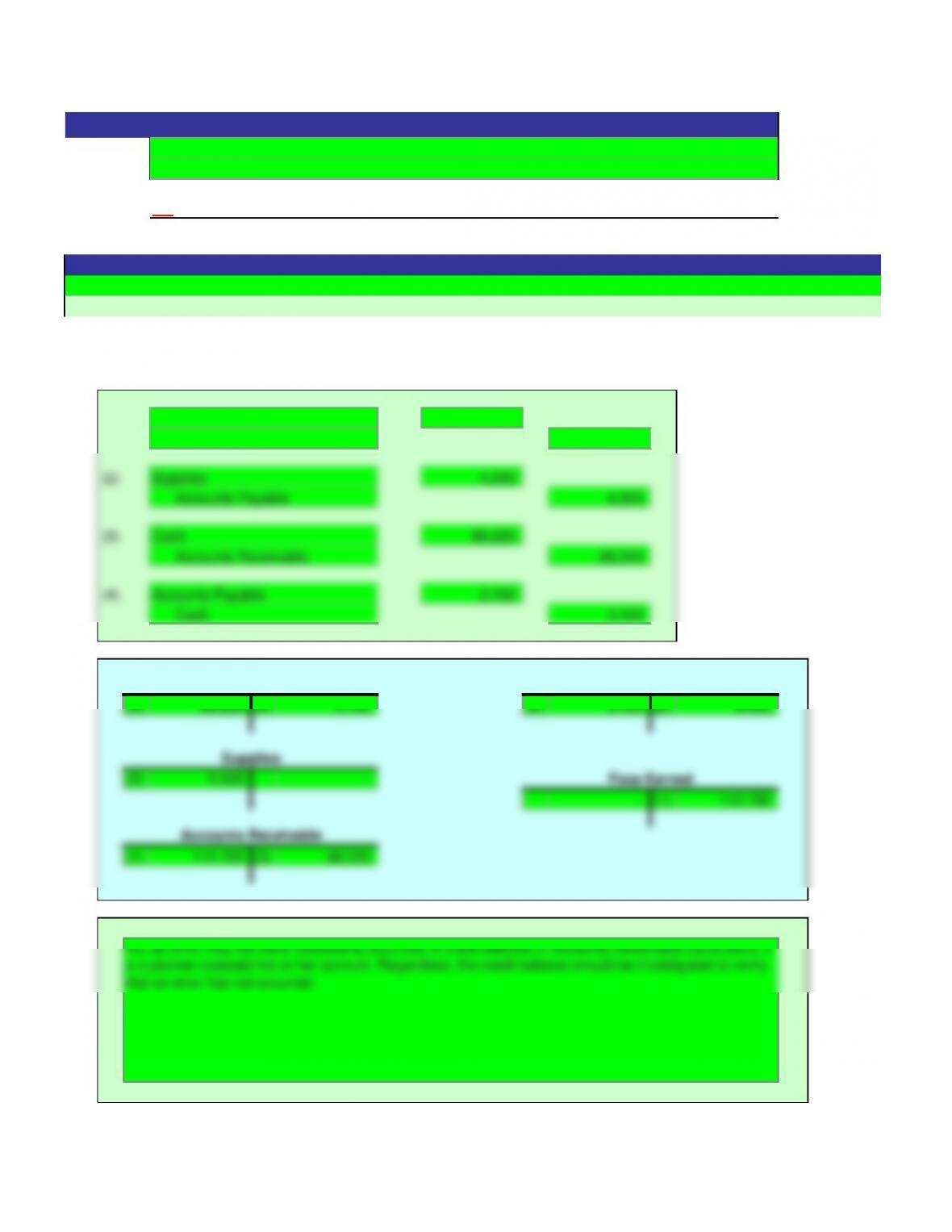
a.
(1) 112,700
112,700
(2) 4,500
4,500
(3) 88,220
88,220
(4) 3,100
Cash
(2) 4,500 –
– (1) 112,700
Fees Earned
Exercise 2-9
Name:
Solution
Section:
ON
Instructions
Answers are entered in the cells with gray backgrounds.
Cells with non-gray backgrounds are protected and cannot be edited.
Accounts Receivable
Supplies
Accounts Payable
Cash
Accounts Receivable
Accounts Payable
Supplies
Fees Earned
Score:
Key Code:
Enter the appropriate amounts/formulas in the answer cells, or select from the drop-down list.
An asterisk (*) will appear to the right of incorrect entries in outlined answer cells.
Enter a zero in answer cells you would otherwise leave blank.
a.
Cash
Accounts Receivable
Supplies
Equipment
Accounts Payable
Common Stock
Dividends
Service Revenue
Operating Expenses
b.
Net income
0%
Exercise 2-15
Name:
Section:
Debit
Balances
Credit
Balances
2
Instructions
Answers are entered in the cells with gray backgrounds.
Cells with non-gray backgrounds are protected and cannot be edited.
Rocky Mountain Tours Co.
Unadjusted Trial Balance
Score:
Key Code:
Enter the appropriate amounts/formulas in the answer cells, or select from the drop-down list.
An asterisk (*) will appear to the right of incorrect entries in outlined answer cells.
Enter a zero in answer cells you would otherwise leave blank.
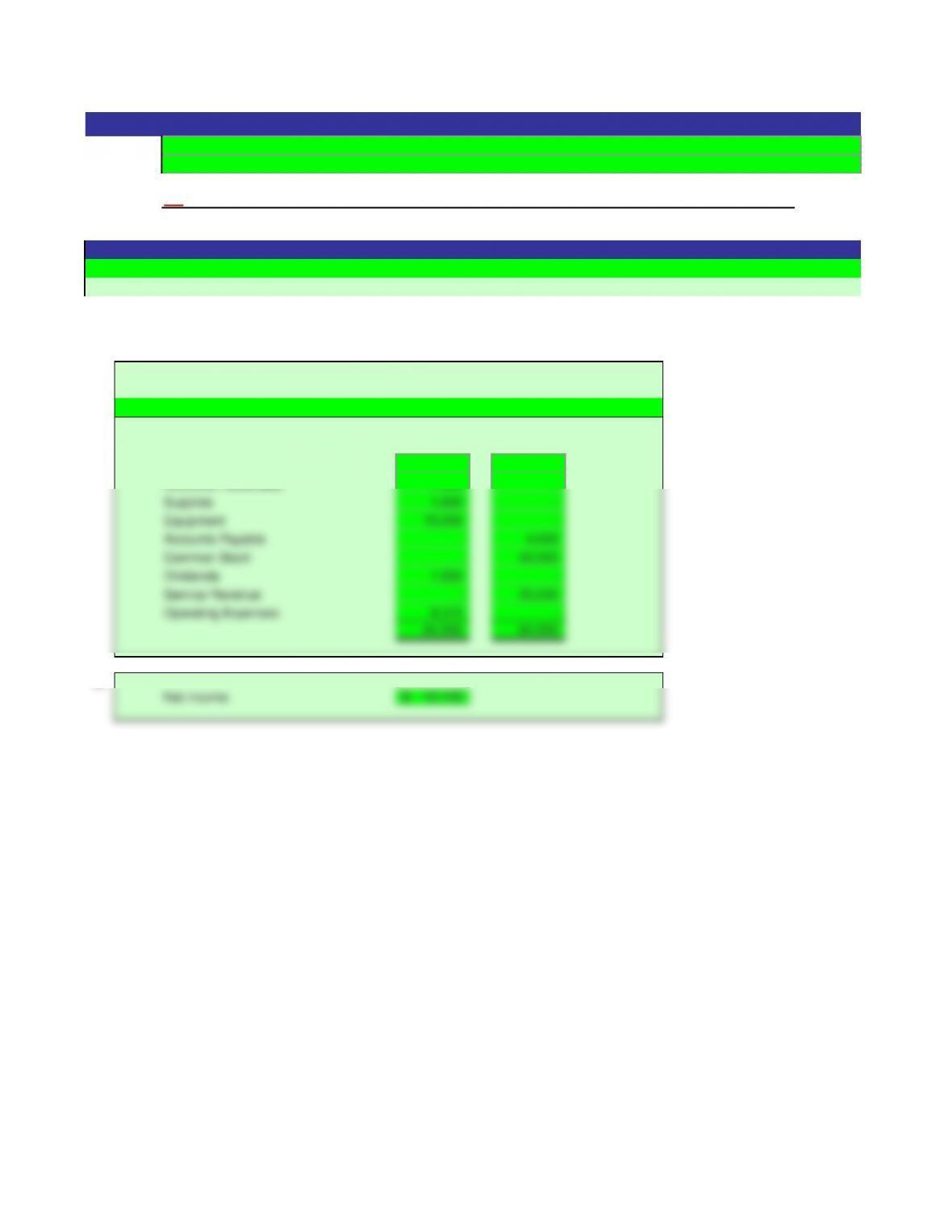
a.
Cash 30,425 –
Accounts Receivable 7,400 –
Supplies 1,800 –
Equipment 15,000 –
Accounts Payable – 4,000
Common Stock – 40,000
Dividends 1,500 –
Service Revenue – 20,500
Operating Expenses 8,375 –
64,500 64,500
b.
Net income 12,125$
ON
Exercise 2-15
Name:
Solution
Section:
June 30, 20Y2
Debit
Balances
Credit
Balances
Instructions
Answers are entered in the cells with gray backgrounds.
Cells with non-gray backgrounds are protected and cannot be edited.
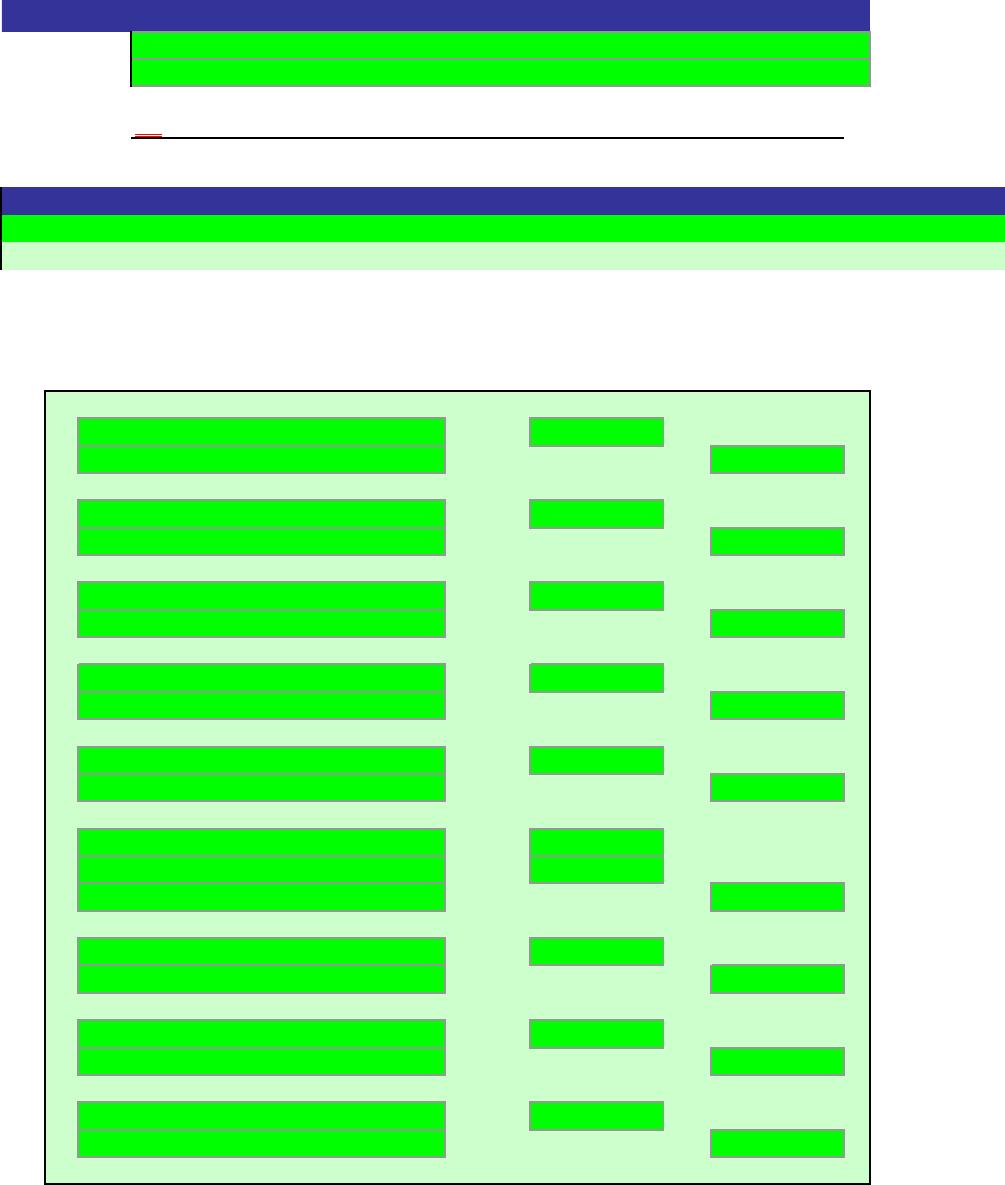
Rocky Mountain Tours Co.
Unadjusted Trial Balance
Score:
Key Code:
Enter the appropriate amounts/formulas in the answer cells, or select from the drop-down list.
An asterisk (*) will appear next to or below an incorrect entry only in the outlined cells.
Only ending balances of T accounts will be graded.
In the trial balance, enter a zero in answer cells you would otherwise leave blank.
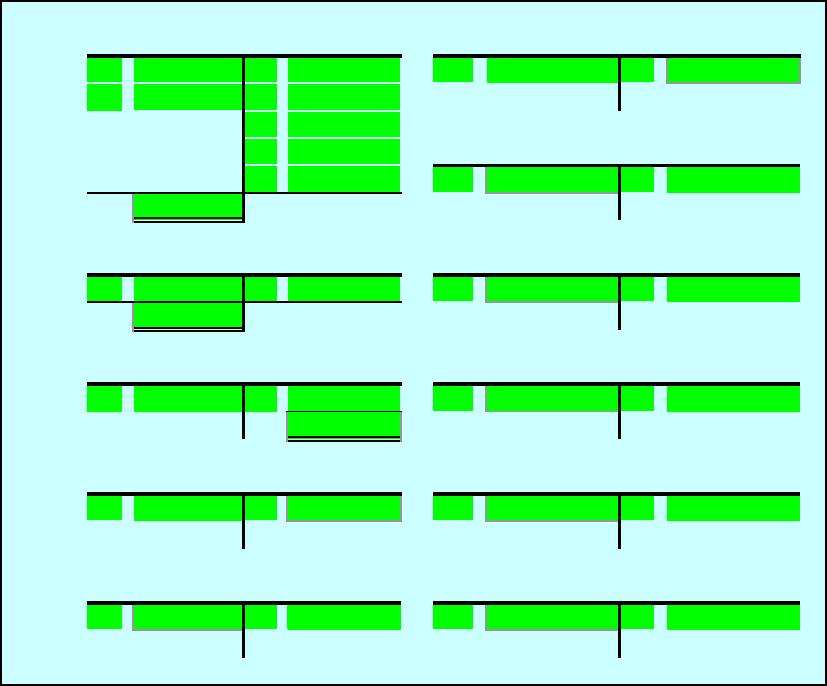
1. Debit Credit
(a)
(b)
(c)
(d)
(e)
(f)
(g)
(h)
(i)
Problem 2-2A
Name:
Section:
0%
[Key code here]
Instructions
Answers are entered in the cells with gray backgrounds.
Cells with non-gray backgrounds are protected and cannot be edited.
Account
2.
Bal.
Supplies
Office Salaries Expense
Cash
Sales Commissions
Rent Expense
Bal.
Bal.
Accounts Payable
Automobile Expense
Common Stock
Supplies Expense
Dividends
Miscellaneous Expense
3.
Debit Balances Credit Balances
4.
a.
b.
c.
5.
Rent Expense
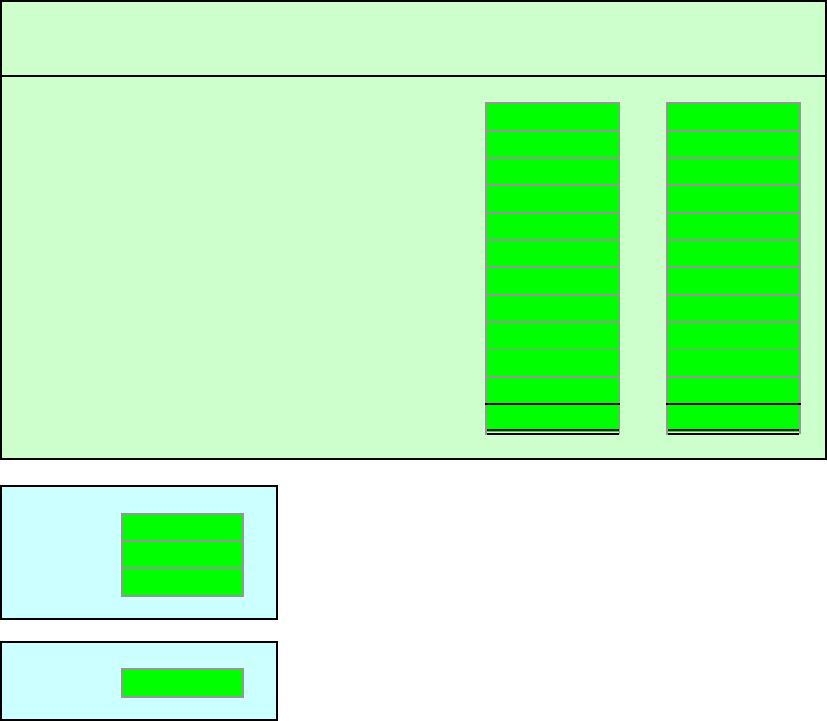
Affordable Realty
Unadjusted Trial Balance
October 31, 20Y6
Cash
Supplies
Accounts Payable
Common Stock
Dividends
Sales Commissions
Office Salaries Expense
Automobile Expense
Supplies Expense
Miscellaneous Expense
Score:
Enter the appropriate amounts/formulas in the answer cells, or select from the drop-down list.
An asterisk (*) will appear next to or below an incorrect entry only in the outlined cells.
Only ending balances of T accounts will be graded.
In the trial balance, enter a zero in answer cells you would otherwise leave blank.
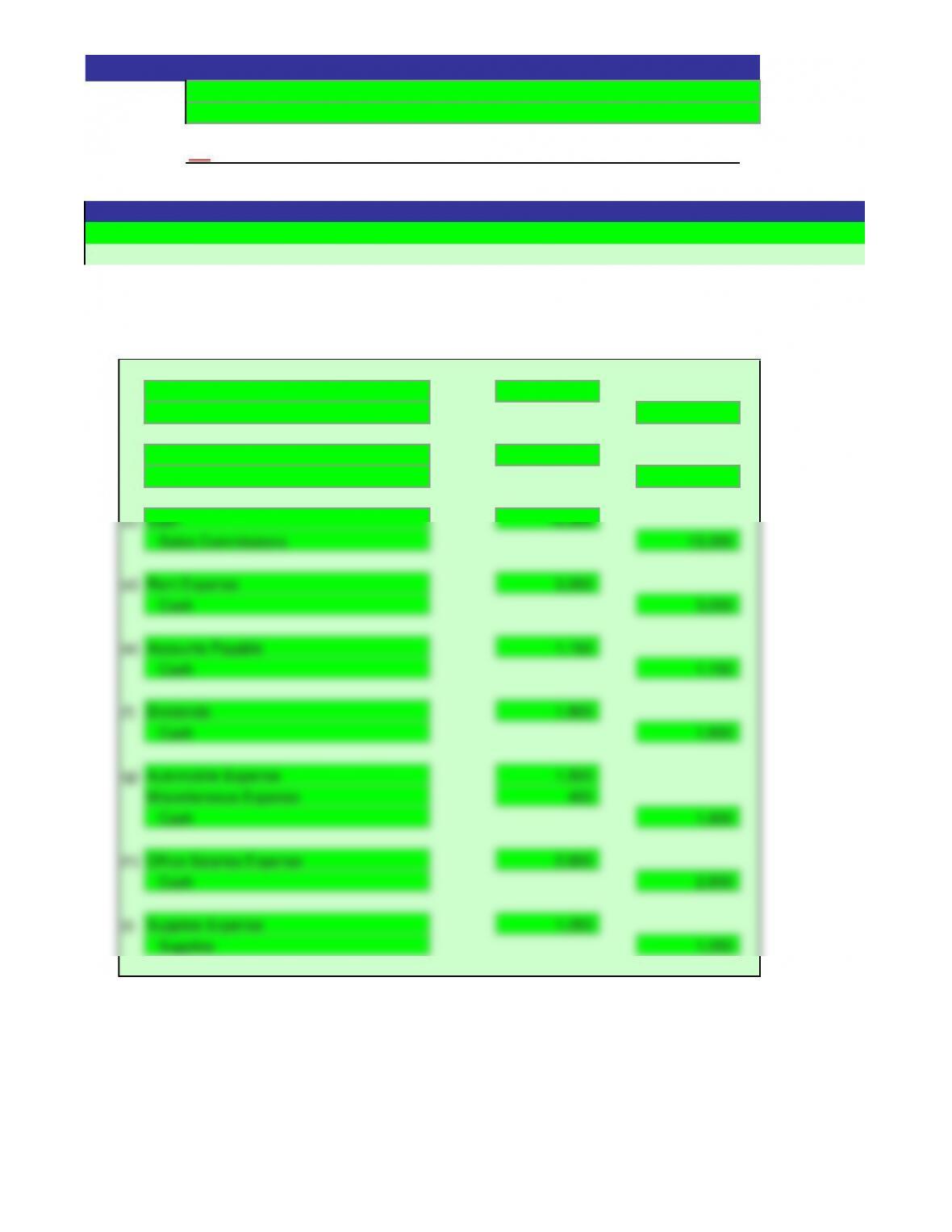
1. Debit Credit
(a) 40,000
40,000
(b) 4,800
4,800
(c) 2,150
2,150
(d) 1,100
1,100
(e) 18,750
18,750
(f) 1,580
800
2,380
Supplies Expense
Supplies
Office Salaries Expense
Cash
Dividends
Cash
Instructions
Answers are entered in the cells with gray backgrounds.
Cells with non-gray backgrounds are protected and cannot be edited.
Account
Cash
Problem 2-2A
Name:
Solution
Section:
ON
Cash
Supplies
Common Stock
Rent Expense
Cash
Cash
Accounts Payable
Accounts Payable
Miscellaneous Expense
Cash
Sales Commissions
Automobile Expense
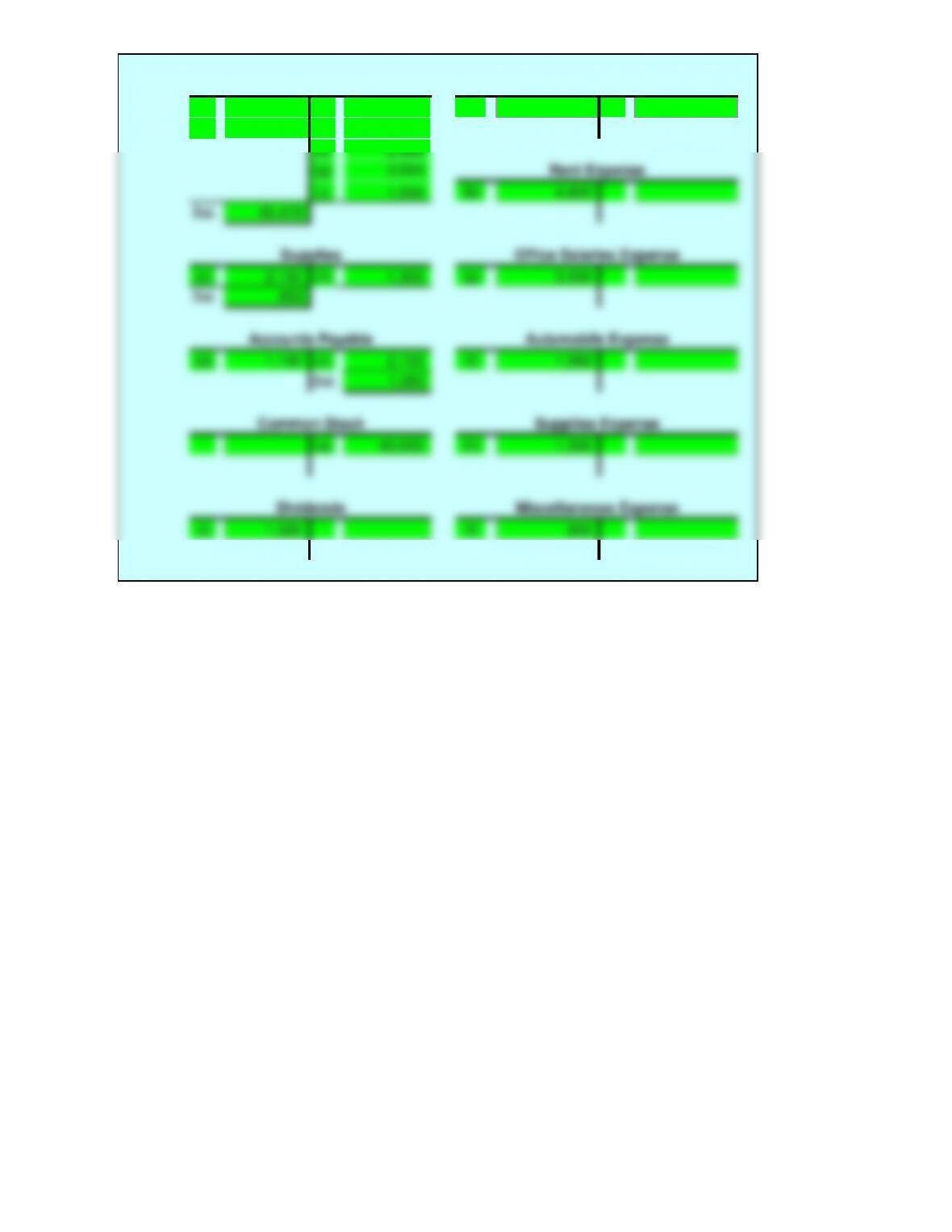
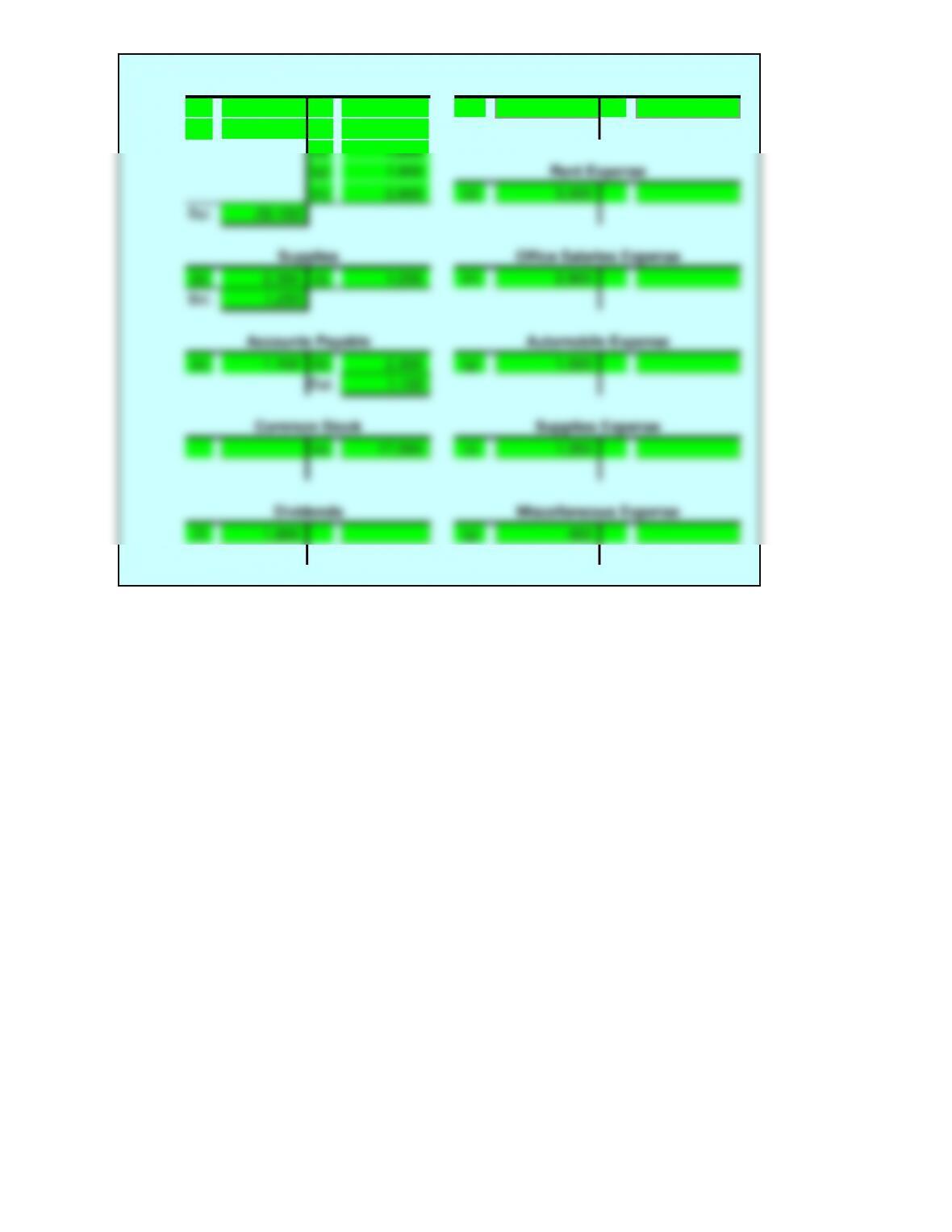
2.
(a) 40,000 (b) 4,800 (e) 18,750
(e) 18,750 (d) 1,100
(f) 2,380
(g) 3,500
(i) 1,500 (b) 4,800
45,470
(c) 2,150 (h) 1,300 (g) 3,500
850
(d) 1,100 (c) 2,150 (f) 1,580
Bal. 1,050
(a) 40,000 (h) 1,300
(i) 1,500 (f) 800
Cash
Sales Commissions
Rent Expense
Bal.
Supplies
Office Salaries Expense
Dividends
Miscellaneous Expense
Bal.
Accounts Payable
Automobile Expense
Common Stock
Supplies Expense
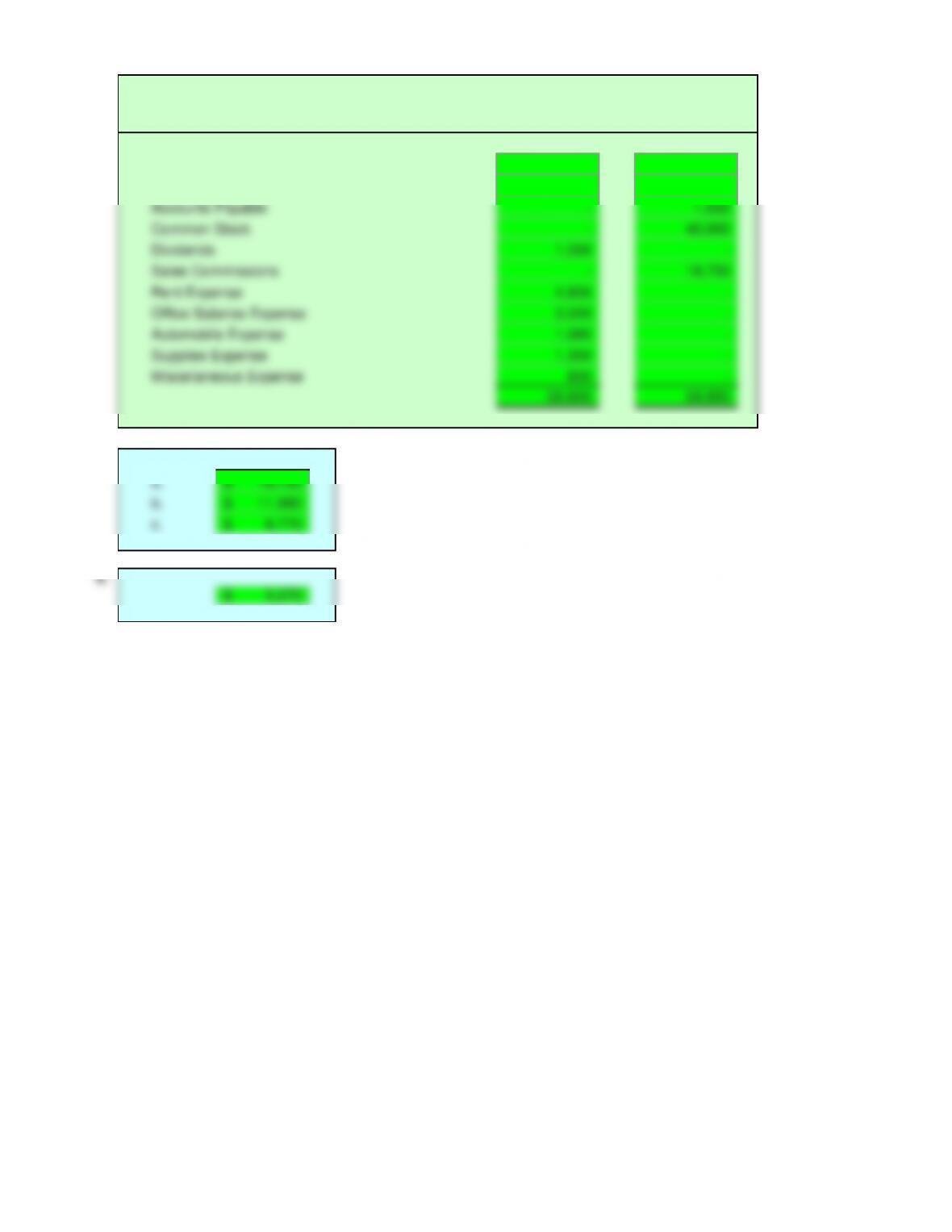
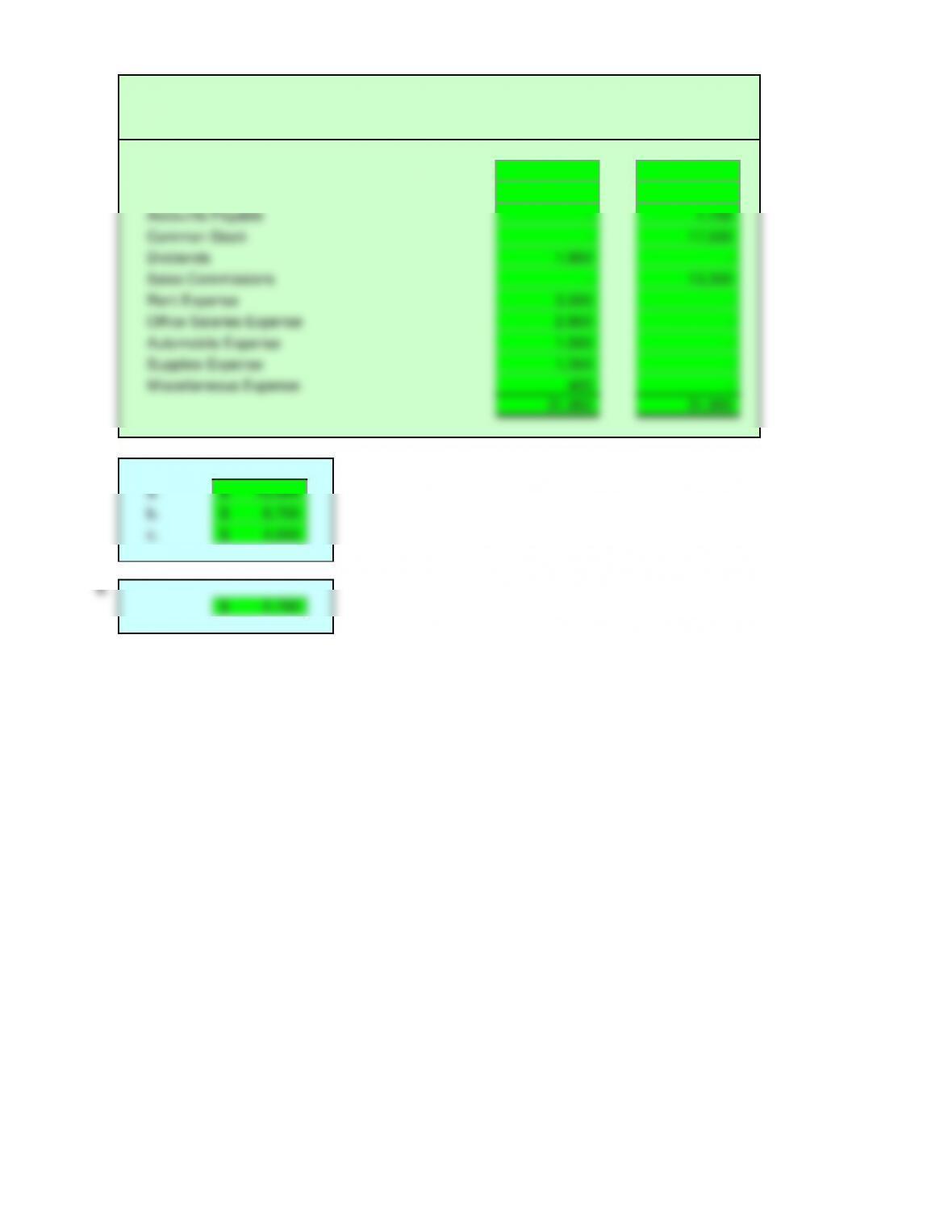
3.
Debit Balances Credit Balances
45,470 –
850 –
– 1,050
– 40,000
1,500 –
– 18,750
4,800 –
3,500 –
1,580 –
1,300 –
800 –
59,800 59,800
4.
a.
b.
c.
5.
Affordable Realty
Unadjusted Trial Balance
October 31, 20Y6
Cash
Dividends
Sales Commissions
Rent Expense
Supplies
Accounts Payable
Common Stock
5,270$
Miscellaneous Expense
18,750$
11,980$
6,770$
Office Salaries Expense
Automobile Expense
Supplies Expense
Score:
Key Code:
Enter the appropriate amounts/formulas in the answer cells, or select from the drop-down list.
An asterisk (*) will appear next to or below an incorrect entry only in the outlined cells.
Only the ending balances of the T accounts will be graded.
In the trial balance, enter a zero “0” in answer cells you would otherwise leave blank.
1. Debit Credit
(a)
(b)
(c)
(d)
(e)
(f)
(g)
(h)
(i)
Problem 2-2B
Name:
Section:
0%
[Key code here]
Instructions
Answers are entered in the cells with gray backgrounds.
Cells with non-gray backgrounds are protected and cannot be edited.
Account
2.
Bal.
Supplies
Office Salaries Expense
Cash
Sales Commissions
Rent Expense
Bal.
Bal.
Accounts Payable
Automobile Expense
Common Stock
Supplies Expense
Dividends
Miscellaneous Expense
3.
Debit Balances Credit Balances
4.
A.
B.
C.
5.
Rent Expense
Planet Realty
Unadjusted Trial Balance
August 31, 20Y7
Cash
Supplies
Accounts Payable
Common Stock
Dividends
Sales Commissions
Office Salaries Expense
Automobile Expense
Supplies Expense
Miscellaneous Expense
Score:
Enter the appropriate amounts/formulas in the answer cells, or select from the drop-down list.
An asterisk (*) will appear next to or below an incorrect entry only in the outlined cells.
Only the ending balances of the “T” accounts will be graded.
In the trial balance, enter a zero “0” in answer cells you would otherwise leave blank.
1. Debit Credit
(a) 17,500
17,500
(b) 2,300
2,300
(c) 13,300
13,300
(d) 3,000
3,000
(e) 1,150
1,150
(f) 1,800
1,800
Automobile Expense
Office Salaries Expense
Cash
Miscellaneous Expense
Cash
Supplies Expense
Supplies
Instructions
Answers are entered in the cells with gray backgrounds.
Cells with non-gray backgrounds are protected and cannot be edited.
Account
Cash
Problem 2-2B
Name:
Solution
Section:
ON
Accounts Payable
Cash
Common Stock
Supplies
Cash
Accounts Payable
Sales Commissions
Rent Expense
Cash
Cash
Dividends
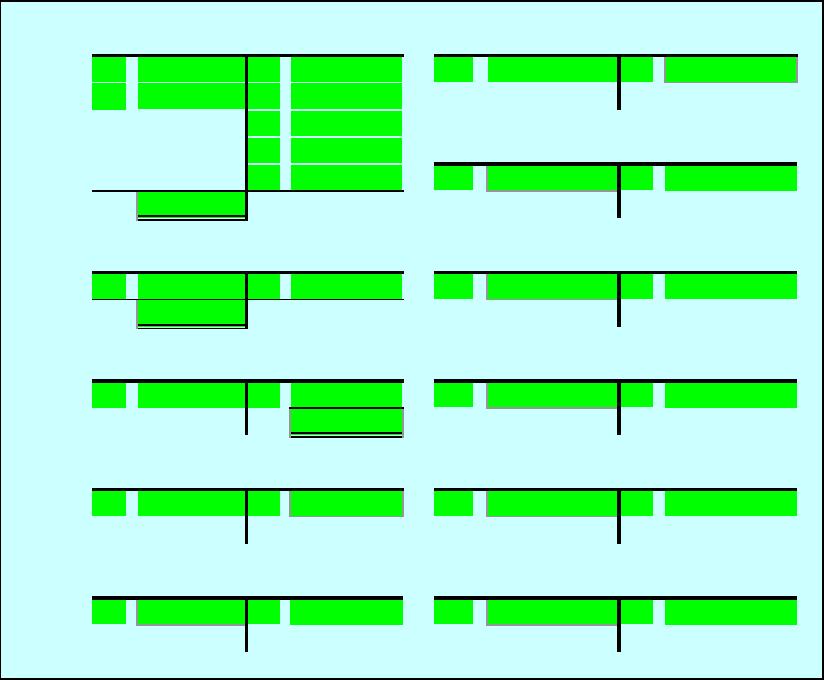
2.
(a) 17,500 (d) 3,000 (c) 13,300
(c) 13,300 (e) 1,150
(f) 1,800
(g) 1,900
(h) 2,800 (d) 3,000
20,150
(b) 2,300 (I) 1,050 (h) 2,800
1,250
(e) 1,150 (b) 2,300 (g) 1,500
Bal. 1,150
(a) 17,500 (i) 1,050
(f) 1,800 (g) 400
Cash
Sales Commissions
Rent Expense
Bal.
Supplies
Office Salaries Expense
Dividends
Miscellaneous Expense
Bal.
Accounts Payable
Automobile Expense
Common Stock
Supplies Expense
3.
Debit Balances Credit Balances
20,150 –
1,250 –
– 1,150
– 17,500
1,800 –
– 13,300
3,000 –
2,800 –
1,500 –
1,050 –
400 –
31,950 31,950
4.
a.
b.
c.
5.
Planet Realty
Unadjusted Trial Balance
August 31, 20Y7
Cash
Sales Commissions
Rent Expense
Office Salaries Expense
Supplies
Accounts Payable
Common Stock
Dividends
8,750$
4,550$
2,750$
Automobile Expense
Supplies Expense
Miscellaneous Expense
13,300$
Score:
Key Code:
Enter the appropriate amounts/formulas in the answer cells, or select from the drop-down list.
In journal entries, dates will not be graded. In the general ledger accounts, only the final balance of the account
will be graded. An asterisk (*) will appear to the right of incorrect entries in outlined answer cells.
Essay answers will not be graded.
In the trial balance, enter a zero where you would otherwise leave an amount cell blank.
1.
Page 1
Post
Date Ref. Debit Credit
20Y9
Nov.
Page 2
Post
Date Ref. Debit Credit
20Y9
Nov.
0%
Problem 2-3A
Name:
Section:
[Key code here]
Instructions
Answers are entered in the cells with gray backgrounds.
Cells with non-gray backgrounds are protected and cannot be edited.
JOURNAL
Description
JOURNAL
Description
2.
GENERAL LEDGER