Answers and Solutions: 4 -21
or in part.
4-34 Information given:
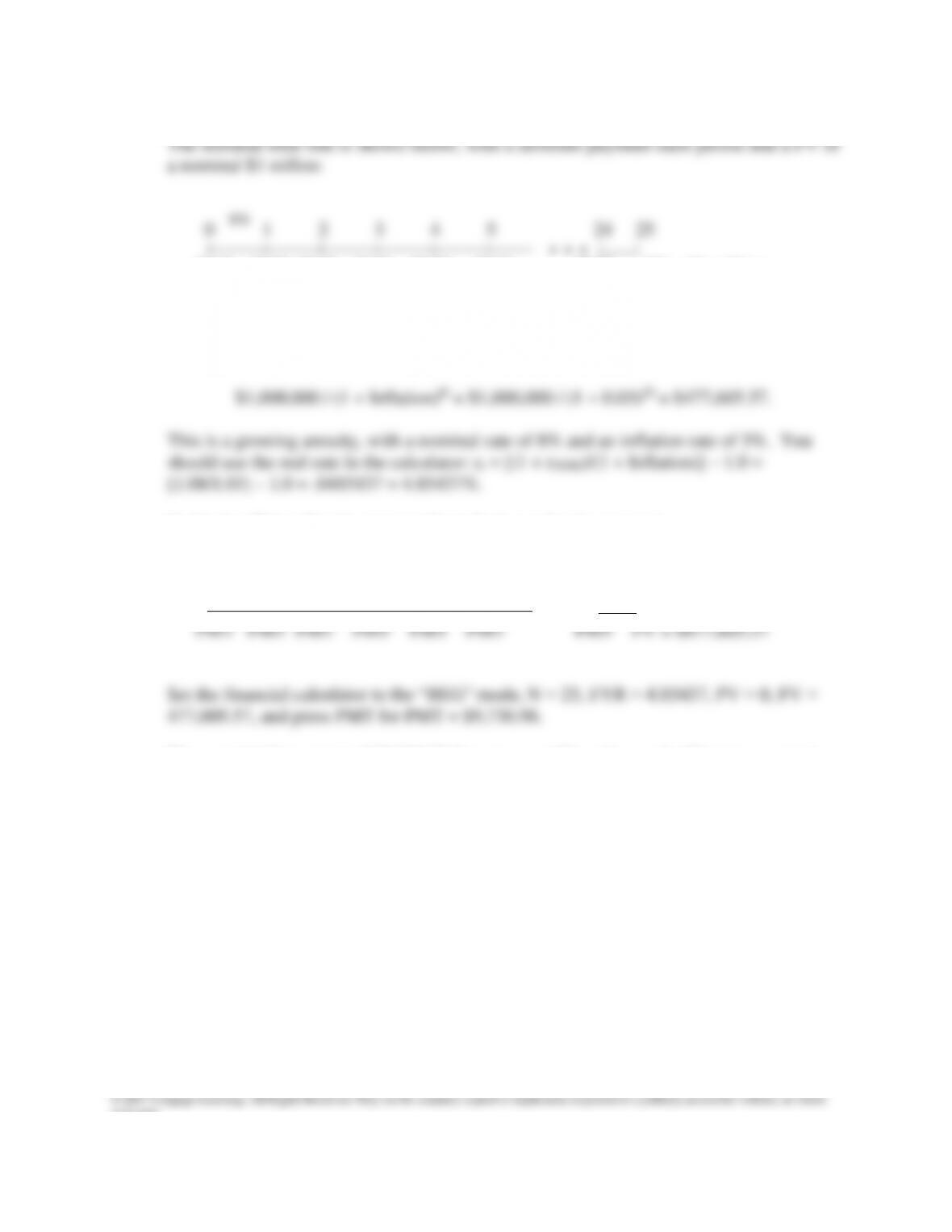
PMT1 PMT2 PMT3 PMT4 PMT5 PMT6 PMT25 FV = $1 million
The key is to “rewrite” this as a real time line (i.e., a time line based on today’s
purchasing power). First, the purchasing power of $1 million in 25 years with an
inflation rate of 3% per year is:
So the “real” time line in expressed in today’s purchasing power is:
0 1 2 3 4 5 24 25
| | | | | | | |
Thus, an initial payment of $9,736.96 that grows at 3% each year for 24 more payment,
invested at a rate of 8% per year, will accumulate $1 million at Year 25.
4.85437%

or in part.
SOLUTION TO SPREADSHEET PROBLEM
4-35 The detailed solution for the spreadsheet problem, Ch04 P35 Build a Model
Solution.xlsx, is available on the textbook’s Web site.
or in part.
Assume that you are nearing graduation and have applied for a job with a local bank. As
part of the bank’s evaluation process, you have been asked to take an examination that
covers several financial analysis techniques. The first section of the test addresses
discounted cash flow analysis. See how you would do by answering the following questions.
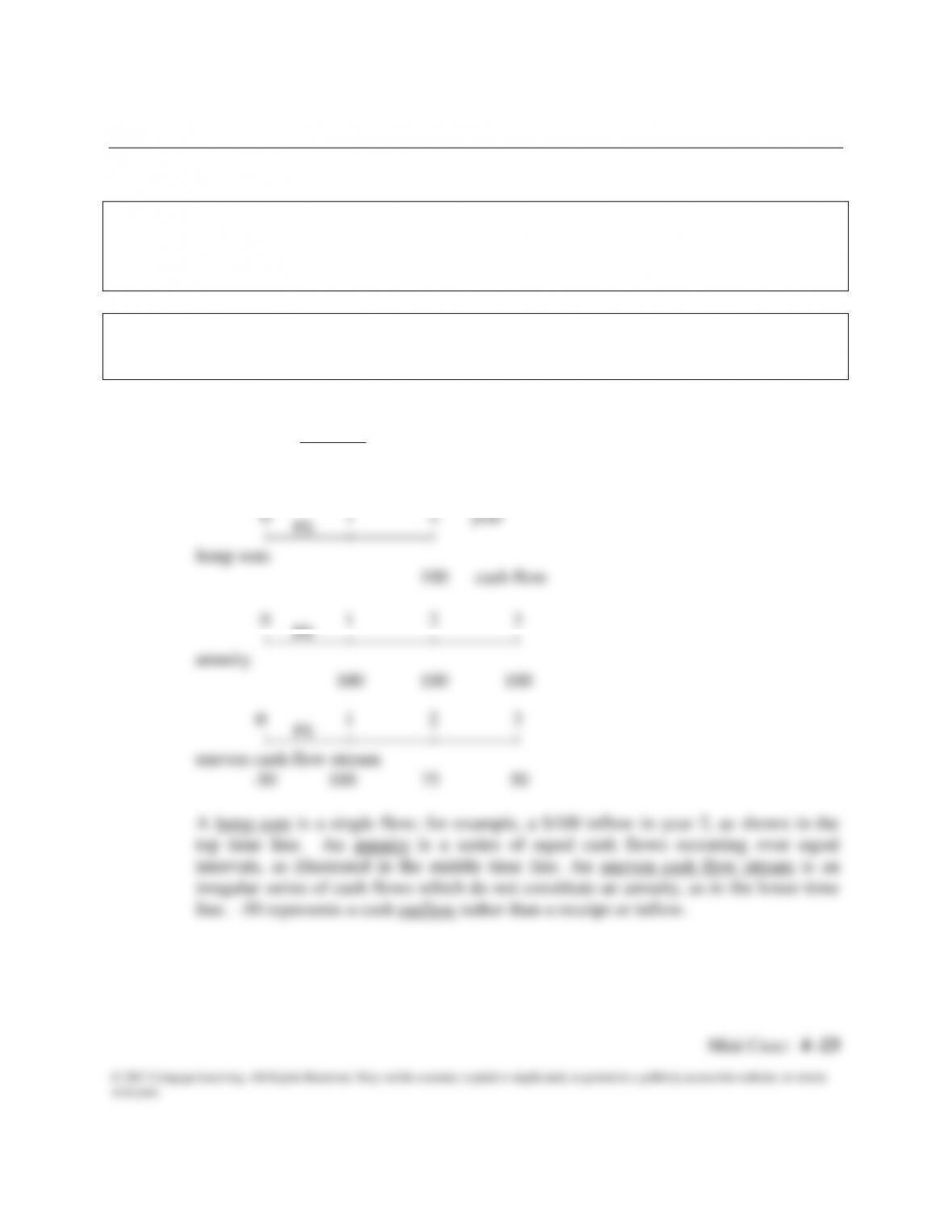
a. Draw time lines for (a) a $100 lump sum cash flow at the end of year 2, (b) an
ordinary annuity of $100 per year for 3 years, and (c) an uneven cash flow
stream of -$50, $100, $75, and $50 at the end of years 0 through 3.
Answer: (Begin by discussing basic discounted cash flow concepts, terminology, and solution
methods.) A time line is a graphical representation which is used to show the timing
of cash flows. The tick marks represent end of periods (often years), so time 0 is
today; time 1 is the end of the first year, or 1 year from today; and so on.
| | | |
annuity
100 100 100
0 1 2 3
intervals, as illustrated in the middle time line. An uneven cash flow stream is an
irregular series of cash flows which do not constitute an annuity, as in the lower time
line. -50 represents a cash outflow rather than a receipt or inflow.
I%
I%
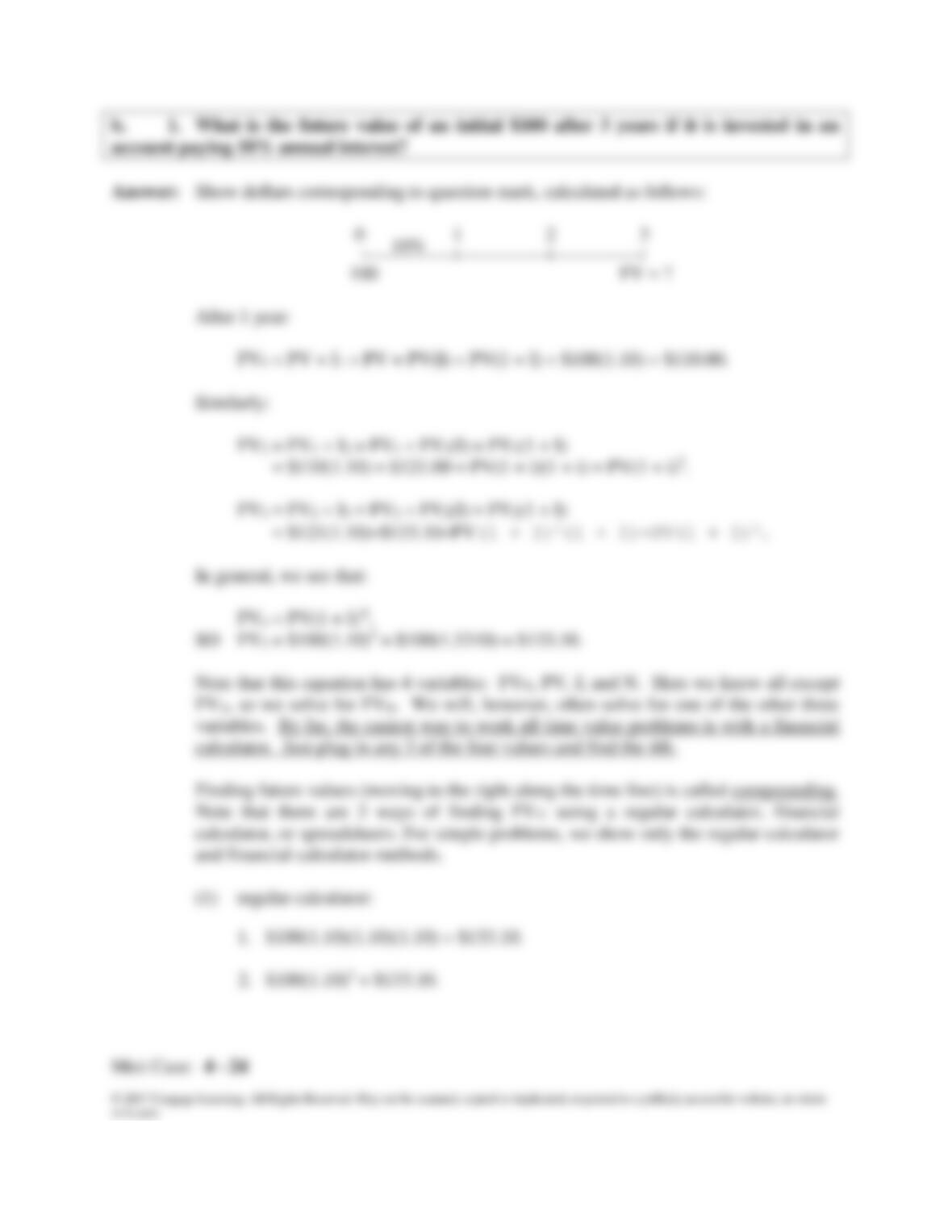
b. 1. What is the future value of an initial $100 after 3 years if it is invested in an
account paying 10% annual interest?
Answer: Show dollars corresponding to question mark, calculated as follows:
0 1 2 3
= $110(1.10) = $121.00 = PV(1 + i)(1 + i) = PV(1 + i)2.
FV3 = FV2 + I3 = FV2 + FV2(I) = FV2(1 + I)
= $121(1.10)=$133.10=PV(1 + I)2(1 + I)=PV(1 + I)3.
calculator. Just plug in any 3 of the four values and find the 4th.
Finding future values (moving to the right along the time line) is called compounding.
Note that there are 3 ways of finding FV3: using a regular calculator, financial
calculator, or spreadsheets. For simple problems, we show only the regular calculator
10%
Mini Case: 4 -25
or in part.
(2) financial calculator:
This is especially efficient for more complex problems, including exam
problems. Input the following values: N = 3, I/YR = 10, PV = -100, PMT = 0,
and solve for FV = $133.10.
b. 2. What is the present value of $100 to be received in 3 years if the appropriate
interest rate is 10%?
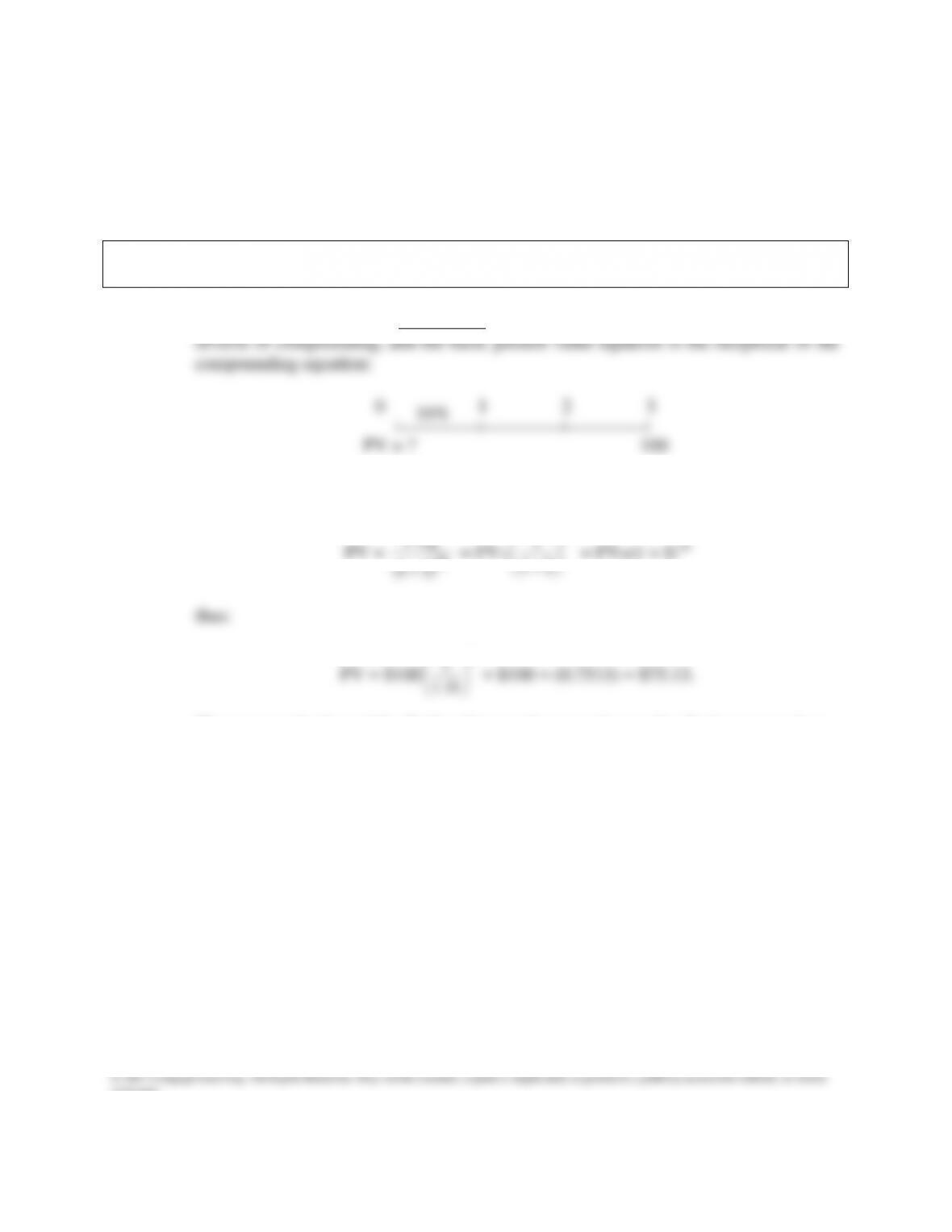
Answer: Finding present values, or discounting (moving to the left along the time line), is the
FVn = PV(1 + I)N transforms to:
PV =
N
N
)I1(
FV
= FVN
N
I1
1
= FVN(1 + I)-N
thus:
PV = $100
3
10.1
1
= $100 = (0.7513) = $75.13.
The same methods used for finding future values are also used to find present values.
Using a financial calculator input N = 3, I/YR = 10, pmt = 0, FV = 100, and then
solve for PV = $75.13.
1
3.8
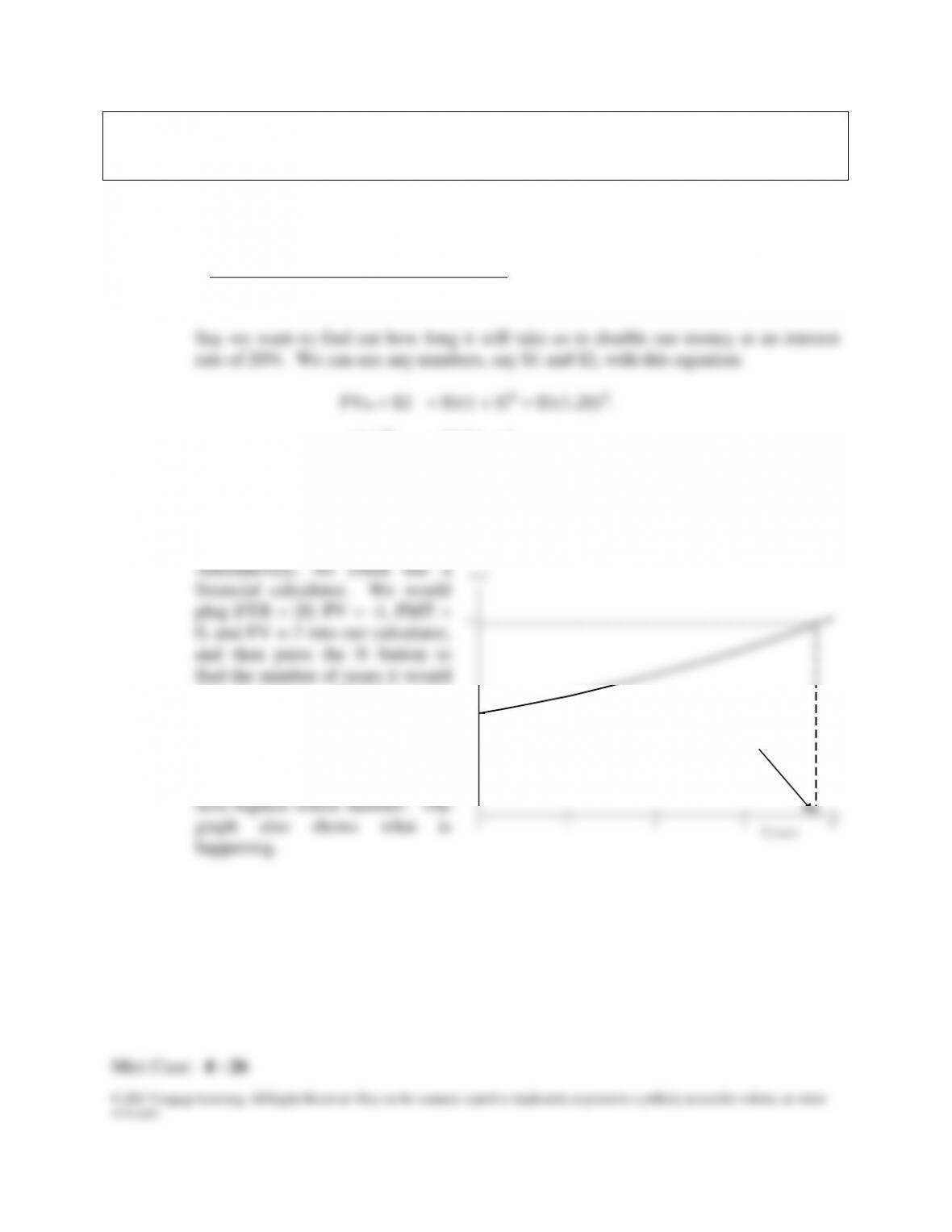
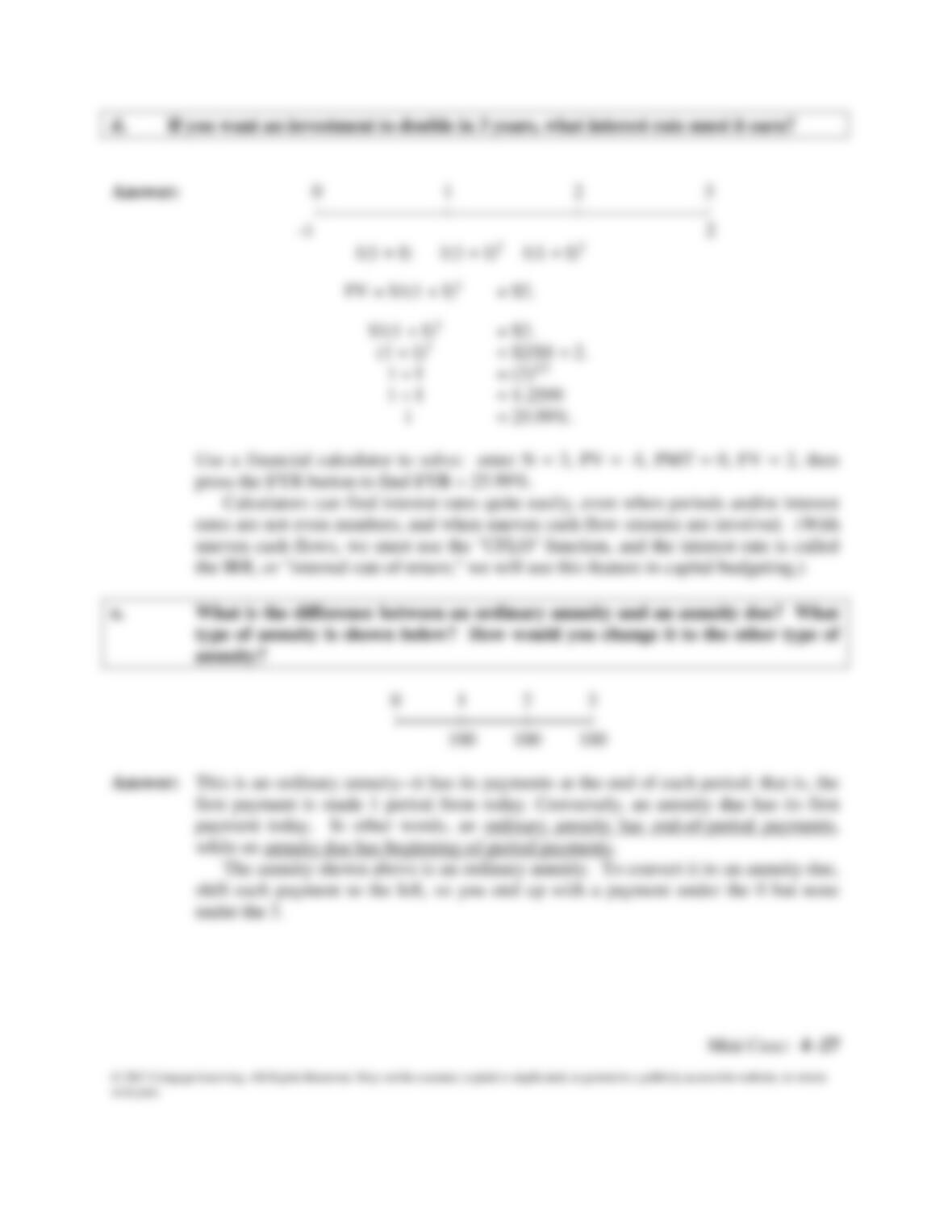
c. We sometimes need to find out how long it will take a sum of money (or anything
else) to grow to some specified amount. For example, if a company’s sales are
growing at a rate of 20% per year, how long will it take sales to double?
Answer: We have this situation in time line format:
0 1 2 3 3.8 4
| | | | | |
-1 2
(1.2)N = $2/$1 = 2
N ln(1.2) = ln(2)
N = ln(2)/ln(1.2)
N = 0.693/0.182 = 3.8.
take 1 (or any other beginning
amount) to double when growth
occurs at a 20% rate. The answer
is 3.8 years, but some calculators
will round this value up to the
20%
2
1
0
3
4
or in part.
d. If you want an investment to double in 3 years, what interest rate must it earn?
Answer: 0 1 2 3
| | | |
-1 2
(1 + I)3 = $2/$1 = 2.
rates are not even numbers, and when uneven cash flow streams are involved. (With
uneven cash flows, we must use the “CFLO” function, and the interest rate is called
the IRR, or “internal rate of return;” we will use this feature in capital budgeting.)
e. What is the difference between an ordinary annuity and an annuity due? What
type of annuity is shown below? How would you change it to the other type of
annuity?
0 1 2 3
| | | |
100 100 100
Answer: This is an ordinary annuity—it has its payments at the end of each period; that is, the
while an annuity due has beginning-of-period payments.
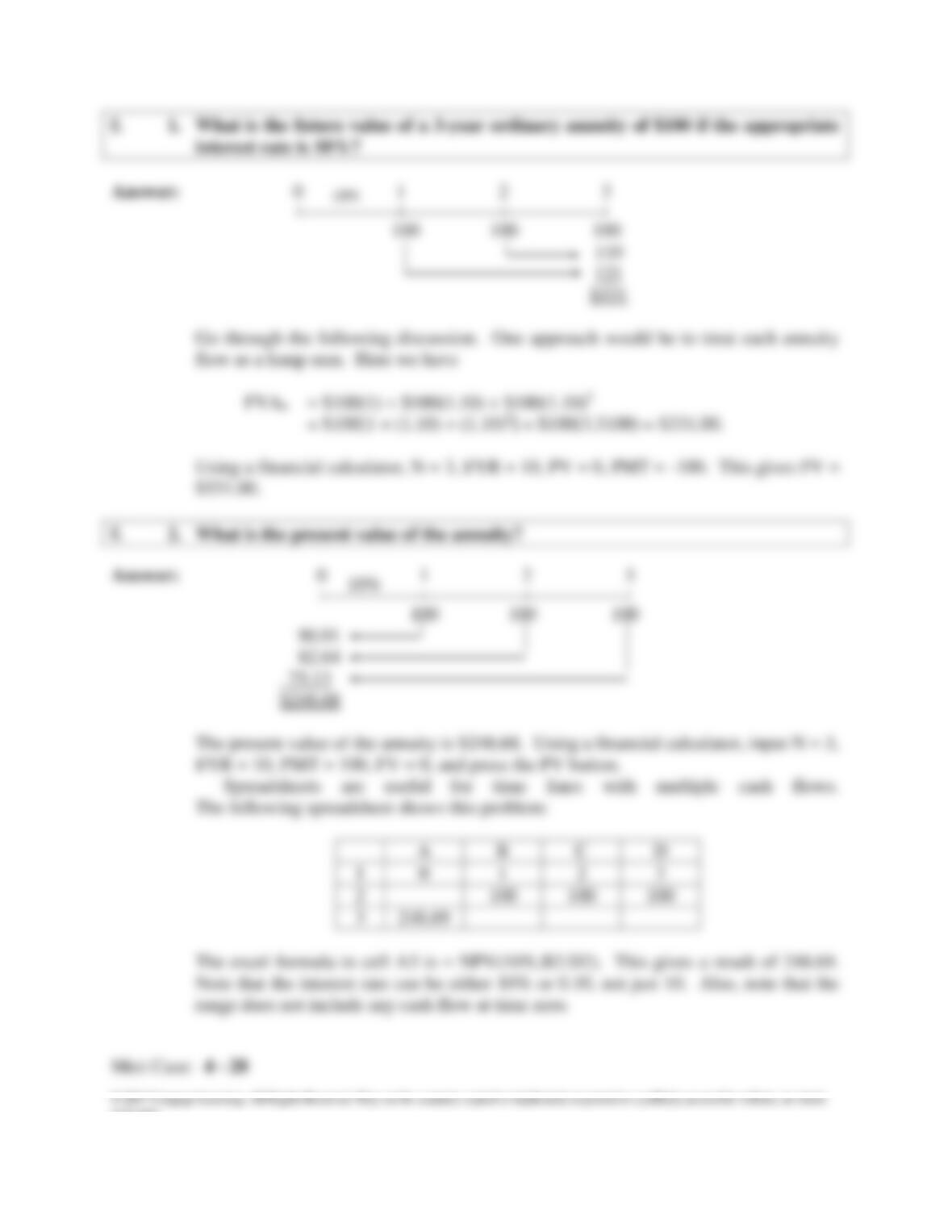
f. 1. What is the future value of a 3-year ordinary annuity of $100 if the appropriate
interest rate is 10%?
Go through the following discussion. One approach would be to treat each annuity
flow as a lump sum. Here we have
FVAn = $100(1) + $100(1.10) + $100(1.10)2
= $100[1 + (1.10) + (1.10)2] = $100(3.3100) = $331.00.
Using a financial calculator, N = 3, I/YR = 10, PV = 0, PMT = -100. This gives FV =
$331.00.
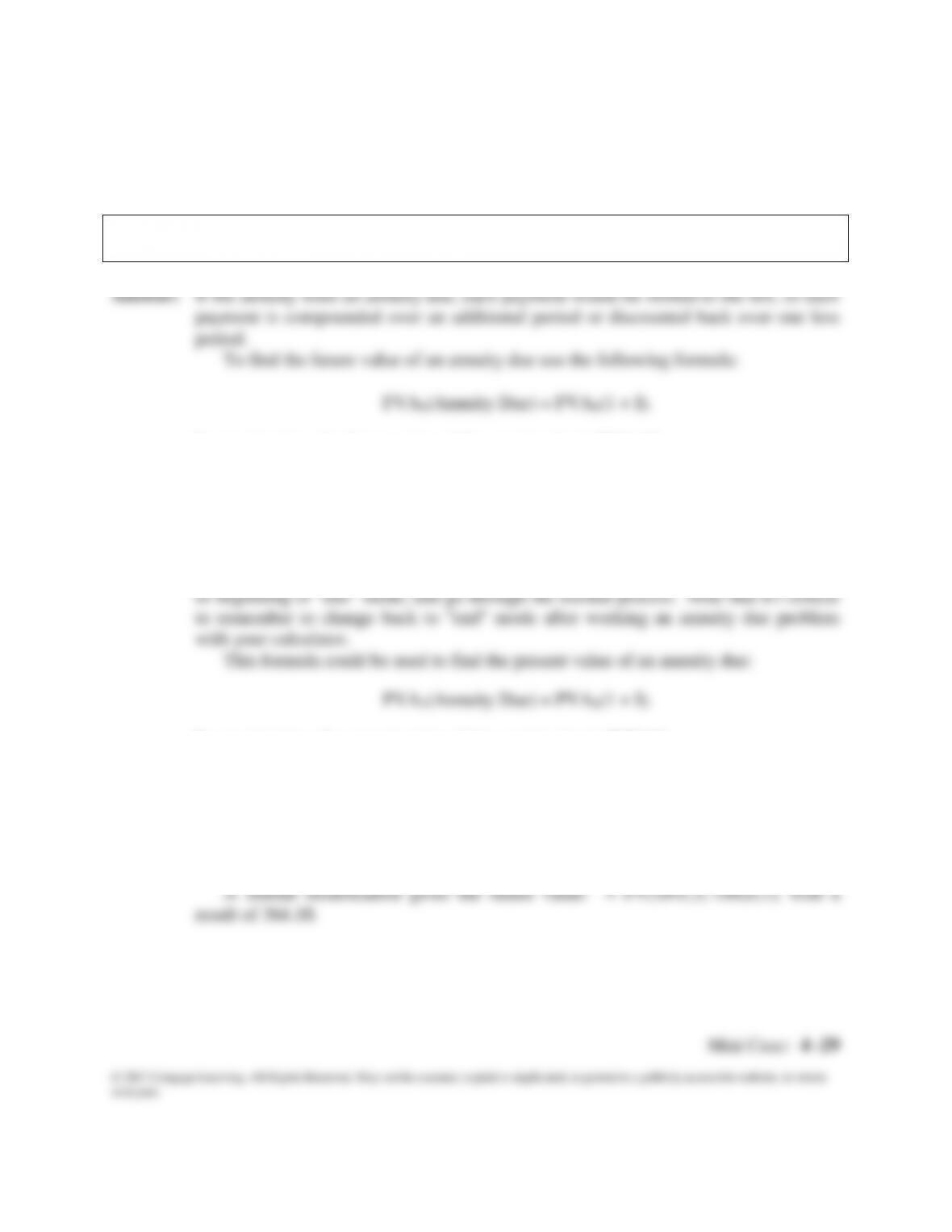
f. 2. What is the present value of the annuity?
Answer: 0 1 2 3
| | | |
100 100 100
90.91
82.64
75.13
$248.68
10%
Mini Case: 4 -29
© 2017 Cengage Learning. All Rights Reserved. May not be scanned, copied or duplicated, or posted to a publicly accessible website, in whole
or in part.
Excel also has special functions for annuities. For ordinary annuities, the excel
formula is = PV(interest rate, number of periods, payment). In this problem, =
PV(10%,3,-100), gives a result of 248.96. For the future value, it would be =
FV(10%,3,-100), with a result of 331.
f. 3. What would the future and present values be if the annuity were an annuity
due?
FVA3(Annuity Due) = $331.00(1.10)1 = $364.10.
This same result could be obtained by using the time line: $133.10 + $121.00 +
$110.00 = $364.10.
The best way to work annuity due problems is to switch your calculator to “beg”
In our situation, the present value of the annuity due is $273.56:
PVA3(Annuity Due) = $248.69(1.10)1 = $273.56.
The Excel function is = PV(10%,3,-100,0,1). The fourth term, 0, tells Excel there are
no additional cash flows. The fifth term, 1, tells Excel it is an annuity due. The result
is $273.56.
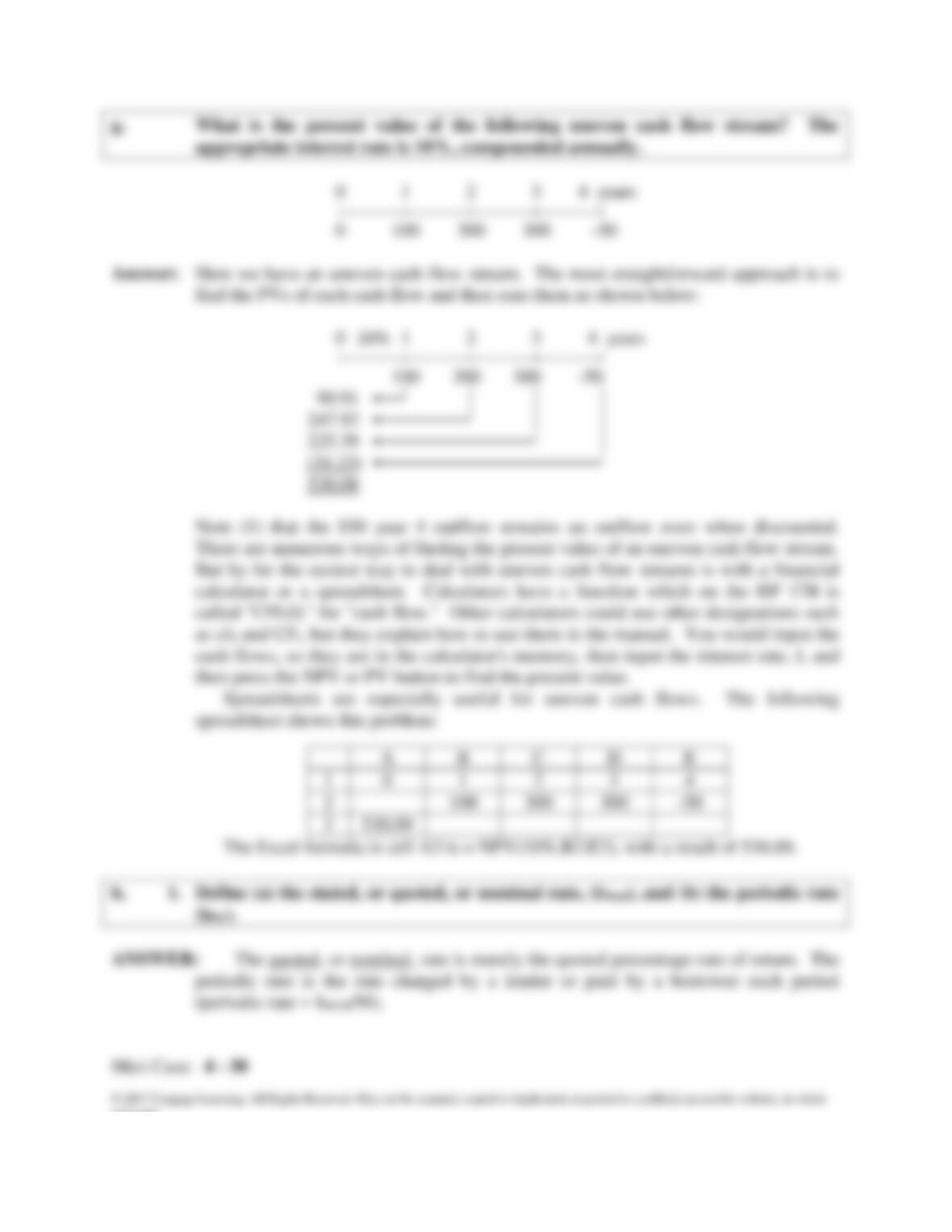
g. What is the present value of the following uneven cash flow stream? The
appropriate interest rate is 10%, compounded annually.
0 1 2 3 4 years
0 1 2 3 4 years
| | | | |
100 300 300 -50
90.91
247.93
But by far the easiest way to deal with uneven cash flow streams is with a financial
calculator or a spreadsheet. Calculators have a function which on the HP 17B is
called “CFLO,” for “cash flow.” Other calculators could use other designations such
as cf0 and CFi, but they explain how to use them in the manual. You would input the
cash flows, so they are in the calculator’s memory, then input the interest rate, I, and
10%