For use with McGraw-Hill Education
Accounting for Governmental & Nonprofit Entities
18th Edition
By Jacqueline L. Reck, Suzanne L. Lowensohn, and Daniel G. Neely
Instructions
City of Smithville
Short Version
Computerized Cumulative Problem
2
Table of Contents
Statements …………………………………………………………………………………….. 23
3
Completing Chapters 2 through 6 and Chapter 9 of the Short
Version of the City of Smithville Cumulative Problem
Foreword
2 of the textbook. Some problems require you to print trial balances or other documents.
Other problems require the preparation of financial statements or other documents. The
specified documents can either be turned in chapter by chapter or retained in a cumulative
folder until the end of the project, depending on your instructor’s preference and
instructions. Some instructors may prefer that you electronically submit your project data
Chapter 2 Opening the Books
The City of Smithville just implemented a dual-track computerized accounting system,
which provides files for general journal entries and posting to appropriate general
ledger/subsidiary ledger accounts. Budgetary, operating statement, and balance sheet
2020.
Required
First, be sure to read the User Guide to understand the general instructions on how to
navigate and use this application.
Open the City of Smithville software by clicking on the MHECitiesSmithvilleBingham
To protect yourself from possible hard drive failure or corruption of your project data
file, we recommend that you save your file to not only your hard drive but also another
location (e.g., flash drive or the cloud), creating a backup file for your project at the end
of each session.
To open an existing project click on “Open Project” in the opening window or select the
the Expenditures and Encumbrances accounts as expenditures occur only from a
single year’s appropriations.) You will not use all of the accounts listed for the short
version project. In addition, you will notice certain entities (the Solid Waste Disposal
Fund and Tax Custodial Fund) that are used in the full version of the City of
Smithville project but not in the short version. You should ignore these entities.
entries, it is vitally important that the correct year be selected.)
You enter each account and amount one line at a time by clicking [Add]. The [Add]
button will not be active if information for the entry is missing (e.g., the transaction
description is missing.)
The year and transaction description need only be entered for the first line of the
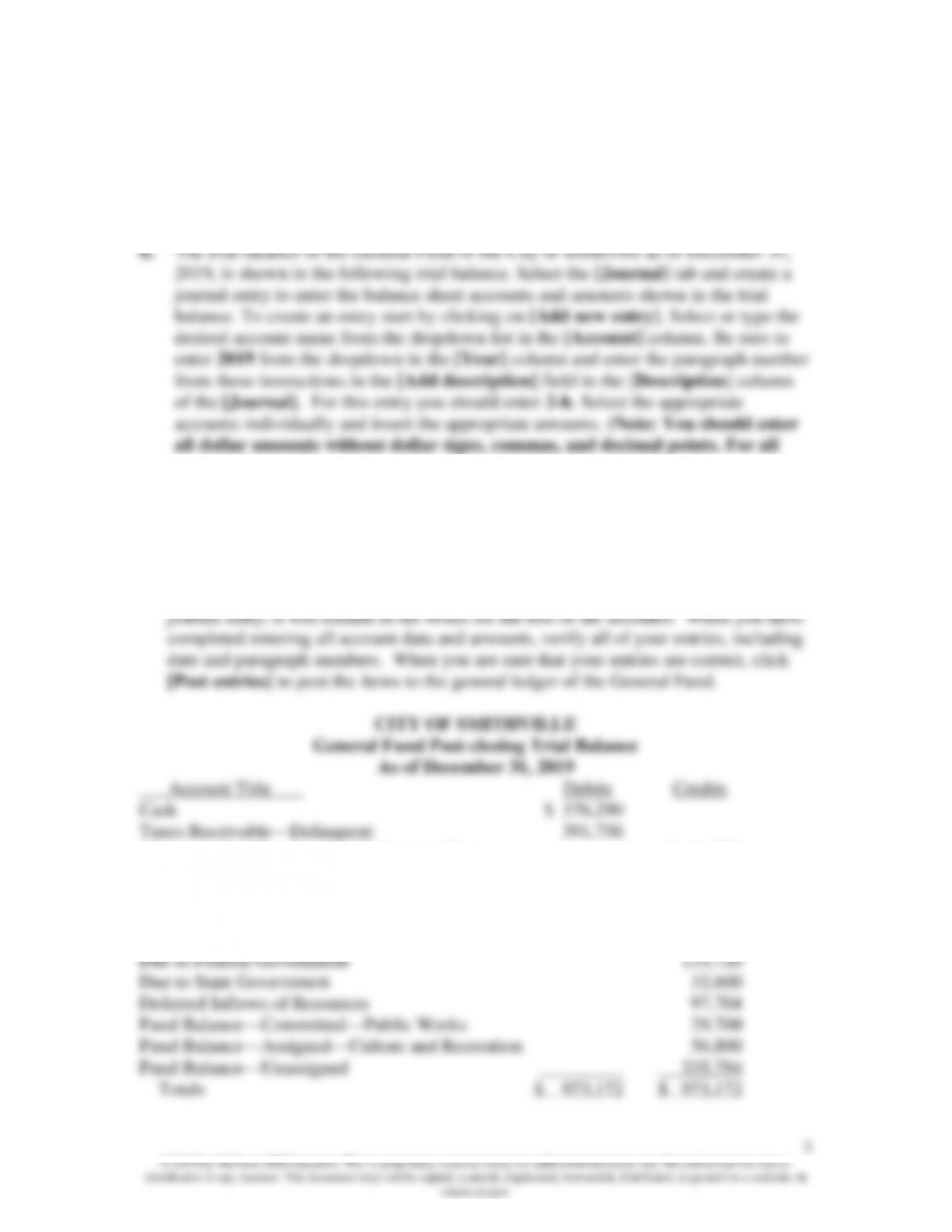
Allowance for Uncollectible Delinquent Taxes $ 11,752
Interest and Penalties Receivable on Taxes 40,126
Allowance for Uncollectible Interest and Penalties 3,611
Due from State Government 165,000
Vouchers Payable 269,491
transactions. Unposted entries then can be edited and re-posted. In addition, any
omitted entries can be inserted above a selected journal line in any unposted batch of
entries. Prior to unposting a batch all batches must be posted.
Select [Reports>Trial Balances>Post-Closing Trial Balance] and print or save as a
PDF file the post-closing trial balance for year 2019. Retain the printed trial balance
activities category at the government-wide level as the general journal and general
ledger for governmental activities comprise a separate “set of books” from those for
the General Fund. Be sure to enter 2019 from the dropdown menu in the [Year]
column and enter 2-d in the [Add description] field of the [Description] column.
Select each account individually and insert the appropriate debit or credit amount for
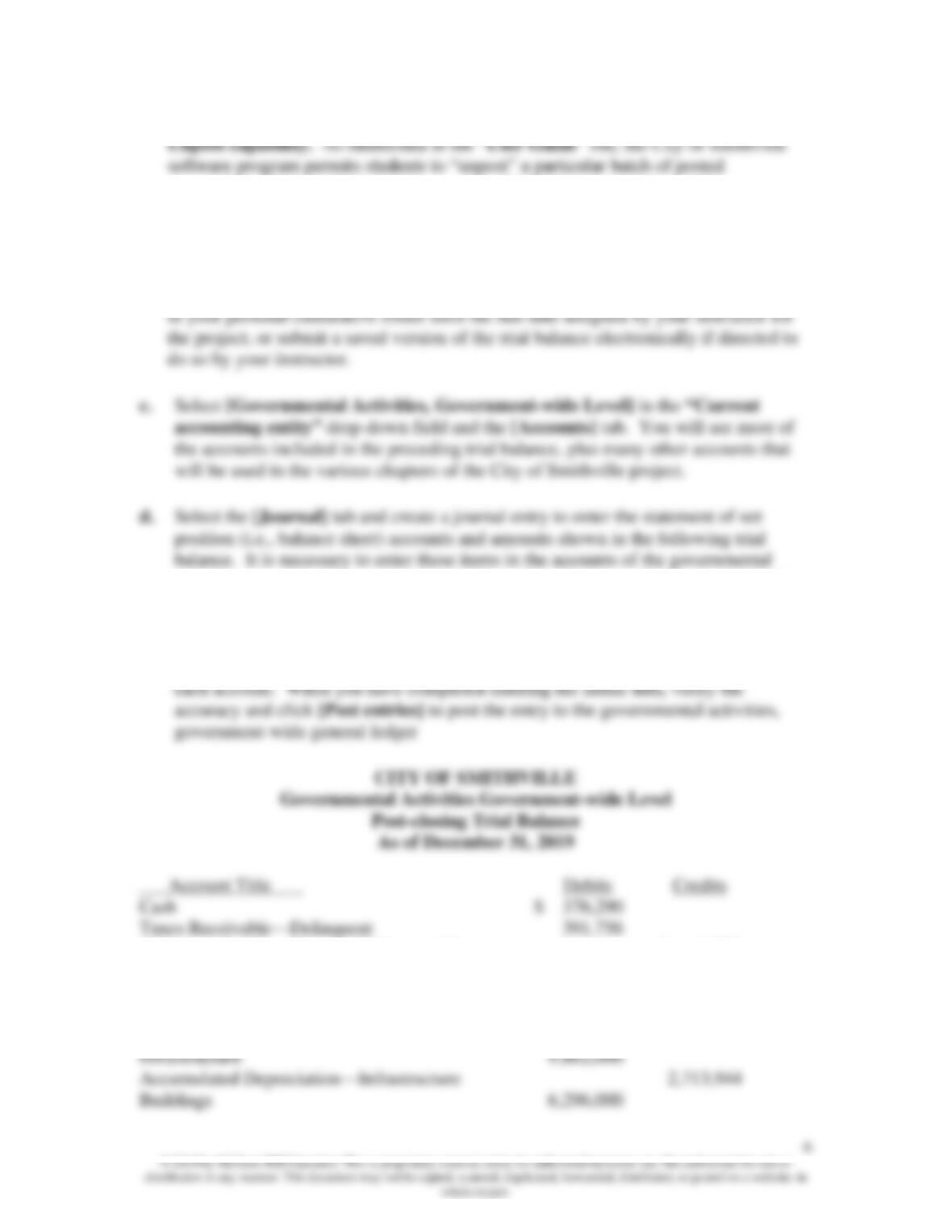
Allowance for Uncollectible Delinquent Taxes $ 11,752
Interest and Penalties Receivable on Taxes 40,126
Allowance for Uncollectible Interest and Penalties 3,611
Due from State Government 165,000
Land 4,180,000
© 2019 by McGraw-Hill Education. This is proprietary material solely for authorized instructor use. Not authorized for sale or
distribution in any manner. This document may not be copied, scanned, duplicated, forwarded, distributed, or posted on a website, in
whole or part.
7
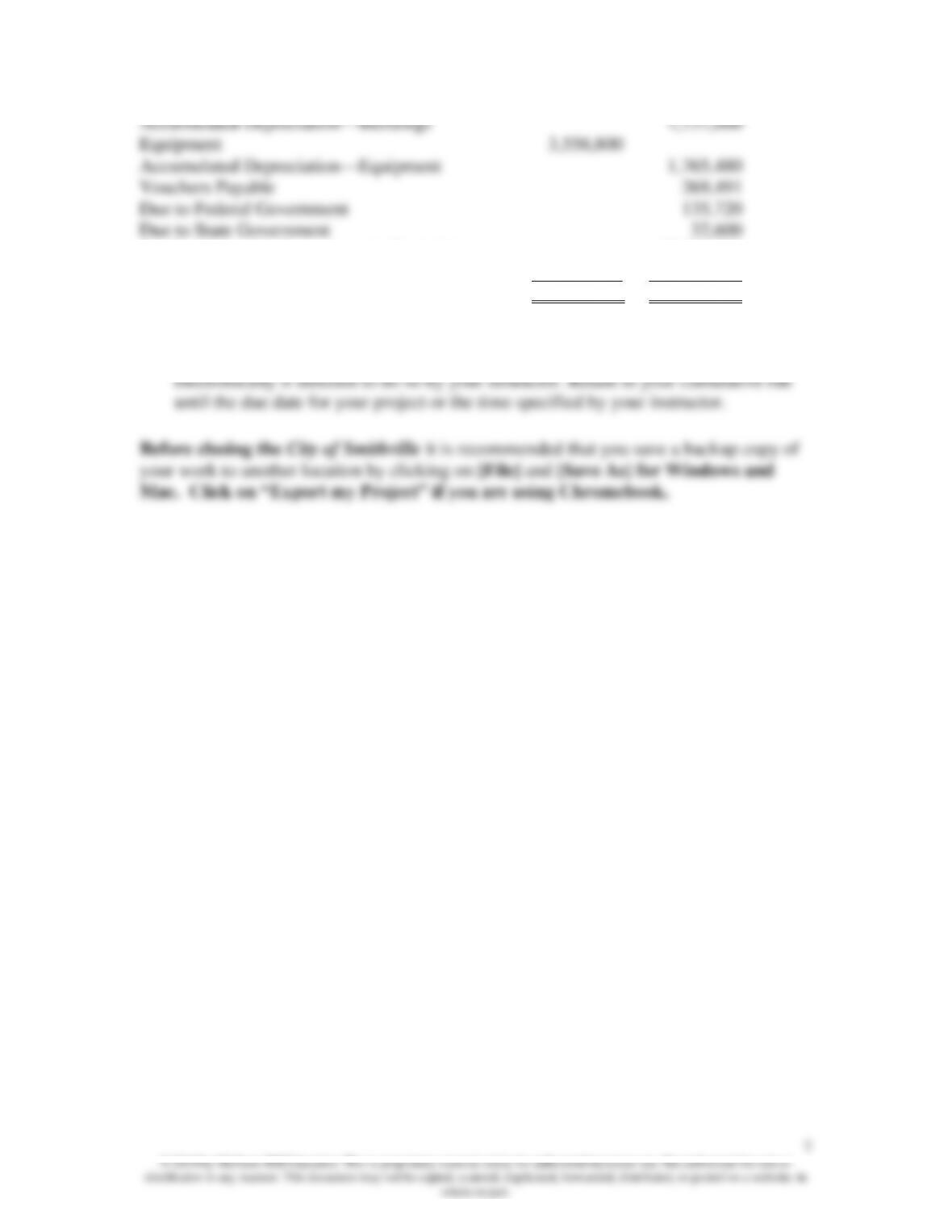
Accumulated Depreciation—Buildings 1,731,000
Equipment 3,556,800
Accumulated Depreciation—Equipment 1,765,480
Vouchers Payable 269,491
Due to Federal Government 135,720
Due to State Government 32,600
Net Position—Net Investment in Capital Assets 17,684,376
Net Position—Unrestricted 519,998
Totals $24,867,972 $24,867,972
e. Select [Reports>Trial Balances>Post-Closing Trial Balance] and print the post-
closing trial balance for 2019, or submit a saved PDF version of the trial balance
© 2019 by McGraw-Hill Education. This is proprietary material solely for authorized instructor use. Not authorized for sale or
distribution in any manner. This document may not be copied, scanned, duplicated, forwarded, distributed, or posted on a website, in
whole or part.
8
Chapter 3 Recording the Annual Budget
The following budget for the General Fund of the City of Smithville was legally adopted
for the fiscal year ending December 31, 2020.
Estimated Revenues:
Taxes—Real Property $1,841,126
Interest and Penalties on Taxes 37,000
Licenses and Permits 500,000
Fines and Forfeits 210,000
Intergovernmental Revenue 789,000
the general journal, providing entries in the Detail Journal when directed. Begin by
selecting [General Fund] in the “Current Accounting Entity” dropdown menu
and the [Journal] tab. In the [Year] field, be sure to select the year 2020. Enter 3-a
in the [Add description] field. Select Estimated Revenues in the drop down
[Account] window. Click [Add subsidiary] to go to the Detail Journal where you
General Fund.
When you are satisfied you have made the entry correctly, post it to the general
ledger by clicking [Post entries]. Before posting, or after unposting as described
previously, you can edit, delete or insert entries in the journal by placing the cursor
in the line you want to adjust and then right-clicking. Note that the “Insert Entry”
© 2019 by McGraw-Hill Education. This is proprietary material solely for authorized instructor use. Not authorized for sale or
distribution in any manner. This document may not be copied, scanned, duplicated, forwarded, distributed, or posted on a website, in
whole or part.
9
function will work if you are inserting an entry prior to a balance sheet account.
However, it will not work when inserting an entry prior to any account that has an
associated subsidiary ledger (e.g., estimated revenues, expenditures).
b. Go to [Reports], print the pre-closing subsidiary ledgers and pre-closing General
Fund trial balance for year 2020 and retain them in your cumulative file until
directed by your instructor to submit them, or save and submit these documents
electronically if directed to do so by your instructor. (As of this time, only the budget
has been recorded.) This is your last opportunity to print or export these
documents with budgetary information only. After operating transactions have
been journalized and posted in Chapter 4, subsidiary ledgers and trial balances will
contain both budgetary and operating accounts and balances.
Before closing the City of Smithville it is recommended that you save a backup copy of
your work to another location by clicking on [File] and [Save As] for Windows and
Mac. Click on “Export my Project” if you are using Chromebook.
© 2019 by McGraw-Hill Education. This is proprietary material solely for authorized instructor use. Not authorized for sale or
distribution in any manner. This document may not be copied, scanned, duplicated, forwarded, distributed, or posted on a website, in
whole or part.
10
Chapter 4 Recording Operating Transactions Affecting the General
Fund and Governmental Activities at the Government-wide
Level
Presented below are a number of transactions for the City of Smithville that occurred
during fiscal year 2020, the year for which the budget given in Chapter 3 was recorded.
Read all instructions carefully.
a. After opening the data file containing your data from Chapters 2 and 3 of this project,
record the following transactions in the general journal for the General Fund and, if
applicable, in the general journal for governmental activities at the government-wide
level. For all entries, the date selected should be year 2020. For each of the
paragraphs that requires entries in both the General Fund and governmental activities
journals, you can either record them in both journals on a paragraph-by-paragraph
basis or, alternatively, record all the General Fund journal entries first for all
paragraphs, then complete the governmental activities journal entries for all
1. [Para. 4-a-1] On January 2, 2020, real property taxes were levied for the year in
the amount of $1,878,700. It was estimated that 2 percent of the levy would be
uncollectible.
2. [Para. 4-a-2] Encumbrances were recorded in the following amounts for purchase
orders issued against the appropriations indicated:
General Government $135,673
© 2019 by McGraw-Hill Education. This is proprietary material solely for authorized instructor use. Not authorized for sale or
distribution in any manner. This document may not be copied, scanned, duplicated, forwarded, distributed, or posted on a website, in
whole or part.
11
Total $829,728
Required: Record the encumbrances in the General Fund general journal and
Detail Journal as appropriate. In the Detail Journal, select “Purchase orders” from
the drop down [Description] menu.
3. [Para. 4-a-3] Cash was received during the year in the total amount of $4,028,058
for collections from the following receivables and cash revenues, as indicated:
Current Property Taxes $1,488,206
Delinquent Property Taxes 387,201
Interest and Penalties Receivable on Taxes 34,270
4. [Para. 4-a-4] Of the $387,201 in delinquent property taxes collected in
transaction 4-a-3 $76,994 had been recorded in the Deferred Inflows of
Resources account. Additionally, $7,840 of the interest and penalties collected in
© 2019 by McGraw-Hill Education. This is proprietary material solely for authorized instructor use. Not authorized for sale or
distribution in any manner. This document may not be copied, scanned, duplicated, forwarded, distributed, or posted on a website, in
whole or part.
12
Required: In the General Fund recognize the property tax revenues and the
interest and penalties revenues related to the deferred inflows of resources. To do
this debit the Deferred Inflows of Resources account and credit related property
tax revenues and interest and penalties revenues. Select “Previous Deferral” in
the [Description] menu in the Detail Journal. Under accrual accounting the
deferral was not recognized in the governmental activities journal; therefore,
there is no need to record a journal entry in the governmental activities journal.
5. [Para. 4-a-5] General Fund payrolls for the year totaled $3,179,547. Of that
amount, $667,705 was withheld for employees‘ federal income taxes; $453,291
for federal payroll taxes; $238,466 for retirement funds administered by the state
government; and the remaining $1,820,085 was paid to employees in cash. The
6. [Para. 4-a-6] Invoices for some of the goods recorded as encumbrances in
transaction 4-a-2 were received and vouchered for payment, as listed below.
Related encumbrances were canceled in the amounts listed below (Select
“Elimination” in the drop down [Description] menu in the Detail Journal):