124 – IMK Chapter 7
ANSWER:
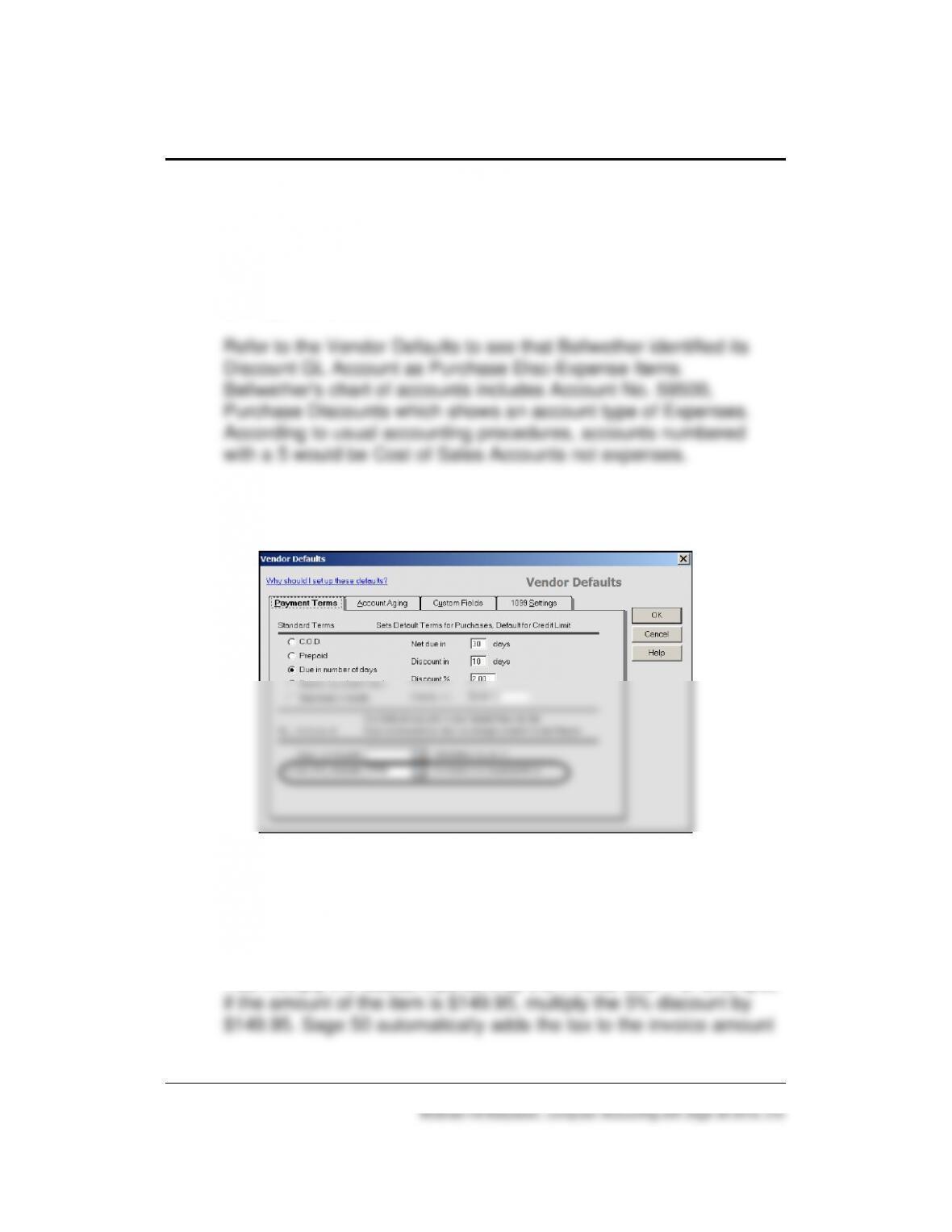
The Purchase Discounts account is identified as Account No.
89500 and it has a $10.11 credit balance. The account
classification for Purchase Discounts is usually Cost of Sales, not
an Expense account.
To see Vendor defaults, go to the Vendors & Purchases Navigation
Center; select the Vendors icon, then Set Up Vendor Defaults:
3. How do you compute the sales discount? How does Sage 50
compute the sales discount?
ANSWER:
You multiply the discount percent by the invoice total. For example,
Financial Statements 125 – IMK
4. How do you change a sales discount?
ANSWER:
In Sage 50 you can type the correct sales discount amount. This is
shown on textbook page 111, Chapter 3.
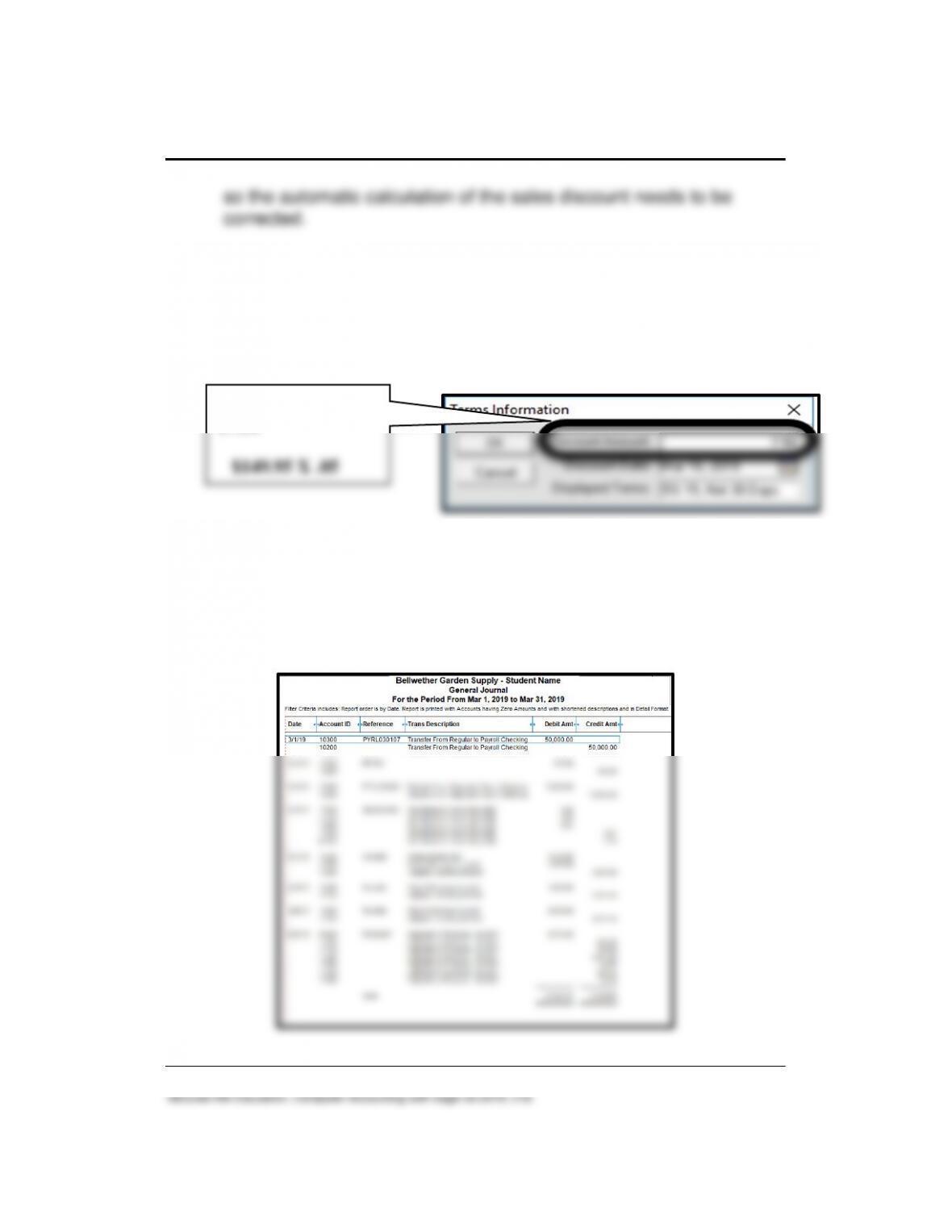
5. What types of entries are recorded in Bellwether’s general journal?
ANSWER:
Some examples are transfers between accounts, setting up the
petty cash account, and a fixed asset adjusting entry for
depreciation expense and accumulated depreciation.
5% sales discount is
$7.50
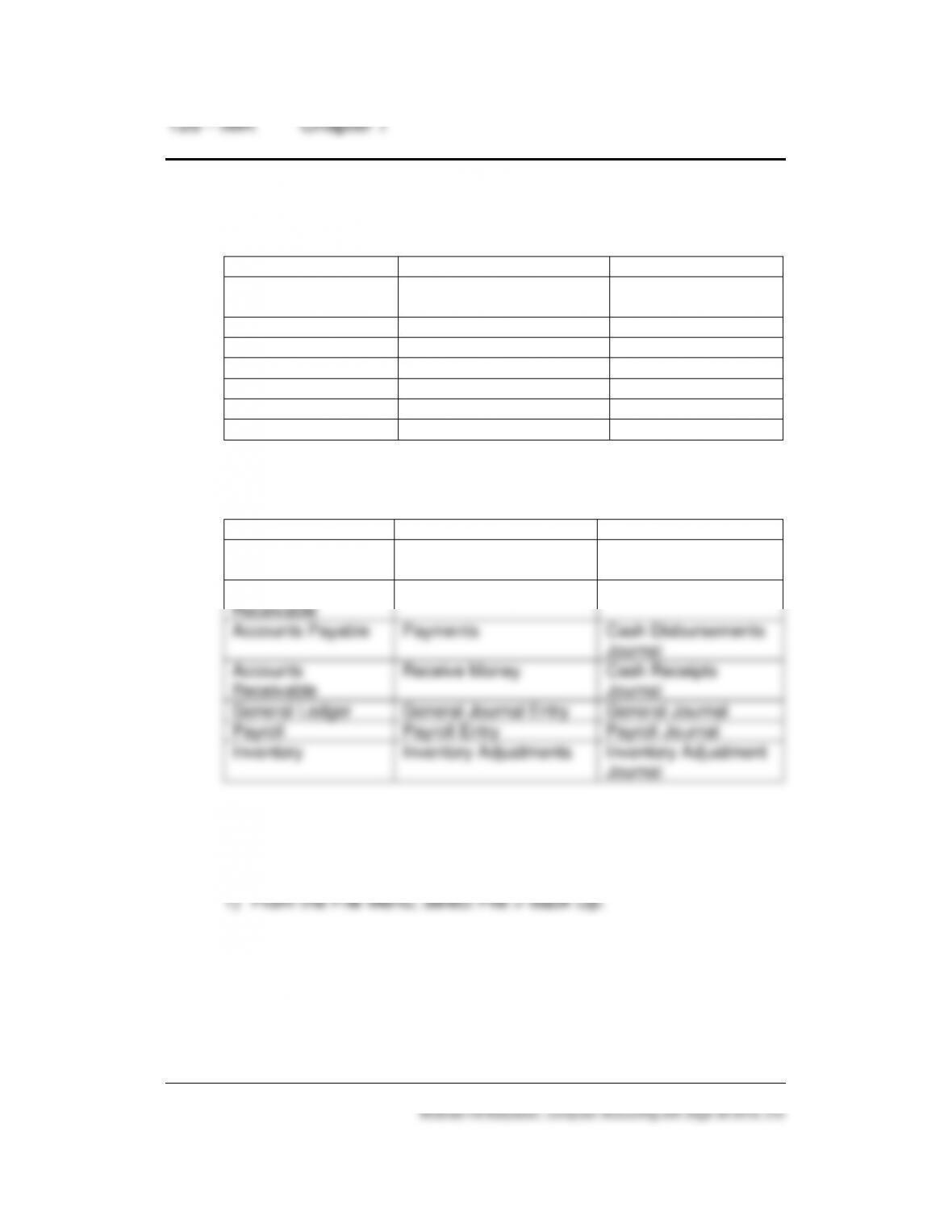
6. How does Sage 50 identify these windows? Identify the software
module and journal.
Module
Window
Journal
Purchases/Receive
Inventory
Sales/Invoicing
Payments
Receive Money
General Journal Entry
Payroll Entry
Inventory Adjustments
ANSWER:
Module
Window
Journal
Accounts Payable
Purchases/Receive
Inventory
Purchase Journal
Accounts
Receivable
Sales/Invoicing
Sales Journal
Accounts Payable
Payments
Cash Disbursements
Journal
Accounts
Receivable
Receive Money
Cash Receipts
Journal
General Ledger
General Journal Entry
General Journal
Payroll
Payroll Entry
Payroll Journal
Inventory
Inventory Adjustments
Inventory Adjustment
Journal
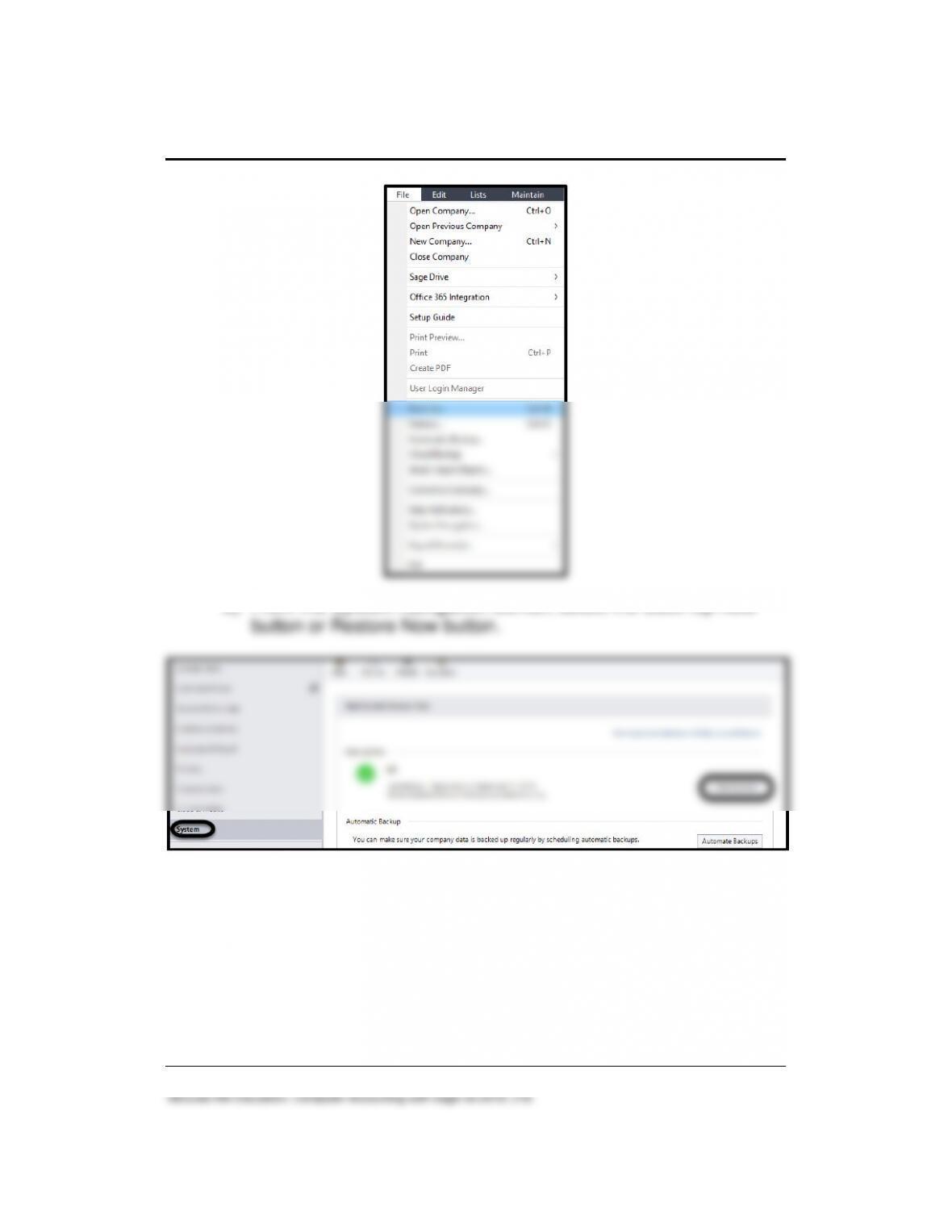
7. There are two ways to access backup and restore. Explain both.
ANSWER:
Financial Statements 127 – IMK
2) From the System Navigation Center, select the Back Up Now
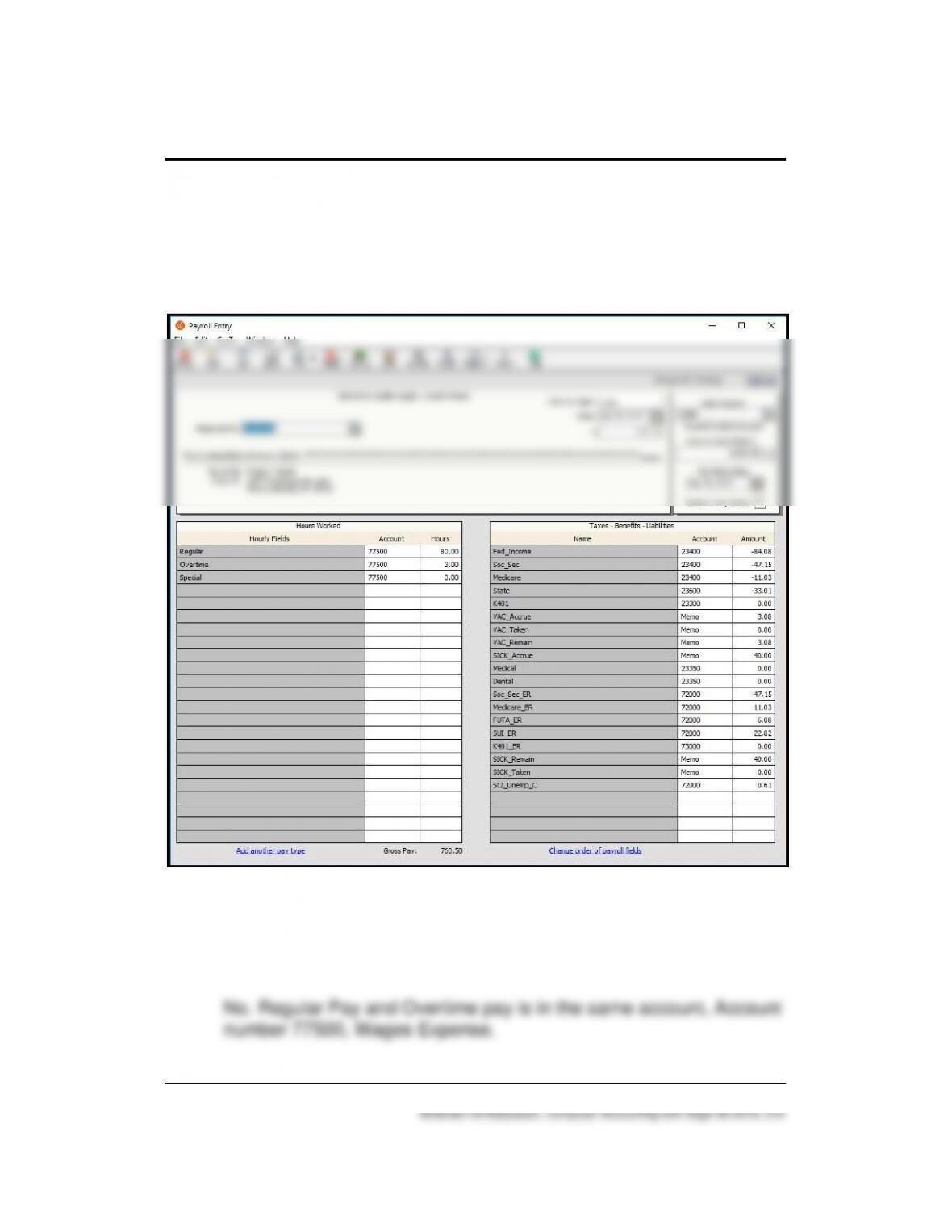
8. On the Payroll Entry window, what are the differences between the
amounts in the Taxes-Benefits-Liability area that have minus signs
in front of them and amounts that do not show a minus sign?
128 – IMK Chapter 7
ANSWER:
The accounts that have a minus sign in front of them are
deductions from the gross pay of the employee. Accounts without
minus signs are the employers’ liabilities.
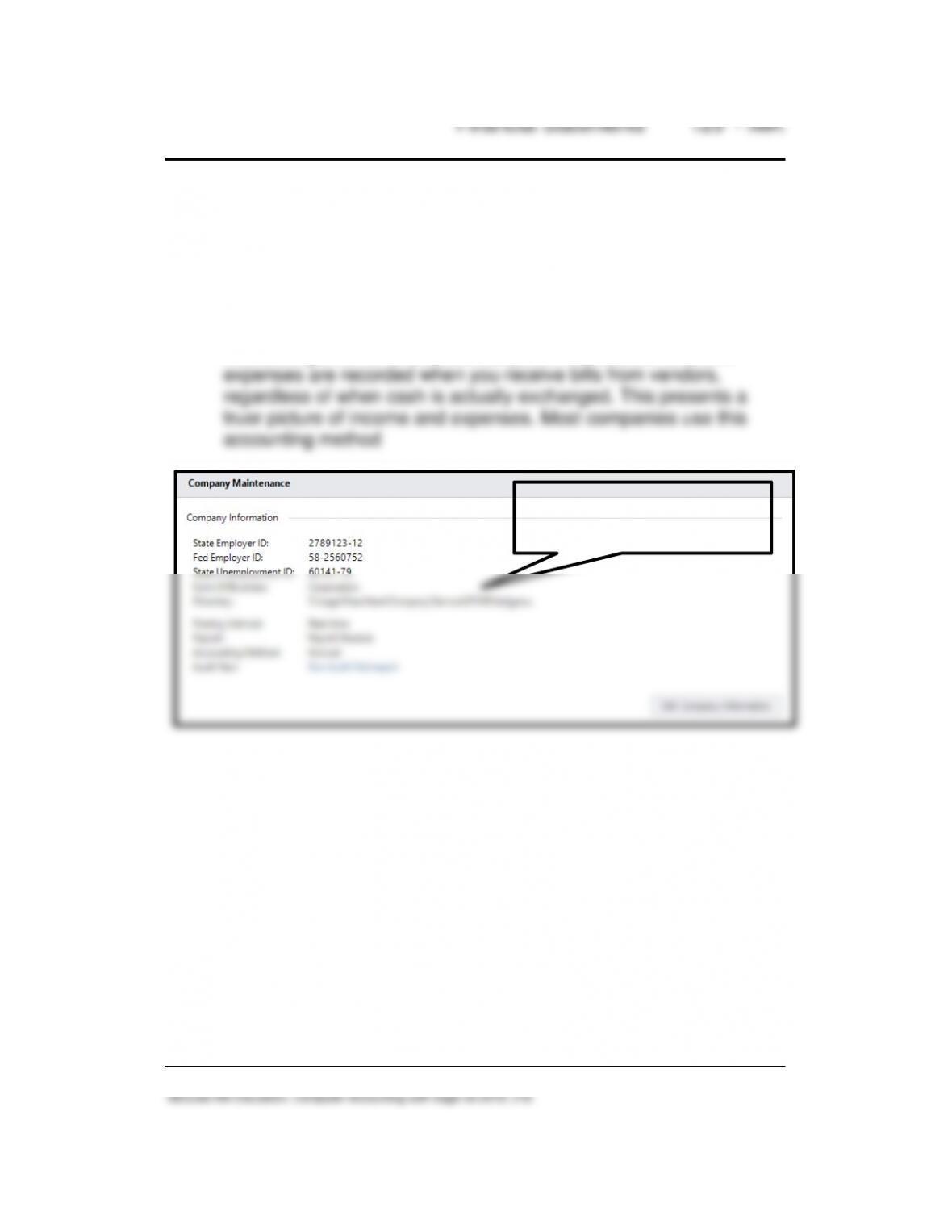
9. Does Bellwether track Overtime pay in a separate account? Briefly
explain.
ANSWER:
10. What type of Accounting Method does Bellwether use? How do you
find that out and what does it mean?
ANSWER:
Go to the System Navigation Center. In the Company Maintenance
area, the Accounting Method shown is Accrual. In Accrual
Accounting income is recorded as you invoice customers, and
11. What is the Business Status Navigation Center? Can it be
customized? Does the Business Status Center show your security
settings? Can access be limited to the Sage 50’s Navigation
Centers?
ANSWER:
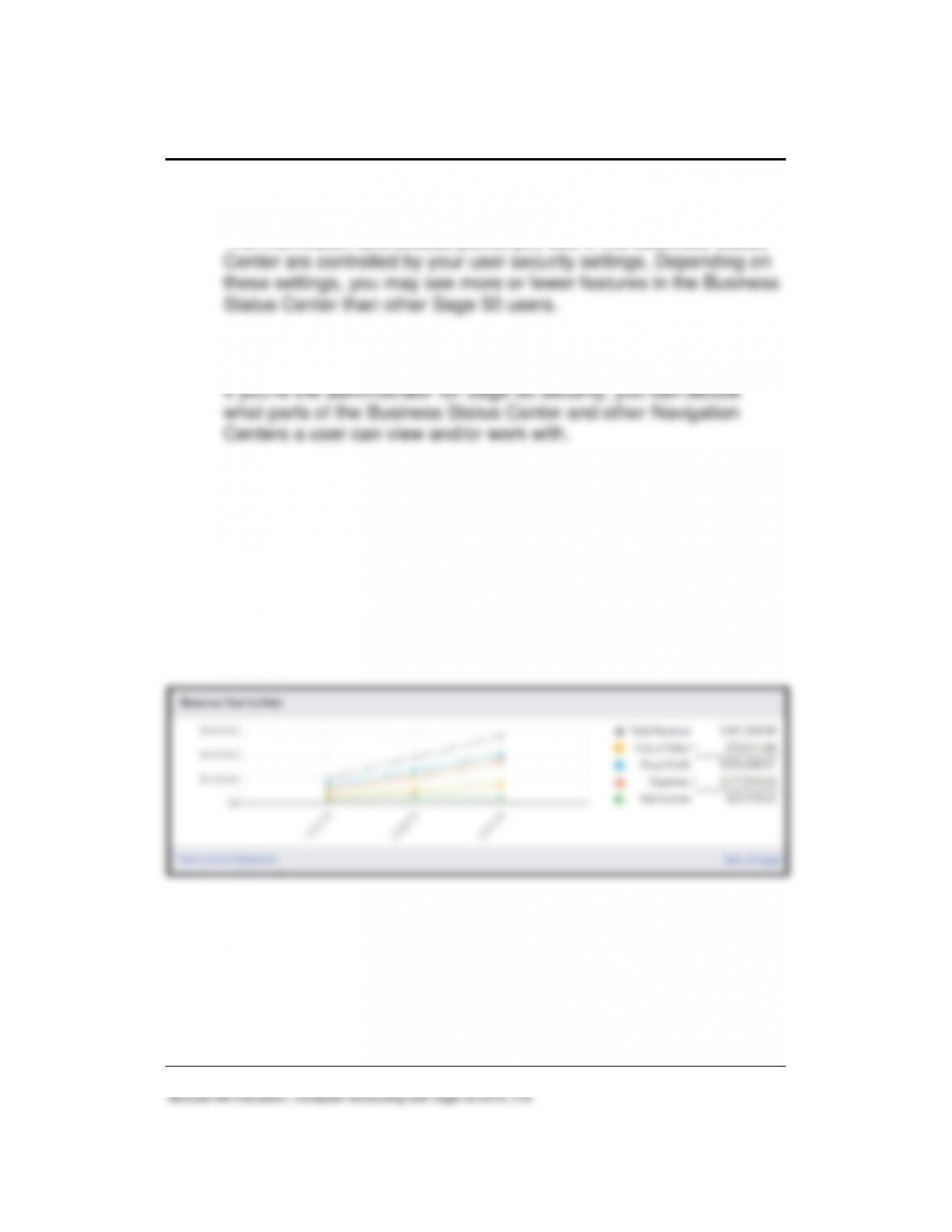
The Sage 50 Business Status Center displays a variety of general
business information, including account balances, revenue figures,
receivables and payables data, and action items. It also includes a
feature that lets you find, display, and/or print a Sage 50 report.
\PCWE: Educational version
\PCWS: Student version
130 – IMK Chapter 7
McGraw-Hill Education, Computer Accounting with Sage 50 2019, 21e
Some of the information that appears in the Business Status Center
can be drilled down on.
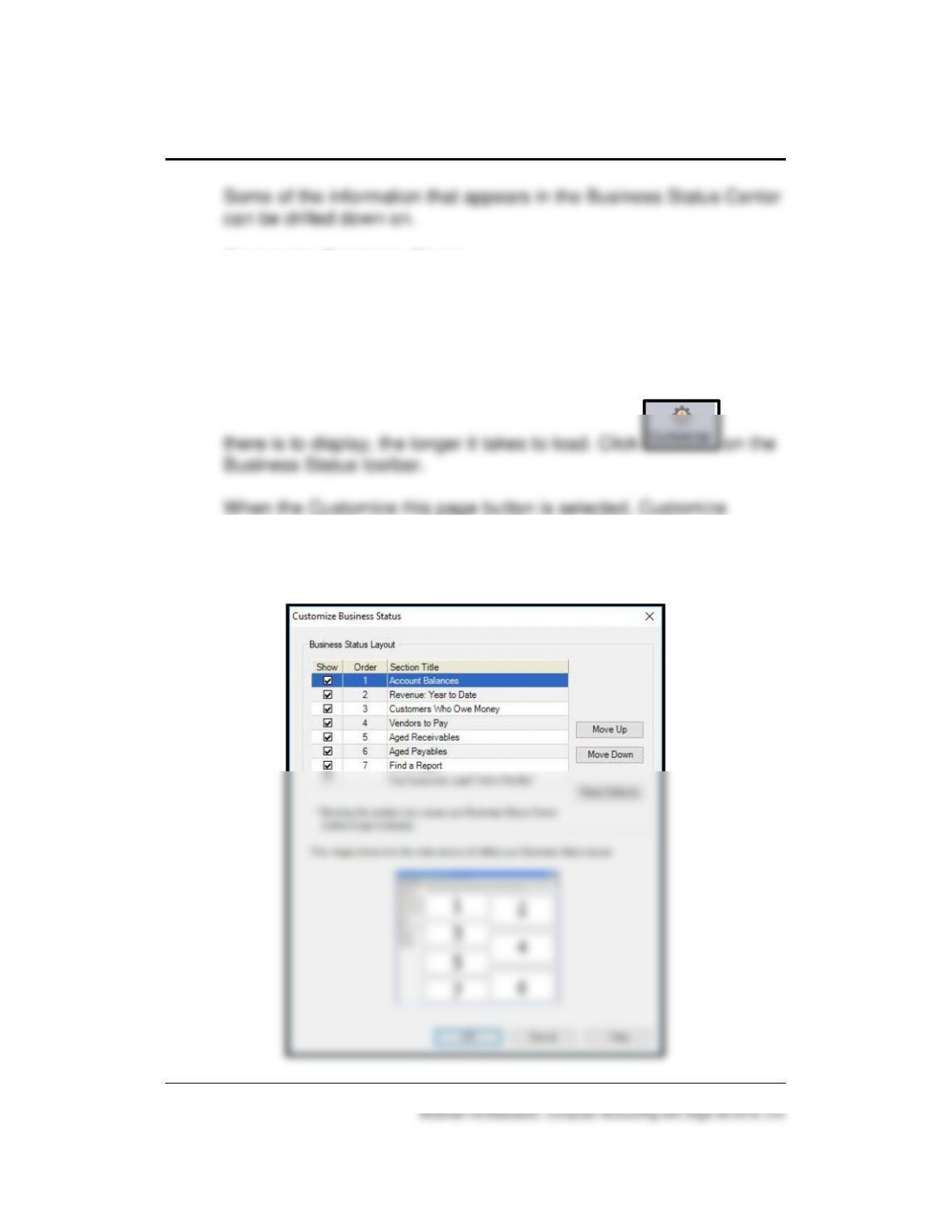
Customize Business Status
You can customize the Business Status Center to show information
the way you want. Customizing is a good idea if you want the
Business Status Center to display faster. You could tell Sage 50 not
to show some of the sections (such as Account Balances or Top
Customers), and this would speed things up because the more data
Business Status window is shown. Items can be checked or
unchecked. If items are unchecked, those areas will not be shown
on the Business Status Navigation Center.
Financial Statements 131 – IMK
Security Settings
The information and access points you see in the Business Status
Limiting access to the Navigation Centers
12. Is the net income shown on the Business Status Navigation Center
for the month or year to date? How do you check that?
ANSWER:
On the Business Status Navigation Center, the net income of
$25,579.22 is year to date. You can check that amount by
displaying the <Standard> Income Statement, shown on page 218,
Chapter 7.
13. What report verifies the balance in Account No. 11000 Accounts
Receivable? What is the Accounts Receivable balance in the
General Ledger and in the Customer Ledgers? Why is there a
difference? (Hint: Look in the journals for Customers & Sales
module.)
ANSWER:
132 – IMK Chapter 7
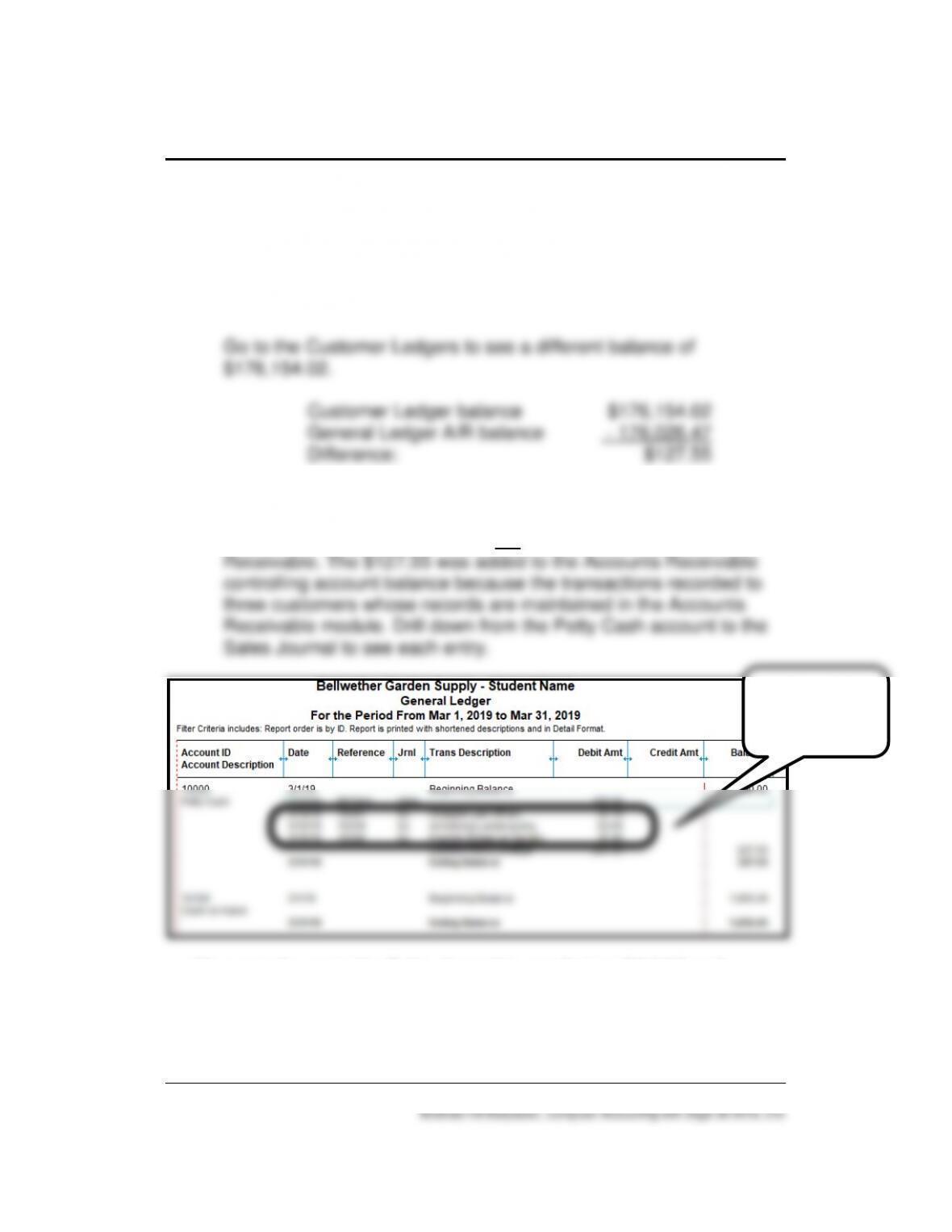
On the General Ledger Trial Balance, the 3/31/19 balance for
Account No. 11000, Accounts Receivable, is $176,026.47. Drill
down from the General Ledger Trial balance to the controlling
account in the general ledger. Account No. 11000, Accounts
Receivable shows the same balance, $176,026.47.
The Sales/Invoicing window (Sales Journal) was used to record
three customer entries totaling $127.55 that were debited to
Account No. 10000, Petty Cash, not Account No. 11000, Accounts
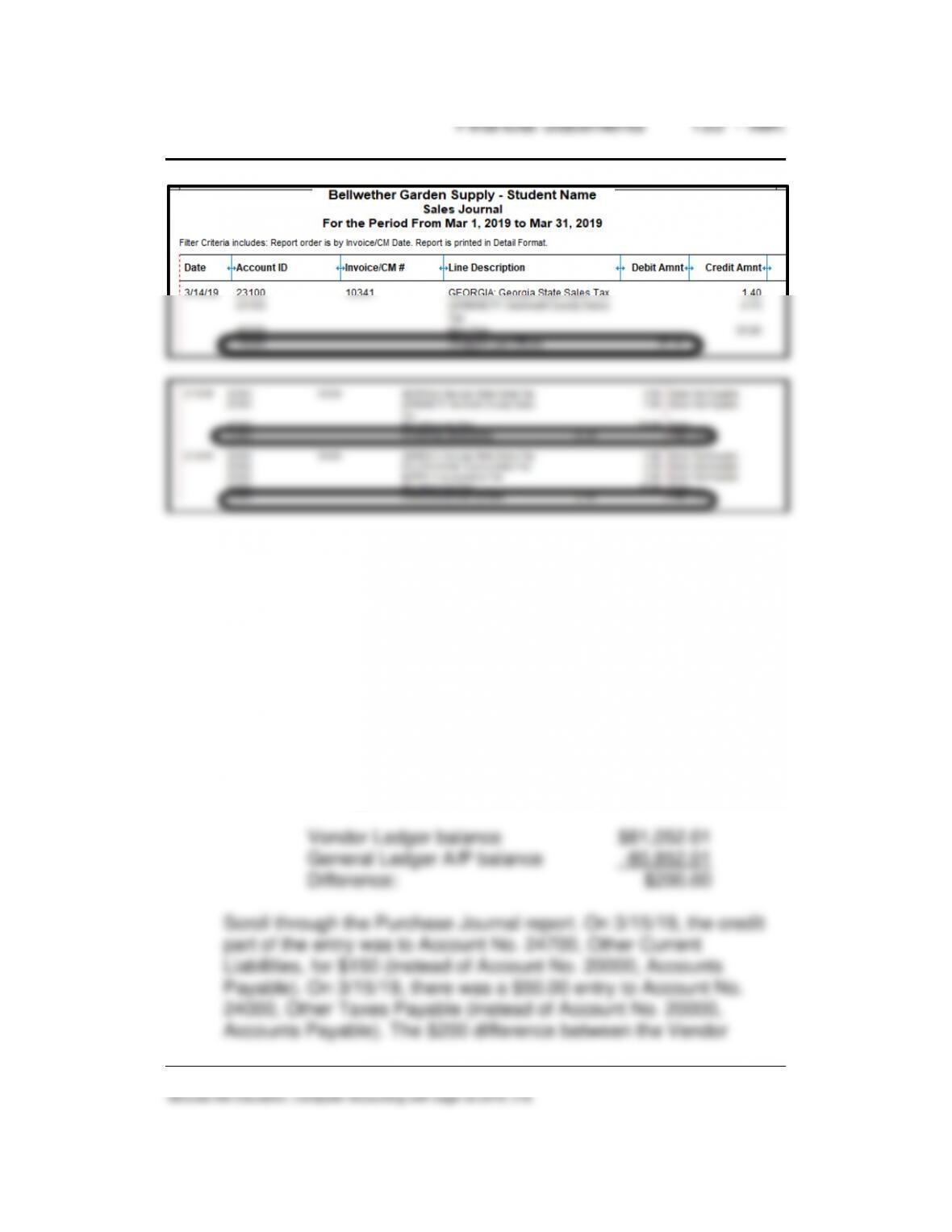
You can also go to the Sales Journal to see that on 3/14/19 and
3/15/19, Account No. 10000, Petty Cash, was debited instead of the
default Account No. 11000, Accounts Receivable.
14. What report verifies the balance in Account No. 20000 Accounts
Payable? What is the Accounts Payable balance in the General
Ledger and in the Vendor Ledgers? Why is there a difference?
(Hint: Look in the journals for Vendors & Payables module.)
ANSWER:
On the General Ledger Trial Balance and within the controlling
account in the general ledger the balance in Account No. 20000,
Account Payable, is $80,852.01.
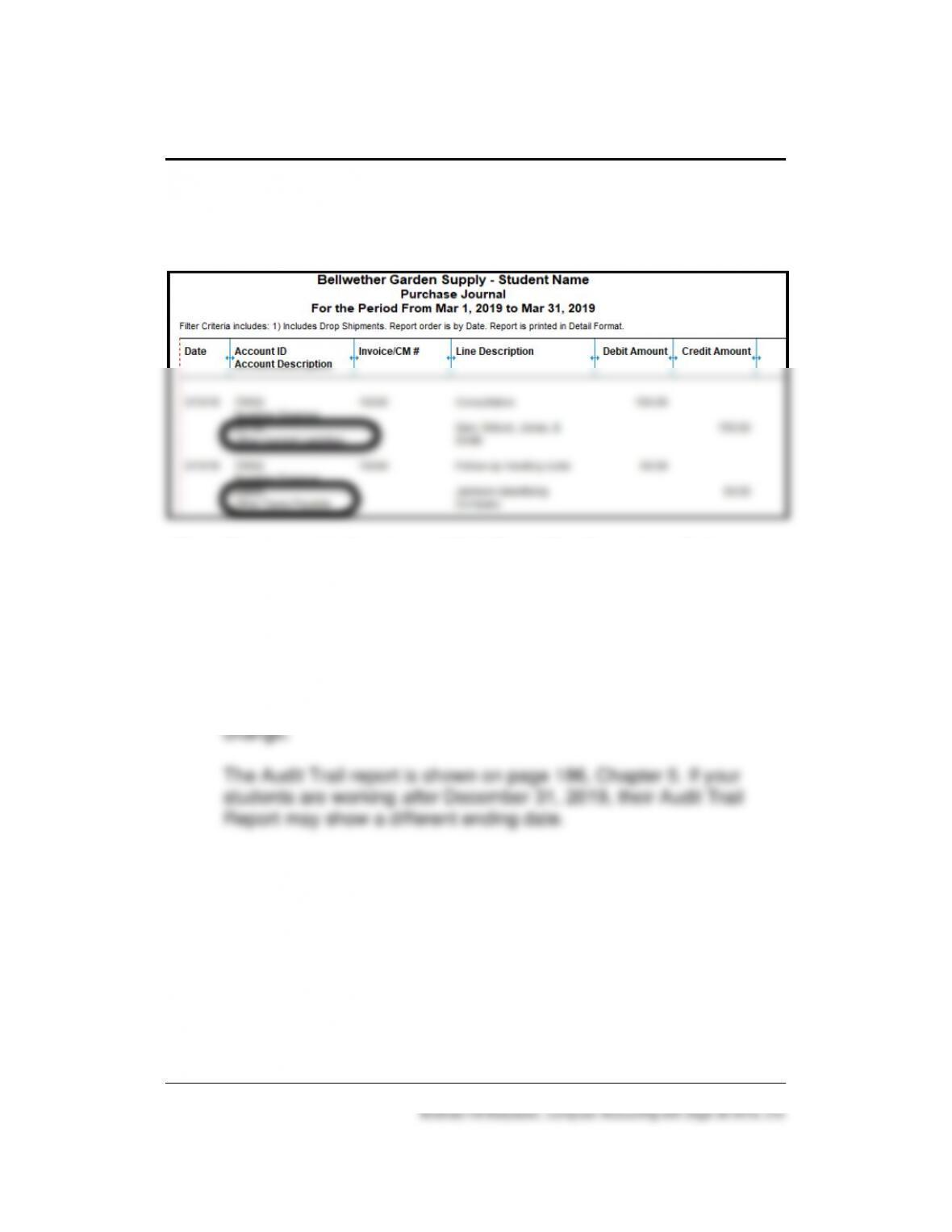
The Vendor Ledgers shows a balance of $81,052.01.
134 – IMK Chapter 7
Ledger and General Ledger balance for Accounts Payable is
because these two entries credited another account, not the
default.
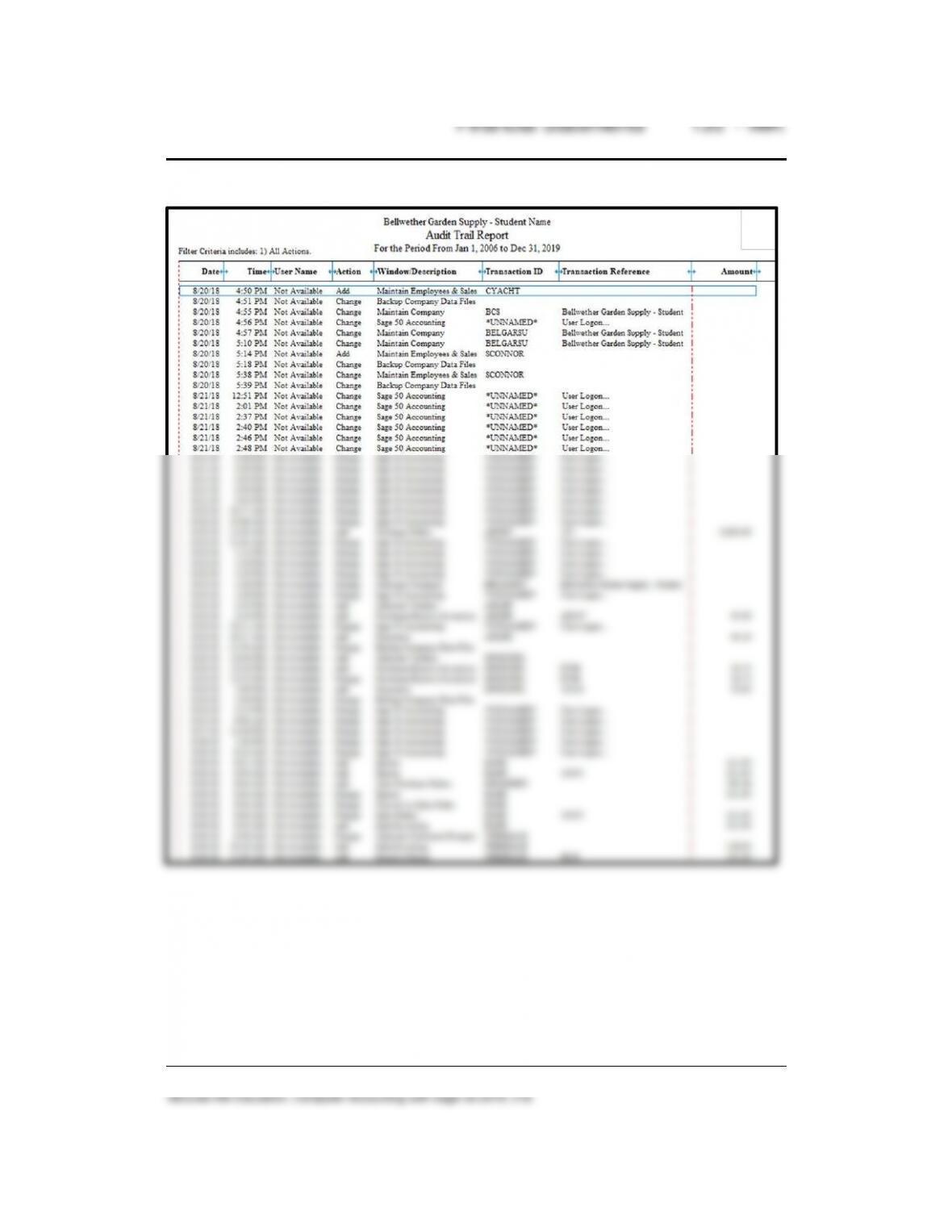
15. If you want to view a report that shows the changes made to
maintenance items and transactions, what report would you look
at?
ANSWER:
The Audit Trail Report shows changes made to maintenance items
and transactions showing the Date the user made the latest