
81 – IMK
CHAPTER 5
GENERAL LEDGER, INVENTORY, AND INTERNAL CONTROL
In Chapter 5, your students learn how to use the General Ledger Chart of
Accounts. When a company is set up, the following initial steps are
performed: set up a chart of accounts and enter beginning balances or
budget amounts. In this chapter, students look at the sample company,
Bellwether Garden Supply. In Parts 2 and 3 of the textbook (Chapters 9–
18 and Projects 1 through 4A), students have an opportunity to set up 12
companies from scratch.
Sage 50 includes over 75 sample companies’ chart of accounts
selections. You can set up your own Chart of Accounts from scratch or
select one of the sample Charts of Accounts.
This chapter also shows your students how to use Sage 50’s Inventory
system.
LEARNING OBJECTIVES
1. Restore data from Exercise 4-2. (This backup was made on textbook
page 151.)
2. Use Sage 50’s help feature, enter a new account in the Chart of
Accounts, and look at Sage 50’s budget feature.
3. Record and post a General Journal entry to transfer funds, and
display the General Ledger Trial Balance.
4. Set up an Inventory Item and record an inventory adjustment.
5. Look at Sage 50’s internal controls, user security and access, and
audit trail.
6. Make two backups, save one Excel file, and save one PDF file.
SAGE 50 TIPS, CHAPTER 5
➢ On textbook page 154, the author suggests restoring the Exercise 4-
2.ptb file (backup was made on page 151). Periodically, students
should restore from their backup file.

82 – IMK Chapter 5
➢ Sage 50 uses a perpetual inventory system. See textbook page 176 for
a review of how Sage 50 journalizes the purchase and sale of
inventory items.
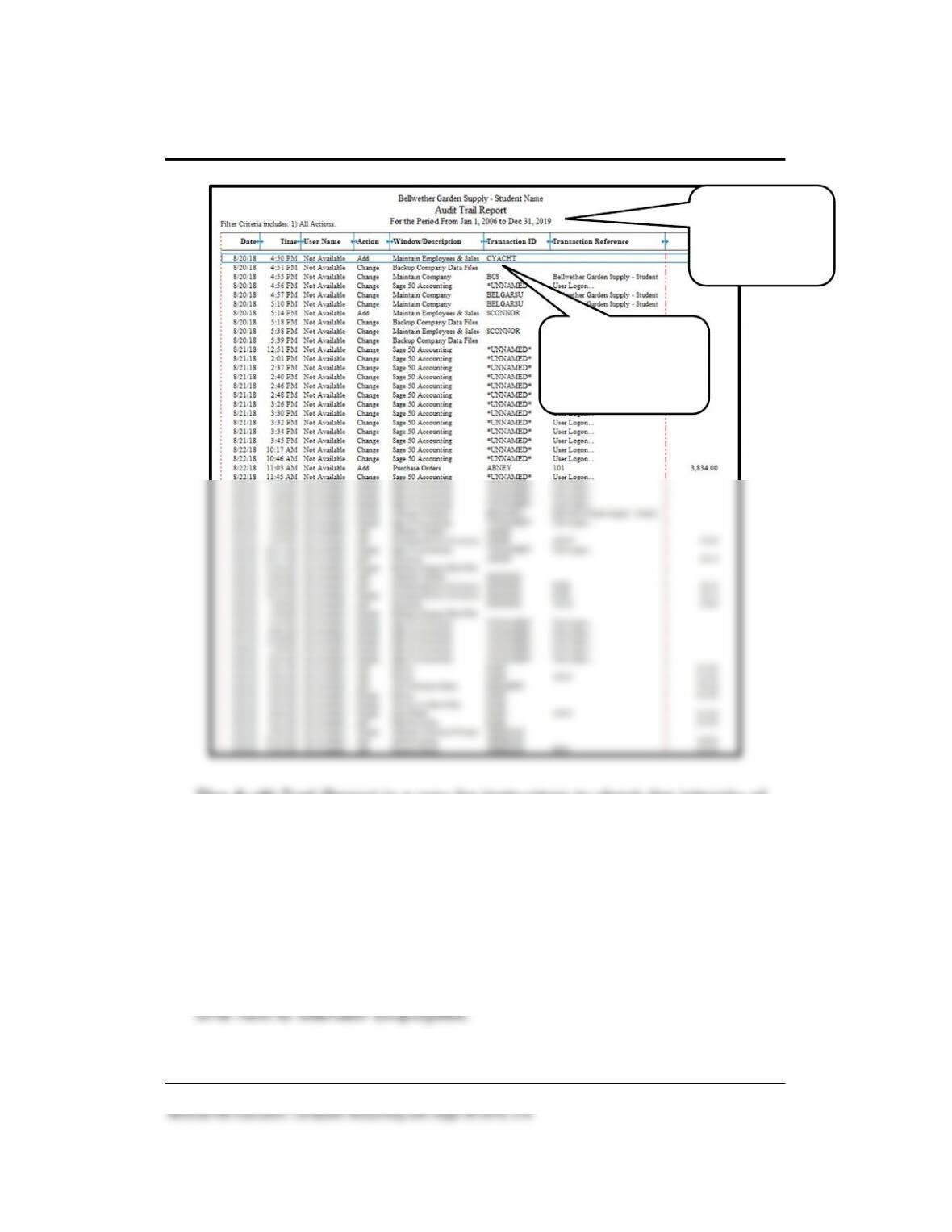
➢ In Chapter 5 on textbook page 185, an Audit Trail Report is shown.
Observe that the Transaction ID column shows CYACHT in the Add,
Maintain Employees & Sales Reps row; the Date and Time this entry
was recorded is also shown. This information shows the employee
added in Chapter 1, textbook page 40, Adding Yourself as an
Employee. Students are instructed to use their first initial and last
name. (CYACHT is shown on the Audit Trail Report because the
author’s name is used.)
The work completed in Chapters 1-5 is shown on the Audit Trail
Report; for example, the employees added in Chapter 1 (CYACHT, or
your name, and SCONNER); the vendors added (Maintain Vendors),
purchases (Purchases/Receive Inventory), and payments to ADLER
and OFCSUPPL in Chapter 2. From Chapter 4, the DASH and
TEESDALE transactions are also shown. Scroll down the Audit Trail
Report to see all the listings. (The student’s date column will differ. It
shows the date that students recorded their entries.)
The Audit Trial Report provides a listing of the changes made to the
maintenance items and transactions. Depending on when students
made additions and changes, their time and date column will differ.
The Audit Trail Report shows when the author made changes. A partial
Audit Trail Report is shown on the next page.
General Ledger, Inventory, and Internal Control 83 – IMK
The Audit Trail Report is a way for instructors to check the integrity of
individual student records. Use the Audit Trail Report to make sure that
the student turning in the work is the one whose name appears on the
Maintain Employees row. If two or more Audit Trail Reports have the
same name, date and time, you probably have a paper trail to students
sharing backup files. You may want students to turn in their Chapter
5.ptb file so that you can restore that file and check the Audit Trail
Report. Another way to do this is to have the student restore the
Chapter 5.ptb file in the computer lab, then display the Jan 1 2006
through Dec 31, 2019 Audit Trail report to check the name, date, and
Student name should
be shown. Time and
date when added or
changed will differ.
If transactions
entered after Dec
31, 2019, ending
date differs.

84 – IMK Chapter 5
LECTURE OUTLINE FOR CHAPTER 5: GENERAL LEDGER,
INVENTORY, AND INTERNAL CONTROL
A. Learning Objectives, page 153
B. Getting Started, pages 154-156
C. Sage 50 Help: Chart of Accounts, pages 156-157
D. Add an Account to the Chart of Accounts, pages 158-159
E. Budgets, pages 159-161
F. General Journal, pages 161-166
G. Setting Up an Inventory Item, pages 166-167
1. Inventory Types, pages 168-172
H. Inventory and Purchases, pages 172-174
I. Inventory and Sales, pages 174-177
J. Inventory Adjustments, pages 177-178
K. Security and Internal Control, pages 178-179
1. User security and access to the Sage 50 Navigation Centers, page
179
3. User Security, page 180
180–182
6. Displaying the Audit Trail Report & Find Transactions Report,
pages 184-186

General Ledger, Inventory, and Internal Control 85 – IMK
Complete the following end–of-chapter activities online at
www.mhhe.com/yacht2019 > Student Edition > Chapter 5.
1. Interactive Multiple-Choice and True/False questions.
2. Going to the Net exercise: Go online to the Bookkeeping and
Accounting Basics website.
3. QA Templates: 10 multiple-choice questions and three analysis
questions.
4. Assessment Rubric: review journals, navigation centers, modules,
and task windows.
5. Listen to narrated PowerPoint slides.
The OLC also includes links to the Appendixes:
• Appendix A: Troubleshooting (textbook and OLC)
• Appendix C: Review of Accounting Principles (OLC Student
Edition)
• Appendix D: Glossary of Terms (words that are boldfaced and
italicized in the chapter) OLC Student Edition
N. Exercise 5-1, page 188
O. Exercise 5-2- pages 188-189
P. Chapter 5 Index, page 190
86 – IMK Chapter 5
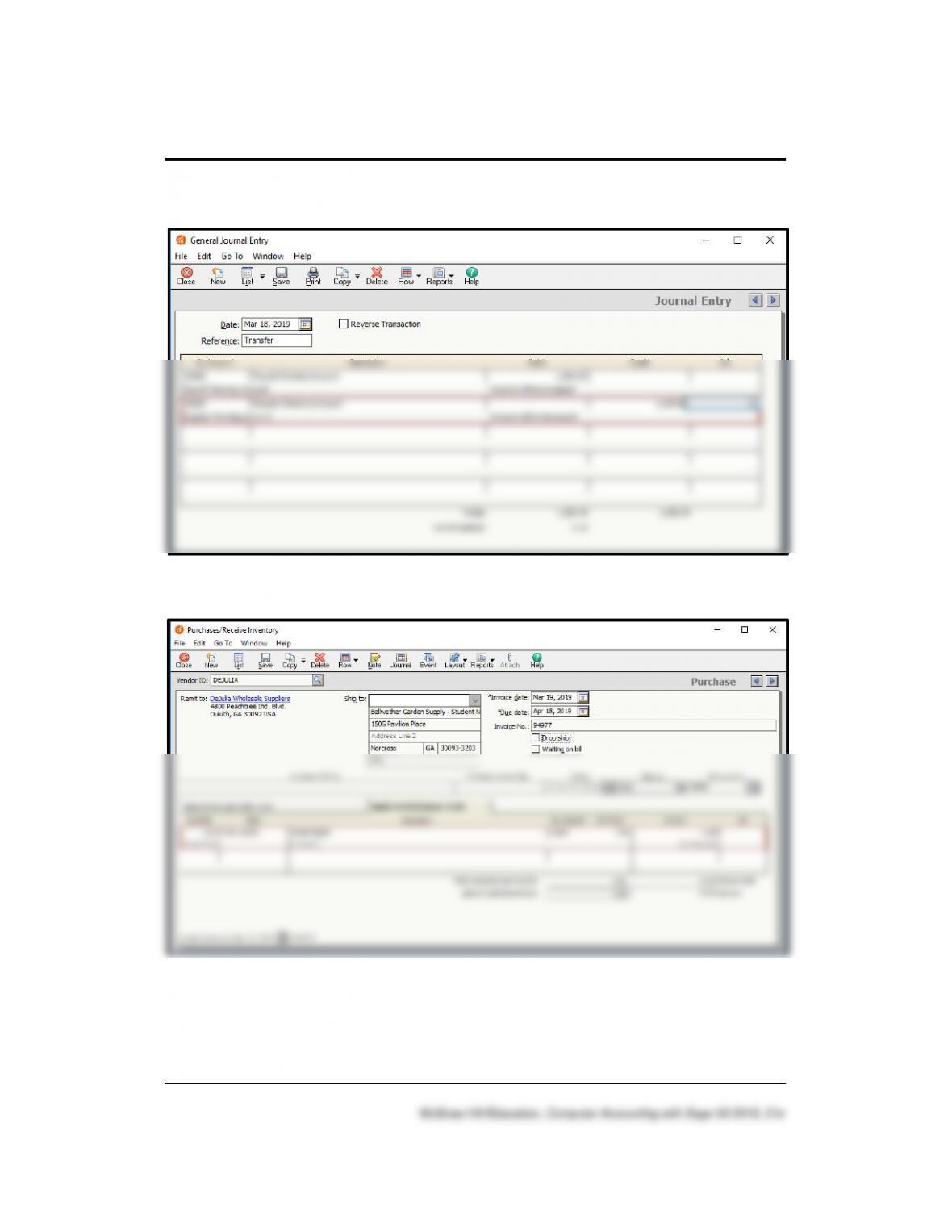
SOLUTION TO EXERCISE 5-1 (3): General Journal Entry
SOLUTION TO EXERCISE 5-1 (3): Purchases/Receive Inventory
General Ledger, Inventory, and Internal Control 87 – IMK
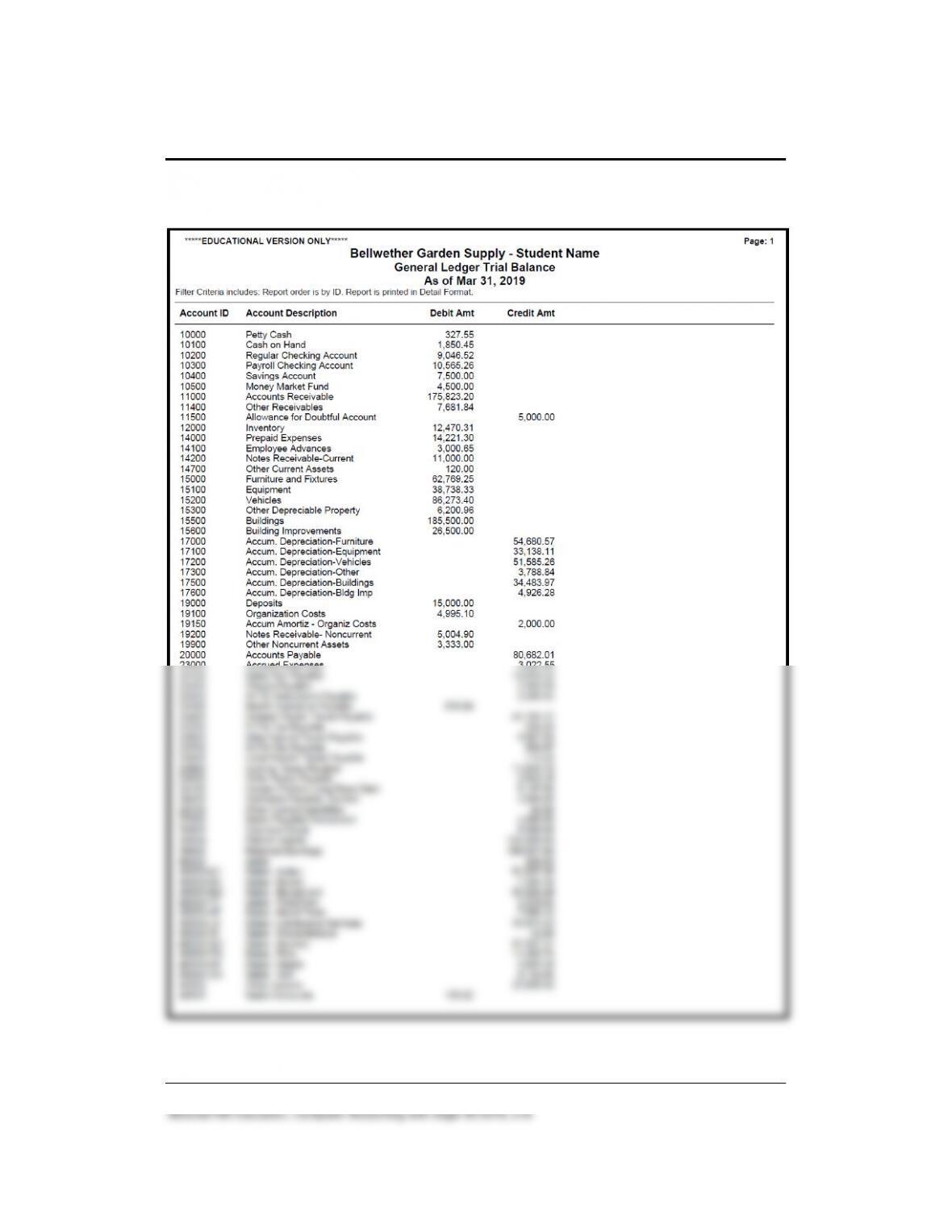
SOLUTION TO EXERCISE 5-2 (1)
88 – IMK Chapter 5
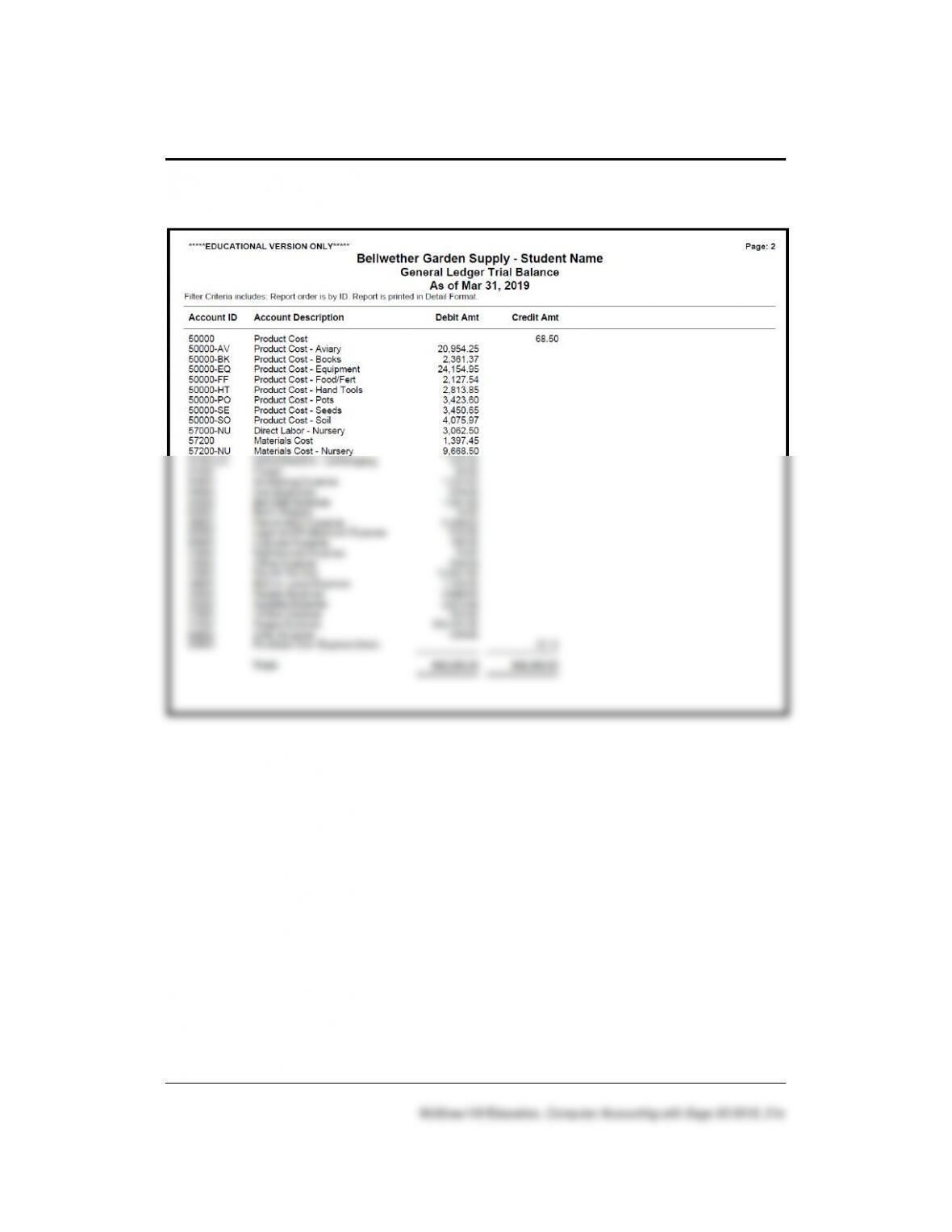
SOLUTION TO EXERCISE 5-2 (1) (Concluded)

General Ledger, Inventory, and Internal Control 89 – IMK
ANSWERS TO GOING TO THE NET
Access the Bookkeeping and Accounting Basics article on the Nolo
website. The website address is
http://www.nolo.com/legal-encyclopedia/bookkeeping-accounting-basics-
29653.html.
Read the Bookkeeping and Accounting Basics article. (Hint: If this article
is no longer available, link to another area from the Nolo.com website and
write a brief essay—no more than 125 words—describing the link.)
Going to the Net website links are on the textbook website at
www.mhhe.com/yacht2019 > Student Edition > Chapter 5.
1. List the three steps for keeping your books.
The actual process of keeping your books is easy to understand when
broken down into three steps.
a. Keep receipts or other acceptable records of every payment to and
2. From this website, link to another area.
The link that students select will vary.
90 – IMK Chapter 5
ANSWERS TO MULTIPLE-CHOICE QUESTIONS, QA TEMPLATES
In the space provided, type the letter that best answers each question.
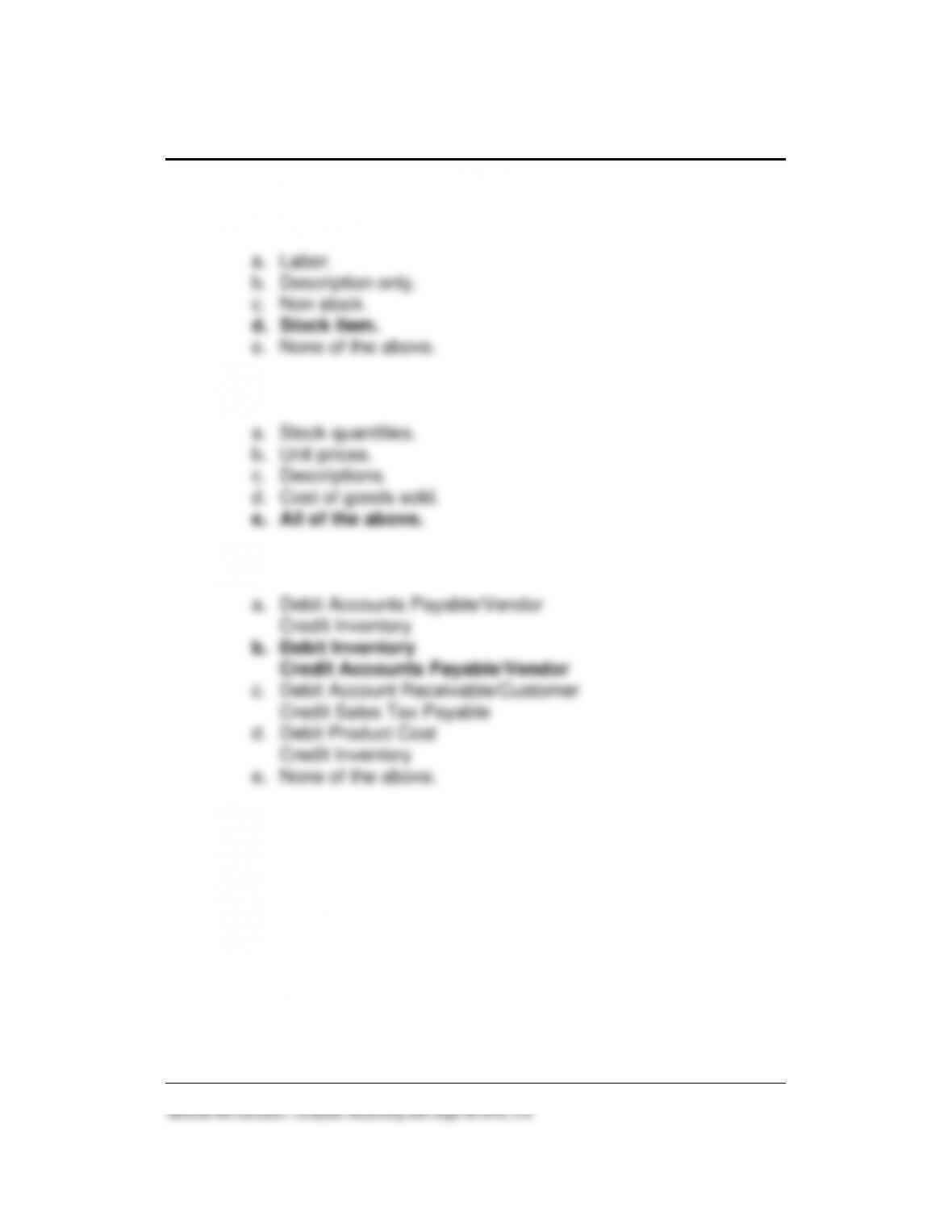
_____1. The inventory system used is called:
_____2. A list of all the accounts used by a company showing an
identifying number assigned to each account is called:
_____3. The account(s) added to Bellwether’s Chart of Accounts in this
chapter is:
a. Account No. 10200, Regular Checking Account.
_____4. After the March 15, 2019 transfer of funds, the General Ledger
Trial Balance shows the following amount in the Money Market
Fund account:
General Ledger, Inventory, and Internal Control 91 – IMK
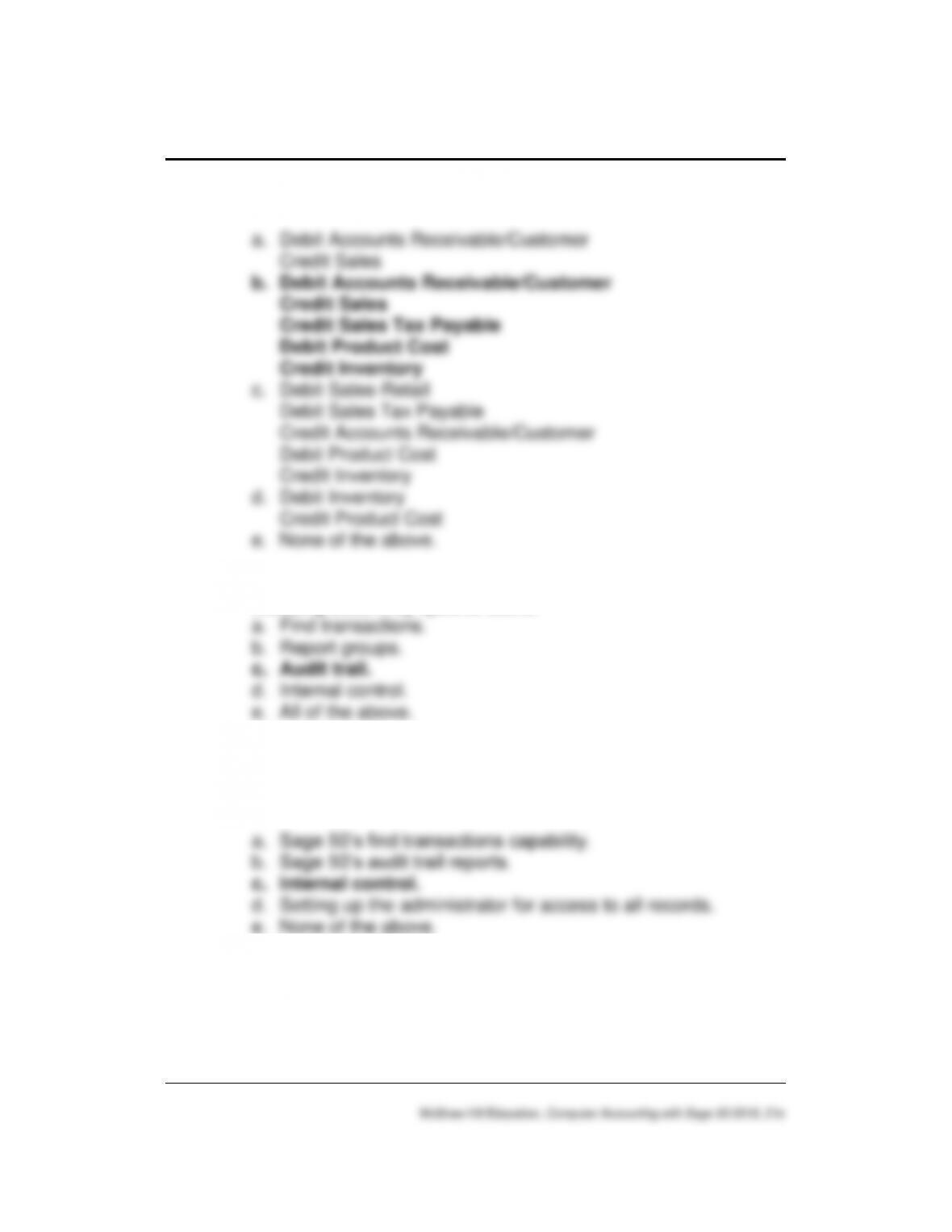
_____5. On the Maintain Inventory Items window, the Oriole Feeder is
which inventory type:
_____6. For Stock-Type Inventory Items, Sage 50 tracks the following:
a. Stock quantities.
_____7. The journal entry to purchase an inventory stock item is:
a. Debit Accounts Payable/Vendor
92 – IMK Chapter 5
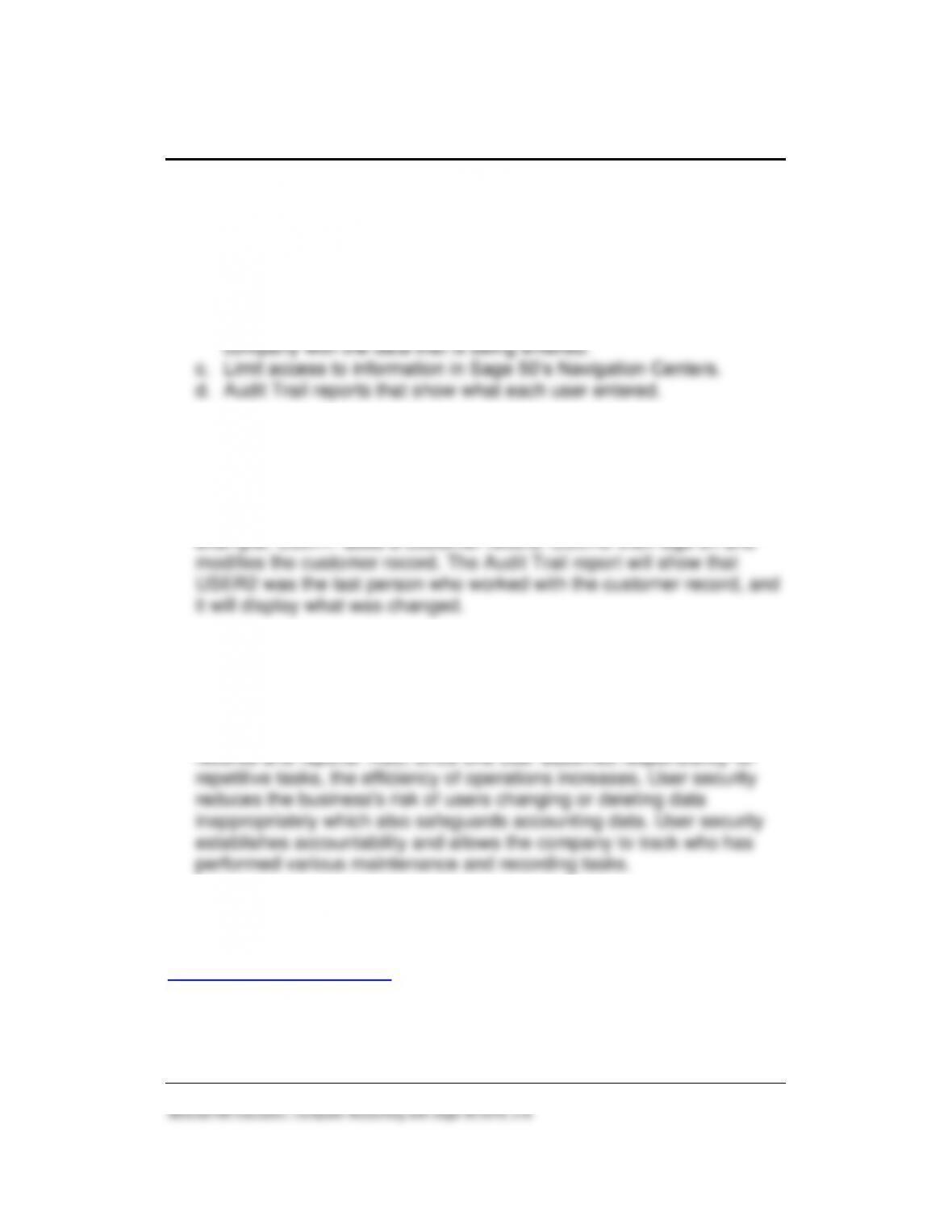
____8. The journal entry or entries for the sale of an Inventory Item are:
a. Debit Accounts Receivable/Customer
____9. Shows all entries and changes related to the company’s data,
including actions by specific users.
____10. The integrated system of people, processes, and procedures
that minimize or eliminate business risks, protect assets, ensure
reliable accounting, and promote efficient operation is called:
General Ledger, Inventory, and Internal Control 93 – IMK
ANALYSIS QUESTIONS
1. List four ways that Sage 50 includes user security and internal
controls.
a. Setting up user names, passwords, and access rights.
b. The ability to associate the user currently logged into the Sage 50
2. How is the audit trail associated with user security? Provide an
example.
When User Security is set up, Sage 50 can associate the user
currently logged into the company with the data being entered. For
3. How does user security address the purpose of internal control?
By limiting access to accounting data, Sage 50’s user security feature
addresses an important purpose of internal control. For example,
assigning users to one Navigation Center increases the accuracy of
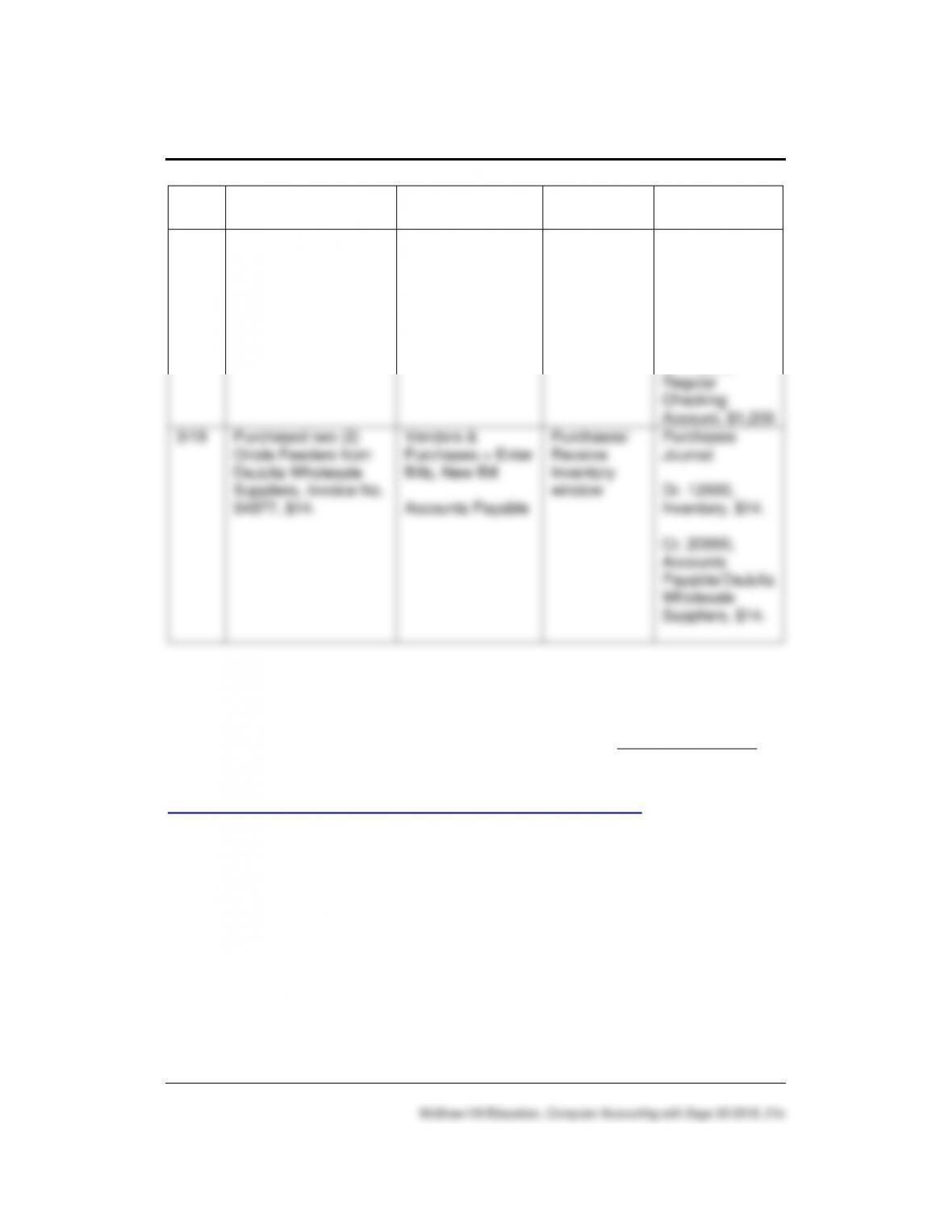
ASSESSMENT RUBRIC
Students complete the Assessment Rubric online at
www.mhhe.com/yacht2019 > Student Edition > Chapter 5, Assessment
Rubric link. To review Sage 50‘s journals, navigation centers, modules,
and task windows, complete the blank fields.
94 – IMK Chapter 5
McGraw-Hill Education, Computer Accounting with Sage 50 2019, 21e
Date
Transaction
Navigation
Center/Module
Task
Window
Journal
Dr./Cr.
3/18
Transfer $1,200 from
the Regular Checking
Account to the Payroll
Checking Account.
Banking > General
Journal Entry >
New General
Journal Entry
General Ledger
General
Journal Entry
window
General Journal
Dr. 10300,
Payroll
Checking
Account, $1,200
Cr. 10200,
Regular
Checking
Account, $1,200
3/19
Purchased two (2)
Oriole Feeders from
DeJulia Wholesale
Suppliers, Invoice No.
94977, $14.
Vendors &
Purchases > Enter
Bills, New Bill
Accounts Payable
Purchases/
Receive
Inventory
window
Purchases
Journal
Dr. 12000,
Inventory, $14.
Cr. 20000,
Accounts
Payable/DeJulia
Wholesale
Suppliers, $14.
SOLUTION FILES
The solution files, in .ptb, .pdf, and .xlsx formats, are included on the
Online Learning Center, www.mhhe.com/yacht2019 > Instructor Edition
link. For access to the password-protected Instruction Edition website,
contact your McGraw-Hill sales representative at
https://shop.mheducation.com/store/paris/user/findltr.html.
The chart on the next page shows the size of the Chapter 5 solution files
(Sage 50 backups, Excel reports and Adobe PDF exercise files).

General Ledger, Inventory, and Internal Control 95 – IMK
Chapter
Sage 50 Backup (.ptb)
Excel (.xlsx) and Adobe (.pdf)
Kilobytes1
Page
Nos.
5
Chapter 5.ptb
3,582 KB
187
Exercise 5-2.ptb
3,576 KB
188
Exercise 5-2_General Ledger Trial
Balance.xls
15 KB
189
Exercise 5-2_General Ledger Trial
Balance.pdf
11 KB
189
1
Backup sizes may differ.