67 – IMK
CHAPTER 4
EMPLOYEES
In Chapter 4, your students learn how Sage 50 processes payroll. Once
default and employee maintenance information is set up, payroll is a
simple process. The first step in setting up payroll is to go to the
Navigation Center. Then, make the selections to set
up payroll defaults.
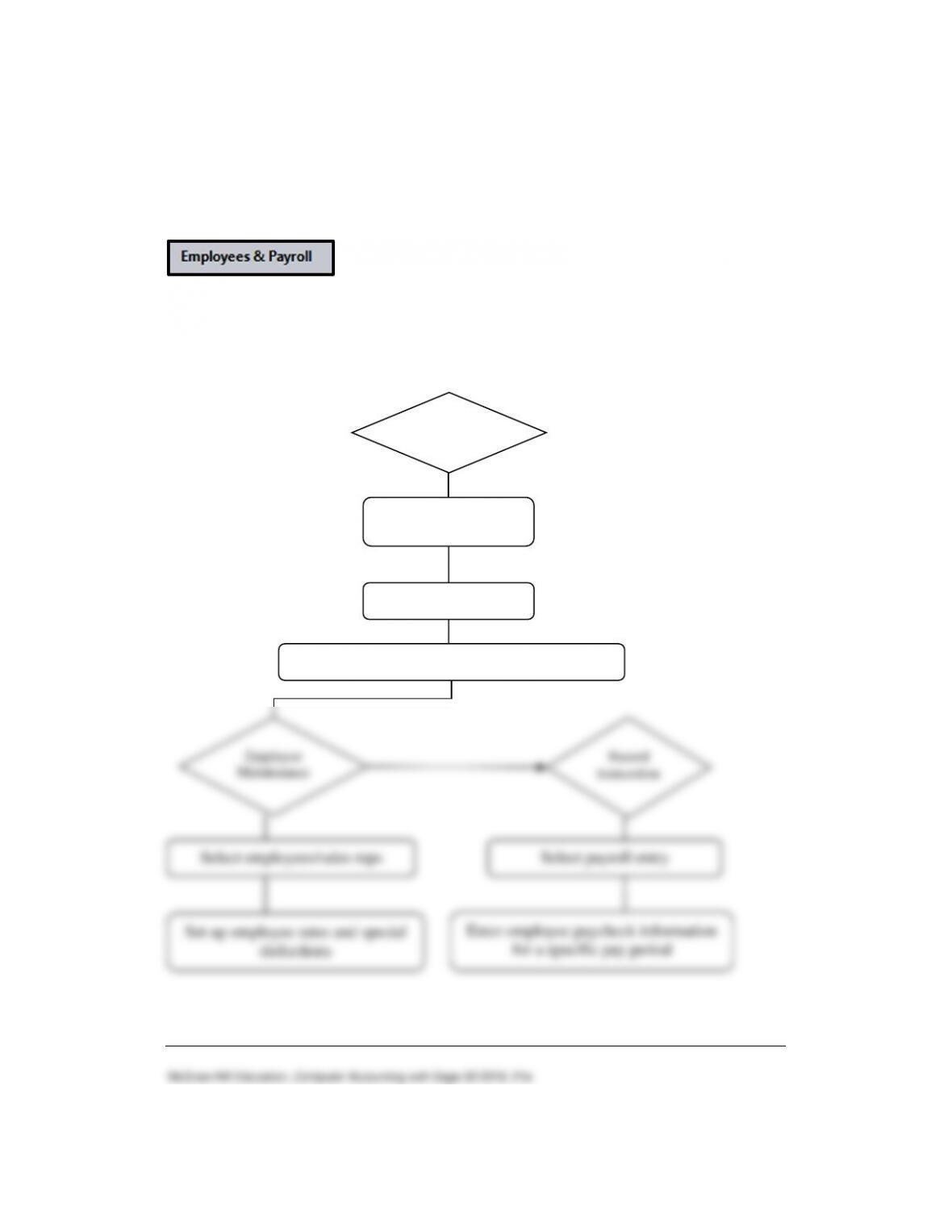
The diagram below describes the payroll process.
Set up Employee
Defaults
Select employees
Enter tax information and define payroll fields
Employees
Employee
Maintenance
Record
transaction
Select employees/sales reps
Select payroll entry
Set up employee rates and special
deductions
Enter employee paycheck information
for a specific pay period
68 – IMK Chapter 4
LEARNING OBJECTIVES
128.)
2. Enter and store information using the Maintain Employees/Sales
Reps window.
3. Set up default information for payroll.
5. Transfer funds from the regular checking account to the payroll
checking account.
7. Print employee paychecks.
8. Make two backups, save one Excel file, and save one PDF file.
SAGE 50 TIPS, CHAPTER 4
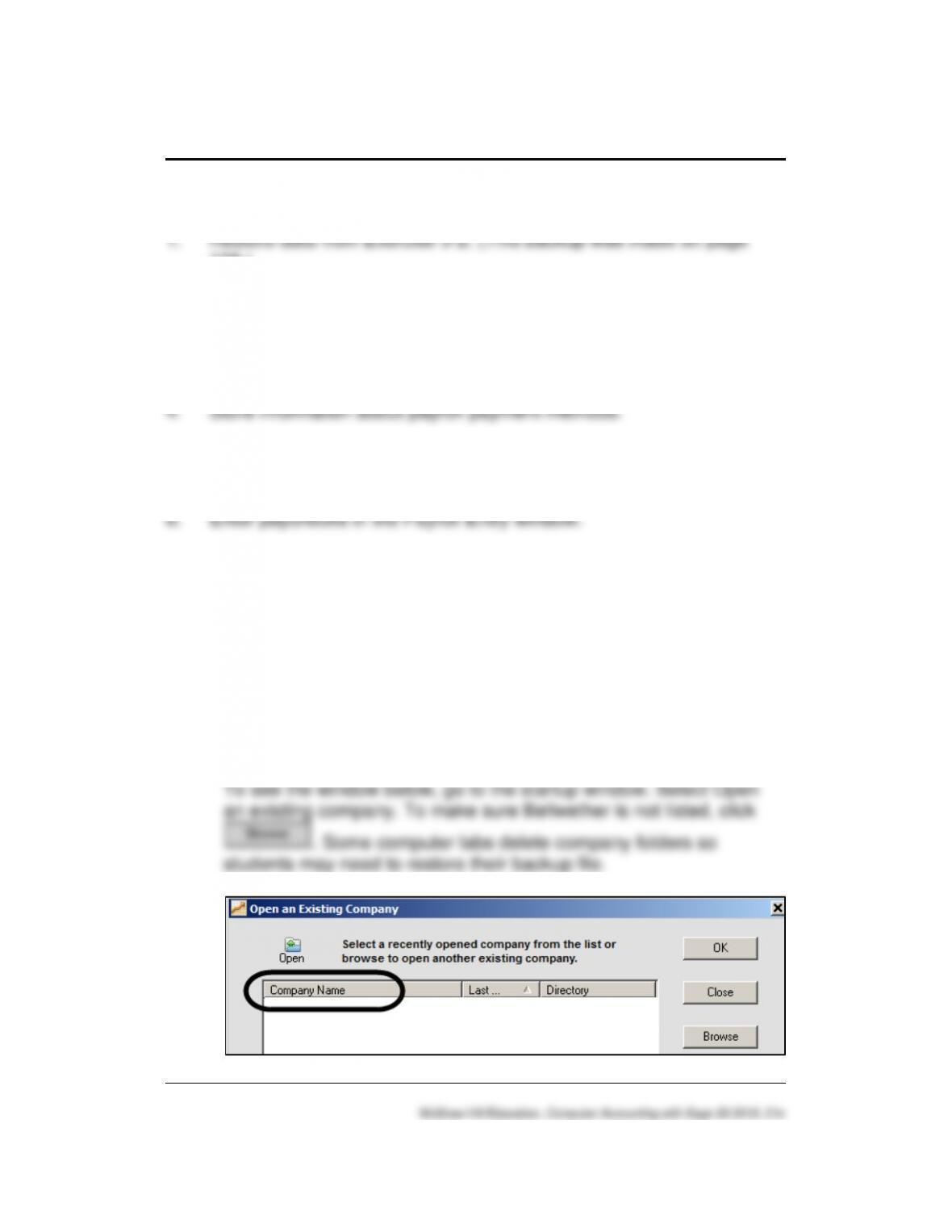
➢ If Bellwether Garden Supply – Student Name does not open, or is
not shown on the Company Name list, refer to the Read Me box on
textbook page 28 to review the steps to “Create a new company
using the restored data.”
Employees 69 – IMK
➢ If students are working in the classroom or computer lab, they should
restore the Exercise 3-2.ptb backup file from their USB drive. This
backup was made on textbook page 128.
Chapters include a disk icon which has students check the
appropriate point in their data. In Chapter 4, the disk icon is shown on
textbook page 134.
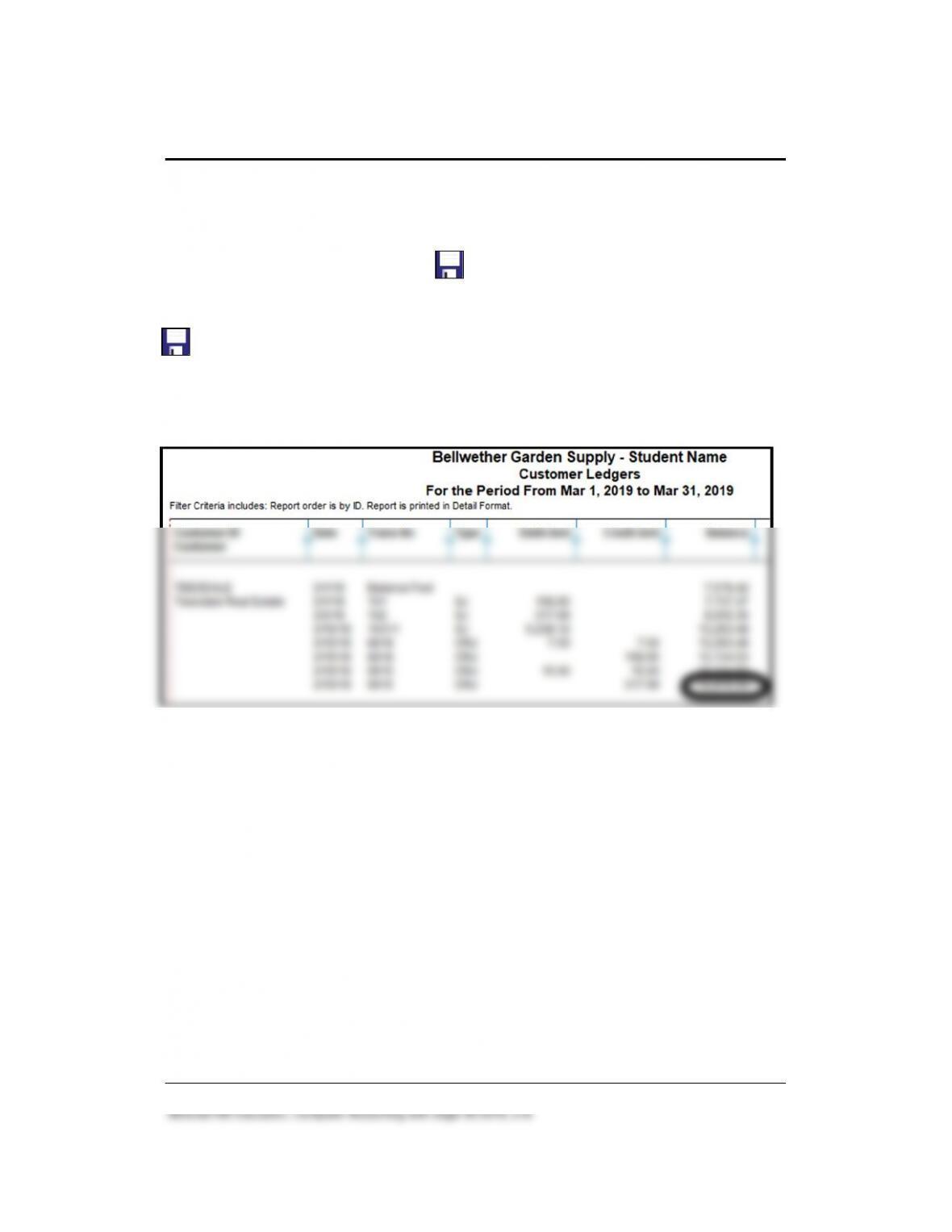
To make sure you are starting in the appropriate place in the data
(Exercise 3-2.ptb backup) check the account balance for Teesdale
Real Estate. (In the Customer Ledgers, Teesdale’s balance is
$12,816.54.)
➢ To verify data, students who are working on their own laptop or PC
may want to restore periodically.
➢ The form selected for printing checks is tied to the kind of printer
students use. Students may need to make a different selection
depending on their printer. The paychecks shown in the textbook on
pages 147 and 148 are OCR Multi-Purpose PR Laser; a different Form
to Print may be selected.
LECTURE OUTLINE FOR CHAPTER 4: EMPLOYEES
A. Learning Objectives, page 131
B. Getting Started, pages 134-135
70 – IMK Chapter 4
McGraw-Hill Education, Computer Accounting with Sage 50 2019, 21e
C. Default Information, pages 135-138
D. Employee Maintenance, pages 138-140
E. Payroll System, page 140
1. Transferring Cash to the Payroll Checking Account, pages 140-142
2. Payroll Entry for a Salaried Employee, pages 142-144
3. Payroll Entry for an Hourly Employee, pages 144-146
4. Printing Payroll Checks, pages 146-149
F. Journal Entry for Payroll, page 149
1. Interactive Multiple-Choice and True/False questions.
3. QA Templates: 10 short-answer questions and two analysis
questions.
5. Listen to narrated PowerPoint slides.
The OLC also includes links to the Appendixes:
• Appendix A: Troubleshooting (textbook and OLC)
• Appendix C: Review of Accounting Principles (OLC Student
Edition)
Employees 71 – IMK
K. Chapter 4 Index, page 152
SOLUTION TO EXERCISE 4-2 (3)
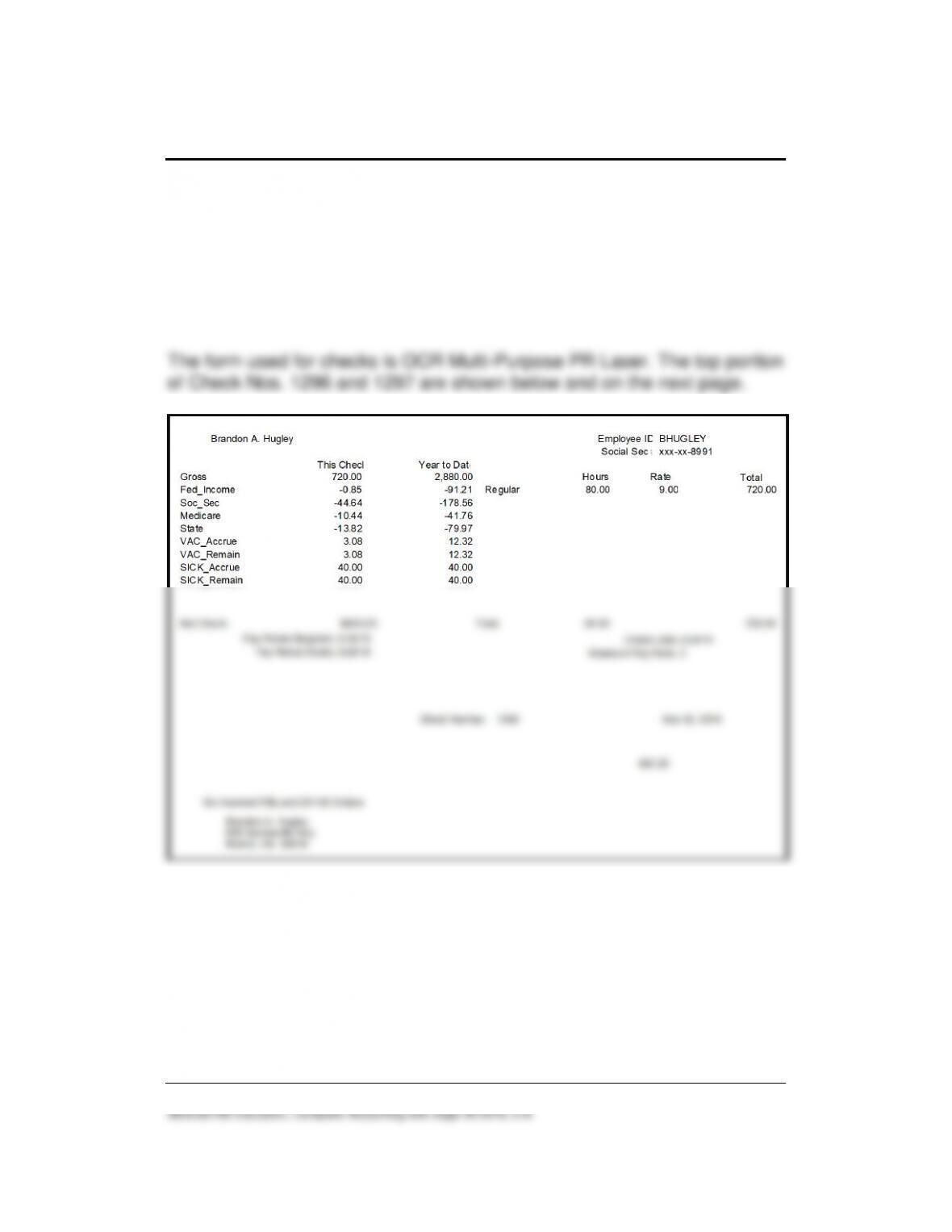
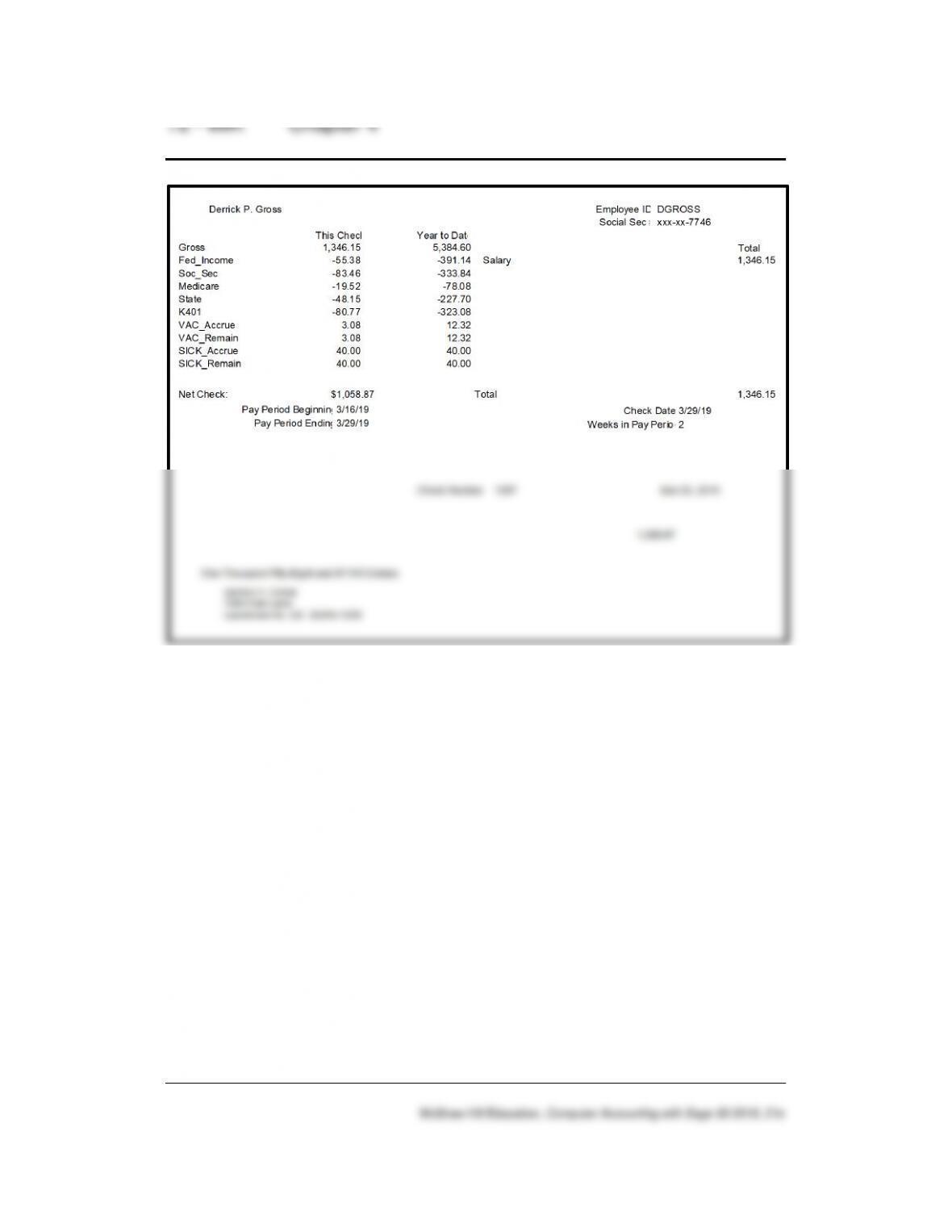
The form selected for printing paychecks is tied to the kind of printer being
used. Students may need to make a different selection depending on the
model of the printer. Your students’ checks will print on plain paper.
McGraw-Hill Education, Computer Accounting with Sage 50 2019, 21e
Employees 73 – IMK
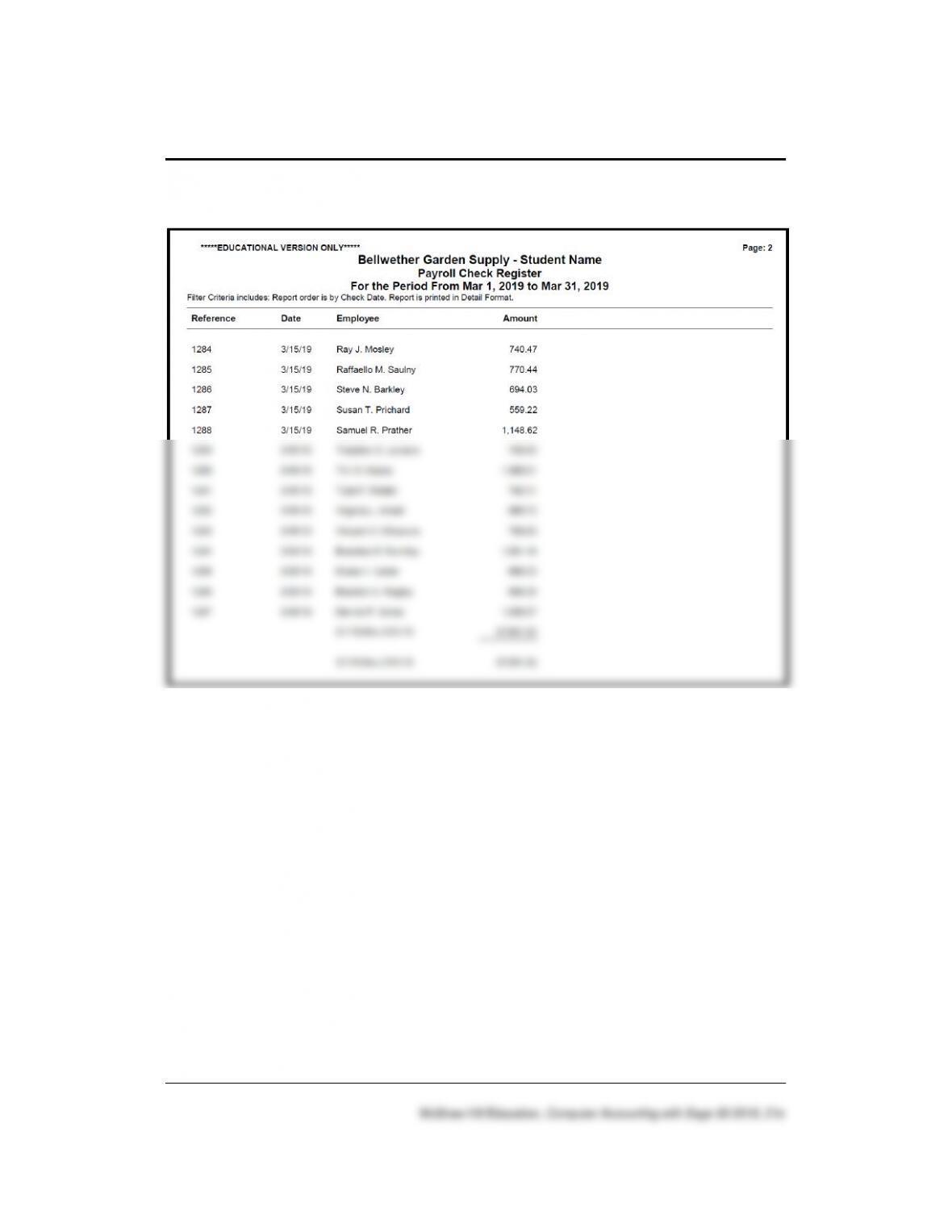
SOLUTION TO EXERCISE 4-2 (4)
74 – IMK Chapter 4
Solution to Exercise 4-2 (4) (Concluded)
Employees 75 – IMK
GOING TO THE NET
Access All Accounting Careers website. The website address is
http://allaccountingcareers.com/.
1. What is the career outlook for accounting professionals?
According to U.S. News & World Report, the professional service
industry, which includes accounting, recently added close to 57,000
2. What organizations should beginning accounting professionals join?
Beginning accounting professional should become part of these
national associations in order to maximize their career development:
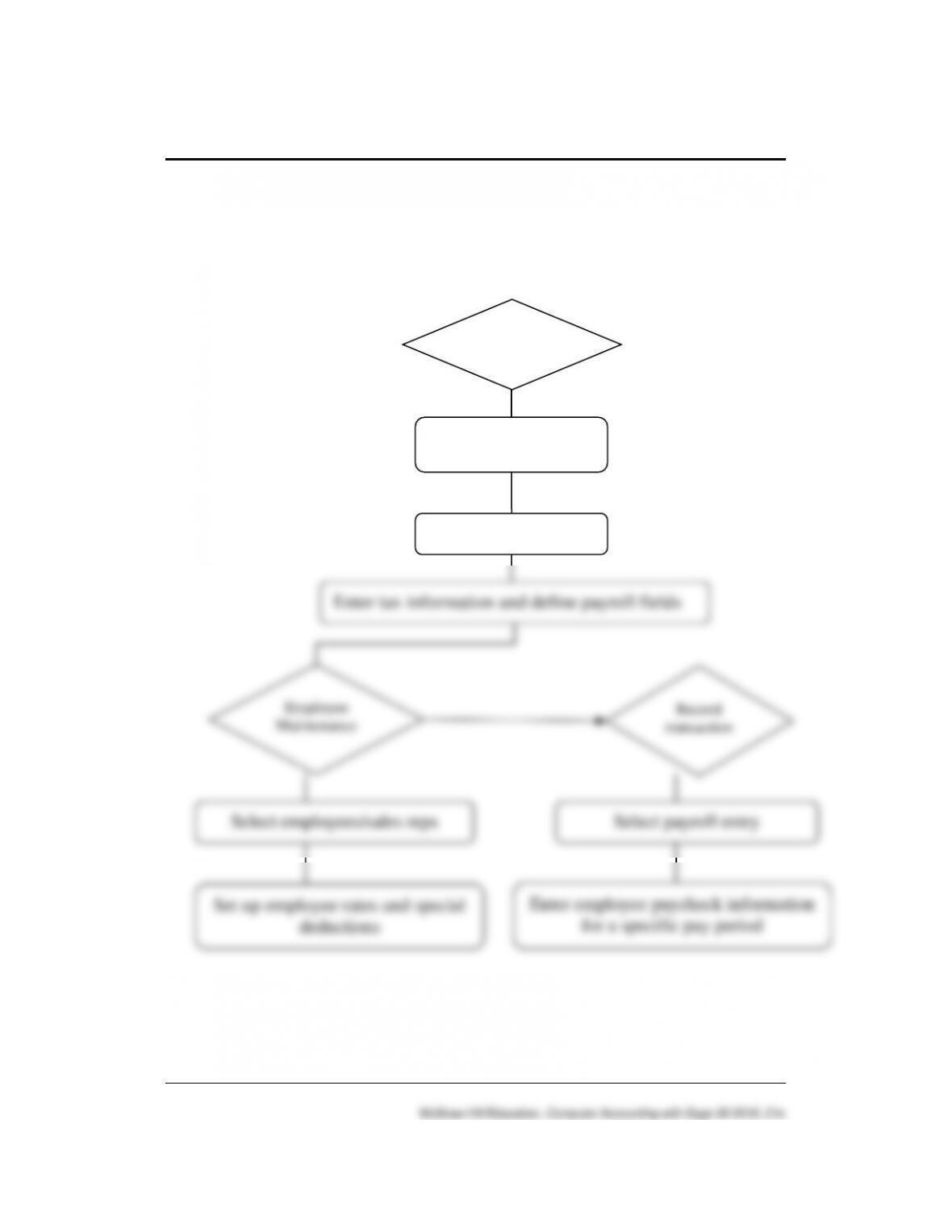
3. What are average Accountants and Auditors salaries? The website
address is http://allaccountingcareers.com/accounting-salary.
76 – IMK Chapter 4
ANSWERS TO SHORT-ANSWER QUESTIONS, QA TEMPLATES
(Answers may vary.)
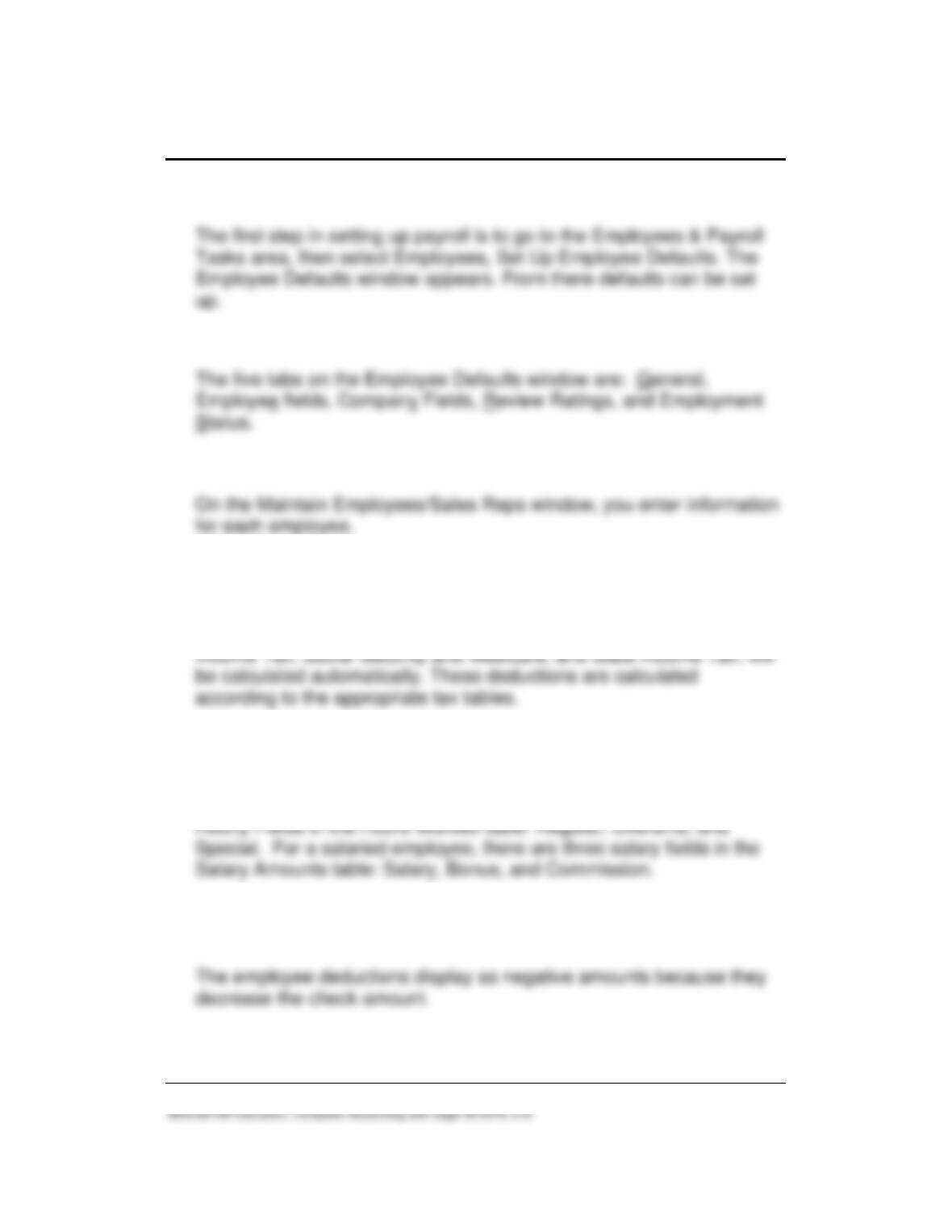
1. Draw the diagram that shows how payroll accounting is done.
Set up Employee
Defaults
Select employees
Enter tax information and define payroll fields
Employees
Employee
Maintenance
Record
transaction
Select employees/sales reps
Select payroll entry
Set up employee rates and special
deductions
Enter employee paycheck information
for a specific pay period
Employees 77 – IMK
2. When setting up payroll defaults, what is the first step?
3. Identify the five tabs on the Employee Defaults window.
4. What is the Maintain Employees/Sales Reps window used for?
5. What do the check marks in the Calc column of the employee defaults
indicate? Explain.
The check marks indicate that common deductions, such as Federal
6. What is the difference in the appearance of the Payroll Entry window
for an hourly employee and a salaried employee? Explain.
For an hourly employee, the Payroll Entry window shows a list of
7. Why do the employee deductions display as negative amounts on the
Payroll Entry window?
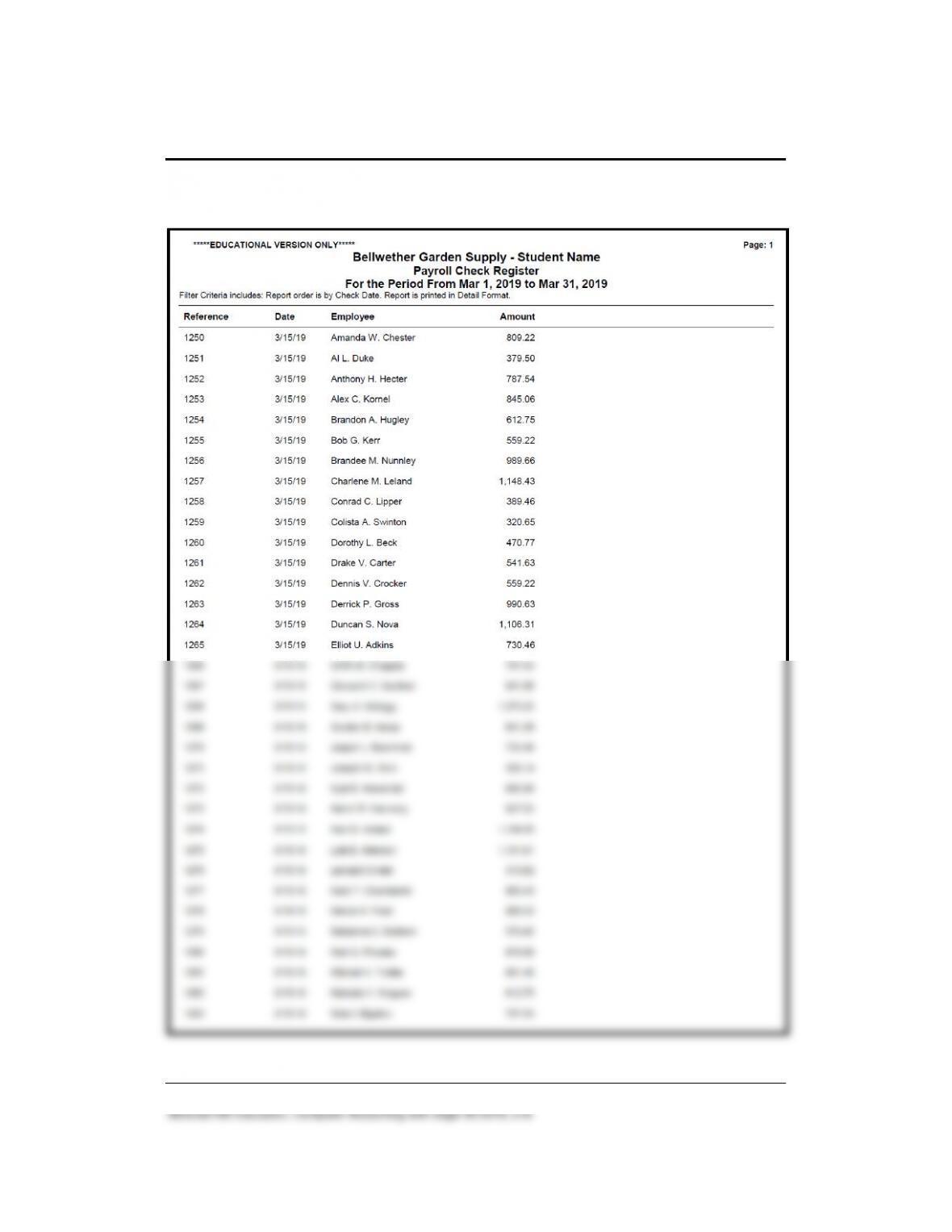
8. What are the gross pay amounts for Brandee M. Nunnley and for
Drake V. Carter? Include Mr. Carter’s overtime pay.
9. What is the net pay for Brandee M. Nunnley and for Drake V. Carter?
Include Mr. Carter’s overtime pay.
Drake V. Carter is 585.23.
10. What happens when payroll entries are posted?
When payroll checks are posted, the Cash Account that was entered in
the Payroll Default window is automatically credited for the net
ANALYSIS QUESTIONS:
1. What pay methods does Bellwether Garden Supply use to pay
employees? Briefly explain how you determine Bellwether’s pay
method.
The Pay Info tab on the Maintain Employees & Sales Reps window
shows that Bellwether’s employees are paid Hourly – Hours per Pay
Period and Salaried.
2. Are all employees paid the same way; for example, bi-weekly? Explain
how to determine the frequency with which an employee is paid.
Employees 79 – IMK
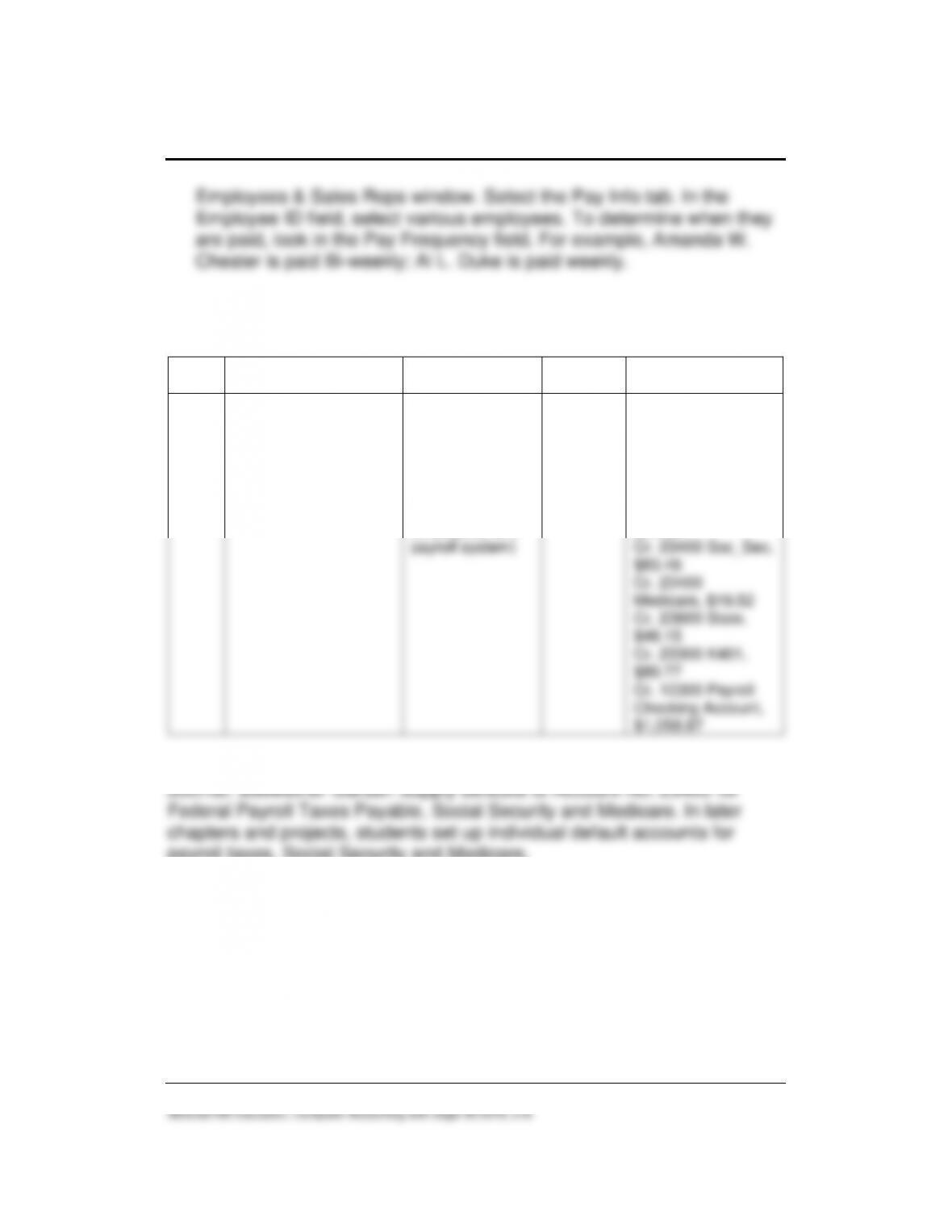
Employees & Sales Reps window. Select the Pay Info tab. In the
Employee ID field, select various employees. To determine when they
are paid, look in the Pay Frequency field. For example, Amanda W.
Chester is paid Bi-weekly; Al L. Duke is paid weekly.
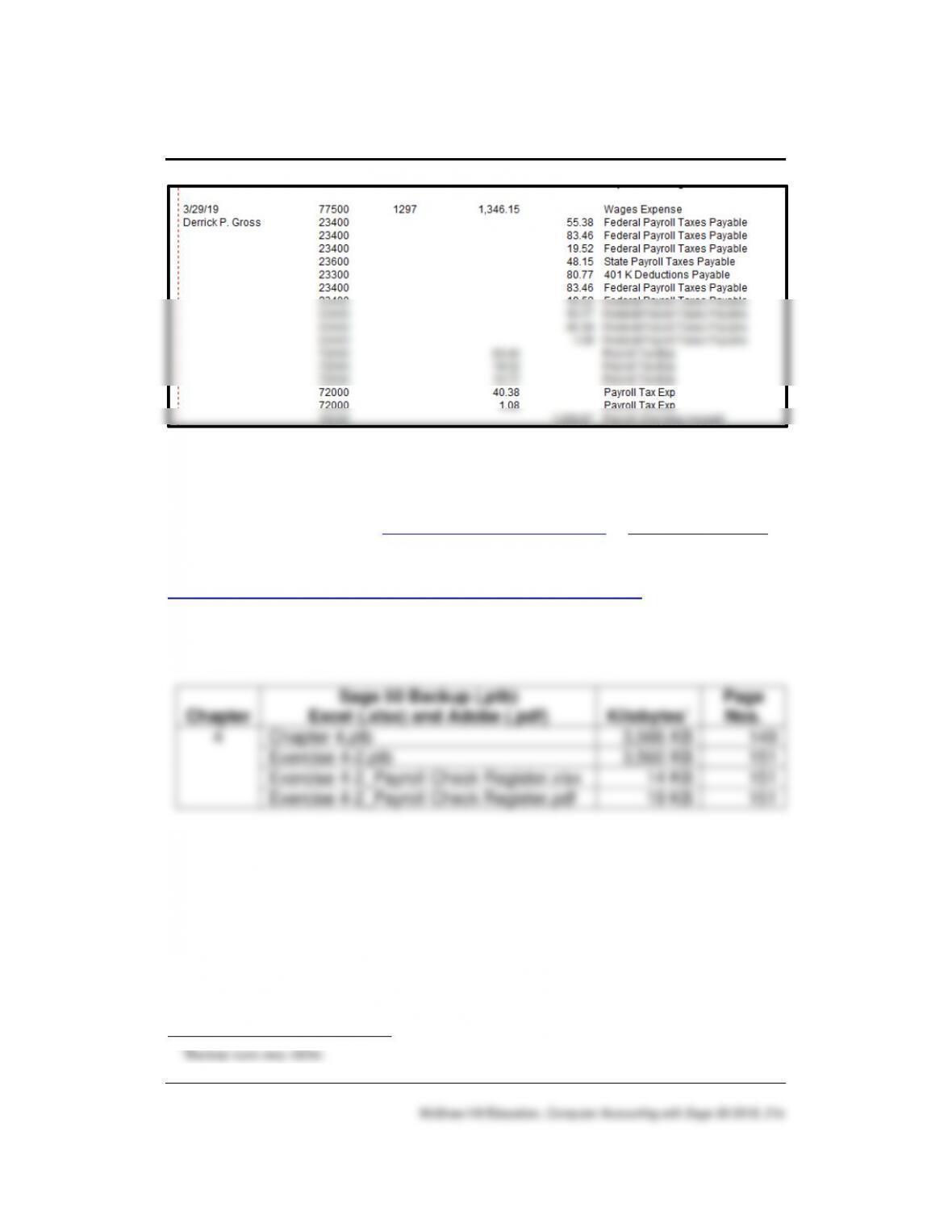
ANSWER TO ASSESSMENT RUBRIC (Paycheck, page 72 – IMK) is
used for account names or Payroll Journal Entry window)
Date
Transaction
Navigation
Center/Module
Task
Window
Journal
Dr./Cr.
3/29
Record paycheck
information for Derrick
P. Gross.
Employees &
Payroll > Pay
Employees >
Enter Payroll For
One Employee
Payroll (or
Employees and
payroll system)
Payroll
Entry
window
Payroll Journal*
Dr. 77500 Wages
Expense, $1,346.15
Cr. 23400
Fed_Income,
$55.38
Cr. 23400 Soc_Sec,
$83.46
Cr. 23400
Medicare, $19.52
Cr. 23600 State,
$48.15
Cr. 23300 K401,
$80.77
Cr. 10300 Payroll
Checking Account,
$1,058.87
*To answer this assessment rubric, students may be looking at the Payroll
payroll taxes, Social Security and Medicare.
80 – IMK Chapter 4
SOLUTION FILES
The solution files, in .ptb, .pdf, and .xlsx formats, are included on the
Online Learning Center > www.mhhe.com/yacht2019 > Instructor Edition
link. For access to the password-protected Instructor Edition website,
contact your McGraw-Hill sales representative at
https://shop.mheducation.com/store/paris/user/findltr.html.
The chart below shows the size of the Chapter 4 solution files (Sage 50
backups, Excel reports and Adobe PDF exercise files).
1