53 – IMK
CHAPTER 3
CUSTOMERS
Chapter 3 introduces the student to the basic way that Sage 50 works with
customer transactions. Students learn about quotes and sales orders, and
how the information entered into customer maintenance windows is used
when entries are posted. For example, in the Maintain Customer window,
a range of days is set within which a customer can receive a discount and
a discount percentage is set. This information will print on sales invoices.
The discount is automatically applied when the customers pay within the
allotted time. The students can see an overview of all outstanding invoices
via the Collection Manager in the Analysis menu.
LEARNING OBJECTIVES
1. Restore data from Exercise 2-2. This backup was made on textbook
page 89. (Read me box below is on textbook page 55, Do I need to
restore?)
The Read Me box below uses the Chapter 1.ptb and Exercise 1–
2.ptb backups as an example. This information can be applied to
Chapters 2 and 3, too. In Chapter 3, the disk icon , where
students check their place in the data, is on textbook page 92.
Read Me: Do students need to restore?
Students may be able to skip restore. Students should refer to the disk icon
at the beginning of Chapter 3 to make sure they are starting with the work
completed up to that point.
If students are working in the computer lab or classroom, restore the Exercise 2-
2.ptb file from a USB drive. Detailed steps are shown on textbook pages 27-32, Using
Sage 50’s Restore Wizard.
3. Enter a sales order and ship items from a sales order.
4. Enter customer terms and record a sales invoice.
5. Print a sales invoice, analyze customer payments and credit memos.

6. Post a customer payment for previously invoiced amounts.
7. Add a Customer Terms column to the Customer Ledgers report.
8. Make two backups, save one Excel file, and save one PDF file.
1
SAGE 50 TIPS, CHAPTER 3
➢ If students are working on their own individual computers or laptops,
they may not need to restore each time it is shown in the textbooks. As
students work through the chapter work and exercises, Sage 50
accumulates the data on their computer.
➢ If students are working in a computer lab or classroom, the author
suggests that students restore data from their backup. Backups can be
made to a USB flash drive.
➢ If the Sales/Invoicing window or Receive Money window does not
show the GL account field, see textbook page 19, step 1c, for setting
global options.
➢ Students need to enter the sale to a customer, post, then print Invoice
No. 101 (see textbook pages 105-116) before they can receive money
from customer (textbook pages 116-119).
LECTURE OUTLINE FOR CHAPTER 3: CUSTOMER TRANSACTIONS
A. Learning Objectives, page 91
B. Getting Started, page 92
C. Accounts Receivable System, pages 93-96
1. Entering a Quote, pages 96-98
2. Converting a Quote to a Sales Order, pages 98–99
3. Printing (or Displaying) a Sales Order, pages 99–101
1. Entering a Discount for a Customer, pages 104-105
2. Entering a Sale to a Customer, pages 105-109

McGraw-Hill Education, Computer Accounting with Sage 50 2019, 21e
3. Distributing Against a Specific Account, pages 109-110
4. Discount Information, pages 111-112
E. Posting the Invoice, page 112
F. Printing (or Displaying) Invoices, pages 112-116
G. Receive Money from Customer, pages 116-119
H. Analyzing Customer Payments, pages 119–121
I. Financial Manager, pages 122-123
J. Displaying the Customer Ledgers, pages 123-124
K. Credit Memos, pages 124-126
L. Backing Up Chapter 3 Data, page 126
M. Online Learning Center, page 126
Complete the following end–of-chapter activities online at
www.mhhe.com/yacht2019 > select the Student Edition > Chapter 3.
1. Interactive Multiple-Choice and True/False questions.
3. QA Templates: 10 short-answer questions and one analysis
question.
5. Listen to narrated PowerPoint slides.
➢ Information Center > Sage Advisor Videos
The OLC also includes links to the Appendixes:
• Appendix A: Troubleshooting (Information Center)
• Appendix C: Review of Accounting Principles (Student Edition)
56 – IMK Chapter 3
N. Exercise 3-1, page 127
O. Exercise 3-2, pages 127-129
P. Chapter index, page 130
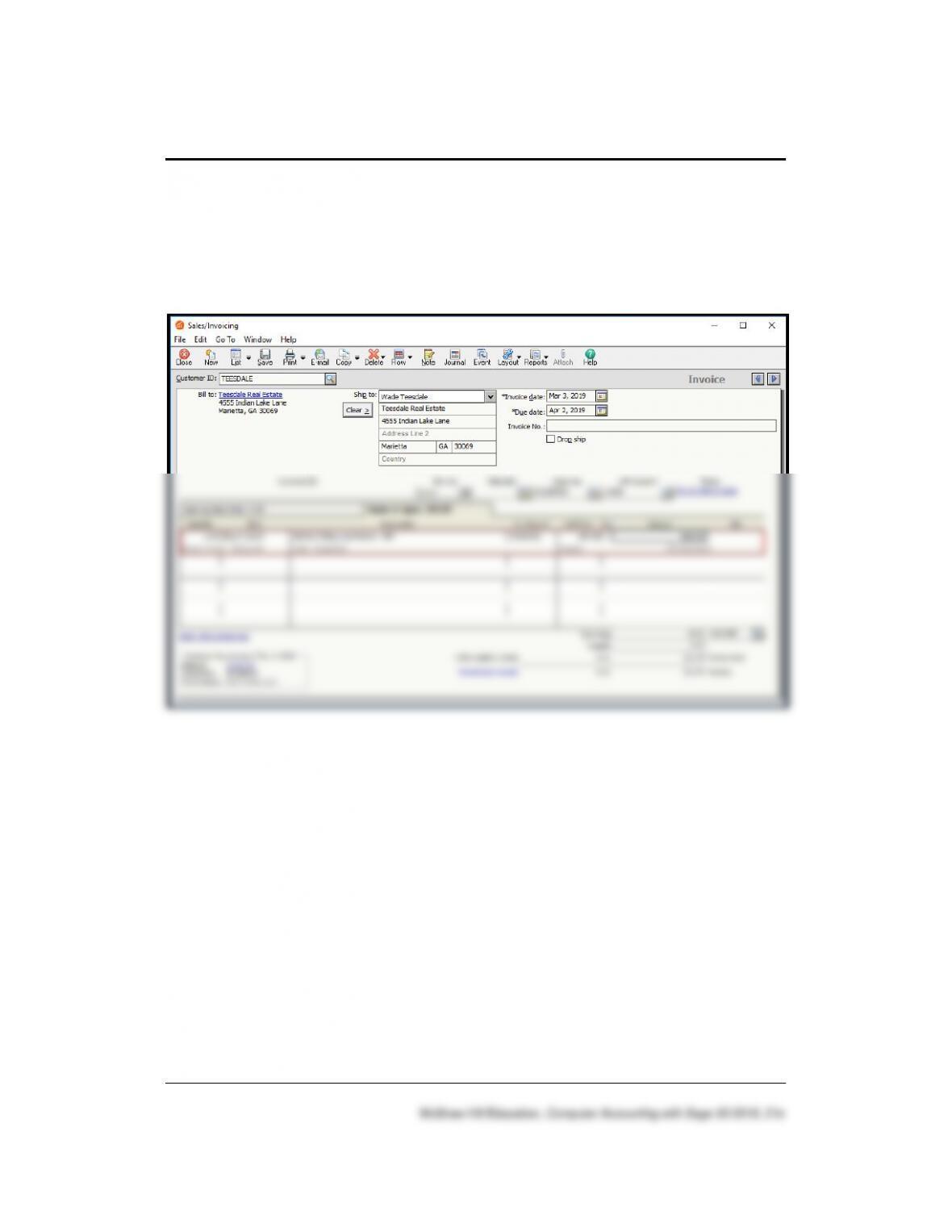
SOLUTION TO EXERCISE 3-1 (3)
Customers 57 – IMK
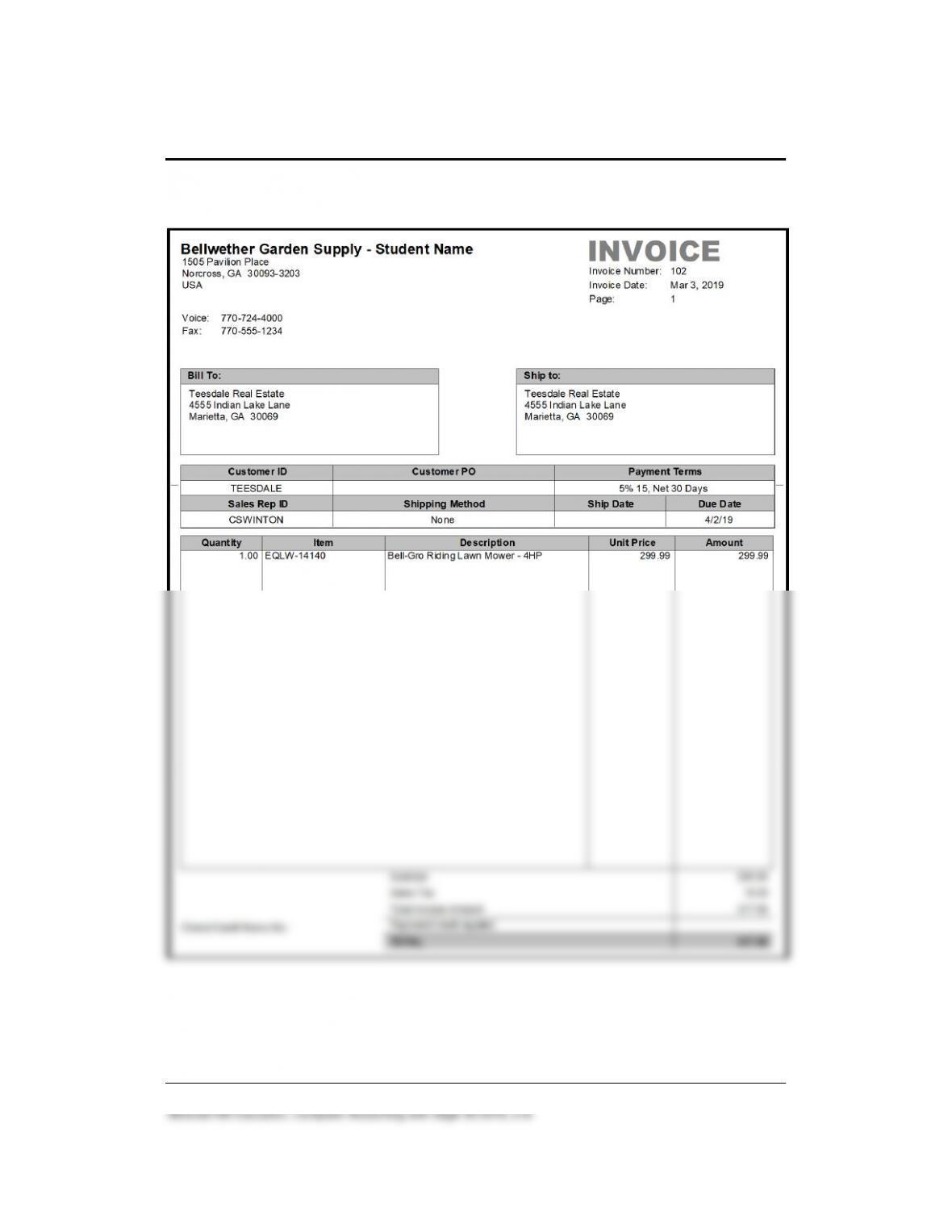
SOLUTION TO EXERCISE 3-1 (4)
58 – IMK Chapter 3
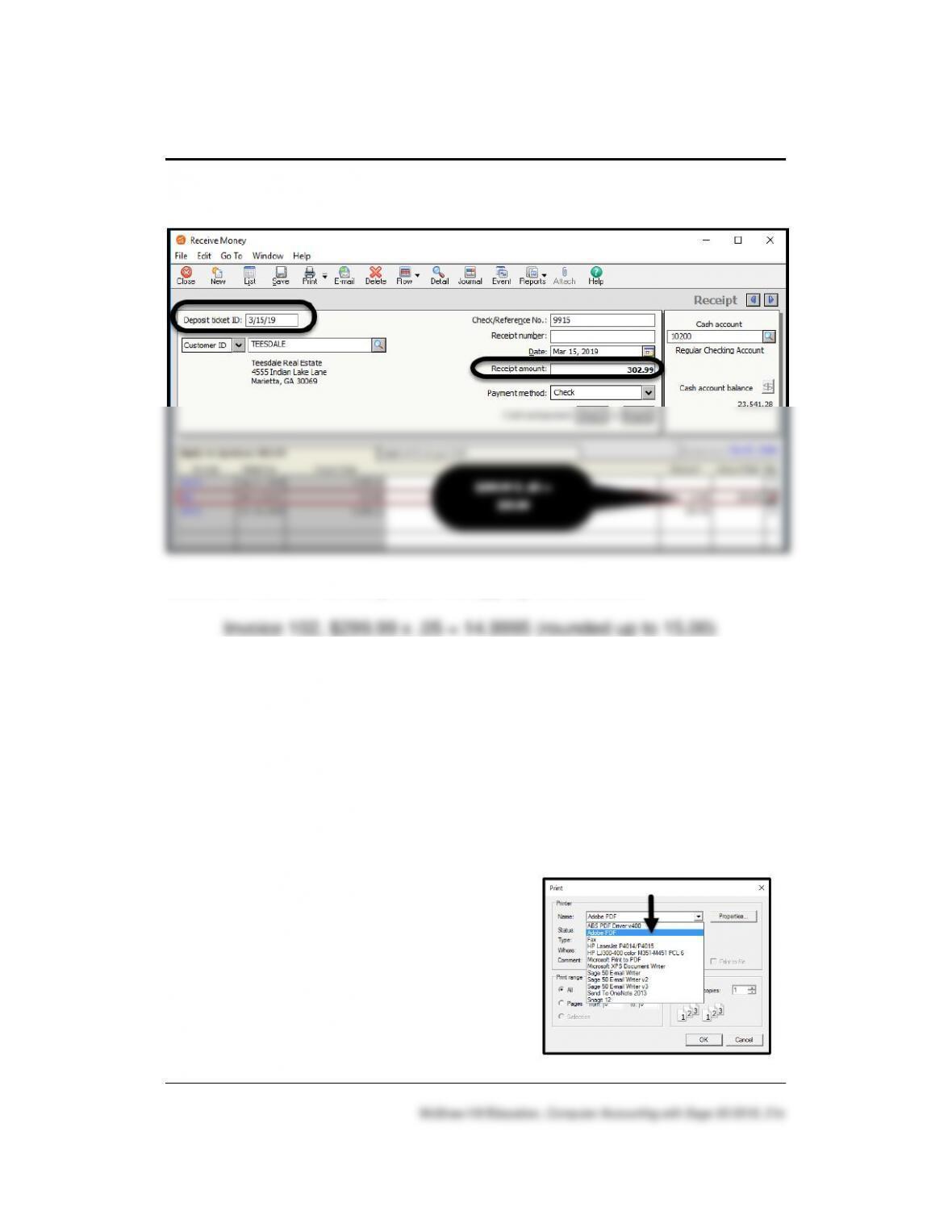
SOLUTION TO EXERCISE 3-2 (1)
Students need to manually enter the appropriate discount:
On the Receive Money window, the Discount field shows 15.00; the
Receipt amount, $302.99.
Note to Professor: Saving PDFs
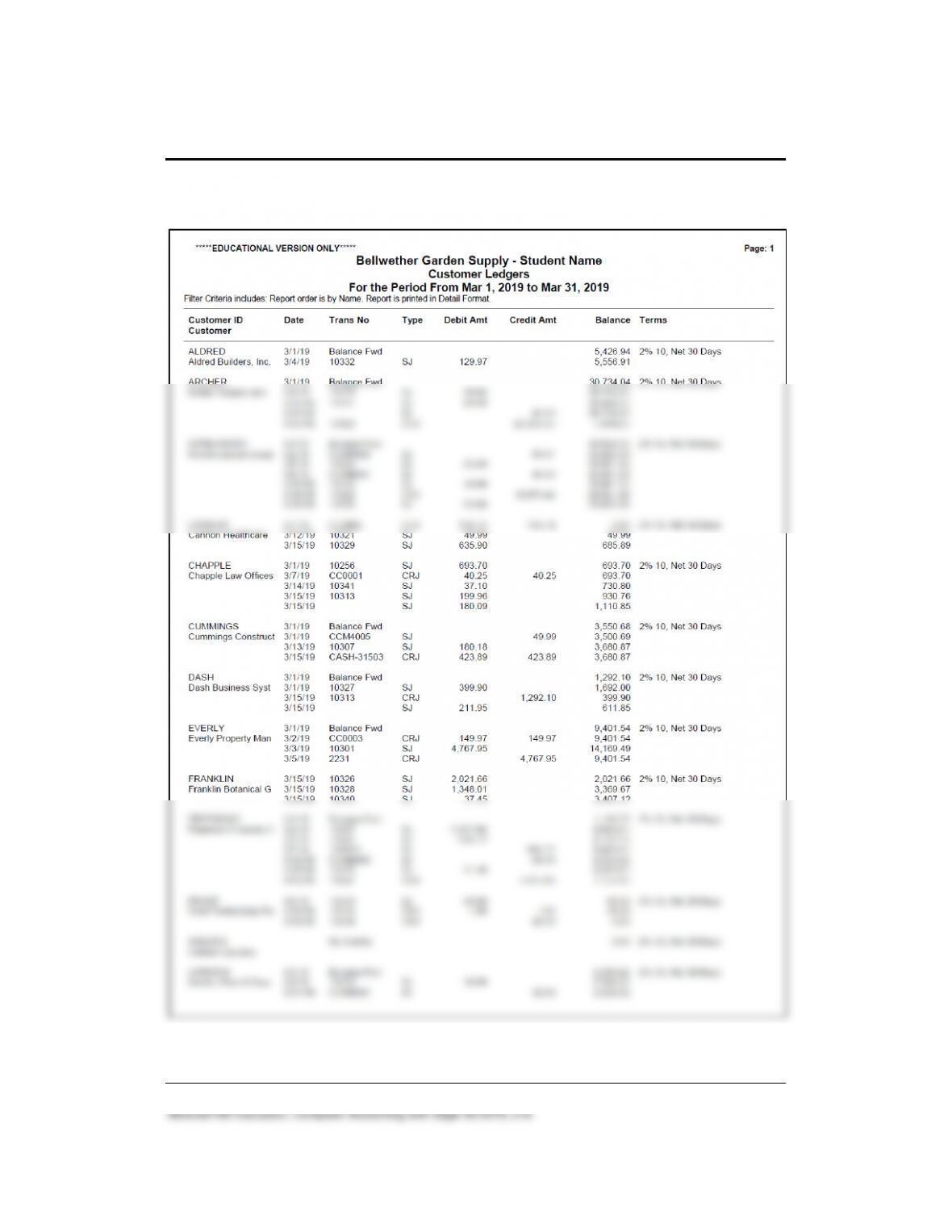
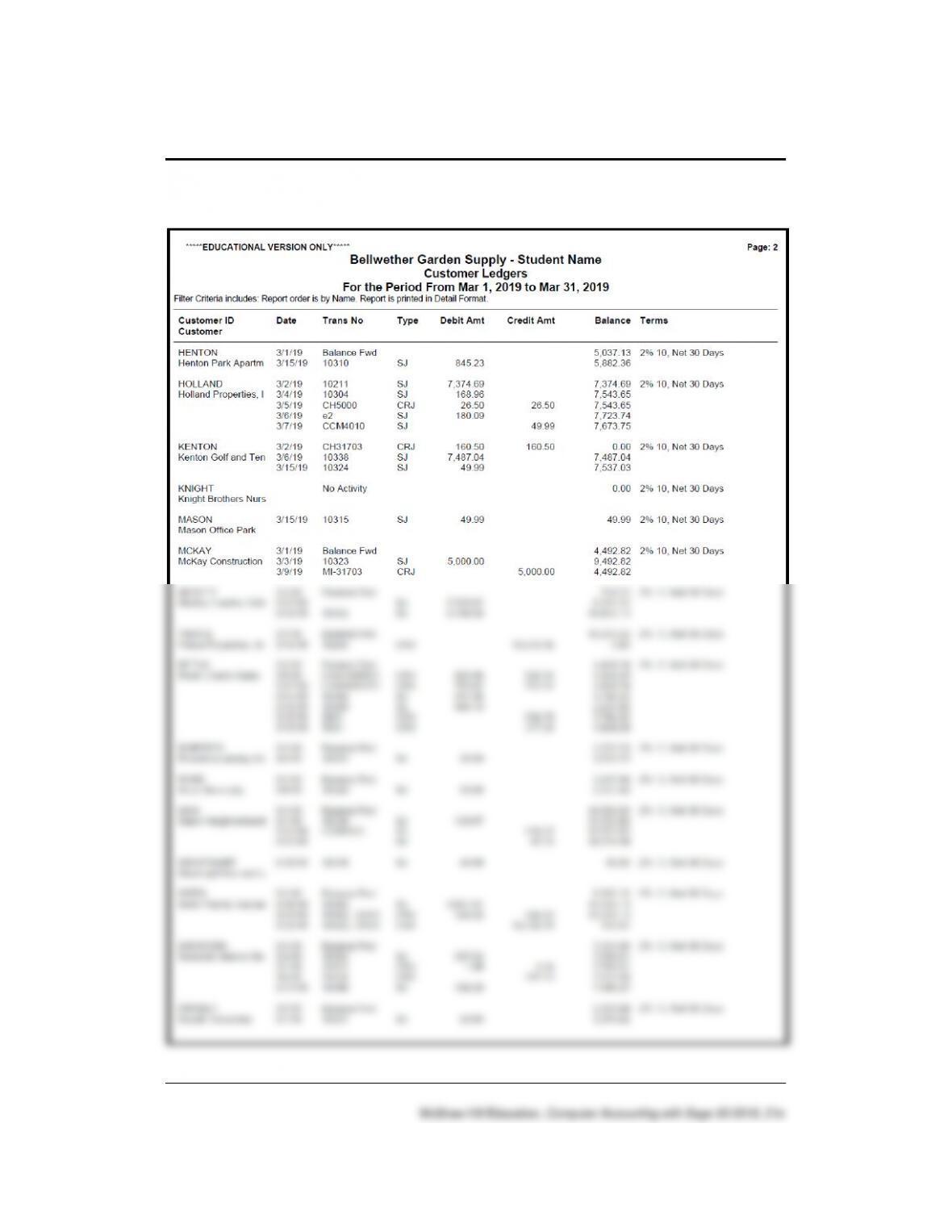
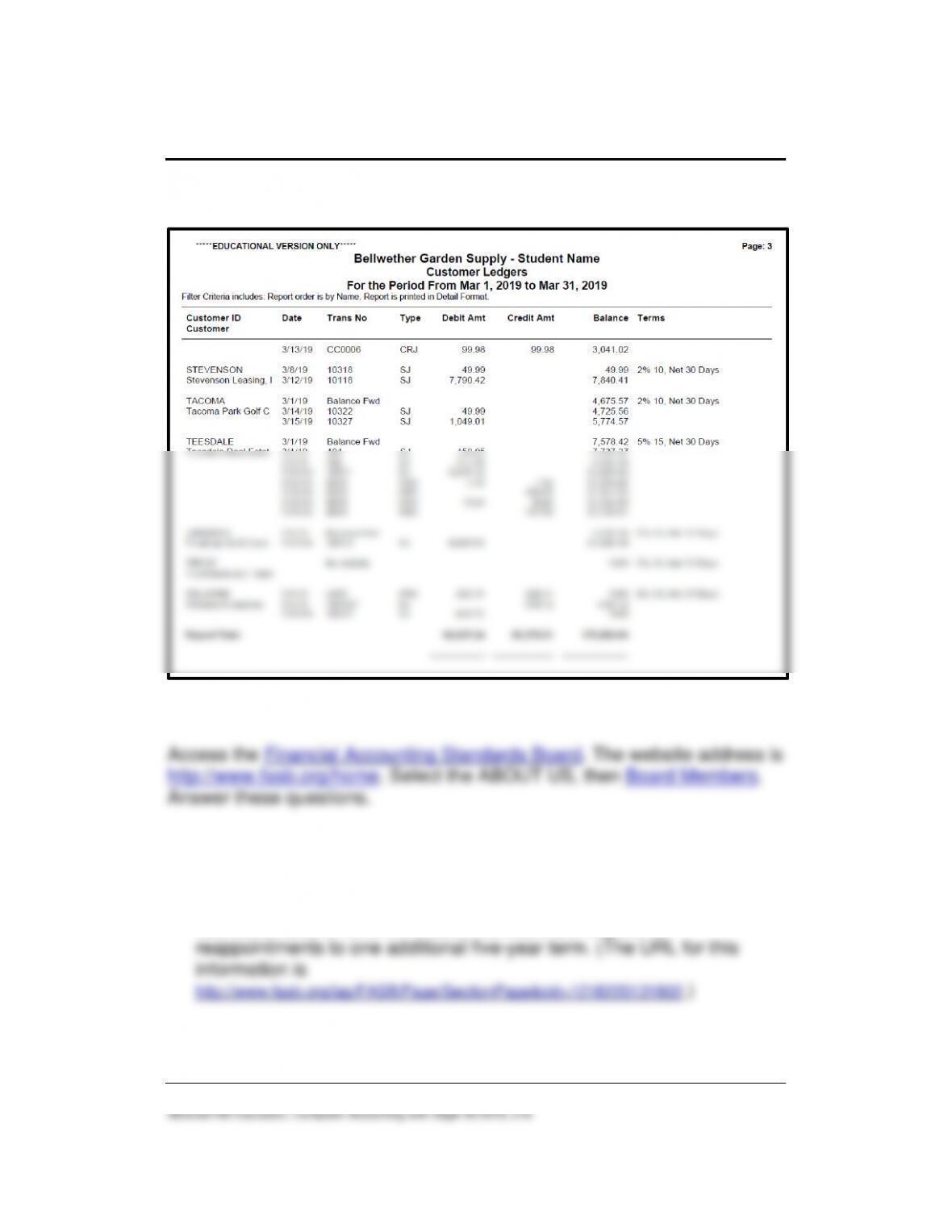
The Customer Ledgers on the next 3 pages are screen illustrations of the
saved PDF file. For saving PDF files, refer to textbook pages 44-45.
Another way to export the file to a PDF file is to display the report as an
Excel workbook. From Excel’s File menu > select Save as Adobe PDF.
Adobe PDF can also be selected from the
Print dialog box.
Customers 59 – IMK
SOLUTION TO EXERCISE 3-2 (3)
60 – IMK Chapter 3
SOLUTION TO EXERCISE 3-2 (3) (Continued)
Customers 61 – IMK
SOLUTION TO EXERCISE 3-2 (3) (Concluded)
ANSWERS TO GOING TO THE NET
1. How many board members serve on the Financial Accounting
Standards Board? Do they service part time or full time?
There are seven members who serve on the Financial Accounting
Standards Board full time. Board members are eligible for
2. What are the qualifications for the board members?
Board members are required to sever all connections with the firms or
institutions they worked for prior to joining the Board. They must
ANSWERS TO SHORT-ANSWER QUESTIONS, QA TEMPLATES
(Answers may vary.)
1. What icon(s) can be used to display lookup lists?
2. Describe three ways to open a lookup list.
3. If you want to look at a customer’s account, what window do you
open? Describe the selections.
Look at the Maintain Customers/Prospects window to view
information about a customer. From the Navigation Bar, select the
Customers & Sales button > Customers > View and Edit Customers.
appears.)
4. What is the customer identification for Teesdale Real Estate?
5. What is the sales discount for Teesdale Real Estate?
6. What is the default discount for customers?
7. Describe what happens when you use the Accounts Receivable
subsidiary ledger.
8. When you want to print an invoice, what are the steps?
From the menu bar, select Reports & Forms > Forms, Invoices and
Packing Slips. Make sure Invoices and Packing Slips is selected in the
Form Types list. In the Forms list, select the type of invoice you want to
9. How do you post a sales order to the controlling account in the general
ledger and the customer subsidiary ledger?
10. If you receive payment from a customer, what window do you use?
When customer payments are received, the Receive Money window is
used.
ANALYSIS QUESTION:
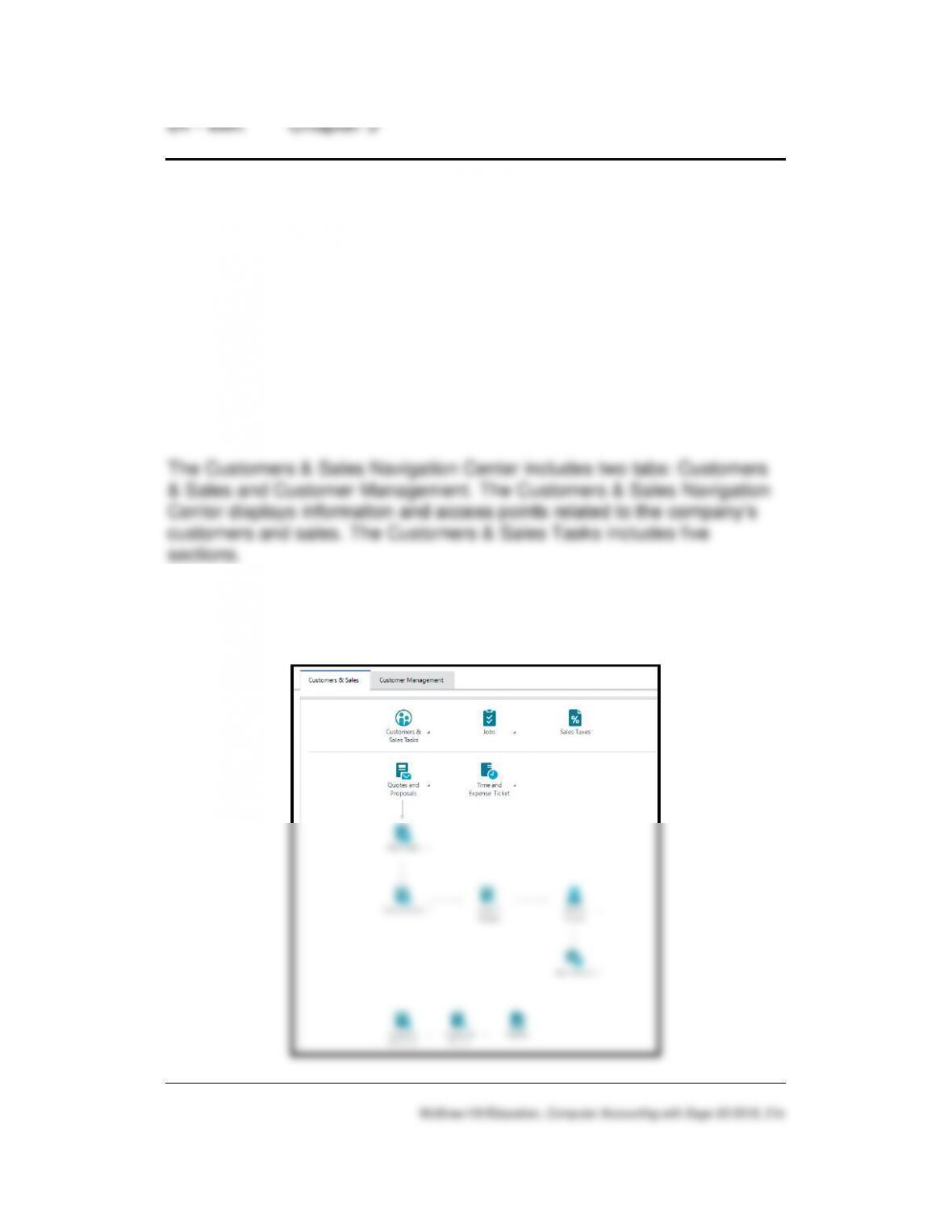
With the Customers & Sales Navigation Center serving as the starting
point to perform tasks related to Accounts Receivable, list five Customers
& Sales tasks.
ANSWER:
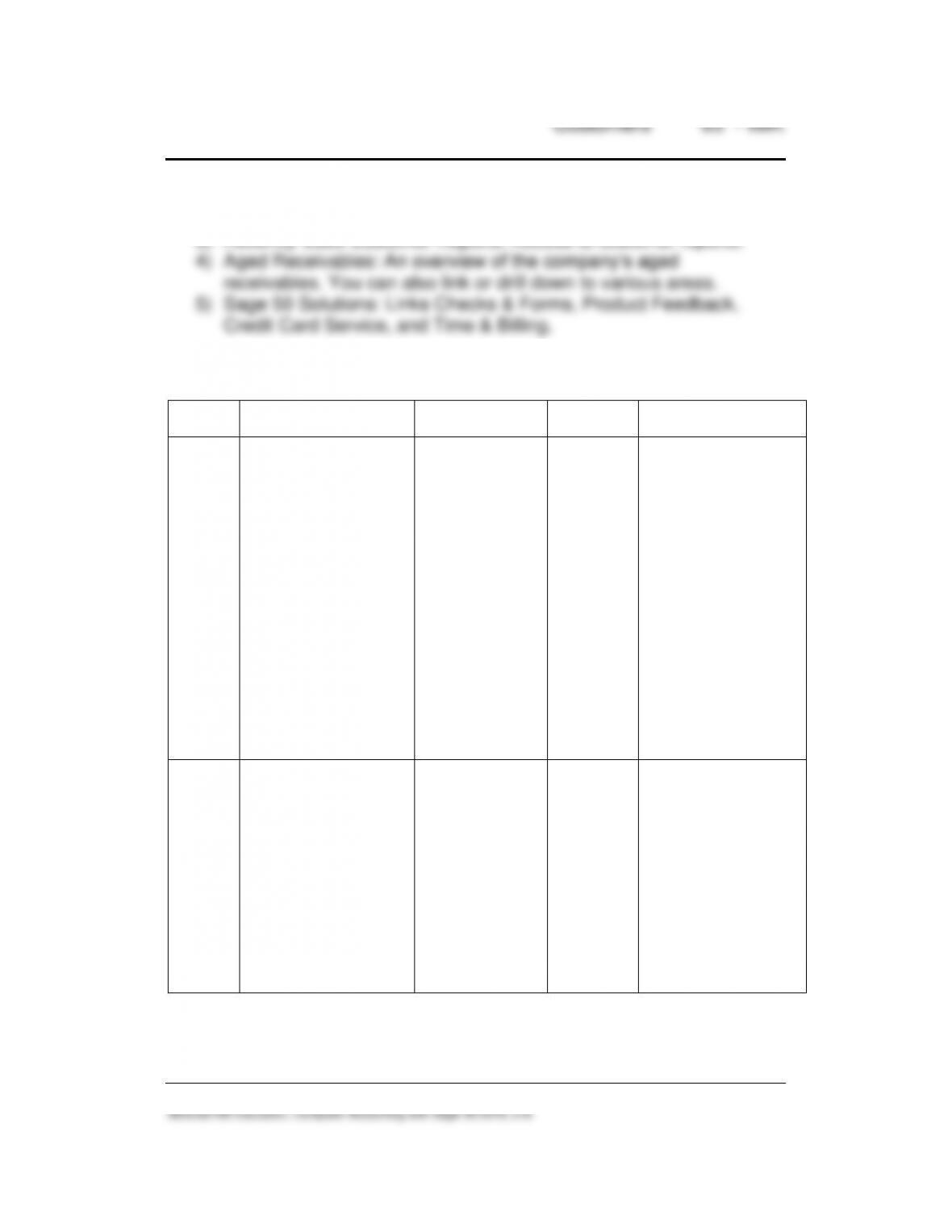
1) Customers & Sales Tasks provides a graphic representation of the
flow of customer-related tasks, as well as access to those tasks.
The workflow diagram also provides access to windows where you
enter/maintain customer, job, and sales tax information.
2) Customers: A summary of customer information; for example, link
to View Detailed List.
3) Recently Used Customer Reports: Access to customer reports.
ASSESSMENT RUBRIC
Date
Transaction
Navigation
Center/Module
Task
Window
Journal
Dr./Cr.
3/3/19
Bellwether Garden
Supply sold one
Rotary Mower –
EQLW-14140 to
Teesdale Real Estate,
Invoice 102, $299.99;
plus $18 sales tax.
Customers &
Sales > Sales
Invoices > New
Sales Invoice
Accounts
Receivable
Sales/
Invoicing
Sales Journal
Dr. 50000-EQ
Product Cost-
Equipment, $139.95
Dr. 11000 Accounts
Receivable/Teesdale
Real Estate, $317.99
Cr. 23100, Sales Tax
Payable 18.00
Cr. 40000-EQ Sales-
Equipment, $299.99
Cr. 12000, Inventory,
$139.95
3/15/19
Received Check No.
9915 in the amount of
$302.99 from
Teesdale Real Estate.
Customers &
Sales > Receive
Money >
Receive Money
from Customer
Accounts
Receivable
Receive
Money
Cash Receipts
Journal
Dr. 49000 Discounts
Taken, $15.00
Dr. 10200 Regular
Checking Account,
$302.99
Cr. 11000 Accounts
Receivable, $317.99
66 – IMK Chapter 3
SOLUTION FILES
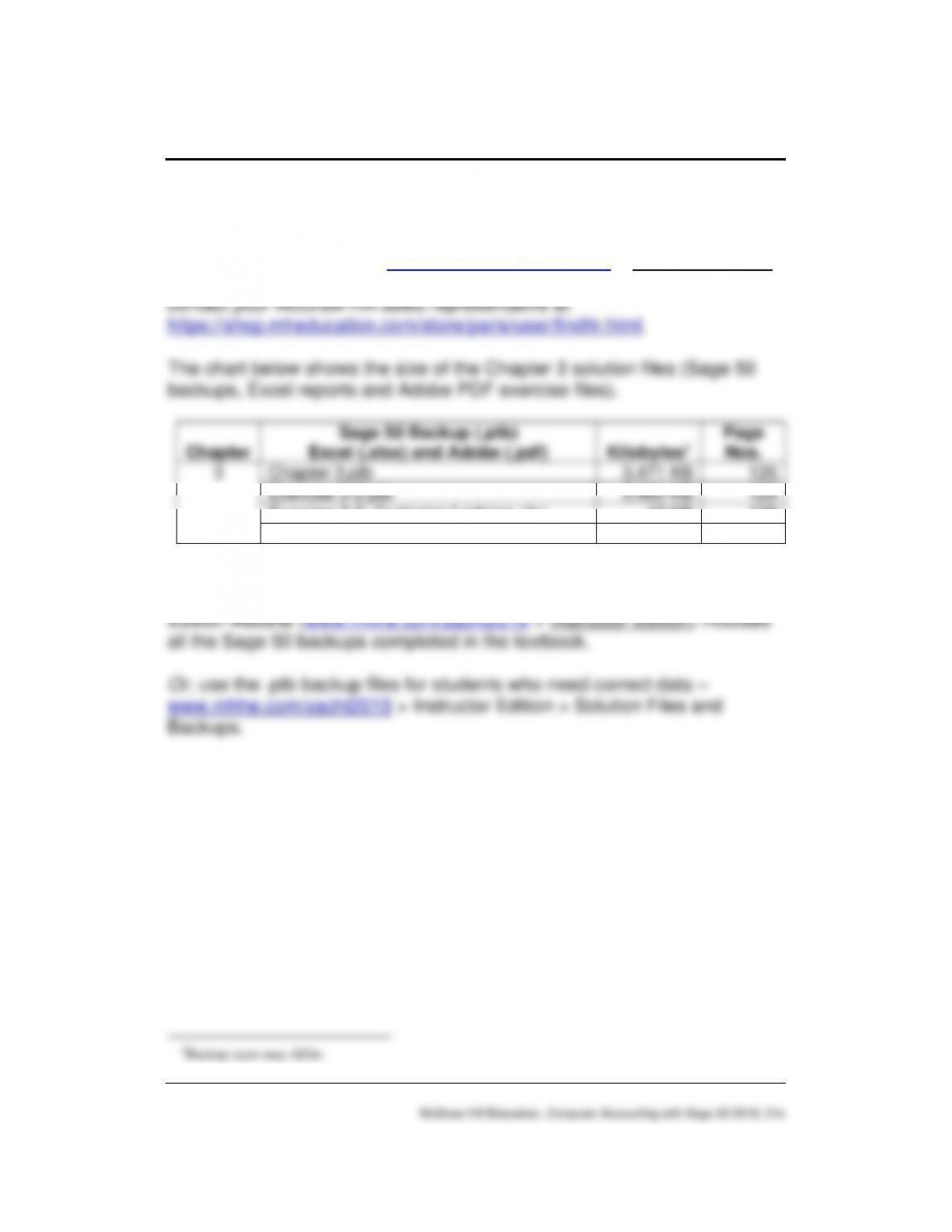
The solution files, in .ptb, .pdf, and .xlsx formats, are included on the
Online Learning Center at www.mhhe.com/yacht2019 > Instructor Edition
link. For access to the password-protected Instruction Edition website,