361 – IMK
CHAPTER 16
CUSTOMIZING FORMS
The rules are different for printing and designing each type of document.
Chapter 16 explains the rules for printing and designing forms.
In this book your students have used many different types of forms:
invoices, statements, checks, etc. This chapter shows the students how to
create their own forms or customize standard formats. A mouse must be
used with the Form Designer.
LEARNING OBJECTIVES
1. Define Sage 50 forms.
3. Print a practice form.
5. Use the Financial Statement Wizard.
6. Make one backup and save one PDF file.
SAGE 50 TIPS, CHAPTER 16
➢ Students use the sample company, Bellwether Garden Supply, to
27-31.

362 – IMK Chapter 16
➢ The Save As window on textbook page 627 shows the Filename
location for the practice form −
C:\Sage\Peachtree\Company\Forms\INV00000.FRM.
LECTURE OUTLINE FOR CHAPTER 16
A. Learning Objectives, page 619
B. Printing Forms, page 619
C. What is a Form?, pages 620-621
D. Getting Started, pages 621-622
E. Customizing a Form, pages 623–627
F. Printing Customized Forms, pages 627-630
G. Editing a Form Design, page 630
H. Design Tools, page 630
1. Object toolbar, pages 630-631
2. Formatting Toolbar, page 631
I. Financial Statement Design Tools, pages 632-634
J. Financial Statement Wizard, pages 635-639
K. Online Learning Center, page 639
Complete end-of-chapter activities at www.mhhe.com/yacht2019 >
Student Edition > then Chapter 16
1. Quizzes: Multiple Choice and True False questions. Interactive
online tests that are graded and can be emailed to your instructor.
2. More Resources:
a. QA Templates: Answer 10 multiple-choice questions and two
Analysis Questions.

Customizing Forms 363 – IMK
b. Narrated PowerPoints: Listen to the narrated PowerPoints.
c. Going to the Net: On the Sage press room website, select articles
to read.
d. Assessment Rubric: Complete the rubric to review Sage 50’s
journals, navigation centers, modules, task windows, and reports.
The OLC also includes links to the Appendixes:
• Information Center: Troubleshooting Tips is Appendix A in textbook.
• Student Edition: Appendix C, Review of Accounting Principles
• Student Edition: Appendix D, Glossary (words that are boldfaced
and italicized in chapter)
L. Exercise 16-1, page 640
M. Exercise 16-2, page 641
N. Chapter 16 index, page 642
364 – IMK Chapter 16
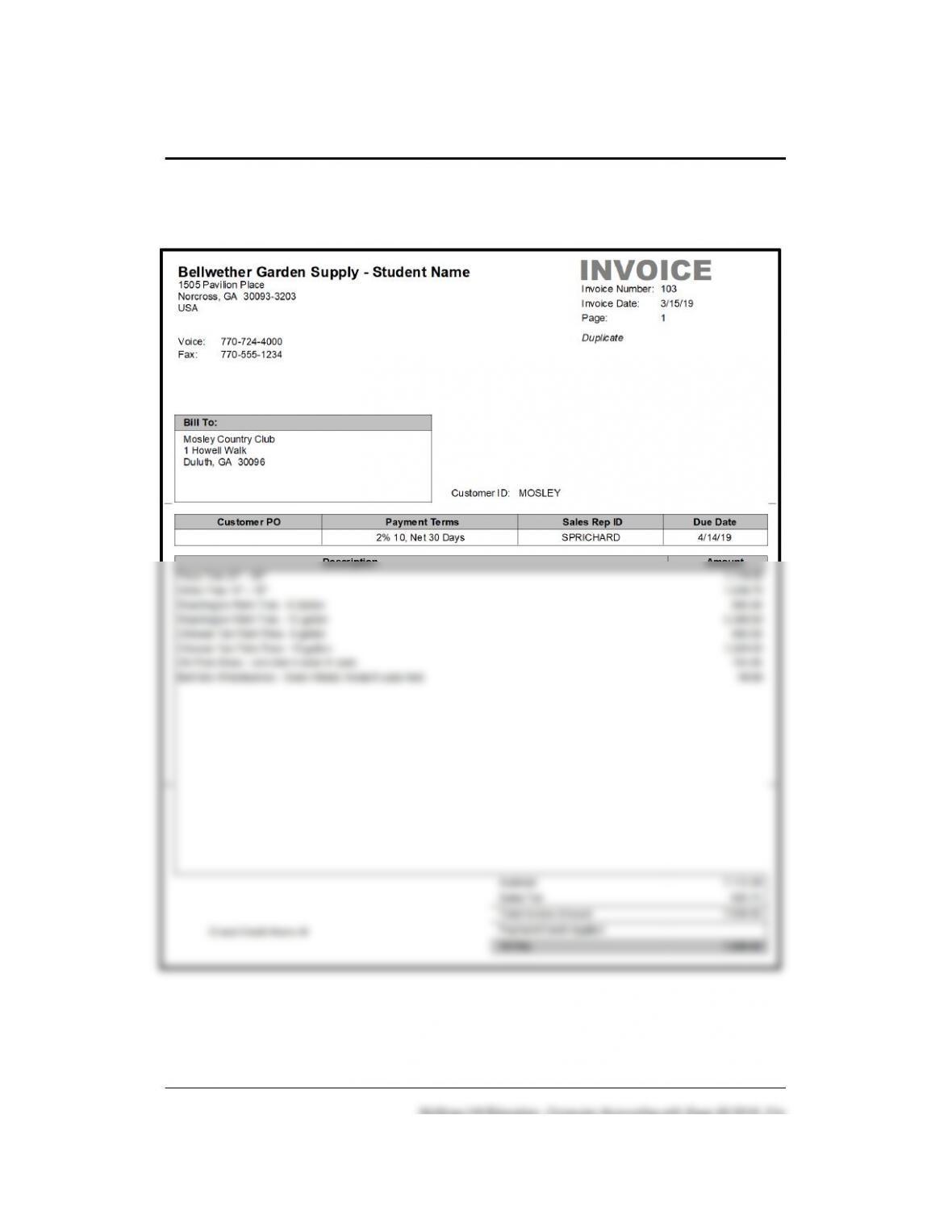
SOLUTION TO EXERCISE 16-1 (8): Invoice No. 103 prints as Service
Invoice for Mosley Country Club
Since Invoice Number 103 was also printed on textbook page 629,
Duplicate, is shown when students print it again as a Service Invoice.
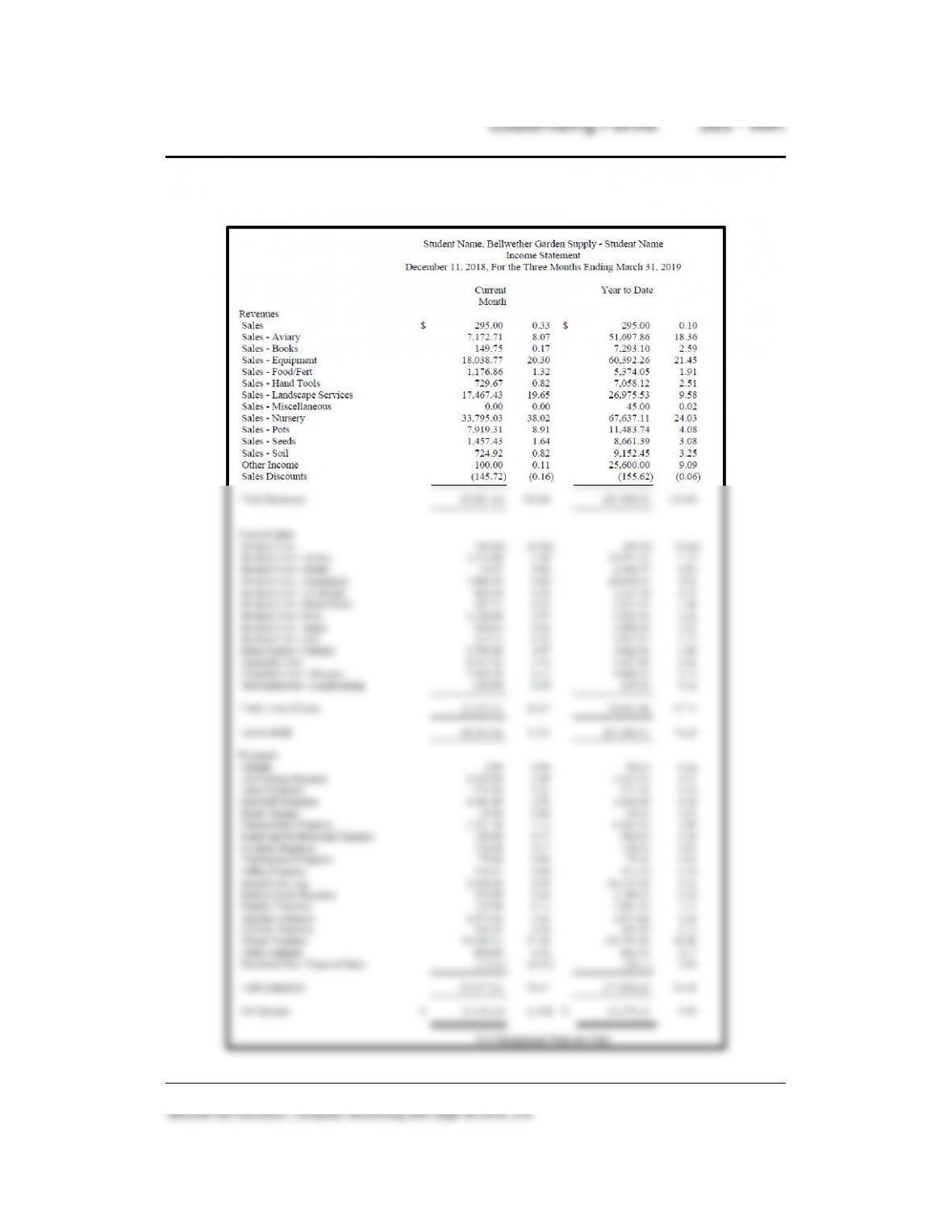
Exercise 16-2 (2): Copy of Income Statement
366 – IMK Chapter 16
McGraw-Hill Education, Computer Accounting with Sage 50 2019, 21e
ANSWERS TO GOING TO THE NET, CHAPTER 16
Access the Sage press room. The website is https://www.sage.com/en-
us/news/.
ANSWERS TO MULTIPLE CHOICE QUESTIONS, QA Templates
In the space provided, type the letter that best answers each question.
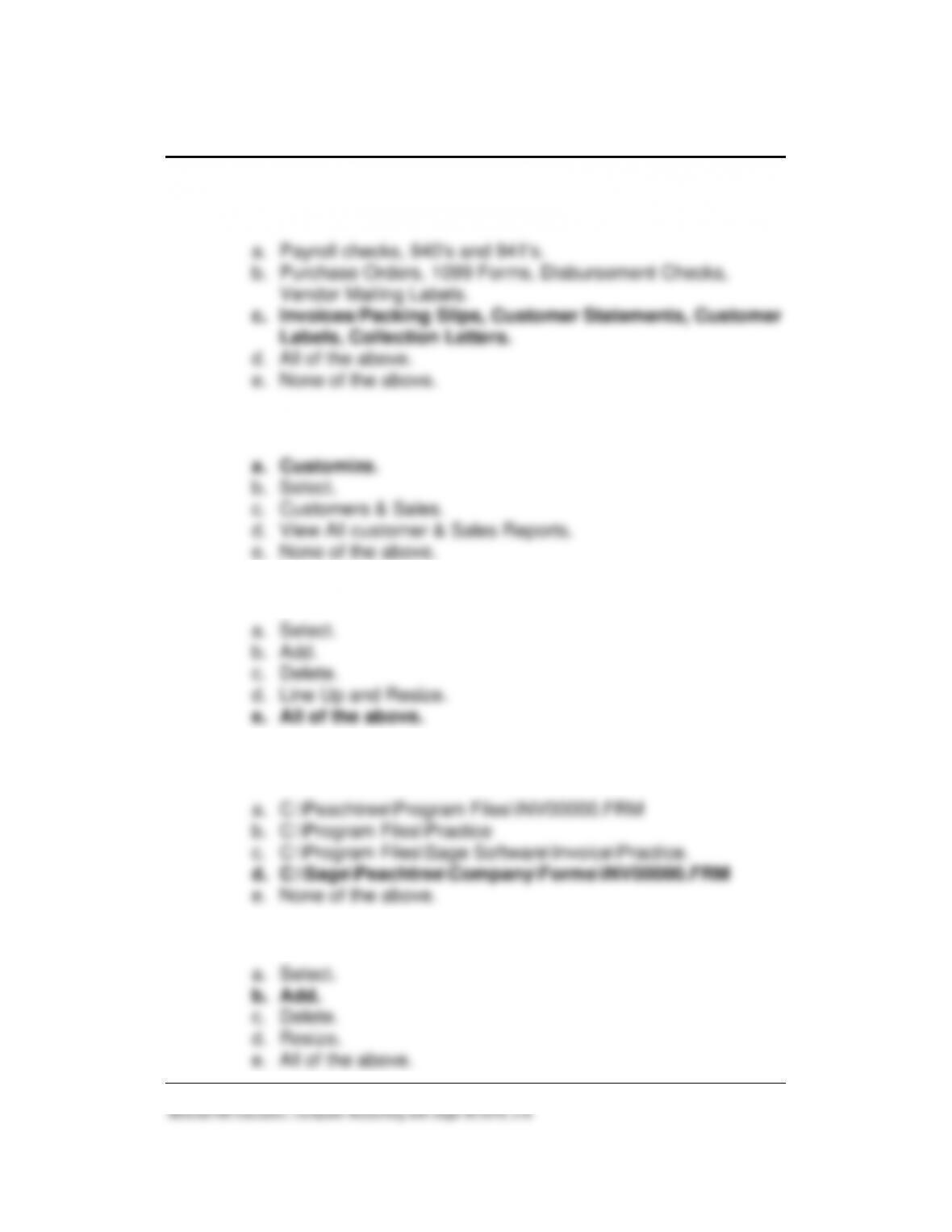
_____1. The definition of a form in Sage 50 is:
_____2. The three types of documents accessed from the Reports &
Forms menu are:
_____3. The Accounts Payable forms that can be printed or edited are:
a. Payroll Checks, W2s, 940’s and 941’s, State Quarterly Tax
Customizing Forms 367 – IMK
_____4. The Accounts Receivable forms that can be printed or edited
are:
_____5. To use Sage 50’s forms designer, make this selection:
_____6. These buttons are called design tools:
a. Select.
_____7. In Chapter 16, the default location for saving the Practice form
is:
_____8. To add an object to the form, make this selection:
a. Select.
368 – IMK Chapter 16
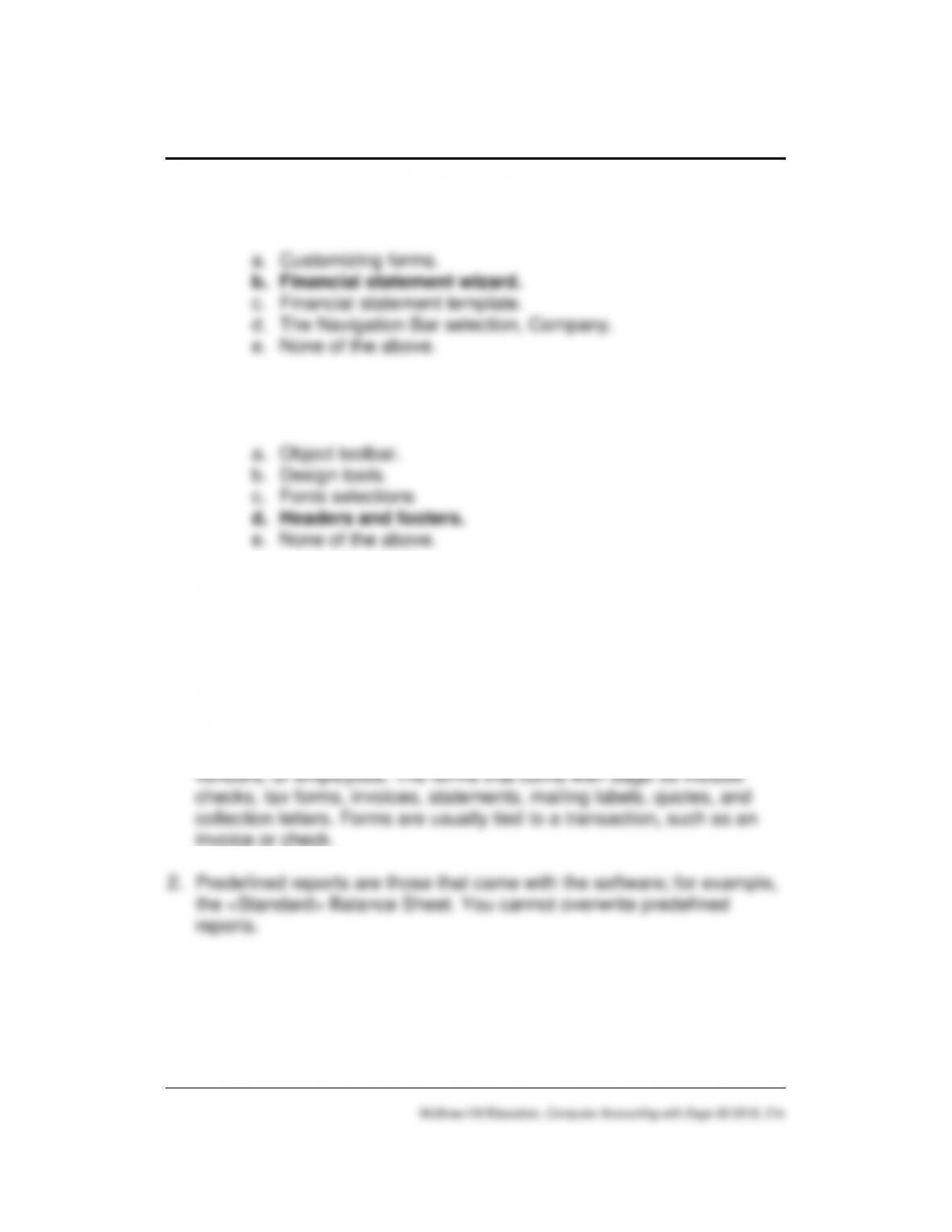
_____9. This selection walks you through the process of designing
financial statements.
____10. The top and the bottom of financial statements include the
following:
ANALYSIS QUESTION
1. What is a Sage 50 form?
2. What is a predefined or standard report?
ANSWER
1. A form in Sage 50 is a document that you exchange with customers,
Customizing Forms 369 – IMK
ASSESSMENT RUBRIC
Report
Date
Menu
Icon ID
Customized
Balance
Sheet
Today’s Date,
then March 31,
2019
Reports & Forms >
Financial Statements > link
to Financial Statement
Wizard.
A wrench icon
identifies the
customized
statement.
SOLUTION FILES
The solution files, in .ptb, .pdf, and .xlsx formats, are included on the
Online Learning Center, www.mhhe.com/yacht2019 > Instructor Edition.
For access to the password-protected Instruction Edition website, contact
your McGraw-Hill sales representative at
https://shop.mheducation.com/store/paris/user/findltr.html.
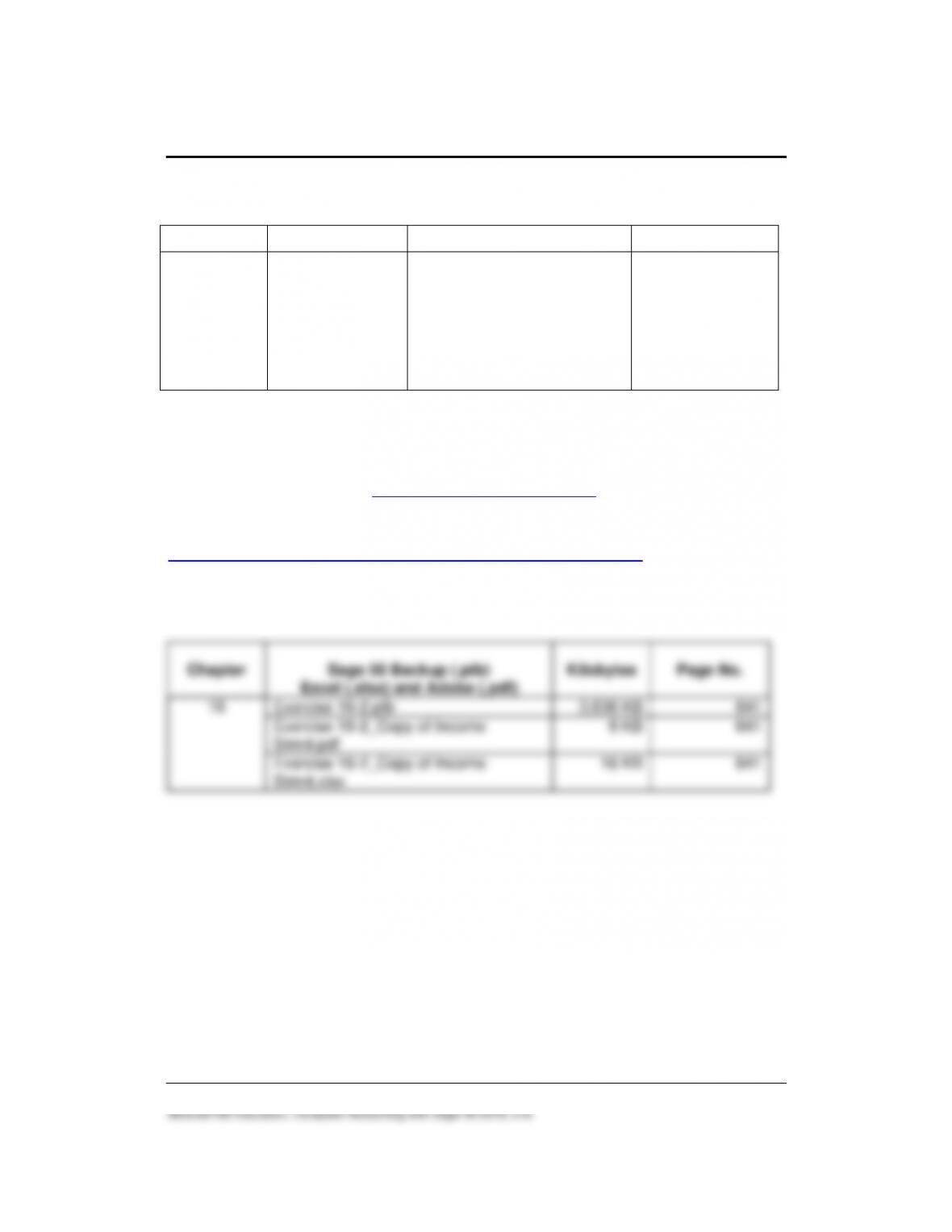
The chart below shows the size of the Chapter 16 solution files (Sage 50
backups, Excel reports and Adobe PDF exercise files).