271 – IMK
CHAPTER 13
CUSTOMERS & SALES
In Chapter 13, students learned how to use Sage 50’s Customers & Sales
features. Now that merchandise was purchased from vendors, students
are ready to sell that merchandise. In order to do that, students complete
Chapter 13, Customers & Sales, and learn how to use Sage 50’s
Sales/Invoicing and Receive Money features.
In Chapter 3, Customer Transactions, students entered a sales invoice for
Bellwether Garden Supply, the unit price, description, account number,
and sales taxes were automatically calculated. You may want to have
students review Chapter 3, textbook pages 107 through 117 to see how
this worked.
Before students use the Sales/Invoicing window, they need to set up
customer defaults, sales tax information, and customer maintenance
information. After these defaults are set up, Sage 50 uses that information
when a sale is recorded.
In Chapter 13, students learn about Sage 50’s accounts receivable
system. Accounts receivable are what customers owe the business.
Credit transactions from customers are called accounts receivable
transactions.
Customer receipts work similarly to paying vendor invoices. When a
customer pays an existing invoice there are two steps:
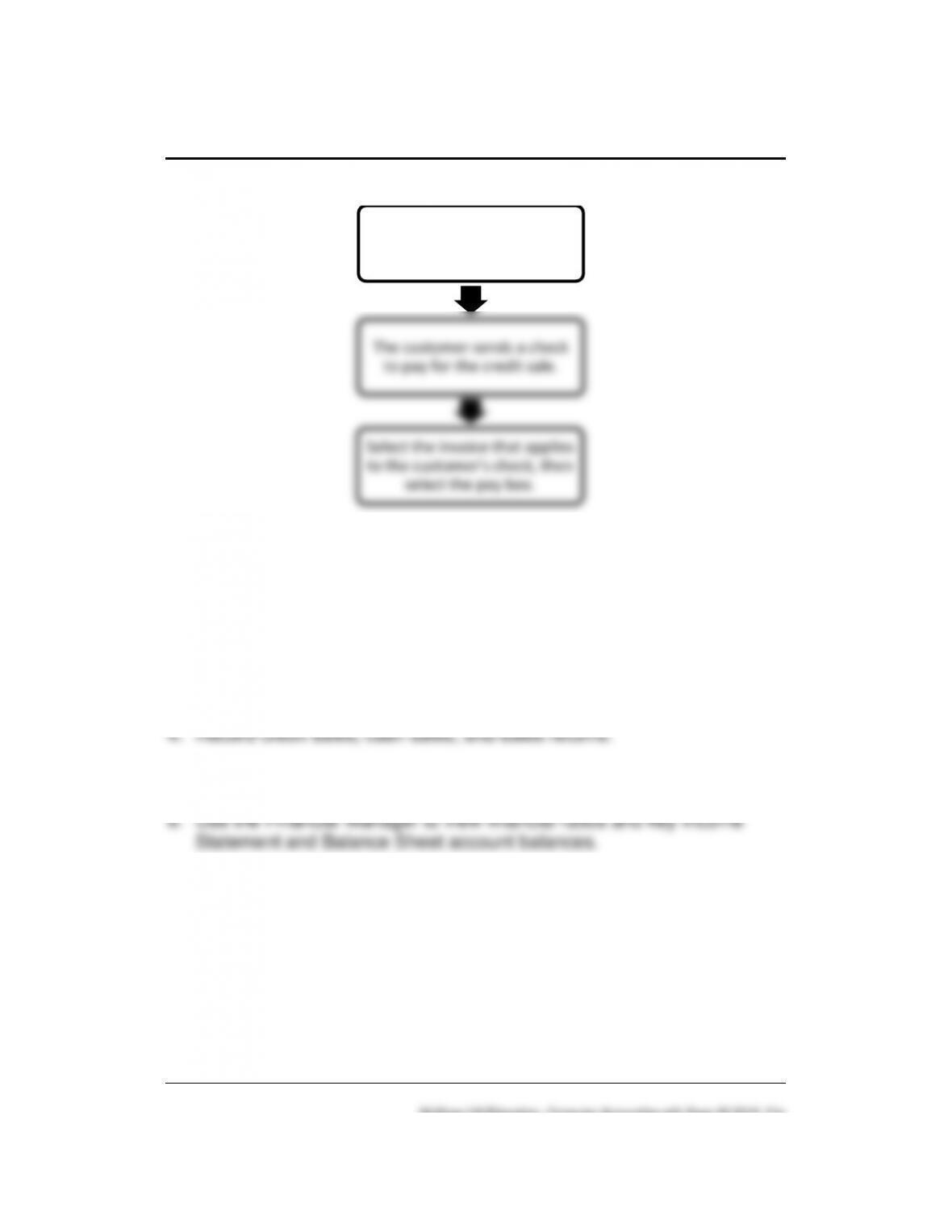
The diagram on the next page shows how the accounts receivable system
works.
272 – IMK Chapter 13
LEARNING OBJECTIVES
1. Restore data from Chapter 12. (This backup was made on textbook
page 455.)
2. Set up customer default information.
3. Set up sales tax information and customer maintenance information.
5. Record customer receipts, partial payments, and edit invoices.
7. Make four backups, save two Excel files, and save three PDF files.
SAGE 50 TIPS, Chapter 13
➢ Students must complete Chapter 12 before they start Chapter 13. Both
companies set up in Chapters 12 continue in Chapters 13, 14, and 15.
➢ If the general ledger account (GL account column) is not displayed on
the Sales/Invoicing window, check the global options. In the Hide
Record, then print a sales
invoice.
The customer sends a check
to pay for the credit sale.
Select the invoice that applies
to the customer’s check, then
select the pay box.
Customers & Sales 273 – IMK
General Ledger Accounts section, all boxes must be unchecked.
LECTURE OUTLINE FOR Chapter 13
A. Learning Objectives, pages 469–471
B. Getting Started, pages 471-472
1. Setting up customer defaults, pages 472-473
2. Setting up sales tax defaults, pages 473-478
3. Setting up customer maintenance information, pages 478-482
1. Entering invoices for credit sales, pages 483-484
3. Entering a service invoice, pages 490–492
1. Entering a receipt, pages 496-498
3. Finance charges, page 500
F. Printing Customer Forms, pages 500-501
2. Printing statements, pages 501-502
4. Preparing collection letters, pages 502-505
G. Financial Manager, pages 505-506
H. Printing the Sales Journal, pages 506-507
I. Printing the Cash Receipts Journal, pages 507-508

274 – IMK Chapter 13
J. Printing the Customer Ledgers, pages 508-509
K. Printing the General Ledger Trial Balance, pages 509–510
L. Editing Receipts, pages 510-511
M. Backing Up Chapter 13 Data, page 511
N. Export Reports to Excel, page 511
O. Online Learning Center, page 512
Complete end–of-chapter activities at www.mhhe.com/yacht2019 > select
Student Edition > Chapter 13.
1. Quizzes: Multiple Choice and True False questions. Interactive online
tests that are graded and can be emailed to your instructor.
2. More Resources:
a. QA Templates: Answer 10 multiple-choice questions and one
Analysis Question.
b. Videos: Watch the Sales Invoice and Customer Payments videos.
c. Narrated PowerPoints: Listen to the narrated PowerPoints.
d. Going to the Net Exercises: Read information about accounts
receivable on the Business Owner’s Toolkit website.
e. Assessment Rubric: Complete the rubric to review Sage 50’s
journals, navigation centers, modules, task windows, and reports.
The OLC also includes links to the Appendixes:
• Appendix A: Troubleshooting (textbook and OLC).
• Appendix C, Review of Accounting Principles (OLC Student
Edition)
• Appendix D, Glossary (words that are boldfaced and italicized in
textbook; OLC Student Edition)
Customers & Sales 275 – IMK
P. Exercise 13-1, pages 512-514
Q. Exercise 13-2, pages 514-515
R. Chapter 13 index, page 516
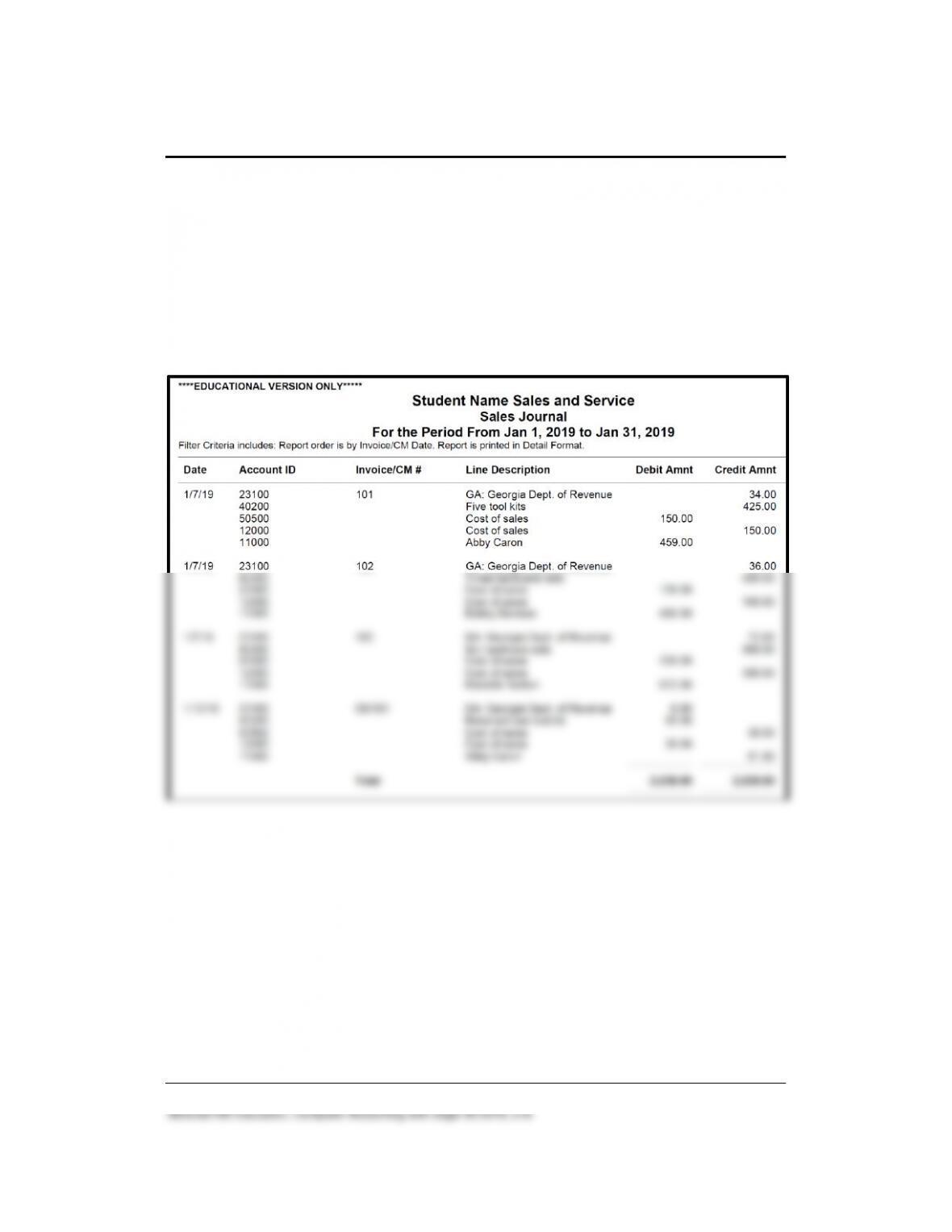
Solution to Exercise 13-2 (4)
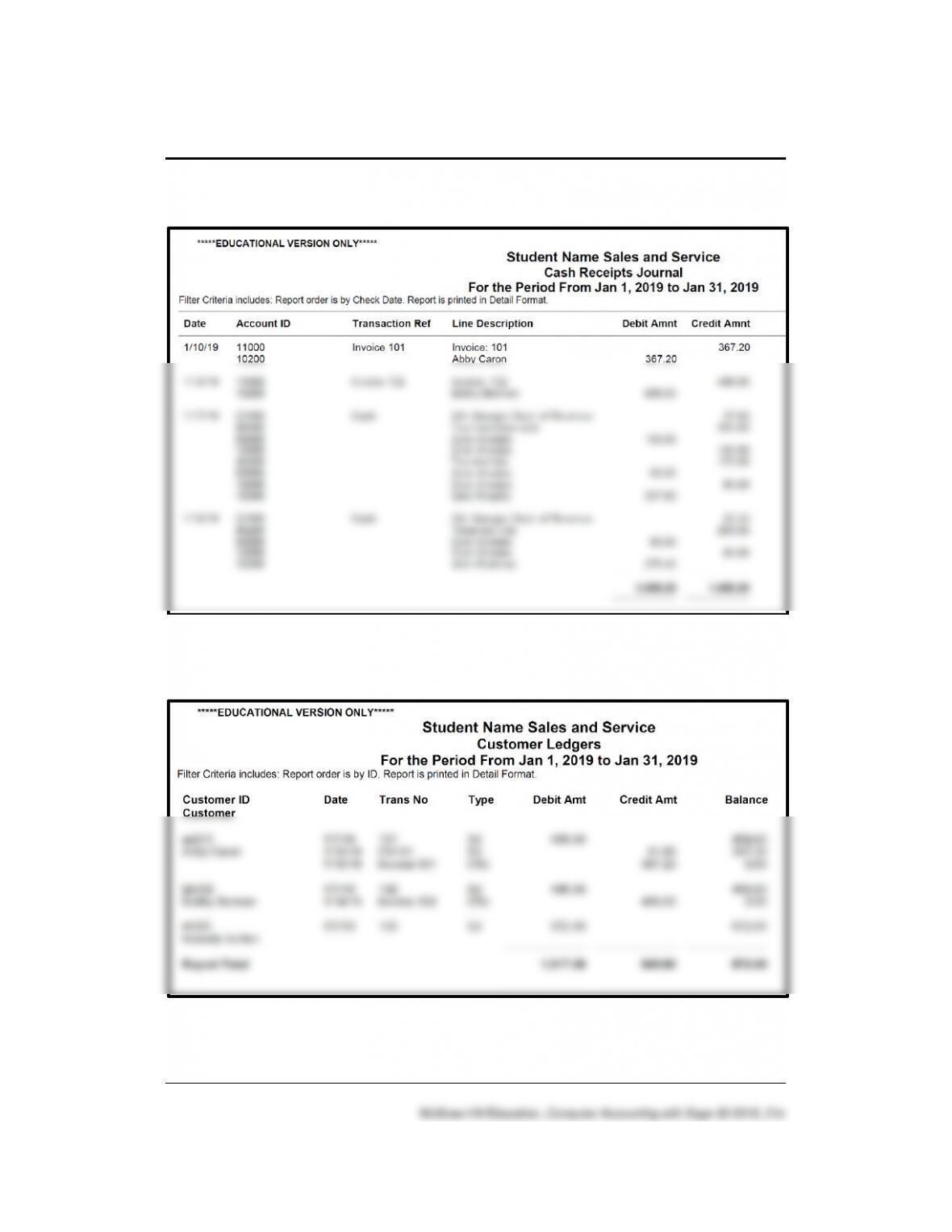
276 – IMK Chapter 13
Solution to Exercise 13-2 (4) (Continued)
Solution to Exercise 13-2 (4) (Continued)
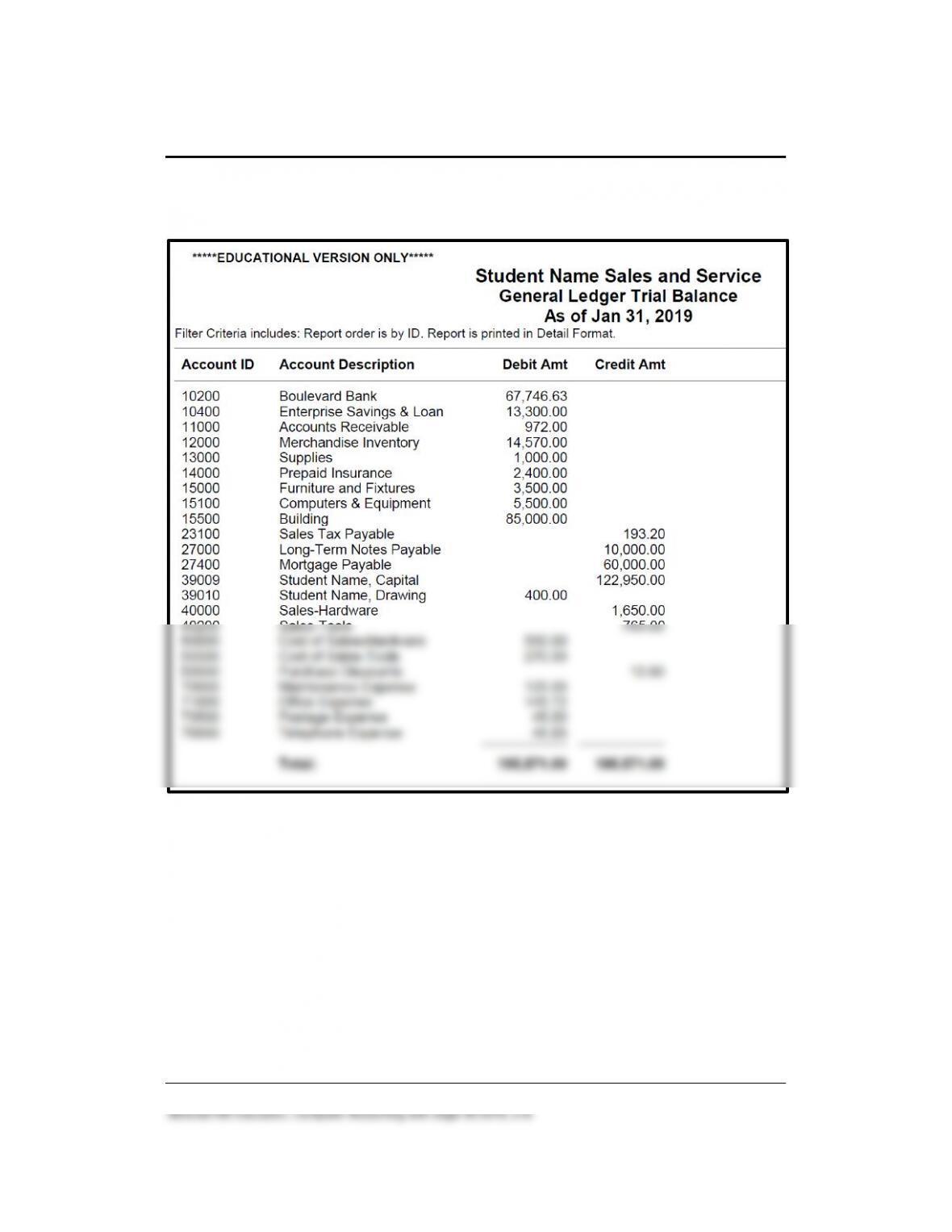
Customers & Sales 277 – IMK
Solution to Exercise 13-2 (4) (Concluded)
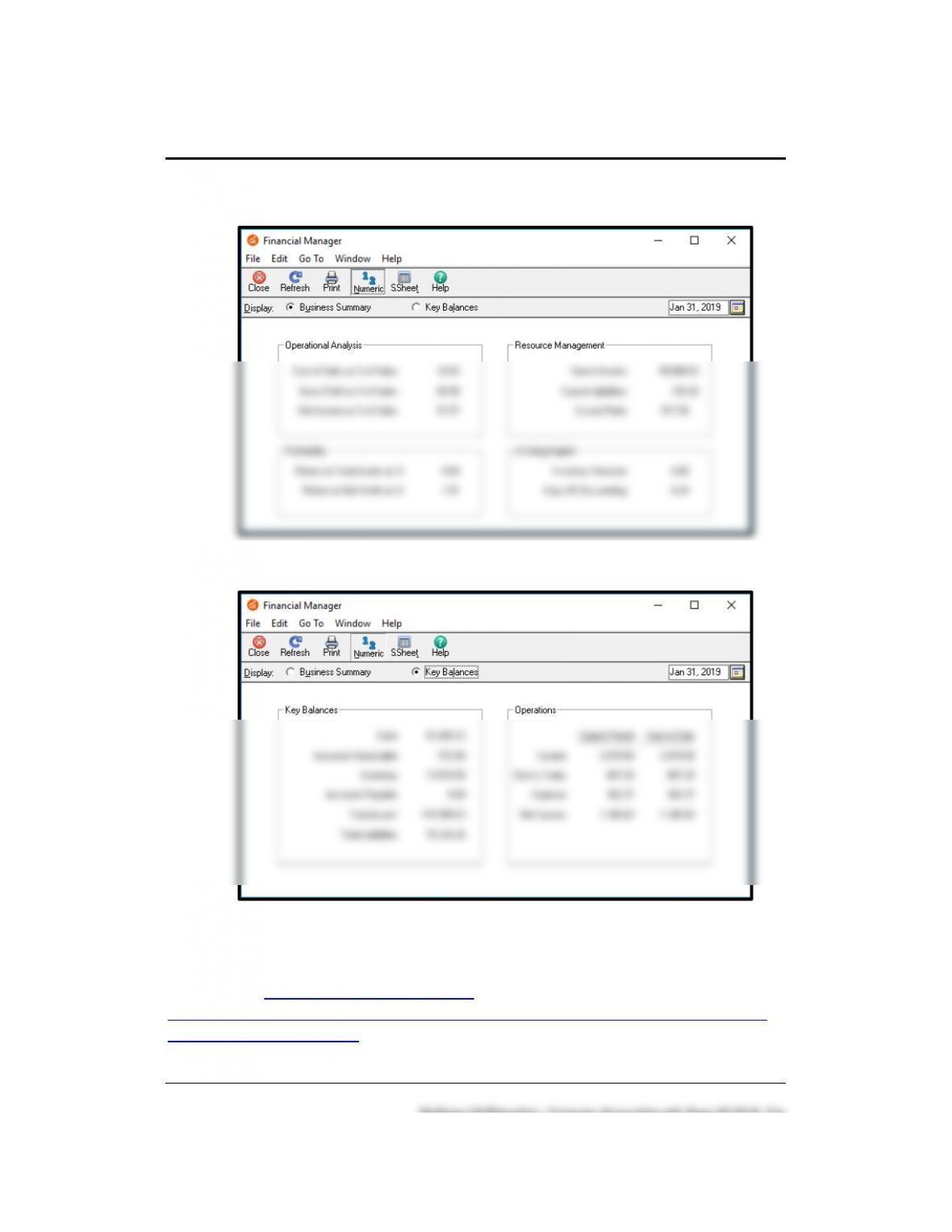
278 – IMK Chapter 13
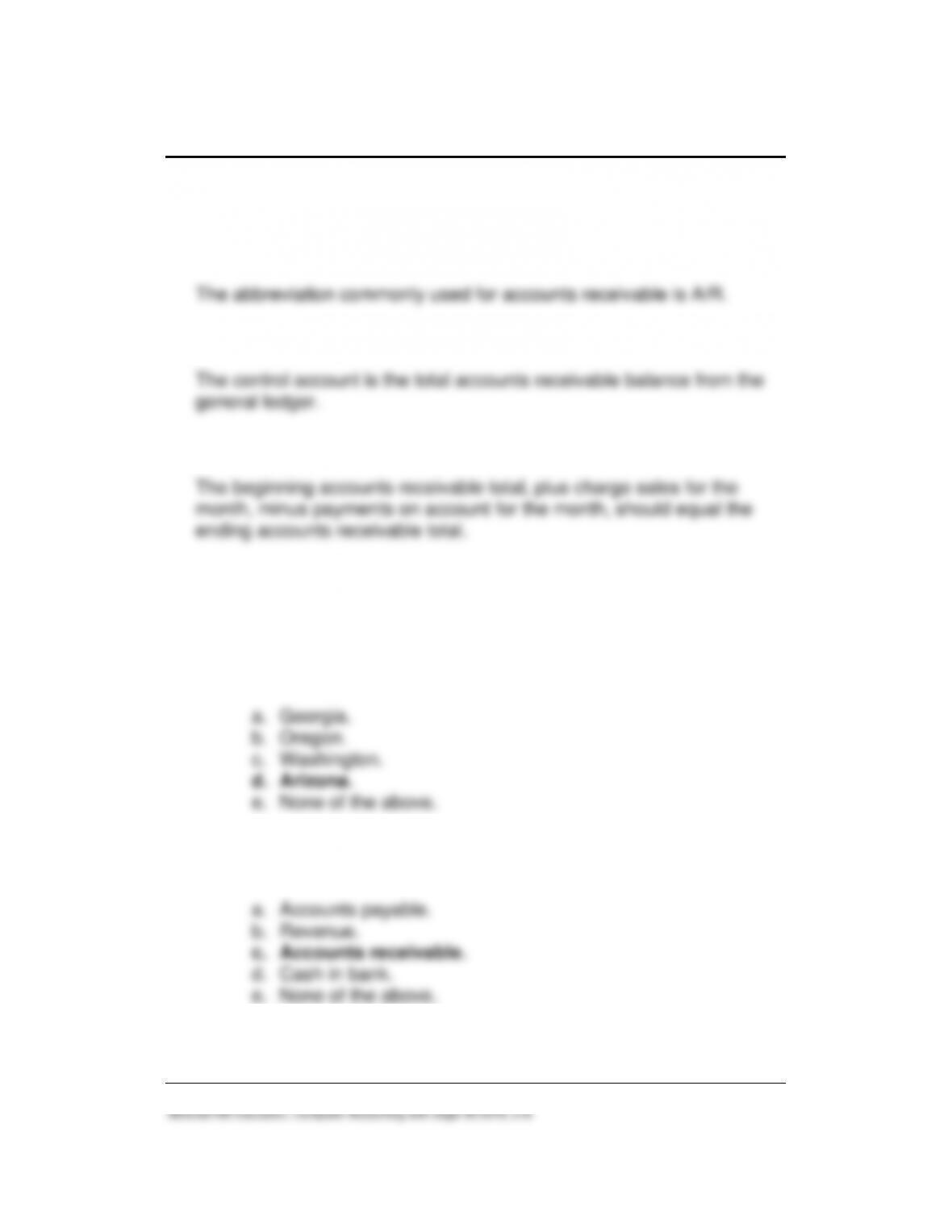
FINANCIAL MANAGER: BUSINESS SUMMARY (5)
KEY BALANCES (5) (Concluded)
ANSWERS TO GOING TO THE NET
Access the Business Owner’s Toolkit. The website is
http://www.bizfilings.com/toolkit/sbg/finance/bookkeeping/accounting-for-
cash-transactions.aspx. Scroll down to Understanding Accounts
Customers & Sales 279 – IMK
Receivable (or press <Ctrl>+<F> to find Understanding Accounts
Receivable.) Answer the following questions.
1. What is the common abbreviation for accounts receivable?
2. What is the control account for customer sales on account?
The control account is the total accounts receivable balance from the
3. How is the ending accounts receivable total computed?
The beginning accounts receivable total, plus charge sales for the
ANSWERS TO MULTIPLE CHOICE QUESTIONS, QA TEMPLATES
In the space provided, type the letter that best answers each question.
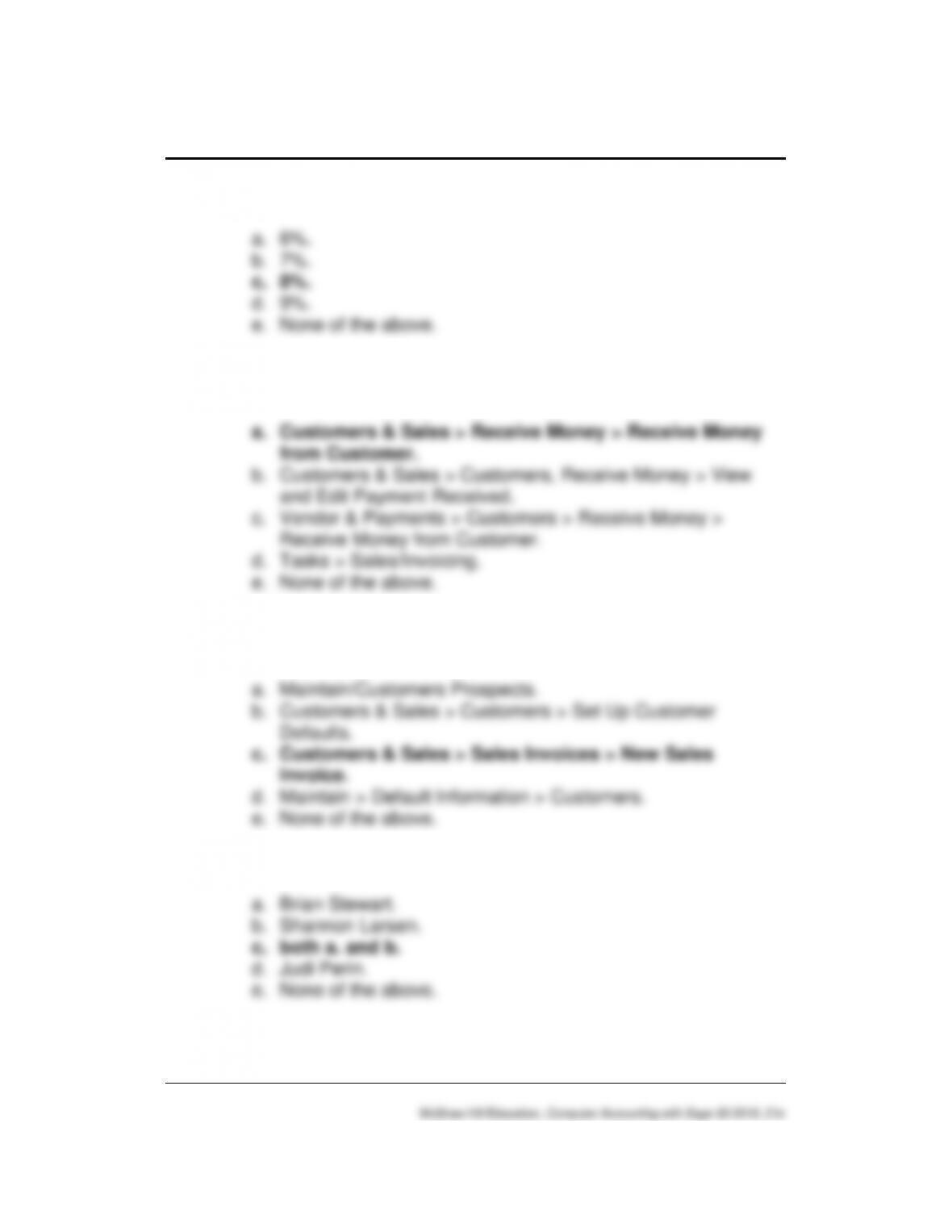
_____1. Shannon’s Service Merchandise charges sales tax to all sales
made in:
_____2. The money that your customers owe to the business is known
as:
280 – IMK Chapter 13
_____3. The sales tax rate is:
a. 6%.
_____4. Use the following Navigation Bar options to record entries in the
Cash Receipts Journal:
a. Customers & Sales > Receive Money > Receive Money
_____5. Use the following Navigation Bar options to record entries in the
Sales Journal:
a. Maintain/Customers Prospects.
_____6. The owner(s) of Shannon’s Service Merchandise are:
a. Brian Stewart.
Customers & Sales 281 – IMK
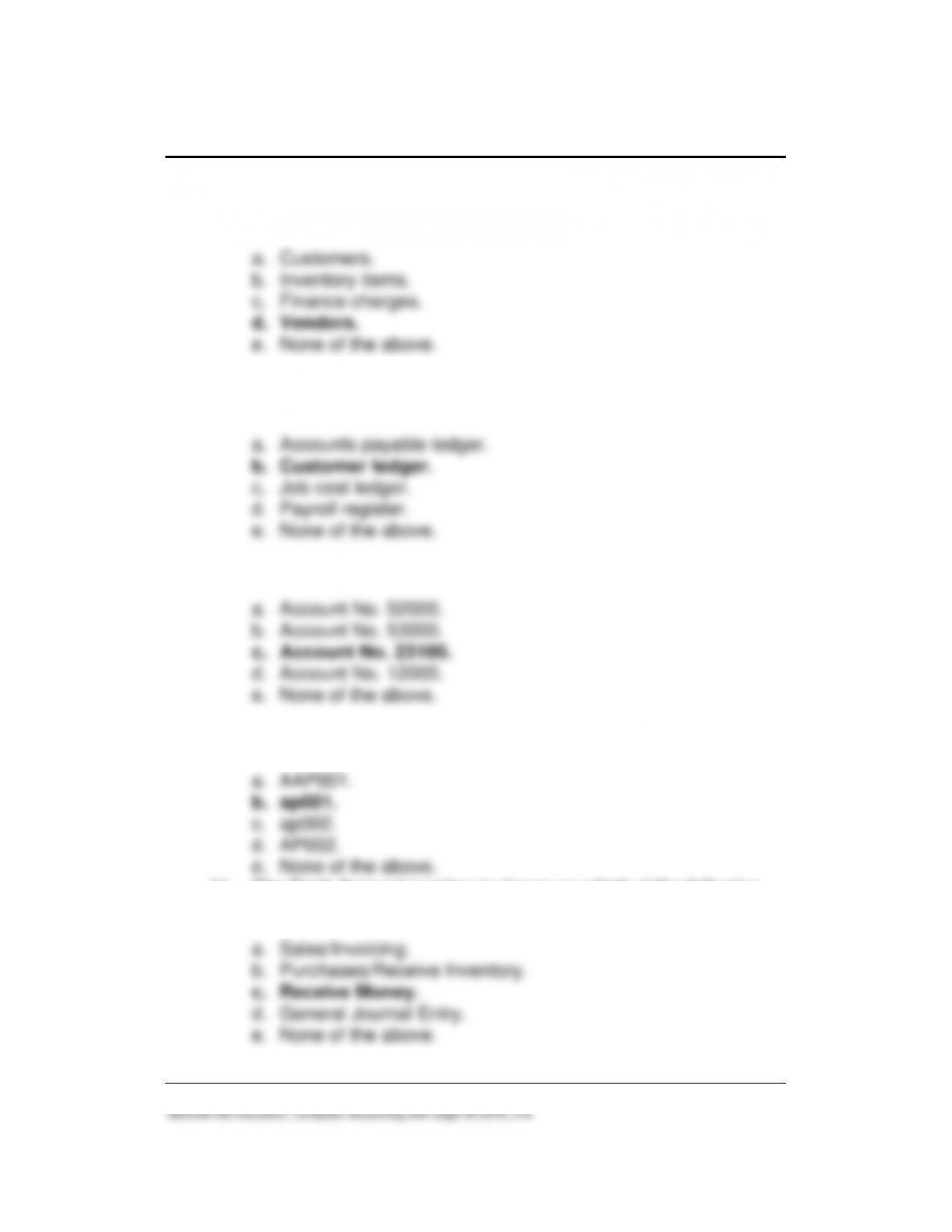
_____7. The accounts receivable system allows you to set up all of the
following, EXCEPT:
_____8. All journal entries made to the Sales Journal are posted to the
General Ledger and to the:
_____9. The sales tax payable account is:
____10. The Customer ID for Arlene Petty is:
a. AAP001.
____11. The Cash Account number is shown on which of the following
windows:
a. Sales/Invoicing.
282 – IMK Chapter 13
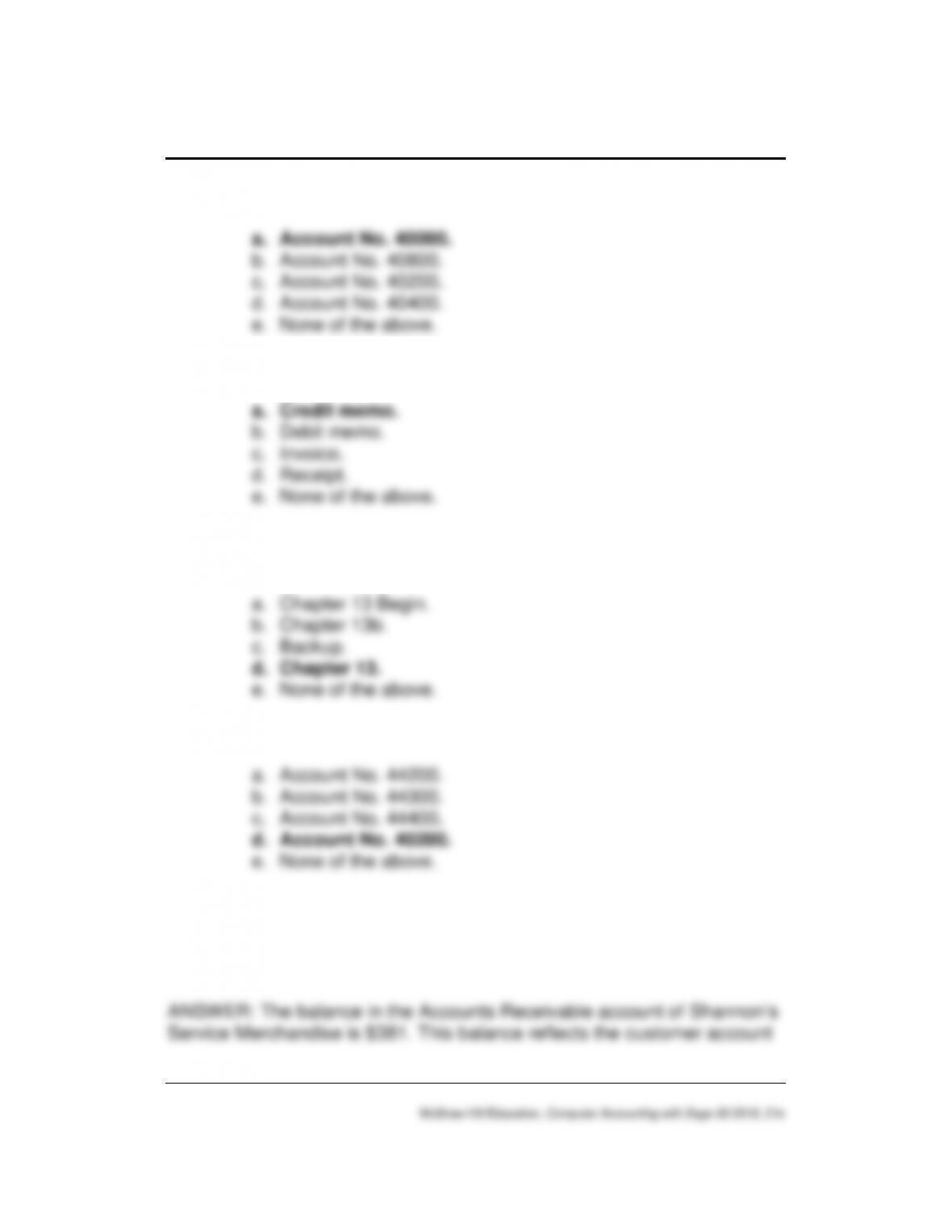
____12. The account used for hardware sales is:
____13. A sales return is also called a/an:
a. Credit memo.
____14. To back up all of Chapter 13’s data, the following file name is
used:
a. Chapter 13 Begin.
____15. The GL Sales Account for wall is:
ANALYSIS QUESTION
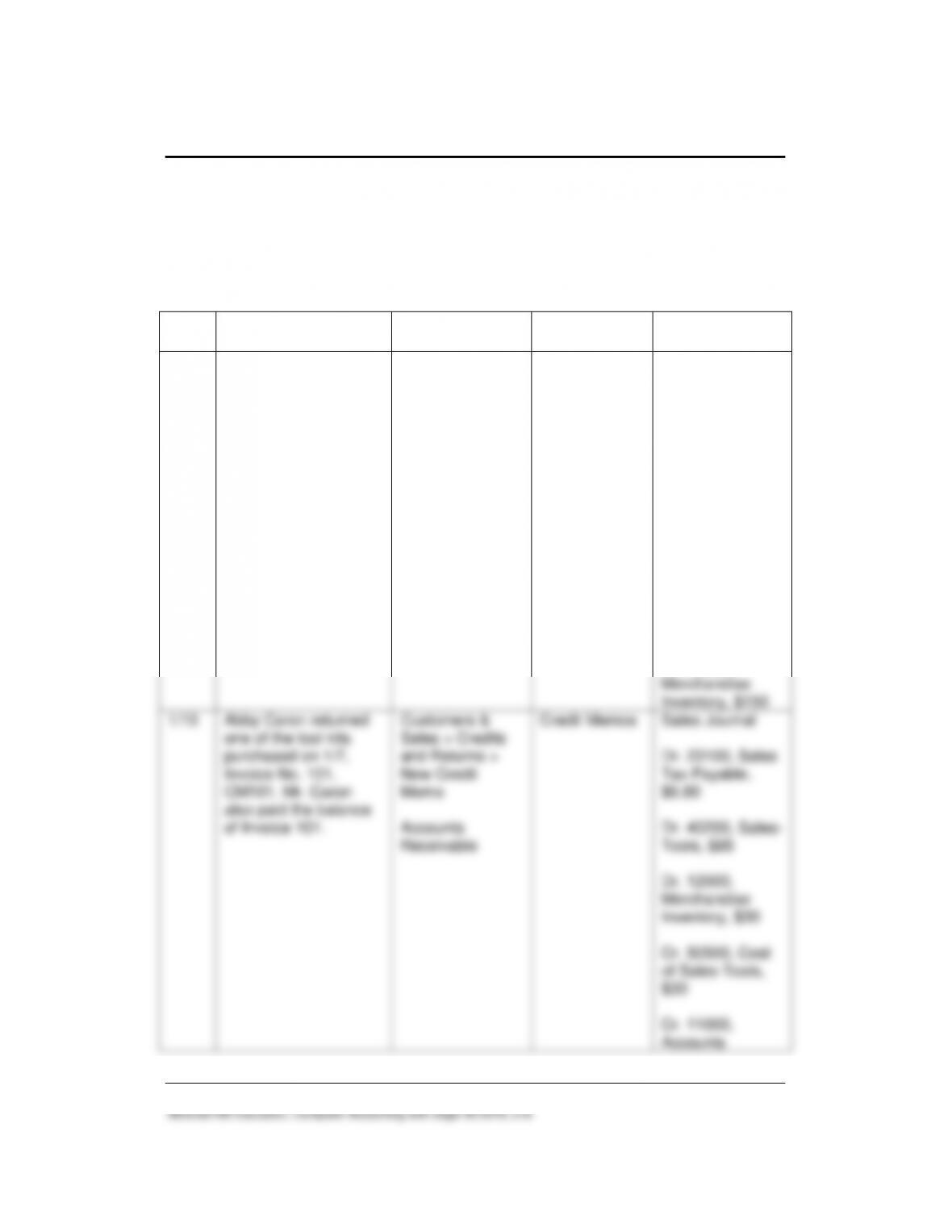
What is the balance in the Accounts Receivable account, Shannon’s
Service Merchandise? Why?
Customers & Sales 283 – IMK
balance for Judi Perin. The Customers Ledgers subsidiary account
balance is the same as the Accounts Receivable controlling account
balance in the general ledger.
ASSESSMENT RUBRIC
Date
Transaction
Navigation
Center/Module
Task
Window
Journal
Dr./Cr.
1/7
Sold five tool kits on
account to Abby
Caron, Invoice 101.
Customers &
Sales > Sales
Invoice > New
Sales Invoice
Accounts
Receivable
Sales/Invoicing
Sales Journal
Dr. 50500, Cost
of Sales, Tools,
$150
Dr. 11000,
Accounts
Receivable/Abby
Caron, $459
Cr. 23100, Sales
Tax Payable, $34
Cr. 40200, Sales-
Tools, $425
Cr. 12000,
Merchandise
Inventory, $150
1/10
Abby Caron returned
one of the tool kits
purchased on 1/7,
Invoice No. 101,
CM101. Mr. Caron
also paid the balance
of Invoice 101.
Customers &
Sales > Credits
and Returns >
New Credit
Memo
Accounts
Receivable
Credit Memos
Sales Journal
Dr. 23100, Sales
Tax Payable,
$6.80
Dr. 40200, Sales-
Tools, $85
Dr. 12000,
Merchandise
Inventory, $30
Cr. 50500, Cost
of Sales-Tools,
$30
Cr. 11000,
Accounts
284 – IMK Chapter 13
Receive
Money window
Receivable/Abby
Caron, $91.80
Cash Receipts
Journal
Dr. 10200,
Boulevard Bank,
$367.20
Cr. 11000,
Accounts
Receivable/Abby
Caron, $367.20
SOLUTION FILES
The solution files, in .ptb, .pdf, and .xlsx formats, are included on the
Online Learning Center, www.mhhe.com/yacht2019 > Instructor Edition
link. For access to the password-protected Instruction Edition website,
contact your McGraw-Hill sales representative at
https://shop.mheducation.com/store/paris/user/findltr.html.
The chart below shows the size of the Chapter 13 solution files (Sage 50
backups, Excel Reports and PDF Reports).
Chapter
Backup (.ptb extension)
Excel (.xlsx) and Adobe (.pdf)
Kilobytes
Page Nos.
13
Chapter 13 Begin.ptb
1,047 KB
482
Chapter 13.ptb
1,066 KB
511
Chapter 13_SJ_CRJ_CL_GLTB.xlsx
24 KB
511
Exercise 13-1.ptb
980 KB
514
Exercise 13-2.ptb
977 KB
515
Exercise 13-2_SJ_CRJ_CL_GLTB.xlsx
23 KB
515
Exercise 13-2_Sales Journal.pdf
45 KB
515
Exercise 13-2_Cash Receipts Journal.pdf
12 KB
515
Exercise 13-2_Customer Ledgers.pdf
12 KB
515
Exercise 13-2_General Ledger Trial Balance.pdf
13 KB
515