
CHAPTER 12
VENDORS & PURCHASES
Chapter 12 begins Part 3 of the book: Sage 50 2019 for Merchandising
Businesses. Merchandising businesses are retail stores that resell goods
and services. In this chapter, your students set up two merchandising
businesses–Shannon’s Service Merchandise and Student Name Sales
and Service. Shannon’s Service Merchandise is a partnership owned by
Brian Stewart and Shannon Larsen. Mr. Stewart and Ms. Larsen divide
their income equally. Student’s Last Name Sales and Service is a sole
proprietorship.
Merchandising businesses purchase the merchandise they sell from
suppliers known as vendors. Vendors are the businesses that offer
Shannon’s Service Merchandise credit to buy merchandise and/or assets,
or credit for expenses incurred. When Shannon’s Service Merchandise
makes purchases on account from these vendors, the transactions are
known as accounts payable transactions.
Sage organizes and monitors Shannon’s Service Merchandise‘s accounts
payable. Accounts Payable is the amount of money the business owes to
suppliers or vendors.
When your students enter a purchase, they first enter the vendor’s code.
The vendor’s name and address information, the standard payment terms,
and the general ledger purchase account are automatically entered in the
appropriate places. This information can be edited if any changes are
needed. This works similarly for accounts receivable.
Once your students have entered purchase information, printing a check
to pay for a purchase is simple. When the student enters the vendor’s
code, a list of purchases displays. The student selects the purchase
invoices to be paid, then clicks on the Pay box. At that point, the student
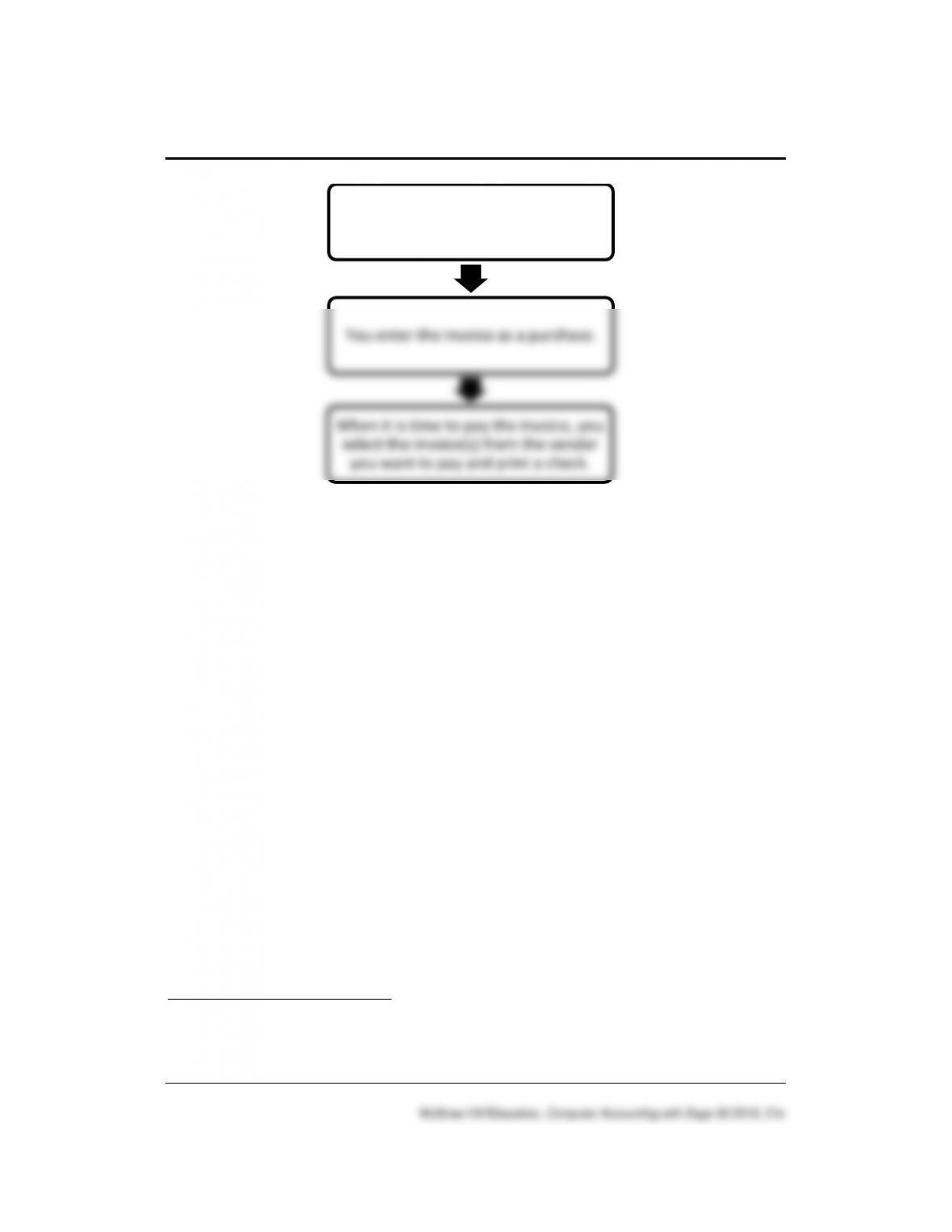
can also print the check. The diagram on the next page illustrates how
vendors are paid.
256 – IMK Chapter 12
LEARNING OBJECTIVES
1. Set up company information for Shannon’s Service Merchandise, a
merchandising business.
2. Enter general ledger information – chart of accounts and beginning
balances.
3. Enter accounts payableError! Bookmark not defined. information –
vendor defaults and vendor records.
4. Enter inventory information – inventory defaults, inventory items, and
inventory beginning balances.
5. Record and post Vendors & Purchases transactionsError! Bookmark
not defined..
6. Make eight backups, save two Excel files, and save five PDF files.
1
SAGE 50 TIPS, Chapter 12
➢ Students set up two merchandising businesses in Chapter 12:
1
Refer to the chart on textbook pages 394–396 for the file names and sizes of the
backup files and Excel files.
Vendor sends Shannon’s Service
Merchandise an invoice (bill)
You enter the invoice as a purchase.
When it is time to pay the invoice, you
select the invoice(s) from the vendor
you want to pay and print a check.

Vendors & Purchases 257 – IMK
Shannon’s Service Merchandise and in Exercise 12-1, Student Name
Sales and Service. The two businesses that students begin in Chapter
12 are continued in Chapters 13, 14, 15.
➢ In Windows, the computer owner is identified when files are backed up
or saved. To see which user saved the file, right-click on the Start
button, left-click Explore. Go to the location of the backup file; right-
click on the filename, left-click Properties. The Security tab shows the
Group or user names; the Details tab shows the Owner and Computer
name. The time and date created and modified are also shown. The
same steps can be used to check .ptb files (extension used for Sage
50 backups); Excel files (.xlsx and .xls extensions); and Word files
(.docx and .doc extensions). To verify student files, you may want to
look at the file properties.
➢ Chapter 12 includes two videos at www.mhhe.com/yacht2019: Record
Purchases and Vendor Payments. Go online to
www.mhhe.com/yacht2019 > Student Edition > choose Chapter 12 >
Videos > then select Record Purchases or Vendor Payments. Students
can view these videos with an Internet browser or iPad/iPod.
➢ Sage 50 videos are available on the Sage 50 Advisor Getting Started
window. Click on a link in the Sage Advisor area of the Vendors &
Purchases Navigation Center to watch these videos.

258 – IMK Chapter 12
Comment: What if your students want to use Shannon’s Service Merchandise on a
computer that does not have this company set up in Sage 50?
When your students set up the new company, Shannon’s Service Merchandise, a folder
or subdirectory is placed on the hard drive of the computer they are using. The default
program path and data path is C:\sage\Peachtree\Company\xxxxxxxx. (Substitute the x’s
for the shortened company name).
Some computer labs delete subdirectories from the hard drive; for example, a backup file
exists but the company is not shown when your student opens an existing company or
selects browse to check for that company. Or, the computer lab has Sage 50 2019
installed but not the companies that students previously set up.
The Restore Wizard includes two selections: “Overwrite existing company data,” or
“Create a new company using the restored data.” The “Overwrite” selection is used when
the company can be opened; for example, the company name is shown when Sage 50 is
started. The company is opened and the backup file is restored.
The other selection, “Create a new company using the restored data” is used if the
company has not been set up, meaning the company cannot be opened from the
Company Name list on Sage 50’s startup window. Using the appropriate backup file, and
the selection for “Create a new company using the restored data,” your students are to
create the company and restore data.
LECTURE OUTLINE FOR Chapter 12
A. Learning Objectives, page 403
B. Getting Started, pages 404-410
C. General Ledger, pages 410-411
1. Chart of Accounts, pages 412-414
2. Backing up the Chart of Accounts, pages 414–415
3. Beginning Balances, pages 415-418
D. Backing Up Beginning Balances, page 418
E. Accounts Payable: Vendors, pages 418-424
F. Inventory & Services, pages 424-425
1. Inventory Defaults, pages 425-426
2. Inventory Items, pages 426-431
3. Inventory/Service Management, page 431

Vendors & Purchases 259 – IMK
G. Backing Up Your Data, page 431
H. Vendors & Purchases: Purchases/Receive Inventory, pages 431–433
1. Recording Purchases, pages 433-437
2. Additional Purchases, page 437
I. Cash Purchases: Write Checks, pages 437-439
1. Printing (or displaying) the check, pages 439-443
J. Purchase Returns: Credits & Returns, pages 443-445
1. Paying a vendor, minus a return of merchandise, pages 445-448
K. Paying Specific Vendor Invoices, pages 448–449
1. Editing Payments, page 450
L. Printing the Purchase Journal and Cash Disbursements Journal, pages
450-453
M. Vendor Ledgers, pages 453-454
N. Printing the General Ledger Trial Balance, pages 454-455
O. Backing Up Chapter 12 Data, page 455
P. Export Reports to Excel, pages 455-457
Q. Online Learning Center, pages 457–458
Complete end-of-chapter activities at www.mhhe.com/yacht2019 >
select Student Edition > Chapter 12.
1. Quizzes: Multiple Choice Quiz and True or False. Interactive online
tests that are graded and can be emailed to the instructor.
2. More Resources:

260 – IMK Chapter 12
a. QA Templates: Answer 10 true/make true questions and three
Analysis Questions.
b. Videos: watch the Purchases and Payments video.
c. Narrated PowerPoints: Listen to narrated PowerPoints.
d. Going to the Net Exercises: Watch the YouTube video,
Managing Inventory.
e. Assessment Rubric: Complete the rubric to review Sage 50’s
journals, navigation centers, modules, task windows, and
reports.
The OLC also includes links to the Appendixes:
• Appendix A: Troubleshooting (textbook and OLC)

Vendors & Purchases 261 – IMK
• Appendix C: Review of Accounting Principles (OLC Student
Edition)
• Appendix D, Glossary (words that are boldface/italics in textbook;
OLC Student Edition)
R. Exercise 12-1, pages 458-466
S. Exercise 12-2, pages 466-467
262 – IMK Chapter 12
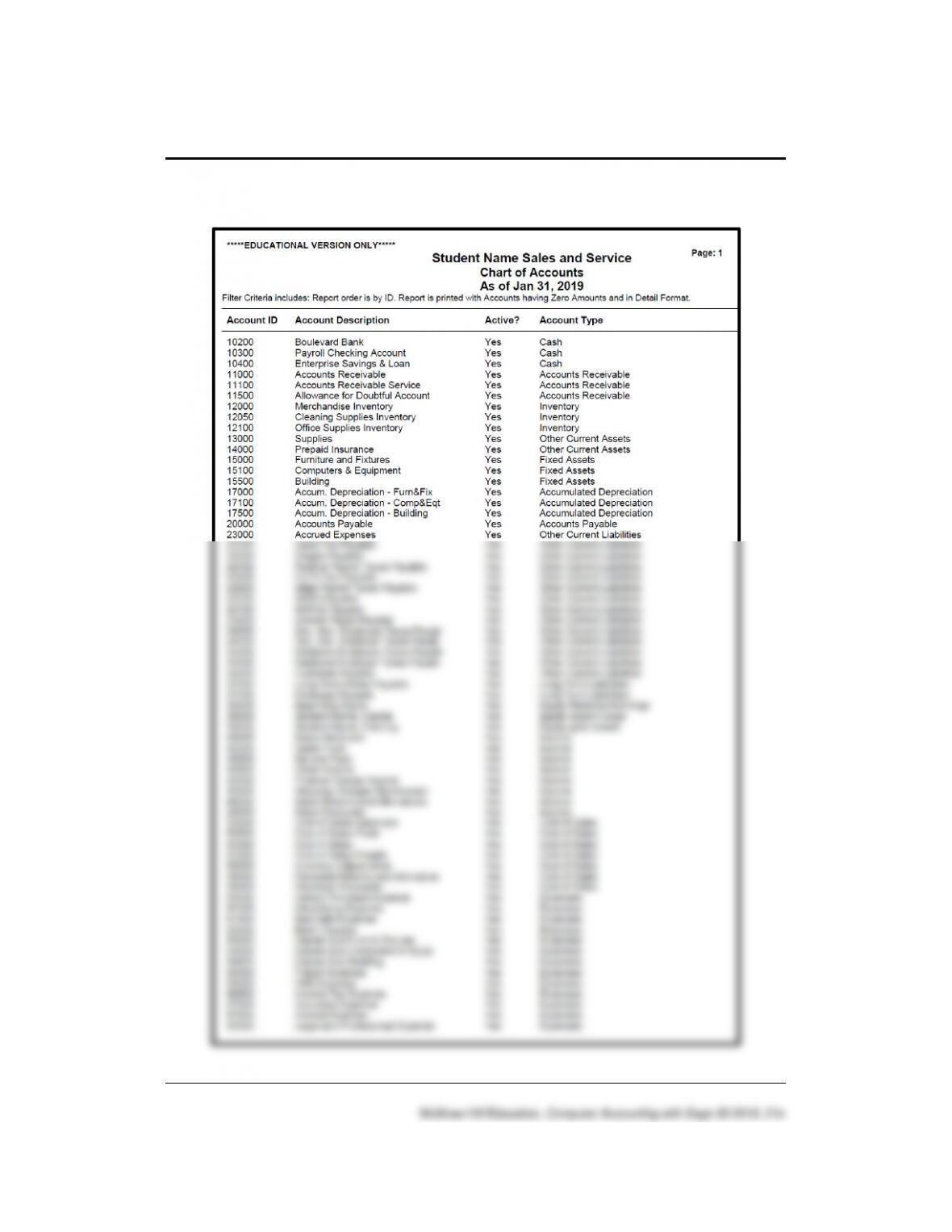
Solution to Exercise 12-1 (4)
Vendors & Purchases 263 – IMK
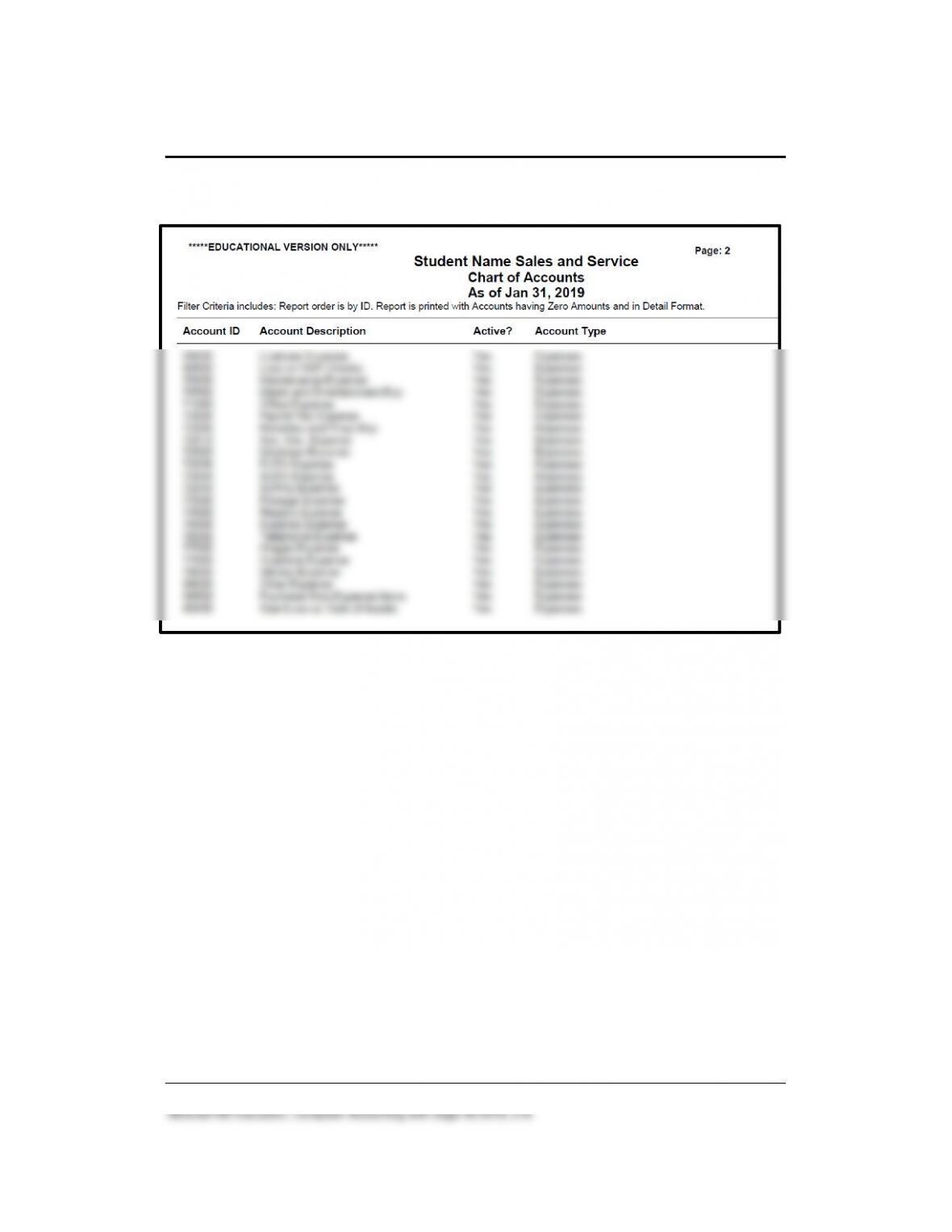
Solution to Exercise 12-1 (4) (Concluded)
264 – IMK Chapter 12
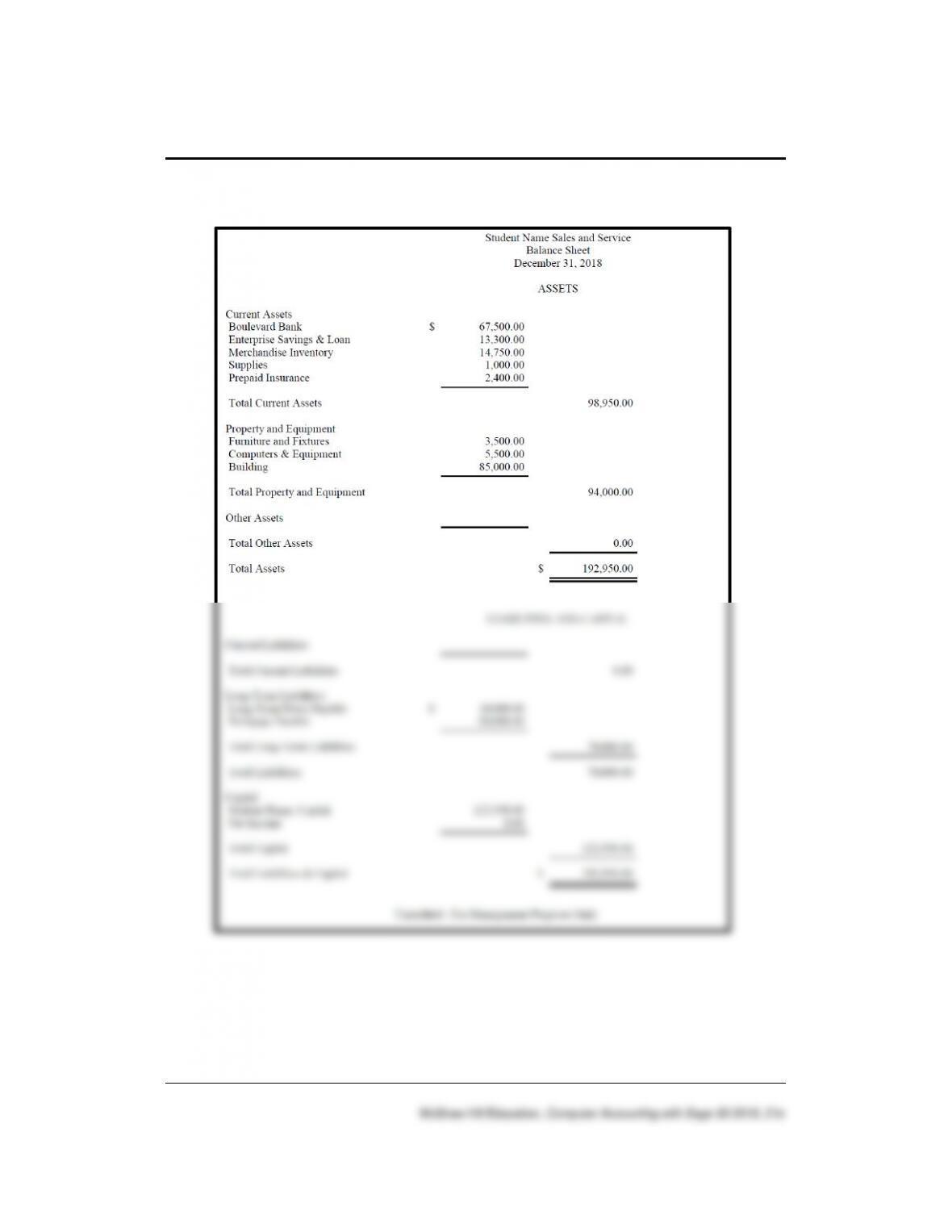
Solution to Exercise 12-1 (5)
To print the December 31, 2018 balance sheet, display the balance sheet.
Select Options > in the Time Frame field > select Range > in the From
field select Per start (12/1/18), in the To field > select Per end (12/31/18).
Vendors & Purchases 265 – IMK
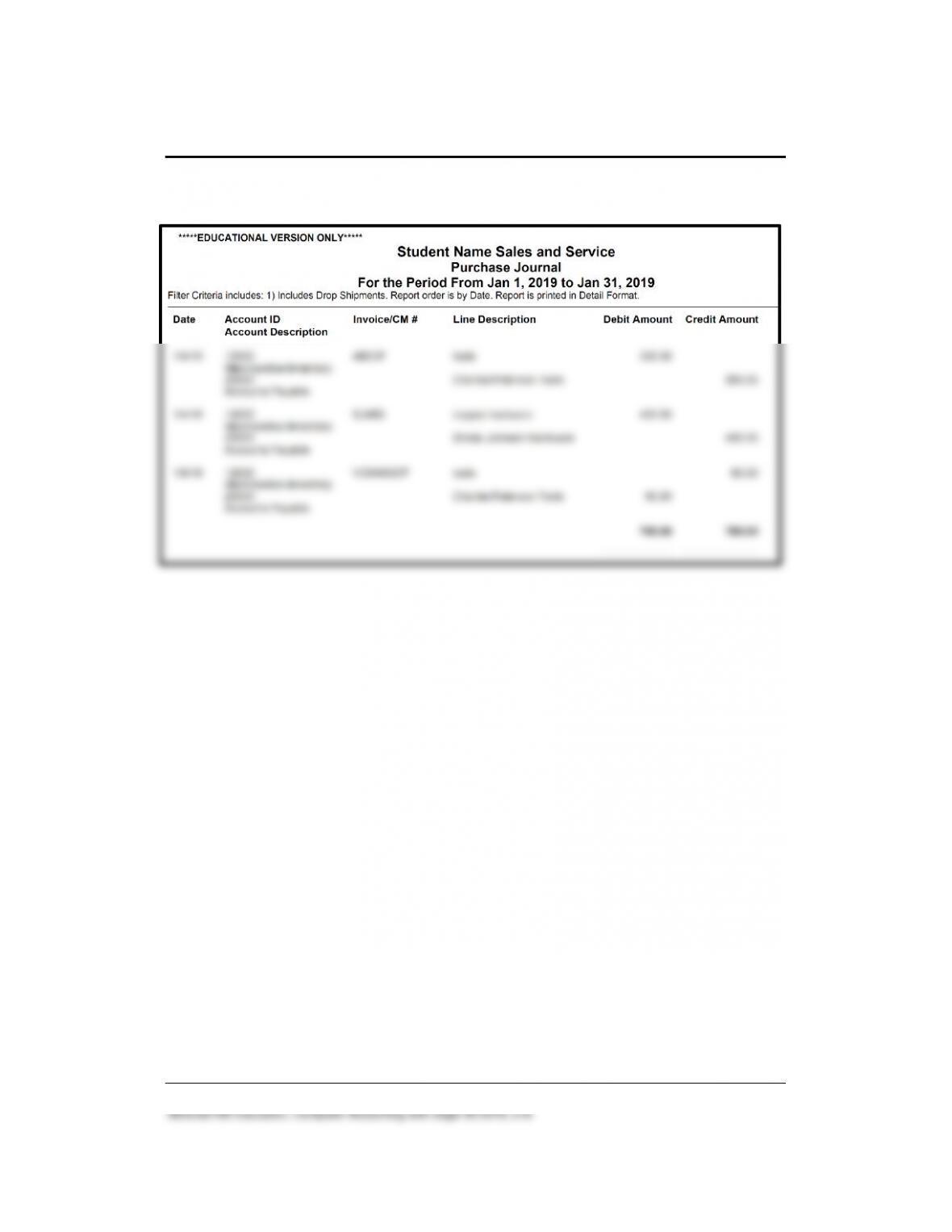
Solution to Exercise 12-2 (3)
266 – IMK Chapter 12
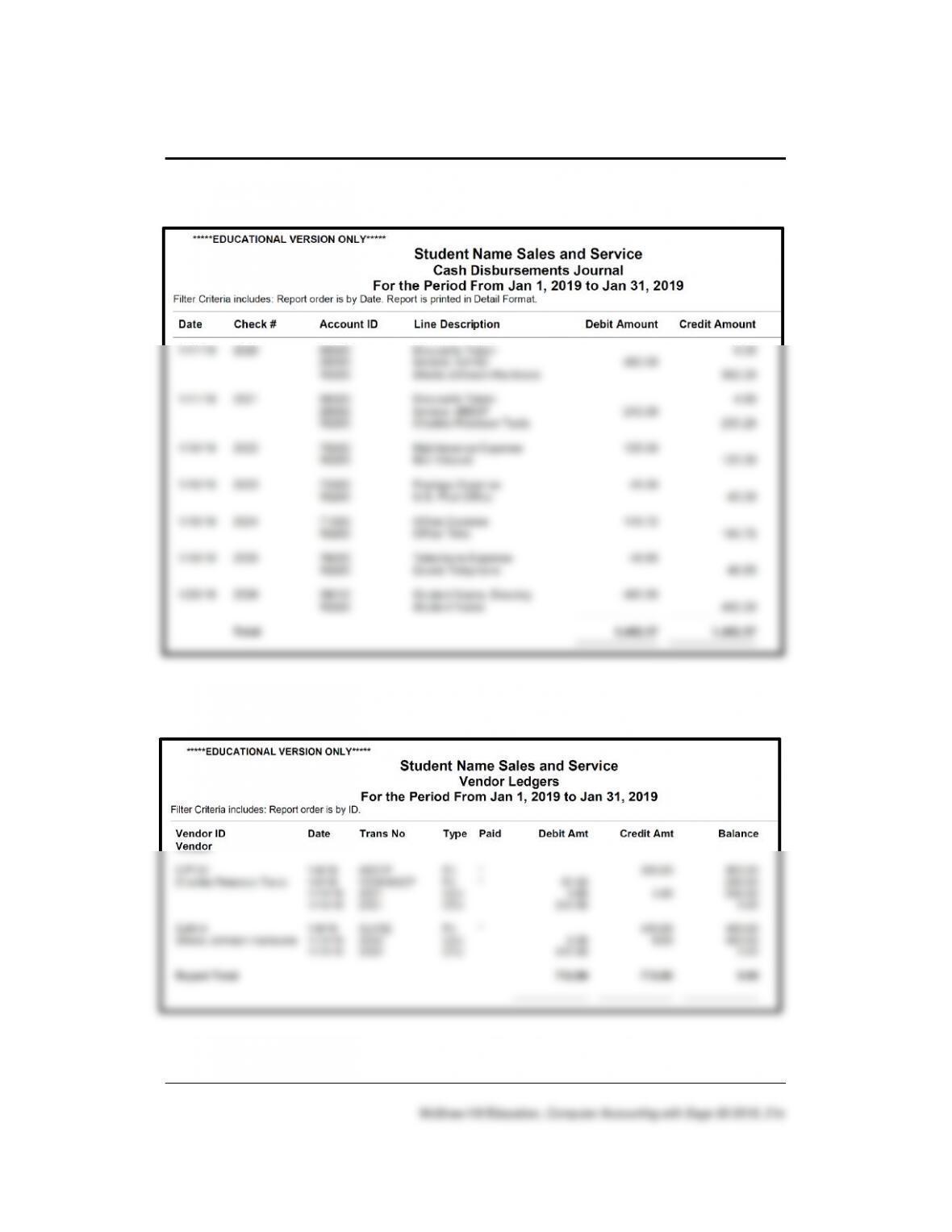
Solution to Exercise 12-2 (4)
Solution to Exercise 12-2 (5)
Vendors & Purchases 267 – IMK
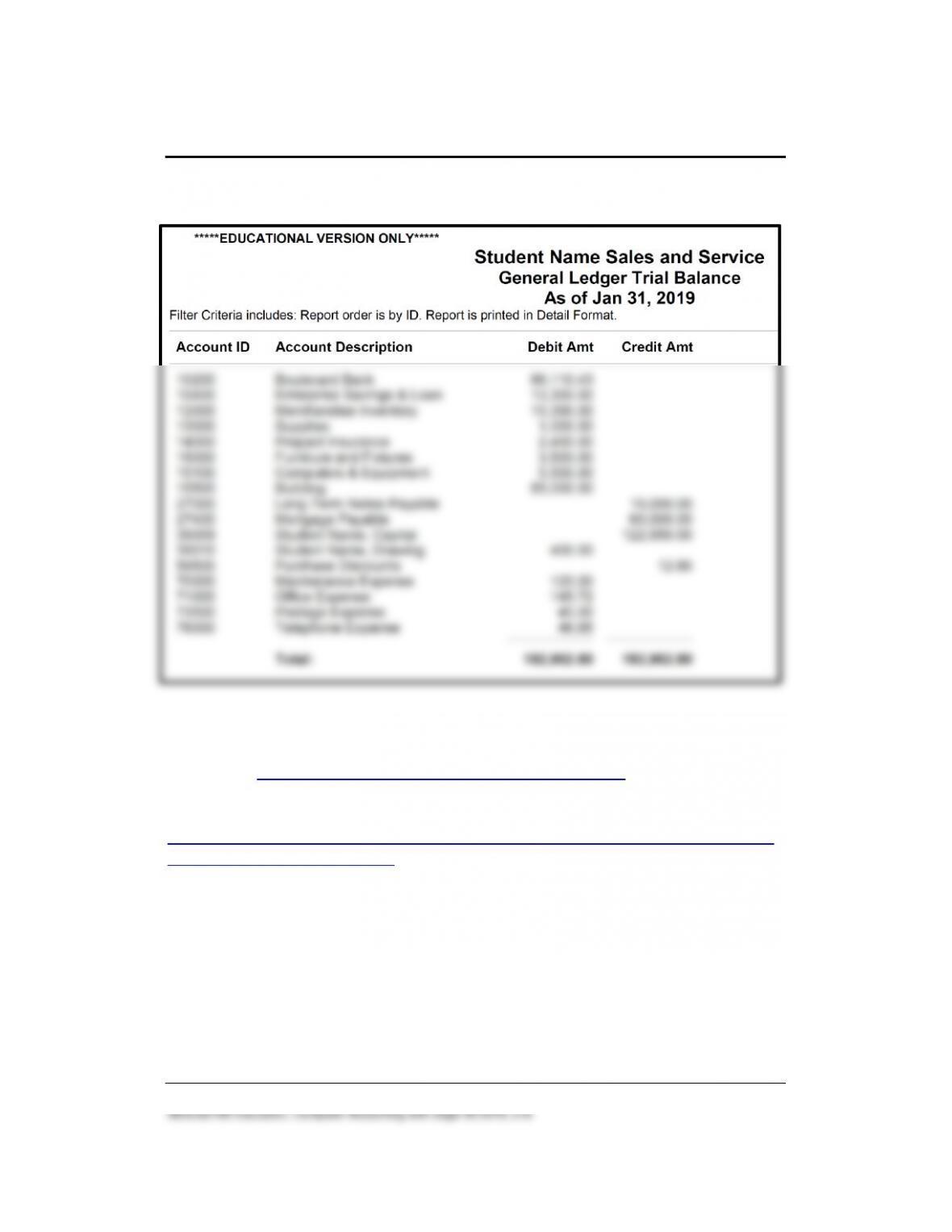
Solution to Exercise 12-2 (6)
ANSWERS TO GOING TO THE NET
Watch the Sage 50 – U S Edition – Managing Inventory video.
The website is
https://sagecity.na.sage.com/support_communities/sage50_accounting_u
s/m/sage50us_videos/1188. Briefly describe what the video covers.
Students’ answers will vary.
Videos may change. If the Managing Inventory video is no longer
available, students should select another one.
268 – IMK Chapter 12
ANSWERS TO TRUE/MAKE TRUE QUESTIONS, QA TEMPLATES
Type the word True in the space provided if the statement is true. If the
statement is not true, type the correct answer.
1. Accounts Payable is money you pay to customers.
2. Vendor default information needs to be set up to establish the criteria
used when computing vendor discounts.
3. Each time you use the Write Checks window, you are journalizing in
the Cash Disbursements Journal.
4. The purchase discount offered to Shannon’s Service Merchandise
from their vendors is 2% 10, Net 30 Days.
5. Each time you use the Payments window, you are journalizing in the
Purchases Journal.
6. The merchandise that Shannon’s Service Merchandise buys from
Ronny Becker Fabrics is classified as wall coverings.
7. The detailed types list includes chart of accounts numbers with five
digits.
8. The Maintain Vendors window is used to enter information about
vendors from whom you purchase merchandise.
9. All accounting software applications, regardless of the size of the
company, are the same.
Differences between accounting software applications include the
depth of processing, enhanced features and functions, and the size
of the database. As the database gets larger, the depth of processing
10. Each accounting software application (for example, Sage 50,
QuickBooks, and Microsoft Dynamics 365) has a unique system
design.
ANALYSIS QUESTION
What is the balance in the Accounts Payable account, Shannon’s Service
Merchandise? Why?
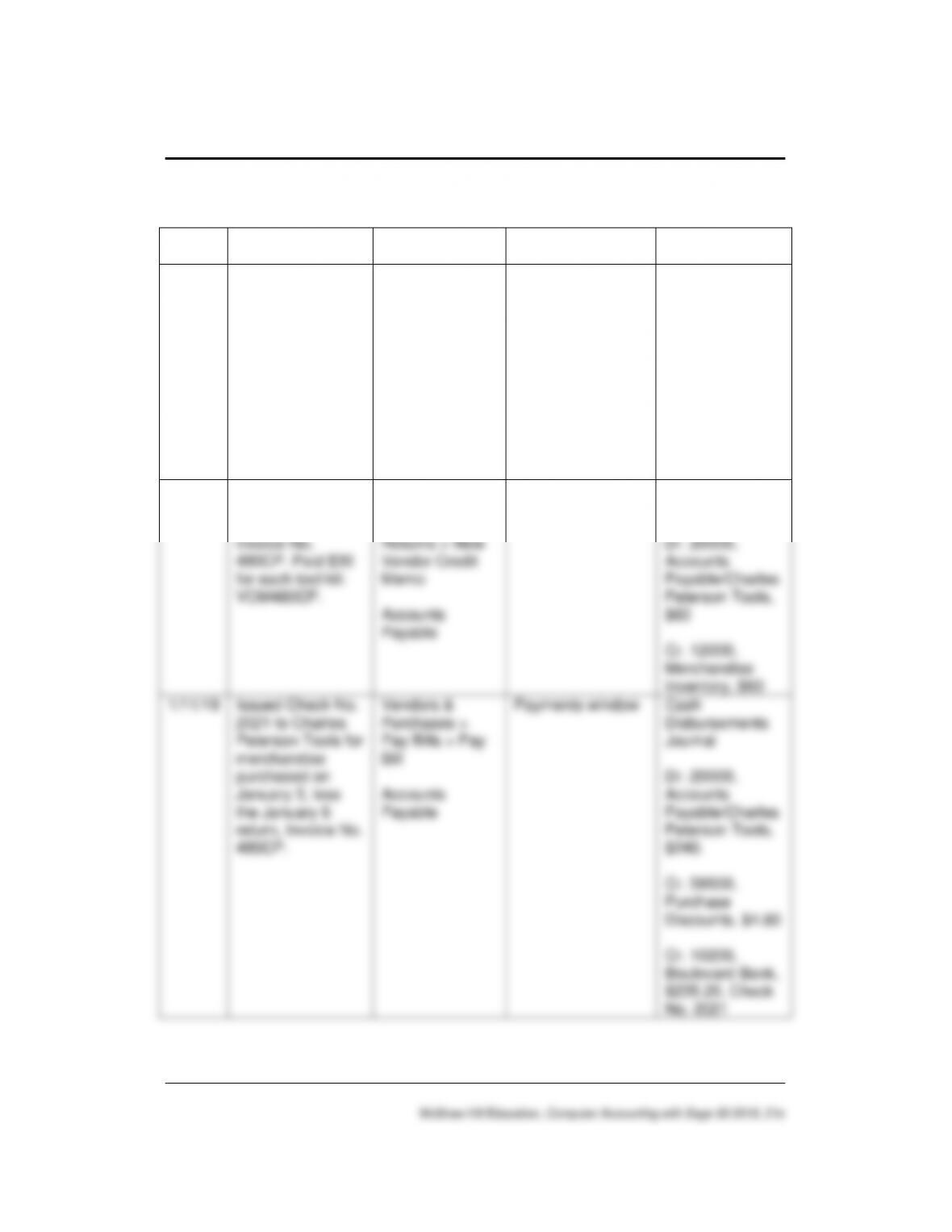
ANSWER:
The balance in the Accounts Payable account is $300. This balance
reflects the amount owed to the vendor, James Jarvis Hardware. The
270 – IMK Chapter 12
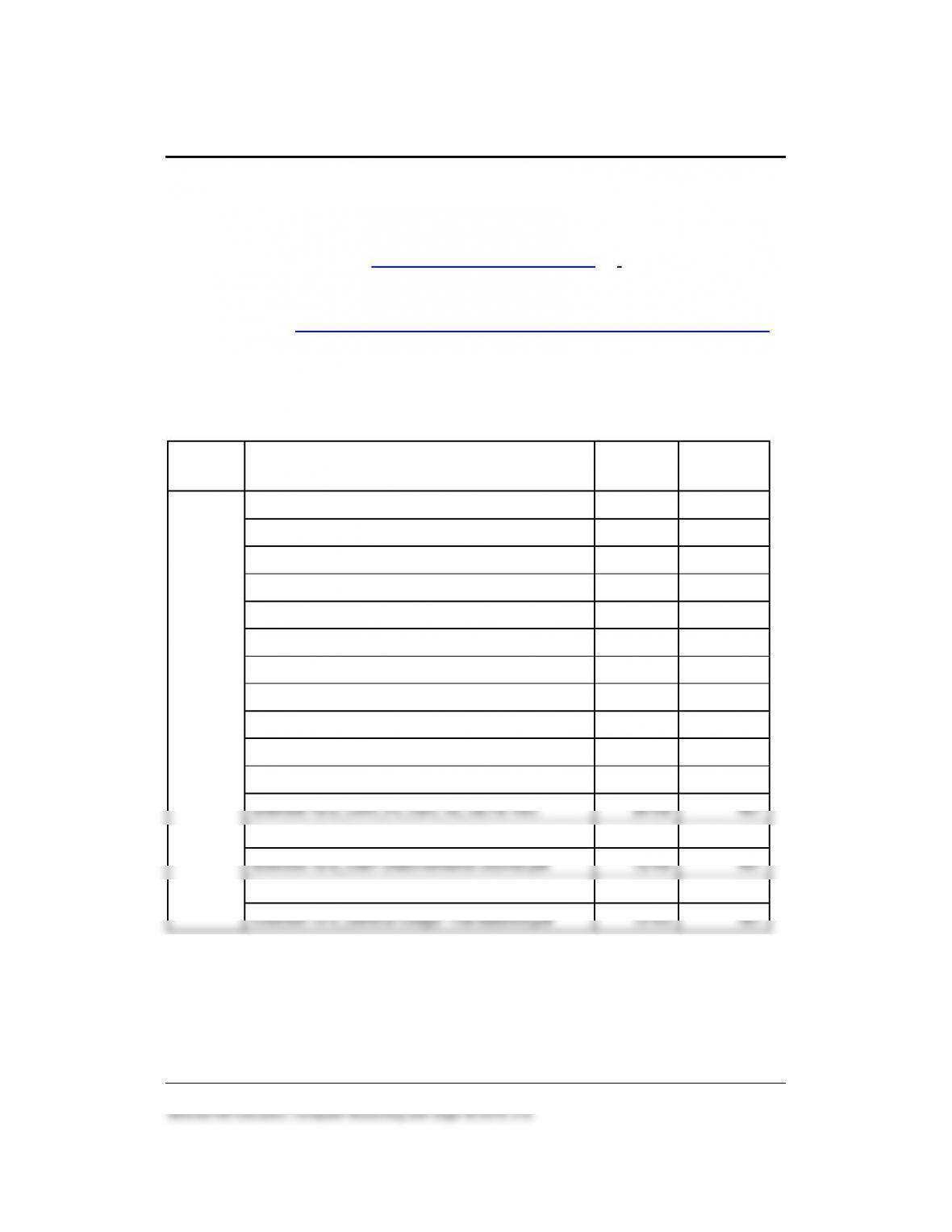
ASSESSMENT RUBRIC
Date
Transaction
Navigation
Center/Module
Task
Window
Journal
Dr./Cr.
1/4/19
Invoice No.
480CP was
received from
Charles Peterson
Tools for the
purchase of 10
tool kits for a unit
cost of $30.
Vendors &
Purchases >
Enter Bills >
New Bill
Accounts
Payable
Purchases/Receive
Inventory window
Purchases
Journal
Dr. 12000,
Merchandise
Inventory, $300
Cr. 20000,
Accounts
Payable/Charles
Peterson Tools,
$300
1/6/19
Returned two tool
kits to Charles
Peterson Tools,
Invoice No.
480CP. Paid $30
for each tool kit:
VCM480CP.
Vendors &
Purchases >
Credits and
Returns > New
Vendor Credit
Memo
Accounts
Payable
Vendor Credit
Memos window
Purchases
Journal
Dr. 20000,
Accounts
Payable/Charles
Peterson Tools,
$60
Cr. 12000,
Merchandise
Inventory, $60
1/11/19
Issued Check No.
2021 to Charles
Peterson Tools for
merchandise
purchased on
January 3, less
the January 6
return, Invoice No.
480CP.
Vendors &
Purchases >
Pay Bills > Pay
Bill
Accounts
Payable
Payments window
Cash
Disbursements
Journal
Dr. 20000,
Accounts
Payable/Charles
Peterson Tools,
$240.
Cr. 59500,
Purchase
Discounts, $4.80
Cr. 10200,
Boulevard Bank,
$235.20, Check
No. 2021
Vendors & Purchases 271 – IMK
SOLUTION FILES
The solution files, in .ptb, .pdf, and .xlsx formats, are included on the
Online Learning Center, www.mhhe.com/yacht2019 > Instructor Edition >
Solution Files and Backups and Excel Reports and PDF Reports. For
access to the password-protected Instruction Edition website, contact your
McGraw-Hill at https://shop.mheducation.com/store/paris/user/findltr.html.
The chart shows the size of the Chapter 12 solution files (Sage 50
backups, Excel Reports and PDF Reports). Additional Chapter 12 PDF
files are included on the OLC’s Instructor Edition > PDF Reports link.
Chapter
Backup (.ptb extension)
Excel (.xlsx), Adobe Acrobat (.pdf)
Kilobytes
Page Nos.
12
Chapter 12 Chart of Accounts.ptb
927 KB
414-415
Chapter 12 Starting Balance Sheet.ptb
928 KB
418
Chapter 12 Begin.ptb
1,007 KB
431
Chapter 12.ptb
1,051 KB
455
Chapter 12_CofA_PJ_CDJ_ VL_GLTB.xlsx
29 KB
455-457
Exercise 12-1_Chart of Accounts.ptb
921 KB
460
Exercise 12-1 Starting Balance Sheet.ptb
922 KB
462
Exercise 12-1_Chart of Accounts.pdf
32 KB
466
Exercise 12-1_Dec 31 2018 Balance Sheet.pdf
10 KB
466
Exercise 12-1.ptb
950 KB
466
Exercise 12-2.ptb
963 KB
467
Exercise 12-2_CofA_PJ_CDJ_VL_GLTB. xlsx
28 KB
467
Exercise 12-2_Purchase Journal.pdf
11 KB
467
Exercise 12-2_Cash Disbursements Journal.pdf
12 KB
467
Exercise 12-2_Vendor Ledgers.pdf
12 KB
467
Exercise 12-2_General Ledger Trial Balance.pdf
12 KB
467