
199 – IMK
CHAPTER 11
COMPLETING QUARTERLY ACTIVITIES
AND CLOSING THE FISCAL YEAR
Chapters 9, 10 and 11 work together. In Chapter 11, your students
continue recording financial information for James Crosby Designer. They
complete the Computer Accounting Cycle for November and December.
Mr. Crosby’s transaction registers and bank statements are used as
source documents. At the end of December, which is also the end of the
fourth quarter, students complete adjusting entries for Mr. Crosby, print
financial statements, and close the fiscal year.
LEARNING OBJECTIVES
1. Restore data from Chapter 10.1 (This backup was made on page 329.)
2. Define Sage 50’s General Ledger System.
3. Change accounting periods; record and post deposits, checks, and
ATM transactions for November and December.
4. Complete account reconciliation.
5. Display Sage 50’s data file statistics window.
6. Print a General Ledger Trial Balance (unadjusted).
7. Journalize and post end-of-quarter adjusting entries in the General
Journal.
8. Print the Adjusted Trial Balance and financial statements.
9. Close the fiscal year and print a Postclosing Trial Balance.
10. Make eight backups, save four Excel files, and save 12 PDF files.
SAGE 50 TIPS, CHAPTER 11
➢ Students must complete Chapters 9 and 10 before starting Chapter 11.
1All activities in Chapters 9 and 10 must be completed before starting Chapter 11.

200 – IMK Chapter 11
➢ To check that students have completed Chapter 10, display James
Crosby’s general ledger trial balance. Compare it to the one shown on
textbook page 325. This is the trial balance at the end of Chapter 10
(Chapter 10 October.ptb file).
➢ If any of the account balances are incorrect on the general ledger trial
balance, follow the steps for Editing Journal Transactions on textbook
page 324. Then, reprint the trial balance.
➢ If your students do not get the correct year-to-date amounts on their
Income Statement (textbook page 365) or Statement of Cash Flow
(textbook page 367), their chart of accounts beginning balances may
have been set up incorrectly (refer to textbook pages 283–287, steps 1-
8, Entering Chart of Accounts Beginning Balances). James Crosby’s
beginning balance sheet is dated October 1, 2019 (textbook page
283). Since Sage 50 posts on the last day of the month (September
30), students must set beginning balances for the preceding month—
September 1 through 30, 2019. This is shown on the Select Period
window illustration below step 2 on textbook page 285.
To check that students have set up their beginning balance period from
9/1/19 through 9/30/19, follow these steps:
1. Start Sage 50, Open James Crosby Designer.
2. Restore the Chapter 9 Beginning Balances.ptb file.
3. From the menu bar, click on Maintain, Chart of Accounts. Then, click
on the right-arrow next to Beginning Balances.
4. Select the period From 9/1/19 through 9/30/19. Click on <OK>. The
Beginning balances as of September 30, 2019 appear. Compare
them to the September 30, 2019 balance sheet on textbook page
289. (The chart of accounts balances as of September 30, 2019 are
the beginning balances for October 1, 2019.) October 2019 is the
first month for recording James Crosby Designer data.
5. The Select Period window on textbook page 285 (below step 2)
shows that the period to choose for beginning balances must be
From 9/1/19 through 9/30/19. Step 2 on textbook page 285 reminds
students to recheck the period before continuing. On textbook pages
285-287, step 5, students are reminded to make sure that their
beginning balances are as of September 30, 2019. If they enter the
beginning balances for the wrong month, their Income Statement and

Completing Quarterly Activities and Closing the Fiscal Year 201 – IMK
Statement of Cash Flow will not show the current month and year-to–
date amounts correctly.
➢ If student files are incorrect, you can restore files from
www.mhhe.com/yacht2019 and download the appropriate file from the
password-protected Instructor Edition site. If necessary, you could give
students the solution file so they can continue with correct data. Refer
to the Part 2 introduction, textbook pages 254-256 for backup file
names and the pages where the files were backed up.
➢ When you or your students start the Year-End Closing process, Sage
50 may say that not all journals are posted. Your students may be
using Batch posting instead of Real-time posting. From the menu bar,
select Maintain > Company Information. The Posting Method field
should show Real-time. If necessary, select Real-time instead of
Batch. If the posting method is correct, your students may have
Memorized a transaction instead of selecting Save to post. Go to
Maintain, Memorized Transactions. Then follow this example: 1) select
Payments from the memorized transactions drop-down list. 2) Look in
the Transaction ID field. 3) If anything is listed, select it. On the
Maintain Memorized Payments window, there is a Select icon. Click on
the Select icon to insert into a Tasks window. Then, by clicking on
Save from the tasks window, the transaction can be posted. 4) Go
back to Maintain, Memorized Transactions and check each option.
LECTURE OUTLINE FOR CHAPTER 11
A. Learning Objectives, page 337
B. General Ledger System (GL), pages 337-338
C. Getting Started, pages 339-341
D. Transaction Register and Bank Statement: November 2019, pages
341-349

202 – IMK Chapter 11
E. Backing Up November Data, page 350
F. Data File Statistics, pages 350-351
G. Changing Accounting Periods, page 352
H. Transaction Register and Bank Statement: December 2019, pages
352-357
I. Backing Up the Unadjusted Trial Balance, page 357
J. End-of-Quarter Adjusting Entries, pages 358-367
K. Backing Up December Data, page 367
L. Export Financial Statements to Excel and Save PDF Files, pages 368-
369
M. Closing the Fiscal Year, pages 369-374
N. Printing the Postclosing Trial Balance, pages 374-375
O. Backing Up Year-End Data, page 376
P. Export Postclosing Trial Balance to Excel and Save PDF file, page 376
Q. Online Learning Center, pages 376-377
Complete end-of-chapter activities at www.mhhe.com/yacht2019 >
Student Edition > Chapter 11.
1. Quizzes: Multiple Choice Quiz and True or False. Interactive online
tests that are graded and can be emailed to the instructor.
2. More Resources:
a. Going to the Net: The Chapter 11 OLC > Student Edition >
Going to the Net link includes the Microsoft Excel Worksheet
file, Chapter 11_Asset depreciation schedule1.xlsx. To complete

Completing Quarterly Activities and Closing the Fiscal Year 203 – IMK
four depreciation methods, students open the file and complete
the depreciation exercise.
b. QA Templates: Answer 10 true/make sure questions and three
Analysis Questions.
c. Assessment Rubric: Complete the rubric to review Sage 50’s
journals, navigation centers, modules, task windows, and
reports.
d. Listen to narrated PowerPoint slides.
The OLC also includes links to the Appendixes:
• Appendix A: Troubleshooting (textbook and OLC).
• Appendix C: Review of Accounting Principles (OLC Student
Edition)
• Appendix D, Glossary (OLC Student Edition)
R. Exercise 11-1, pages 377-380
S. Exercise 11-2, pages 380-384
T. Chapter 11 Index, pages 385-386
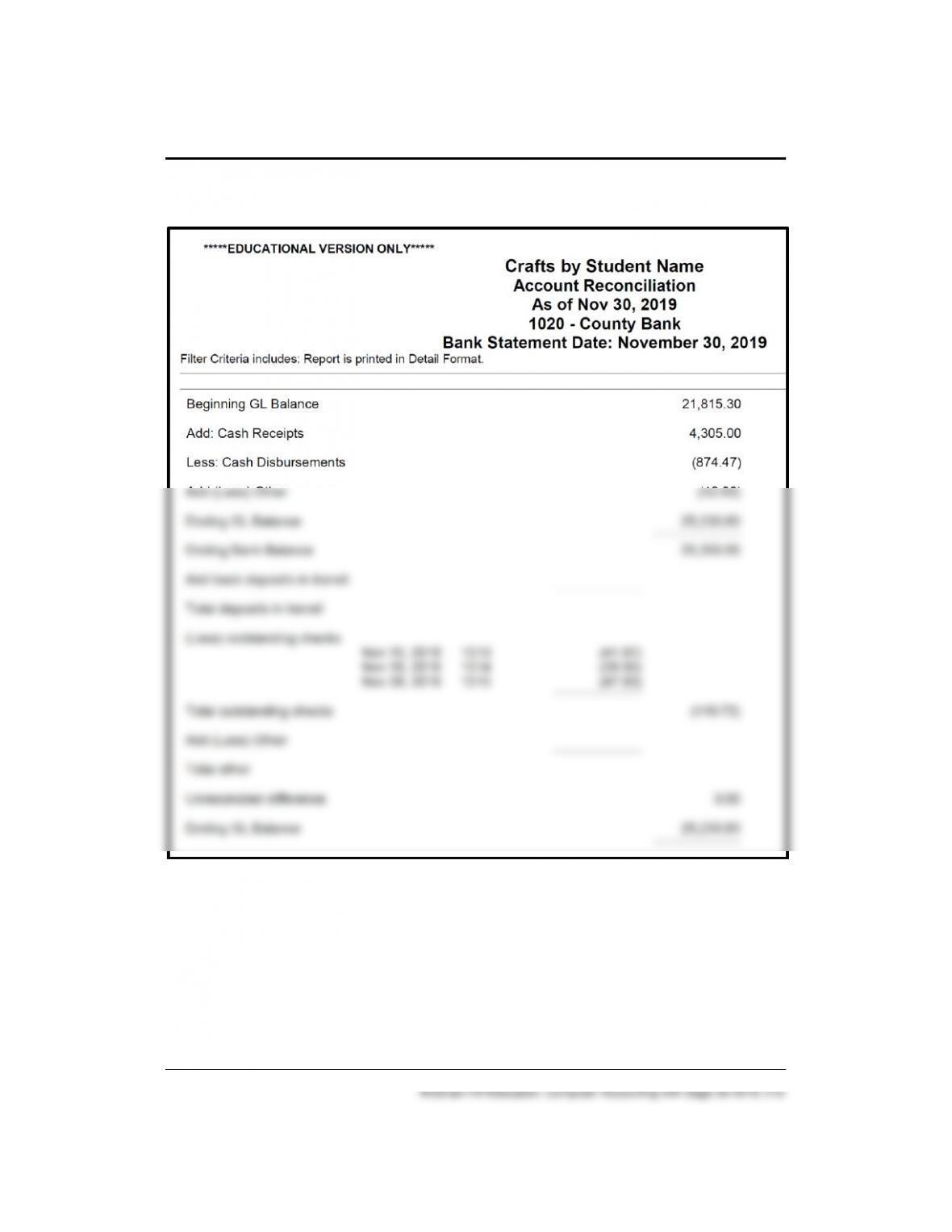
204 – IMK Chapter 11
Solution to Exercise 11-1 (6)
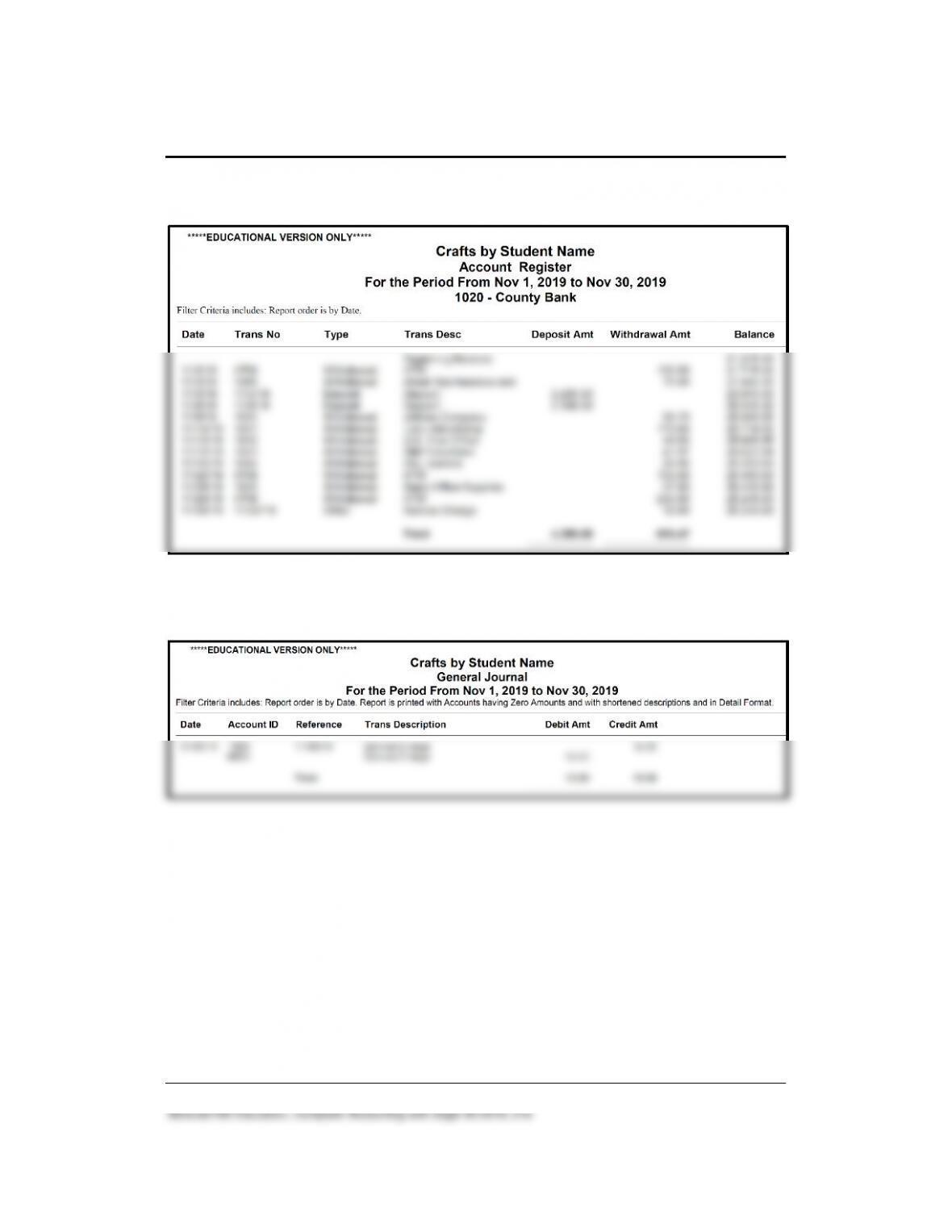
Completing Quarterly Activities and Closing the Fiscal Year 205 – IMK
Solution to Exercise 11-1 (7)
Solution to Exercise 11-1 (8)
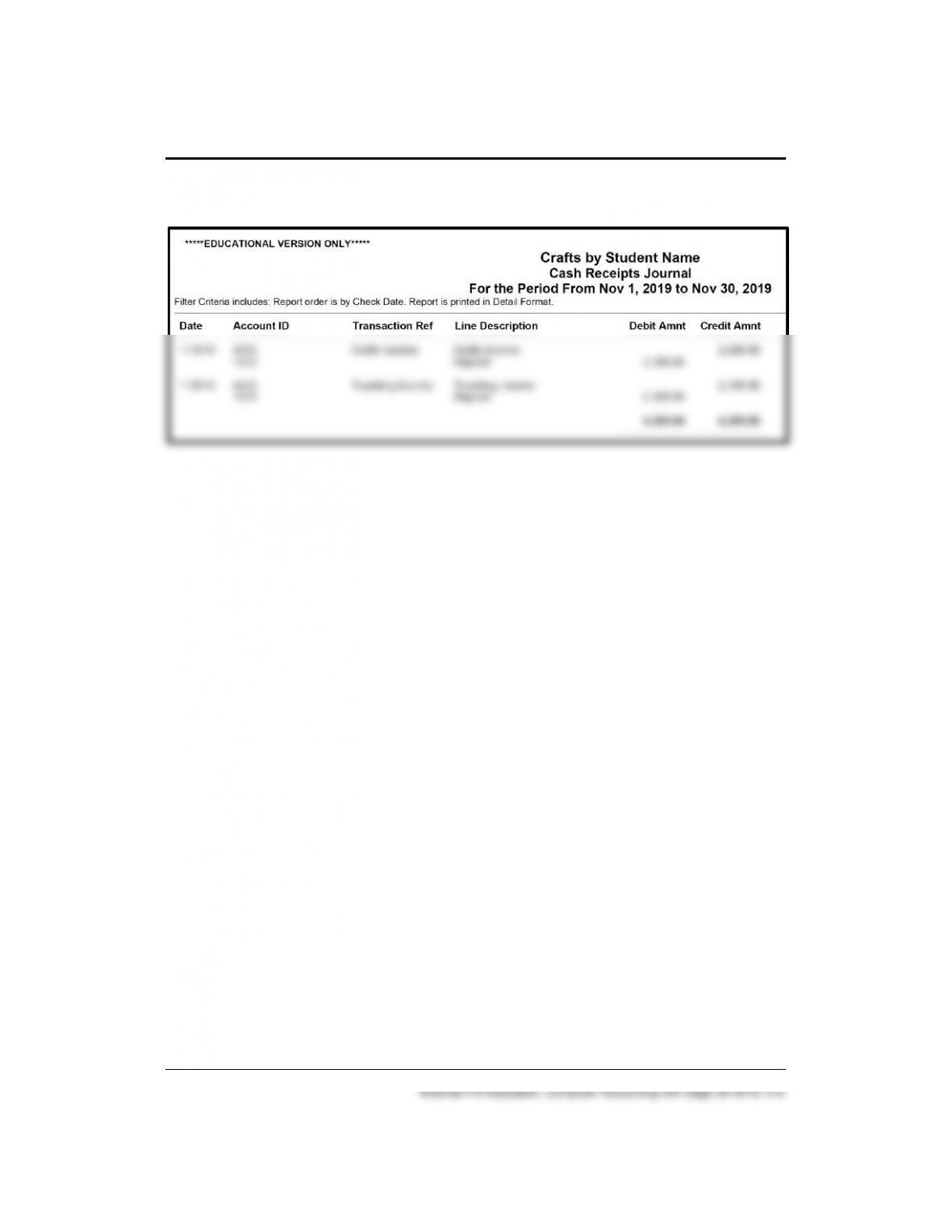
206 – IMK Chapter 11
Solution to Exercise 11-1 (9)
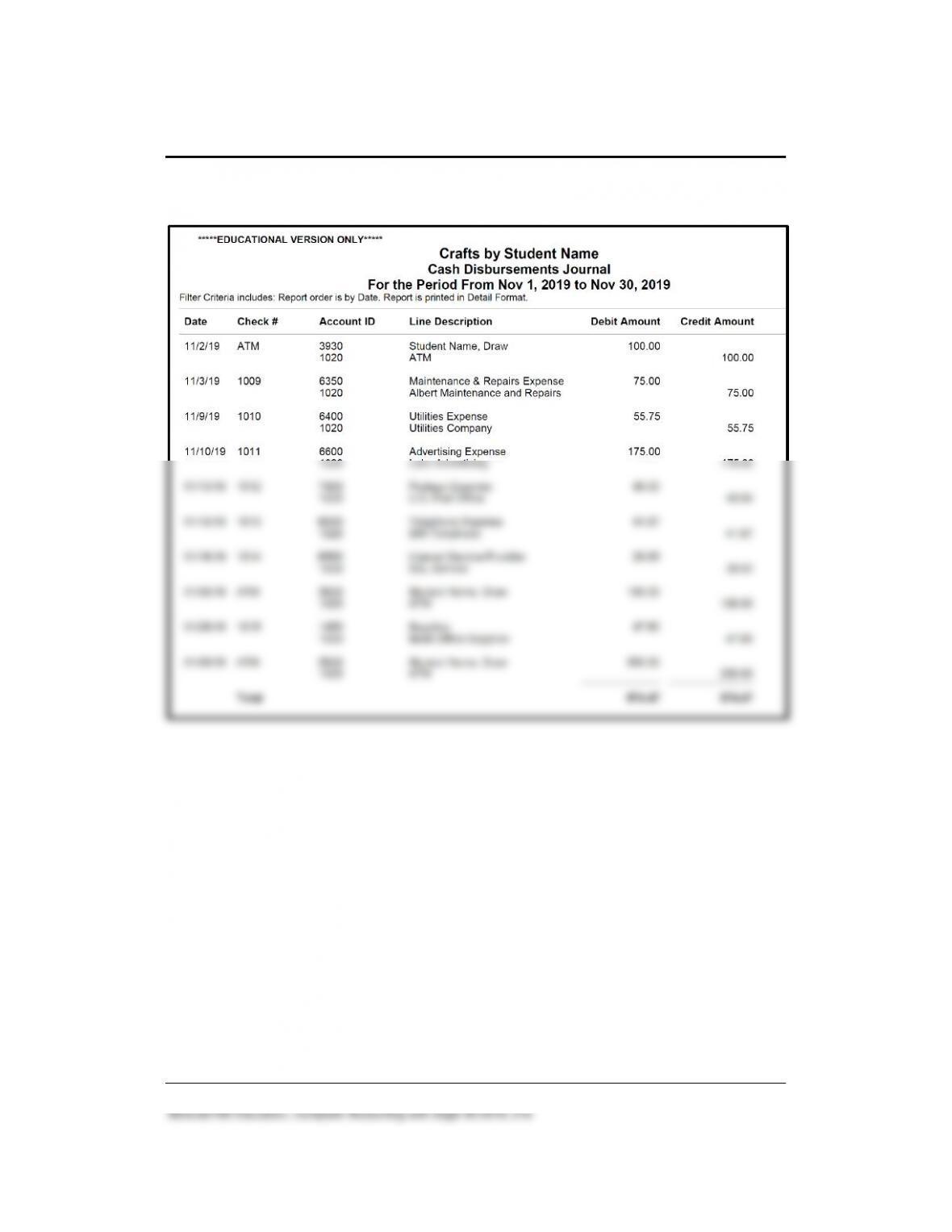
Completing Quarterly Activities and Closing the Fiscal Year 207 – IMK
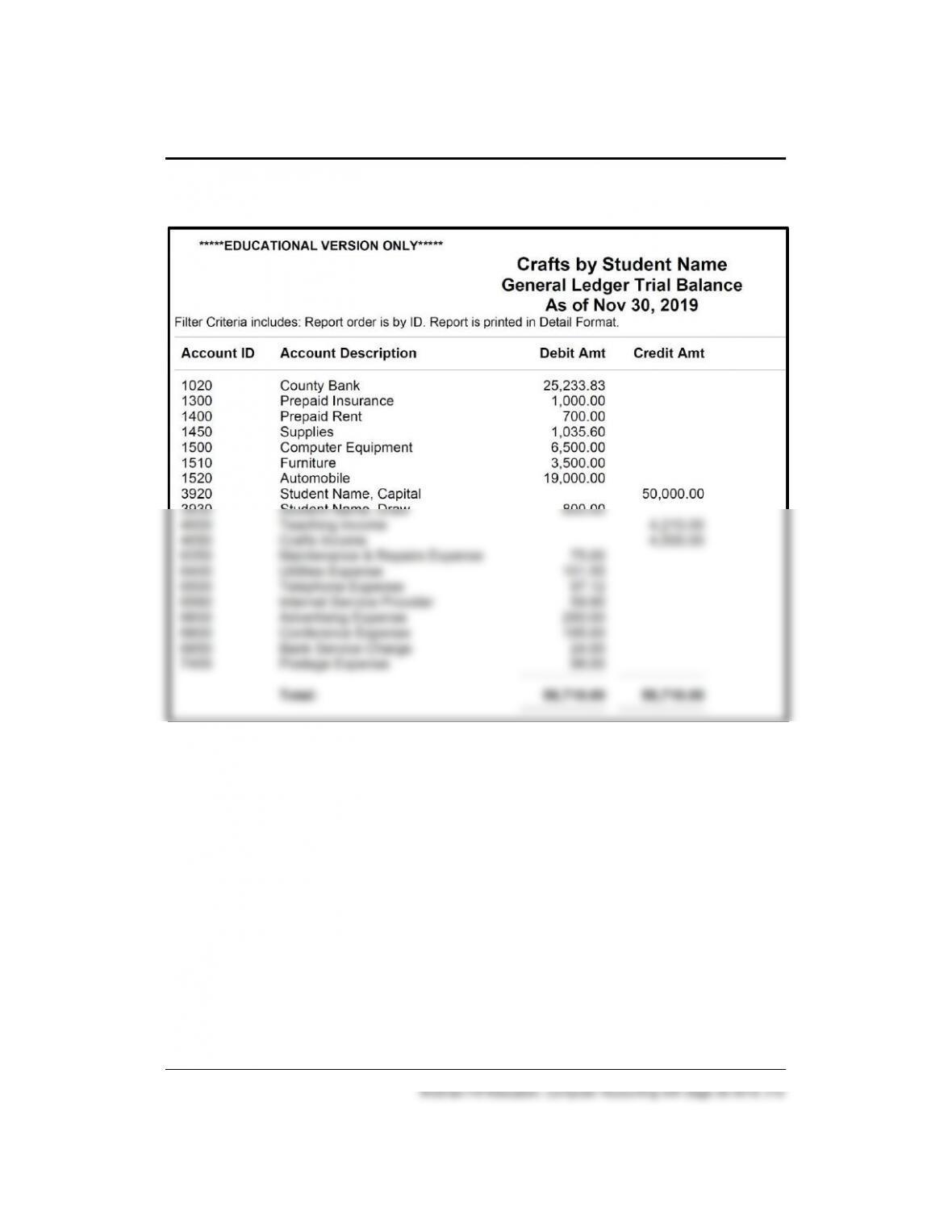
Solution to Exercise 11-1 (10)
208 – IMK Chapter 11
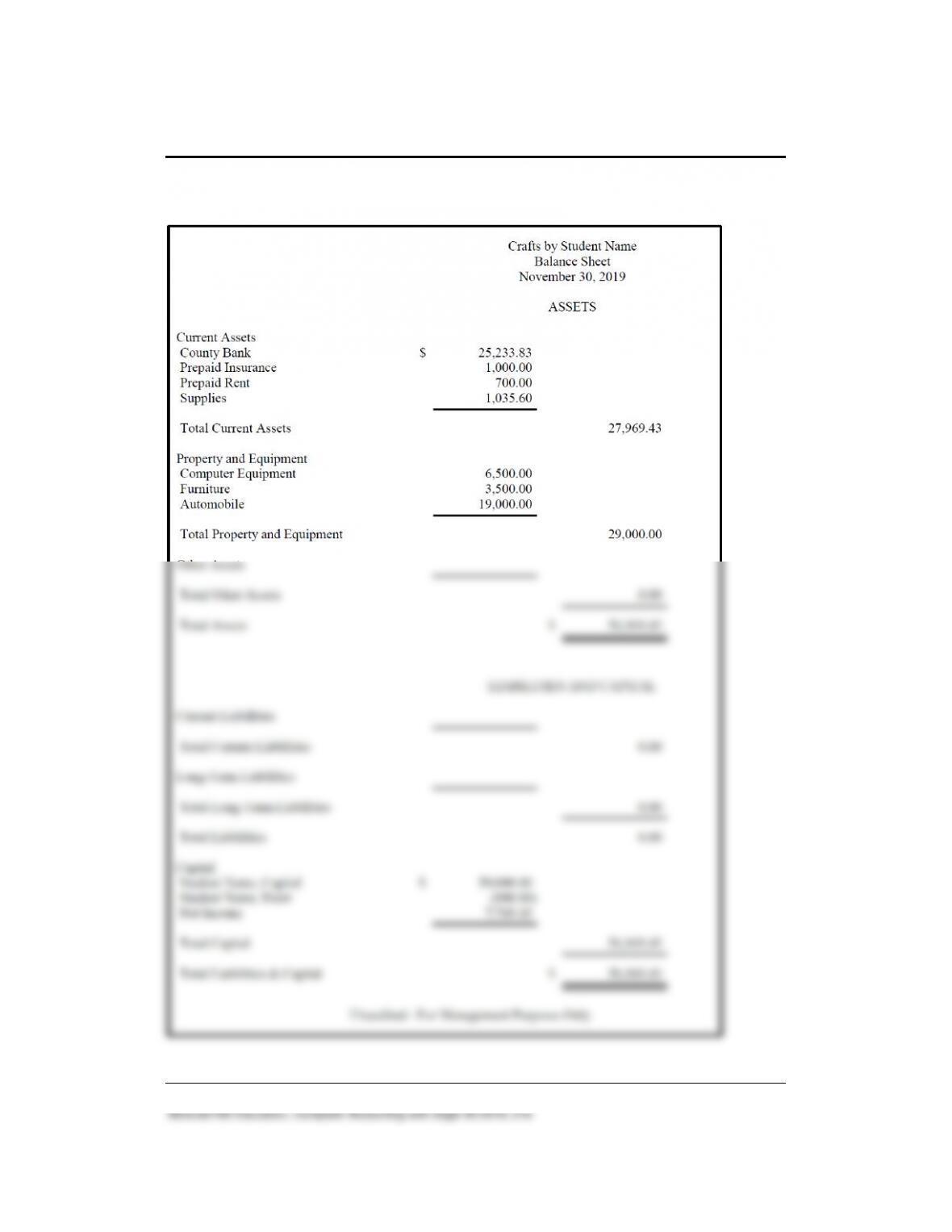
Solution to Exercise 11-1 (11)
If you prefer Excel or PDF files of Exercise 11-1, they are included on the
OLC’s Instructor Edition > PDF Reports or Excel Reports. The PDF file
name is Exercise 11-1_November Account Reconciliation.pdf, Exercise
11-1_Account Register.pdf, etc.
The Excel file name is Exercise 11-1_November Reports.xlsx.
Completing Quarterly Activities and Closing the Fiscal Year 209 – IMK
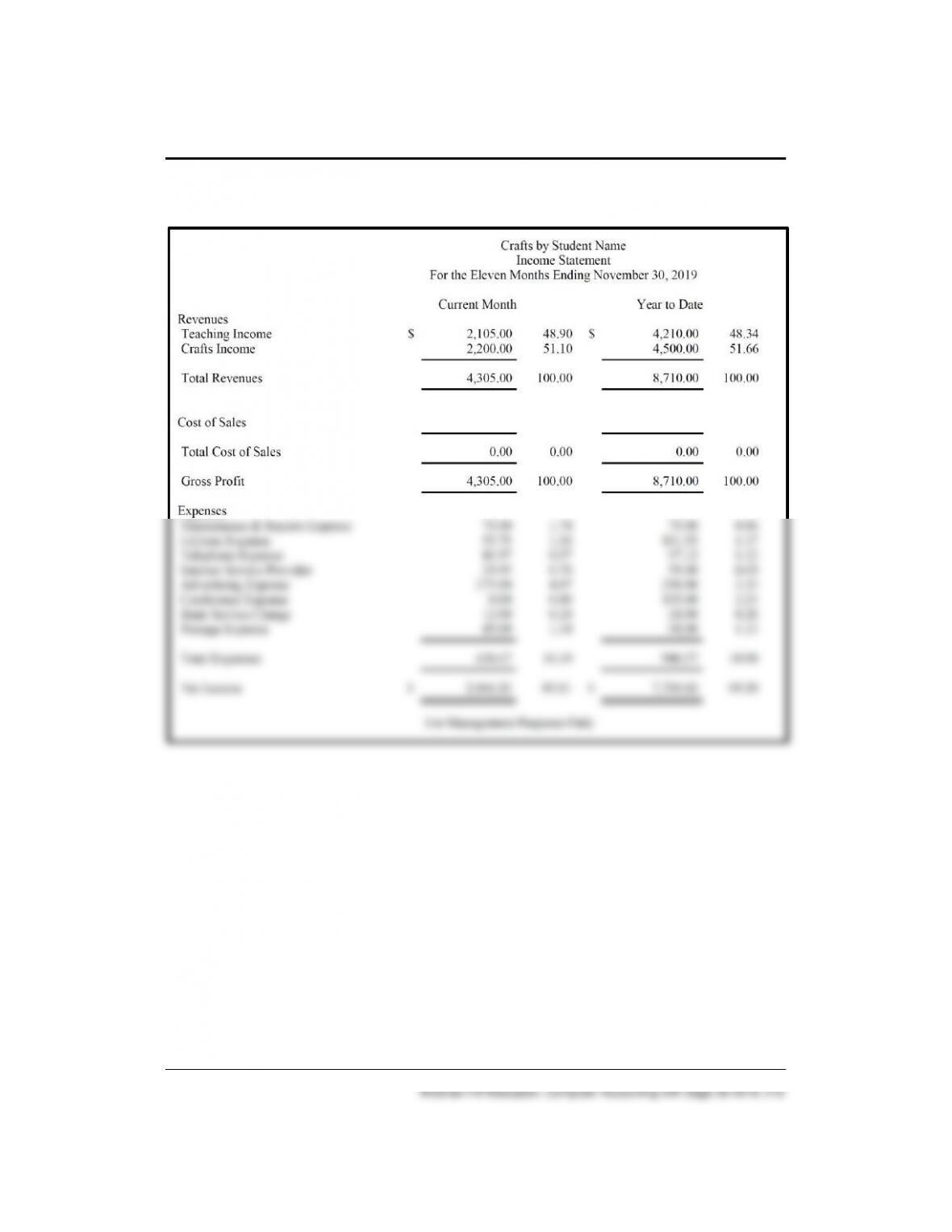
Solution to 11-1 (12) (Continued)
210 – IMK Chapter 11
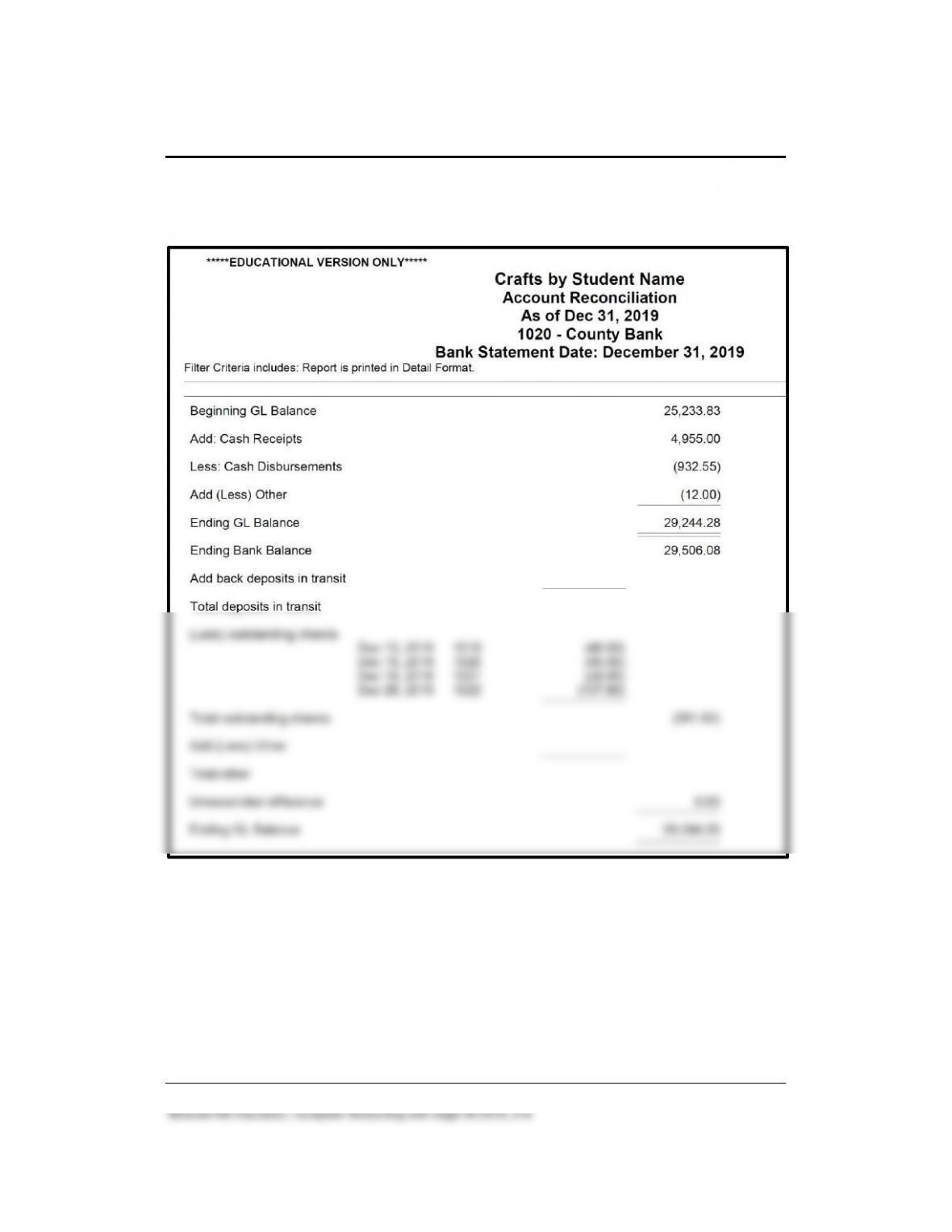
Solution to Exercise 11-1 (12) (concluded)
Completing Quarterly Activities and Closing the Fiscal Year 211 – IMK
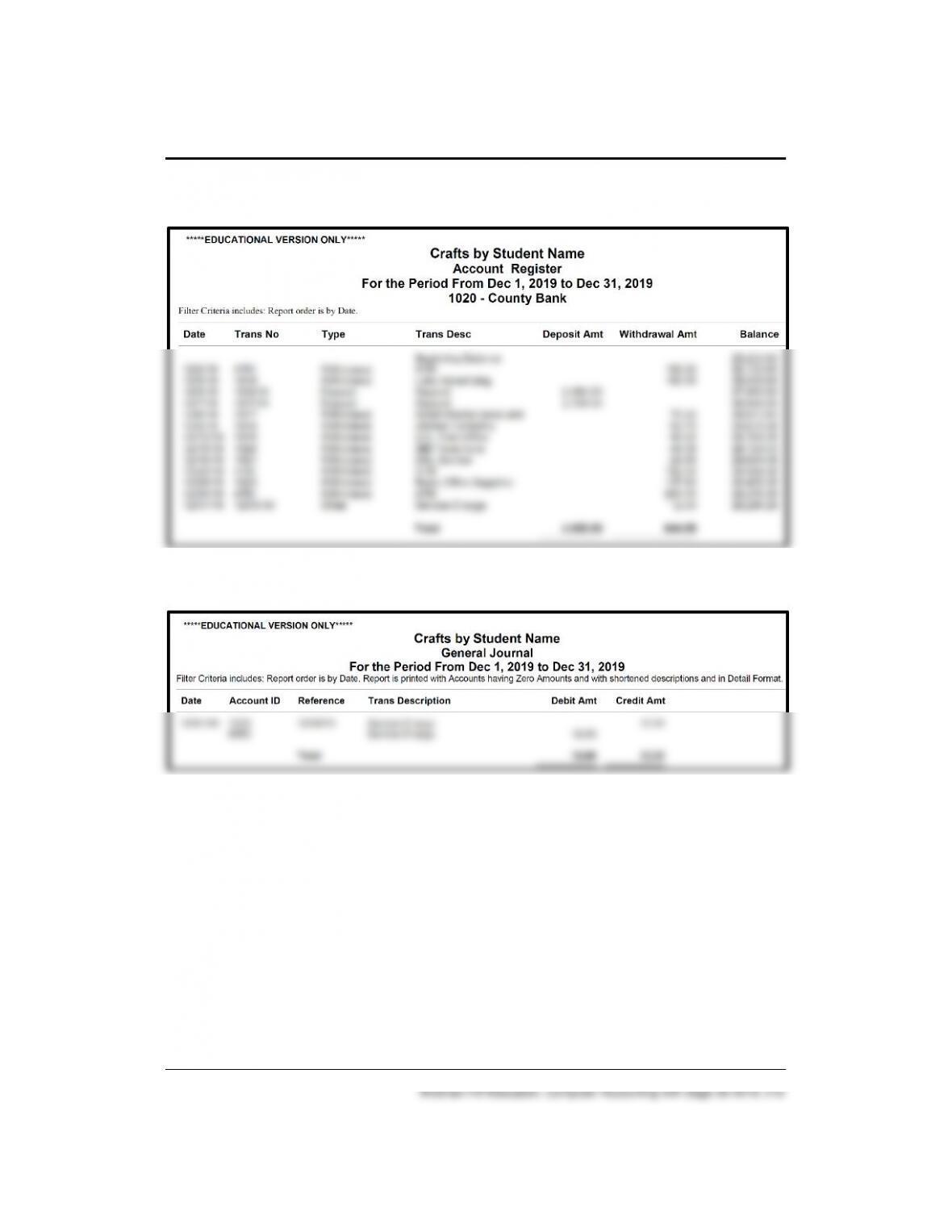
Solution to Exercise 11–2 (6)
212 – IMK Chapter 11
Solution to Exercise 11-2 (6) (Continued)
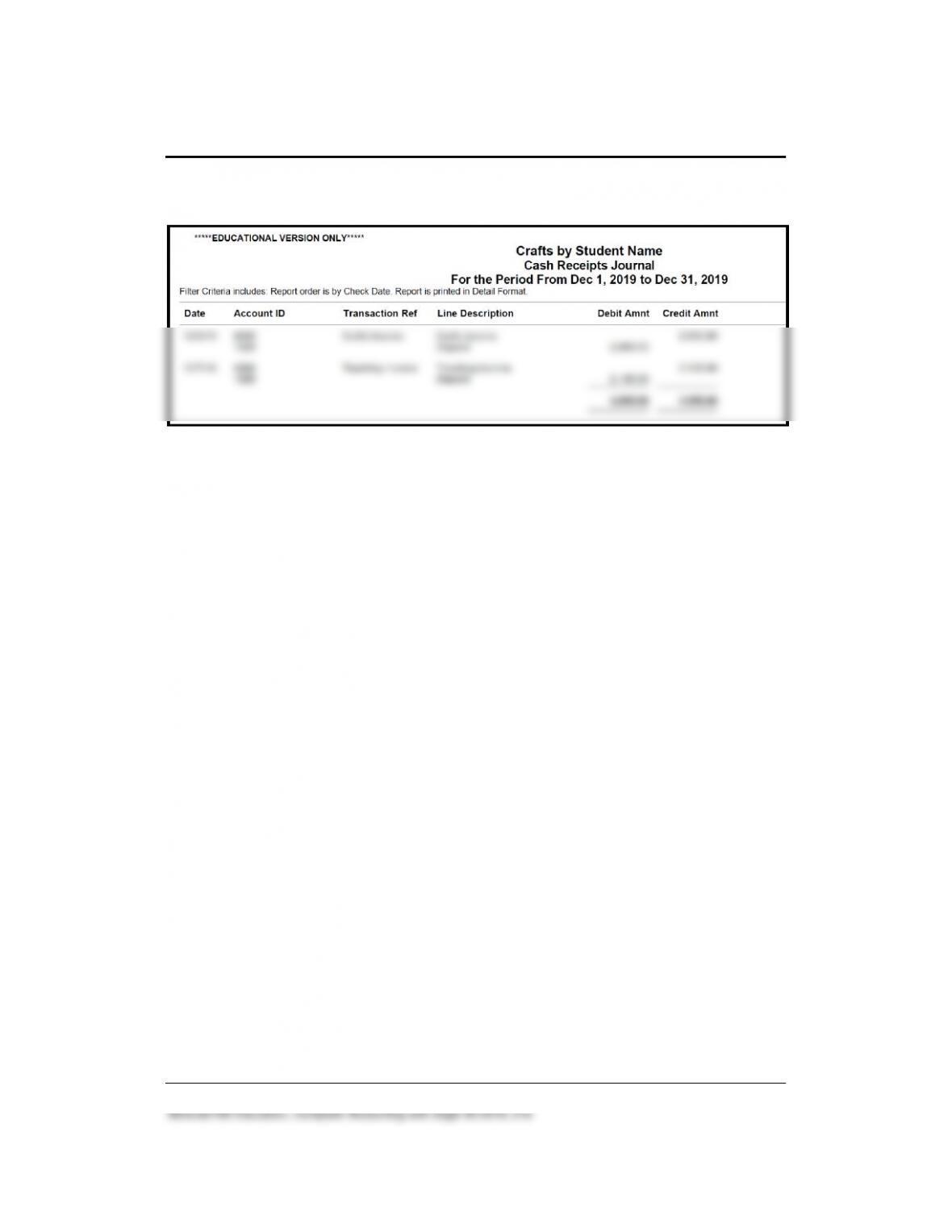
Solution to Exercise 11-2 (6) (Continued)
Completing Quarterly Activities and Closing the Fiscal Year 213 – IMK
Solution to Exercise 11-2 (6) (Continued)