
183 – IMK
CHAPTER 10
MAINTAINING ACCOUNTING RECORDS FOR SERVICE BUSINESSES
Chapter 10 continues the work started in Chapter 9 and Exercises 9-1 and
9-2. Students complete the computer accounting cycle for the month of
October using the transaction register and bank statement as source
documents. The transaction register shows Mr. Crosby’s checking account
activity.
LEARNING OBJECTIVES
1. Restore data from Chapter 9. (This backup was made on textbook
pages 292-293.)
1
2. Record and post deposits, checks and ATMs.
3. Complete account reconciliation.
4. Display the Account Register.
5. Display the Cash Receipts Journal, Cash Disbursements Journal, and
General Journal.
6. Display the general ledger trial balance.
7. Print financial statements.
8. Make four backups, save two Excel files, and save six PDF files.
SAGE 50 TIPS, CHAPTER 10
➢ The Restore Wizard includes two options on the Select Company
window: Overwrite existing company data or Create a new company
using the restored data.
o Use the default, Overwrite existing company data, when the
company is open and you want to restore data to that point.
o Use Create a new company using the restored data when the
company has not been set up. The company can be created and
restored to that point in the data at the same time.
1
All activities in Chapter 9 must be completed before starting Chapter 10.

184 – IMK Chapter 10
Let’s say your student wants to restore a backup file for a company
that was not set up in Sage 50. Some computer labs delete directories
from the hard drive; for example, a backup file exists but the company
is not shown when your student opens an existing company or selects
browse to check for that company. Or, the computer lab has Sage 50
2019 available but not the companies that students previously set up.
If you start Sage 50 and the appropriate company cannot be opened,
use the Restore Wizard to select Create a new company using the
restored data. Using the appropriate backup file, and the selection for
Create a new company using the restored data, your students can
restore data and set up the company at the same time.
➢ The Solution Files include all the backups made in Chapters 1-18 and
Projects 1, 2, 3 and 4. Sage 50 backup files are identified with a .ptb
extension. The password-protected Instructor Edition website at
www.mhhe.com/yacht2019 includes all the backups made in Chapters
1-18 and Projects 1, 2, 3 and 4. In order to obtain a password and
username for the Instructor Edition, contact your McGraw-Hill sales
representative at
https://shop.mheducation.com/store/paris/user/findltr.html.
➢ The Solution file backups can be used as student data to start later in
the chapter, or to help students start with fresh data in case mistakes
have been made. The Part 2 introduction on textbook pages 251–256
includes a chart showing the textbook page number where the backup
was made. The Chapter 10 solution file backups are also shown on
pages 164 -165- IMK.
➢ Since Chapters 9, 10 and 11 are cumulative, you may want to allow
students to restore a solution file so that they can complete their work
from that point. (Refer to the Part 2 introduction’s chart, textbook pages
254-256 or page 198 – IMK.)
LECTURE OUTLINE
A. Learning Objectives, page 305

Maintaining Accounting Records for Service Businesses 185 – IMK
B. Getting Started, pages 306-307
C. Recording Deposits, Checks and ATMs, pages 307-315
D. Backing Up the October Transaction Register, pages 315-316
E. Account Reconciliation, pages 316-319
F. Displaying the Account Register, pages 319-321
G. Printing the Cash Receipts Journal, pages 321-322
H. Printing the Cash Disbursements Journal, pages 322-323
I. Editing Journal Entries, pages 324-325
J. Displaying the General Ledger Trial Balance, pages 325-326
K. Printing Financial Statements, page 326
1. Balance Sheet, pages 326-327
2. Income Statement, pages 328-329
L. Backing Up Chapter 10 Data, page 329
M. Export the General Ledger Trial Balance, Income Statement and
Balance Sheet to Excel, pages 329-330
N. Save General Ledger Trial Balance and Financial Statements as PDF
Files, page 331
O. Online Learning Center, page 331
Complete end-of-chapter activities at www.mhhe.com/yacht2019 >
Student Edition > Chapter 10.
1. Quizzes: Multiple Choice Quiz and True or False. Interactive online
tests that are graded and can be emailed to the instructor.
2. More Resources:

186 – IMK Chapter 10
a. Going to the Net Exercises: Access the Sage Business Cloud
website.
b. QA Templates: Answer 10 short-answer questions and one
Analysis Question.
c. Assessment Rubric: Complete the rubric to review Sage 50’s
journals, navigation centers, modules, task windows, and
reports.
d. Listen to narrated PowerPoints.
e. Videos: In Chapter 10, the videos demonstrate recording
Checks and Deposits.
The OLC also includes links to the Appendixes:
• Appendix A: Troubleshooting (textbook and OLC).
• Appendix C, Review of Accounting Principles (OLC Student
Edition)
• Appendix D, Glossary (OLC Student Edition)
P. Exercise 10-1, pages 332-333
Q. Exercise 10-2, pages 334-335
R. Chapter 10 Index, page 336
Maintaining Accounting Records for Service Businesses 187 – IMK
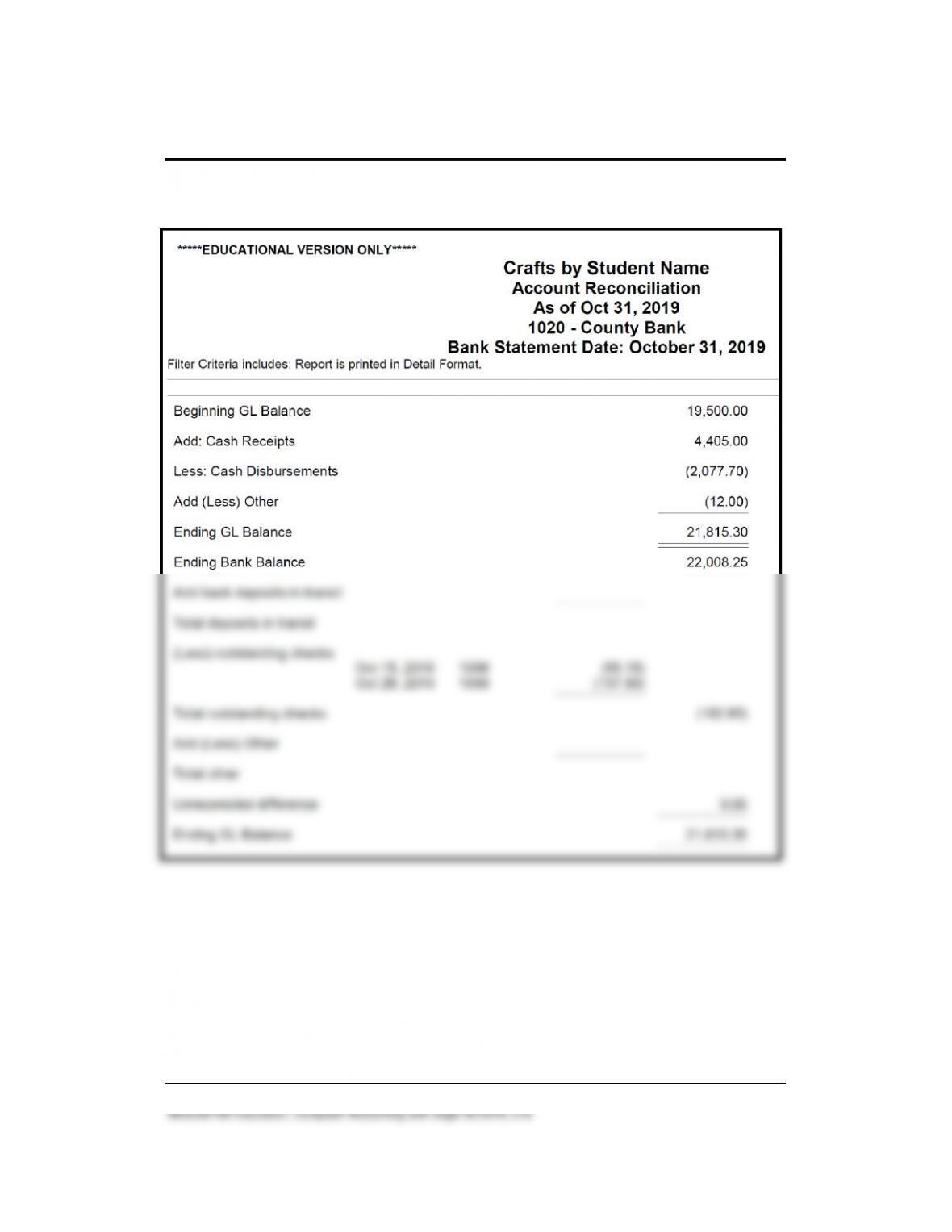
Solution to Exercise 10-2 (3)
188 – IMK Chapter 10
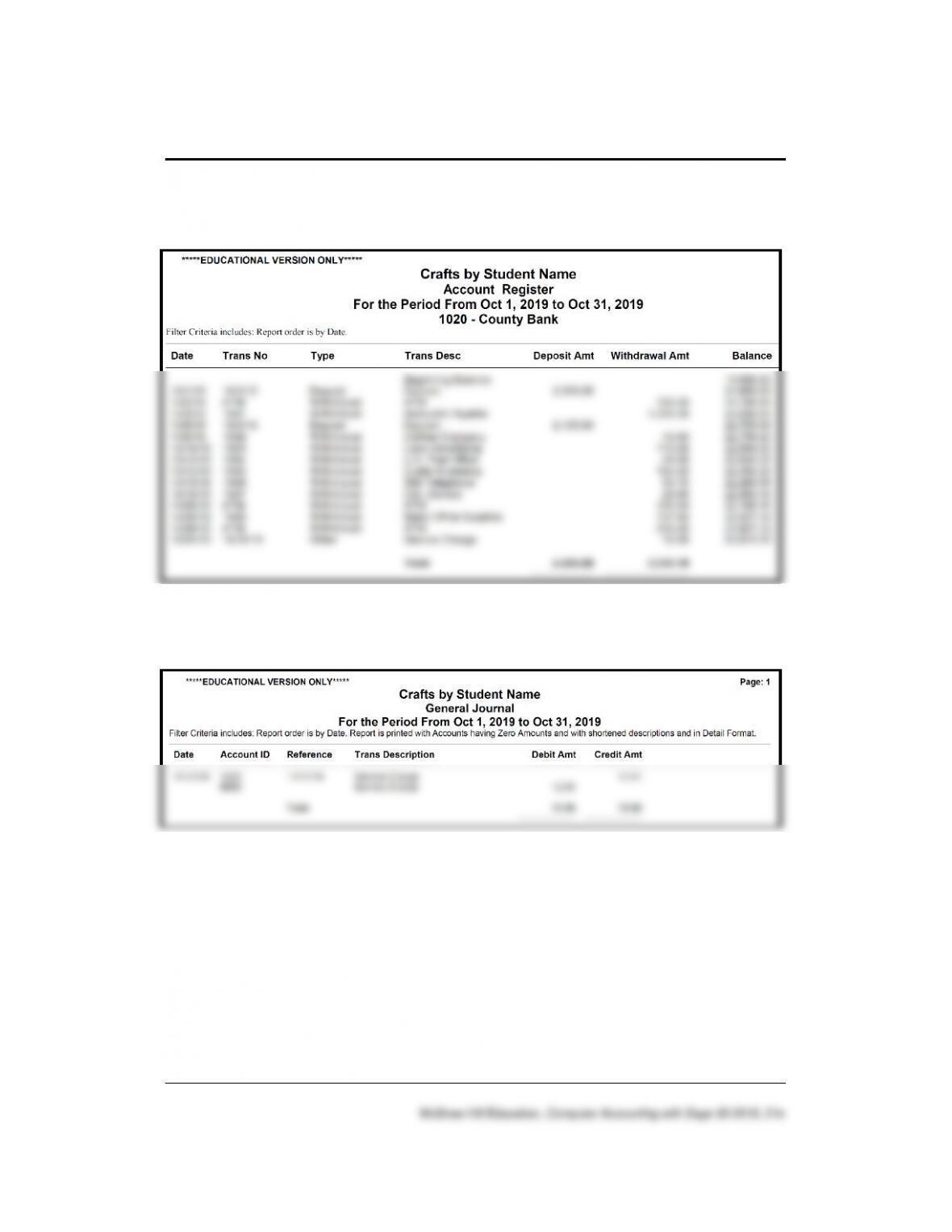
Solution to Exercise 10-2 (4)
Solution to Exercise 10-2 (4)
Maintaining Accounting Records for Service Businesses 189 – IMK
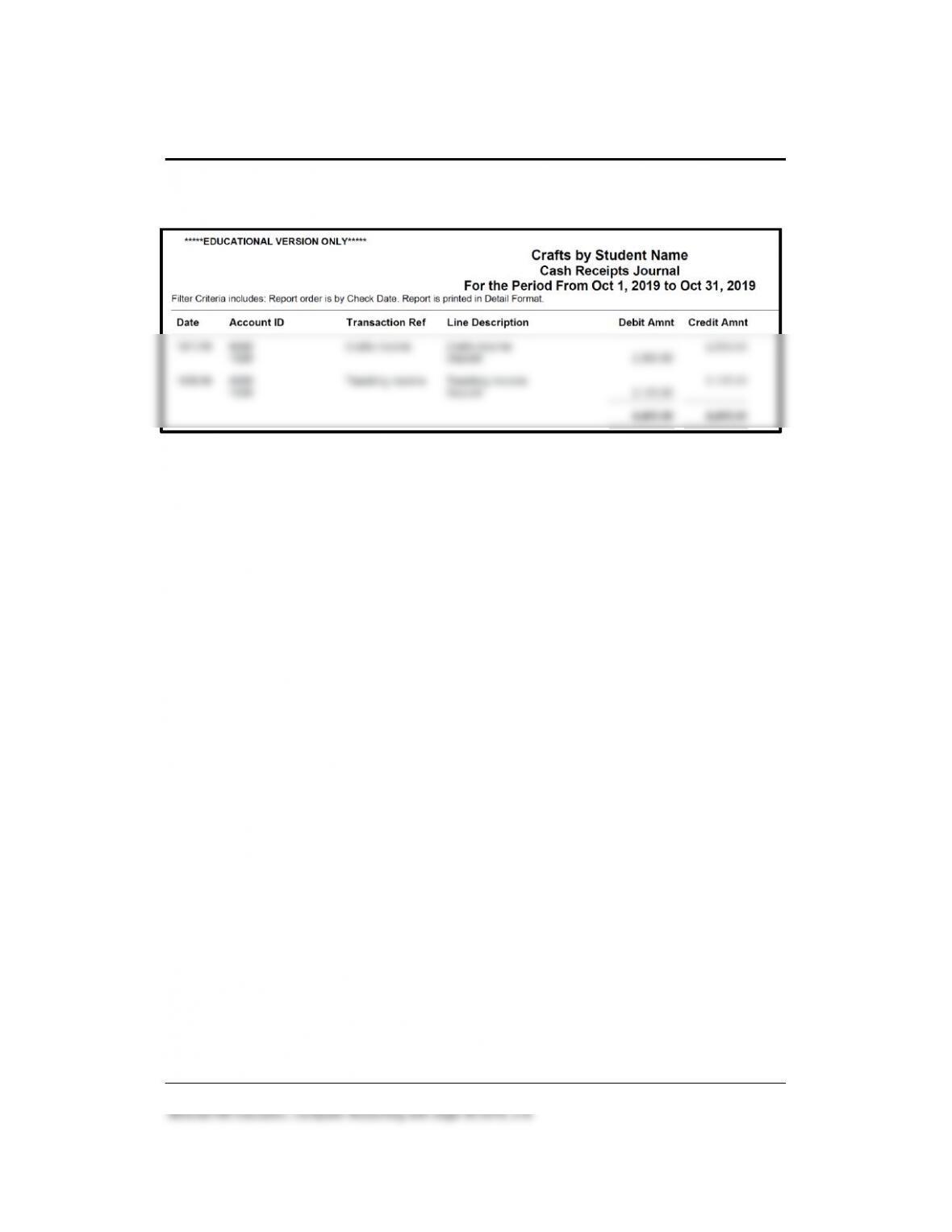
Solution to Exercise 10-2 (4)
190 – IMK Chapter 10
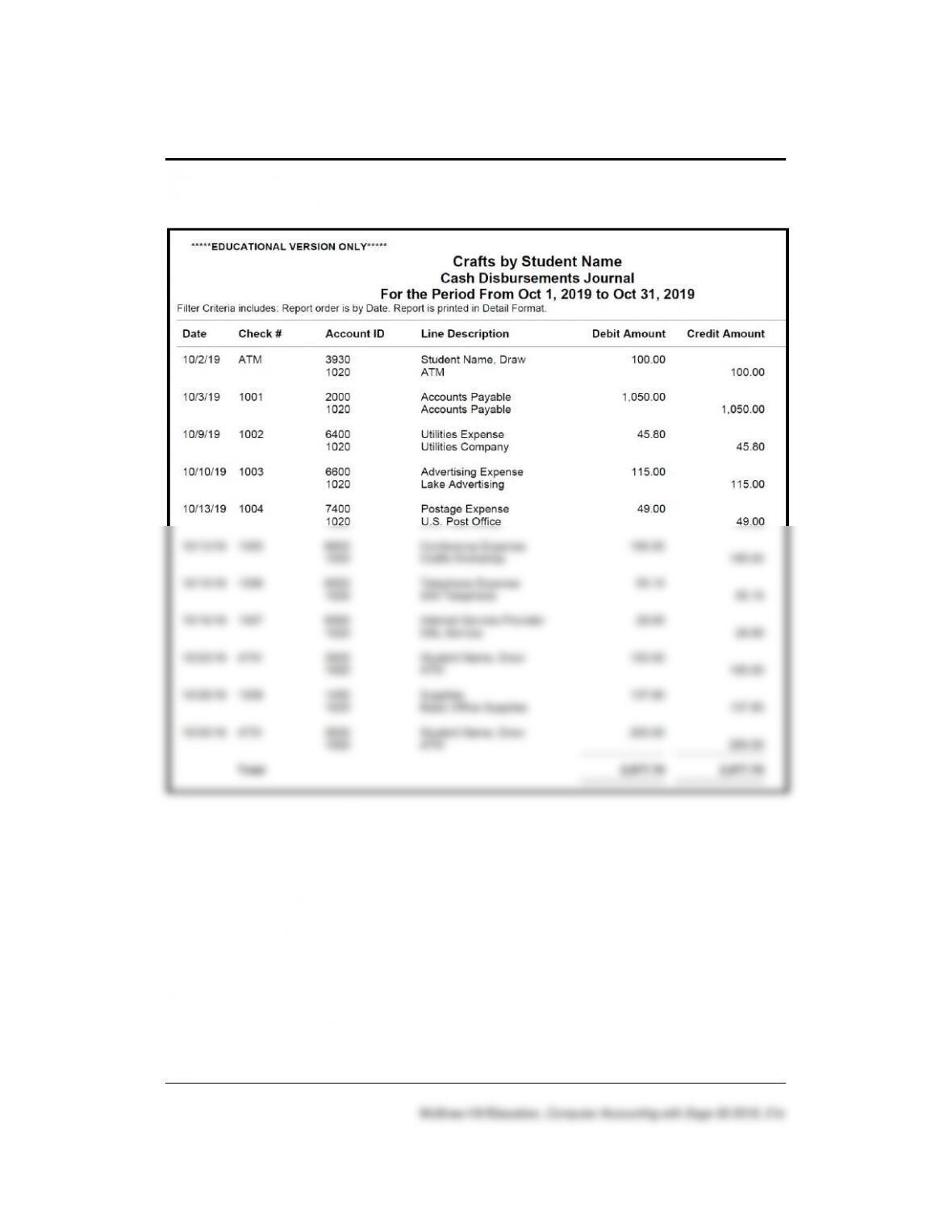
Solution to Exercise 10-2 (4)
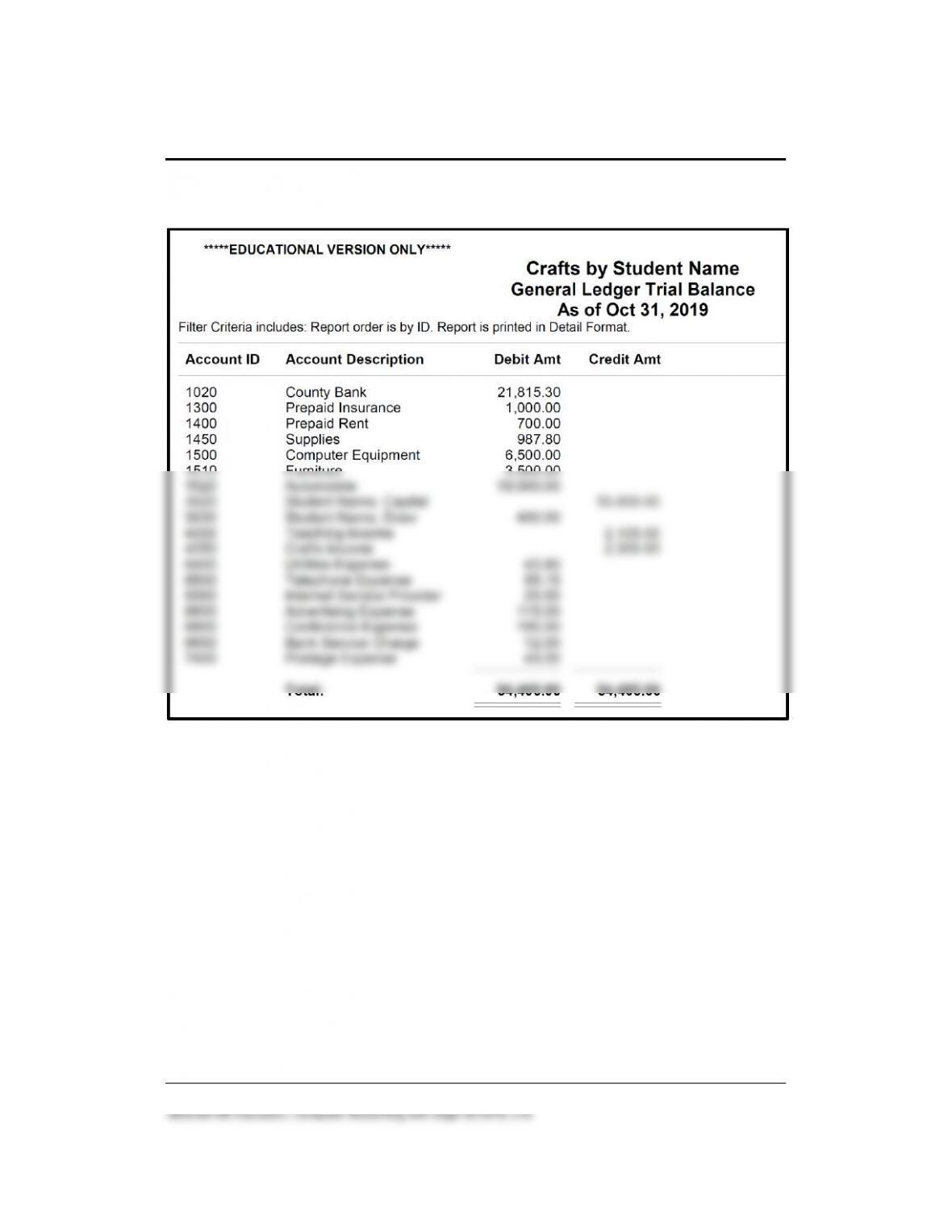
Maintaining Accounting Records for Service Businesses 191 – IMK
Solution to Exercise 10-2 (4)
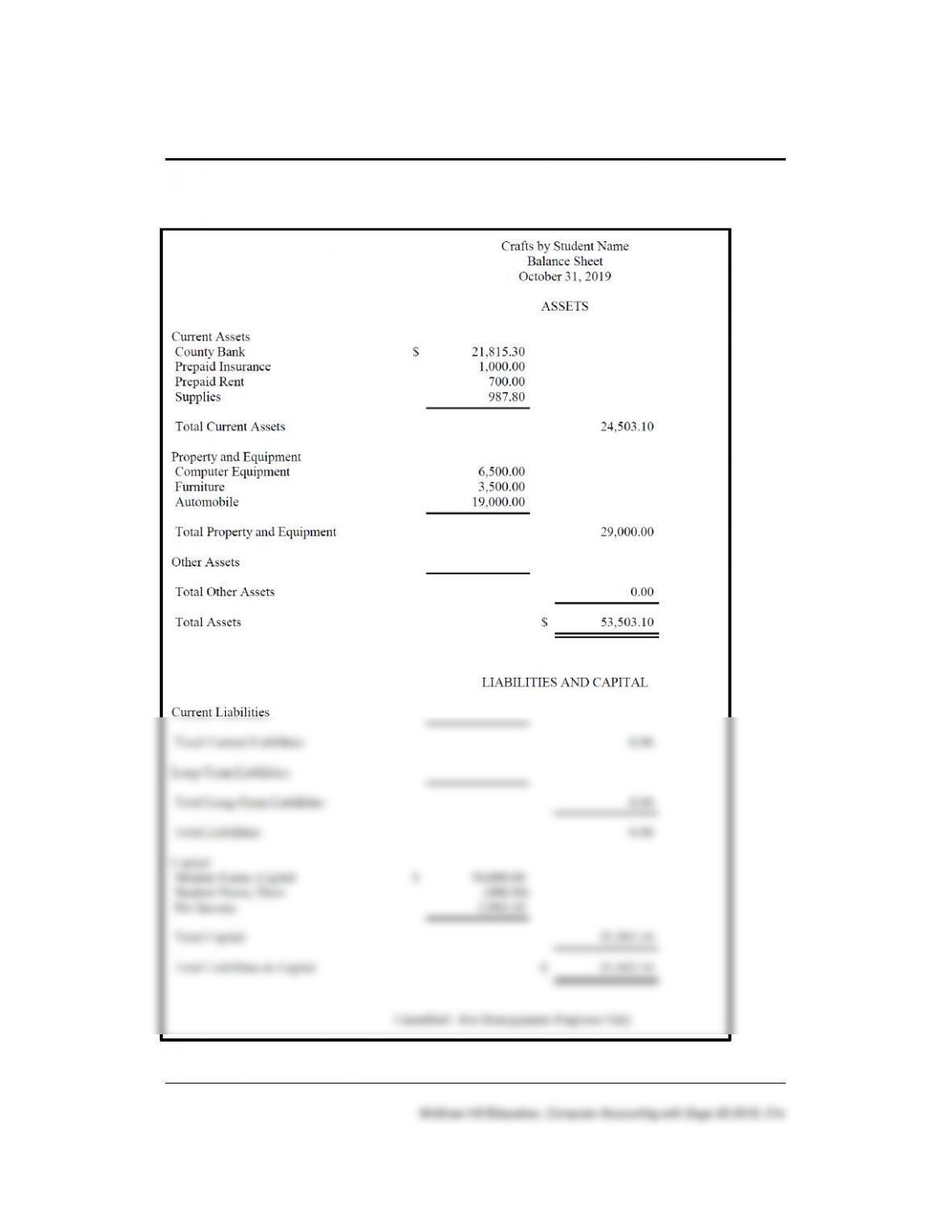
192 – IMK Chapter 10
Solution to Exercise 10-2 (4)
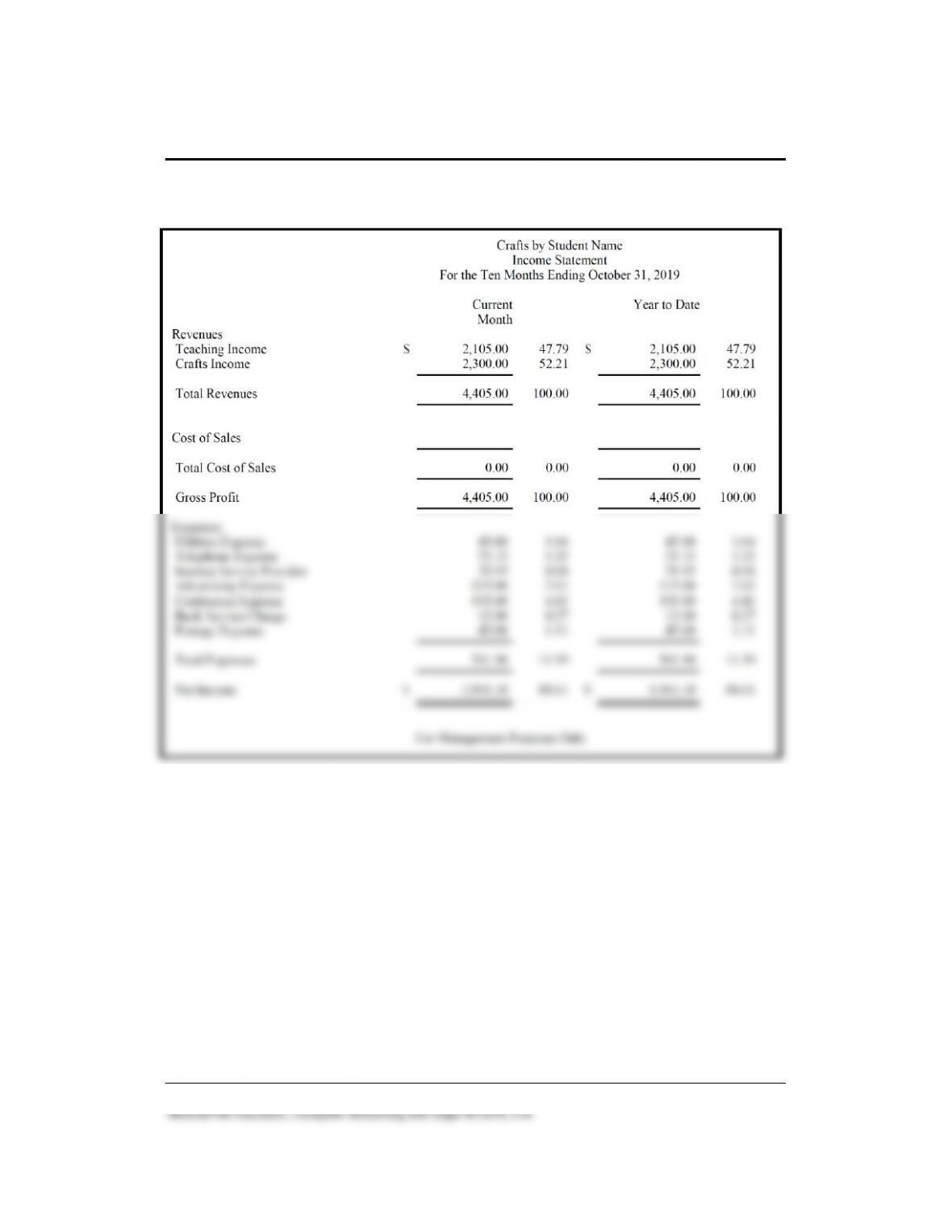
Maintaining Accounting Records for Service Businesses 193 – IMK
Solution to Exercise 10-2 (4) (concluded)
194 – IMK Chapter 10
ANSWERS TO GOING TO THE NET
Access the Sage Business Cloud website. The website is
https://www.sage.com/en-us/ > select Small business > select Medium
business > select Large business.
Answer the following.
1. Describe what is offered for Small business:
Sage simple, time savings tools help you take control of your
finances and reduce time spent on administration so you can focus
on what you love – running your business.
2. Select Medium business and describe.
Maintaining Accounting Records for Service Businesses 195 – IMK
ANSWERS TO SHORT-ANSWER QUESTIONS, QA TEMPLATES
1. In Chapter 10, what source documents are used to complete Mr.
Crosby’s accounting? Include the month in your answer.
2. The file restored to begin Chapter 10 is ________________?
3. To make sure you are starting in the appropriate place in the data,
display this financial statement.
4. The Receive Money window is also known as this journal ________.
5. The Write Checks window is also known as this journal __________.
6. When the Receive Money window is used, what account is
automatically debited? (Identify the account number and name.)
7. When the Write Checks window is used, what account is
automatically credited? (Identify the account number and name.)
8. Explain Sage 50’s account reconciliation feature. Define bank
reconciliation.
9. What does the term transaction register refer to?
10. The transaction register shows payments and deposits. What are two
examples of payments, and what Sage 50 window is used? What
Sage 50 window is used to record deposits?
ANALYSIS QUESTION
What is account reconciliation?
ANSWER:
Sage 50 reconciles the selected G/L account against your monthly
statement. You can reconcile any general ledger account in Sage 50.
Typically, you would reconcile bank accounts, cash accounts (such as
petty cash), and credit card accounts. You should systematically reconcile
accounts each period so that you can quickly detect bank errors, match
Maintaining Accounting Records for Service Businesses 197 – IMK
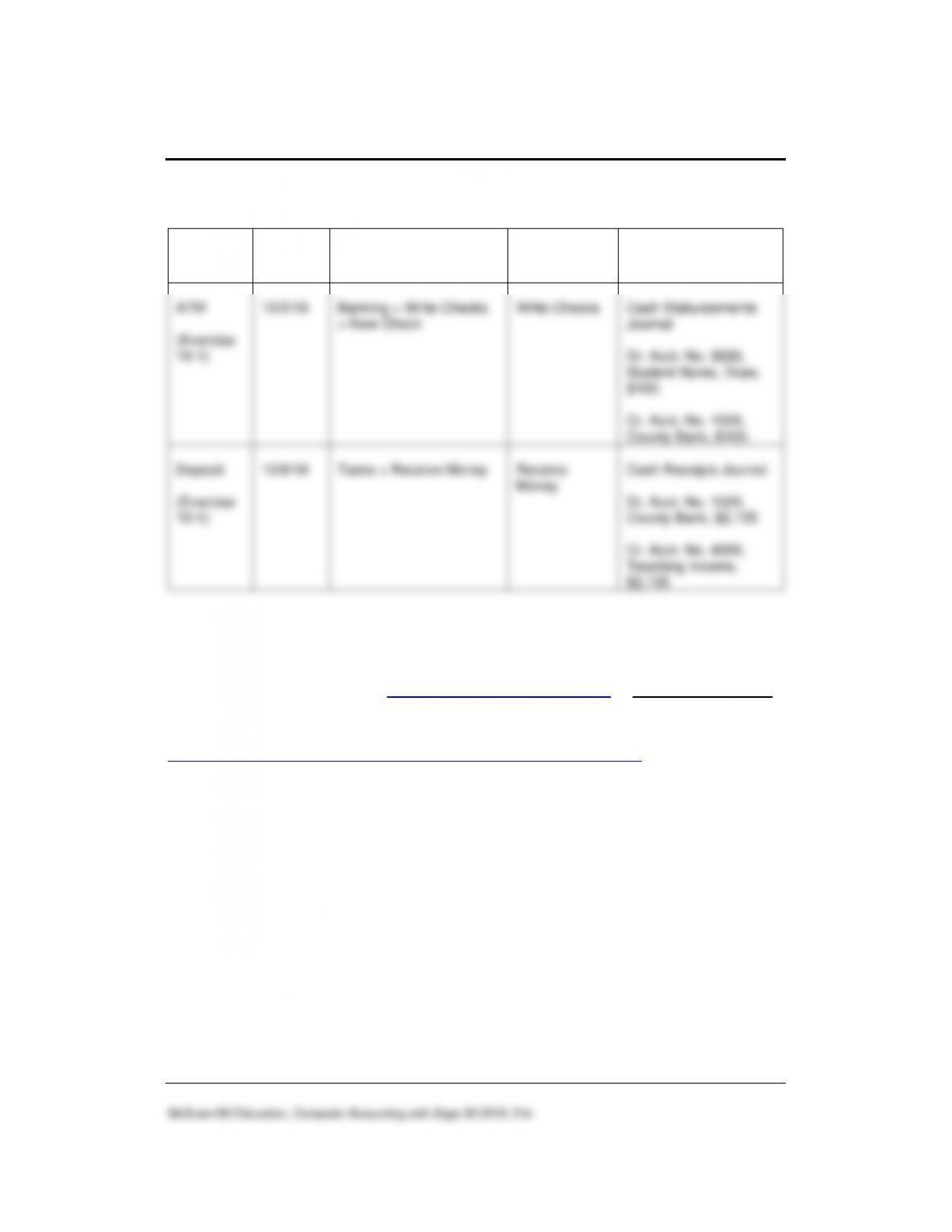
ASSESSMENT RUBRIC
Task
Date
Navigation Center
Task
Window
Journal
Dr. and Cr.
ATM
(Exercise
10–1)
10/2/19
Banking > Write Checks
> New Check
Write Checks
Cash Disbursements
Journal
Dr. Acct. No. 3930,
Student Name, Draw,
$100.
Cr. Acct. No. 1020,
County Bank, $100.
Deposit
(Exercise
10–1)
10/8/19
Tasks > Receive Money
Receive
Money
Cash Receipts Journal
Dr. Acct. No. 1020,
County Bank, $2,105
Cr. Acct. No. 4000,
Teaching Income,
$2,105
SOLUTION FILES
The solution files, in .ptb, .pdf, and .xlsx formats, are included on the
Online Learning Center at www.mhhe.com/yacht2019 > Instructor Edition
link. For access to the password-protected Instruction Edition website,
contact your McGraw-Hill sales representative at
https://shop.mheducation.com/store/paris/user/findltr.html.
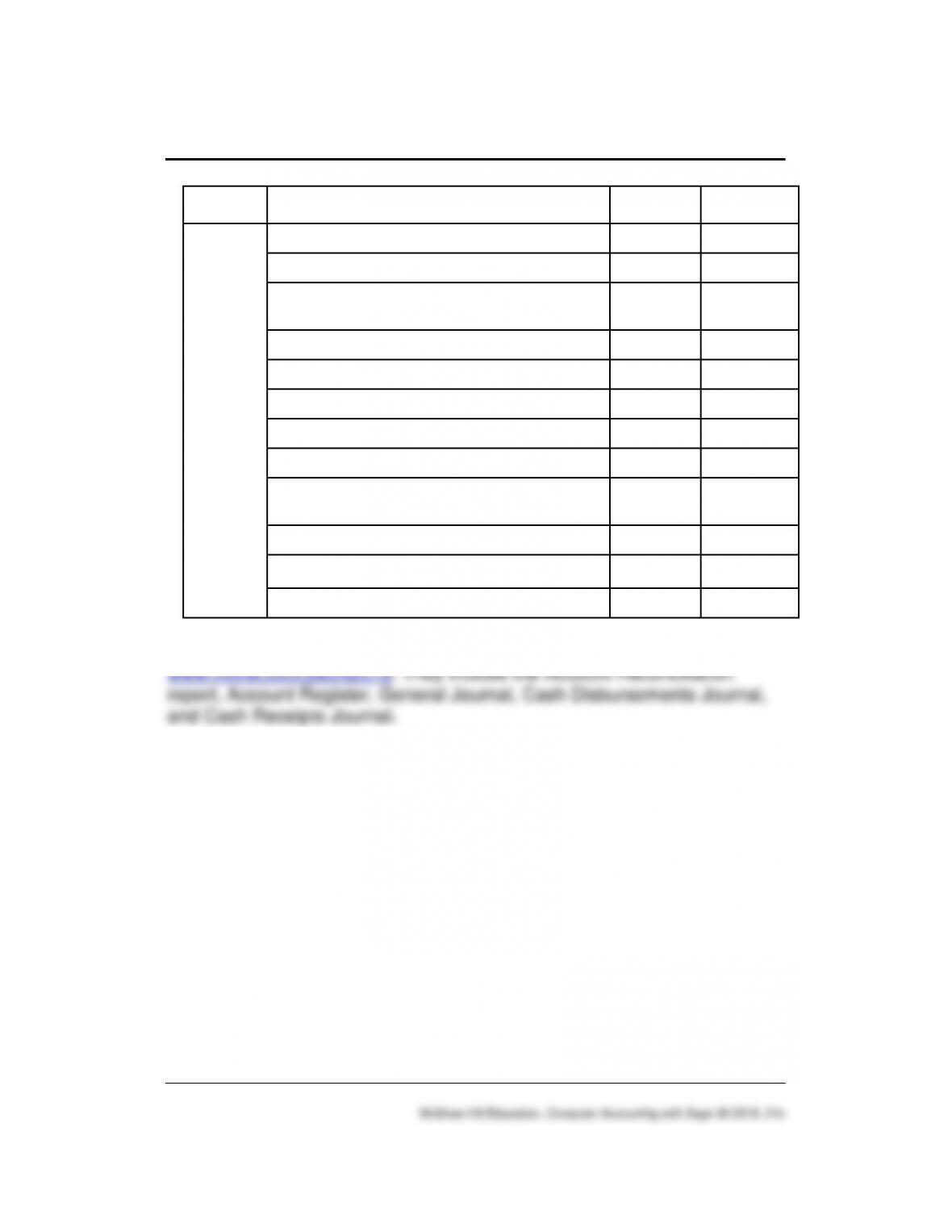
The chart on the next page shows the size of the Chapter 10 solution files
(Sage 50 backups, Excel Reports and PDF Reports).
198 – IMK Chapter 10
Chapter
Sage 50 Backup (.ptb)
Excel (.xlsx) and Adobe (.pdf)
Kilobytes
Page Nos.
10
Chapter 10 Transaction Register October.ptb
966 KB
315-316
Chapter 10 October.ptb
1,010 KB
329
Chapter 10_October Trial Balance and
Financial Statements.xlsx
21 KB
329-331
Chapter 10_October Trial Balance.pdf
11 KB
331
Chapter 10_October Income Statement.pdf
11 KB
331
Chapter 10_October Balance Sheet.pdf
11 KB
331
Exercise 10-1.ptb
950 KB
333
Exercise 10-2.ptb
958 KB
335
Exercise 10-2_October Trial Balance and
Financial Statements.xlsx.
20 KB
335
Exercise 10-2_October Trial Balance.pdf
6 KB
335
Exercise 10-2_October Balance Sheet.pdf
4 KB
335
Exercise 10-2_October Income Statement.pdf
5 KB
335
Additional PDF files are included on the Instructor Edition at