
20 – IMK Chapter 1
the QA templates and analysis questions, going to the net exercises, and
completed assessment rubrics.
LECTURE OUTLINE FOR CHAPTER 1: INTRODUCTION TO
BELLWETHER GARDEN SUPPLY
A. Learning Objectives, page 5 (page numbers refer to the textbook).
B. Mouse and Keyboard Basics, pages 5-6
1. Using the Mouse, page 6
2. Using the Keyboard, page 6
3. Using Shortcut Keys, pages 6-7
C. Sage 50’s Startup Window, page 8
D. The Windows Interface, pages 9-11
E. Typical Sage 50 Windows, pages 11-14
F. The Sample Company: Bellwether Garden Supply, page 14
G. Getting Started, pages 14-17
H. Display Product Information, pages 17-18
I. Setting Global Options, pages 18-20
J. Sage 50’s User Interface, pages 20-21
K. Chart of Accounts, pages 21-23
L. Backing Up Bellwether Garden Supply, pages 23-27
M. Using Sage 50’s Restore Wizard, pages 27–32
N. Menu Bar, pages 32-35

Introduction to Bellwether Garden Supply 21 – IMK
O. Becoming an Employee of Bellwether Garden Supply, pages 35-38
1. Adding Yourself as an Employee, pages 38–39
P. Backing Up Chapter 1 Data, pages 39–40
Q. Add Your Name to Reports, pages 40-41
R. Exporting Reports to Excel, pages 41–44
S. Saving Employee List as an Adobe PDF File, pages 44-45
T. Manual vs. Computerized Accounting, pages 46–47
U. Online Learning Center (OLC): pages 47–48
Go online to www.mhhe.com/yacht2019 > Student Edition > select
Chapter 1
1. Quizzes: Multiple Choice and True or False.
2. QA Templates: True/Make True questions and Analysis Questions
3. Videos: Global Options, Backup, Restore, and YouTube video links.
4. Narrated PowerPoints
5. Going to the Net: Accounting career research
6. Assessment Rubric: Review user interface, modules, journal entries,
tasks, and reports.
7. Appendix C: Review of Accounting Principles
8. Appendix D: Glossary (words that are boldfaced and italicized in
chapter)
The OLCs Information Center list includes the Sage Advisor and other
useful links (Feature Summary, Troubleshooting, FAQs, System
Requirements, Sage Certification, etc.)
Sage Advisor includes these videos and PDF documents: Getting
started, cheat sheets, Sage University, Show-me-how, and New
features
For access to the OLCs Instructor Edition, contact your school’s
Learning Technology Representative.
22 – IMK Chapter 1
V. Exercise 1-1, pages 48-49
W. Exercise 1-2, pages 49-50
X. Chapter Index, pages 51-52
SOLUTION TO EXERCISE 1-1
Read Me: Do students need to restore?
If students are working in the computer lab or classroom, open
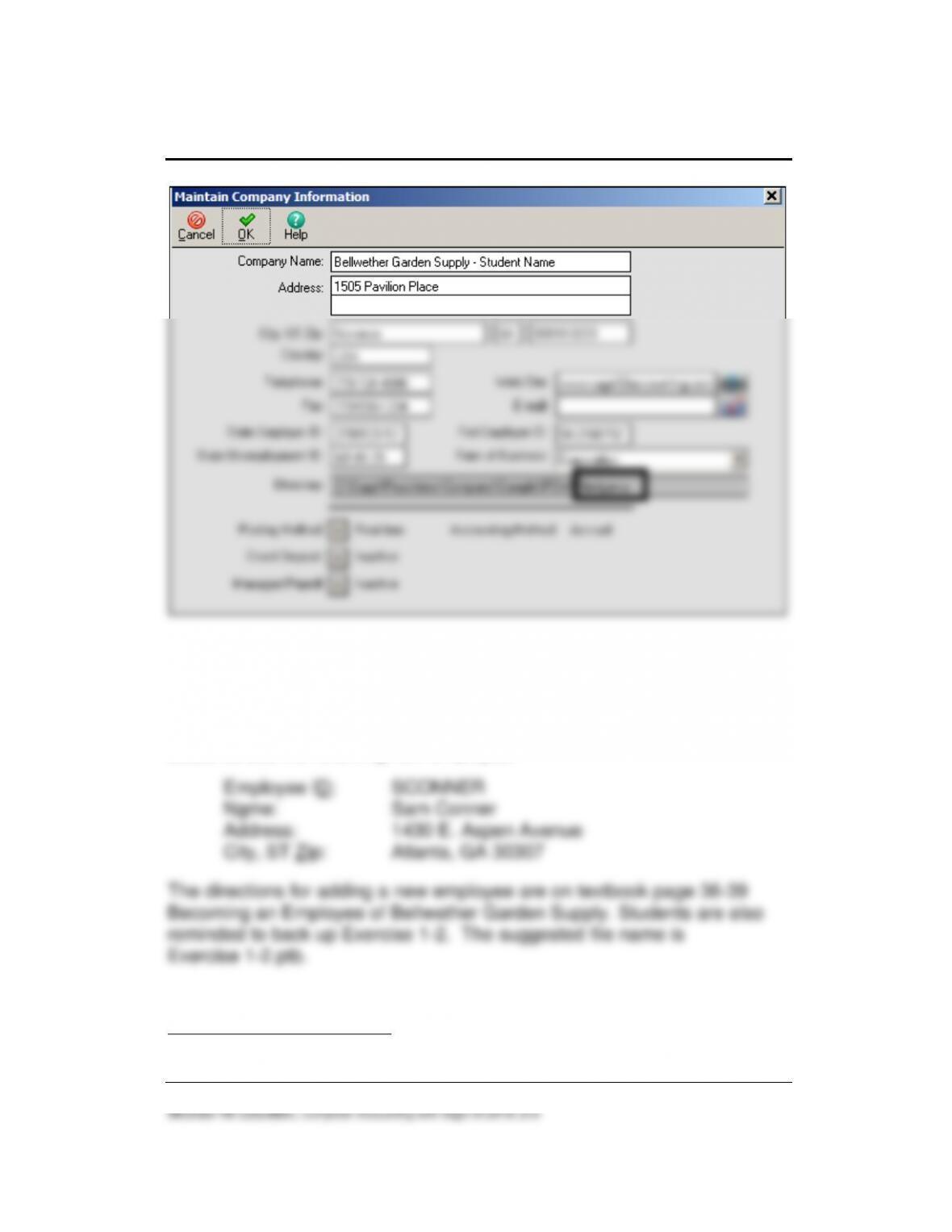
Bellwether Garden Supply – Student Name (student’s name or
another name). Restore the Chapter 1.ptb file from their USB flash drive.
Restoring replaces [overwrites] an existing file.
If students are working on their own computer or laptop, they probably can
skip restore. In Chapter 1, students added themselves as an employee (pages
38–39). Display the employee list. If the student’s name is not shown, restore
the Chapter 1.ptb file.
Introduction to Bellwether Garden Supply 23 – IMK
McGraw-Hill Education, Computer Accounting with Sage 50 2019, 21e
Before adding their name to Bellwether, the shortened company name was
\BCS.
SOLUTION TO EXERCISE 1-2 (1)5
Students add the following new employee:
5The number in parenthesis refers to the step number in the textbook.
24 – IMK Chapter 1
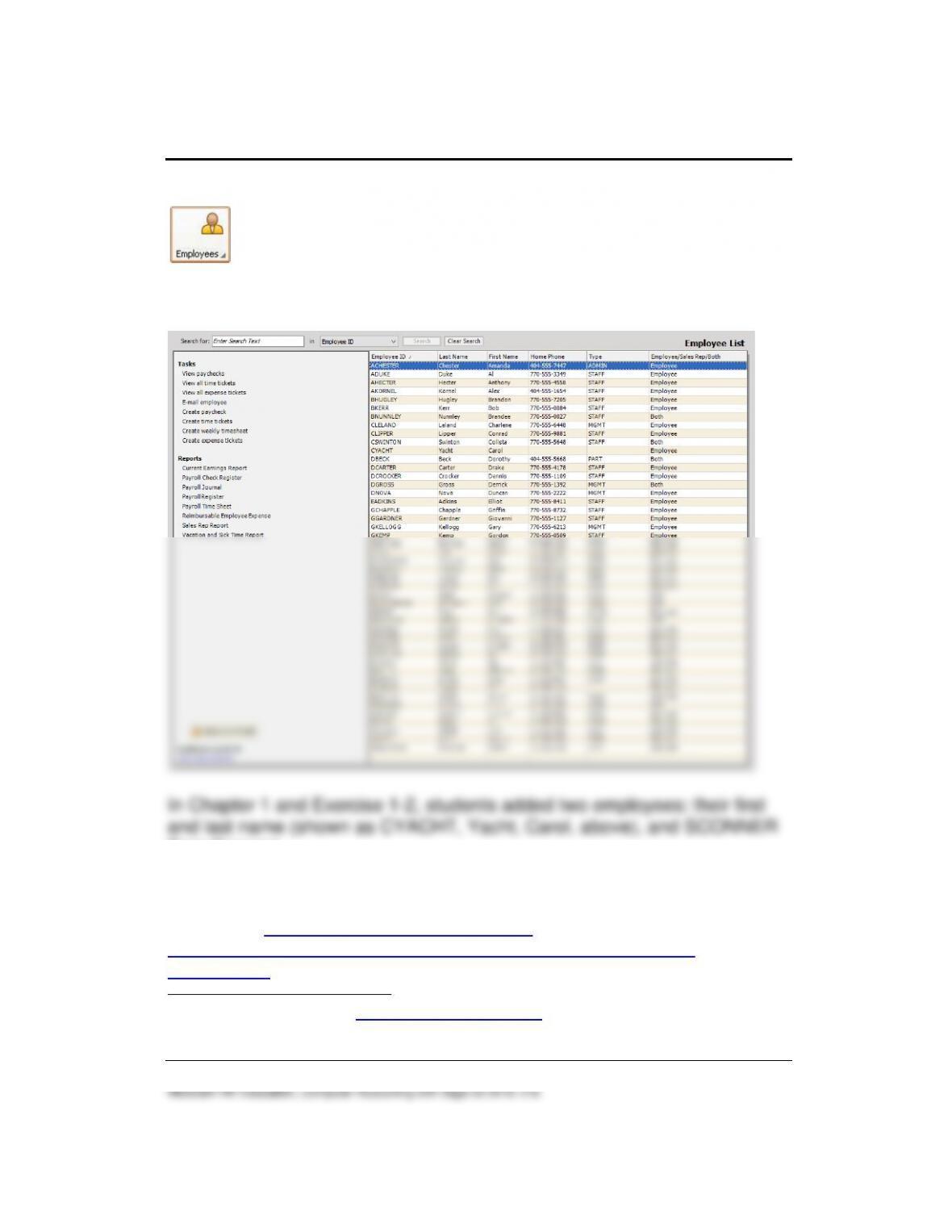
The Employee List is shown below. (Employees & Payroll Tasks > select
, View and Edit Employees.)
SOLUTION TO EXERCISE 1-2 (2) – Employee List
Sam Conner).
ANSWERS TO GOING TO THE NET6
Access the Occupational Outlook Handbook. (The website is
http://www.bls.gov/ooh/business-and-financial/accountants-and-
auditors.htm.) Answer these questions.
6The textbook website at www.mhhe.com/yacht2019 has a link to Textbook Updates.
Check this link for updated Going to the Net exercises.
1. In 2017 what was the median pay per year and per hour?
2. Click on the What They Do tab.
List six tasks that accountants and auditors typically do and explain
additional responsibilities.
In addition to examining and preparing financial documentation,
accountants and auditors must explain their findings. This includes
face-to-face meetings with organization managers and individual
clients, and preparing written reports.
Many accountants and auditors specialize, depending on the
particular organization that they work for. Some organizations
3. What types of accountants are there?
26 – IMK Chapter 1
ANSWERS TO TRUE/MAKE TRUE QUESTIONS, QA TEMPLATES
The Online Learning Center (www.mhhe.com/yacht2019) has a link to QA
Templates which includes the chapter questions and chapter analysis
questions.
1. Press the <Ctrl> key to see menu bar selections with an underlined
letter.
2. Sage 50’s modular design is similar to other accounting software
applications.
3. Sage 50’s Restore Wizard allows you to restore existing companies
only.
4. The extension used for Adobe files saved in this chapter is .xlsx.
5. In this book, angle brackets are used to indicate individual keys on
the keyboard; for example <Tab>.
6. You can close the application you are working with by single clicking
with the mouse on the close button ( ).
7. The Business Status Navigation Center is also called the dashboard.
8. In Sage, some icons are common to all windows while other icons are
specific to a particular window.
True.
9. The Navigation Bar is located at the bottom of most Sage 50
windows.
10. The extension used for Sage 50 backups is .pdf.
ANSWER TO ANALYSIS QUESTIONS
1. How many active menu bar selections does Sage 50 2019 have? List
the menu bar selections that are available.
2. What is the Navigation Bar? Briefly describe its function.
ASSESSMENT RUBRIC
Complete the Assessment Rubric online at www.mhhe.com/yacht2019 >
Student Edition > select Chapter 1 > Assessment Rubric link. To review
28 – IMK Chapter 1
Sage 50’s journals, navigation centers, modules, and task windows, and
reports complete the blank fields online. The assessment rubrics are also
included in the chapter PowerPoint slides.
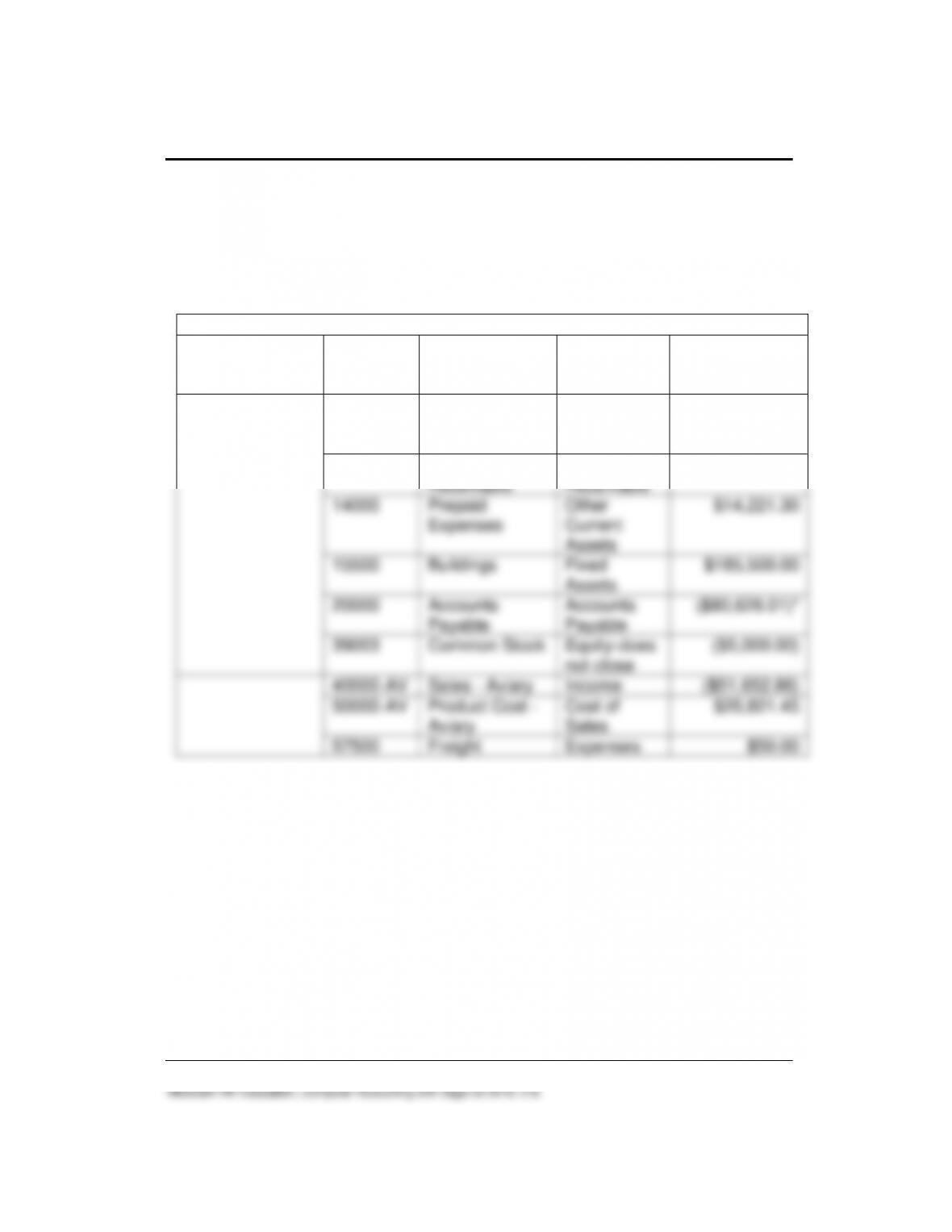
The Chapter 1 Assessment Rubric, with answers, is shown below.
Chart of Accounts or Account List
Navigation
Bar/Navigation
Center
Account
ID
Description
Type
Running
Balance
Business Status
> link to View
Account List
10200
Regular
Checking
Account
Cash
$23,389.83
11000
Accounts
Receivable
Accounts
Receivable
$175,563.10
14000
Prepaid
Expenses
Other
Current
Assets
$14,221.30
15500
Buildings
Fixed
Assets
$185,500.00
20000
Accounts
Payable
Accounts
Payable
($80,626.01)*
39003
Common Stock
Equity-does
not close
($5,000.00)
40000–AV
Sales – Aviary
Income
($51,652.86)
50000–AV
Product Cost –
Aviary
Cost of
Sales
$20,821.45
57500
Freight
Expenses
$50.00
*Parentheses indicate a credit balance.

Introduction to Bellwether Garden Supply 29 – IMK
ONLINE LEARNING CENTER: www.mhhe.com/yacht2019
The Online Learning Center includes additional student and instructor
resources for each chapter. Go online to www.mhhe.com/yacht2019 to see
some of the resources for students and instructors. To obtain the password
for the Instructor Edition, contact your McGraw-Hill sales representative
(https://shop.mheducation.com/store/paris/user/findltr.html).
The Online Learning Center works similarly in each chapter. In the
information below, Chapter 1’s OLC is used as an example.
Information Center
1. After going online to www.mhhe.com/yacht2019, the following
Information Center links are included.
➢ About the Author
➢ Book Preface
➢ What’s New
➢ Feature Summary
➢ Sample Chapter
➢ Table of Contents
➢ Troubleshooting Tips
➢ Frequently Asked Questions
➢ QuickBooks Online
➢ QuickBooks Desktop 2018, 9th Edition
➢ Install Sage 50
➢ System Requirements
➢ Go Green & Save
➢ Sage Advisor Videos
➢ Sage City
➢ Sage Certification
➢ Sage 2017, 20th Edition
2. You may want to link to the Sage Advisor Videos and look at the
Troubleshooting and Frequently Asked Questions.

30 – IMK Chapter 1
Student Edition
1. The Student Edition link includes a Choose a Chapter field. Select
Chapter 1. Quizzes and More Resources populate.
2. The Course-wide Content for each chapter includes the following
links:
o Appendix C – Review of Accounting Principles
o Appendix D – Glossary
o Text Updates
o Bellwether Garden Supply project
o YouTube
o Practice Set – This is a source document practice set. It includes
merchandising business documents which are best completed
after Chapter 15.
3. Select a Chapter
o The Quizzes for each chapter include Interactive multiple choice
quizzes. They are graded and can be emailed to the instructor.
o Interactive true or false quizzes. They are graded and can be
emailed to the instructor.
4. More Resources includes these links
o QA Templates include the end–of-chapter True/Make True,
Multiple Choice, and Short Answer questions in the textbook’s
Summary and Review section. The QA templates also include
the end-of-chapter analysis questions. Students can open or
save the QA Templates Word file, then attach answers to their
instructor.
o Videos include step-by-step videos showing Sage 50 features.
They can be viewed using an Internet browser, iPad, or iPod. In
Chapter 1 the videos are Global Options, Backing up, and
Restoring data.
o Narrated PowerPoints for each chapter.
o Going to the Net Exercises are shown in the Summary and
Review section of the textbook.

Introduction to Bellwether Garden Supply 31 – IMK
McGraw-Hill Education, Computer Accounting with Sage 50 2019, 21e
o Assessment Rubrics are also in the Summary and Review
section of the textbook. They can be completed online and
emailed to the instructor for grading purposes.
Instructor Edition
The Instructor Edition is password-protected. In order to obtain a password,
contact your McGraw-Hill sales representative
https://shop.mheducation.com/store/paris/user/findltr.html.
Once you are registered for the Instructor Edition site, numerous resources
are available.
1. In the Choose a Chapter field, select Chapter 1. This populates the
Instructor Resources, Course-wide Content, Quizzes, and More
Resources list.
2. The Instructor Resources list includes the following links:
• Email Author
• Install Sage 50
• Syllabi: 12 and 15-week syllabi for on-ground classes, syllabi for
online classes, an Accounting Information System and Sage 50
syllabus, a QuickBooks Desktop and Sage 50 syllabus, and a
QuickBooks Online and Sage 50 syllabus.
• Instructor’s Manual: The Instructor’s Manual includes Learning
Objectives, Sage 50 Tips, printouts of Sage 50 reports, answers
to analysis questions, answers to assessment rubrics, and end–
of-chapter exercises. Additional material is also included in the
front matter and appendixes. The Instructor’s Manual is a PDF
file and all of it or parts can be printed.
• Solution Files and Sage 50 Backups: These are all the files
backed up in the book — Chapters 1-18, Projects 1, 2, 3, 4 and
the practice set. The .ptb backup files are zipped and need to be
extracted using WinZip.
• PDF Reports: These are the Sage 50 reports saved as PDF files.
• Excel Reports: These are the Sage 50 reports saved as Excel
files. The file extension is .xlsx.
• QA Templates Answers: This includes the answers to the

32 – IMK Chapter 1
Summary and Review true/make true, multiple choice, and short-
answer questions and Analysis Questions. The QA Template
Answers are also included in the Instructor’s Manual.
• Test Bank: A test bank includes multiple-choice and true/false
questions that are written for Chapters 1-18. These are additional
objective questions and have not been used before.
• Assessment Rubric Answers: There is an Assessment Rubric
chart at the end of each chapter. This link shows the completed
rubric. The Assessment Rubric Answers are also included in the
Instructor’s Manual.
• Bellwether Garden Supply Project answers.
• Check Your Progress Answers for the Practice Set.
• Going to the Net Exercises Answers
3. Course-wide Content includes these links.
• Appendix C – Review of Accounting Principles
• Appendix D – Glossary
• Text Updates
• Bellwether Garden Supply project.
• YouTube
• Practice Set
4. Select Chapter 1 and additional resources are available:
• Quizzes: Interactive Multiple Choice and True False quizzes.
• More Resources: QA Templates, Videos, Narrated PowerPoints,
Going to the Net Exercises, and Assessment Rubric.
Introduction to Bellwether Garden Supply 33 – IMK
SOLUTION FILES
The Solution Files are located at www.mhhe.com/yacht2019 > Instructor
Edition link. For a username and password for the Instructor Edition
website, contact your McGraw-Hill sales representative. To locate your
sales representative, go online to
https://shop.mheducation.com/store/paris/user/findltr.html.
There are a couple ways to use the Solution Files:
1. The Solution Files could be used as starting data. The chart on textbook
pages 2-4 shows the page number where each Part 1 (Chapters 1
through 8) backup is completed. For example, let’s say you want
students to complete Chapters 1, 2, and 3, but skip Chapters 4 and 5.
Students could restore the Exercise 5-2.ptb solution made on textbook
page 188 to continue with Chapter 6 on page 191.
2. If students need help with their work, have them restore the appropriate
solution file. Refer to the Instructor’s Manual Appendix A, How to Use
the Solution Files, for how to use Sage 50 backups, Excel reports, and
Adobe PDF files completed in Chapters 1-18 and Projects 1-4.
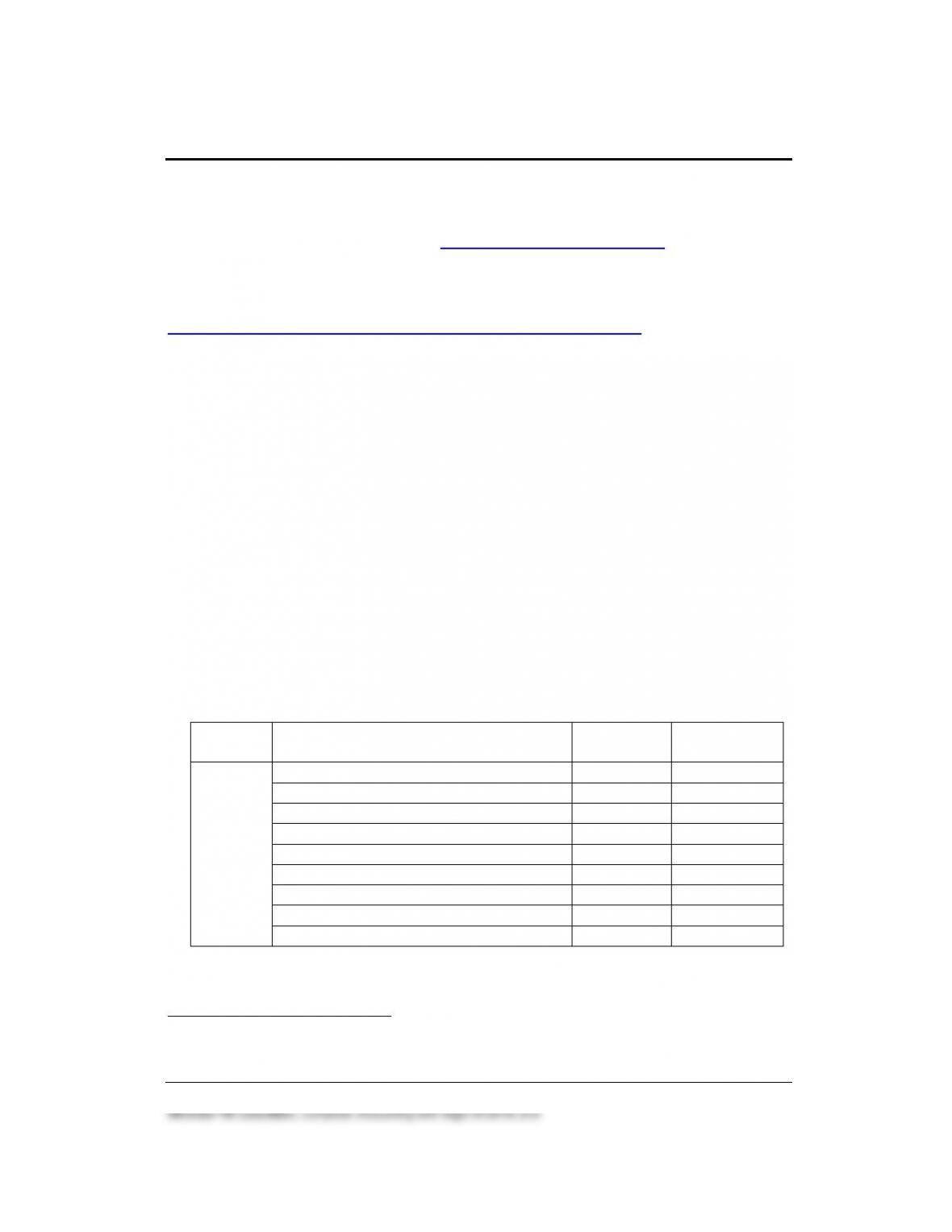
The chart shows the Chapter 1 backups (.ptb), Excel files (.xlsx), and files
saved Adobe (.pdf).
Chapter
Backup (.ptb)
Excel (.xlsx) and Adobe (.pdf)
Kilobytes7
Textbook
Page Nos.
1
bgs.ptb8
3,497 KB
23-26
Chapter 1.ptb
3,498 KB
39–40
Chapter 1_Employee List.xlsx
15 KB
41–44
Chapter 1_Employee List.pdf
26 KB
44–45
Exercise 1-2.ptb
3,473 KB
50
Exercise 1-2_Employee List.xlsx
13 KB
50
Exercise 1-2_Employee List.pdf
28 KB
50
Exercise 1-2_Chart of Accounts.xlsx
17 KB
50
Exercise 1-2_Chart of Accounts.pdf
31 KB
50
7Backup file sizes may differ.
8This is the first backup and includes starting data for Bellwether Garden Supply.

34 – IMK Chapter 1
Sage 50 backup files are identified with the extension .ptb; Excel 2007 and
2010 files include the extension .xlsx (.xls for Excel 2003); Adobe files
include the extension .pdf.