P3-44B, cont.
Requirement 5
Using Excel
P3-45 Using Excel to journalize and post adjusting entries, and to create the Adjustments
and Adjusted Trial Balance columns of the worksheet
Cedar River Corporation started operations on July 1, 2018. The transactions that occurred
during the month were journalized and posted, and a trial balance was prepared at the end of the
month. The month-end adjusting entries are to be journalized and posted to T-accounts. A
worksheet is to be used to help prepare the adjusted trial balance.
Requirements
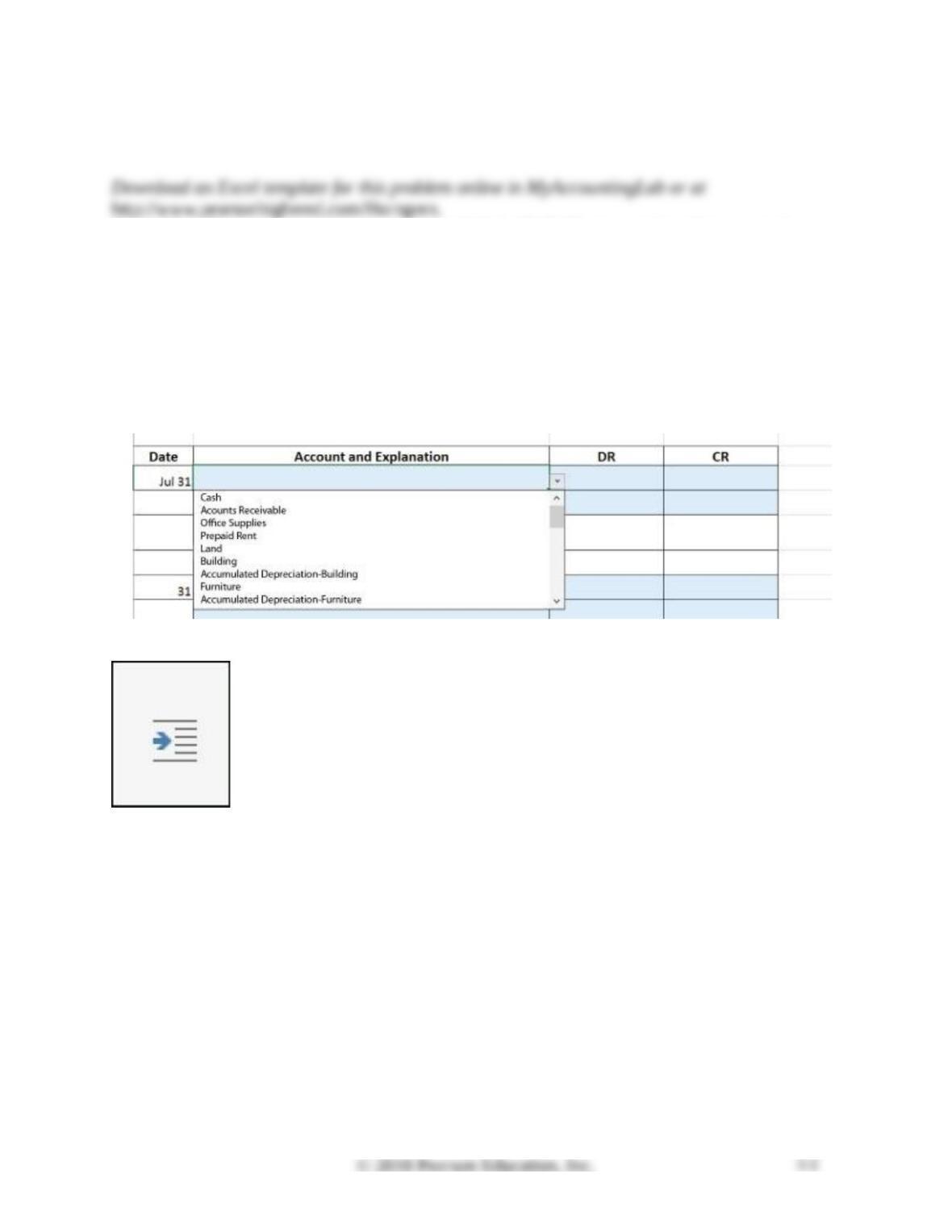
1. Use Excel to journalize the adjusting entries. Use the blue shaded areas for inputs.
a. To record the account name in the journal, click in the Account and Explanation column. A
drop down arrow will appear to the right. Click the arrow and select an account from the chart
of accounts. Use the explanation to help you with the entry.
b. Indent the account name of the account to be credited using the indent button on the Home
tab. Click the Increase Indent button twice.
2. Once the adjustments have been journalized, post the amounts to the correct side of the
T-account. (Note that the balance at the end of the month has been posted as a single entry.)
a. The T-account totals will be calculated automatically.
b. Total debits should equal total credits. The debit-credit balance check appears in the top
right-hand corner of the T-account worksheet.
3. Use a formula to fill in the Adjustment debit and credit columns on the worksheet by
referencing the adjusting entries.
4. Use a formula to add or subtract the adjustments to the trial balance amounts to calculate the
amounts in the Adjusted Trial Balance columns.
5. Use a formula to total the Adjustments and Adjusted Trial Balance columns.
6. On the Worksheet
a. Format the cells requiring dollar signs.
b. Format the cells requiring a single underline and cells requiring double underlines.
c. Boldface the totals.
SOLUTION
Continuing Problem
P3-46 Preparing adjusting entries and preparing an adjusted trial balance
This problem continues the Canyon Canoe Company situation from Chapter 2. You will need to
use the unadjusted trial balance and posted T-accounts that you prepared in Chapter 2.
At December 31, the business gathers the following information for the adjusting entries:
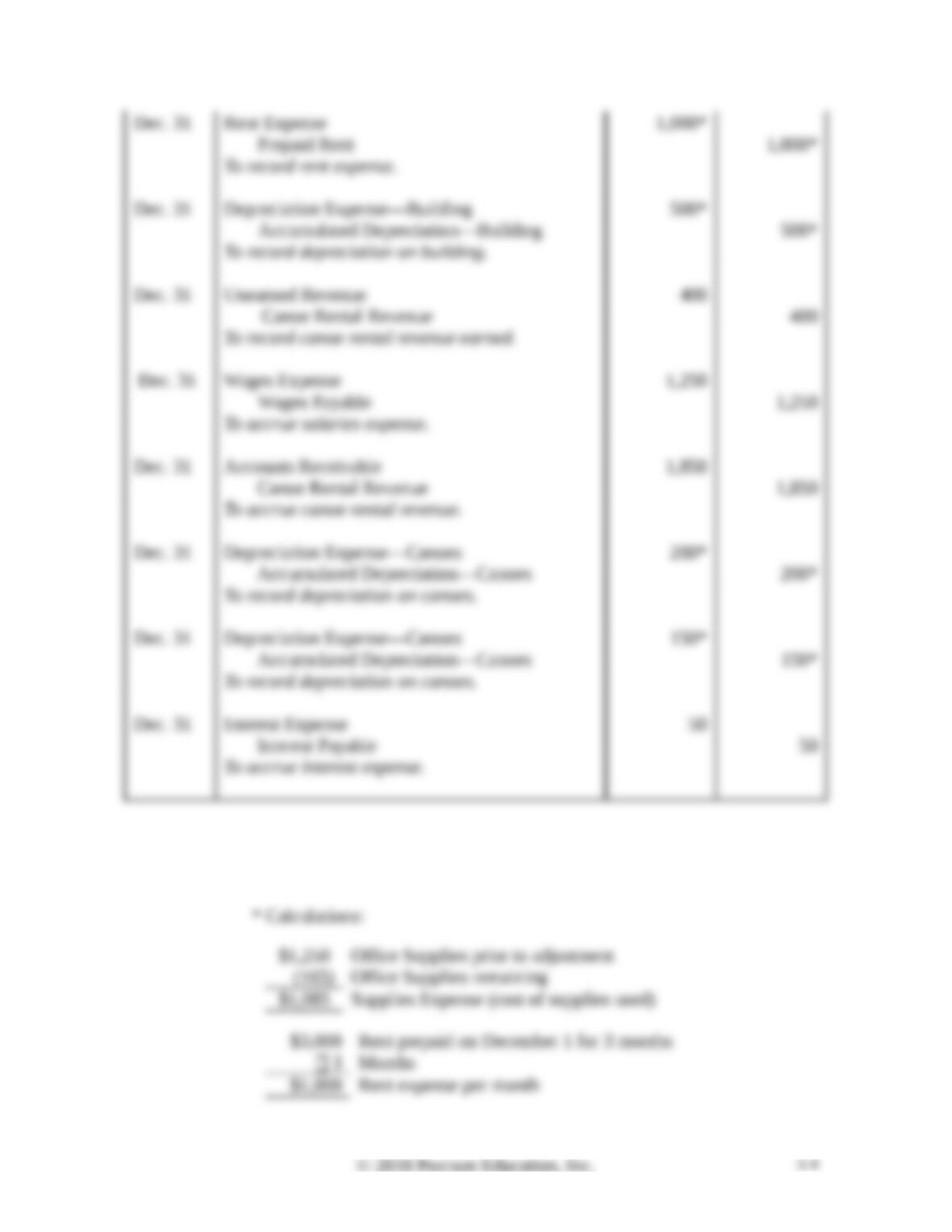
a. Office supplies on hand, $165
b. Rent of one month has been used. (Hint: See Dec. 1 transaction from Chapter 2)
c. Determine the depreciation on the building using straight-line depreciation. Assume the useful
life of the building is five years and the residual value is $5,000. (Hint: The building was
purchased on December 1.)
d. $400 of unearned revenue has now been earned.
e. The employee who has been working the rental booth has earned $1,250 in wages that will be
paid January 15, 2019.
f. Canyon Canoes has earned $1,850 of canoe rental revenue that has not been recorded or
received.
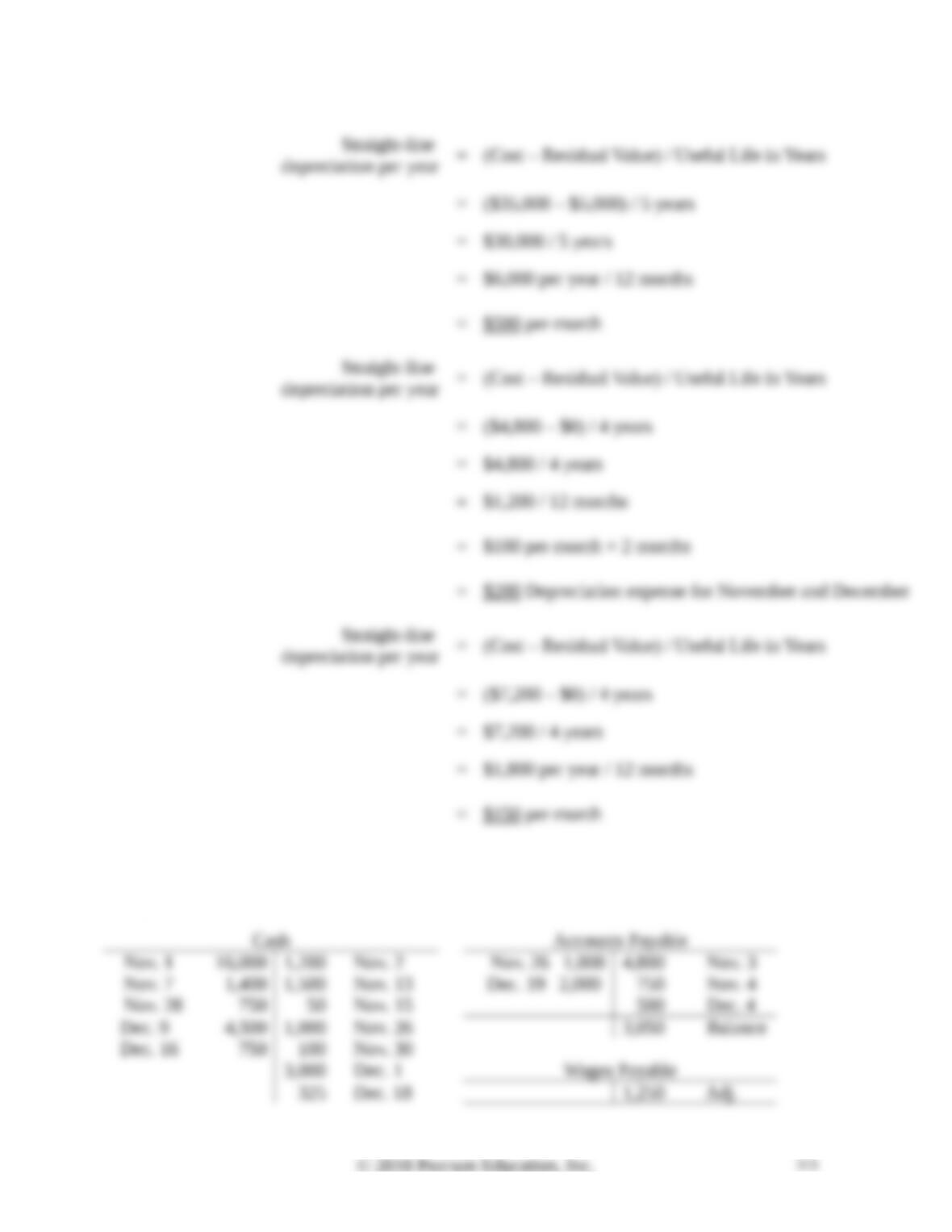
g. Determine the depreciation on the canoes purchased on November 3 using straight-line
depreciation. Assume the useful life of the canoes is 4 years and the residual value is $0.
h. Determine the depreciation on the canoes purchased on December 2 using straight-line
depreciation. Assume the useful life of the canoes is 4 years and the residual value is $0.
i. Interest expense accrued on the notes payable, $50.
Requirements
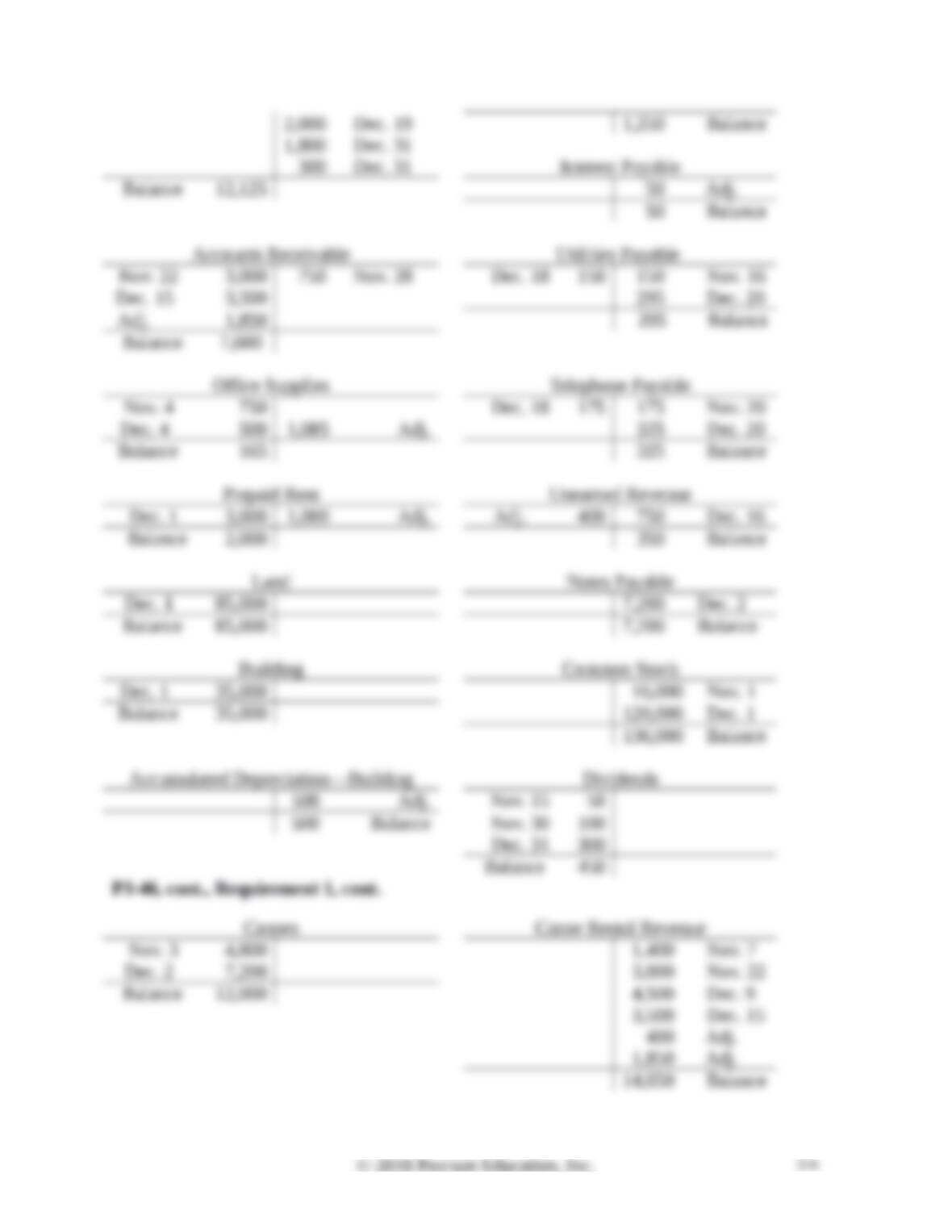
1. Journalize and post the adjusting entries using the T-accounts that you completed in Chapter 2.
In the T-accounts, denote each adjusting amount as Adj. and an account balance as Balance.
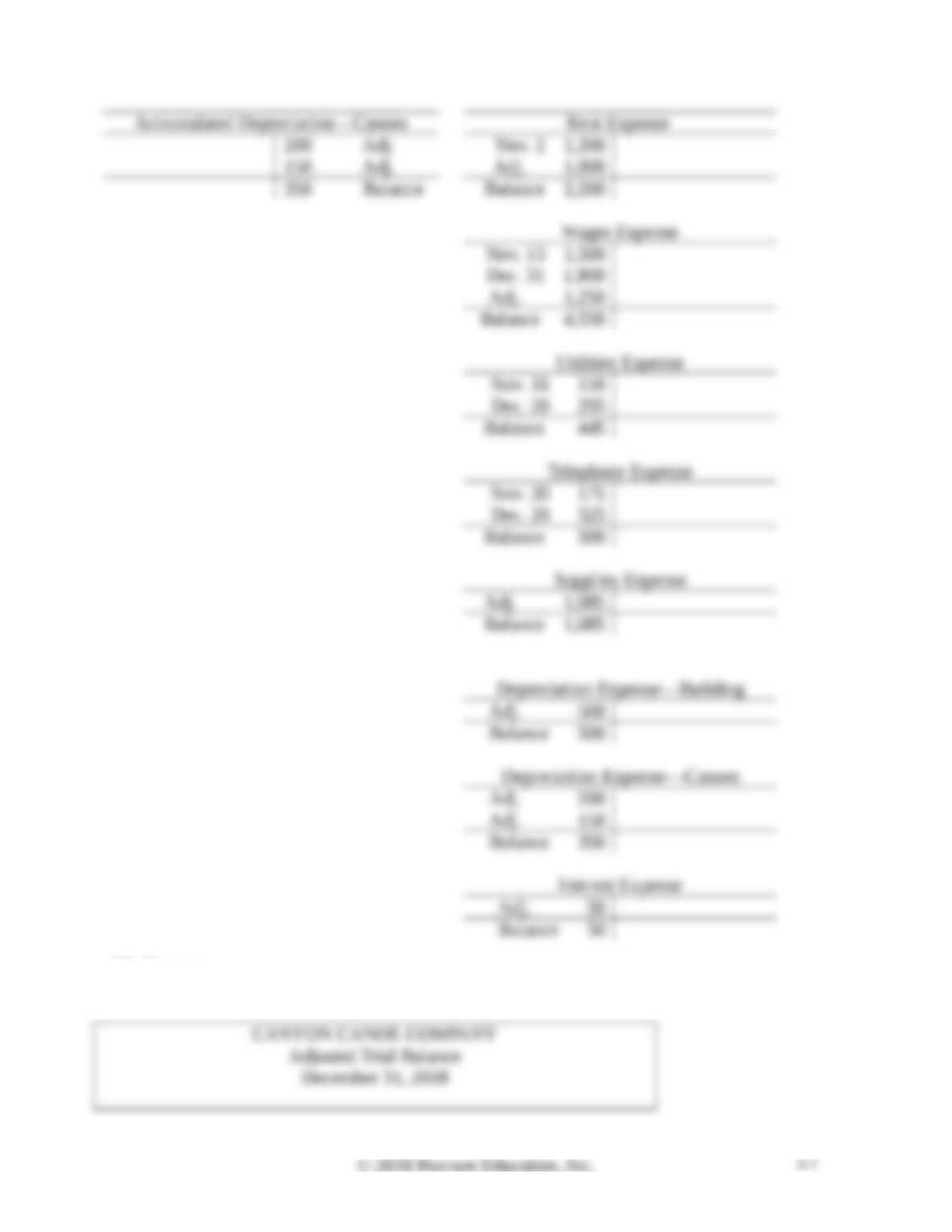
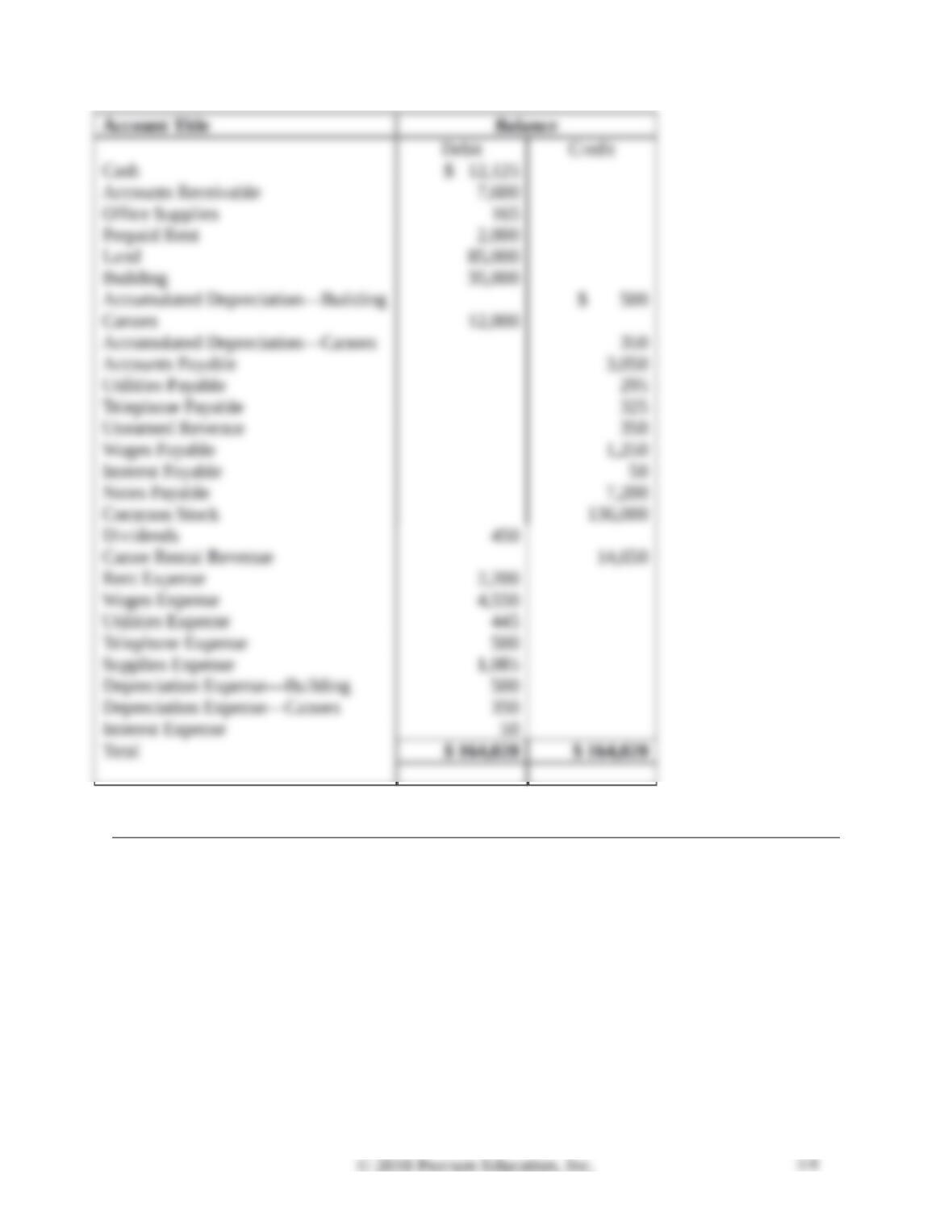
2. Prepare an adjusted trial balance as of December 31, 2018.
SOLUTION
Requirement 1
P3-46, cont.
Requirement 1, cont.
P3-46, cont.
Requirement 1
P3-46, cont.
Requirement 2
Practice Set
P3-47 Preparing adjusting entries and preparing an adjusted trial balance
This problem continues the Crystal Clear Cleaning situation from Chapter 2. Start from the
unadjusted trial balance that Crystal Clear Cleaning prepared at November 30, 2018:
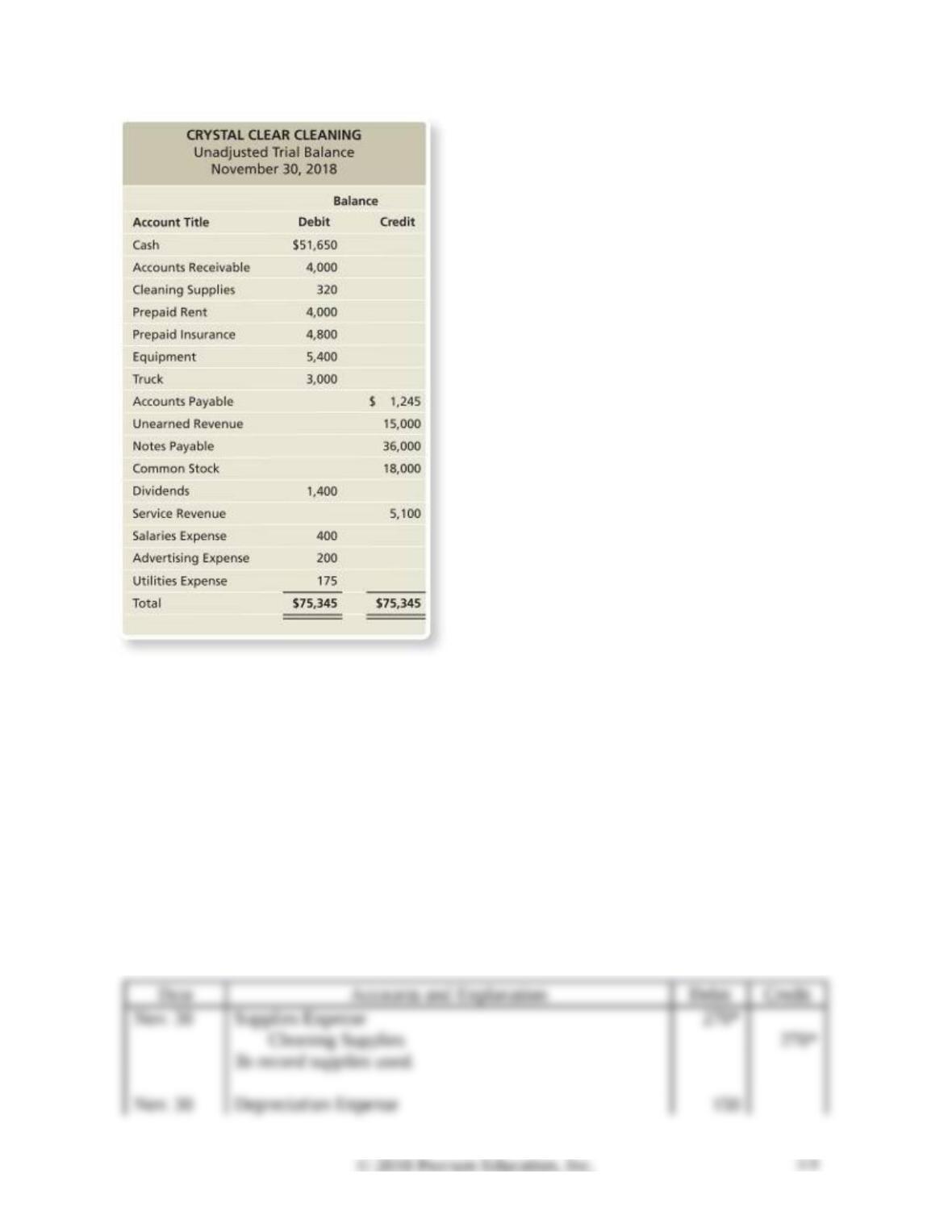
Consider the following adjustment data:
a. Cleaning supplies on hand at the end of November were $50.
b. One month’s combined depreciation on all depreciable assets was estimated to be $150.
c. One month’s interest expense is $59.
Requirements
1. Using the data provided from the trial balance, the previous adjustment information, and the
information from Chapter 2, prepare all required adjusting journal entries at November 30.
2. Prepare an adjusted trial balance as of November 30 for Crystal Clear Cleaning.
SOLUTION
Requirement 1