
P10-22B Classifying and accounting for debt and equity investments
Learning Objectives 1, 2, 3, 4
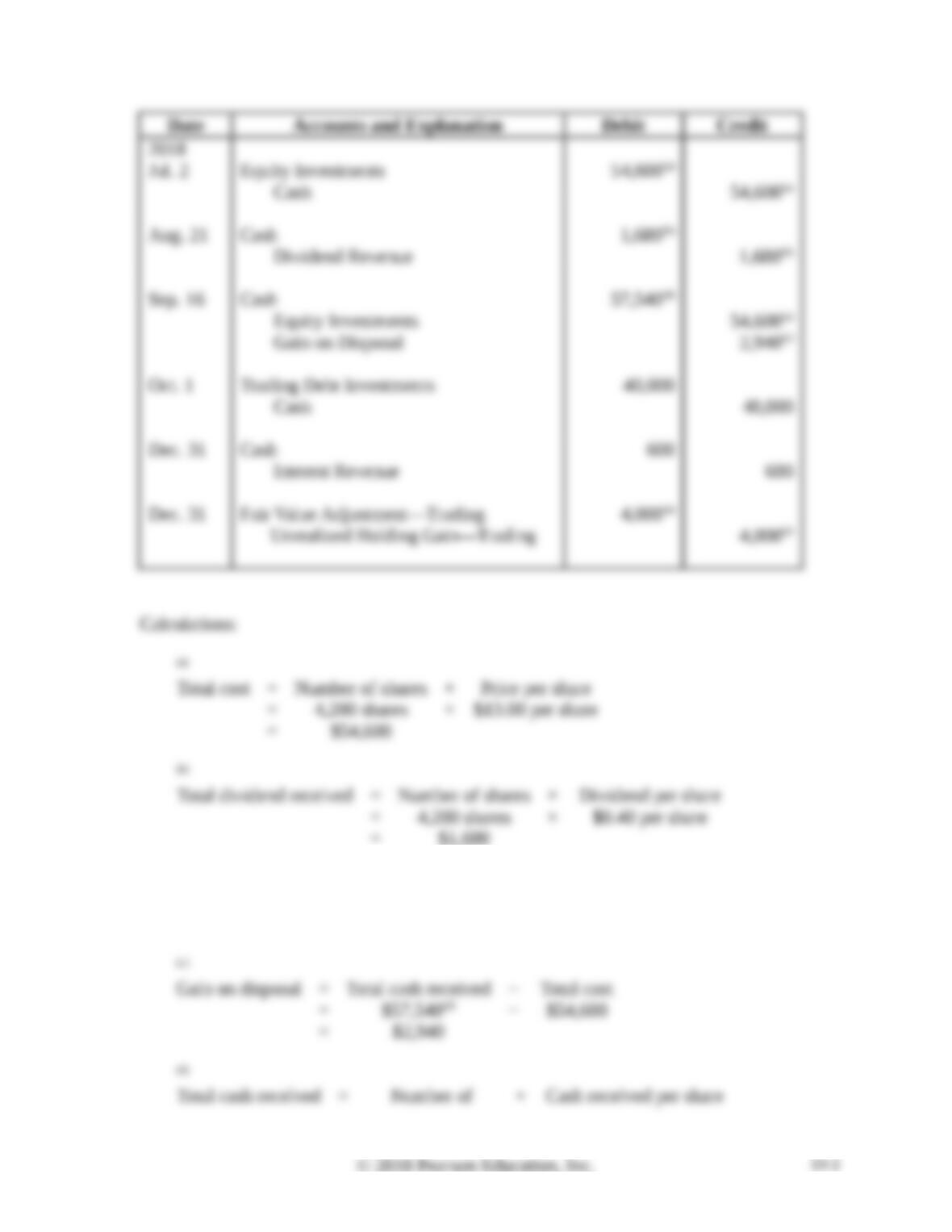
2. Sep. 16 Gain on Disposal CR $2,940
Captain Transfer Corporation generated excess cash and invested in securities as follows:
2018
Jul. 2 Purchased 4,200 shares of Naradon, Inc. common stock at $13.00 per
share. Captain Transfer plans to sell the stock within three months, when
the company will need the cash for normal operations. Captain Transfer
does not have significant influence over Naradon.
Aug. 21 Received a cash dividend of $0.40 per share on the Nardon stock
investment.
Sep. 16 Sold the Naradon stock for $13.70 per share.
Oct. 1 Purchased a Purple bond for $40,000 at face value. Captain Transfer
classifies the investment as trading and short-term.
Dec. 31 Received a $600 interest payment from Purple.
31 Adjusted the Purple bond to its market value of $44,000.
Requirements
1. Classify each of the investments made during 2018. (Assume the equity investments represent
less than 20% of ownership of outstanding voting stock.)
2. Journalize the 2018 transactions. Explanations are not required.
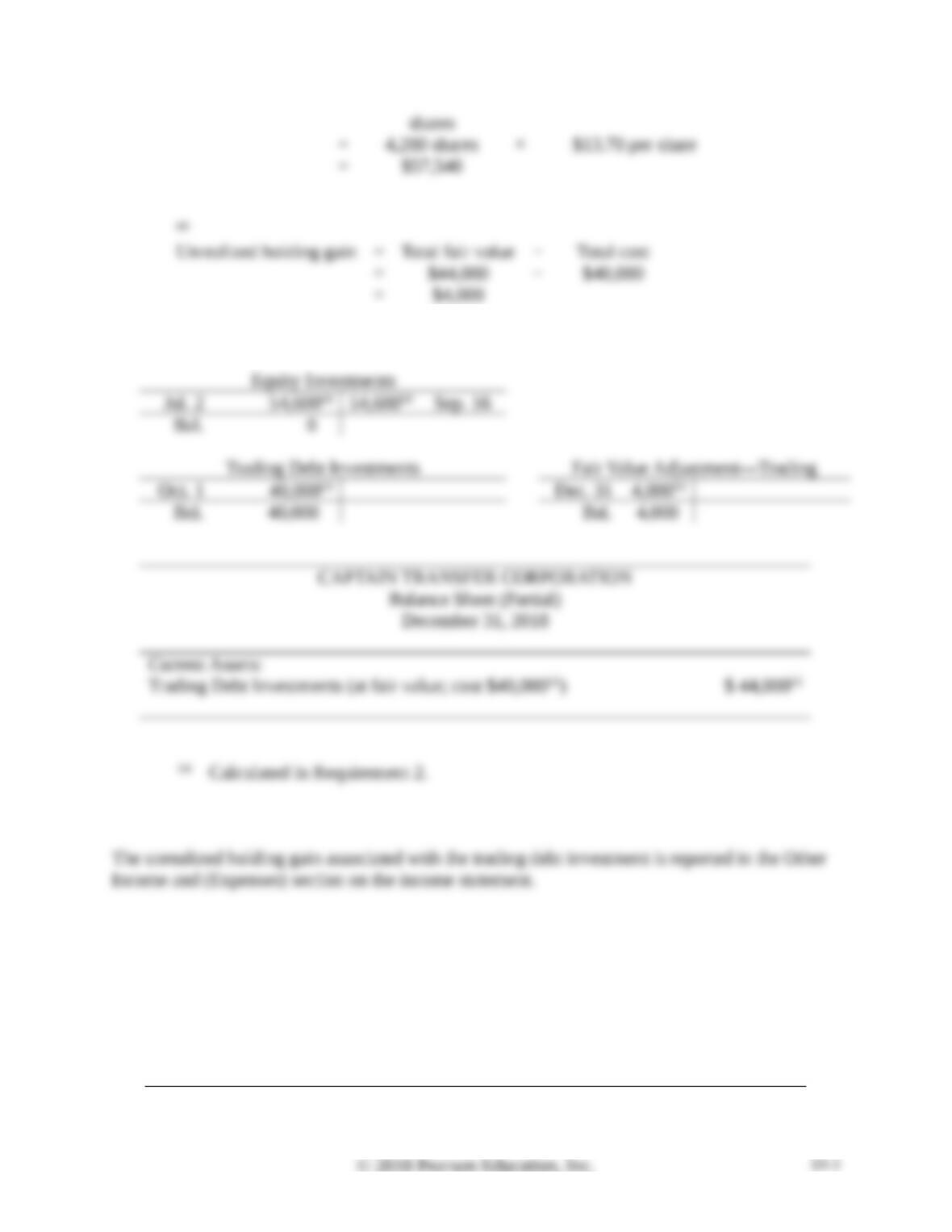
3. Prepare T-accounts for the investment assets, and show how to report the investments on
Captain Transfer’s balance sheet at December 31, 2018.
4. Where is the unrealized holding gain or loss associated with the trading debt investment
reported?
P10-22B. cont.
SOLUTION
Requirement 1
P10-22B, cont.
Requirement 2, cont.
Requirement 3
Requirement 4
P10-23B Accounting for equity investments
Learning Objectives 3, 4
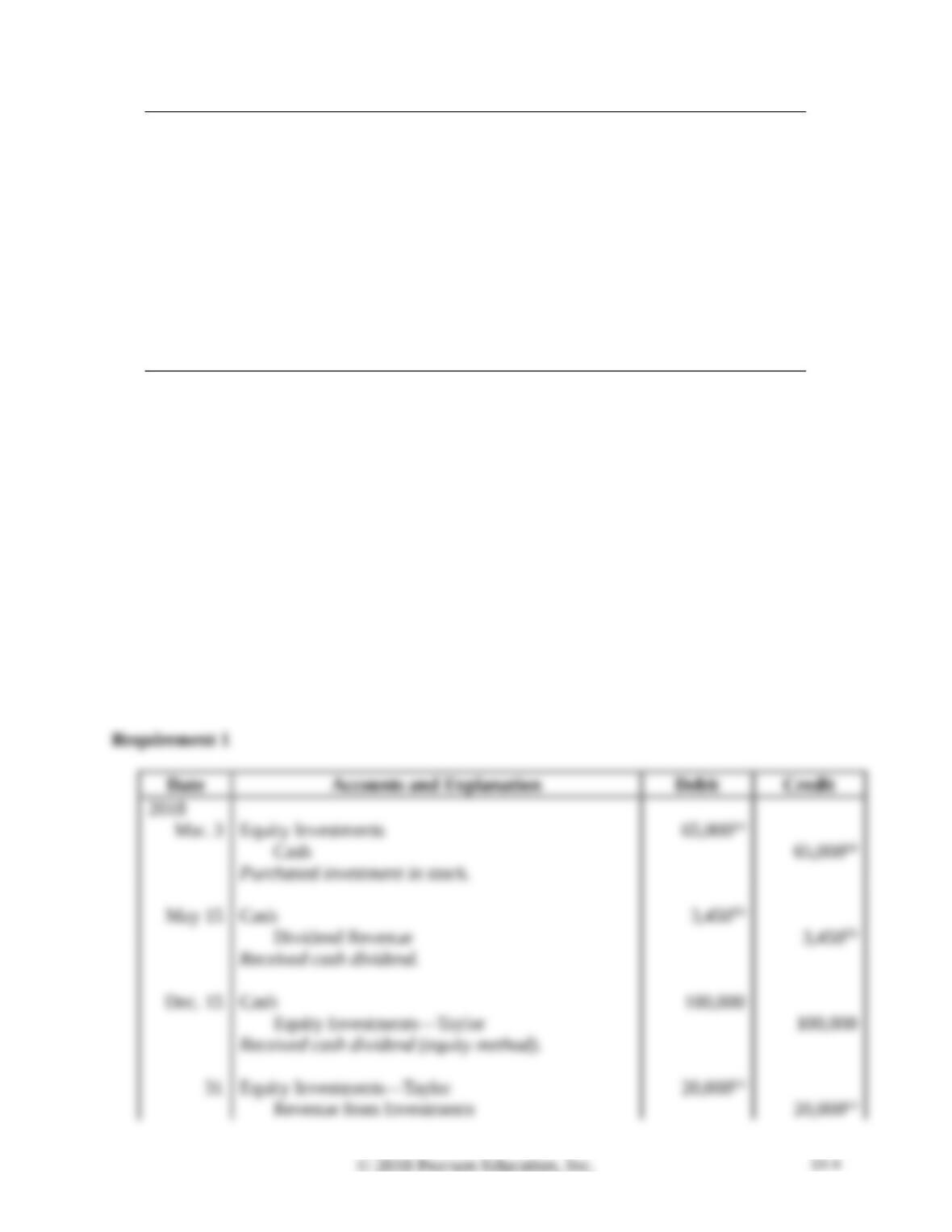
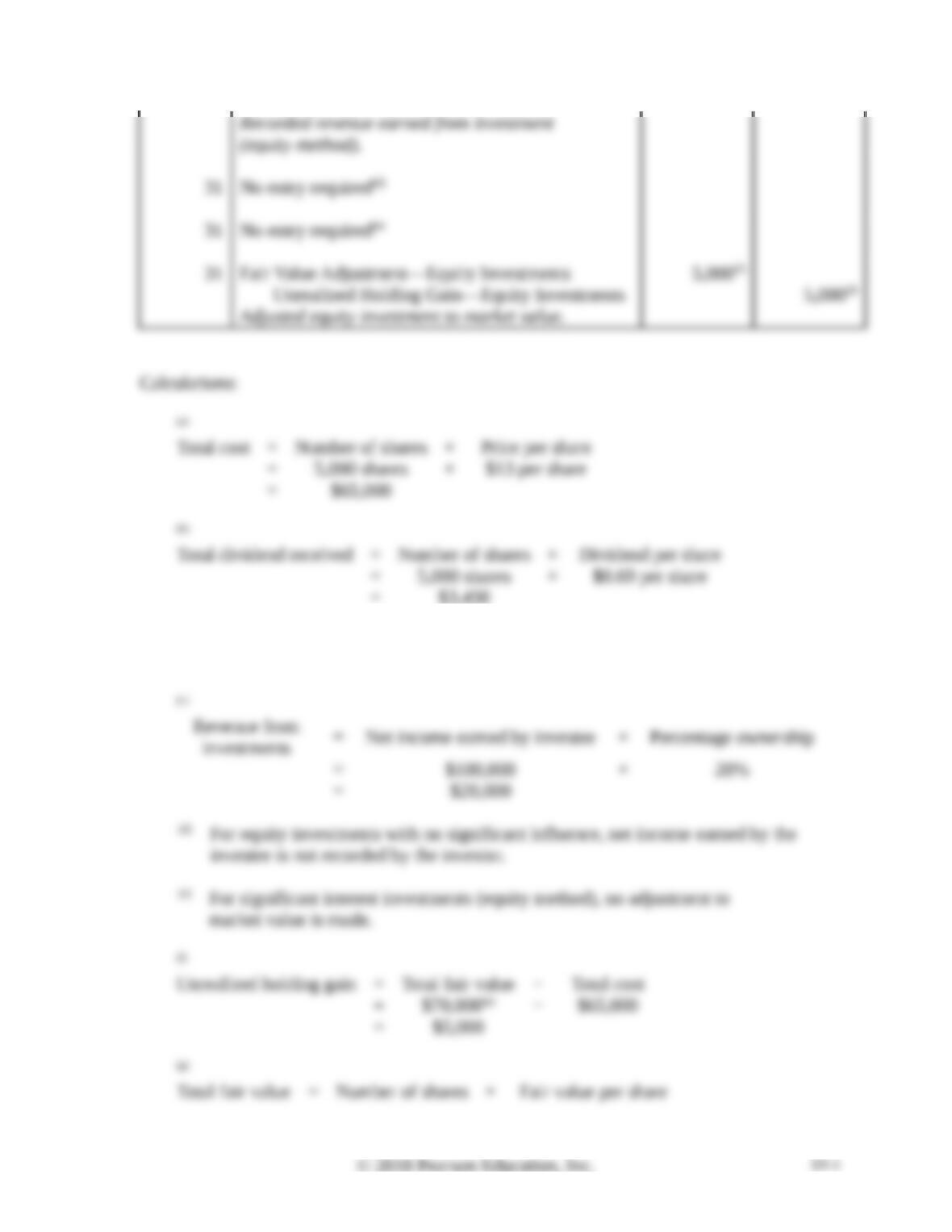
1. Dec. 31 Fair Value Adjustment—Equity Investments DR $5,000
The beginning balance sheet of Text Source Co. included a $700,000 investment in Taylor stock
(20% ownership).
During the year, Text Source completed the following investment transactions:
Mar. 3 Purchased 5,000 shares at $13 per share of Josh Software common stock as
a long-term equity investment, representing 3% ownership, no significant
influence.
May 15 Received a cash dividend of $0.69 per share on the Josh investment.
Dec. 15 Received a cash dividend of $100,000 from Taylor investment.
31 Received Taylor’s annual report showing $100,000 of net income.
31 Received Josh’s annual report showing $620,000 of net income for the
year.
31 Taylor’s stock fair value at year-end was $620,000.
31 Josh’s common stock fair value at year-end was $14 per share.
Requirements
1. Journalize the transactions for the year of Text Source.
2. Post transactions to T-accounts to determine the December 31, 2018, balances related to the
investment and investment income accounts.
3. Prepare Text Source’s partial balance sheet at December 31, 2018, from your answers in
Requirement 2.
4. Where is the unrealized holding gain or loss associated with the Josh stock reported?
P10-23B, cont.
SOLUTION
P10-23B, cont.
Requirement 1, cont.
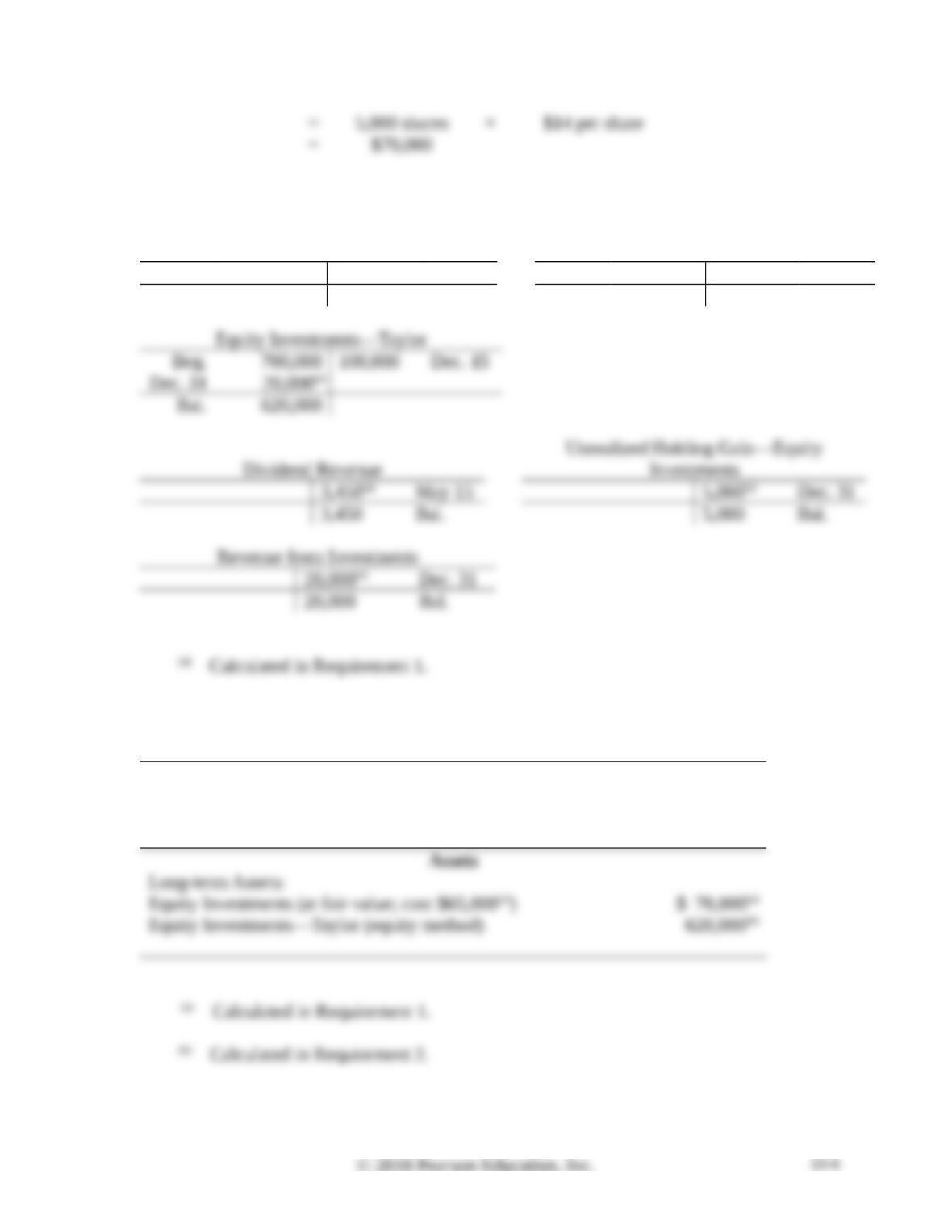
Requirement 2
Equity Investments
Fair Value Adjustment—Equity
Investments
Mar. 3 65,000(a) Dec. 31 5,000(a)
Bal. 65,000 Bal. 5,000
P10-23B, cont.
Requirement 3
TEXT SOURCE CO.
Balance Sheet (Partial)
December 31, 2018
Requirement 4
Using Excel
P10-24 Using Excel to prepare balance sheet presentation of equity and debt securities
The financial statement presentation of debt securities categorized as trading,
held-to-maturity, or available-for-sale as of March 31, 2018, is due shortly to Catherine’s
supervisor. She has received lists of the securities and balance sheet amounts from the IT
department. However, one list of securities links together the security ID, the security name,
the security category, and whether it is short–term or long-term. A second list contains the
security ID and balance sheet amount(s). Catherine will have to manipulate the data to
obtain the information she needs.
Requirements
1. Split the contents of the two lists into separate cells. Use functions LEFT, MID, RIGHT,
FIND and VALUE as needed.
2. Add a column to List 2 that calculates the lower of cost or fair value by security using the
function MIN.
3. Create a new list of securities that has Description, Category, Short-term or Long-term,
and Lower of Cost or Fair Value. This new list should contain values (not formulas).
4. Copy the new list to a new location. Sort securities as to whether they are short-term or
long-term (in reverse alphabetical order), and then sort by category (in reverse
alphabetical order).
5. Subtotal the securities first by time (short-term or long-term), and then by category
(trading, held-to-maturity, or available-for-sale). On the second subtotal, do not remove
the previous subtotals.
6. Compress the information so that only the subtotals appear (display level 3).
SOLUTION
Continuing Problem
P10-25 Accounting for debt and equity investments

This problem continues the Canyon Canoe Company situation from Chapter 9. Amber and Zack
Wilson are pleased with the growth of their business and have decided to invest its temporary
excess cash in a brokerage account. The company had the following securities transactions in
2019.
Jul. 1 Purchased 8,000 shares in Adobe Outdoor Adventure Company for $3 per
share. Canyon Canoe does not have significant influence over Adobe.
7 Purchased 35% of the stock of Bison Backpacks consisting of 43,750
shares of stock (out of a total of 125,000 shares) for $5 per share. Canyon
Canoe does have significant influence over Bison.
10 Purchased a bond from Camelot Canoes with a face value of $80,000.
Canyon Canoe intends to hold the bond to maturity. The bond pays interest
semiannually on June 30 and December 31.
Sep. 30 Received dividends of $0.15 per share from Adobe.
Nov. 1 Received dividends of $0.30 per share from Bison.
Dec. 31 Received an interest payment of $3,200 from Camelot Canoes.
31 Bison Backpacks reported net income of $30,000 for the year.
31 Adjusted the Adobe stock for a market value of $2.98 per share.
Requirements
1. Journalize the transactions including any entries, if required, at December 31, 2019.
2. Determine the effect on Canyon Canoe Company’s net income for the year for each of the
three investments.