Solution: Part a:
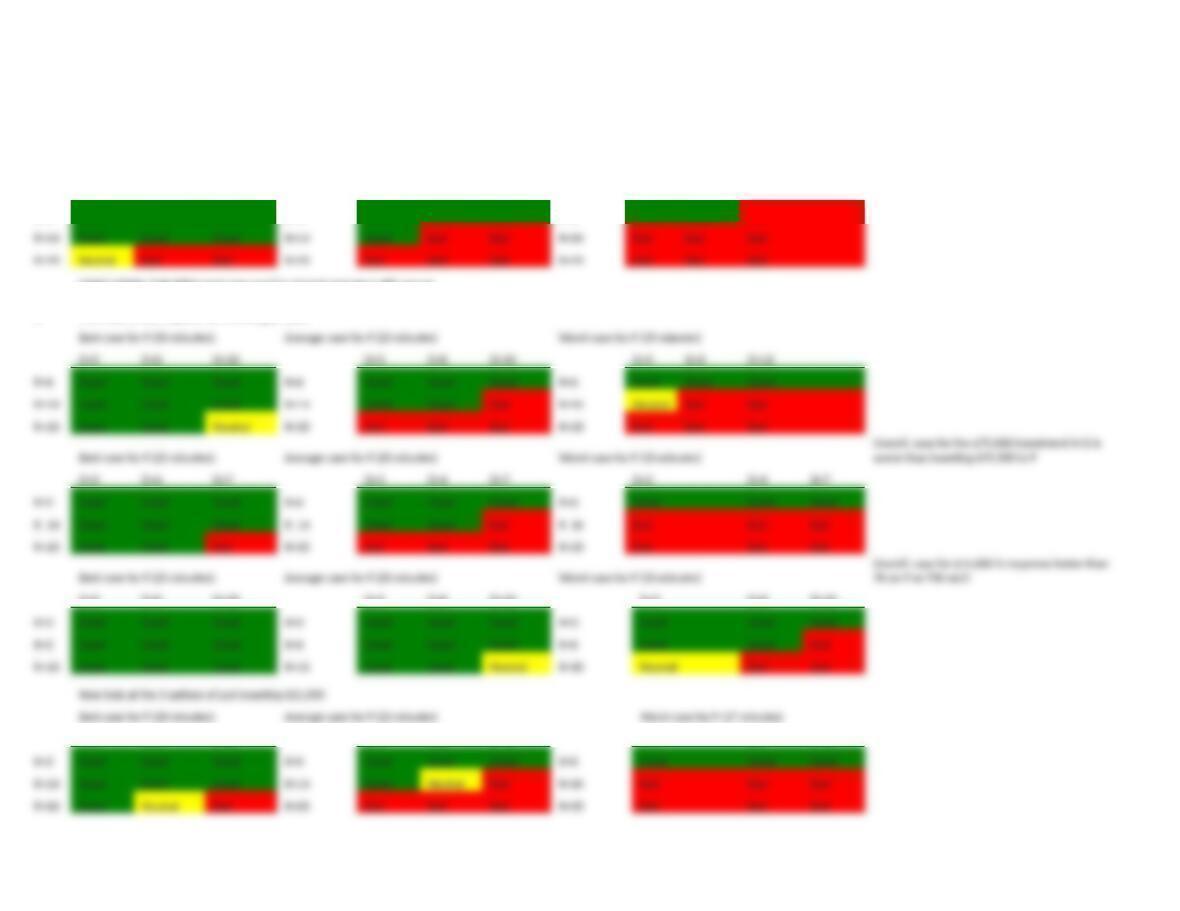
Best case for P (25 minutes): Average case for P (20 minutes) Worst case for P (15 minutes)
D=5 D=8 D=10 D=5 D=8 D=10 D=5 D=8 D=10
R=6 Good Good Good R=6 Good Good Good R=6 Good Good Bad
CONCLUSION: Only if R is best case and D is at least average is ABC secure
Part
b: First, look at the 3 option for investing $75,000
D=5 D=8 D=10 D=5 D=8 D=10 D=5 D=8 D=10
D=2 D=4 D=7 D=2 D=4 D=7 D=2 D=4 D=7
D=5 D=8 D=10 D=5 D=8 D=10 D=5 D=8 D=10
Best case for P (28 minutes): Average case for P (22 minutes) Worst case for P (17 minutes)
D=5 D=8 D=10 D=5 D=8 D=10 D=5 D=8 D=10
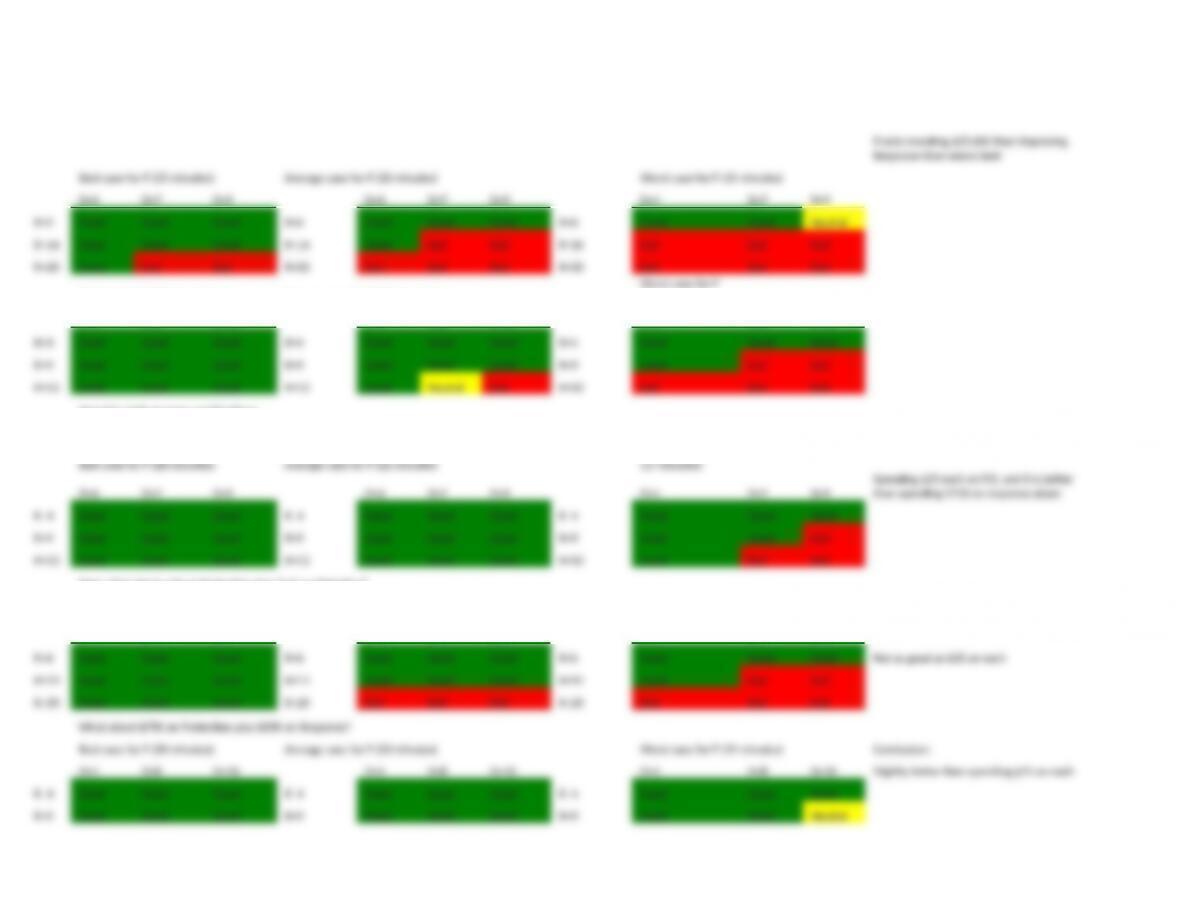
D=4 D=7 D=9 D=4 D=7 D=9 D=4 D=7 D=9
Best case for P (25 minutes): Average case for P (20 minutes)
Worst case for P
(15 minutes)
D=5 D=8 D=10 D=5 D=8 D=10 D=5 D=8 D=10
Now let’s look at some combination
First – how about all 3 of the $25K investments
Best case for P (28 minutes): Average case for P (22 minutes)
Worst case for P
(17 minutes)
Now, what about 75K on protection plus 25 K on Detec3on?
Best case for P (30 minutes): Average case for P (23 minutes)
Worst case for P
(19 minutes)
D=4 D=7 D=9 D=4 D=7 D=9 D=4 D=7 D=9
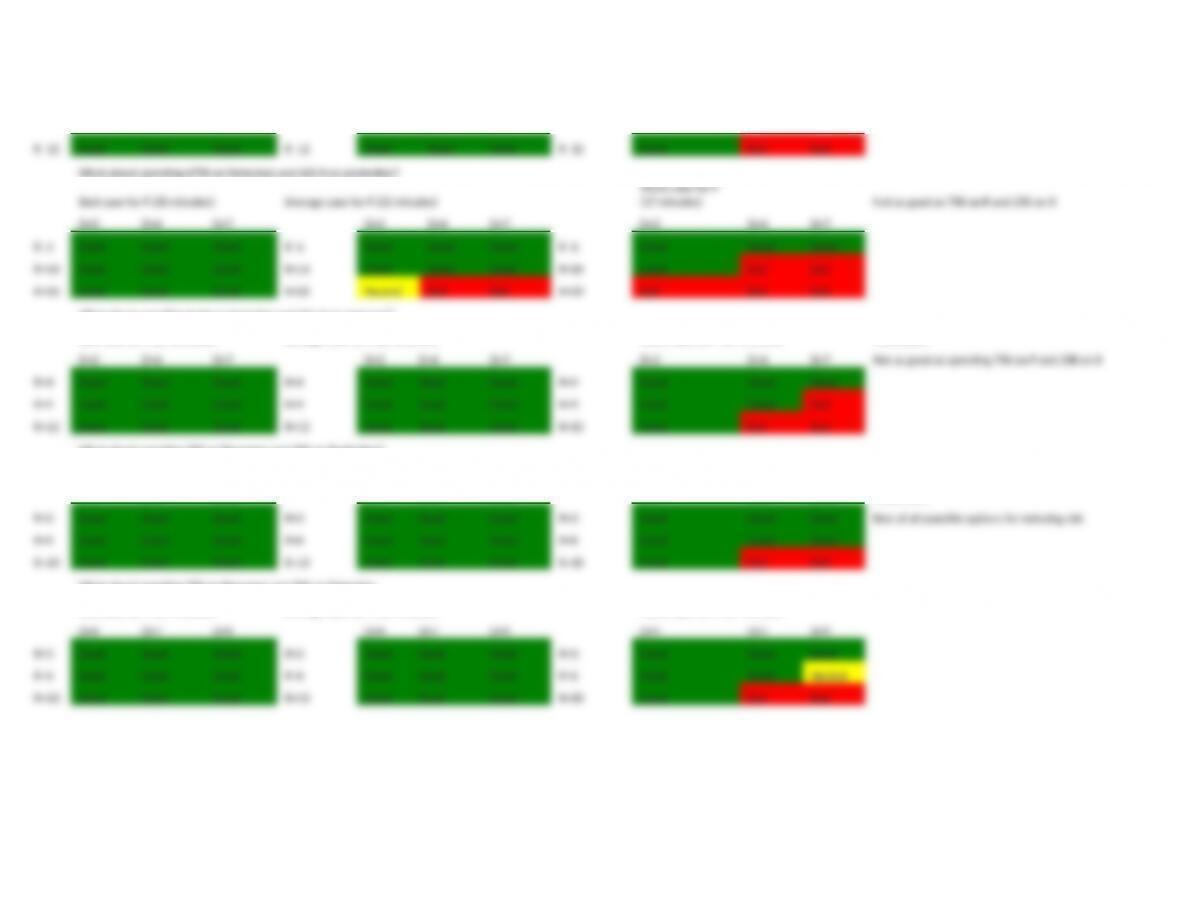
What about spending $75K on Detec3on and $25 K on protec3on?
Worst case for P
D=2 D=4 D=7 D=2 D=4 D=7 D=2 D=4 D=7
What about spending $75K on Detec3on and $25 K on response?
Best case for P (25 minutes): Average case for P (20 minutes) Worst case for P (15 minutes) Conclusion:
What about spending 75K on Response and 25K on protection?
Best case for P (28 minutes): Average case for P (22 minutes) Worst case for P (17 minutes)
D=5 D=8 D=10 D=5 D=8 D=10 D=5 D=8 D=10 Conclusion:
What about spending 75K on Response and 25K on Detec3on
Best case for P (25 minutes): Average case for P (20 minutes) Worst case for P (15 minutes)
8.7 Explain how the following items individually and collectively affect the overall level
of security provided by using a password as an authentication credential.
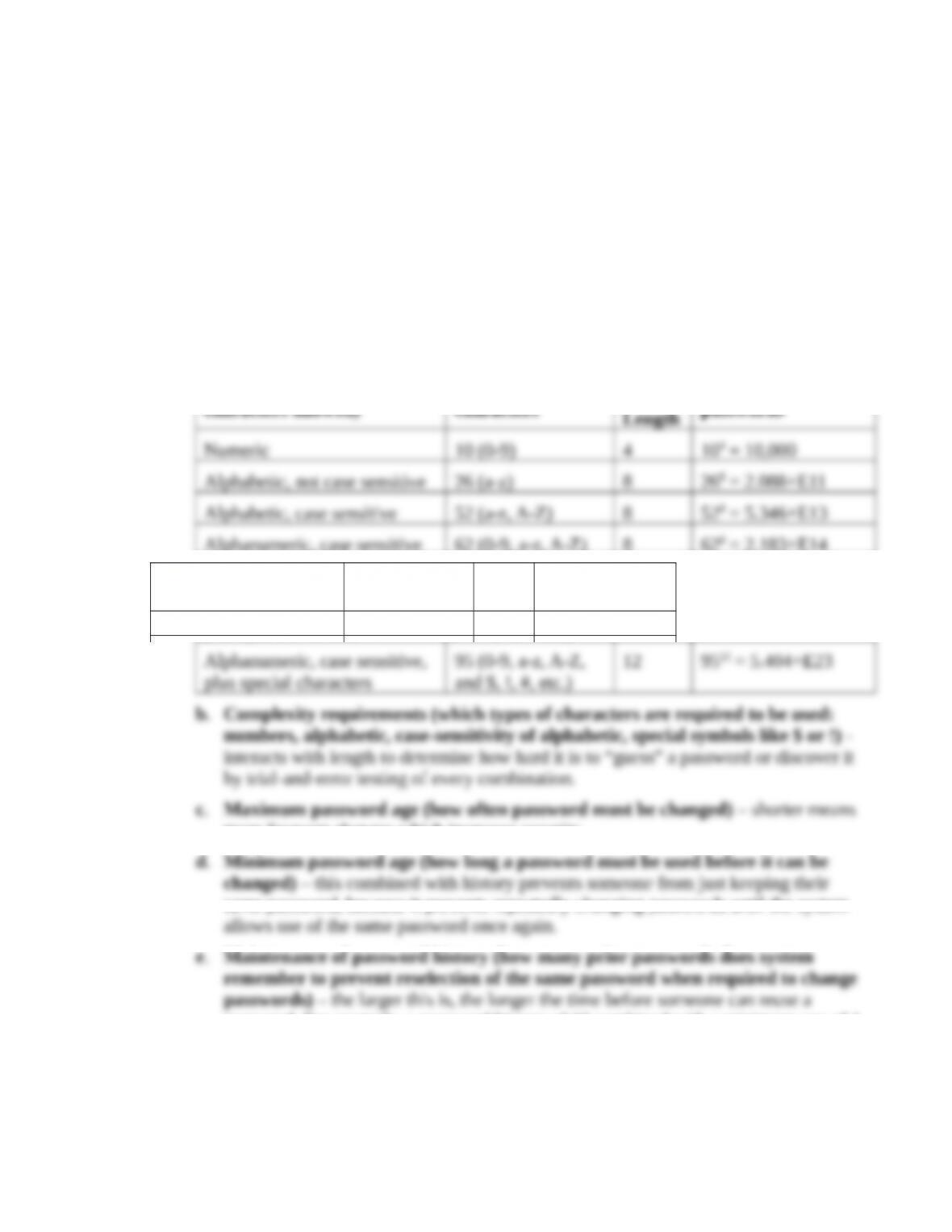
a.Length – interacts with complexity to determine how hard it is to “guess” a password
Complexity (types of
characters allowed)
Number of
characters Length
Number of possible
passwords
Numeric 10 (0-9) 4 104 = 10,000
plus special characters
and $, !, #, etc.)
b.Complexity requirements (which types of characters are required to be used:
numbers, alphabetic, case-sensitivity of alphabetic, special symbols like $ or !) –
c.Maximum password age (how often password must be changed) – shorter means
d.Minimum password age (how long a password must be used before it can be
e.Maintenance of password history (how many prior passwords does system
remember to prevent reselection of the same password when required to change
passwords) – the larger this is, the longer the time before someone can reuse a
password. For example, a password history of 12 combined with a minimum age of 1
month means that the same password cannot be used until after a year. Note that this
requires setting a minimum age. Otherwise, if the minimum age is zero, someone
could repeatedly change their password as many times as the system’s history setting,
and then change it one more time, this last time setting it to be the current password.
f.Account lockout threshold (how many failed login attempts before the account is
locked) – this is designed to stop guessing attacks. However, it needs to account for
g.Time frame during which account lockout threshold is applied (i.e., if lockout
threshold is five failed login attempts, time frame is whether those 5 failures
must occur within 15 minutes, 1 hour, 1 day, etc.). – Shorter time frames defeat
h.Account lockout duration (how long the account remains locked after exceeding
the maximum allowable number of failed login attempts) – longer lockouts defeat
8.8 Secure configuration of endpoints includes properly configuring your browser and
smartphone. Visit the Center for Internet Security’s website (www.cisecurity.org).
Navigate to the “Configuration Benchmarks” and download the benchmark for either your
favorite browser or your smartphone. Adjust the settings for java, JavaScript, and plugins
to the recommended settings. Then test the properly configured device on the following
tasks:
a. Access your university e-mail account
b. Access your personal e-mail account
c. Use your favorite search engine to find information about travel tours to Easter Island
d. Attempt to book a flight
e. Play an online game (Sudoku, Kenken, etc.)
Required
Write a brief report that explains the effects, if any, of the more secure device
configuration when you attempted each task.
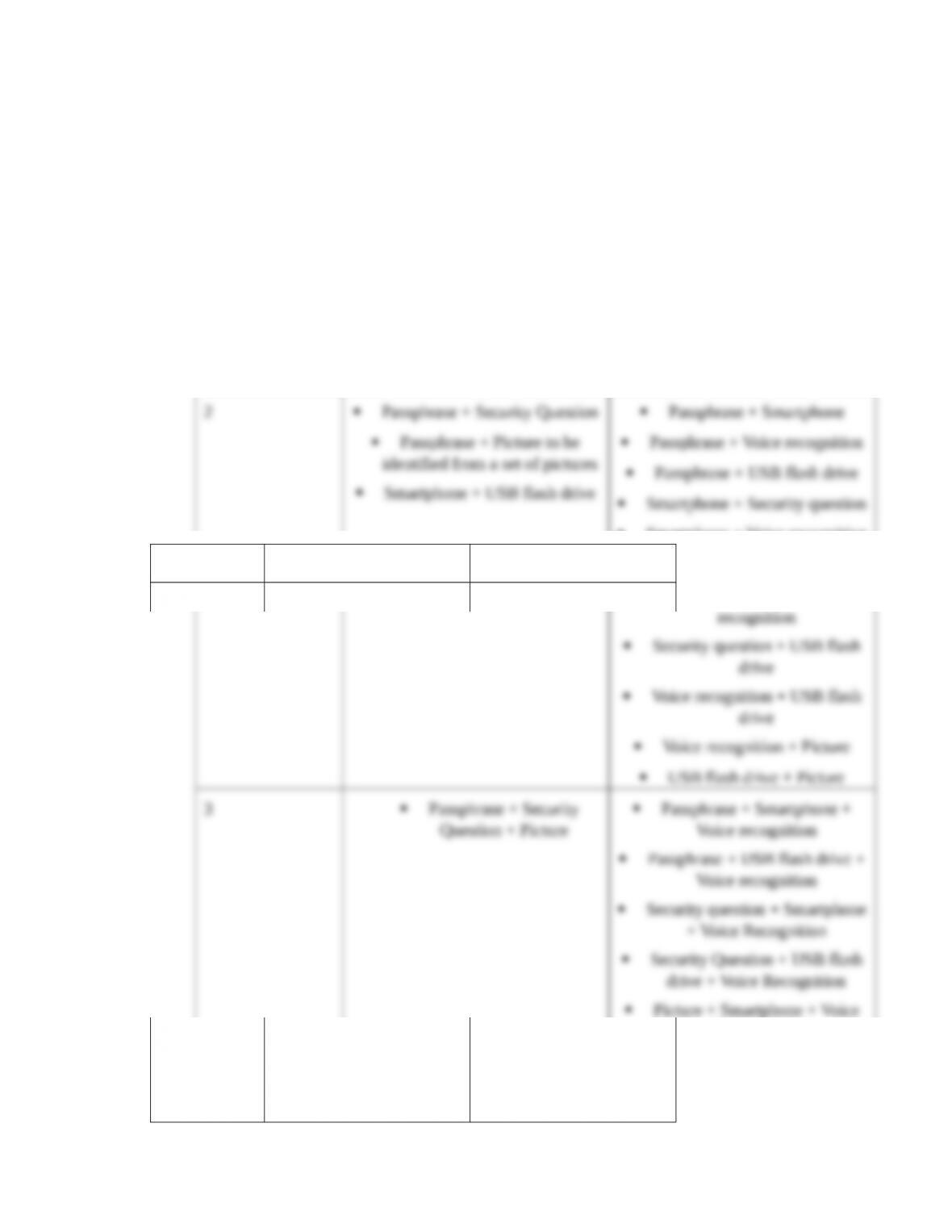
8.9 Given the following list of potential authentication credentials, identify as many
combinations as possible that can be used to implement (a) a multi-modal authentication
process and (b) a multi-factor authentication process. Consider both combinations of two
and of three credentials. List of possible credentials:
Passphrase
Smartphone that displays text to enter
Security question
Voice recognition
USB flash drive that displays a different code every 60 seconds
Picture to be identified from a set of pictures
Solution:
The choice involves the following types of credentials:
Number of
credentials
Multimodal Multifactor
2Passphrase + Security Question
Passphrase + Smartphone
Security Question + USB flash
drive + Voice Recognition
Picture + Smartphone + Voice
Recognition
Picture + USB flash drive +
Voice Recognition
8.10 Answer the following multiple-choice questions:
1. The system employs a compa3bility test to decide whether to let a particular
employee update records in a particular ?le. The compa3bility test is a part of the
aspect of access control referred to as _____.
a. authentication
b. authorization
c. accountability
2. The set of instructions for taking advantage of a flaw in a program is called a(n)
_____.
a. vulnerability
b. patch
c. update
d. exploit
3. Firewalls are most effective in reducing the ability of an attacker to _____.
a. conduct initial reconnaissance
b. research vulnerabilities and exploits
c. scan and map the target
d. all of the above are prevented by firewalls
e. none of the above are prevented by firewalls
4. A company’s current password policy requires that passwords be alphanumeric,
case-sensitive, and be 10 characters long. Which one of the following changes to a
company’s password policy will increase password strength the most?
a. Require passwords to also include special characters (such as $, &, etc.)
b. Require passwords to be 15 characters long
c. Both of the above changes would have the same effect on password strength
similar percentage. Current size of search space is 6210 = 8.39299E+17. Requiring special
characters to be used but keeping the length at 10 yields a search space of 9510 = 5.98737E+19.
Requiring the length to be increased to 15 alpha-numeric, case-sensitive, characters yields a
search space of 6215 = 7.6891E+26.
5. Which of the following set of authentication credentials provides the strongest access
control?
a. A password and a security question.
b. A PIN and a smart card.
c. Voice recognition and a fingerprint.
d. All of the combinations of credentials are equally strong.
6. A firewall that uses ________________ would be most effective in detecting and
stopping an attempt to deface the organization’s website by sending an HTML “PUT”
command to its web server.
a. static packet filtering
b. stateful packet filtering
c. deep packet inspection
7. In addition to encryption, organizations should _____ to effectively secure wireless
communications.
a. place all wireless access points in the DMZ
b. configure all wireless clients to operate in ad hoc mode
c. do both of the above
d. do none of the above
8. Which of the following statements are true?
a. IT developments such as virtualization, Cloud computing, and the Internet of
Things weaken information security.
b. A large number of emergency changes is a potential red flag of other problems.
c. Information security is improved when the CISO reports to the CIO.
d. All of the statements are true.
e. None of the statements are true.
9. ABC bank wants to strengthen the security of its online bill-pay features. Therefore, it
decides that in addition to a password, users must also correctly identify a picture that
they have previously chosen to be one of their authentication credentials. This is an
example of a process referred to as ______.
a. multifactor authentication
b. multimodal authentication
c. neither of the above
Correct answer is b. Both credentials (password and picture recognition) are something the
customer knows.
SUGGESTED SOLUTIONS TO THE CASES
CASE 8-1 Assessing Change Control and Change Management
Read the article “Security Controls that Work” by Dwayne Melancon in the 2007 Issue,
Volume 4 of the Information Systems Control Journal. Write a report that answers the
following questions:
1. What are the differences between high-performing organizations and medium- and
low-performing organizations in terms of normal operating performance? Detection of
security breaches? Percentage of budget devoted to IT?
2. Which controls were used by almost all high-performing organizations, but were not
used by any low- or medium-performers?
3. What three things do high-performing organizations never do?
4. What metrics can an IT auditor use to assess how an organization is performing in
terms of change controls and change management? Why are those metrics particularly
useful?
1. Differences between high-performing and medium- and low-performing organizations are
that high-performing organizations – the article lists the following:
Completed eight times as many projects
The best posture of compliance, measured by the fewest number of repeat audit findings
and lowest staff count required to stay compliant
High efficiencies, measured by high server-to-system administrator ratios and low
amounts of unplanned work (i.e., new work that is unexpectedly introduced when a
change is made)
2. The article states that all high-performing organizations used two controls that none of the
low- or medium-performers did:
Are systems monitored for unauthorized changes?
Are there defined consequences for intentional unauthorized changes?
In addition, the following four controls were found much more frequently in
high-performing organizations than in low- or medium-performers:
3. The article states that three things high-performing organizations NEVER do:
They never let developers make changes in production.
4. The article identifies these key metrics for IT auditors to track:
Amount of time devoted to unplanned work—An unplanned work rate higher than 20
to 25 percent is a sure indication of a lack of effective controls and a cultural problem
Volume of emergency changes—Almost by definition, “emergency” changes are
unauthorized changes that are often used as a way to circumvent the formal change
Number and causes of failed changes—The ITPI study found that high performers
consistently maintained successful change rates of 95 percent or more, often as high as 99
Other things to look out for, which the study found in medium and low performers, include:
•A high frequency of security incidents, unexplained outages or other system availability events
•A lot of late projects and cost overruns due to unplanned or emergency work
•High employee turnover and low morale

CASE 8-2 Research Security Breaches
Research reports of two security breaches: one that occurred in 2014 or later and one that
occurred prior to 2010. Write a report that describes the following:
a. How each breach happened
b. How each breach was discovered
c. How long it took to discover each breach
d. The consequences of each breach to the affected organization (e.g., effect on stock price,
sales, fines, etc.)
e. Discuss any notable similarities or differences between the two breaches