
4.9 Create relational tables that solve the update, insert, and delete anomalies in Table 4-18.
TABLE 4-18
Purchase
Order #
Purchas
e Order
Date
Par
t #
Description
Unit
Price
Quantity
Ordered
Vendor
#
Vendor
Name
Vendor
Address
2
3/9/18
334
XYZ
$30
3
504
KL Supply
75 Stevens Dr.
2
3/9/18
231
PDQ
$50
5
504
KL Supply
75 Stevens Dr.
2
3/9/18
444
YYM
$80
6
504
KL Supply
75 Stevens Dr.
3
4/5/18
231
PDQ
$50
2
889
Oscan Inc
55 Cougar Cir.
PART TABLE
Part # (PK)
Description
Unit Price
334
XYZ
30
231
PDQ
50
444
YYM
80
PURCHASE ORDER TABLE
Purchase Order # (PK)
Vendor # (FK)
Purchase Order Date
2
504
3/9/18
3
889
4/5/18
VENDOR TABLE
Vendor # (PK)
Vendor Name
Vendor Address
504
KL Supply
75 Stevens Dr.
889
Oscan Inc.
55 Cougar Cir.
PURCHASE-PART TABLE
Purchase Order #
(PK/FK)
Part # (PK/FK)
Quantity Ordered
2
334
3
2
231
5
2
444
6
3
231
2
Note: PK-Primary Key, FK – Foreign Key, PK/FK – Primary Key/Foreign Key
4.10 From the database created in the comprehensive problem, perform queries based on the
tables and query grid shown in Table 4-19.
The queries and the answers to the queries for the questions about the comprehensive problem data
(Table 4-19) are shown below.
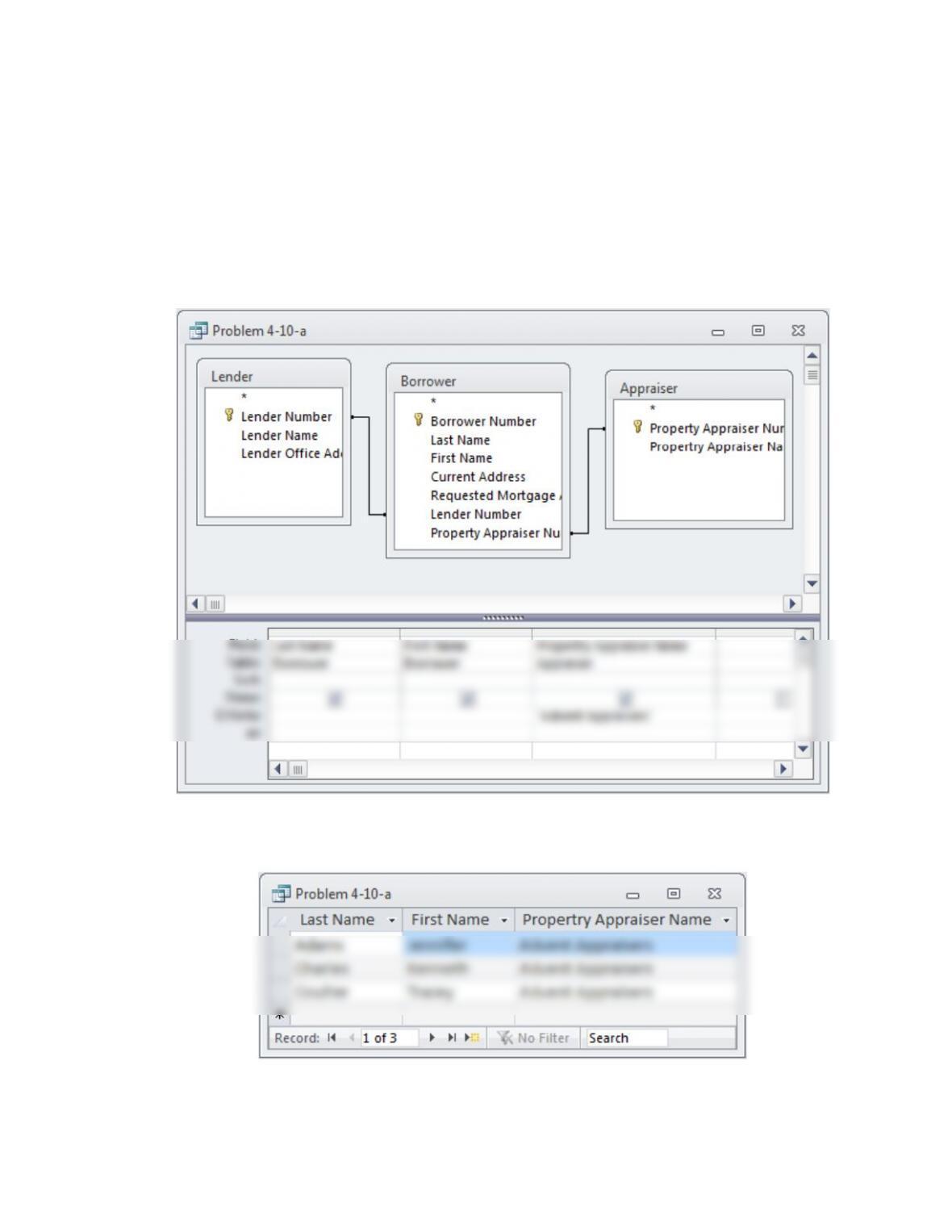
a. Which borrowers use Advent Appraisers?
Query
Query Result
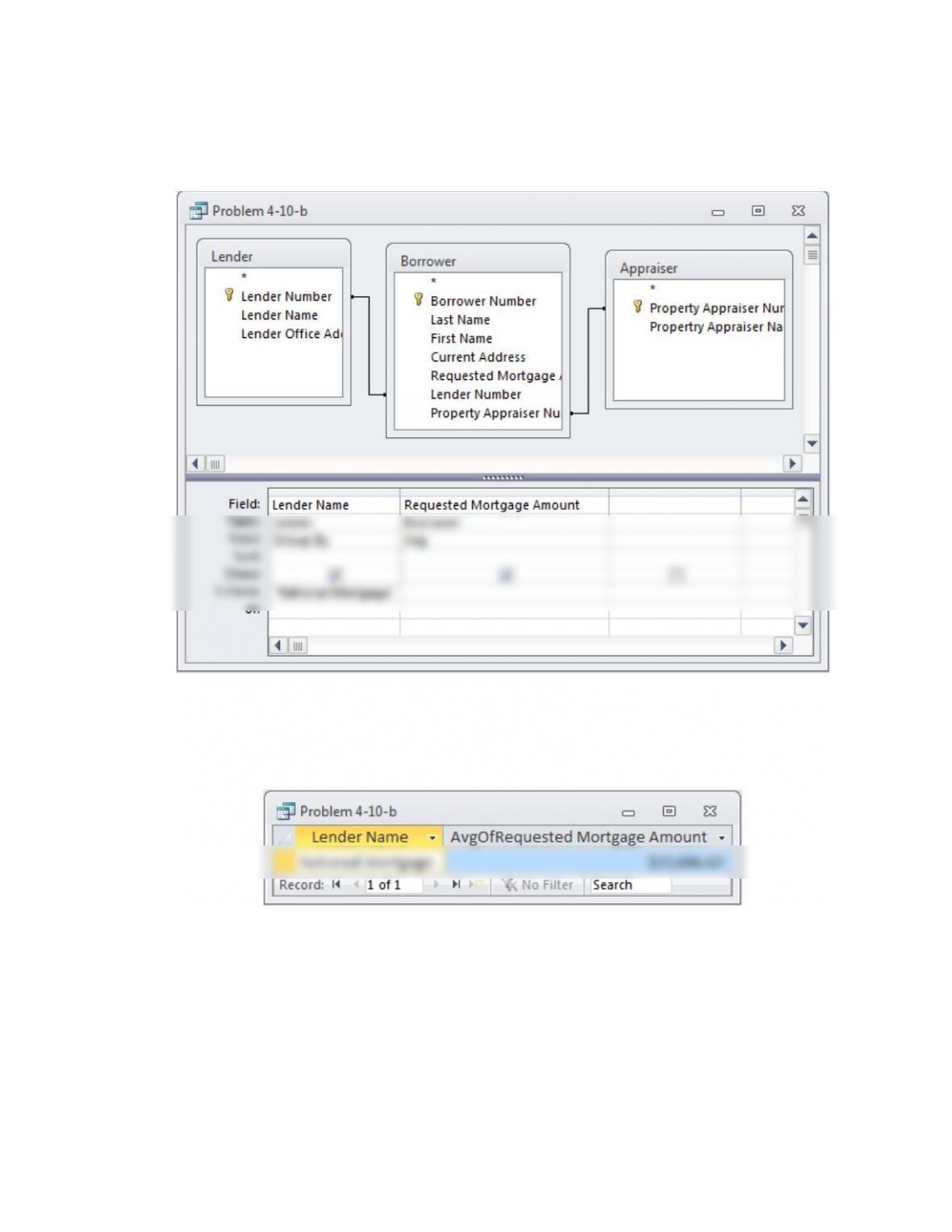
b. What is the average amount borrowed from National Mortgage?
Query
Query Result
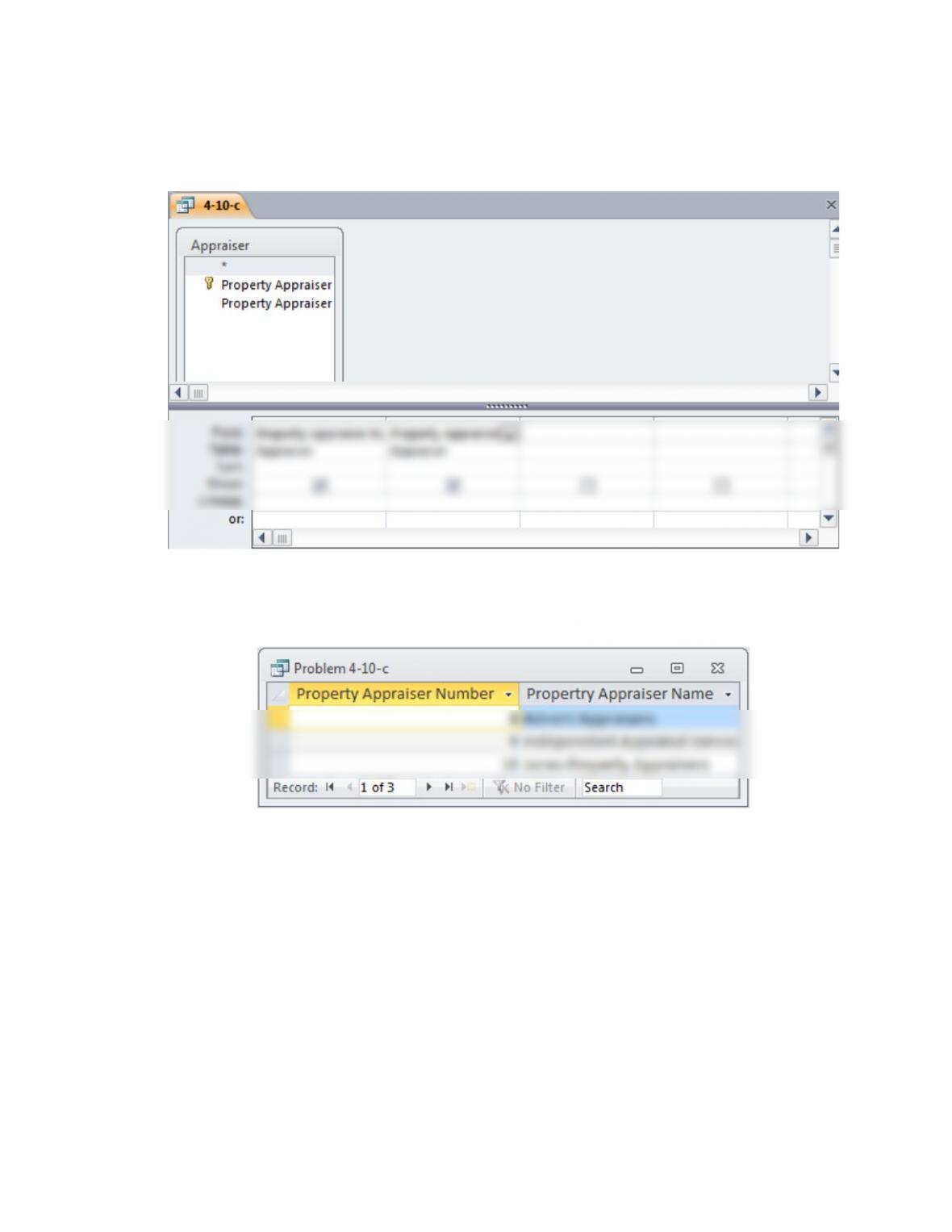
c. List all of the property appraisers.
Query
Query Result
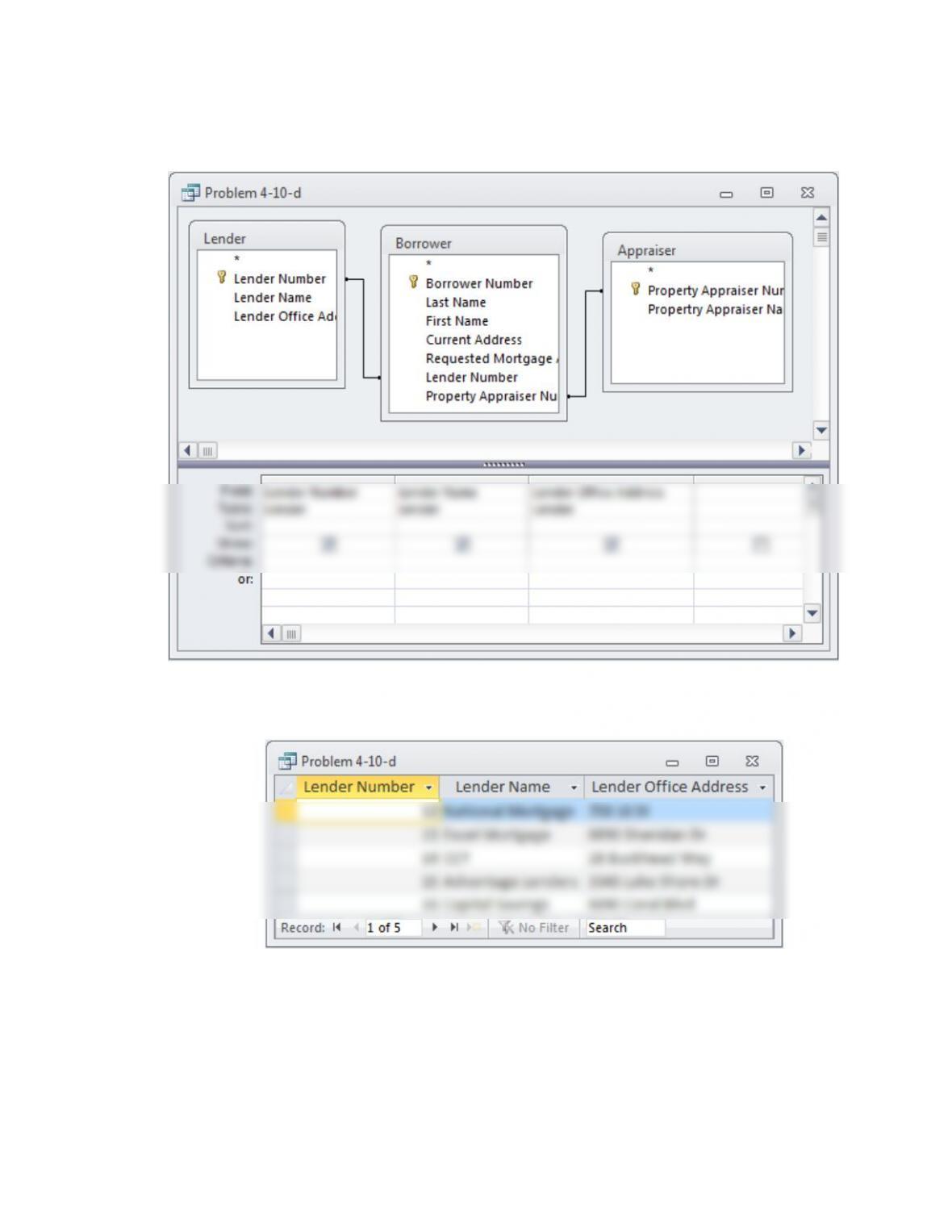
d. List all of the lenders.
Query
Query Result
Query
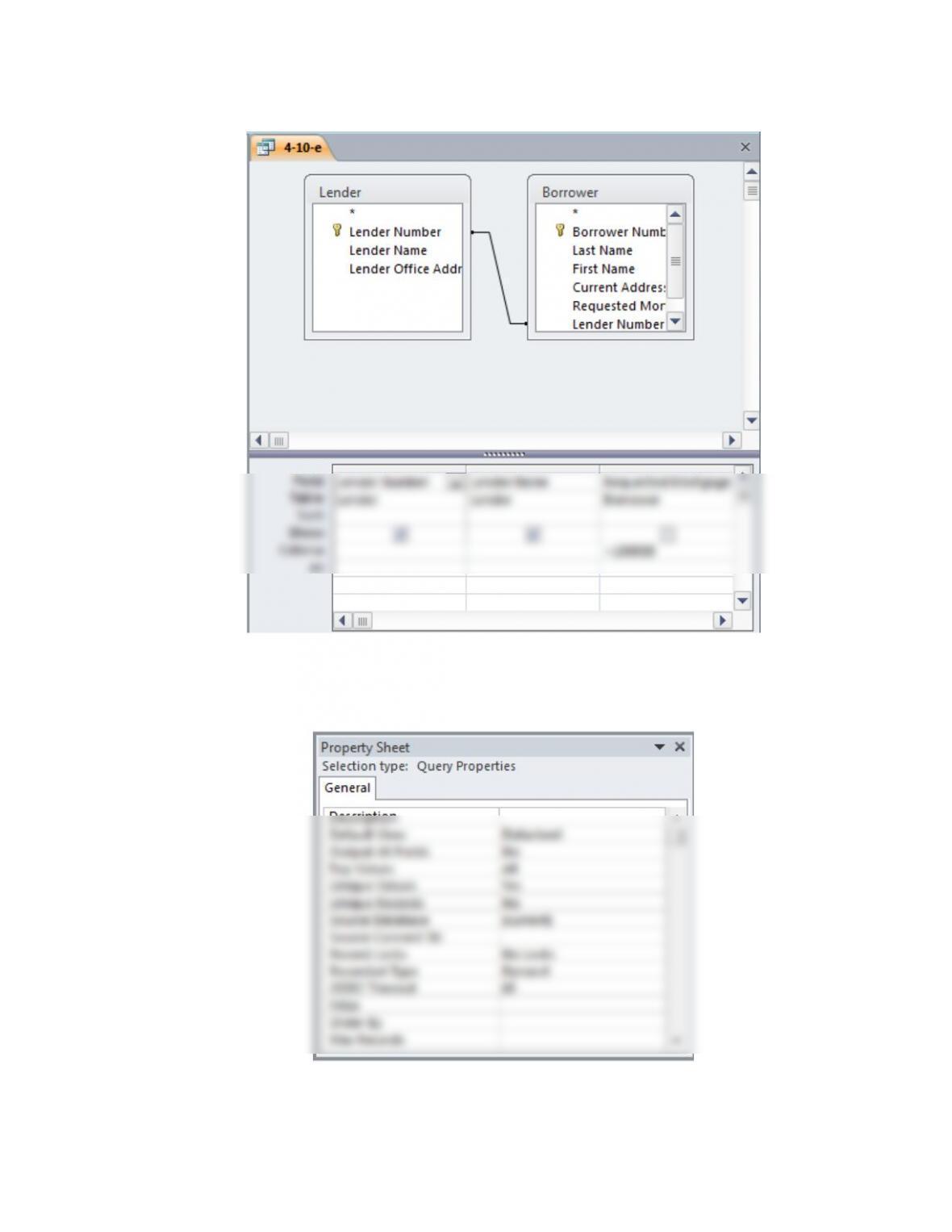
e. List the lenders that lent more than $100,000.
NOTE: In order to get a list of lenders without duplicates the property sheet of the query needs to be
modified by setting the value of the Unique Values property to Yes. This can be seen in the screenshot
below. The property sheet is found under the Design tab of the ribbon. Setting Unique Values to Yes is
the equivalent of entering the DISTINCT keyword in SQL select statements.
Query Result

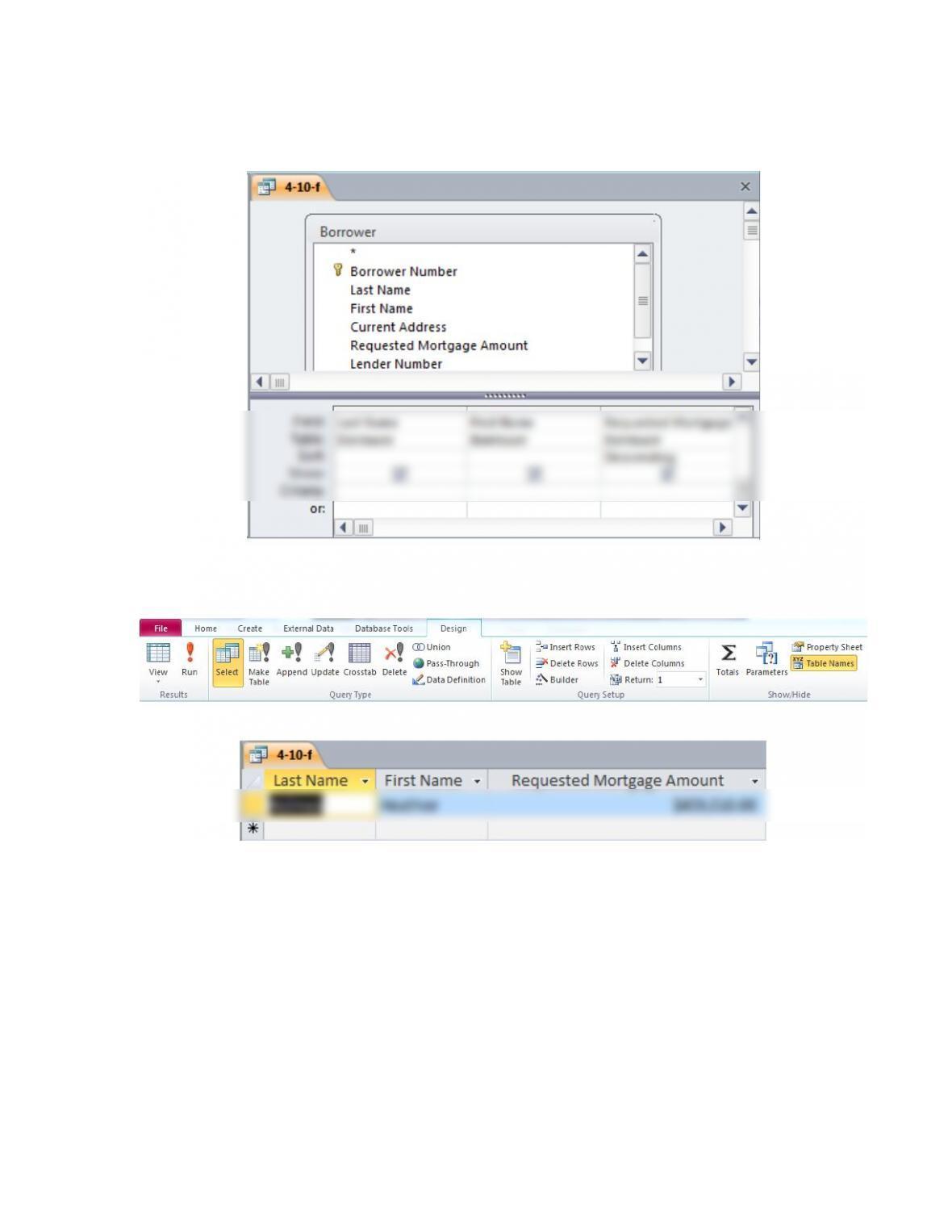
f. Which borrower requested the largest mortgage?
Query
Notice that in the Design section on the ribbon, you must set the Return value to 1 (located in the Query
Setup group). This indicates to Access to only return the top result. See the image below for a screenshot
of this.
Query Result
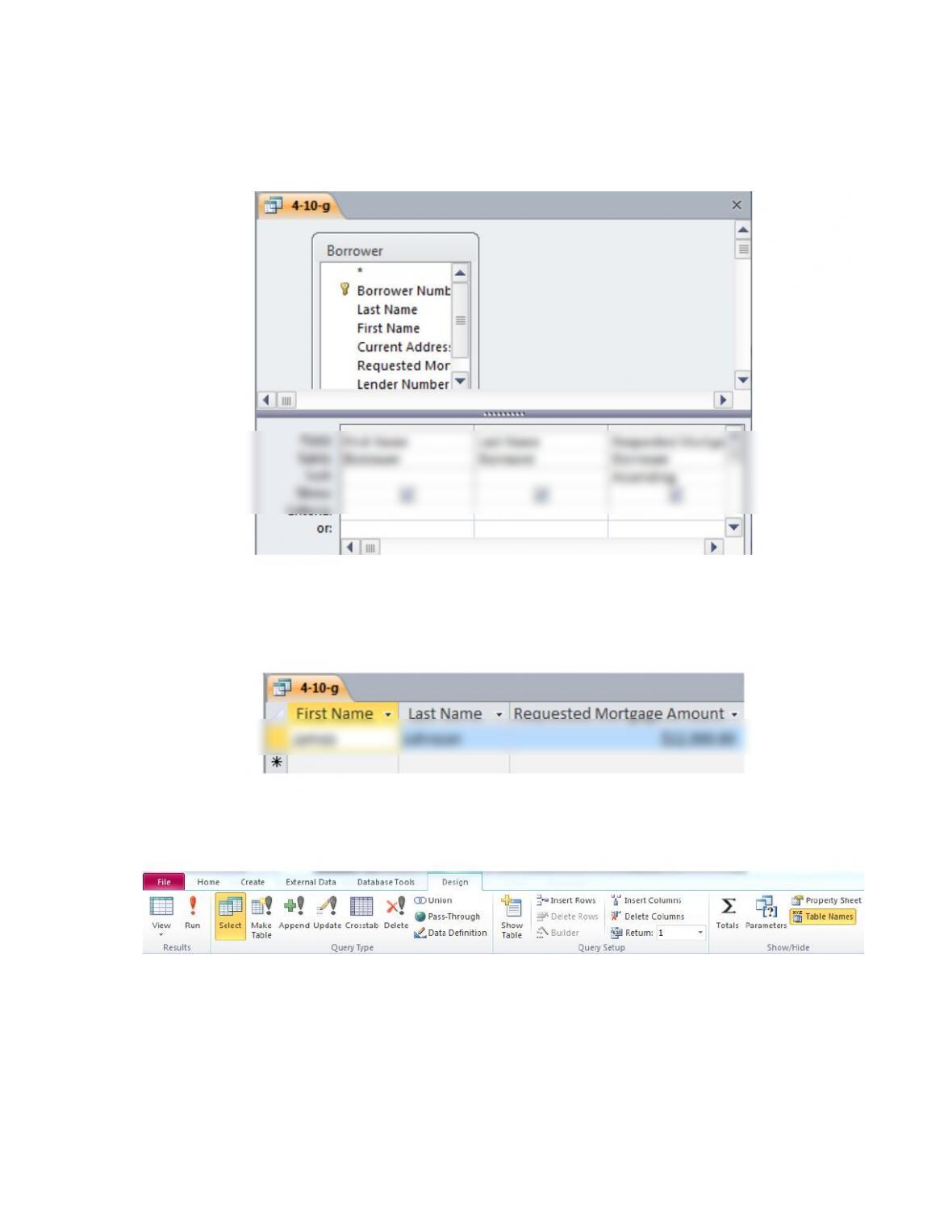
g. Which borrower requested the smallest mortgage?
Query
Query Result
As with problem 4-10-f, you must set the Return value to 1 in the Design section of the ribbon
(located in the Query Setup group). This indicates to Access to only return the top result. See the image
below for a screenshot of this.
SUGGESTED ANSWERS TO THE CASE
4.1 As in all areas of IT, DBMSs are constantly changing and improving. Research how
businesses are using DBMSs, and write a report of your findings. Address the following
issues:
1. Which popular DBMS products are based on the relational data model?
2. Which DBMS products are based on a logical model other than the relational data
model?
3. What are the relative strengths and weaknesses of the different types (relational versus
other logical models) of DBMSs
No single answer exists with this case; indeed, solutions will vary depending upon student
ingenuity and creativity. Reports should be graded in terms of how well each issue was addressed
and in terms of writing quality. Students should be able to find the following information: