Option B:
Option C:
a. Assume that because all of the proposed changes will increase product quality,
that production will jump to 1,500,000 units. Which option do you recommend?
Why?
At production levels of 1,500,000 units, options B and C both reduce total costs. Option
C, however, reduces them the most.
Option A:
Option B:
Option C:
14.7 EXCEL PROBLEM
a. Download the spreadsheet for problem 14.7 from the website for this textbook.
b. Create formulas to calculate
• Accumulated depreciation (all assets use the straight line method; all assets
acquired any time during the year get a full year’s initial depreciation)
• Current year’s depreciation (straight-line method, full amount for initial
year in which asset acquired)
• Ending accumulated depreciation
• Net book value at end of period
• Current year in the cell to the right of the phrase “Depreciation schedule for
year”
• Column totals for acquisition cost, beginning depreciation, current
depreciation, ending accumulated depreciation, net book value
• In the cell to the right of the arrow following the text “Cross–footing test”
create a formula that checks whether the sum of the net book value column
equals the sum of acquisition costs minus the sum of ending accumulated
depreciation. If the two values match, the formula should display the text
“Okay” otherwise it should display the text “Error”
c. Create a table at the bottom of your worksheet that consists of two columns:
• Asset name (values should be chair, desk, laptop, monitor, software, and
workstation)
• Net book value (create a formula to calculate this number) assuming that the
current date is 06/30/2014
• Create a formula that sums the total net book values for all classes of assets
• In the cell to the right of the total net book values for all asset classes, create
a formula that compares the total net book values for all classes of assets to
the sum of all net book values in the top portion of the spreadsheet. The
formula should return “Okay” if the two totals match or “Error: Sum of net
book values by asset class does not equal sum of all net book values” if the
two totals do not equal one another.
d. Enter your name in row 1 in the cell to the right of the text “Name”
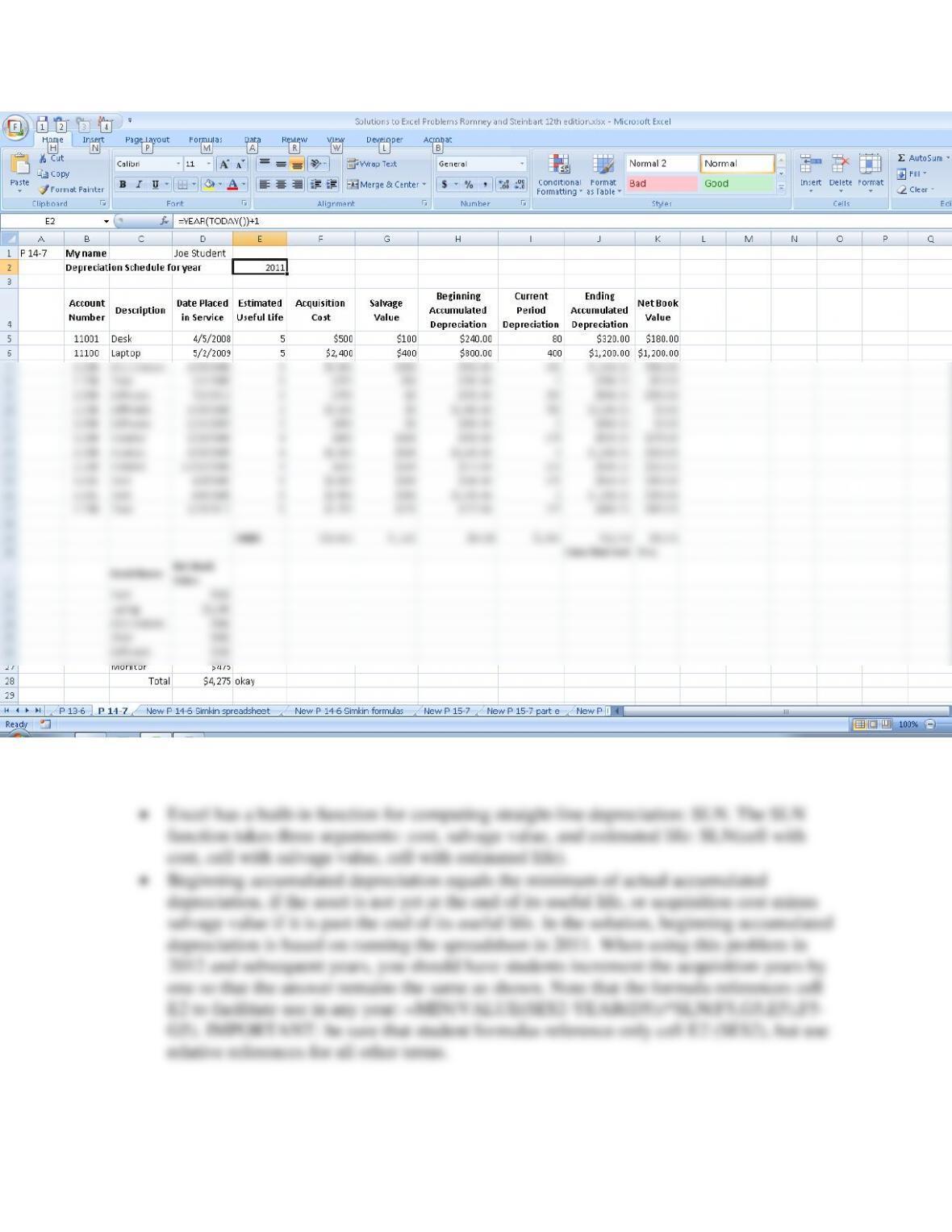
• Current period depreciation is either the result of the straight-line depreciation
calculation, if the asset has not yet been fully depreciated, or zero: =IF(F5-
14.8 EXCEL PROBLEM
Task: Use Excel and the Solver add-in to explore the effect of various resource
constraints on the optimal product mix.
a. Read the article “Boost Profits With Excel,” by James A. Weisel in the
December 2003 issue of the Journal of Accountancy (available online at the
AICPA’s Web site, www.aicpa.org
b. Download the sample spreadsheet discussed in the article and print out the
screenshots showing that you used the Solver tool as discussed in the article.
To load Solver in Excel 2007, click on the “Microsoft Office Button” in the upper left corner
of an Excel spreadsheet. Then click on Excel Options to open the following screen, select
Add-Ins, highlight “Solver Add–in” and click the “Go” button:
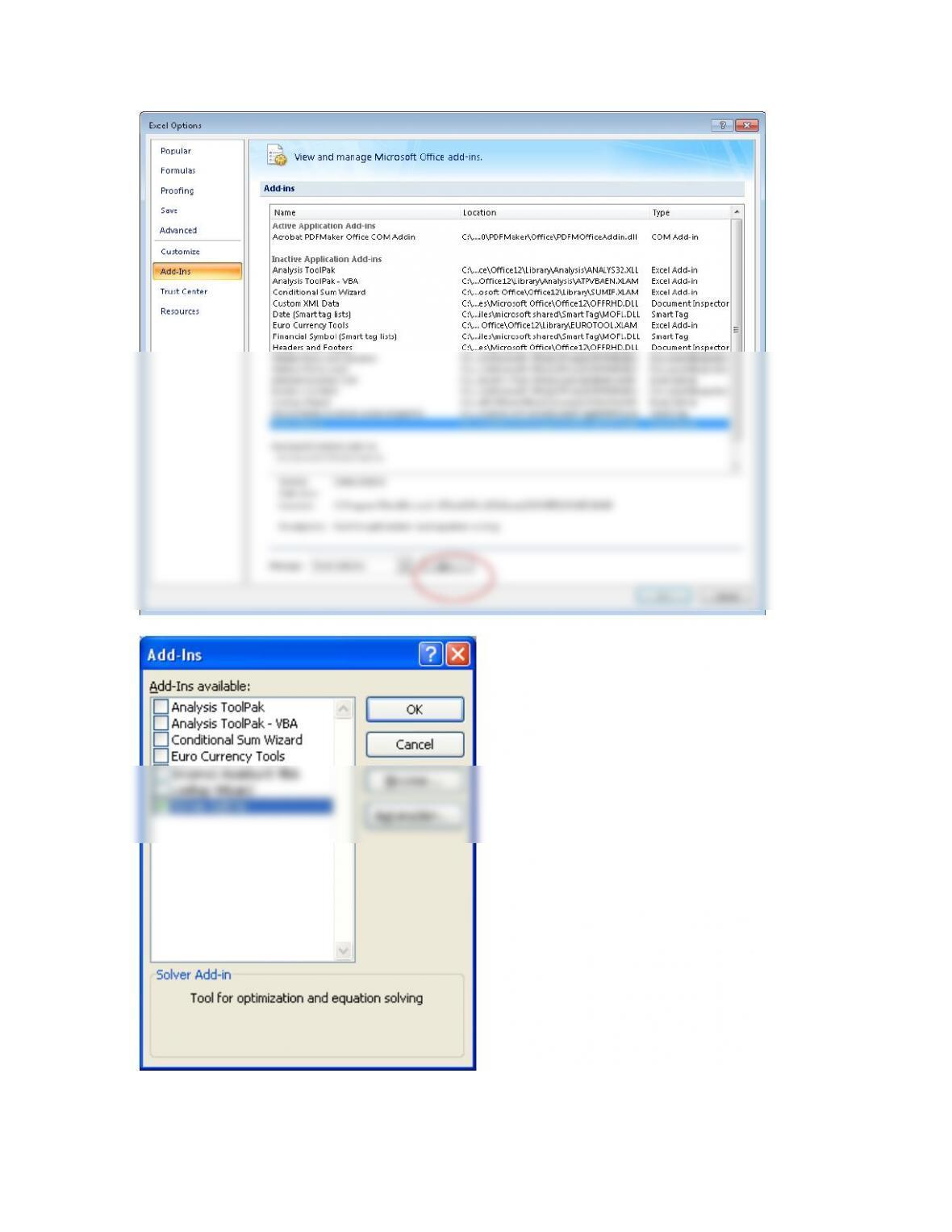
This brings up the following pop–up window. Select the “Solver Add–in” and click OK.
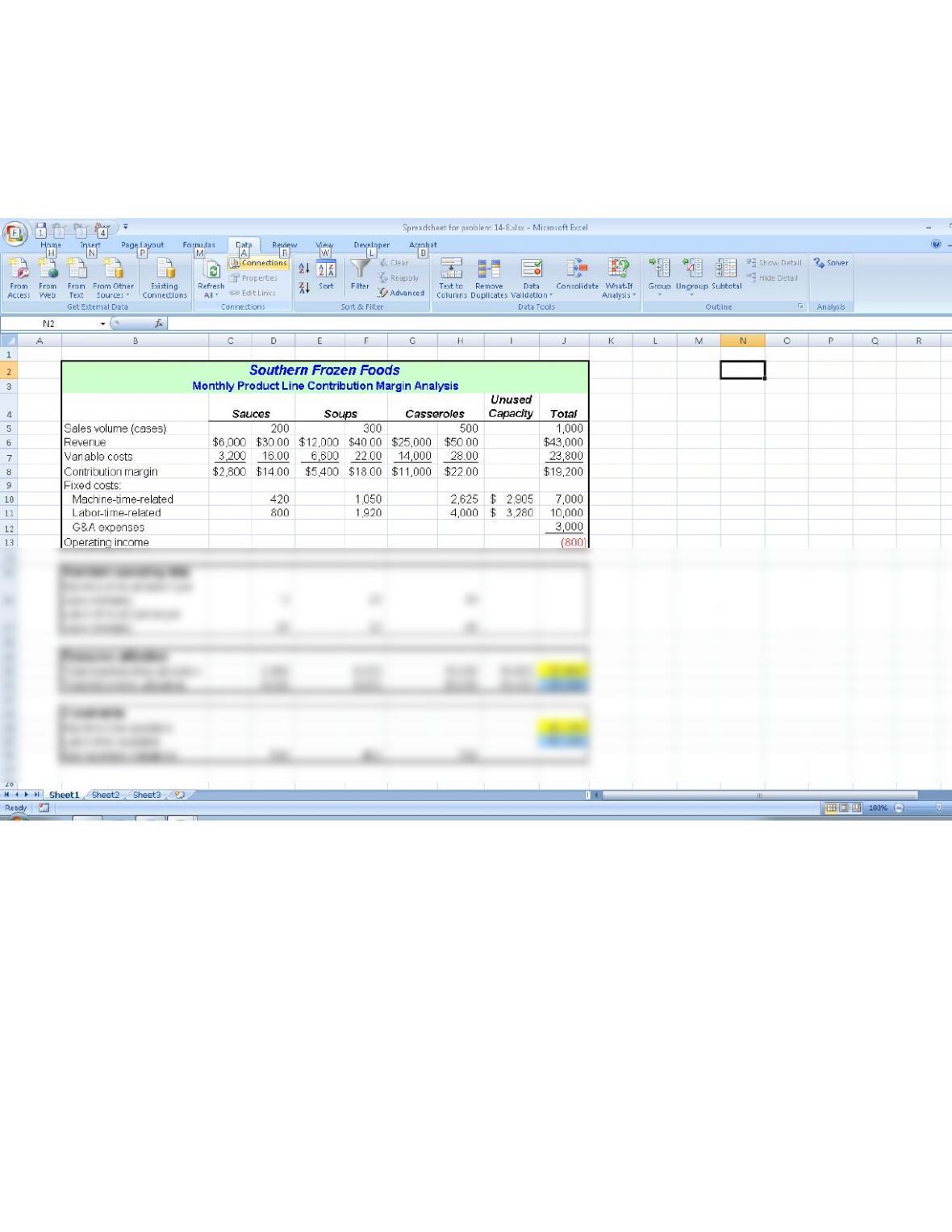
Then, to use Solver:
1. Move to the Data tab and then click on ?/arrow symbol in the Solver
2. Then enter the values in the cells in the Solver pop-up window as instructed in the article
:
Click on the ?/arrow symbol
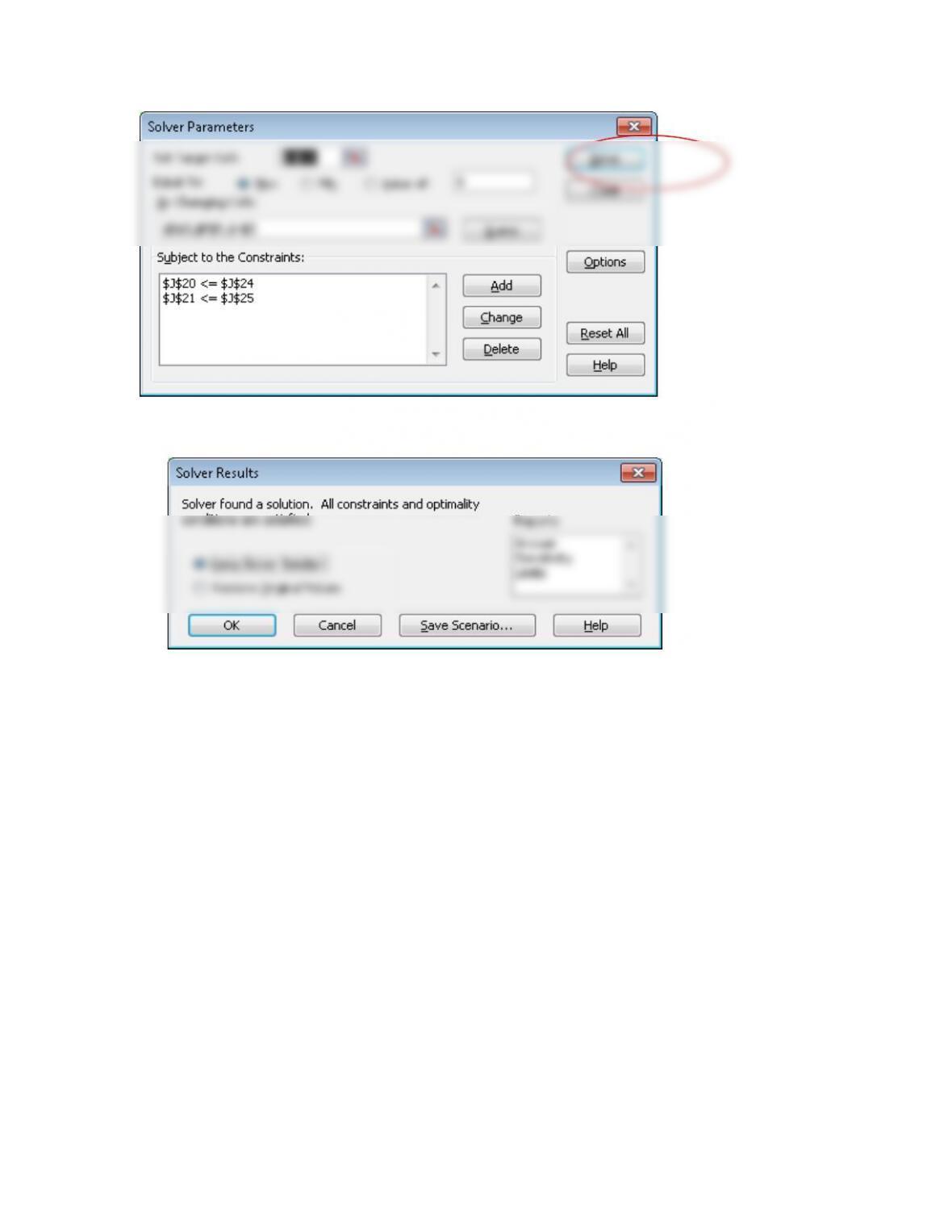
3. Choose “Keep Solver Solution” and click OK
4. The result is the following spreadsheet as shown in the article:
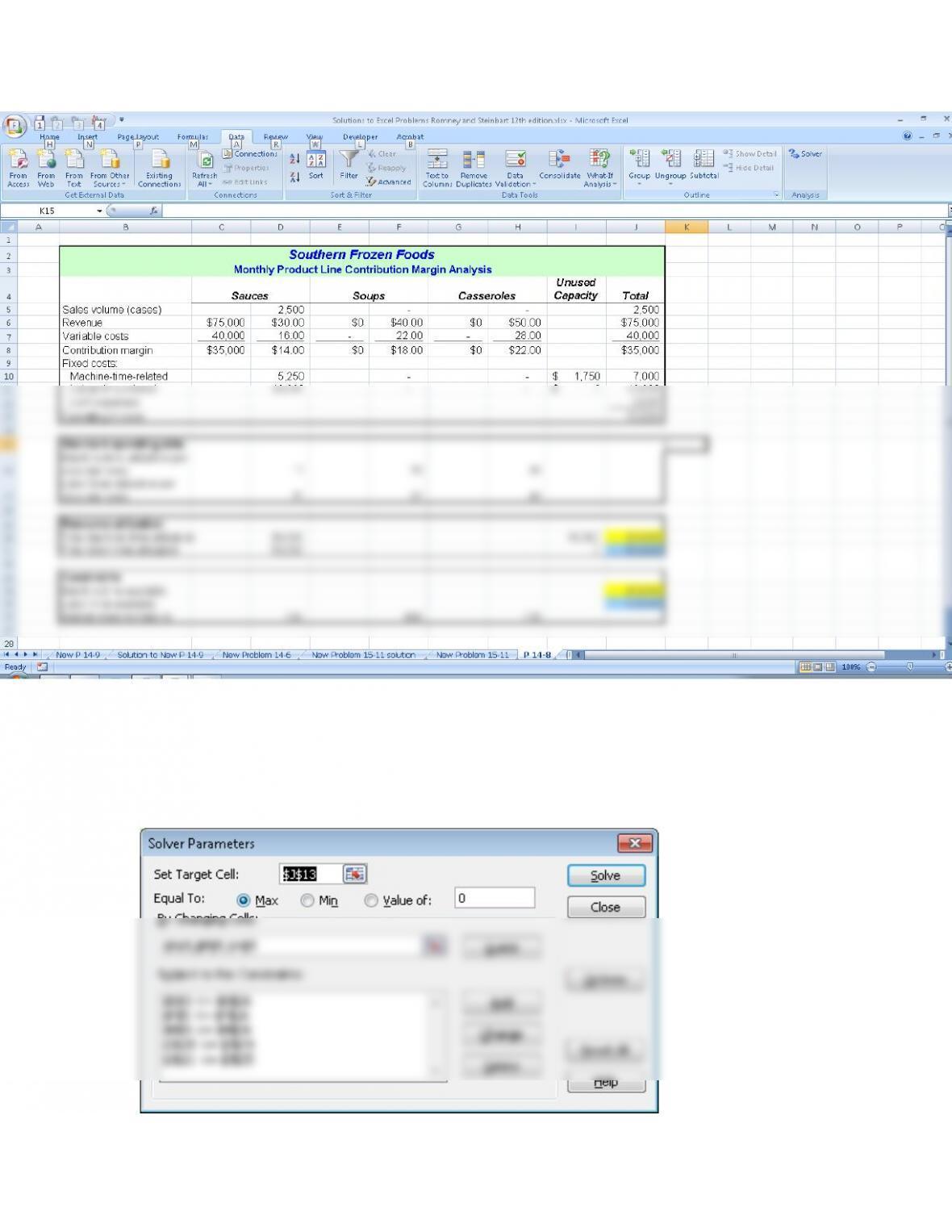
5. Students should save screen shots to show that they have followed the remaining steps in
the article.