Chapter 2 Solutions Manual Content
2-1
Chapter 2: Applying Excel
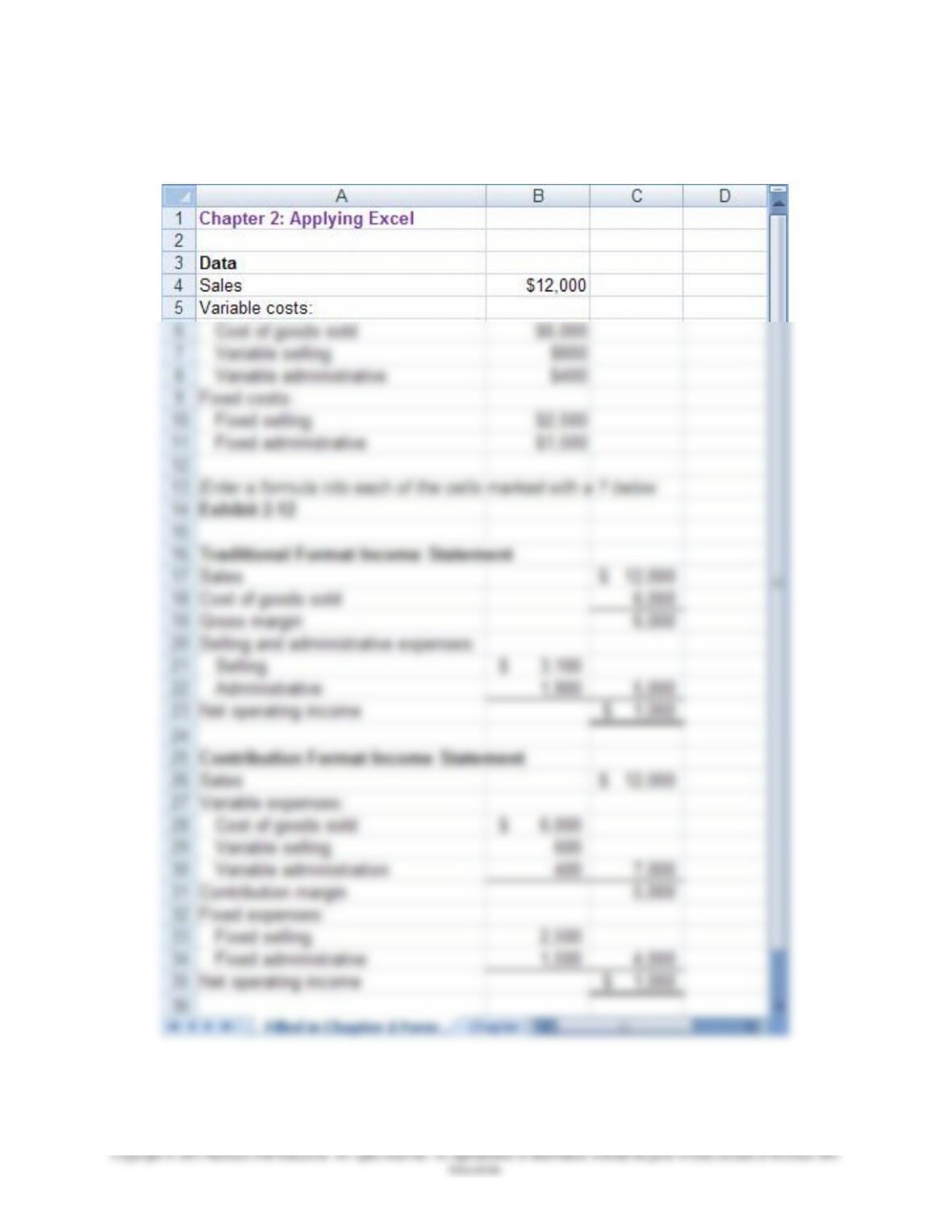
The completed worksheet is shown below.
Chapter 2 Solutions Manual Content
2-2
Chapter 2: Applying Excel (continued)
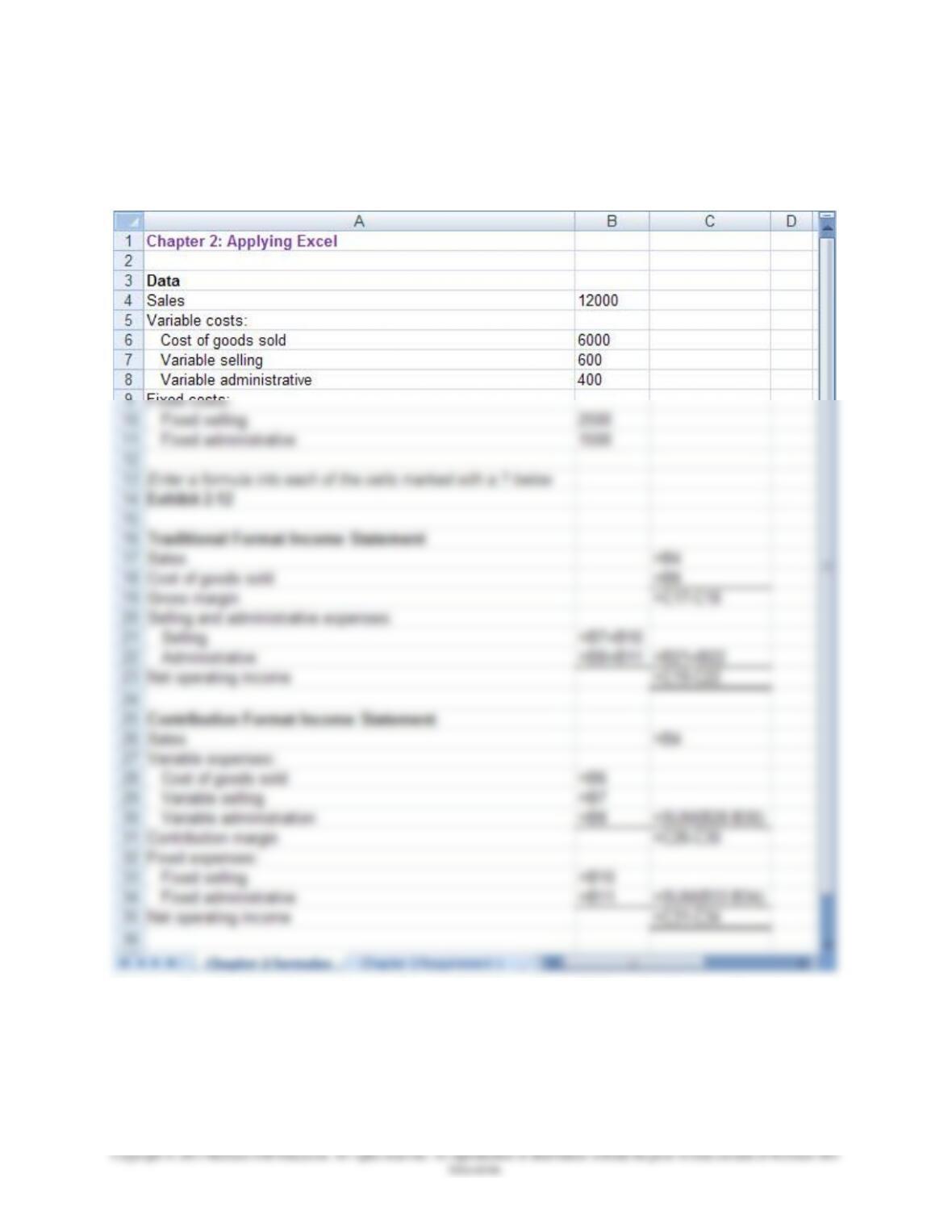
The completed worksheet, with formulas displayed, is shown below.
[Note: To display formulas in Excel 2007, select Office Button > Excel
options > Advanced > Show formulas in cells instead of their calculated
amounts. To display the formulas in other versions of Excel, consult Excel
Help.]
Chapter 2 Solutions Manual Content
2-3
Chapter 2: Applying Excel (continued)
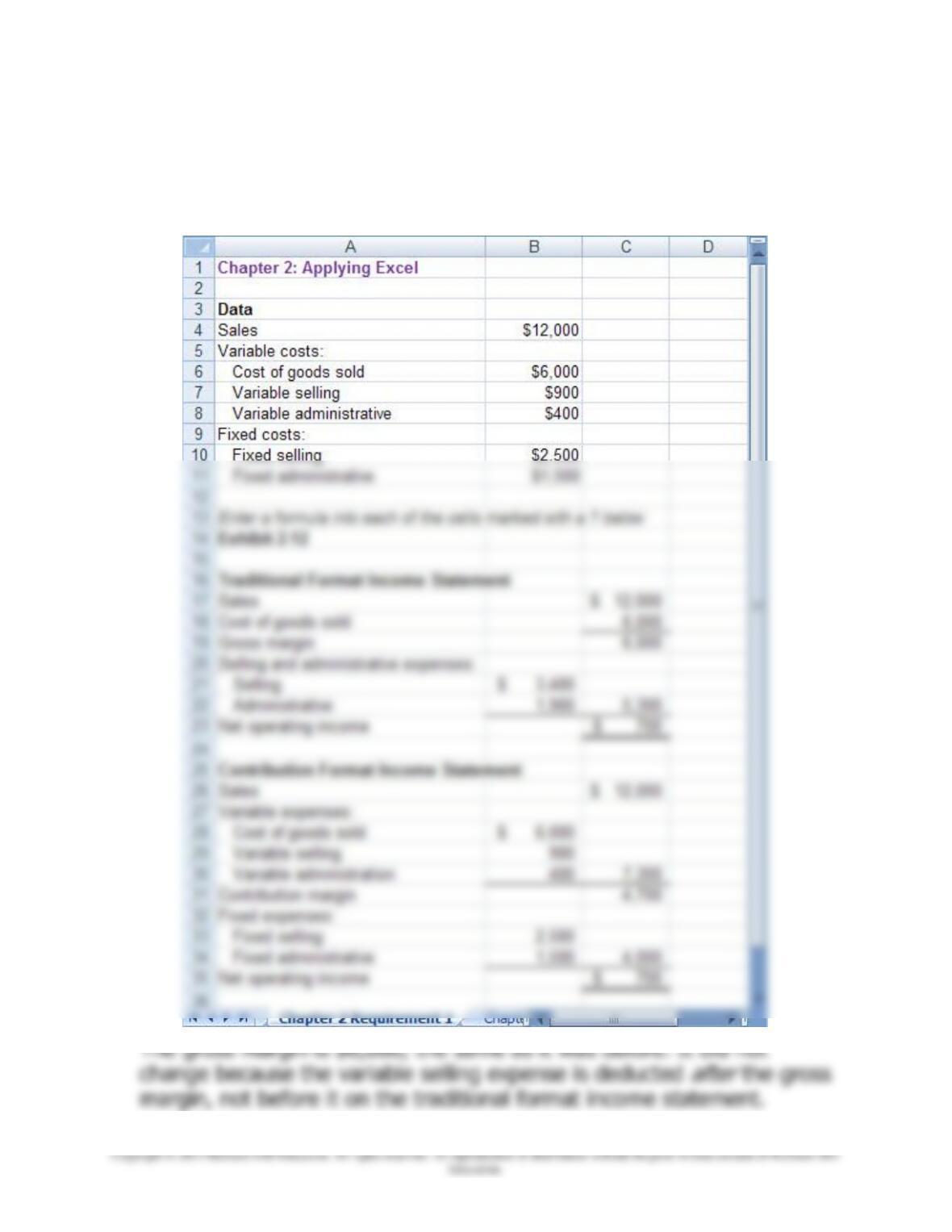
1. When the variable selling cost is changed to $900, the worksheet
changes as show below:
Chapter 2 Solutions Manual Content
2-4
Chapter 2: Applying Excel (continued)
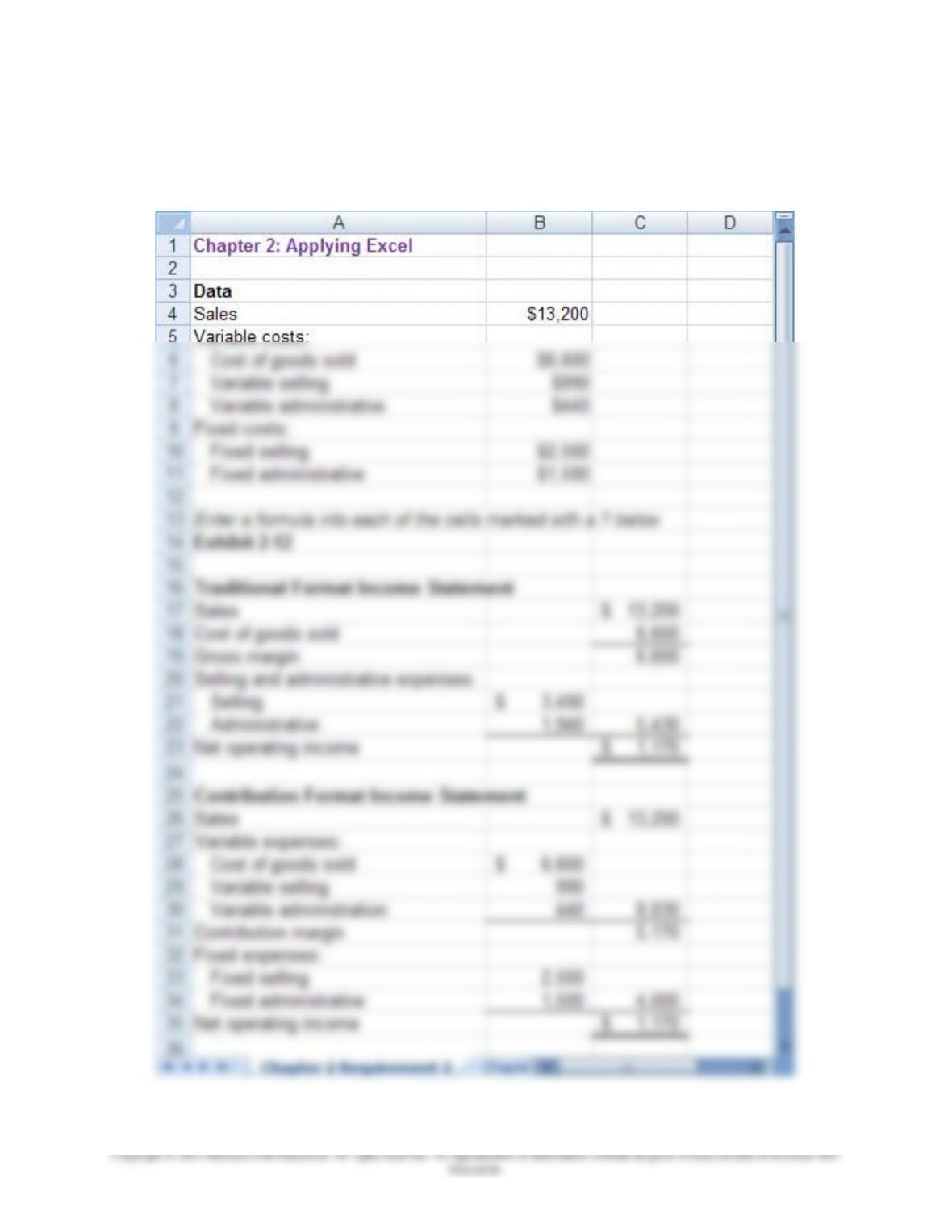
2. The new worksheet appears below:
Chapter 2 Solutions Manual Content
2-5
Chapter 2: Applying Excel (continued)
The variable costs increased by 10% when the sales increased by 10%,