Bonus B – Using Technology to Manage Information
B-58
PPT B-32
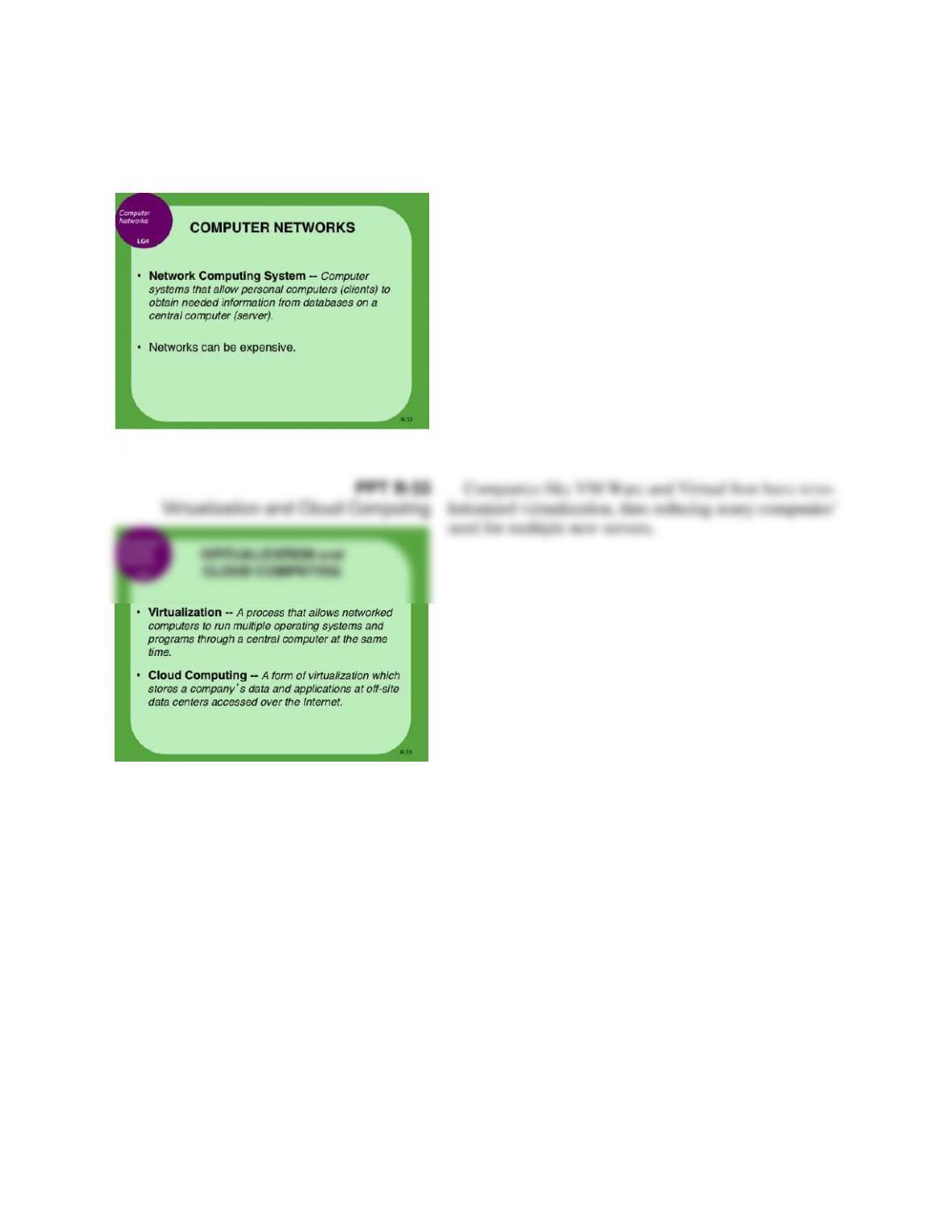
Computer Networks
Bonus B – Using Technology to Manage Information
B-59
PPT B-34
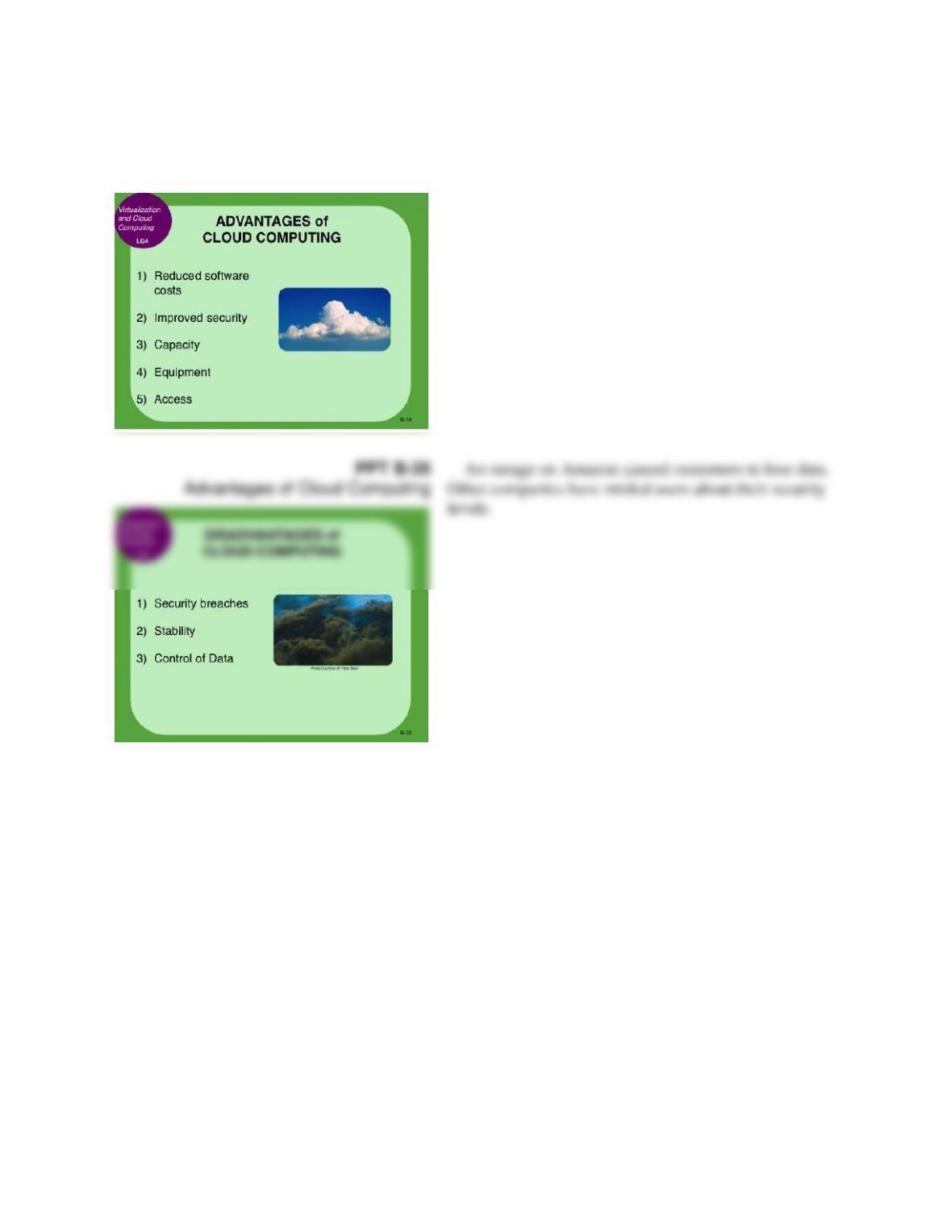
Advantages of Cloud Computing
PPT B-35
Advantages of Cloud Computing
An outage on Amazon caused customers to lose data.
Other companies have misled users about their security
levels.
Bonus B – Using Technology to Manage Information
B-60
PPT B-36
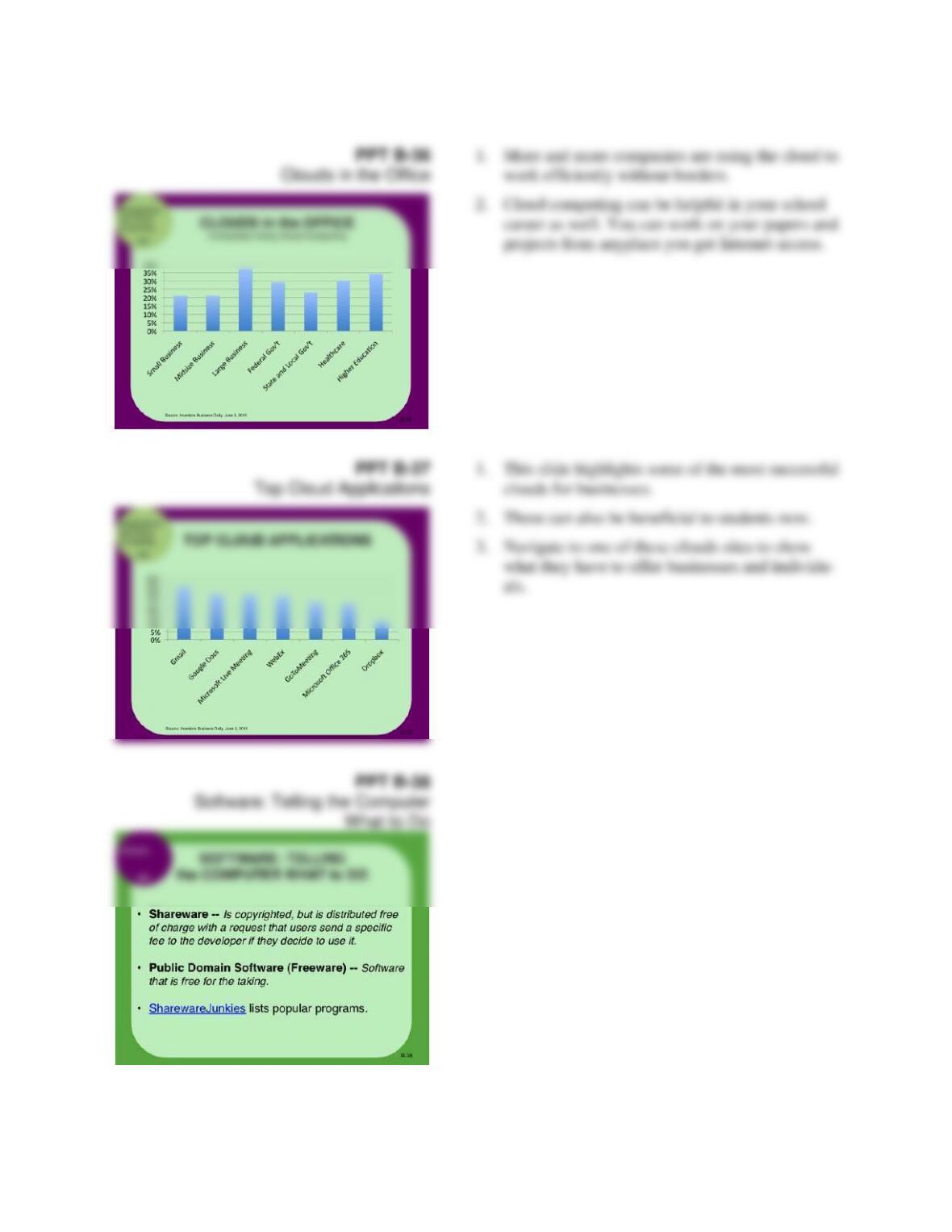
Clouds in the Office
1. More and more companies are using the cloud to
work efficiently without borders.
2. Cloud computing can be helpful in your school
career as well. You can work on your papers and
projects from anyplace you get Internet access.
PPT B-37
Top Cloud Applications
1. This slide highlights some of the most successful
clouds for businesses.
2. These can also be beneficial to students now.
3. Navigate to one of these clouds sites to show
what they have to offer businesses and individu-
als.
PPT B-38
Software: Telling the Computer
What to Do
Bonus B – Using Technology to Manage Information
B-61
PPT B-39
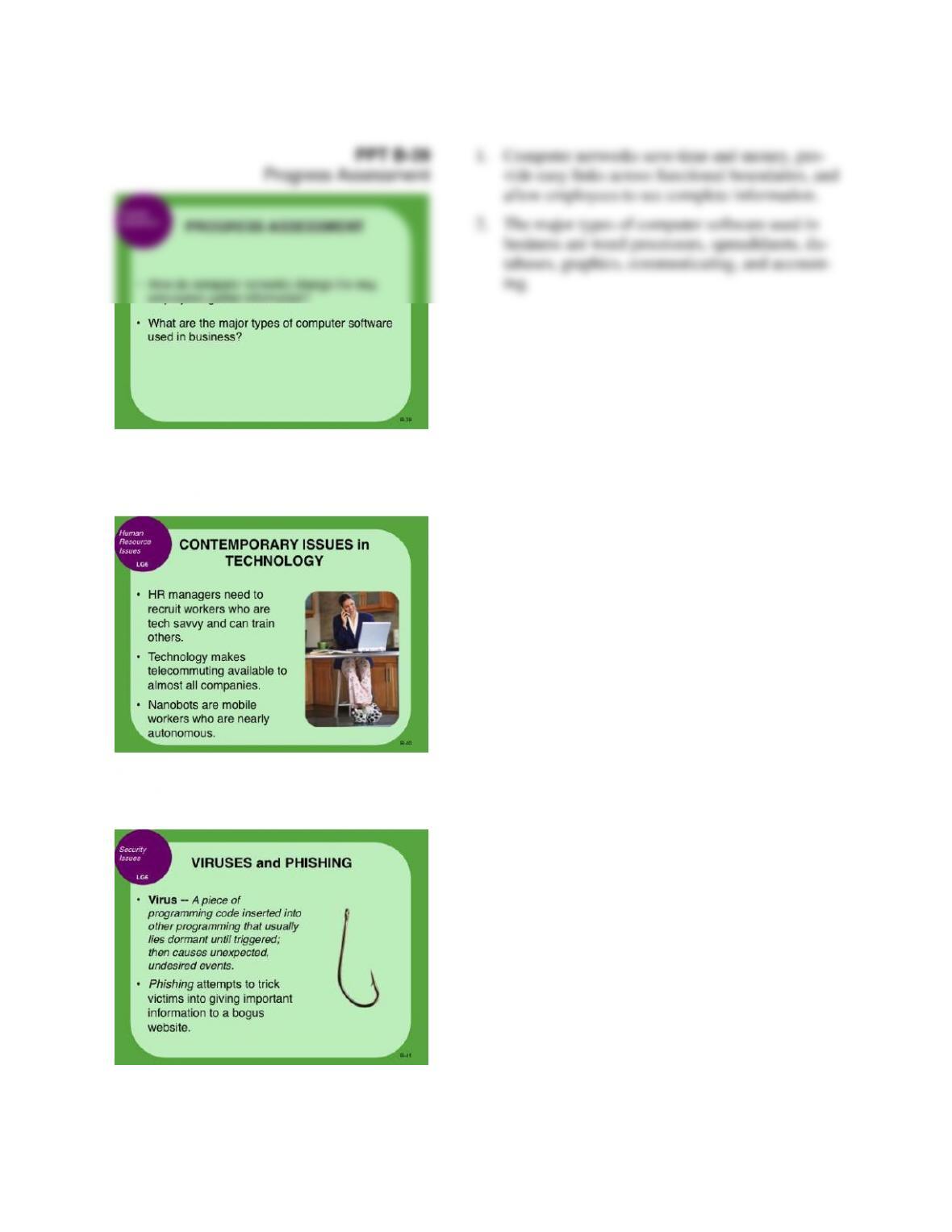
Progress Assessment
1. Computer networks save time and money, pro-
vide easy links across functional boundaries, and
allow employees to see complete information.
2. The major types of computer software used in
business are word processors, spreadsheets, da-
tabases, graphics, communicating, and account-
ing.
PPT B-40
Contemporary Issues in
Technology
PPT B-41
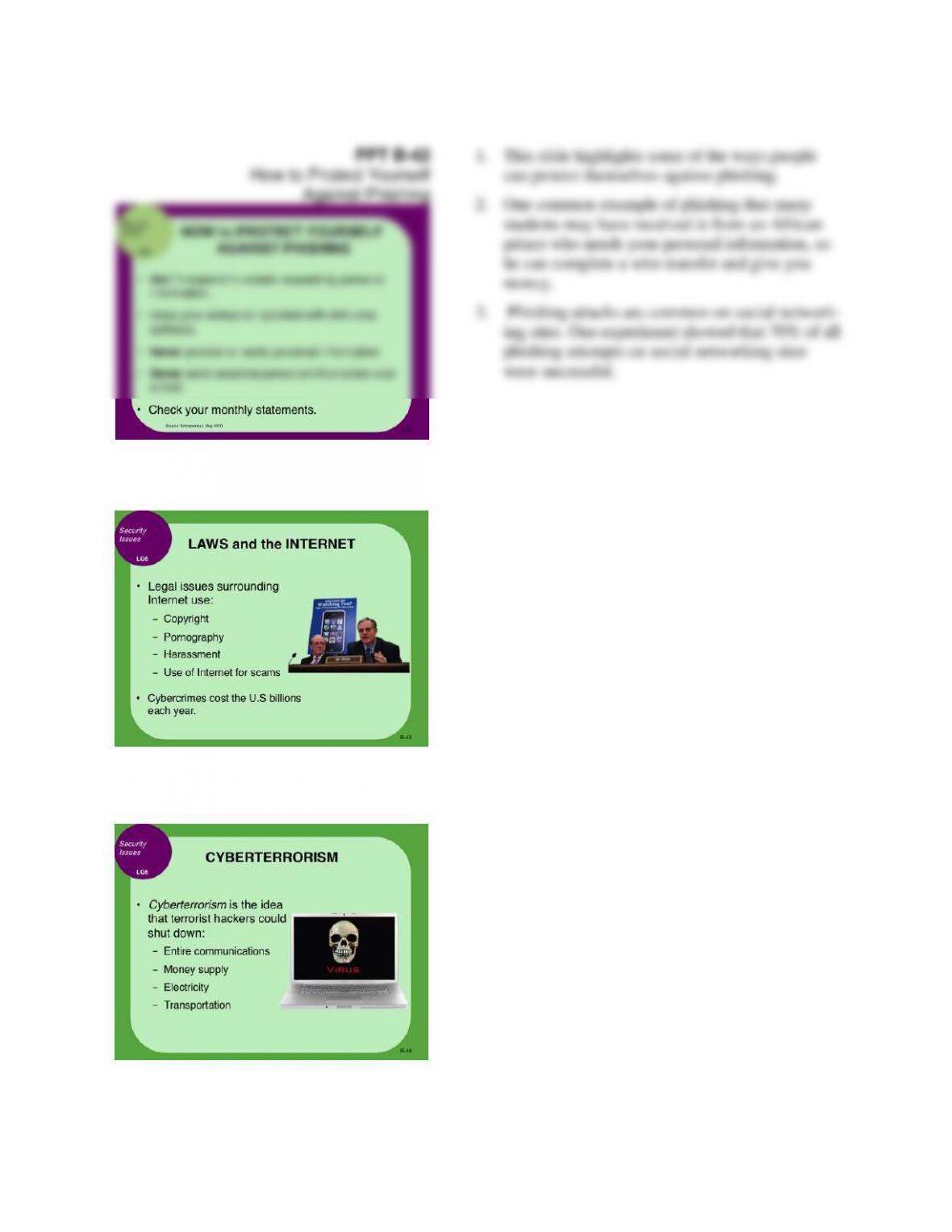
Viruses and Phishing
As technology becomes a more important part of eve-
ryday life, the number of phishing attempts and computer
viruses has grown.
Bonus B – Using Technology to Manage Information
B-62
Bonus B – Using Technology to Manage Information
B-63
PPT B-45
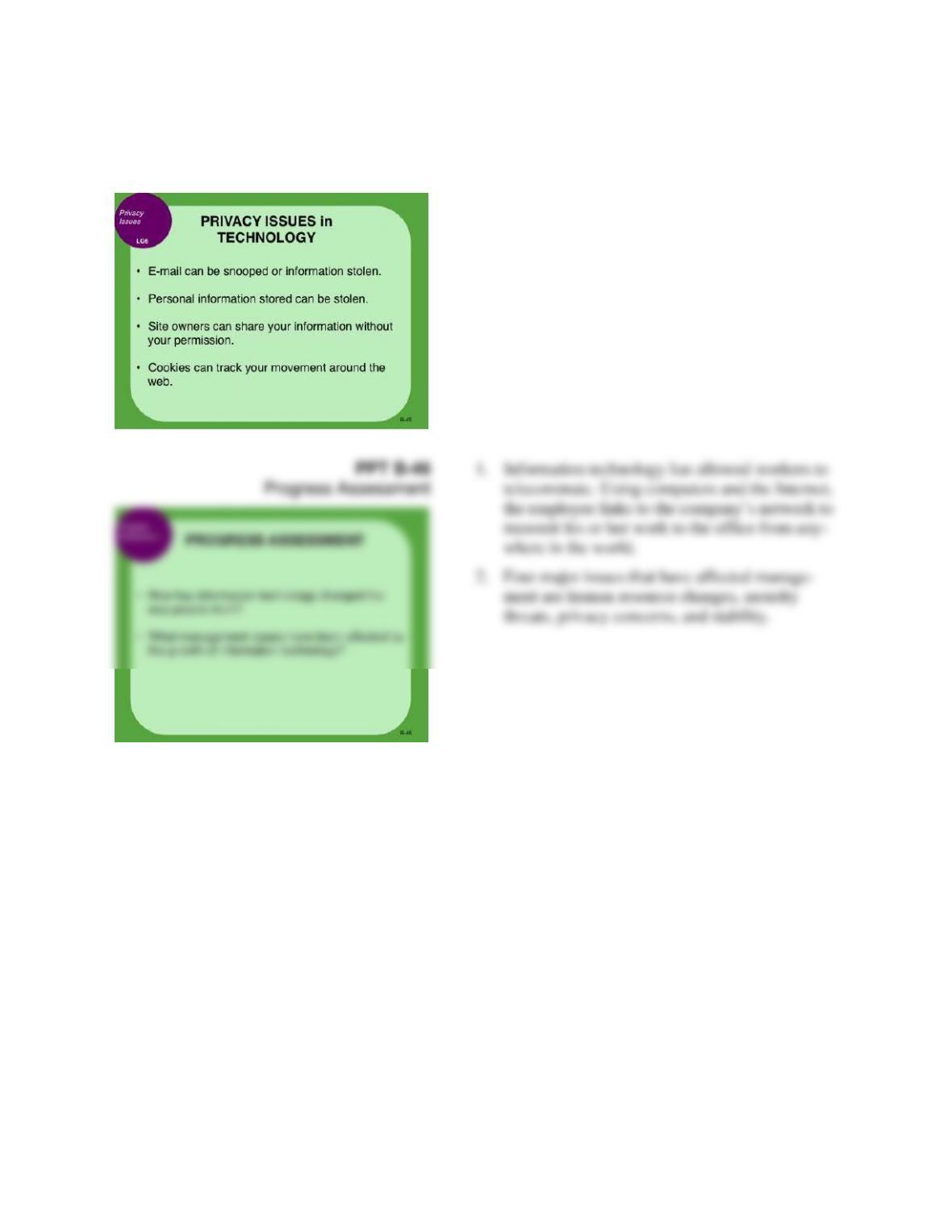
Privacy Issues in Technology
PPT B-46
Progress Assessment
1. Information technology has allowed workers to
telecommute. Using computers and the Internet,
the employee links to the company’s network to
transmit his or her work to the office from any-
where in the world.
2. Four major issues that have affected manage-
ment are human resource changes, security
threats, privacy concerns, and stability.
Bonus B – Using Technology to Manage Information
B-64
lecture
links
“Never trust a computer you can’t throw out the window.”
and better idiot-proof programs, and the Universe trying to produce bigger and bet-
ter idiots. So far, the Universe is winning.”
Rich Cook
“Where a calculator on the ENIAC is equipped with 18,000 vacuum tubes and
weighs 30 tons, computers in the future may have only 1,000 vacuum tubes and per-
Bonus B – Using Technology to Manage Information
B-65
Today mechanical keys have been replaced by electronic ones, but the keyboard arrangement has
remained unchanged. While the arrangement of keys is familiar, it is far from efficient. In the 1930s,
Washington State University Professor August Dvorak designed a better keyboard that groups the most
frequently used letters on the home row and eliminates many awkward reaches. The Dvorak system is
faster to learn, easier to type, less tiring, and less likely to cause errors than Qwerty. Using it increases
typing speed by more than 20%. Yet the system never caught on—typists did not want to learn a new sys-
tem when their typewriters all used Qwerty, and manufacturers did not want to produce Dvorak typewrit-
ers as long as typists used Qwerty.
lecture link B-2
E-MAIL RULES
The most-used Internet application by volume is e-mail. Although e-mail has become a necessary
part of our modern lives, it is often misused.
In your early education, you were taught how to write a letter. You probably learned how to write
business and casual headings and salutations, state your purpose, make a request, ask for a response, and
wrap it up with “Sincerely yours.”
But an e-mail is not a letter, and the days of graceful formal communication are fading away.
Short is in, “yours truly” is out. Some guidelines:
Bonus B – Using Technology to Manage Information
B-66
MAKE YOUR REQUESTS CLEAR. You should set your requests apart from the rest of the
message by trimming them down to one sentence or series of bullet points. Close-ended questions (yes or
no) are more readily answered. Open-ended questions can get long and involved, and reduce the likeli-
hood that you’ll get a reply.
lecture link B-3
THE ELITE WORLD OF DATA MINING
Today’s tech giants like Facebook and Google have become household names as people around
the world rely on them every day to navigate the Net. Silicon Valley is home to a number of other mighty
companies that could someday be worth billions as well. One of these elite few is Palantir, a data-mining
company that is quickly becoming one of Palo Alto’s most exclusive employers.
lecture link B-4
REVISING MOORE’S LAW
Sixty years after transistors were invented the tiny on–off switches are starting to show their age.
The devices have been shrunk so much that the day is approaching when it will be physically impossible
to make them even smaller.
Bonus B – Using Technology to Manage Information
B-67
In the mid-1970s the chair of Intel Corporation, Gordon E. Moore, predicted that the capacity of
computer chips would double every year or so. This has since been called “Moore’s law.” The million-
dollar vacuum tube computers that awed people in the 1950s couldn’t keep up with a pocket calculator
today. In fact, a greeting card that plays “Happy Birthday” contains more computing power than existed
before 1950.
The density of transistors, however, is reaching the physical limits of the technology. Once chip
makers can’t squeeze any more transistors into the same-sized slice of silicon, the dramatic performance
gains and cost reductions could suddenly slow. One problem has been trying to prevent too much heat
from escaping from thinner and thinner components. Chip companies are avidly looking for new materi-
als and other ways to improve performance.
lecture link B-5
JOHN ATANASOFF’S COMPUTER
Dr. John Vincent Atanasoff built the first digital computer over half a century ago, but his contri-
bution to computing was nearly lost to history. Atanasoff worked on his machine during the 1930s at Io-
wa State University. After hours of work one night in 1937, he found that he was stumped by a basic
problem of electronic design. In exhaustion, Atanasoff drove 170 miles over the state line to a roadhouse
in Illinois. (“There wasn’t any place to get a drink in Iowa,” he recalls.) In the Illinois tavern, he saw
things from a new perspective and solved some of the thorny problems that had plagued him. The com-
puter would be a digital device, unlike the analog devices that were then in use. It would use vacuum
tubes and have an on–off configuration. The computer would also have memory and be based on the
base-two number system. Finally, it would have a “jogging” function to refresh the computer memory and
Bonus B – Using Technology to Manage Information
B-68
lecture link B-6
APPLE TAKES TO THE ICLOUD
For years the term cloud computing functioned as a buzzword for the future of digital storage but
offered little in the way of practical use for consumers. All that has changed over the last year as compa-
nies like Google and Amazon have introduced new digital storage systems. However, no other an-
nouncement captured the press’s attention quite like the late Steve Jobs’s unveiling of the new Apple
iCloud system.
lecture link B-7
SHARING IN SILICON VALLEY
In most industries, companies don’t share their most valuable information with competitors. For
example, the business community would consider Coca-Cola crazy if it shared its secret recipe with
Pepsi. In Silicon Valley, however, sharing information with the world, including rivals, is an everyday
Bonus B – Using Technology to Manage Information
B-69
practice. For instance, Google dedicates an entire team of engineers exclusively to the practice of moving
data into a format understood by their competitors’ programs in case a client wants to switch companies.
Former CEO Eric Schmidt said that the free service is meant to ensure that no users feel trapped in
Google’s networks should something go wrong.
lecture link B-8
PASSWORD OVERLOAD
Using a password can protect information and improve security. Using multiple passwords, para-
doxically, can make data less secure.
The more IDs and passwords that users have to remember, the more likely the business is to have
unauthorized access. The human memory is not programmed to remember this many numbers, letters, and
combinations. Users are more likely to choose passwords that are personally memorable—pet names,
birthdays, hometowns—terms that are easier for hackers to guess.iv
lecture link B-9
WEB SHOPPING SAFELY
Bonus B – Using Technology to Manage Information
B-70
According to Lauren Weinstein, co-founder of People for Internet Responsibility, “With the In-
ternet, you don’t know if that flashy Web site you’re looking at is a multinational organization or some
kid in a garage somewhere.” Even official seals of approval from TRUSTe, VeriSign, and the Better
Business Bureau are no guarantee that you’re dealing with a reputable company. Those symbols can easi-
ly be reproduced, and they may not connect you as they should to the official sites of the certifying organ-
ization.
Scammers aren’t the only problem. Many high-volume brick-and-mortar retailers that operate
4. PAY WITH THE RIGHT PLASTIC. When you pay by credit card, your liability for unau-
thorized purchase is capped at $50. Credit cards also let you dispute charges for items that arrive broken
or not as ordered. Debit cards may not cover fraudulent charges if you don’t act fast enough. Another
suggestion is to investigate use of a “virtual” card number. Card issuers such as Citibank offer disposable
numbers, which limit how much retailers can charge your account.
5. DON’T DO BUSINESS WITH A SITE IF IT DOESN’T LIST THE OWNER’S NAME,
ADDRESS, OR PHONE NUMBER, or if it is full of spelling errors.
Bonus B – Using Technology to Manage Information
B-71
lecture link B-10
E-MAIL NEVER GOES AWAY
When it comes to the Internet, nothing is ever really forgotten and everything leaves a trail. This
surprise.
Today the rules have changed. Public and many private companies have to keep a copy of written
communication of every type (letters, e-mails, even Internet instant messages) for up to seven years.
These copies have to be kept in a form that allows their authenticity to be verified, whatever that means.
Not only that, but companies must keep a second copy of every message in a different location in case of
fire or natural disaster. The second copies must be on nonerasable storage media, such as optical disks.
And if the SEC asks you to provide a copy of any given document or every given document, you have
until close of business today to do it.
Every hospital and clinic in America is vulnerable, because they are all in violation. Most compa-
nies don’t have the technology to comply with laws already on the books, much less the even stricter ones
likely to follow. Faced with the huge costs of complying with the SEC regulations, many companies
might be tempted to just take the fine—except for that little part about the CEO going to jail.vi
Bonus B – Using Technology to Manage Information
B-72
critical
thinking exercises
Name: ___________________________
Date: ___________________________
critical thinking exercise B-1
SPAM STATISTICS
1. How many e-mail messages were processed in the last 24 hours? What percentage of these mes-
sages was spam?
2. How do spammers get your e-mail address?
3. Postini’s resource center also tracks the number of messages that contain viruses, malicious
worms, and Trojan horses. In the last 24 hours, what percentage of e-mail messages were virus
infected?
4. Do you think that spam is a real problem for organizations? Why or why not? Will spam change
American business reliance on e-mail communication in the future?
B-73
critical thinking exercise B-2
EDUCATION ONLINE
1. Go to the course syllabus and summarize the course description.
2. What are the requirements for the course?
3. What text is used for the course? Also list any suggested readings.
4. Do you think you would learn as much through an online course as through a live lecture course?
Why or why not?
Bonus B – Using Technology to Manage Information
B-74
endnotes