
1. Engineers can use MATLAB to solve a wide range of engineering problems. They take
advantage of built-in functions of the software and also they can write their own programs in
MATLAB.
a. True
b. False
2. The part of the screen where you enter variables and issue MATLAB commands is known as
the
a. menu bar.
b. current folder.
c. command window.
d. command history window.
3. In the MATLAB environment, you can assign values to a variable or define the elements of a
matrix.
a. True
b. False
4. In MATLAB, you cannot transfer old commands from the Command History Window to the
Command Window.
a. True
b. False
5. To clear the contents of the Command Window, type
a. clear
b. clr
c. clc
d. shift-c

Test Bank Engineering Fundamentals, 5th ed. Chapter 15
6. If you define x = 2/3, and then type format long, how will the value of x be displayed?
a. x = 0.66666666666666666666667
b. x = 0.66666666666667
c. x = 0.67000000000000
d. x = 2/3
7. If you define x = 2/3, and then type format short, how will the value of x be displayed?
a. x = 0.66666666667
b. x = 0.6667
c. x = 0.67
d. x = 2/3
8. If you define x = 2/3, and then type format rat, how will the value of x be displayed?
a. x = 0.66666666667
b. x = 0.6667
c. x = 0.67
d. x = 2/3
9. If you define x = 2/3, and then type format bank, how will the value of x be displayed?
a. x = 0.66666666667
b. x = 0.6667
c. x = 0.67
d. x = 2/3

10. In MATLAB, the elements of the matrix are enclosed in brackets [ ] and are separated by
blank space, and the elements of each row are separated by a semicolon (;)
a. True
b. False
11. To generate the set of x even numbers in the range of two to twenty, what should you enter in
the Command Window?
a. x = 2;2;20
b. x = 2:2:20
c. x = 2:20:2
d, x = 2,20,2
12. Suppose you have defined x = [1,2,3] and y = [2,4,6] in the Command Window. Determine
the result of the following MATLAB operation: >>x + y
a. ans = 3 6 9
b. ans = 1 2 3 2 4 6
c. ans = 6 12
d. ans = 18
13. Suppose you have defined x = [1,2,3] and y = [2,4,6] in the Command Window. Determine
the result of the following MATLAB operation: >>x .* y
a. ans = 3 6 9
b. ans = 2 8 18
b. ans = 1 2 3 2 4 6
c. ans = 6 12
14. Shown below are MATLAB inputs. Complete each output:
>> A = [1:4];

Test Bank Engineering Fundamentals, 5th ed. Chapter 15
>> B = 3.*A
>> B =
15. Shown below are MATLAB inputs. Complete each output:
>> A = [2:5];
>> B = 4.*A
>> B =
16. Shown below are MATLAB inputs. Complete each output:
>> A = [2:5];
>> B = 4*A
>> B =
17. Shown below are MATLAB inputs. Complete each output:
>> C = [1,3,-2,0];
>> D = 3./C
>> D =
18. Shown below are MATLAB inputs. Complete each output:
>> E = [10:-2:0];
>> F = 20./E
>> F =
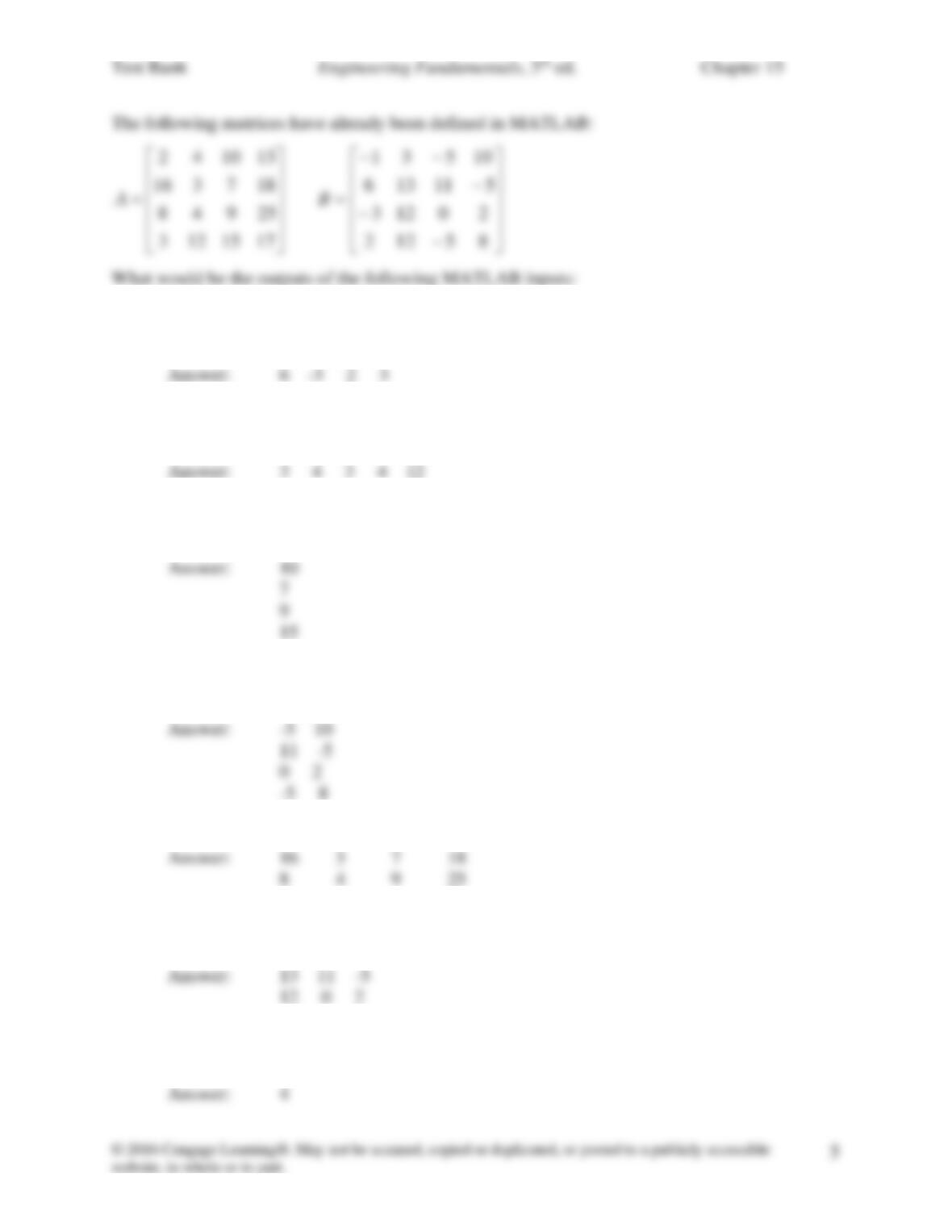
19. >> B(2:5)
20. >> A(4:8)
21. >> A(:,3)
22. >> B(:,3:4)
23. >> A(2:3,:)
24. >> B(2:3, 2:4)
25. >> length (A)

26. >> max(B)
27. >> min(A)
28. Find the corresponding MATLAB output:
>> A = [2,3,4,5;1,-3,-7,4;2,3,2,1];
>> max (A)
ans =
29. an M-file is used to when you write a program that is more than a few lines long.
a. True
b. False
30. Which of the following commands are commonly used while plotting in MATLAB?
a. plot
b. title
c. grid
d. all of the above
31. In the MATLAB Command Window, if you type the following commands, what would be
the result?
y = 50
fprintf (‘The value of y is %g \n’, y)
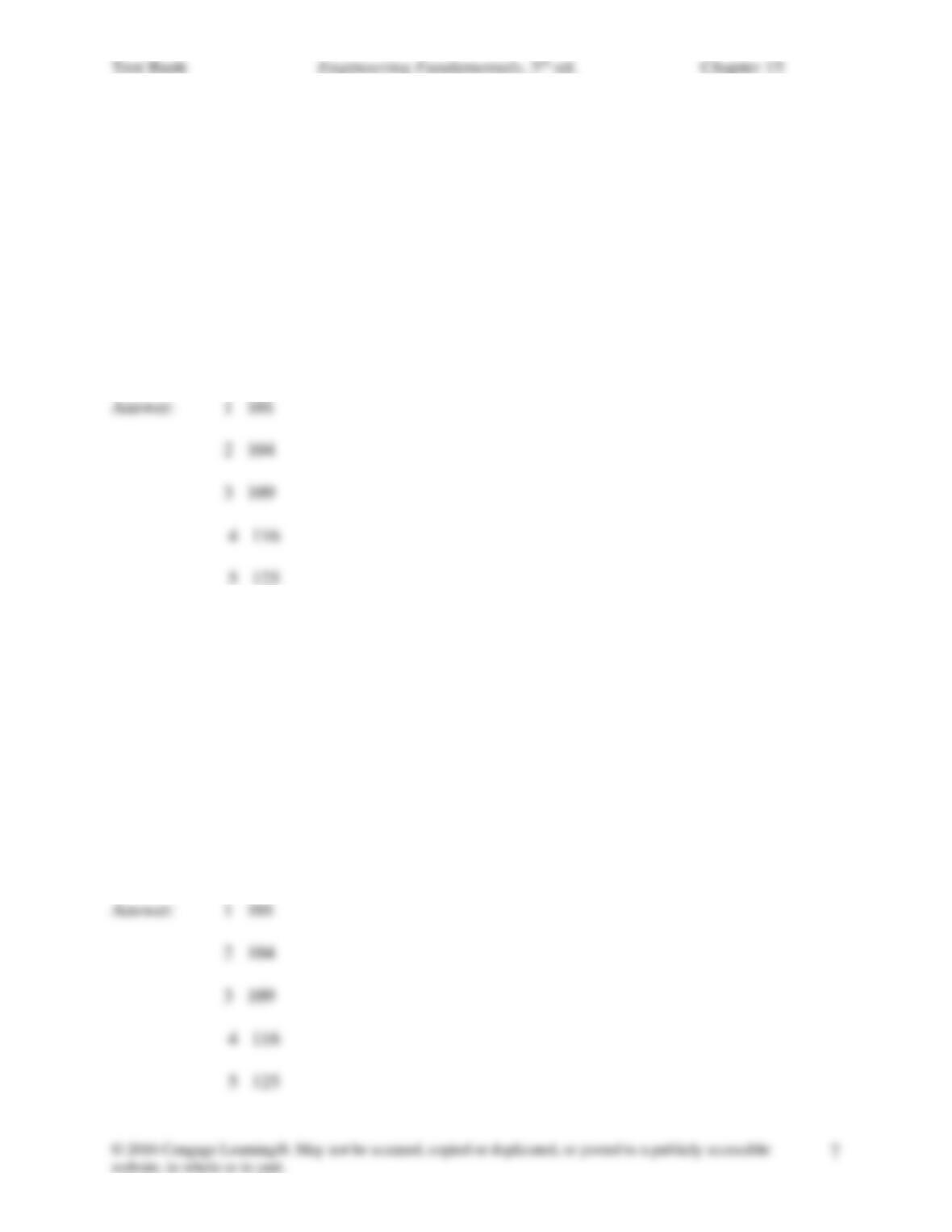
31. In the MATLAB Command Window, if you type the following commands, what would be
the result?
x = 1.0;
for i = 1:1:5
y=x^2+100;
disp([x’, y’])
x = x + 1;
end
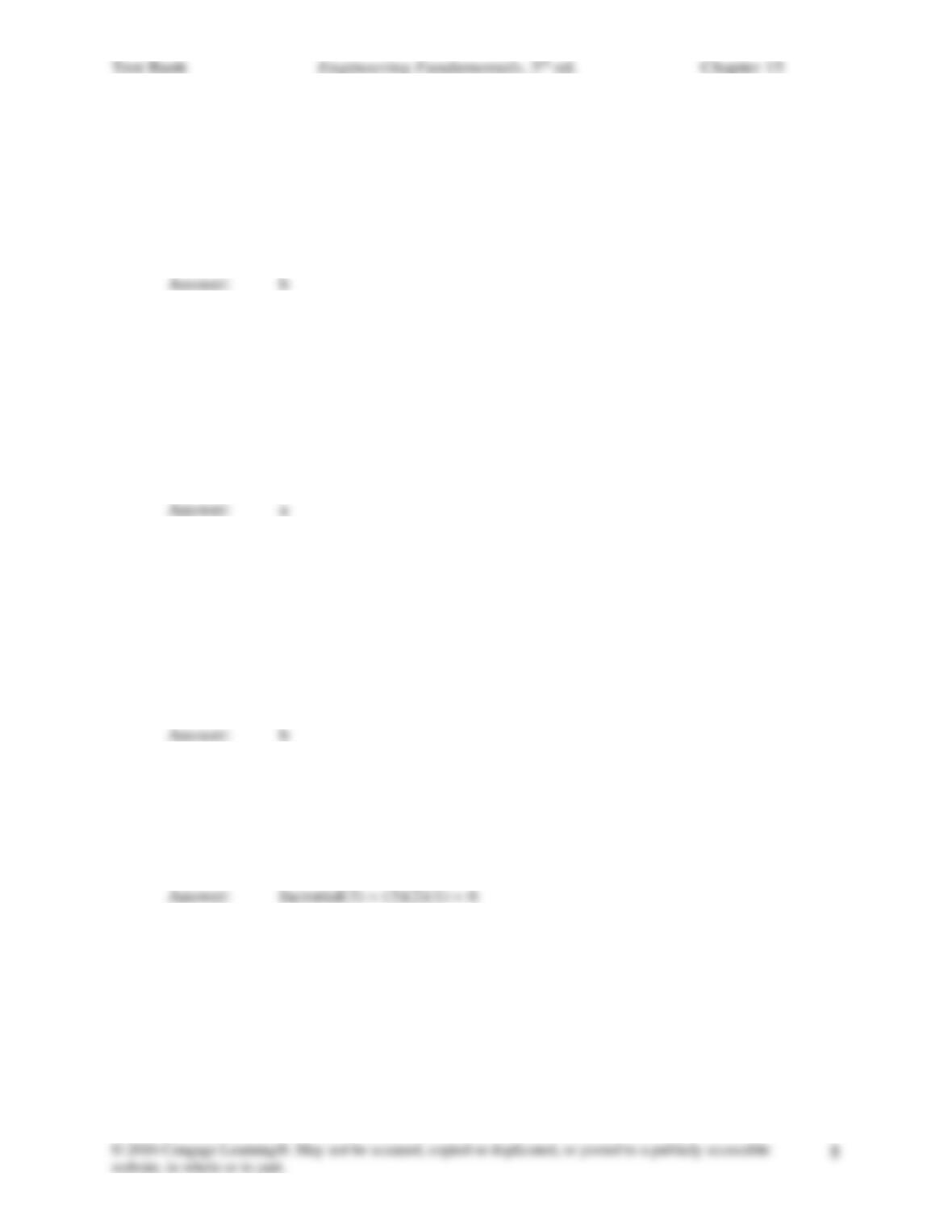
32. In the MATLAB Command Window, if you type the following commands, what would be
the result?
x = 1.0;
while x <=5
y=x^2+100;
disp([x’, y’])
x = x + 1;
end
33. What is the MATLAB command for calculating the square root of a number?
a. square_root
b. sqrt
c. sqr
d. sq_rt
34. What does the following MATLAB function do? log2(x)
a. returns the value of base-2 logarithm of x.
b. returns the value of base-10 logarithm of 2 and assigns it to x.
c. returns the value of common log of 2x.
d. returns the value of natural logarithm of 2 and assigns it to x.
35. Which of the following MATLAB commands would calculate the value of ex?
a. e^x
b. exp(x)
c. exp^x
d. exponent(x)
36. Find the corresponding MATLAB output:
>> factorial(3)
ans =
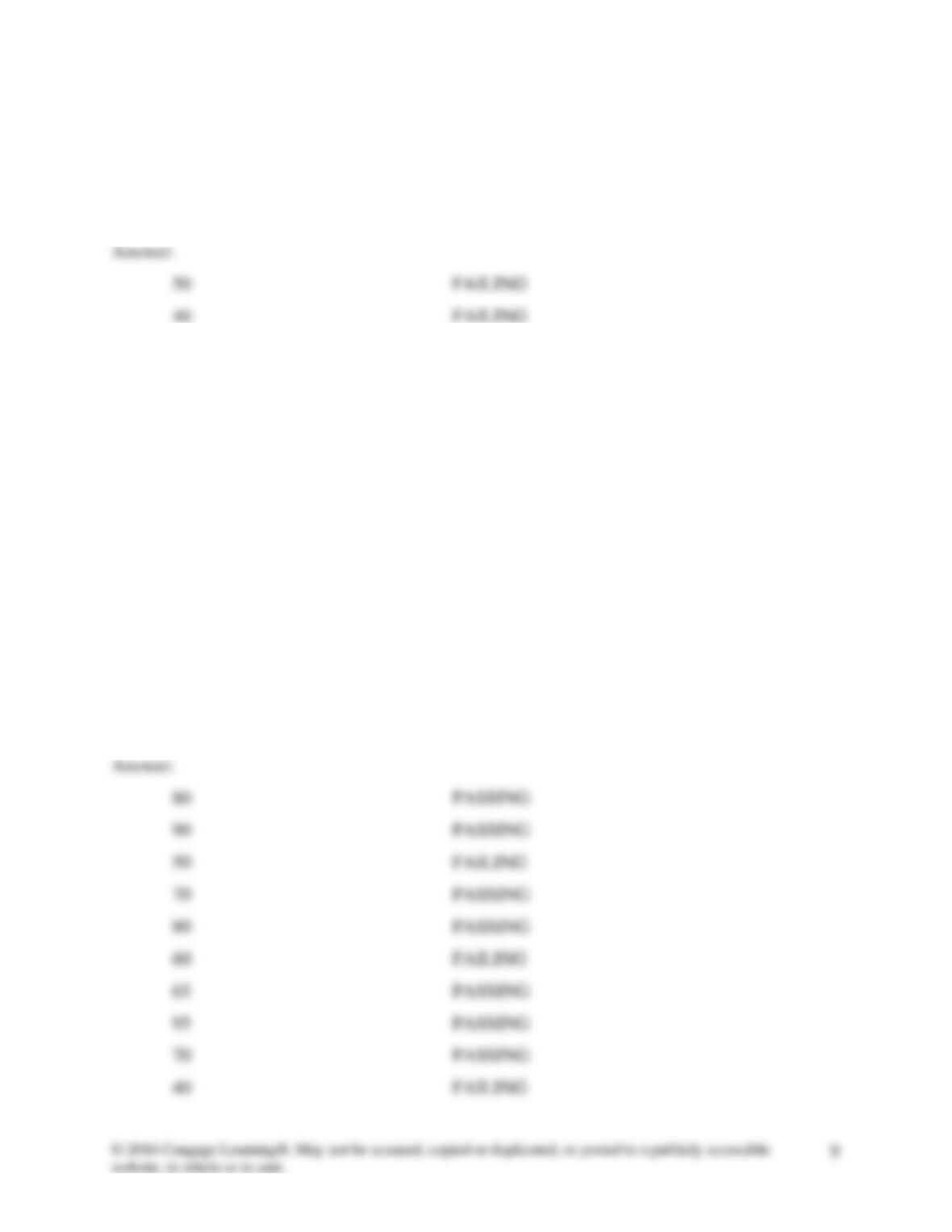
37. In the MATLAB Command Window, if you type the following commands, what would be
the result?
scores = [80 90 50 70 80 60 65 95 70 40];
for i=1:1:10
if scores (i) <60
Test Bank Engineering Fundamentals, 5th ed. Chapter 15
fprintf (‘\t %g \t\t\t\t\t FAILING\n’, scores (i))
end
end
38. In the MATLAB Command Window, if you type the following commands, what would be
the result?
scores = [80 90 50 70 80 60 65 95 70 40];
for i=1:1:10
if scores (i) >60
fprintf(‘\t %g \t\t\t\t\t PASSING\n’, scores (i));
else
fprintf(‘\t %g \t\t\t\t\t FAILING\n’, scores (i))
end
end

39. To obtain the coefficients of the second order polynomial that best fits a given set of x and y
data, you will type the following sequence of commands:
a. Coefficients = polyfit(2, x,y)
b. Coefficients = polyfit(x,2,y)
c. Coefficients = polyfit(x,y,2)
d. none of the above
40. What would be the result of the following MATLAB commands?
F1x = sym(‘x^2-25’);
solve(F1x)