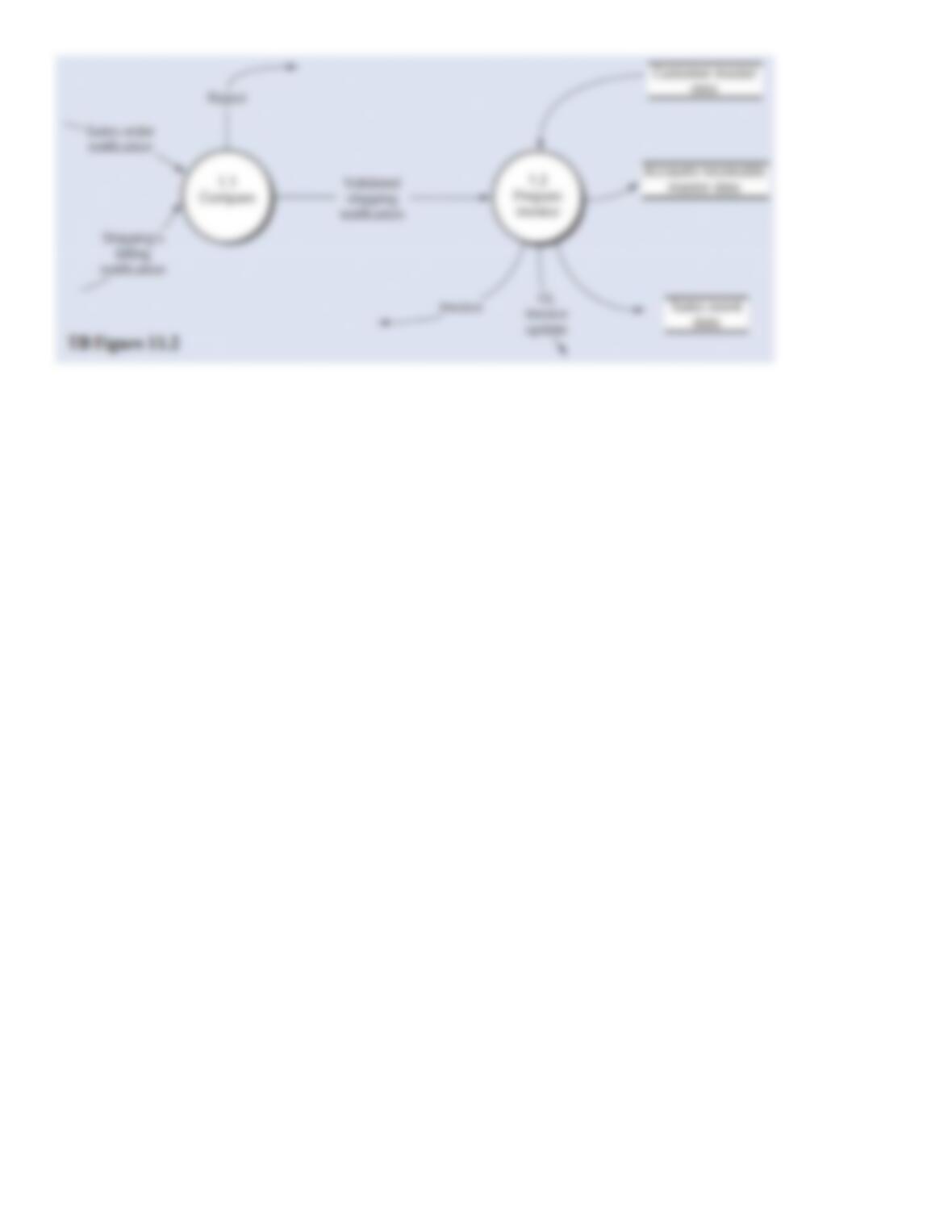
128. Below is the narrative of the “Manage customer accounts” portion (i.e., bubble 2.0) of the B/AR/CR
process.
Narrative Description
Processes 2.1 through 2.3 relate to sales returns adjustments. This process begins when there is notification
from the receiving department that goods have been returned by a customer. Subprocess 2.1 obtains data from
the accounts receivable master data to validate the return. If the sales return is not valid, it will be rejected (see
Reject stub) and processed through a separate exception routine. If the sales return is valid, it is sent to
subprocess 2.2 where a credit memo is prepared and sent to the customer, and the accounts receivable master
data is updated to reflect the credit. At the same time, the validated sales return is sent to subprocess 2.3 where a
journal voucher is prepared, which is used to create a record in the AR adjustments event data store (i.e., the
journal), and the general ledger is notified that a credit memo has been issued. This results in updates to sales
returns and allowances and to AR.
Process 2.4 is triggered by a periodic review of aging details obtained from the accounts receivable master data.
The aging details would be used to identify and follow up on late-paying customer accounts. One of two types
of adjustments might result from this review:
·
The recurring adjusting entry for estimated bad debts.
·
The periodic write-off of “definitely worthless” customer accounts.
Like process 2.4, bubble 2.5, “Prepare customer statements,” also is triggered by a periodic event that recurs at specified intervals, often on a monthly
basis in practice. Details of unpaid invoices are extracted from the accounts receivable master data and are summarized in a statement of account that
is mailed (or sent electronically) to customers.
Required:
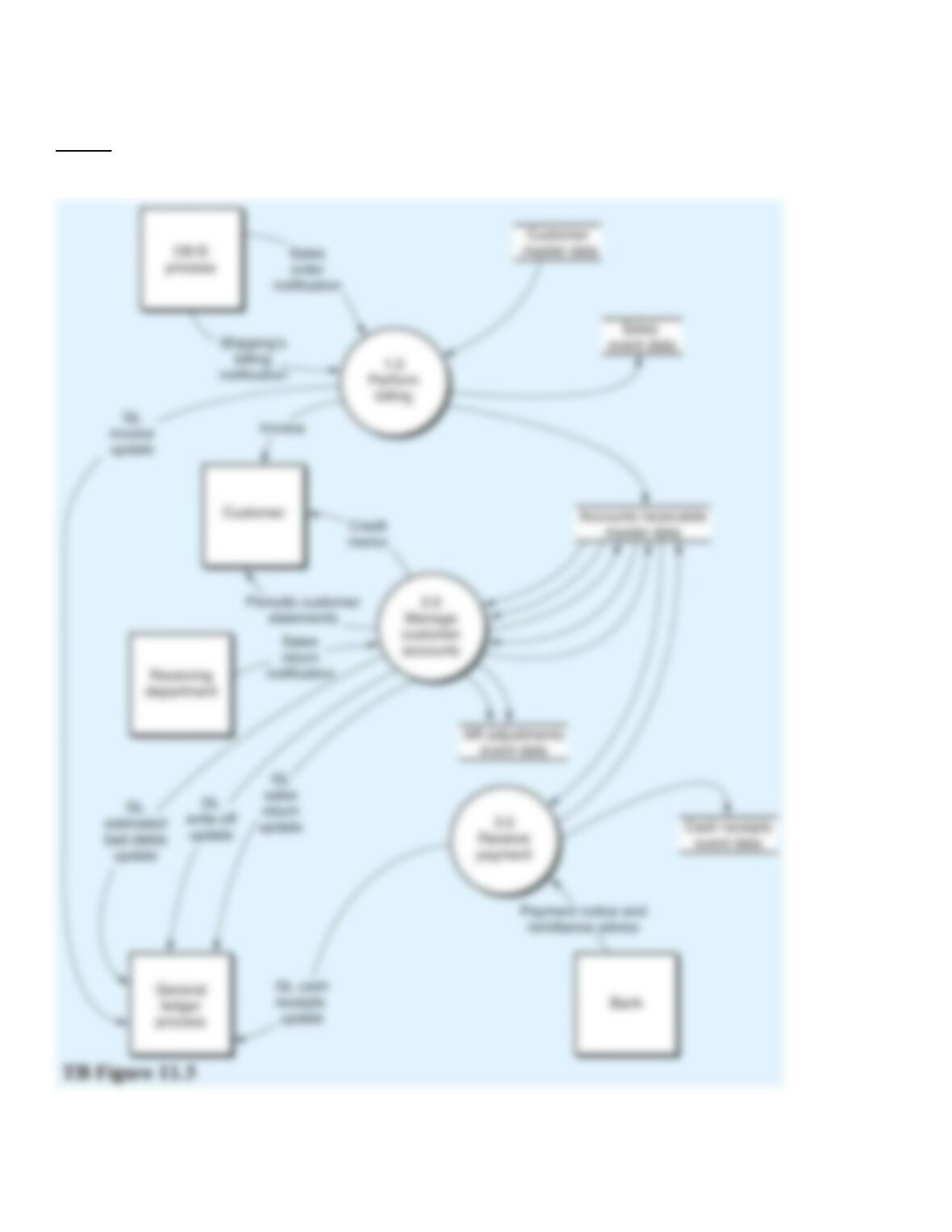
From the DFD in TB Figure 11.3 and the narrative description above, explode bubble 2.0 into a lower-level diagram showing the details of that
process.
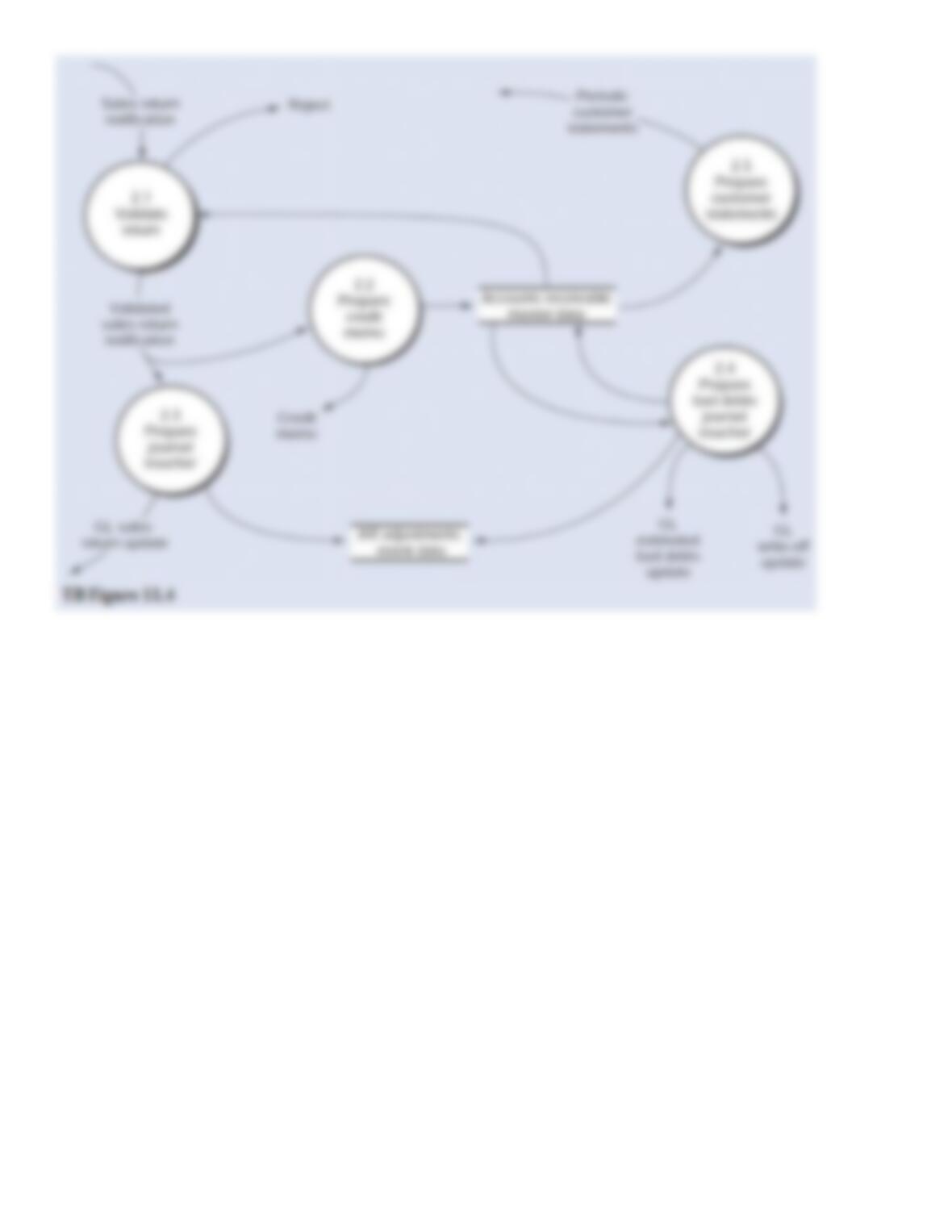
129. Below is the narrative of the “Manage customer accounts” portion (i.e., bubble 2.0) of the B/AR/CR
process.
Narrative Description
Processes 2.1 through 2.3 relate to sales returns adjustments. This process begins when there is notification
from the receiving department that goods have been returned by a customer. Subprocess 2.1 obtains data from
the accounts receivable master data to validate the return. If the sales return is not valid, it will be rejected (see
Reject stub) and processed through a separate exception routine. If the sales return is valid, it is sent to
subprocess 2.2 where a credit memo is prepared and sent to the customer, and the accounts receivable master
data is updated to reflect the credit. At the same time, the validated sales return is sent to subprocess 2.3 where a
journal voucher is prepared, which is used to create a record in the AR adjustments event data store (i.e., the
journal), and the general ledger is notified that a credit memo has been issued. This results in updates to sales
returns and allowances and to AR.
Process 2.4 is triggered by a periodic review of aging details obtained from the accounts receivable master data.
The aging details would be used to identify and follow up on late-paying customer accounts. One of two types
of adjustments might result from this review:
·
The recurring adjusting entry for estimated bad debts.
·
The periodic write-off of “definitely worthless” customer accounts.
Like process 2.4, bubble 2.5, “Prepare customer statements,” also is triggered by a periodic event that recurs at specified intervals, often on a monthly
basis in practice. Details of unpaid invoices are extracted from the accounts receivable master data and are summarized in a statement of account that
is mailed (or sent electronically) to customers.
Required:
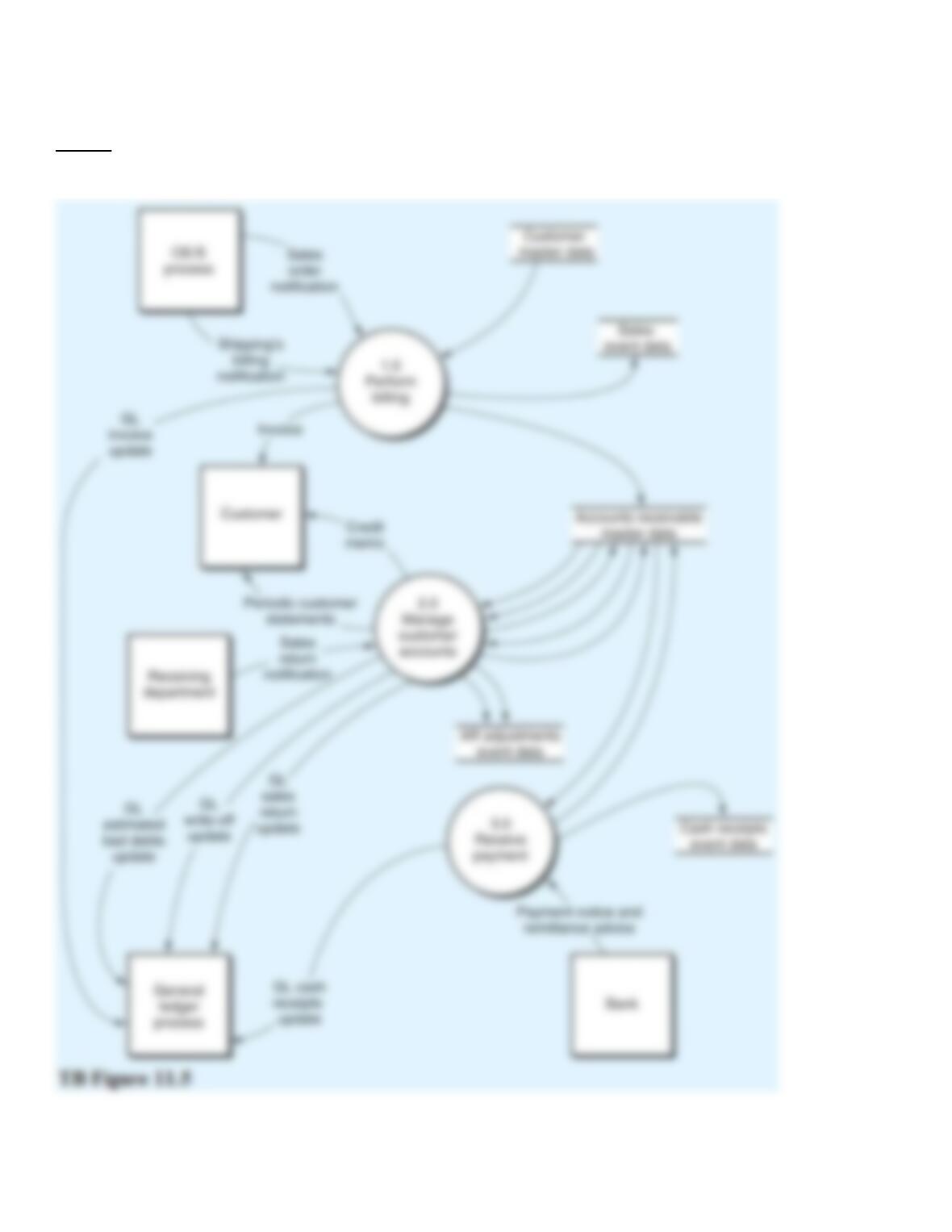
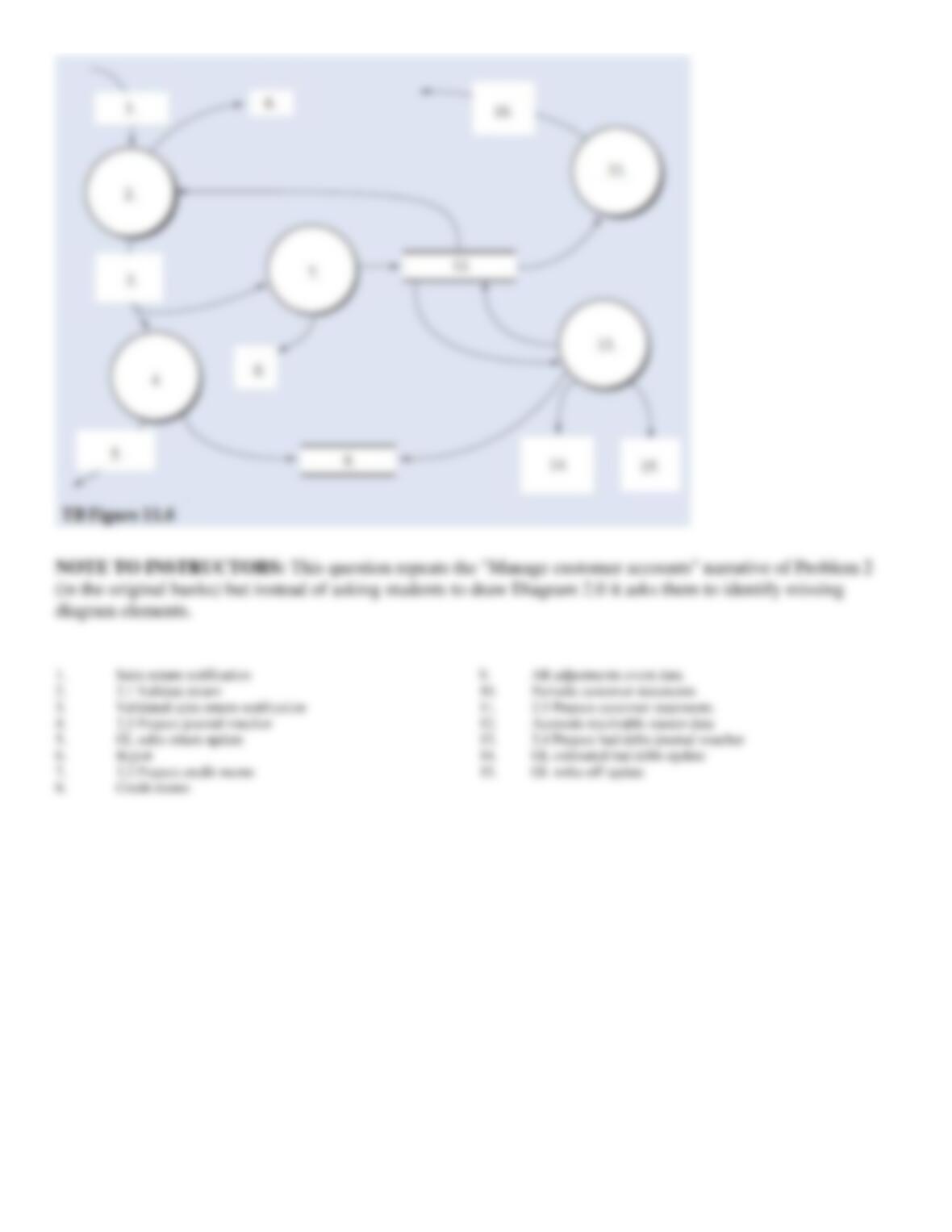
Using the DFD in TB Figure 11.5 and the narrative description above, identify the words that belong in items 1 to 15 of Diagram 2.0 (TB Figure
11.6).

130. Below is the narrative for the “Receive payment” portion (i.e., bubble 3.0) of the B/AR/CR process.
Narrative Description
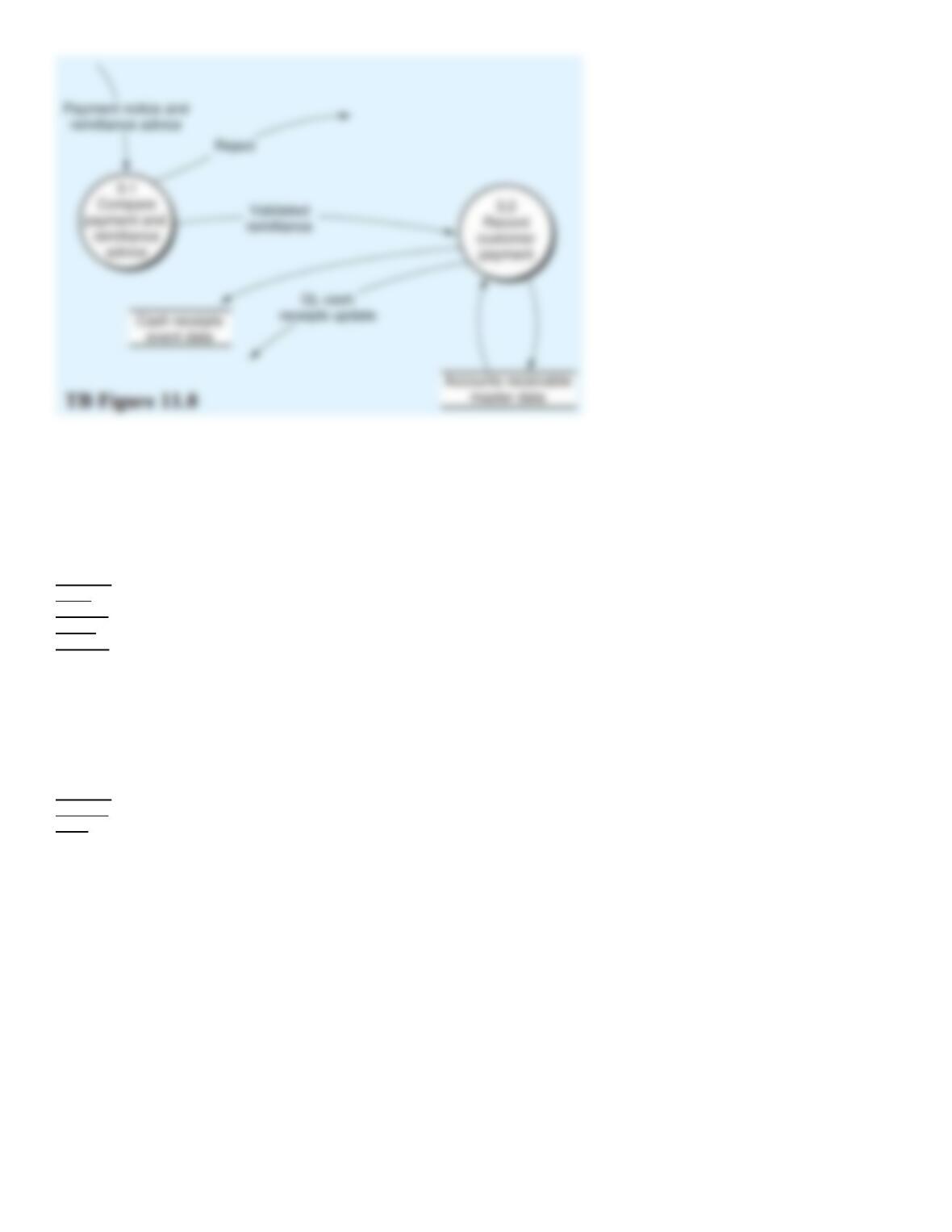
The payment and remittance advice data triggers the receive payment process. Upon receipt of the payment and
RA from the bank, process 3.1 first validates the remittance by comparing the payment to the RA. Mismatches
are rejected for later processing. If the payment and RA agree, the validated remittance is sent to process 3.2,
which uses the RA to update the accounts receivable master data to reflect the customer’s payment and records
the collection in the cash receipts events data, and notifies the general ledger process of the amount of the cash
deposited. This is an immediate update of the GL for a single cash receipt.
Required:
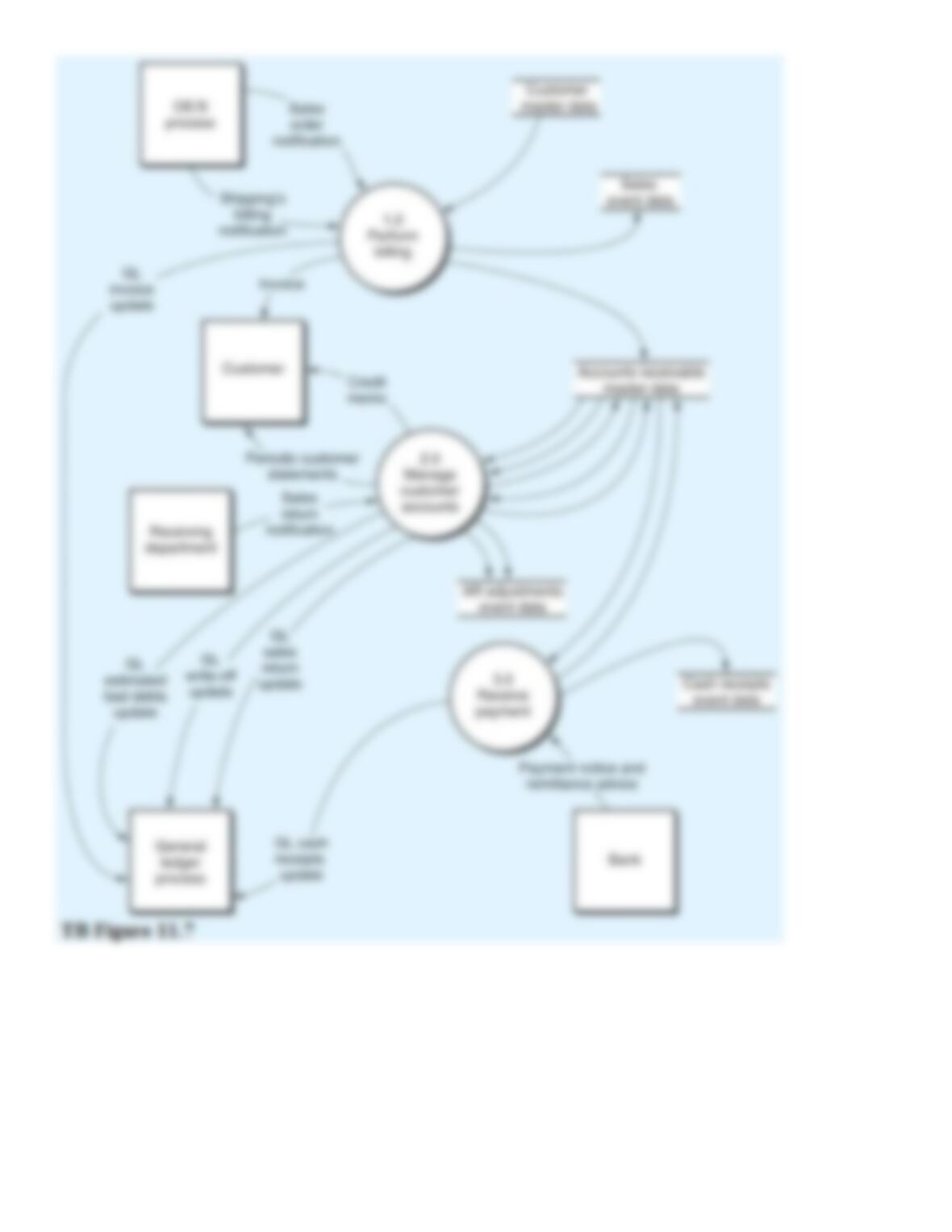
From the DFD in TB Figure 11.7 and the narrative description above, explode bubble 3.0 into a lower-level
diagram showing the details of that process.
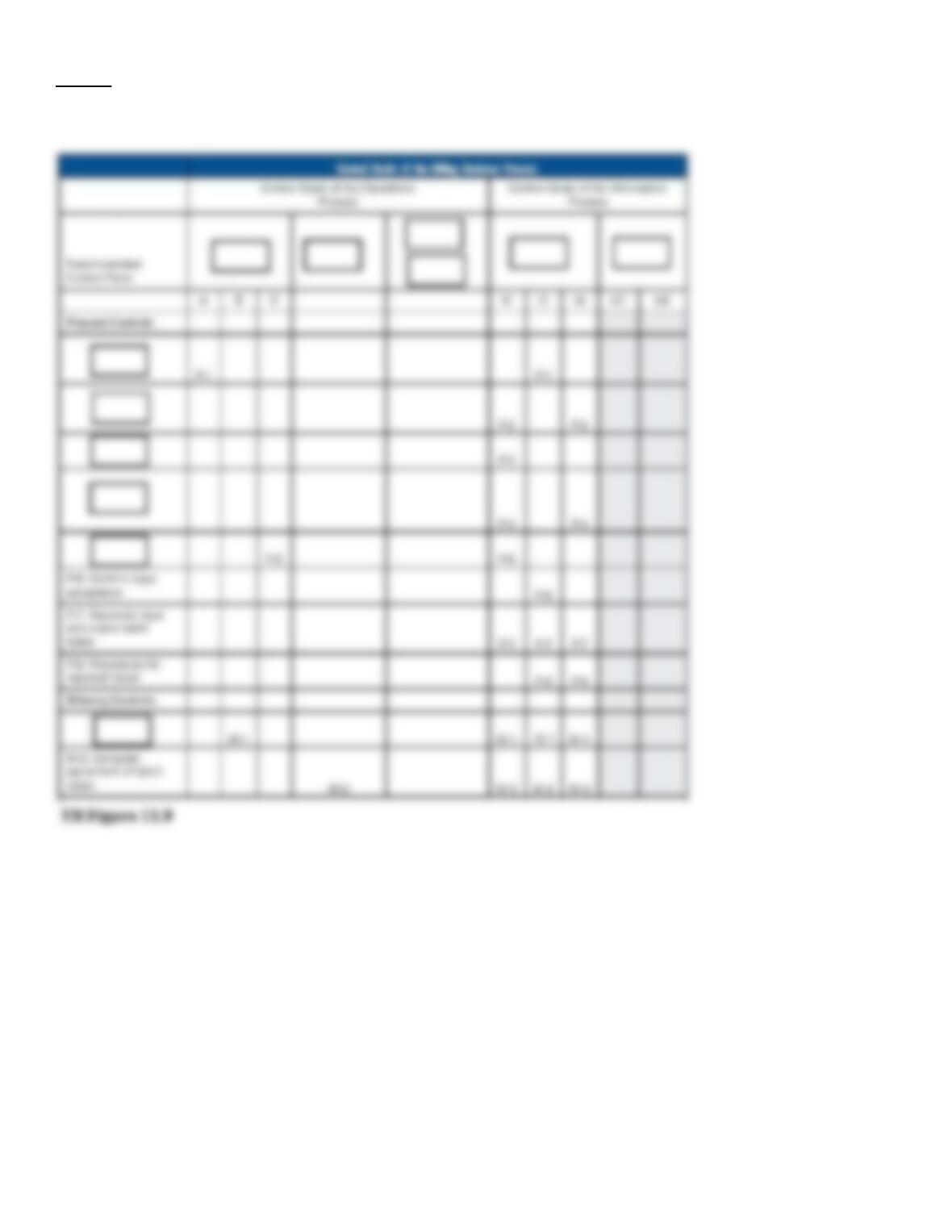
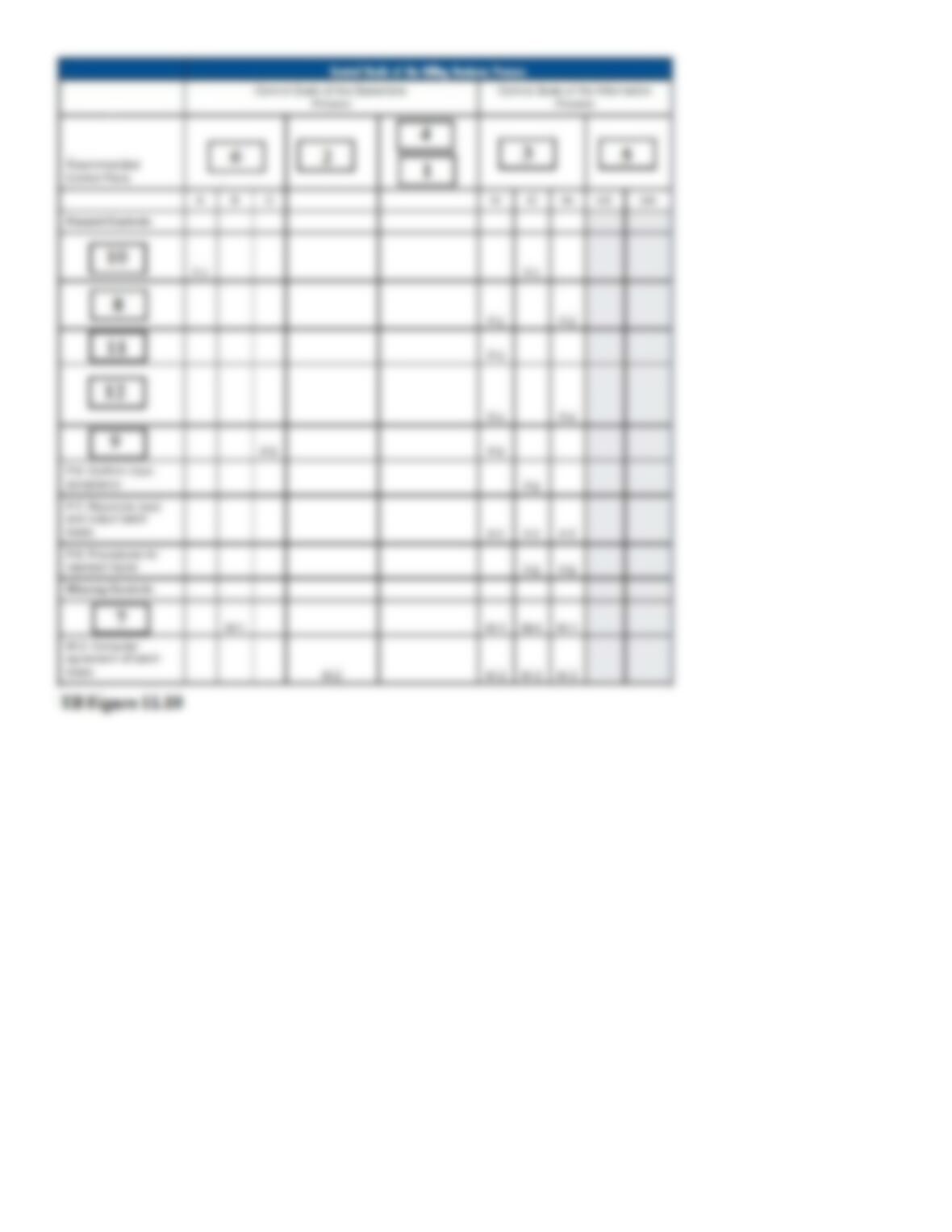
131. TB Figure 11.9 is the control matrix for the billing process presented in Chapter 11, but with certain items
omitted. In the matrix, each omission is indicated by a box. Jumbled lists of the omitted items are as follows:
Omitted
from
Control
Goals
Columns
1.
Accounts receivable master data
2.
Ensure efficient employment of resources (people, computers)
3.
For completed shipping notice inputs, ensure
4.
Ensure security of resources
5.
For the accounts receivable and master data, ensure
6.
Ensure effectiveness of operations
Omitted
Control
Plans
7.
Confirm customer accounts regularly
8.
Compare input shipping notices to sales order master data
9.
Independent pricing data
10.
Review shipped not billed sales orders (tickler file)
11.
Independent billing authorization
12.
Check for authorized prices, terms, freight, and discounts
Required:
Complete TB Figure 11.9 by placing one of the numbers, 1 through 12, from the above lists into each box showing a missing item. HINT: Complete
the control goal column headings first, and then use the cell entries as a guide in deciding which number (7 through 12 above) belongs in each box in
the recommended control plans column.

132. TB Figure 11.11 is a systems flowchart for the billing process with letters indicating omitted descriptions.
Fill in the omitted descriptions in the flowchart by matching the numbers from the list below with the letters on
the flowchart.
Missing
descriptio
ns:
1.
“Billing completed,” changes to AR and related accounts
2.
“Shipments not yet billed”
3.
BT
4.
Compare batch totals with changes to AR and related accounts
5.
Create and print invoice, update AR, sales event, and GL data, send “Billing completed” notice with amounts posted to AR and related
accounts
6.
Customer
7.
End
8.
Select shipments to be billed and prepare batch total
9.
Enterprise database
10.
Error routine not shown
11.
Invoice
12.
Prepare and display “Shipments not yet billed”
13.
Request shipments to be billed
14.
Select shipments and execute billing program
15.
Start