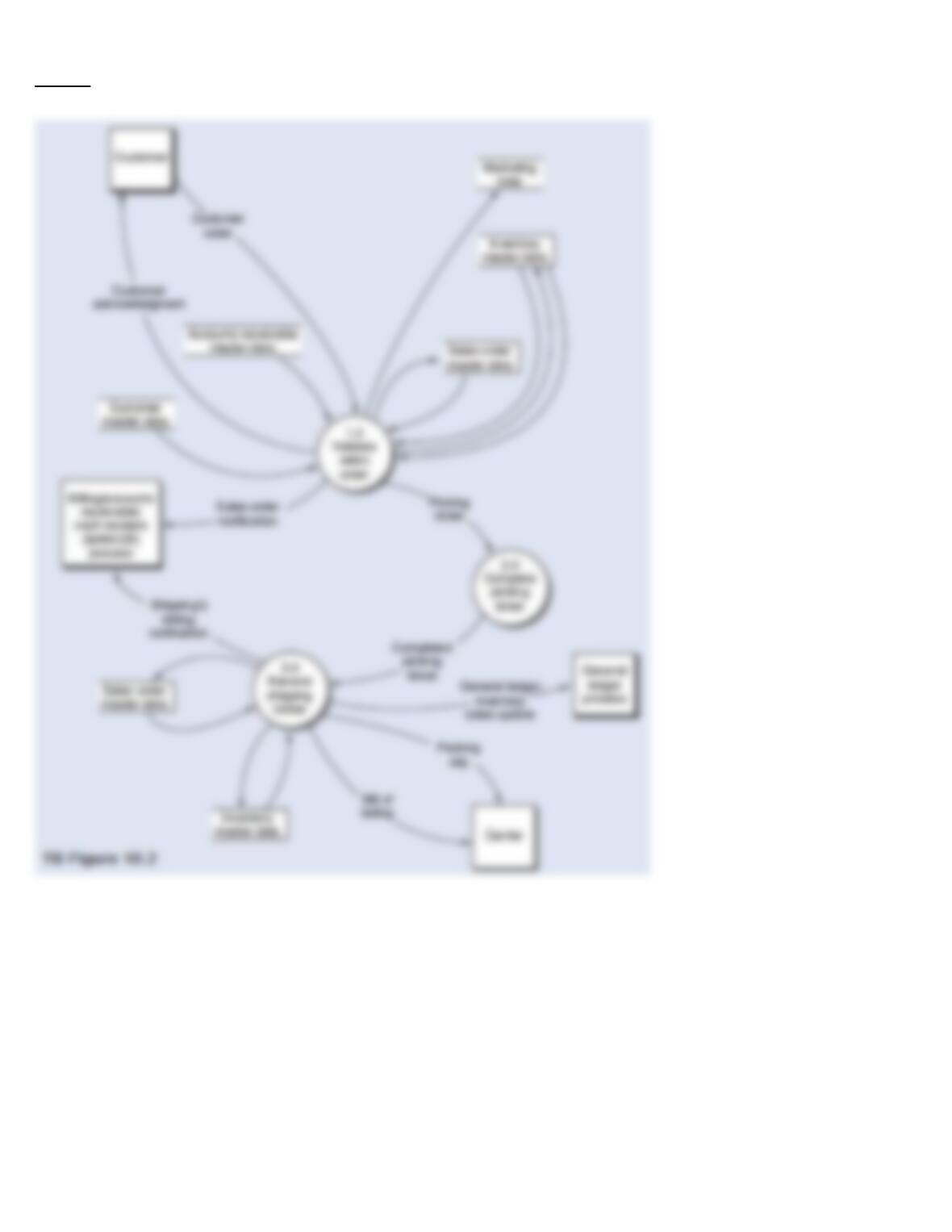
Required:
From the DFD in TB Figure 10.2 and the narrative description above, explode bubble 1.0 into a lower-level diagram showing the details of that process.
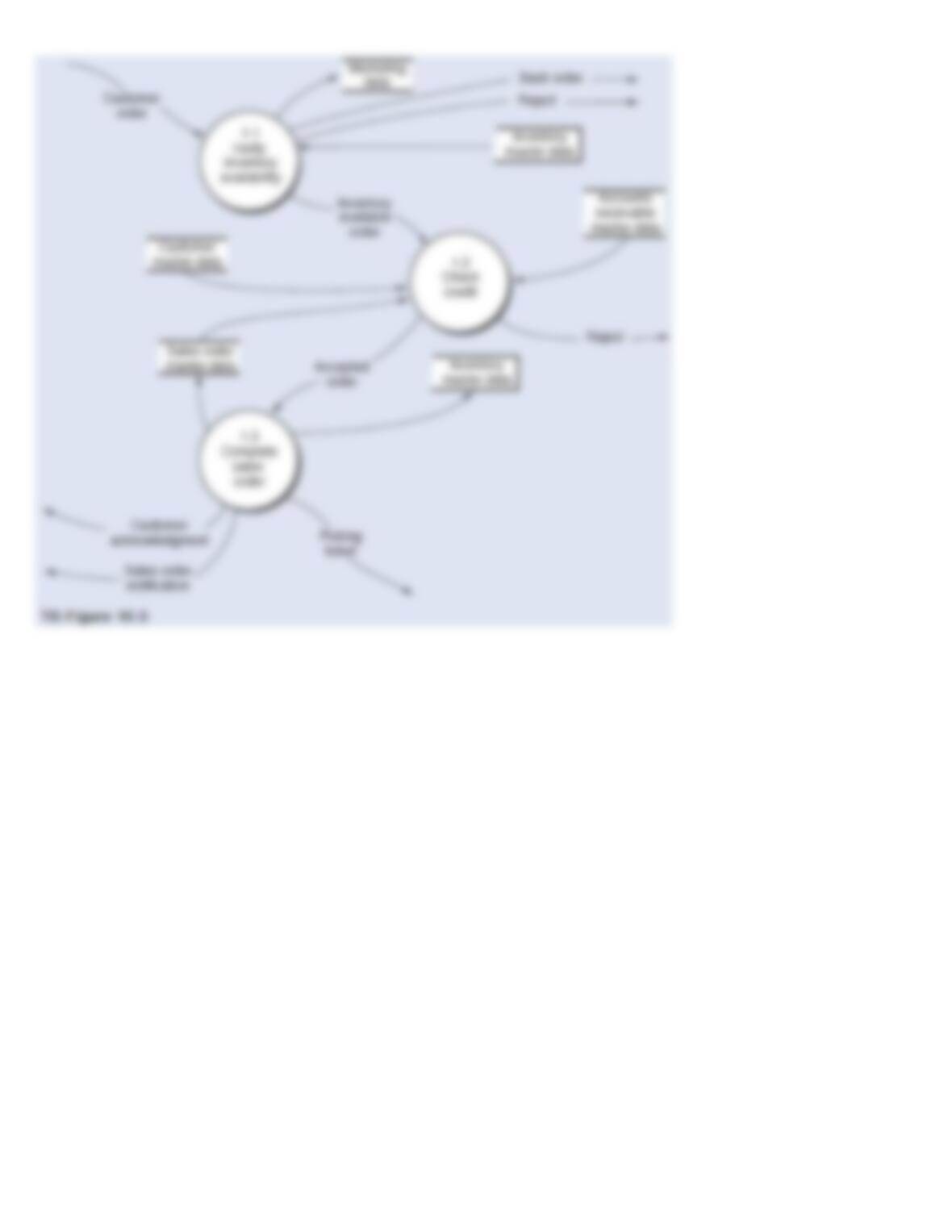
129. Below is a narrative of the “Validate sales order” portion (i.e., bubble 1.0) of the order entry/sales process.
Narrative Description
How does the OE/S process then validate a customer order? First, process 1.1 verifies the availability of the
requested inventory by consulting the inventory master data. If a sufficient level of inventory is on hand to satisfy
the request, the order is forwarded for further processing, as depicted by the data flow “Inventory available order.”
Conversely, if a customer orders goods that are not in stock, process 1.1 runs a special back order routine. This
routine determines the inventory requirement necessary to satisfy the order and then sends the back order request
to the purchasing department. This activity is depicted by the “Back order” data flow, which in reality is a specific
type of exception routine (i.e., a specific type of reject stub). If the customer refuses to accept a back order, then
the sales event is terminated and the order is rejected, as shown by the “Reject” data flow. Information from the
order (e.g., sales region, customer demographics, and order characteristics that reflect buying habits) that has
potential value to marketing is recorded in the marketing data store.
After assuring inventory availability, process 1.2 establishes the customer’s existence and then evaluates credit.
The credit check adds the amount of the order to accounts receivable balances and open sales orders (i.e., orders
about to be receivables), and compare that total to the credit limit. If the customer has exceeded their credit limit,
the order is rejected.
Upon a successful credit approval, process 1.3 performs the following activities simultaneously:
·
Updates the inventory master data to allocate the quantity ordered to the sales order. The inventory balance could actually be reduced at
this time to save a later update of the inventory master data.
·
Updates the sales order master data to indicate that a completed sales order has been created.
·
Disseminates the sales order.
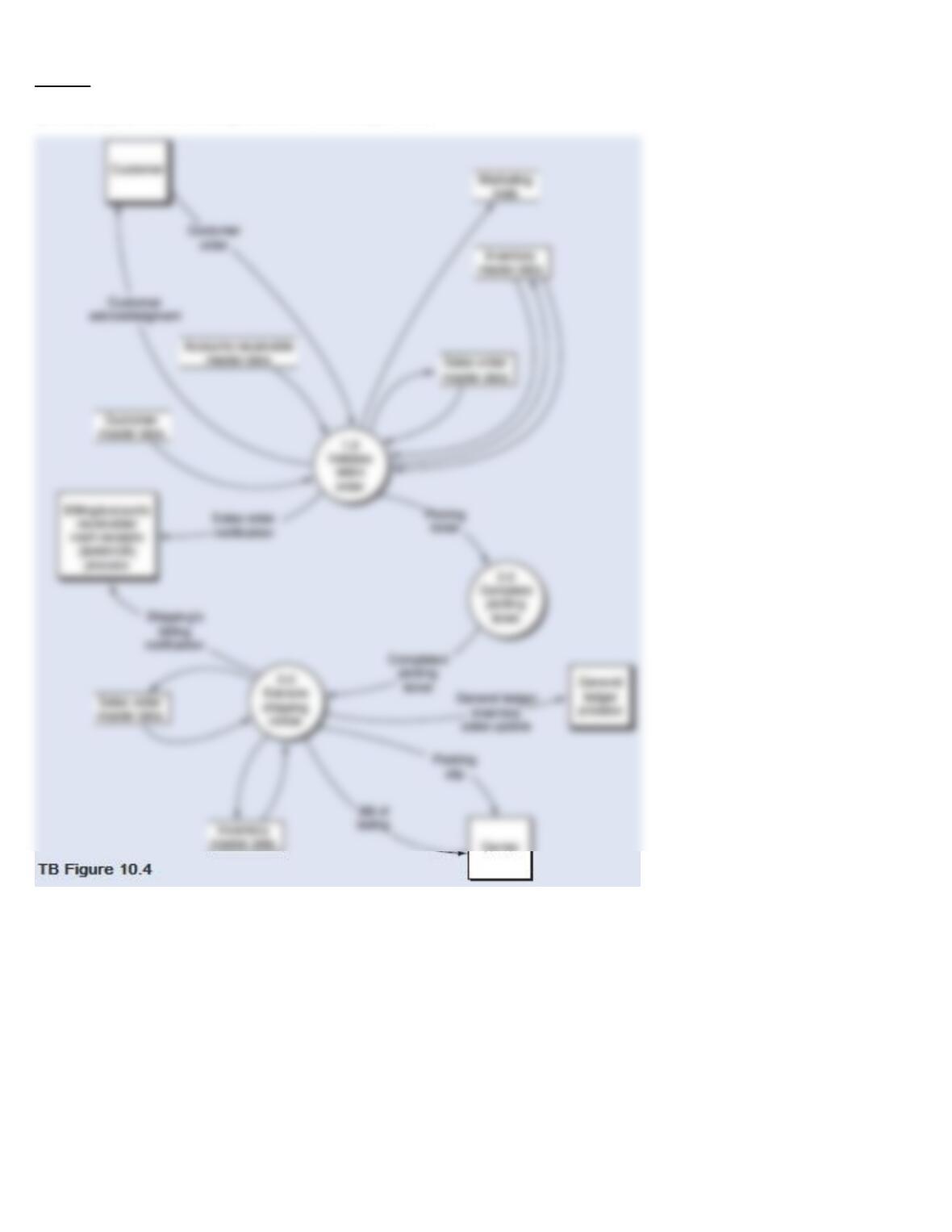
Required:
From the DFD in TB Figure 10.4 and the narrative description above, explode bubble 1.0 into a lower-level diagram showing the details of that process
by identifying the words that belong in items 1 to 18 (TB Figure 10.5).
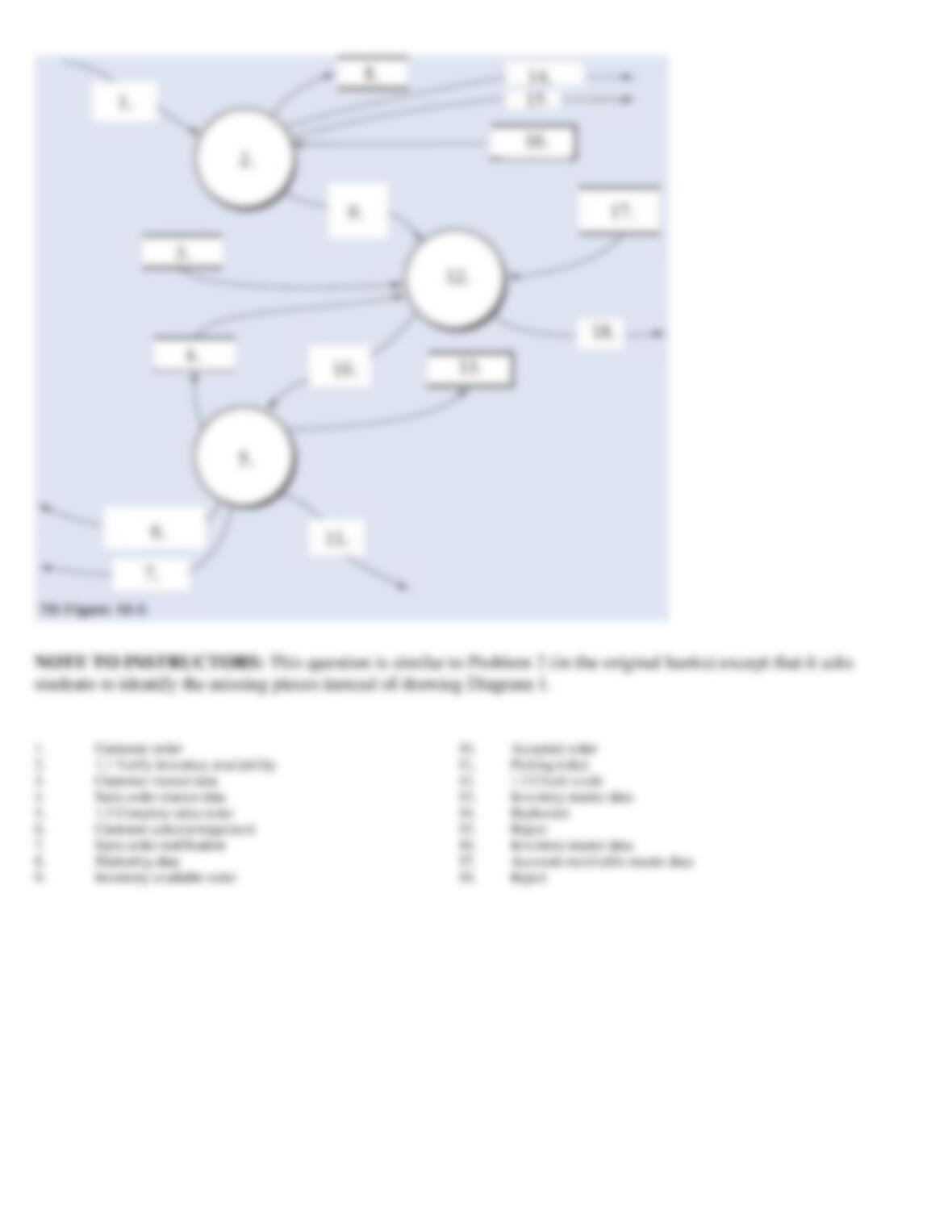
130. Below is the narrative of the “Execute shipping notice” portion (i.e., bubble 3.0) of the order entry/sales
process.
Narrative Description
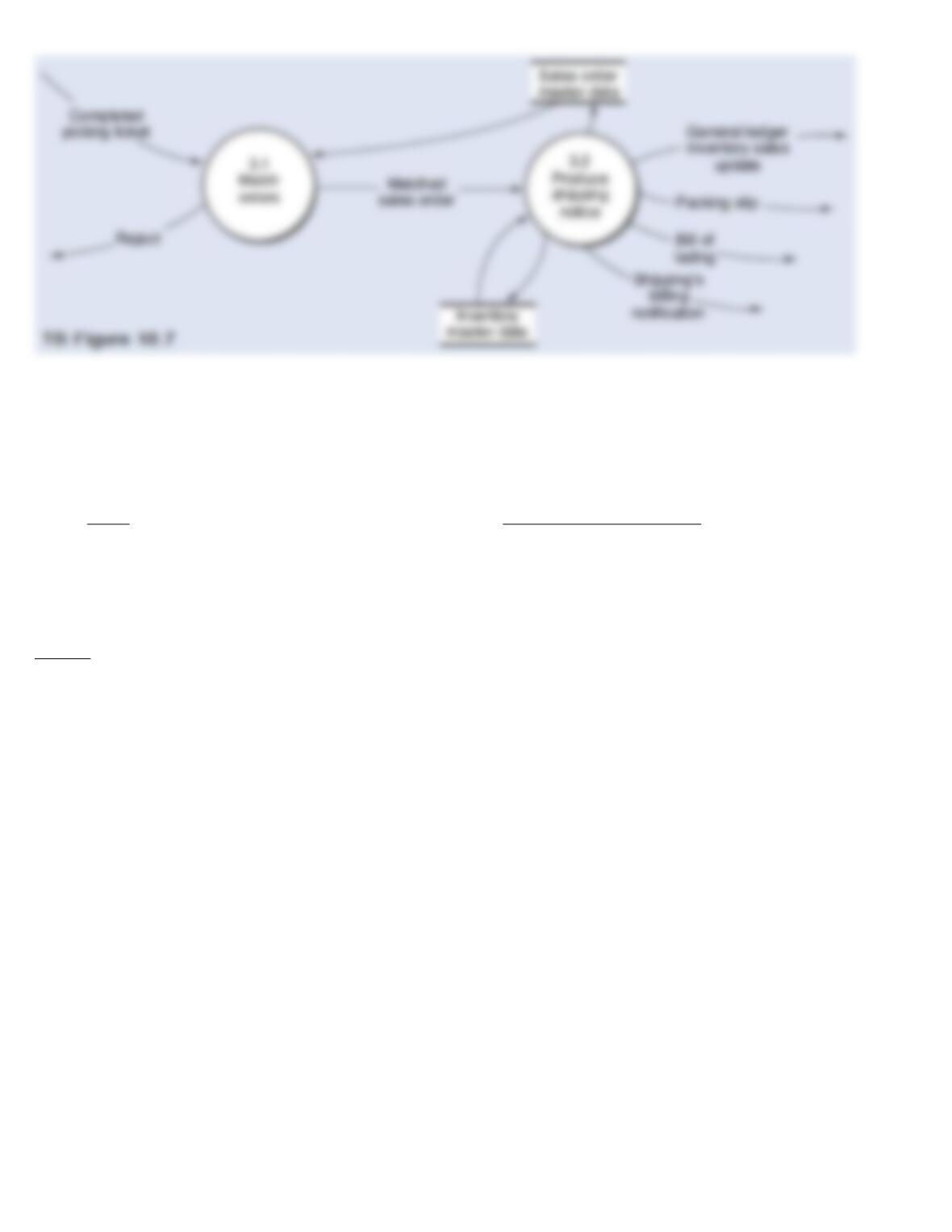
This narrative describes activities that normally take place in a shipping department. Process 3.1 receives two data
flows, namely the completed picking ticket and data retrieved from the sales order master data. The shipping clerk
matches the quantity of the goods, the quantity on the picking ticket, and the quantity stored in the sales order
master data. If the details agree, the matched sales order is forwarded to process 3.2. If the details of the data flows
do not agree, process 3.1 rejects the order and initiates procedures for resolving any discrepancies.
When process 3.2 receives a matched sales order from process 3.1, it produces and disseminates notices of the
shipment and updates the sales order and inventory master data. The sales order master data is updated to reflect
the fact that the goods have been picked, packed, and shipped. The inventory master data is updated to change the
quantity allocated for the sales order to an actual shipment, thus reducing the quantity of inventory on hand. We
generally expect the dissemination of notices will include the following data flows:
·
Shipping notifies billing to begin the invoicing process.
·
A bill of lading is attached to the outside of the goods being shipped and is given to the carrier.
·
A packing slip is inserted into the goods being shipped and is given to the carrier.
·
The flow “General ledger inventory sales update” notifies the general ledger process that inventory has been sold and the cost of goods
sold has increased.
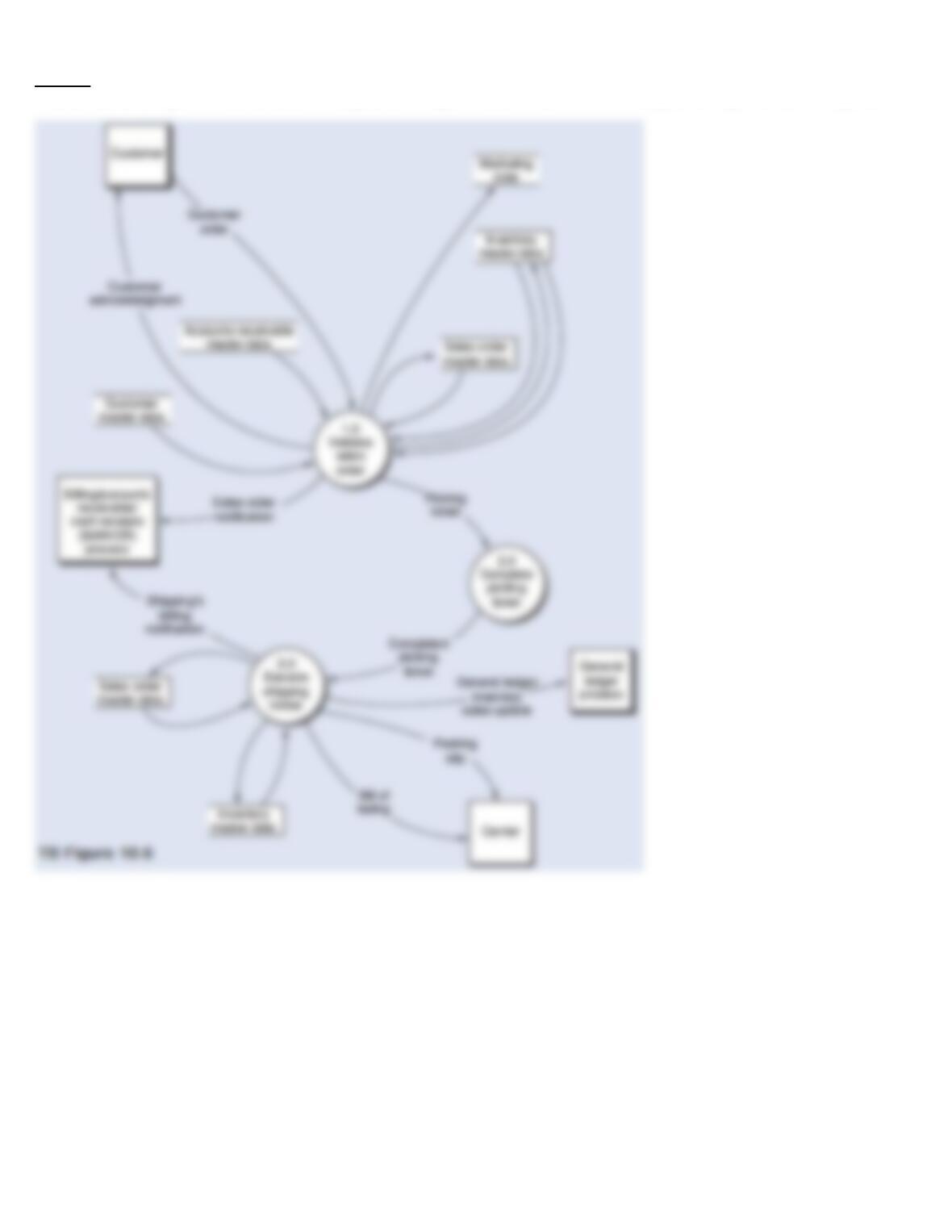
Required:
From the DFD in TB Figure 10.6 and the narrative description above, explode bubble 3.0 into a lower-level diagram showing the details of that process.
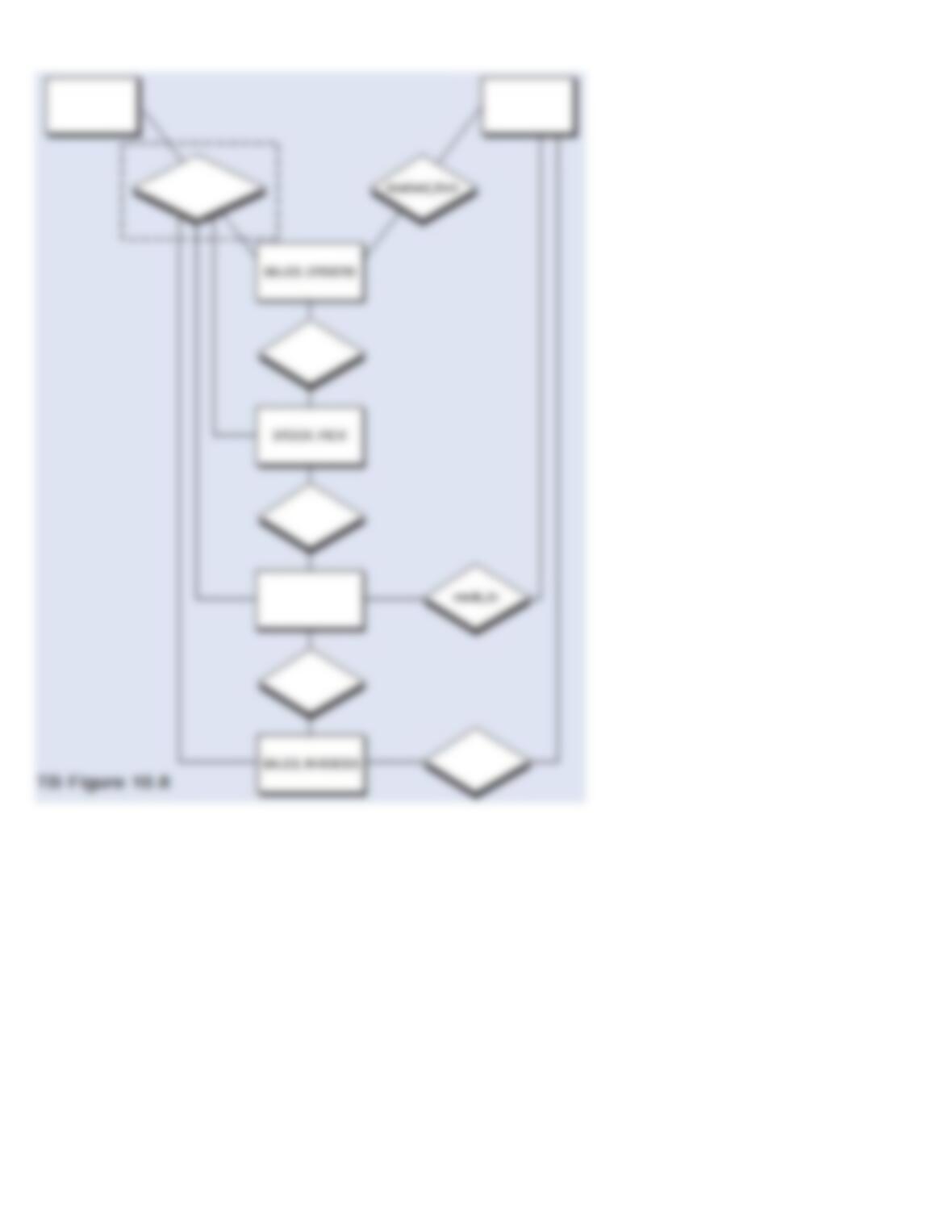
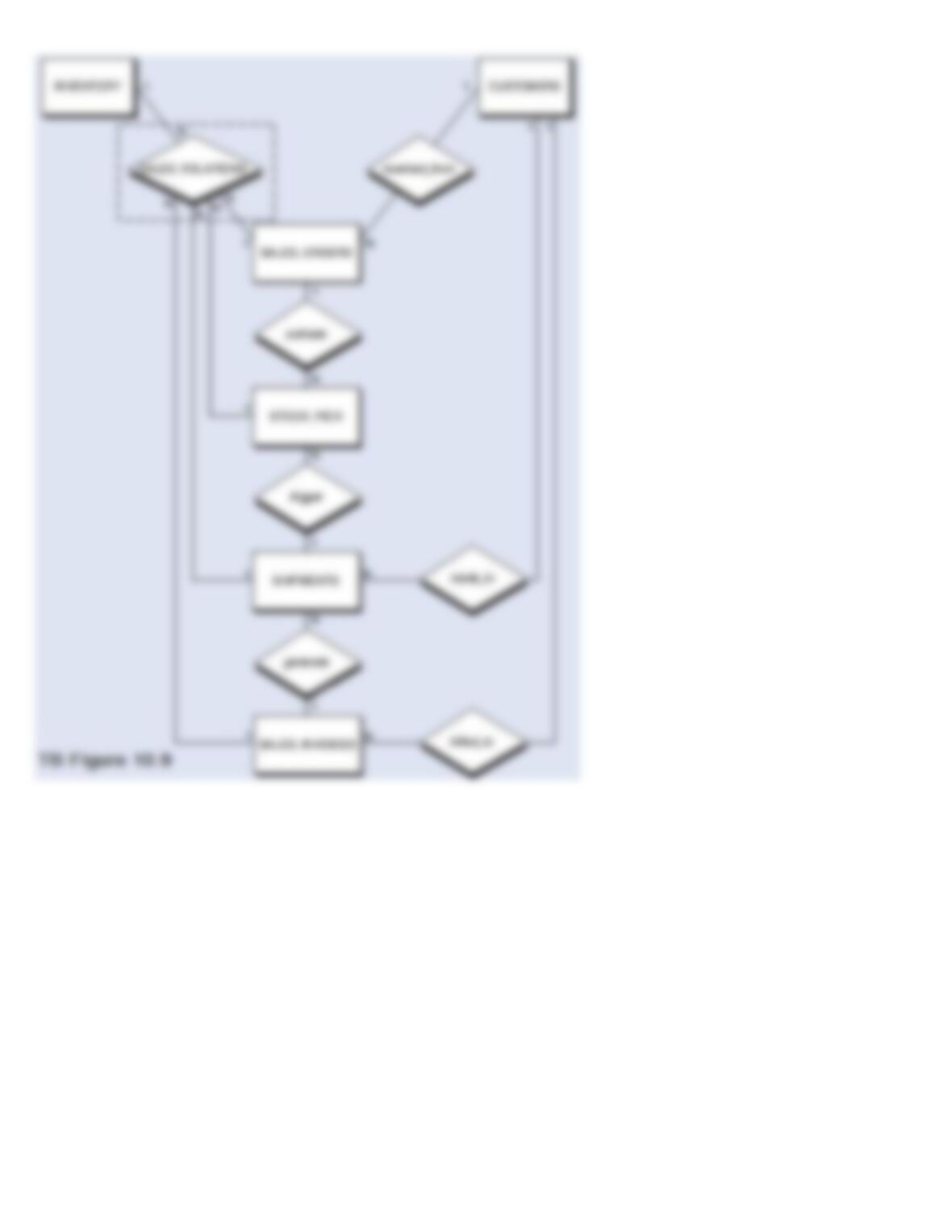
131. The entity-relationship (E-R) diagram below represents an order entry/sales process, but with the names of
certain entities, characteristics of relationships, and relationship cardinalities removed from the diagram. The
names omitted are:
Entities
Characteristics of the Relationships
·
CUSTOMERS
·
activate
·
INVENTORY
·
billed_to
·
SHIPMENTS
·
generate
·
SALES_RELATIONS
·
trigger
Required:
Complete TB Figure 10.8 by:
a.
Inserting the names from the above lists into the rectangles (entities) or diamonds (characteristics of the relationships), respectively,
where they belong
b.
Inserting a 1 or an N where necessary next to the connecting lines to indicate the cardinality of the relationships
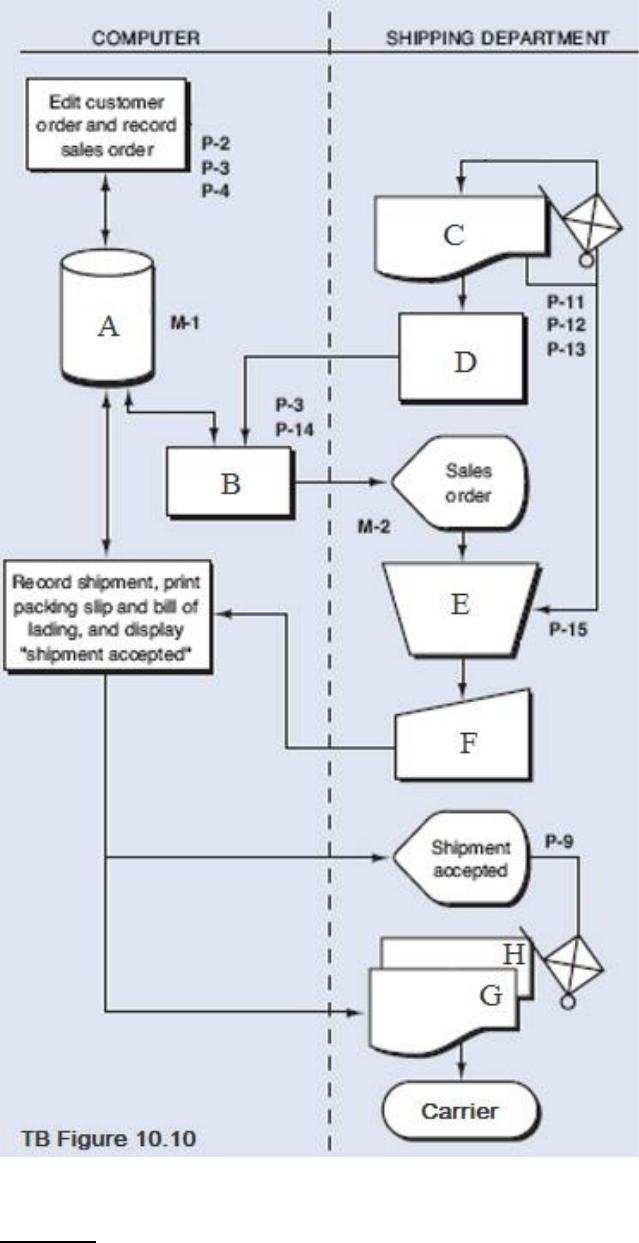
132. The following systems flowchart depicts a portion of the OE/S Process:
Required:
Based on the flowchart (TB Figure 10.10):
a.
Complete the flowchart by matching the
8 blank items, which are indicated by
the letters A through H with the 8 items
listed below:
1.
Bill of Lading
2.
Compare order number and quantities
3.
Completed picking ticket (with bar codes)
4.
Display sales order
5.
Enterprise database
6.
Accept shipment
7.
Packing Slip
8.
Scan bar codes on picking ticket
b.
Name the present and missing control
plans identified with the letters P and M
in the flowchart.
A
5
B
4
C
3
D
8
E
2
F
6
G
1 or 7
H
1 or 7
P-3 Populate input
screens with master
P-11 Enter
shipment data in
shipping
P-15 One-for-one
checking of goods,
picking ticket, sales
M-1 Independent
customer master data
maintenance
133. The following is a list of 10 control plans.
Control
Plans
A.
Enter data close to where customer order is received
B.
Online prompting
C.
Independent shipping authorization
D.
Procedures for rejected inputs
E.
Preformatted screens
F.
Customer credit check
G.
One-for-one checking of goods, picking ticket, sales order
H.
Populate inputs with master data
I.
Review open sales orders (tickler file)
J.
Turnaround document (picking ticket with bar codes)
Required:
Listed below are ten system failures that have control implications. On the answer line to the left of each system failure, insert the capital letter from the
list above of the best control plan to prevent the system failure from occurring. A letter should be used only once.
1.
The sales personnel can approve all customer orders.
2.
Any correcting entries to be made by the customer service representative are done at a later time rather than as the data
is input into the system. Some customer orders are never corrected and re-entered.
3.
The finished goods warehouse delivers goods to the shipping department, accompanied by the picking ticket. After
checking the goods against the picking ticket, the shipping employee signs the picking ticket and gives it to the
warehouse employee. Then the shipping department prepares a three-part shipping notice, one copy of which serves as
the packing slip. A recent audit discovered that a dishonest warehouse employee had been forging picking ticket
documents, thereby having goods shipped to an accomplice.
4.
Customer service representatives record customer orders on prenumbered order forms, and then forward the forms to
the corporate office in Orlando for processing. J.B. Wrigley, one of Mandates top salesmen, had a very good week; he
mailed 55 customer orders to the corporate office on Friday afternoon. Unfortunately, they were misplaced in the mail
and did not reach Orlando until three weeks later. Needless to say, those 55 customers were more than a little displeased
at the amount of time that Mandate took to fill their orders.
5.
Customer service representative can manually key in order data at one of many PCs. In the first two weeks of operation,
every sales order produced by the computer was missing a “ship-to” address.
6.
The customer service representative can enter a customer code with no matching customer master data and no
authorized customer. Therefore, it is possible to make invalid entries into the system.
7.
Proper comparisons are not made to ensure that the shipping notice inputs are represented by an actual shipment of
goods.
8.
The OE/S system does not advise the customer service representative to check the data entries before moving on to the
next order.
9.
Customers have complained that their invoices are not correct. The amount of goods received does not correspond to
the number of items on the invoices. After some investigation it was determined that shipping clerks have made errors
in recording the amount shipped.
10.
Several shipments have not been made in a timely manner.
Answers

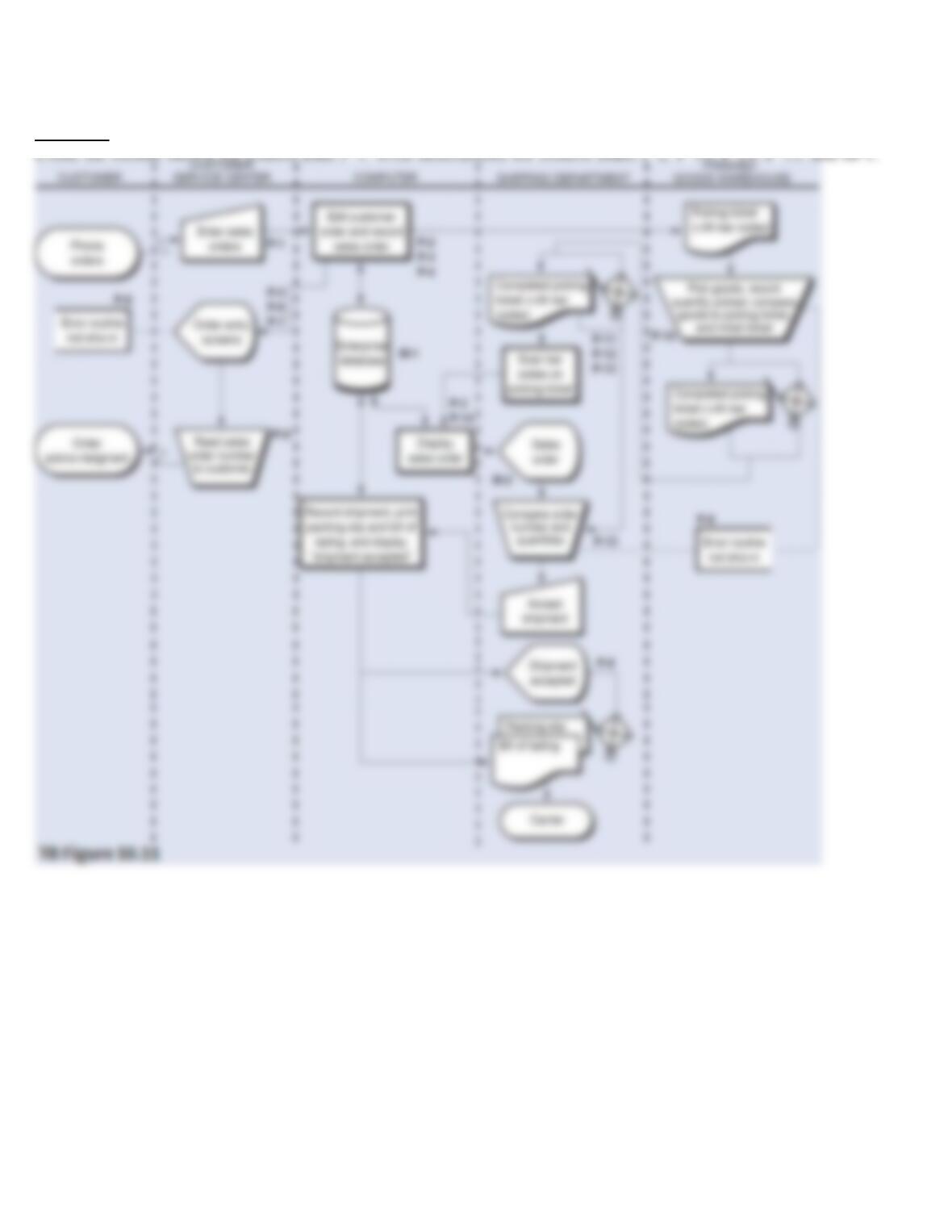
134. TB Figure 10.11 is the annotated systems flowchart for the order entry/sales process. TB Figure 10.12 is the
related control matrix. Following the control matrix is a description of the first control plan, P-1.
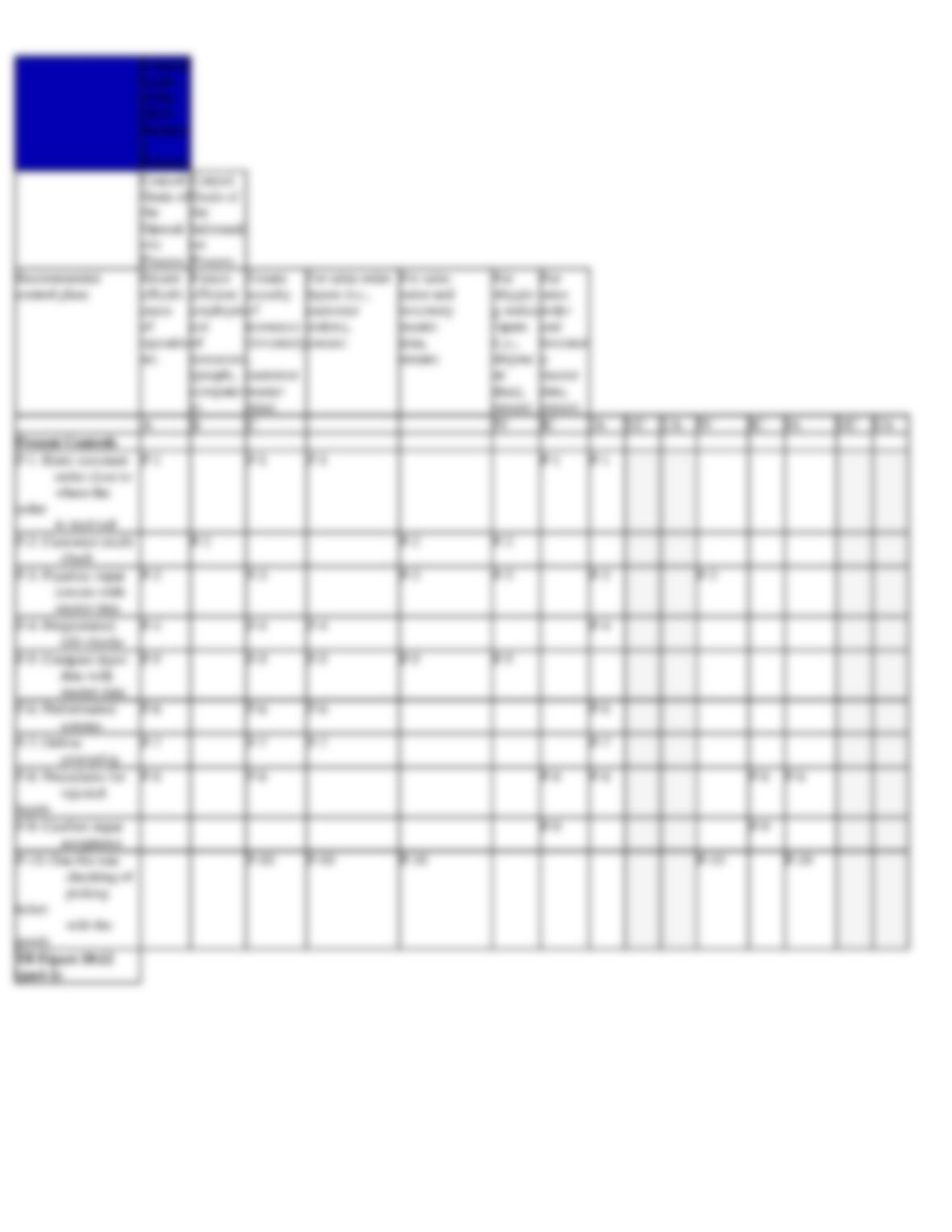
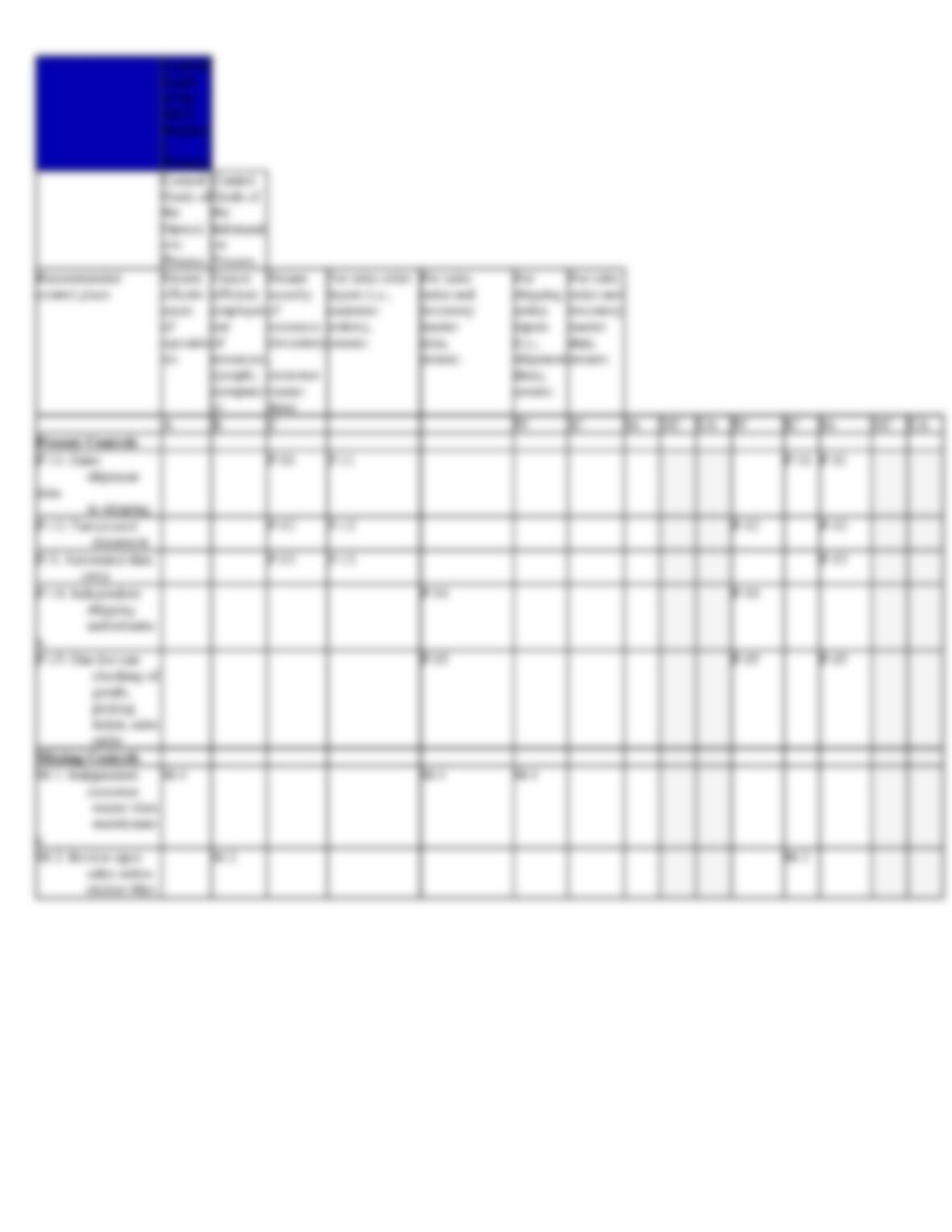
Required: