CHAPTER 6, ANSWERS TO SHORT-ANSWER QUESTIONS, QA TEMPLATES
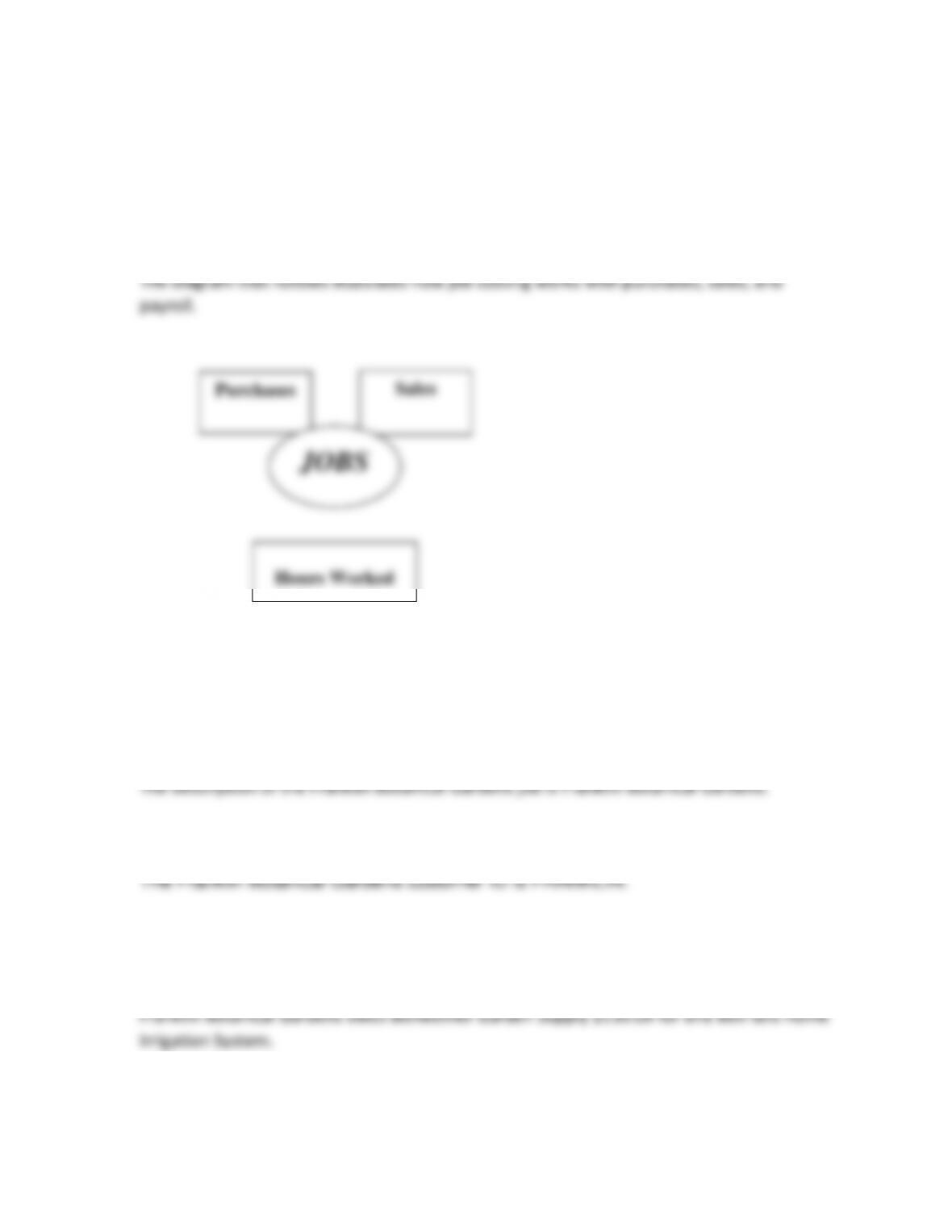
1. Draw the diagram that shows how the job cost system works with purchases, sales, and
payroll.
2. What is the description of the Franklin Botanical Gardens job?
3. What is the customer ID for Franklin Botanical Gardens?
4. How much does Franklin Botanical Gardens owe for the one Bell-Grow Home Irrigation
System (include the sales tax)?
5. What is the GL account (name and number) for the purchase of the wood treatment?
Hours Worked

6. What is the name of the report that tells you about Bellwether’s jobs?
7. When inventory items are purchased for jobs, what do you need to do?
When inventory items are purchased for jobs, you need to do the following:
8. How many hour(s) did Alex C. Kornel work on the Franklin Botanical Gardens job?
9. Summarize the advantage to using Sage 50’s job costing feature.
10. What does the Job Profitability report show?
ANALYSIS QUESTION
Explain the interrelationship of jobs, purchases, sales and payroll.
ANSWER:
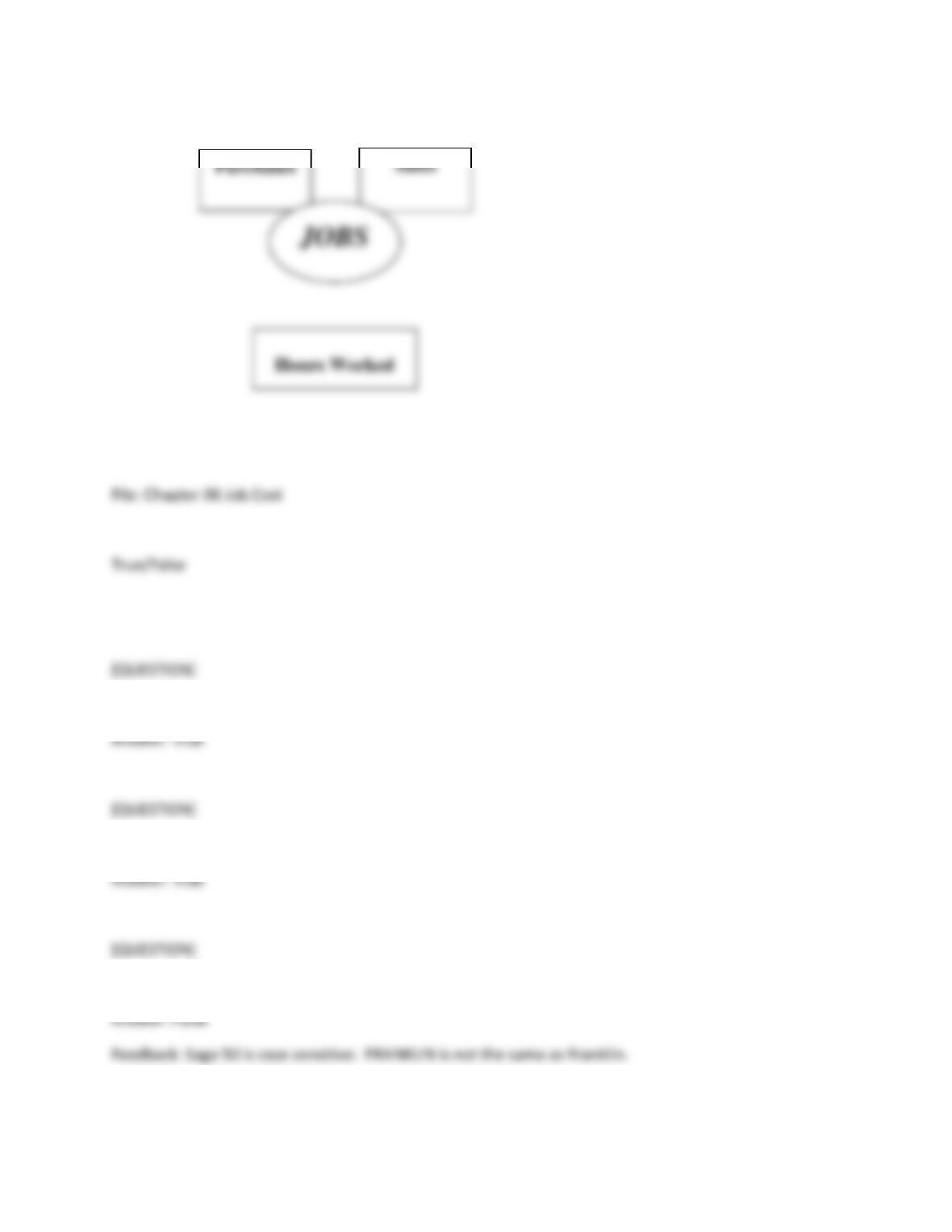
1. Sage 50 lets you assign JOB ID codes to purchases, sales, and employee hours.
2. Sage 50’s job costing feature allows you to track the costs incurred while performing a job.
3. The Job ID FRANKLIN is the same as Franklin.
Purchases
Sales
[QUESTION]
4. After selecting Adler’s Landscaping as the Vendor ID, Account No. 75500, Supplies Expense, is the
default account displayed on the Purchases/Receive Inventory window.
5. The Purchases/Receive Inventory window displays Account No. 40000-EQ, Sales-Equipment, as the
default account Franklin Botanical Gardens (FRANKLIN).
6. Alex C. Kornel, the employee who applied the wood treatment, spent 3 hours doing the job.
7. The Job Profitability Report breaks down each job according to what was spent or earned for each
affected general ledger account.
8. The Job Profitability Report shows the profit or loss for each job.
9. Chapter 6 shows how Sage 50 tracks the commission made on jobs.
10. The data backed up in Exercise 6-2 will be used in Part 4, Chapters 16-18.
11. After completing the exercises in Chapter 5, restore the following backup to start Chapter 6.
a. Chapter 5.ptb
b. Exercise 5.ptb
c. Exercise 5-2.ptb
d. Exercise 5-1.ptb
e. Bgs.ptb
12. You need to set up a Job ID for Franklin Botanical Gardens in Chapter 6, so that you can track:
a. The employees’ expenses and miles driven to the job
b. How much the merchandise cost
c. How much the merchandise sold for
d. The supplies and employee hours charged to this customer
e. Employee expenses and cost of inventory
13. To record a Job ID, you need to make the following selections:
a. Tasks > Maintain > Employees > New Job
b. Customers & Sales > Jobs > New Job
c. Vendors & Purchases > Jobs > New Job
d. Tasks > Job ID
e. Tasks > Maintain > Vendors
14. The Description for Job ID FRANKLIN is:
a. Florence Art Supply
b. Felix and Kitty
c. Franklin Body Shop Garages
d. Franklin Botanical Gardens
e. Frank’s Garden Center
15. The start date for the Franklin Botanical Gardens job is:
a. January 3, 2019
b. February 3, 2019
c. March 3, 2019
d. March 4, 2019
e. April 3, 2019
16. The job type for Franklin Botanical Gardens:
a. LAND
b. Land
c. Products
d. SUPPLY
e. Items
17. The Franklin Botanical Gardens job has the following special circumstance:
a. It is a motel overlooking a freeway
b. It is a hotel near the airport
c. It is a new building overlooking a park
d. It is an apartment complex with surrounding gardens
e. A newly remodeled building

18. On the Navigation Bar, make the following selections to apply the sale of an irrigation system to the
Franklin Botanical Gardens job:
a. Customers & Sales Navigation Center, click on the Sales Invoices icon > New Sales Invoice
b. Customers & Sales Navigation Center > click on the Sales Invoices icon > select View and Edit Sales
Invoices
c. Vendor & Purchases Navigation Center > click on Purchase Orders > new Purchase Order
d. Customers & Sales Navigation Center > click on the Jobs icon > select New Jobs
e. Inventory & Services Navigation Center > select the Inventory Items icon > View and Edit
[QUESTION]
19. To display the Job Profitability Report, make the following menu bar selections:
a. Reports & Forms > Payroll Reports > Job Profitability Report > Preview
b. Reports & Forms > Jobs > Job Profitability Report > Display
c. Reports & Forms > Jobs > Job Lists > Preview
d. Reports & Forms > Payroll > Jobs Profitability Report > Display
e. Tasks > Inventory Adjustments
20. On the Navigation Bar, make the following selections to apply the purchase of the special wood
treatment:
a. Customer & Sales Navigation Center > click on the Sales Invoices icon > New Sales Invoice

b. Vendors & Purchases Navigation Center > click on the Enter Bills icon > New Bill
c. Vendors & Purchases Navigation Center > click on the Purchase Orders icon > New Purchase Order
d. Vendors & Purchases Navigation Center > click on the Vendors icon > New Vendor
e. Customer & Sales Navigation Center > click on the Sales Orders icon