File: Chapter 18 Microsoft Word and Templates
True/False
[QUESTION]
1. Chapter 18 covers Sage 50’s write letters feature and using templates.
[QUESTION]
2. The write letters feature allows you to send information to a large number of people.
[QUESTION]
3. When using the write letters feature, customer, vendor or employee information is required for
creating mailings or email messages.
[QUESTION]
4. In order to create Bellwether’s Sales Special letter, you are given a choice to use Excel or Word.
[QUESTION]
5. In Chapter 18, the data from Exercise 6-2, Bellwether Garden Supply is used.
[QUESTION]
6. Sage 50 integrates the Microsoft Word mail merge feature for creating custom templates.
[QUESTION]
7. The Sales Special Letter displayed in Chapter 18 is addressed to David Walsh.
Feedback: The Sales Special Letter displayed in Chapter 18 is addressed to Aldred Builders, Inc.
8. A displayed report can be copied to the Windows clipboard.
[QUESTION]
9. Sage 50’s write letters feature requires you to use paper with preprinted logos.
[QUESTION]
10. In Chapter 18, Bellwether Garden Supply’s Statement of Cash Flow is shown as a Word document.
Multiple Choice
[QUESTION]
11. Sage 50’s letter templates use(s):
a. Excel
b. Word
c. Access
d. PowerPoint
e. Camtasia
[QUESTION]
12. When using Sage 50’s letter templates, you can select:
a. From the Tasks menu, select Write Letters; Employee, Customer, or Vendor Letters
b. From the Maintain menu, select Write Letters to all
c. From the Edit menu, select memorize transactions
d. From the Select and Report or Form window, select Company
e. From the Tasks menu, select System, Change Accounting Period, Default Information
13. If you do not have Bellwether’s back up data from Exercise 6-2, to send a letter to the customer list
you can use:
a. Crafts by Student Name data
b. Marcia Westcott, Accounting data
c. Any back up from James Crosby Designer
d. Bellwether Garden Supply starting data
e. Valley Bikes backup data
[QUESTION]
14. Another way to open letter templates is to extract the following folder:
a. Open templates from the tasks menu
b. PAWMail.zip
c. Select Maintain; customer defaults
d. Copy an existing document from Word and transfer it to Excel
e. Restore wizard
15. Sage 50’s customer templates have been saved as:
a. Excel 2003 .xls files
b. Word 97-2003 .doc files
c. Word 2007 .docx files
d. Access 2007 .mdf files
e. Windows Vista
16. It is recommended that you use the following back up data to complete Chapter 18:
a. Evanston Computer Club January.ptb
b. Chapter 12 Begin.ptb
c. Exercise 1-1.ptb
d. Exercise 6-2.ptb
e. Exercise l5-1.ptb
17. These windows include selections for write letters:
a. Maintain and Reports & Forms
b. File and Edit
c. Tasks and Select a Report or Form
d. Services and Analysis
e. Edit and Lists
18. A document pattern or part of a document that is stored so that it can be used again is called a:
a. File
b. Record
c. Transaction
d. Mailing using Word’s mail-merge feature
e. Template
19. Microsoft Word automatically adds the following extension to saved files:
a. .wpd or .jpg
b. .ptb or .png
c. .xls or xlsx
d. .doc or .docx
e. .sbb or .sbbx
20. After you copy Sage 50 data to Microsoft Word, you need to:
a. Format the data
b. Click on the Excel icon
c. Use the Word macro
d. Click on Open the file
e. Save as an Excel file
CHAPTER 18, ANSWERS TO SHORT ANSWER QUESTIONS, QA TEMPLATES:
Answers will vary.
1. What does the Write Letters feature do?
2. How many customers does Bellwether Garden Supply have?
3. What type of promotion is Bellwether offering its customers?
4. How do customers receive this special offer?
5. What toolbar is used to change or add template fields?
6. What is a template?
7. What is the location (usually drive C) for Bellwether’s letter templates?
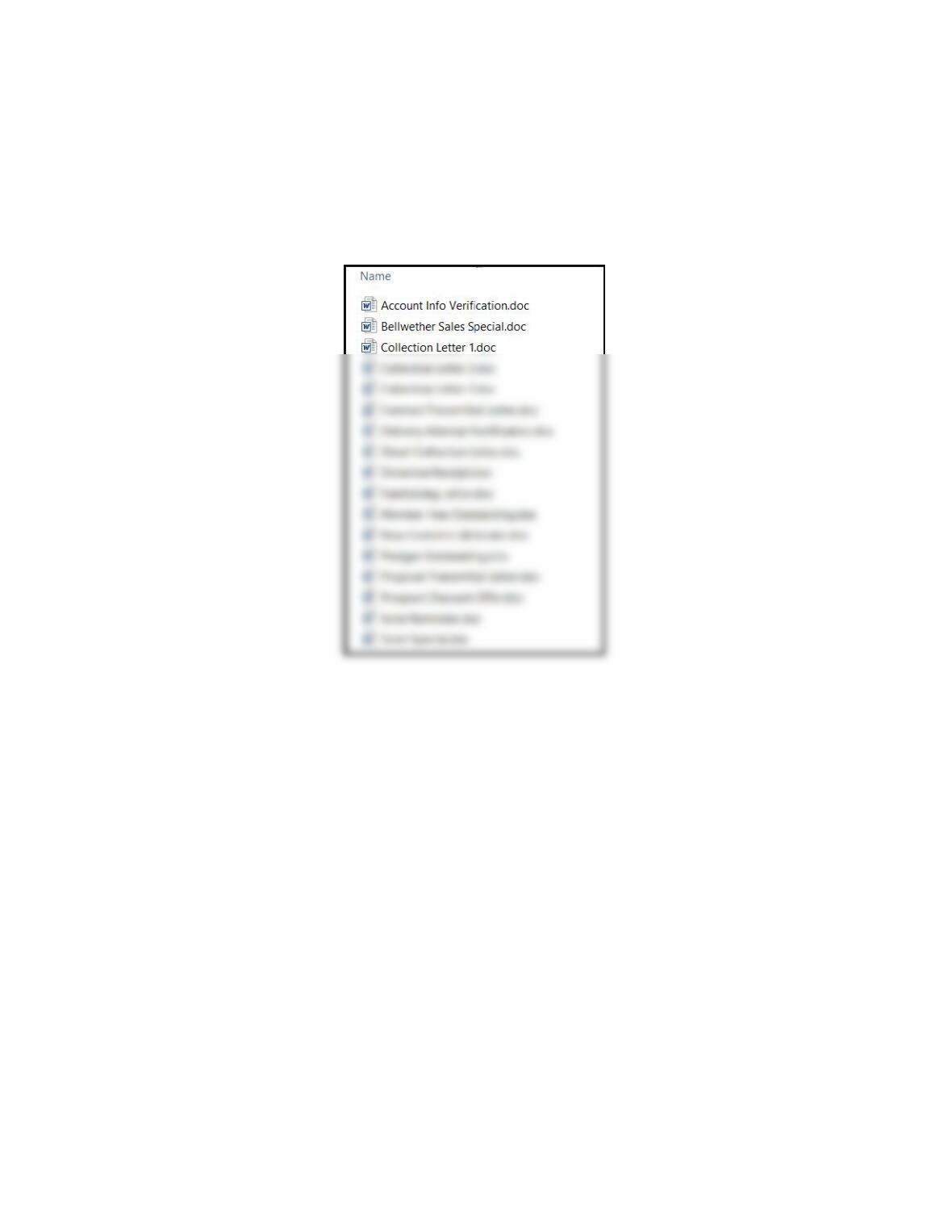
8. List four customer templates.
The Open window shows the customer templates. This window is shown on textbook pages
668 and 669. Students list four customer templates. (Students may need to extract the
PAWMail.zip files to see the letter templates.)
ANALYSIS QUESTION
1. What is included in the PAWMail.zip folder?
2. How do you see its contents?
ANSWER