Chapter 10 Solutions Manual Content
10-1
Chapter 10: Applying Excel
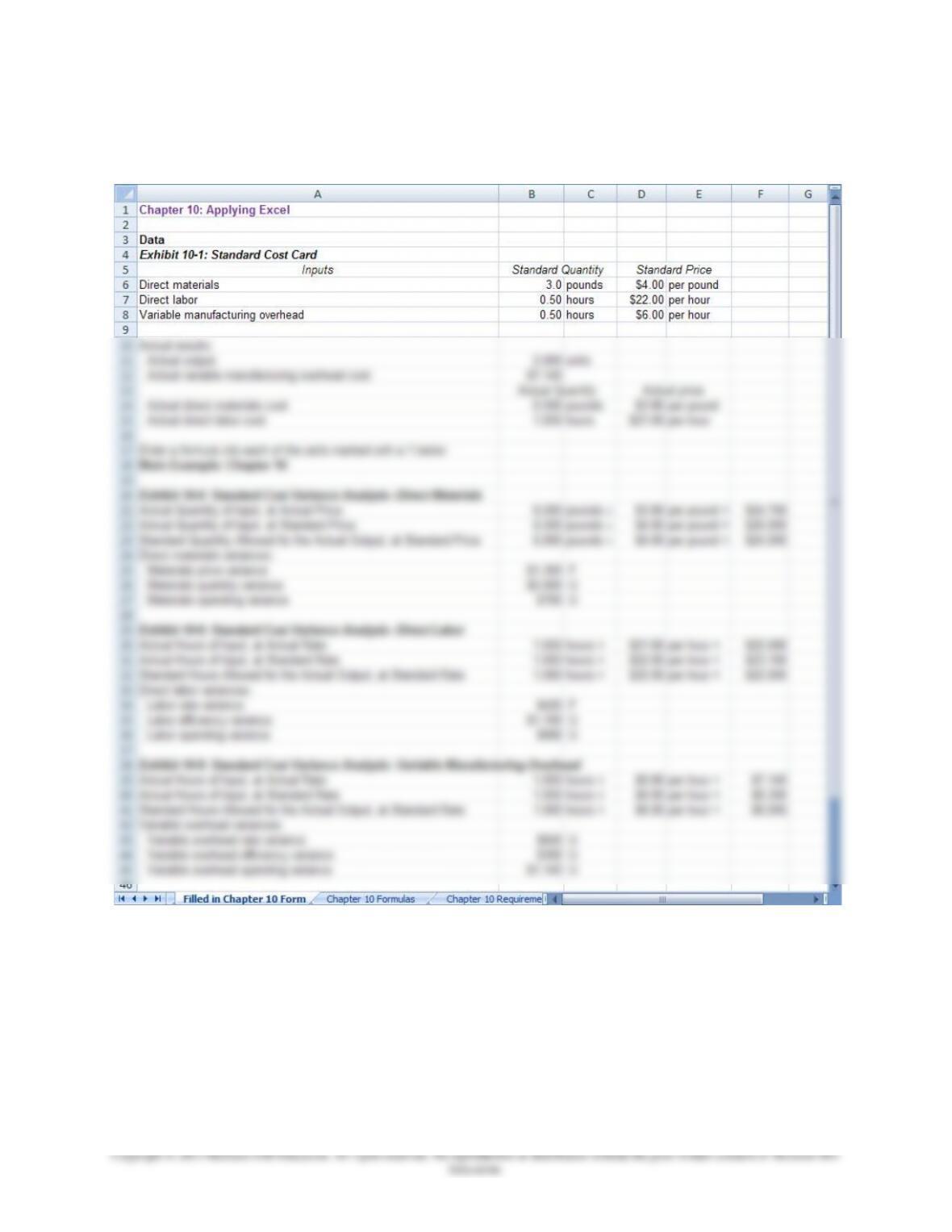
The completed worksheet is shown below.
Chapter 10 Solutions Manual Content
10-2
Chapter 10: Applying Excel (continued)
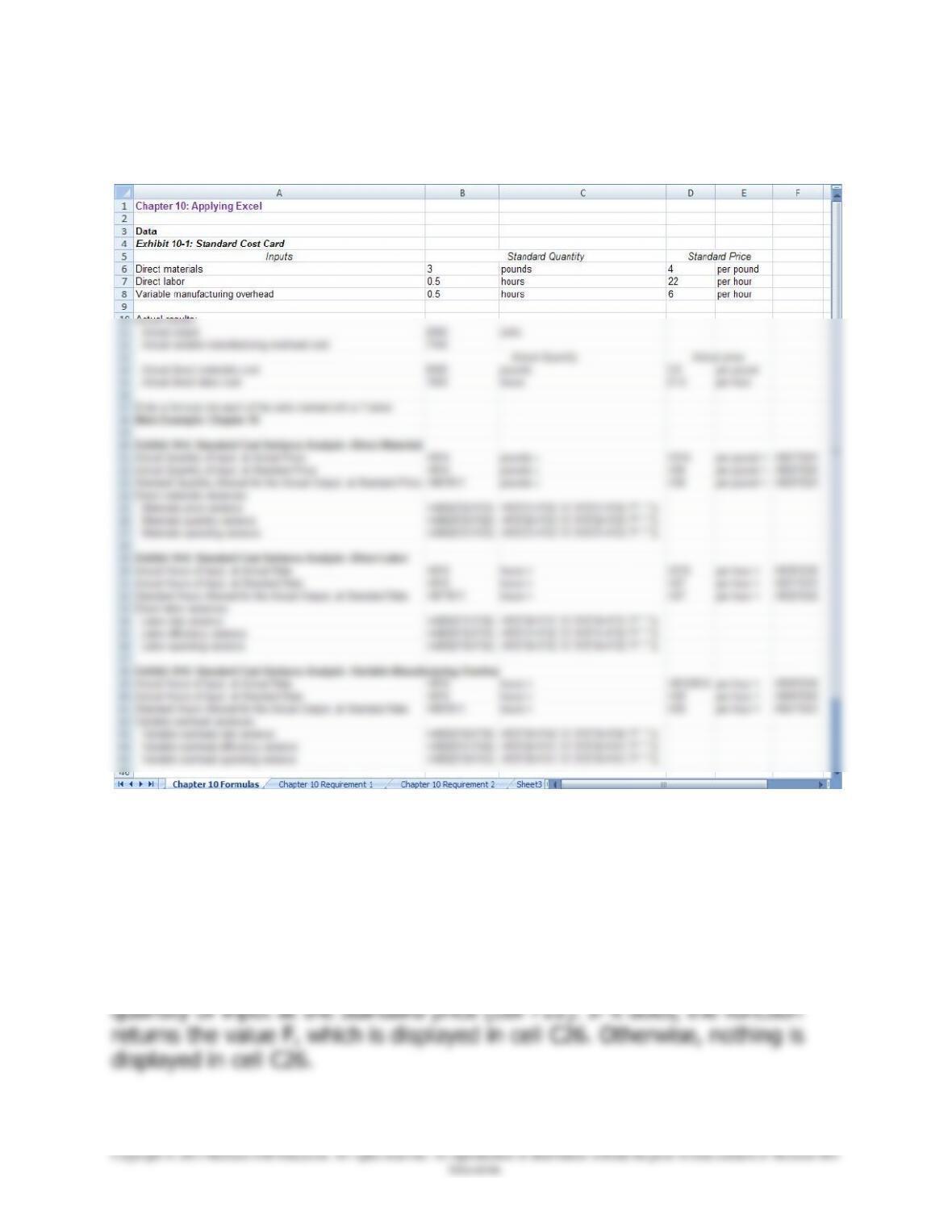
The completed worksheet, with formulas displayed, is shown below.
Note: The formulas for to compute whether a variance is Favorable or
Unfavorable use the IF() function. For example, in cell C26, the formula is
=IF(F22>F23,”U”,IF(F22<F23,”F”,””)). This formula first checks whether
the actual quantity of input at the standard price (cell F22) exceeds the
standard quantity allowed for the actual output at the standard price (cell
F23). If it does, the function returns the value U, which is displayed in cell
C26. Otherwise, the formula checks whether the standard quantity allowed
for the actual output at the standard price (cell F23) exceeds the actual
Chapter 10 Solutions Manual Content
10-3
Chapter 10: Applying Excel (continued)
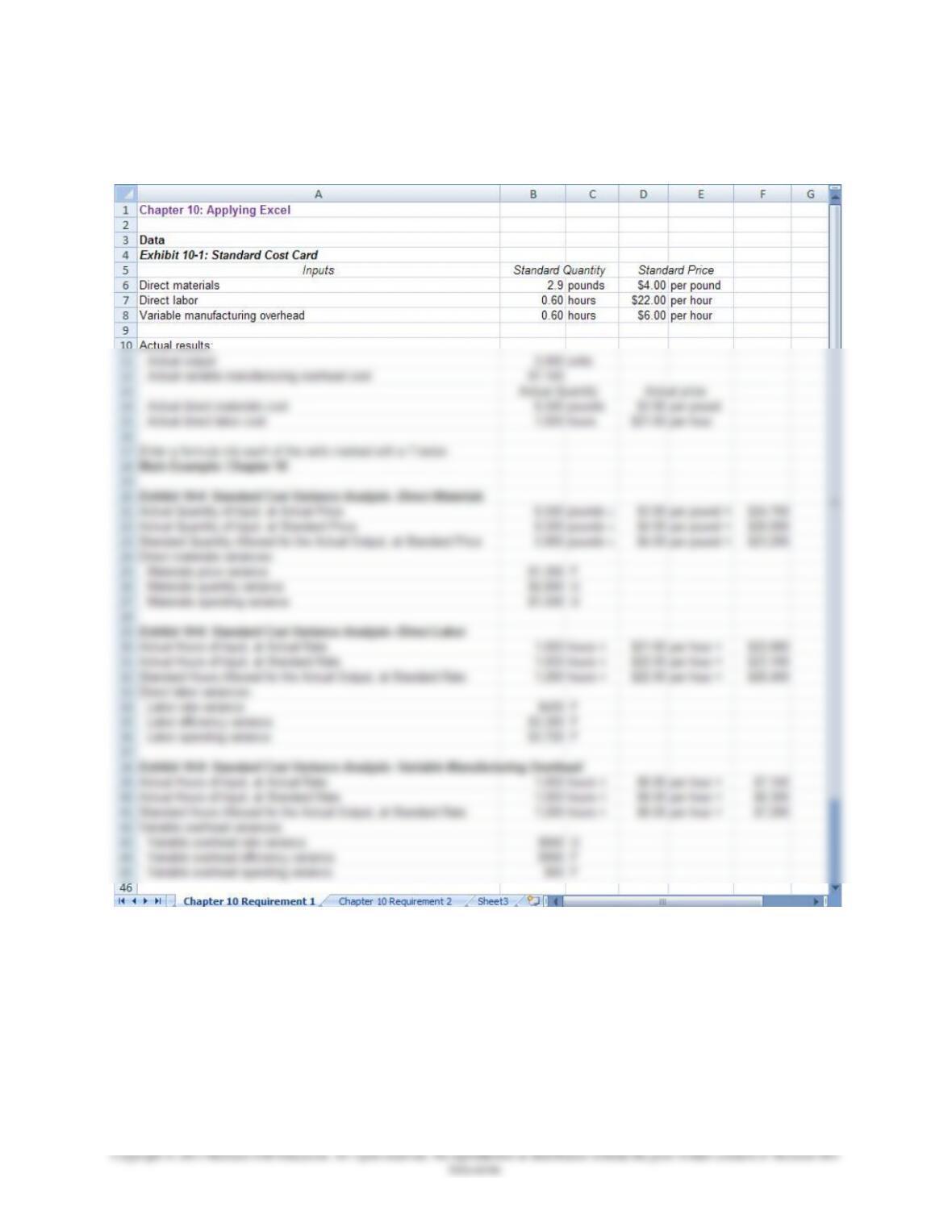
1. With the changes in data, the result is:
Chapter 10 Solutions Manual Content
10-4
a. The materials quantity variance is $2,800 U. This variance is the
difference between the amount of materials that should have been
Chapter 10 Solutions Manual Content
10-5
Chapter 10: Applying Excel (continued)
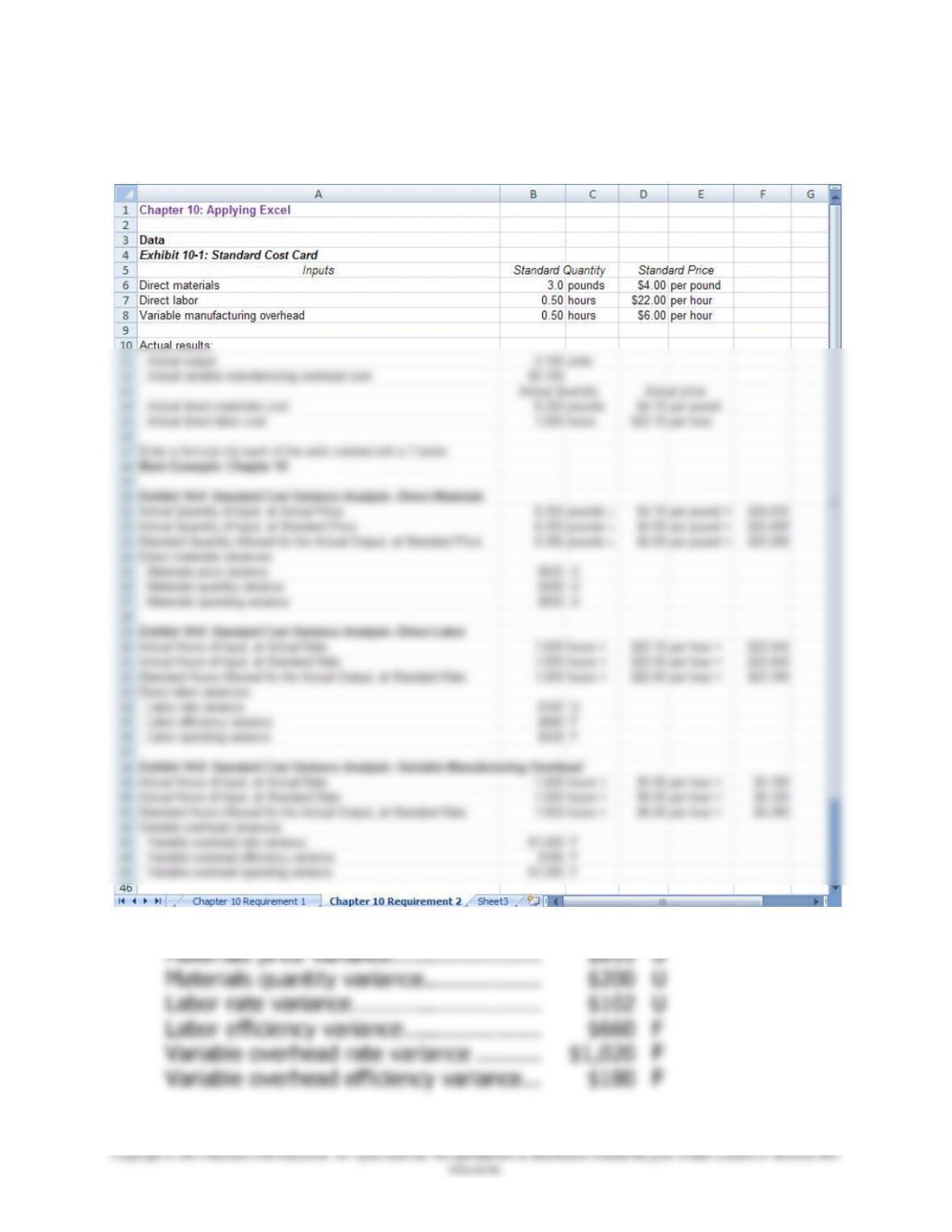
2. With the revised data, the worksheet should look like this:
Parts a, b, and c:
Materials price variance…………………..
$635
U
Materials quantity variance ………………
$200
U
Labor rate variance ………………………..
$102
U
Labor efficiency variance …………………
$660
F
Variable overhead rate variance ……….
$1,020
F
Variable overhead efficiency variance …
$180
F