partial credit,Comp
Prob (no worksheet)
4-1 (similar to
Que
stion
Help
MurphyMurphy
Delivery Service completed the following transactions during
DecemberDecember
20162016:
LOADING…
(Click
the icon to view the transactions.)
Read the
requirements
LOADING…
.
Requirement 1. Record each transaction in the journal. Explanations are not required. (Record debits
first, then credits. Exclude explanations from journal entries.)
Dec.Dec.
1:
MurphyMurphy
Delivery Service began operations by receiving
$ 7 comma 000$7,000
cash and a truck with a fair value of
$ 18 comma 000$18,000
from
ReggieReggie
MurphyMurphy.
The business gave
MurphyMurphy
capital in exchange for this contribution.
Date
Accounts
Debit
Credit
Dec. 1
Cash
7,000
Truck
18,000
Murphy, Capital
25,000
Dec.Dec.
1: Paid
$ 400$400
cash for a
fourfour-month
insurance policy. The policy begins
DecemberDecember
1.
Date
Accounts
Debit
Credit
Dec. 1
Prepaid Insurance
400
Cash
400
Dec.Dec.
4: Paid
$ 350$350
cash for office supplies.
Date
Accounts
Debit
Credit
Dec. 4
Office Supplies
350
Cash
350
Dec.Dec.
12: Performed delivery services for a customer and received
$ 1 comma 800$1,800
cash.
Date
Accounts
Debit
Credit
Dec. 12
Cash
1,800
Service Revenue
1,800
Dec.Dec.
15: Completed a large delivery job, billed the customer,
$ 2 comma 800$2,800,
and received a promise to collect the
$ 2 comma 800$2,800
within one week.
Date
Accounts
Debit
Credit
Dec. 15
Accounts Receivable
2,800
Service Revenue
2,800
Dec.Dec.
18: Paid employee salary,
$ 1 comma 100$1,100.
Date
Accounts
Debit
Credit
Dec. 18
Salaries Expense
1,100
Cash
1,100
Dec.Dec.
20: Received
$ 3 comma 000$3,000
cash for performing delivery services.
Date
Accounts
Debit
Credit
Dec. 20
Cash
3,000
Service Revenue
3,000
Dec.Dec.
22: Collected
$ 1 comma 700$1,700
in advance for delivery service to be performed later.
Date
Accounts
Debit
Credit
Dec. 22
Cash
1,700
Unearned Revenue
1,700
Dec.Dec.
25: Collected
$ 2 comma 800$2,800
cash from customer on account.
Date
Accounts
Debit
Credit
Dec. 25
Cash
2,800
Accounts Receivable
2,800
Dec.Dec.
27: Purchased fuel for the truck, paying
$ 150$150
on account. (Credit Accounts Payable)
Date
Accounts
Debit
Credit
Dec. 27
Fuel Expense
150
Accounts Payable
150
Dec.Dec.
28: Performed delivery services on account,
$ 1 comma 800$1,800.
Date
Accounts
Debit
Credit
Dec. 28
Accounts Receivable
1,800
Service Revenue
1,800
Dec.Dec.
29: Paid office rent,
$ 2 comma 100$2,100,
for the month of
DecemberDecember.
Date
Accounts
Debit
Credit
Dec. 29
Rent Expense
2,100
Cash
2,100
Dec.Dec.
30: Paid
$ 150$150
on account.
Date
Accounts
Debit
Credit
Dec. 30
Accounts Payable
150
Cash
150
Dec.Dec.
3131:
MurphyMurphy
withdrew cash of
$ 3 comma 200$3,200.
Date
Accounts
Debit
Credit
Dec. 31
Murphy, Withdrawals
3,200
Cash
3,200
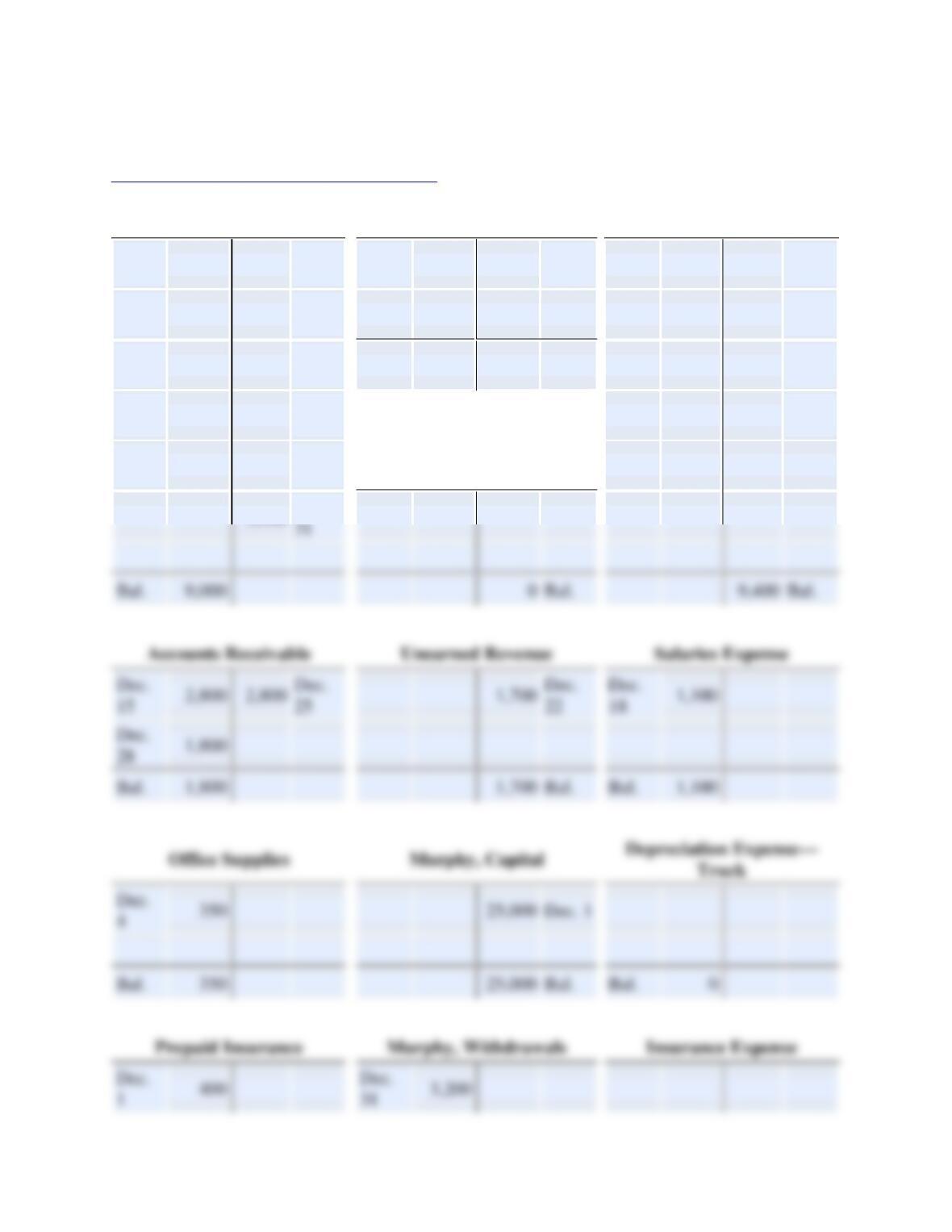
Post the transactions to the T-accounts. Use the transaction dates as posting references. Use a “Bal.”
posting reference to show the ending balance of each account. For any accounts with a zero balance,
select the “Bal.” posting reference and enter a “0″ on the normal side of the account.
Review the journal entries you prepared above.
LOADING…
Cash
Accounts Payable
Service Revenue
Dec.
1
7,000
400
Dec.
1
Dec.
30
150
150
Dec.
27
1,800
Dec.
12
Dec.
12
1,800
350
Dec.
4
2,800
Dec.
15
Dec.
20
3,000
1,100
Dec.
18
0
Bal.
3,000
Dec.
20
Dec.
22
1,700
2,100
Dec.
29
1,800
Dec.
28
Dec.
25
2,800
150
Dec.
30
Salaries Payable
Dec.
31
Salaries Expense
Dec.
15
2,800
2,800
Dec.
25
Dec.
22
Dec.
18
1,100
Dec.
28
1,800
Dec.
4
Dec. 1
Dec.
1
Dec.
31
3,200