Office 2013 – myitlab:grader – Instructions Exploring – Access Chapter 1: Homework Project 1
Bookstore Inventory
Project Description:
In the following project, you will open a database containing the inventory of a bookstore, create a new table in
which to store publisher information, add records, and then sort the table. You add a record using a form and
print a report. You apply a filter by selection to a query and a filter by form to a table and save the results for
both filters.
Instructions:
For the purpose of grading the project you are required to perform the following tasks:
Step
Instructions
Points
Possible
1
Start Access. Open the downloaded Access file named
exploring_a01_grader_h1
.
0
2
Create a new table in Design view. Add the following field names to the table: PubID, PubName,
PubAddress, PubCity, PubState, and PubZIP (in that order). Accept Short Text as the data type
for all fields.
12
3
Set the
PubID
field as the primary key of the new table. Save the table using the name Publishers
and then view the table in Datasheet view.
Hint: To set the primary key, on the DESIGN tab, in the Tools group, click Primary Key. To save the
table, right-click the table tab and click Save. To switch views, in the Views group, click View.
8
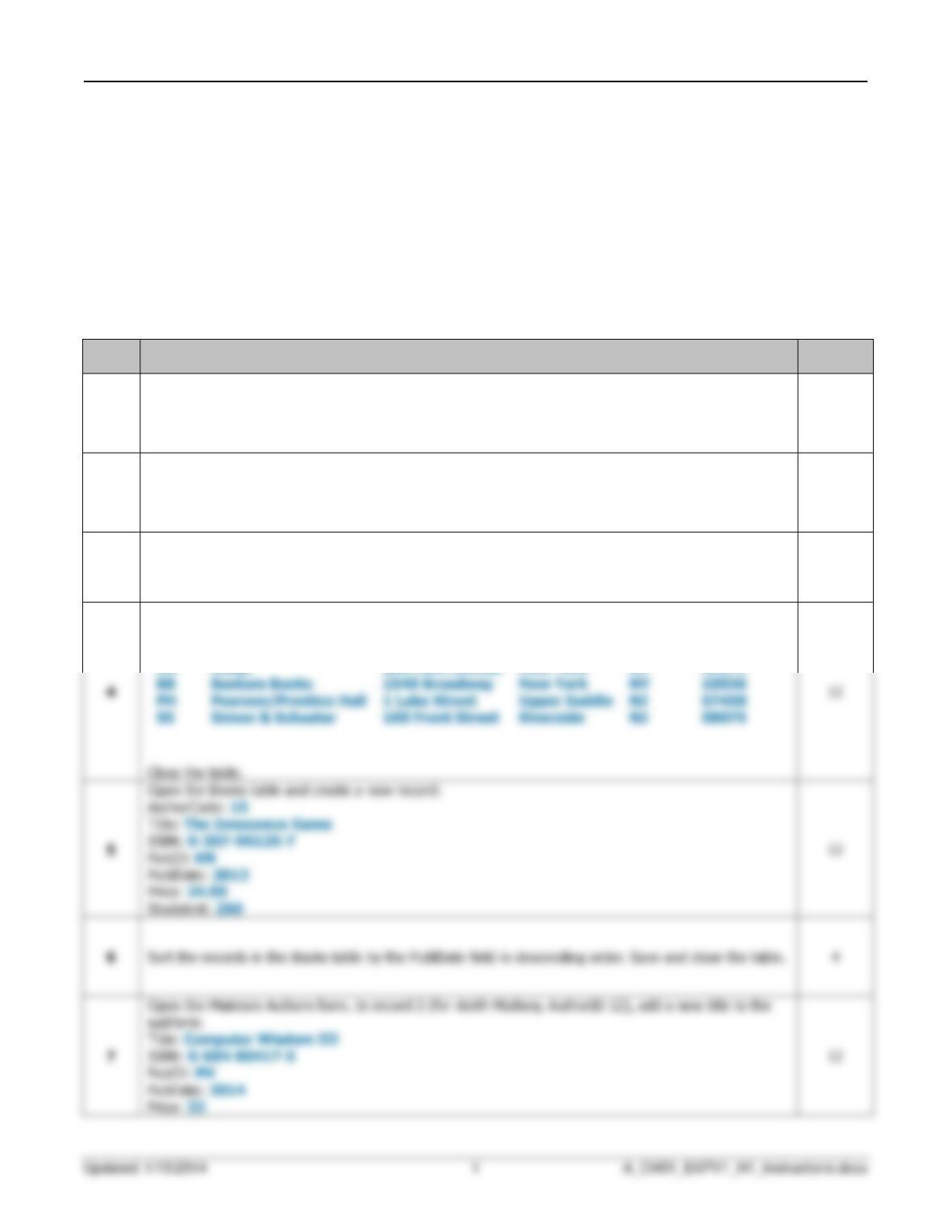
Add the following records to the Publishers table:
PubID
PubName
PubAddress
PubCity
PubState
PubZIP
6
4