1
Table of Contents
CMST& 101: INTRODUCTION TO COMMUNICATION – ONLINE………………………………………………………………………3
Instructor …………………………………………………………………………………………………………………………………………….3
Contact ……………………………………………………………………………………………………………………………………………….3
Course Access Online ……………………………………………………………………………………………………………………………3
Technical Support ……………………………………………………………………………………………………………………………..3
Canvas Support …………………………………………………………………………………………………………………………………3
Accessibility Information ……………………………………………………………………………………………………………………3
Required Text ………………………………………………………………………………………………………………………………………3
Required Materials …………………………..…………………………………………………………………………………………………..4
Course Description and Goals ………………………………………………………………………………………………………………..4
What does online mean? ……………………………………………………………………………………………………………………4
What is this class about? ……………………………………………………………………………………………………………………4
What will students accomplish? (Course Objectives) …………………………………………………………………………….4
Information for the Online Classroom …………………………………………………………………………………………………….5
Start Page ………………………………………………………………………………………………………………………………………..5
Modules …………………………………………………………………………………………………………………………………………..5
Updates and Announcements …………………………………………………………………………………………………………….5
Weekly Work ……………………………………………………………………………………………………………………………………5
Assignments……………………………………………………………………………………………………………………………………..6
Discussions……………………………………………………………………………………………………………………………………….6
Submitting Assignments (Digital Files) …………………………………………………………………………………………………6
Getting Feedback/Viewing Grades ………………………………………………………………………………………………………….6
Policies and Procedures …………………………………………………………………………………………………………………………6
Netiquette …………………………..…………………………………………………………………………………………………………..6
Ethics and Plagiarism …………………………………………………………………………………………………………………………7
Late Assignments ………………………………………………………………………………………………………………………………7
Technical Difficulties ………………………………………………………………………………………………………………………….7
Grades & Assignments…………………………………………………………………………………………………………………………..8
Assignment Descriptions and Grade Breakdowns …………………………………………………………………………………8
Extra Credit ………………………………………………………………………………………………………………………………………8
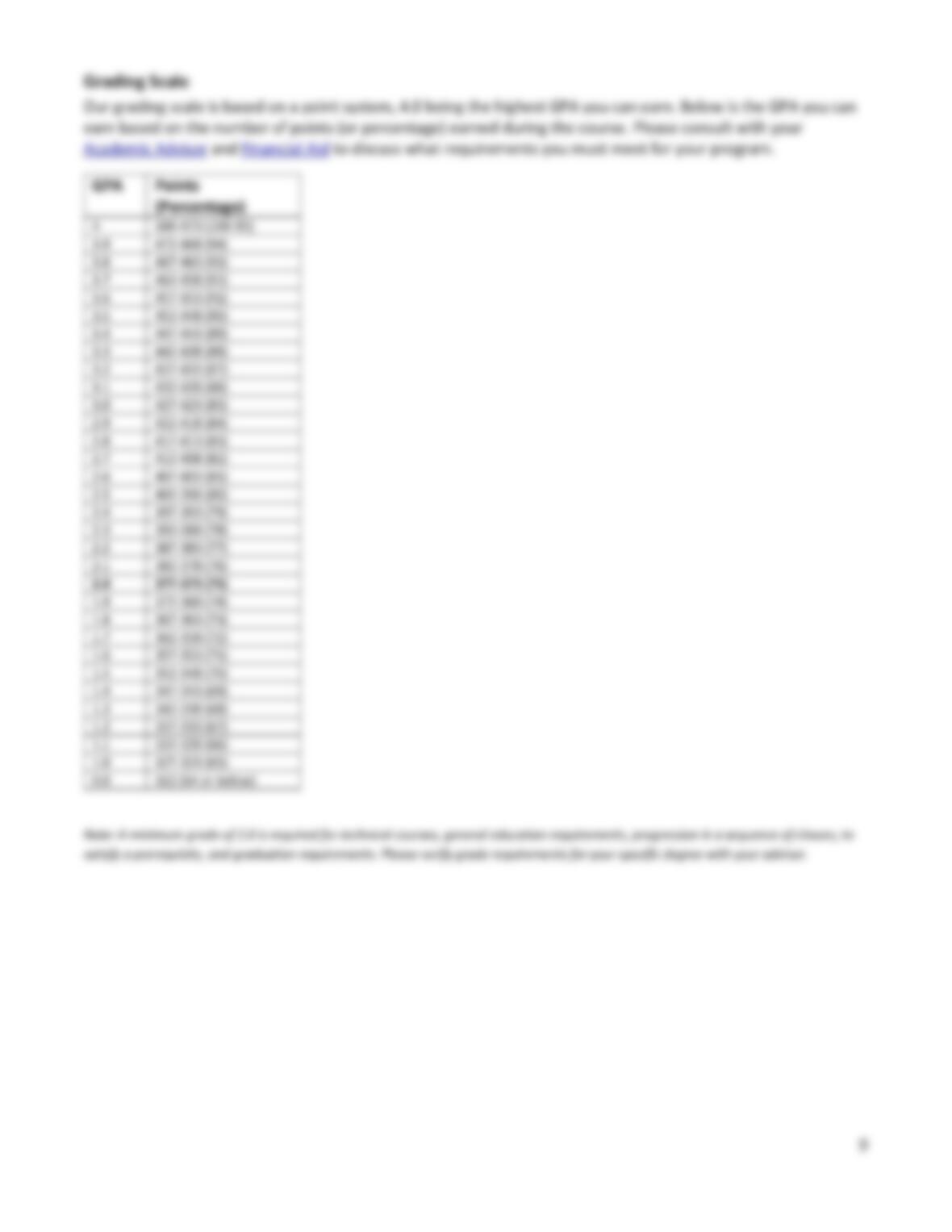
Grading Scale …………………………..……………………………………………………………………………………………………….9
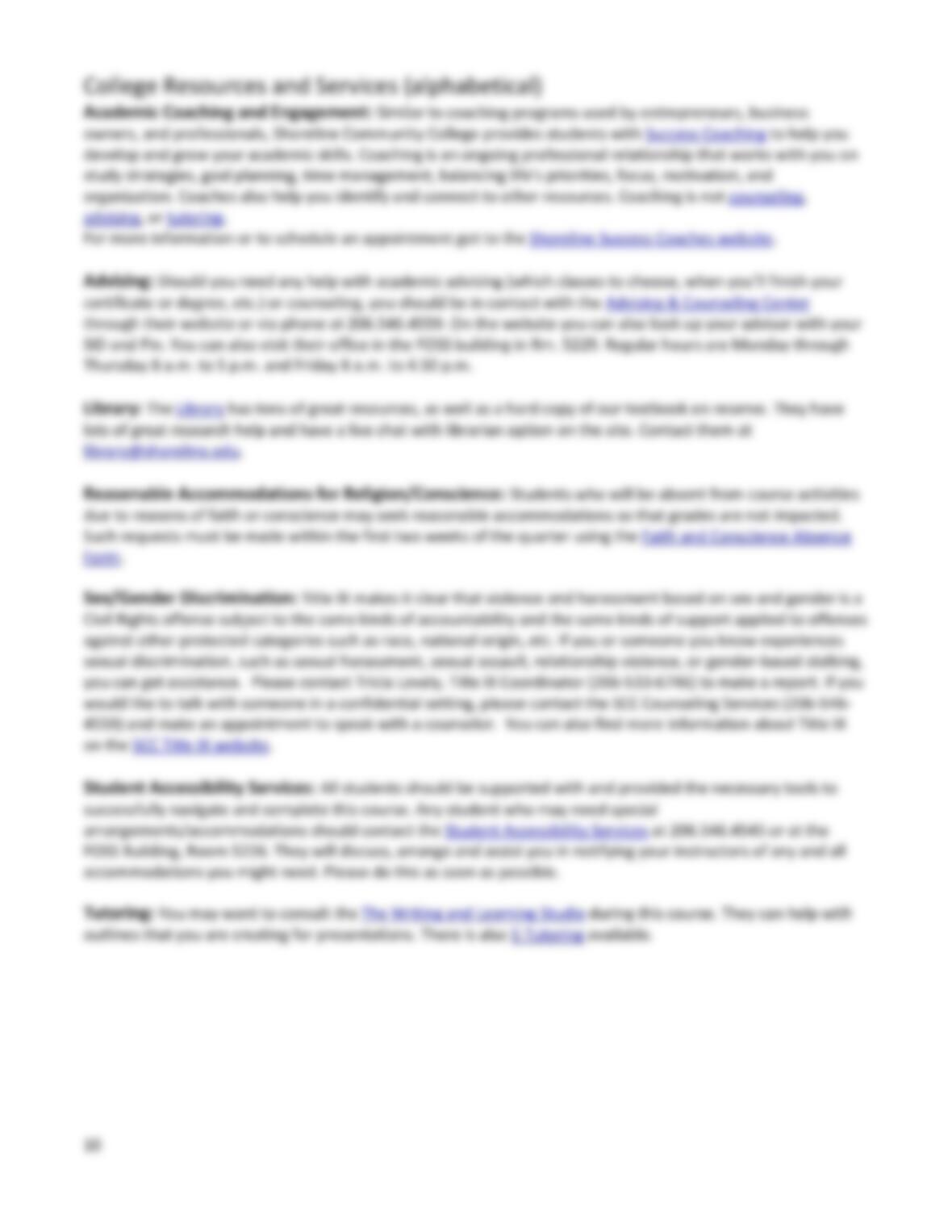
College Resources and Services (alphabetical)………………………………………………………………………………………. 10
2
Academic Coaching and Engagement: ……………………………………………………………………………………………… 10
Advising: ………………………………………………………………………………………………………………………………………. 10
Library: ………………………………………………………………………………………………………………..……………………….. 10
Reasonable Accommodations for Religion/Conscience: ……………………………………………………………………… 10
Sex/Gender Discrimination: ……………………………………………………………………………………………………………. 10
Student Accessibility Services: …………………………………………………………………………………………………………. 10
Tutoring: ………………………………………………………………………………………………………………………………………. 10
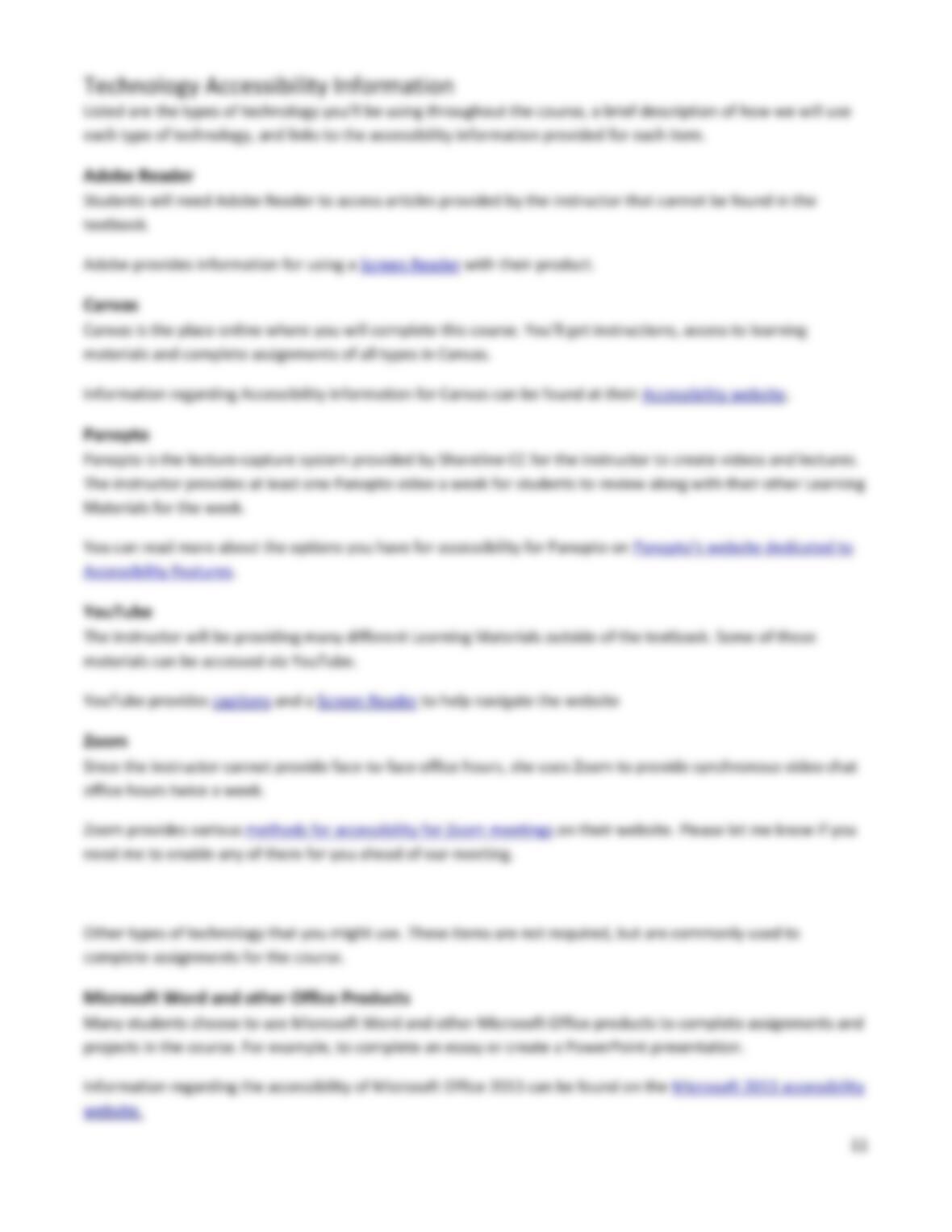
Technology Accessibility Information…………………………………………………………………………………………………… 11
Adobe Reader ……………………………………………………………………………………………………………………………….. 11
Canvas ………………………………………………………………………………………………………………………………………….. 11
Panopto ……………………………………………………………………………………………………………………………………….. 11
YouTube ……………………………………………………………………………………………………………………………………….. 11
Zoom ……………………………………………………………………………………………………………………………………………. 11
Microsoft Word and other Office Products ……………………………………………………………………………………….. 11
Tentative Course Schedule …………………………..…………………………………………………………………………………….. 12

3
CMST& 101: INTRODUCTION TO COMMUNICATION – ONLINE
Shoreline Community College, Fall 2021, Items: 0591, 0597 and 0599, Sections: N4, Y3 and Y4
Instructor
Krystal A. Zaragoza, kzaragoza@shoreline.edu
Contact
Canvas Inbox – Send through Canvas (unless otherwise instructed) and expect a reply within 24 hours. Please
wait at least 24 hours before sending a second message regarding the same topic.
Zoom Office – Zoom Office Location in Canvas Calendar; Password: Leaves (case sensitive)
Office Hours: Wednesdays and Thursdays 8-10:15 p.m., PST, Sundays, 9-10 a.m. PST, and by
appointment.
Times listed are tentative and may change throughout the quarter. Always check the Top Page for
exact dates and times.
Course Access Online
Canvas: shoreline.instructure.com
Username: youremailaddress@shoreline.edu
Password: Your email password
Technical Support
Contact Shoreline Technology Support Services via the Helpline at 206.546.5872 or visit the Technology Support
Services website to determine how to get the help you need when you need it.
Canvas Support
Contact eLearning Services for Canvas help via email at elearning@shoreline.edu or via telephone at
206.546.5696.
For 24/7 Canvas support use the Shoreline eLearning website or call 866.672.2040.
Accessibility Information
Accessibility information for all technology used throughout this course is provided at the end of this document.
Should you need additional information, there is also more information regarding the Office of Special Services,
also found at the end of this document.
Required Text
“Communication in the Real World: An Introduction to Communication Studies” by University of Minnesota is
licensed under CC BY-NC-SA 4.0
EBook ISBN: 978-1-946135-07–0
Many other Supplemental Readings will be provided as pdf documents and links in each module.
Students may be interested in supporting the journalism we use by subscribing. For example, The New York
Times offers a special student rate of $1 per week, and the subscription can be cancelled at any time.
Required Materials
▪ Computer with Internet Access (Check Shoreline’s Website and the Online Learning Resources for
updated information)
COVID update – if you need to borrow a laptop, check the Equipment checkout page.
If you need access to a computer, there are computer labs available on campus at Shoreline
Community College. Lab hours can be found on the Computer Lab website. There is also a computer
lab available in the Library. Many students also have luck using a local public library for access each
day.
▪ Video and audio recording devices (can be borrowed from the school through the Library’s Media
Department at media@shoreline.edu or 206.546.4529)
▪ Shoreline Community College Email Address
▪ Zoom on a phone, laptop, tablet, or other smart device capable of running the program (office hours
and meetings)
Course Description and Goals
What does online mean?
Our online course is mostly asynchronous, meaning that most of the work will be laid out each week and
students are required to complete the work on their own time before the deadlines listed. It’s expected that
each student spend at least 5 hours each week completing work for this course, as it’s a 5-credit hour class.
Those 5 hours will be spent completing discussions, tasks, reflections and reading, listening to and/or watching
the Additional Learning Materials. This does not include reading time from the textbook or projects. Just as
with a traditional face-to-face, or synchronous, class, the textbook readings and projects should be completed
“outside of class time”.