SQL Lab 6
In this lab, you will cover several important topics:
SQL Update and Delete
SQL Commit and Rollback
SQL Aggregate Functions:
COUNT, SUM, MIN, MAX, AVG, ROUND, COALESCE
Update:
Run this SQL FIRST!
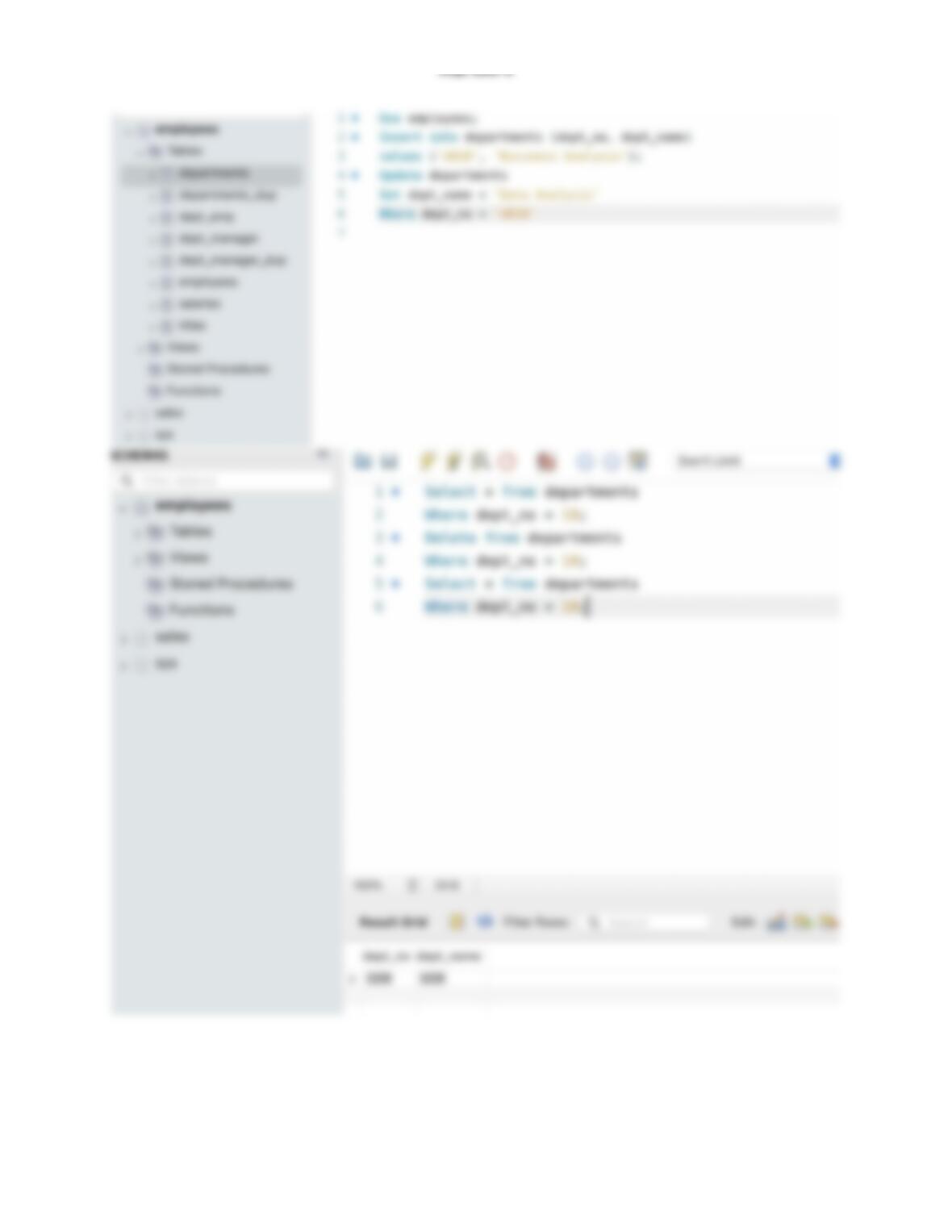
insert into departments (dept_no, dept_name)
values (‘d010′,’Business Analysis’);
Change the “Business Analysis” department name to “Data Analysis”.
Hint: To solve this exercise, use the “departments” table.
Delete:
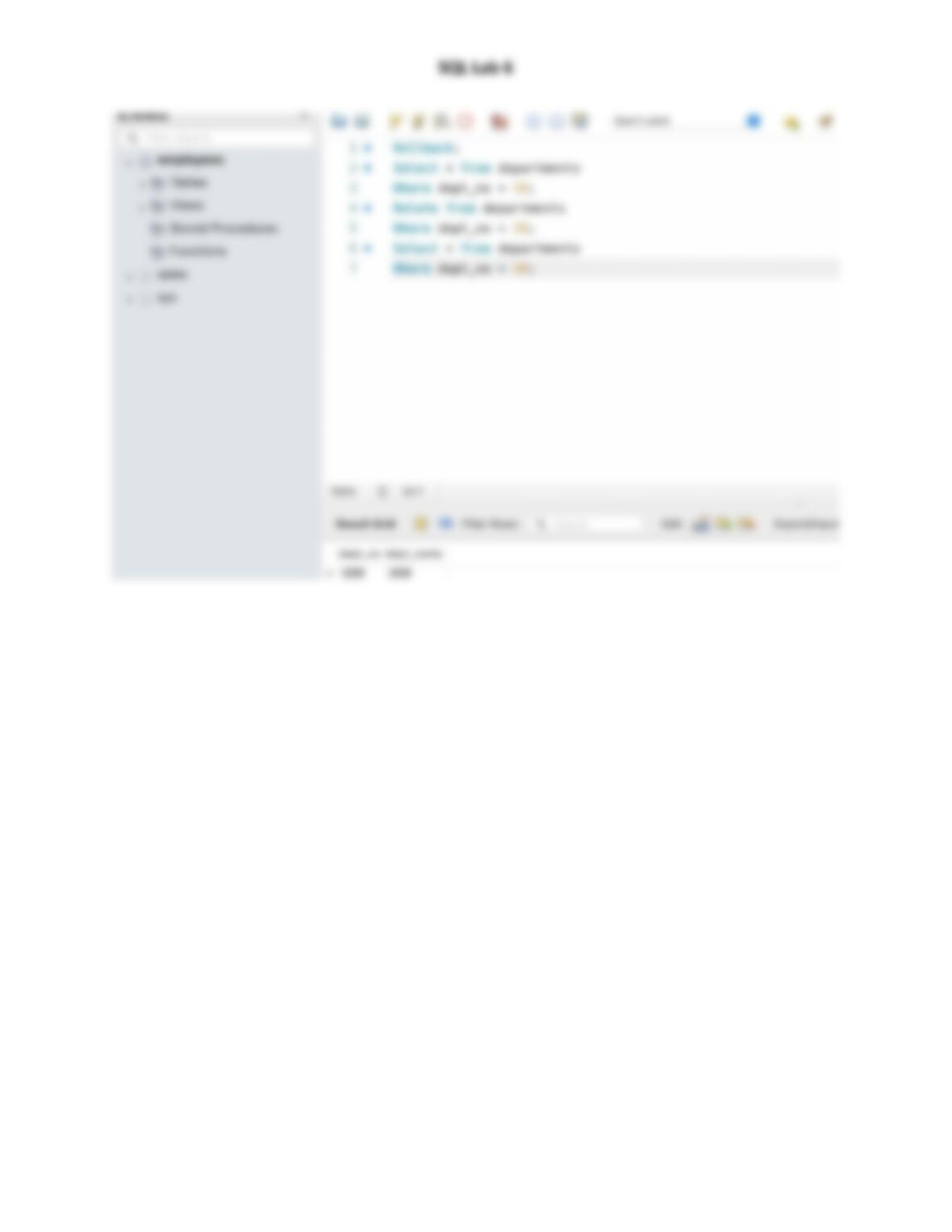
Select all entries from the department table and notice department 10.
Issue a Commit.
Remove the department number 10 record from the “departments” table.
Select all entries from the department table and notice department 10. Is it missing?
Commit and Rollback:
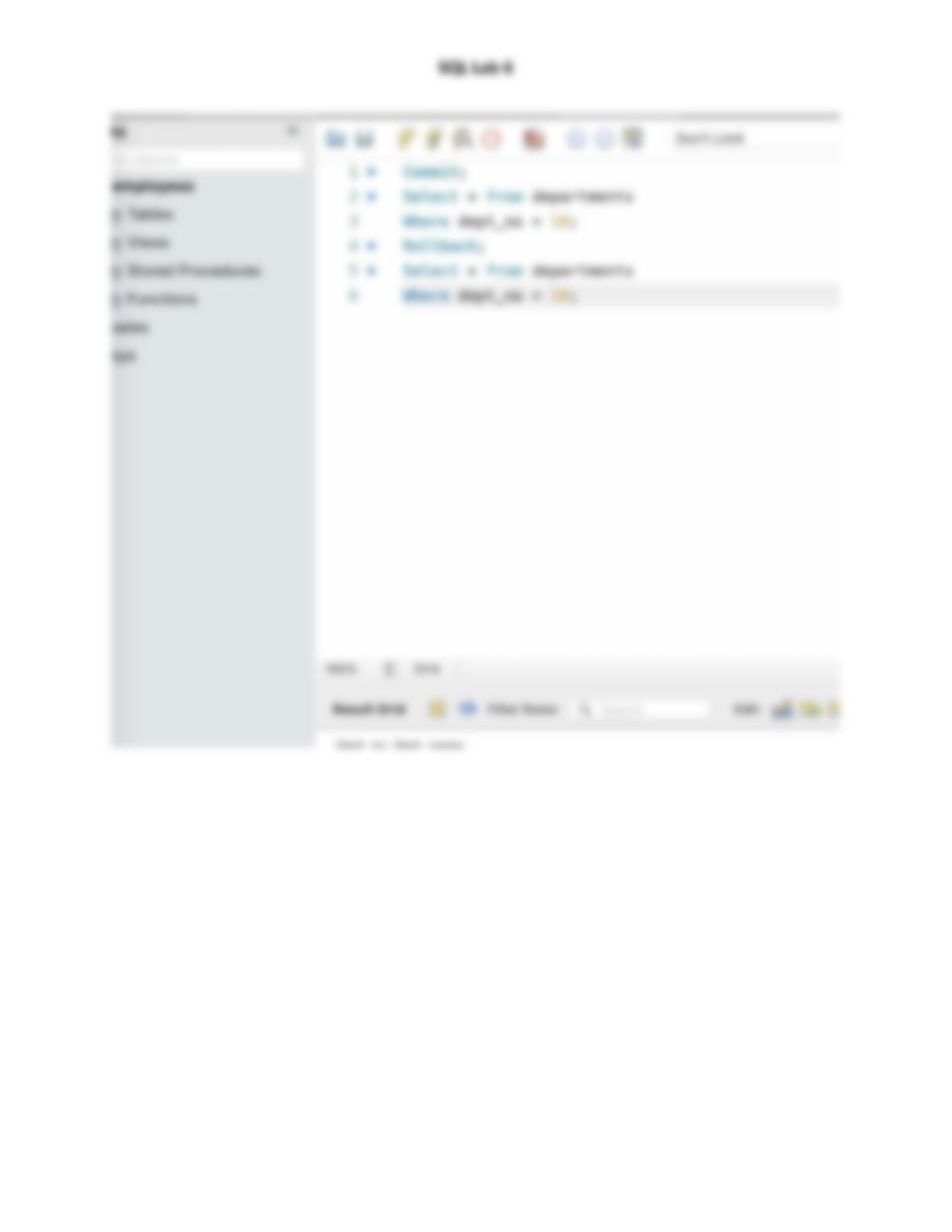
Now, issue a Rollback command.
Select all entries from the department table and notice department 10. (should be back)
Remove the department number 10 record from the “departments” table.
Select all entries from the department table and notice department 10. Is it missing?
Issue a Commit command.
Select all entries from the department table and notice department 10. Is it missing?
Issue a Rollback command.
Select all entries from the department table and notice department 10. Is it missing? It should be!
**Please note that a Rollback will take your database back to the LAST Commit
Aggregate Functions:

SQL Lab 6
Count:
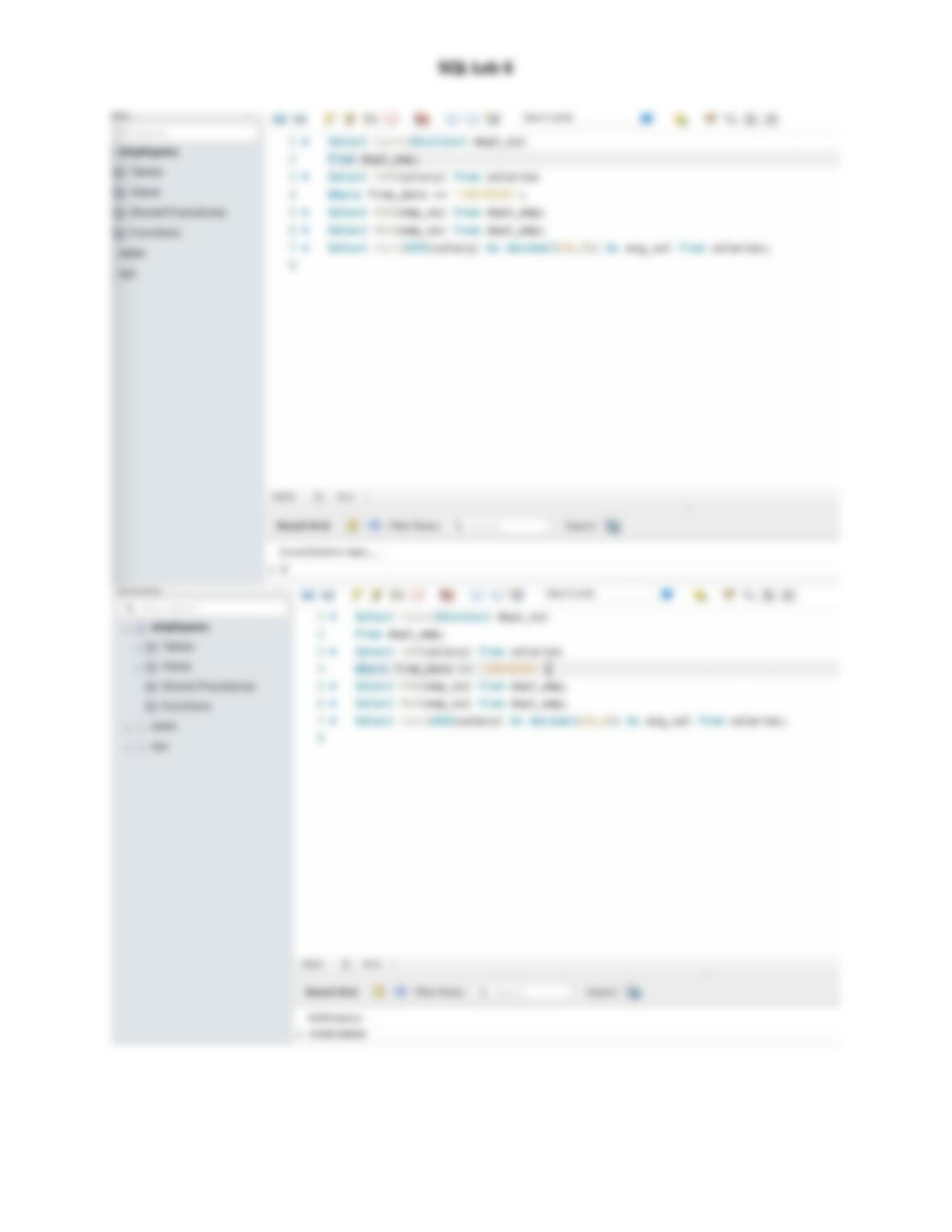
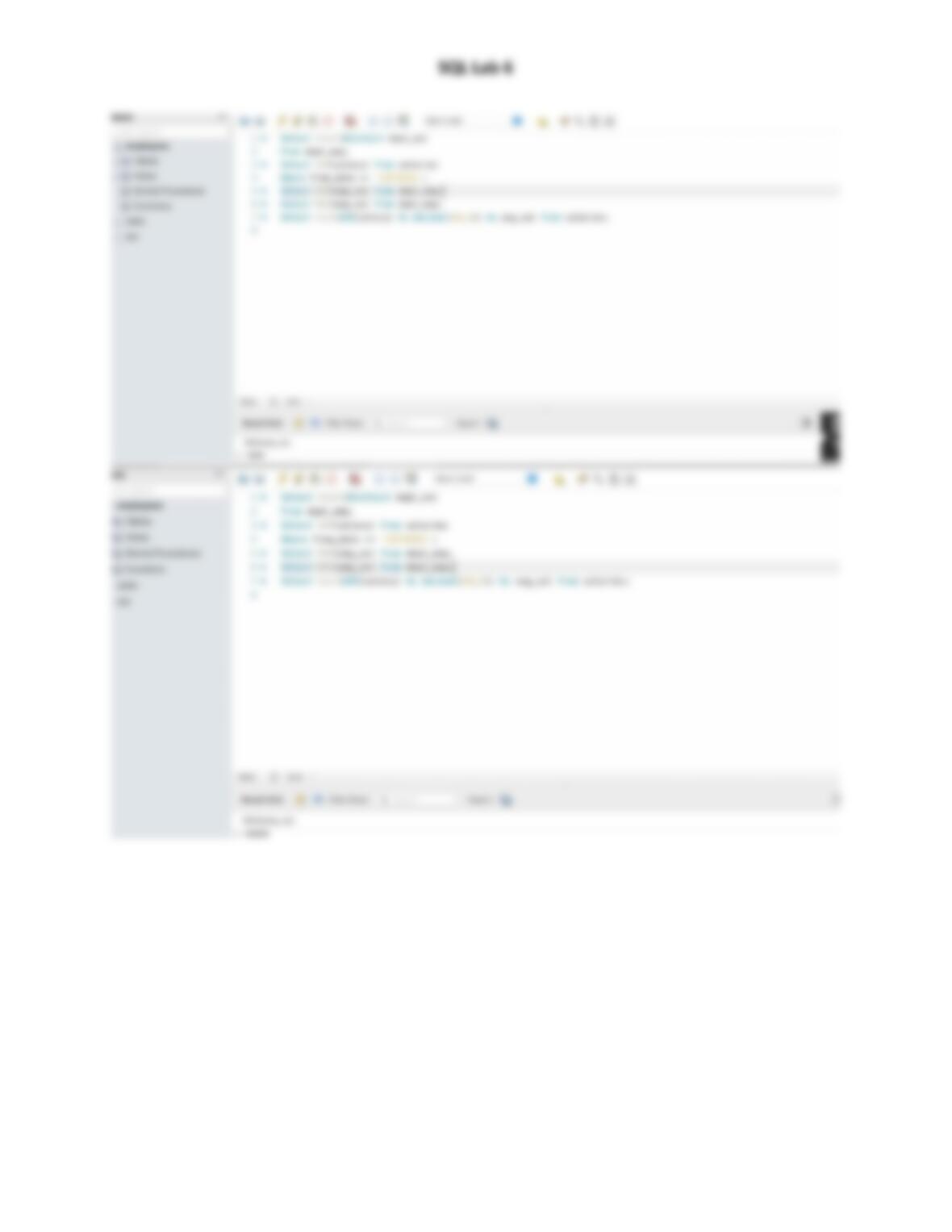
How many departments are there in the “employees” database? Use the ‘dept_emp’ table to answer
the question.
Sum:
What is the total amount of money spent on salaries for all contracts starting after the 1st of January
1997?
Min and Max:
1. Which is the lowest employee number in the database?
2. Which is the highest employee number in the database?
Average:
What is the average annual salary paid to employees who started after the 1st of January 1997?
Round:
Round the average amount of money spent on salaries for all contracts that started after the 1st of
January 1997 to a precision of cents.
Coalesce
Step 1:
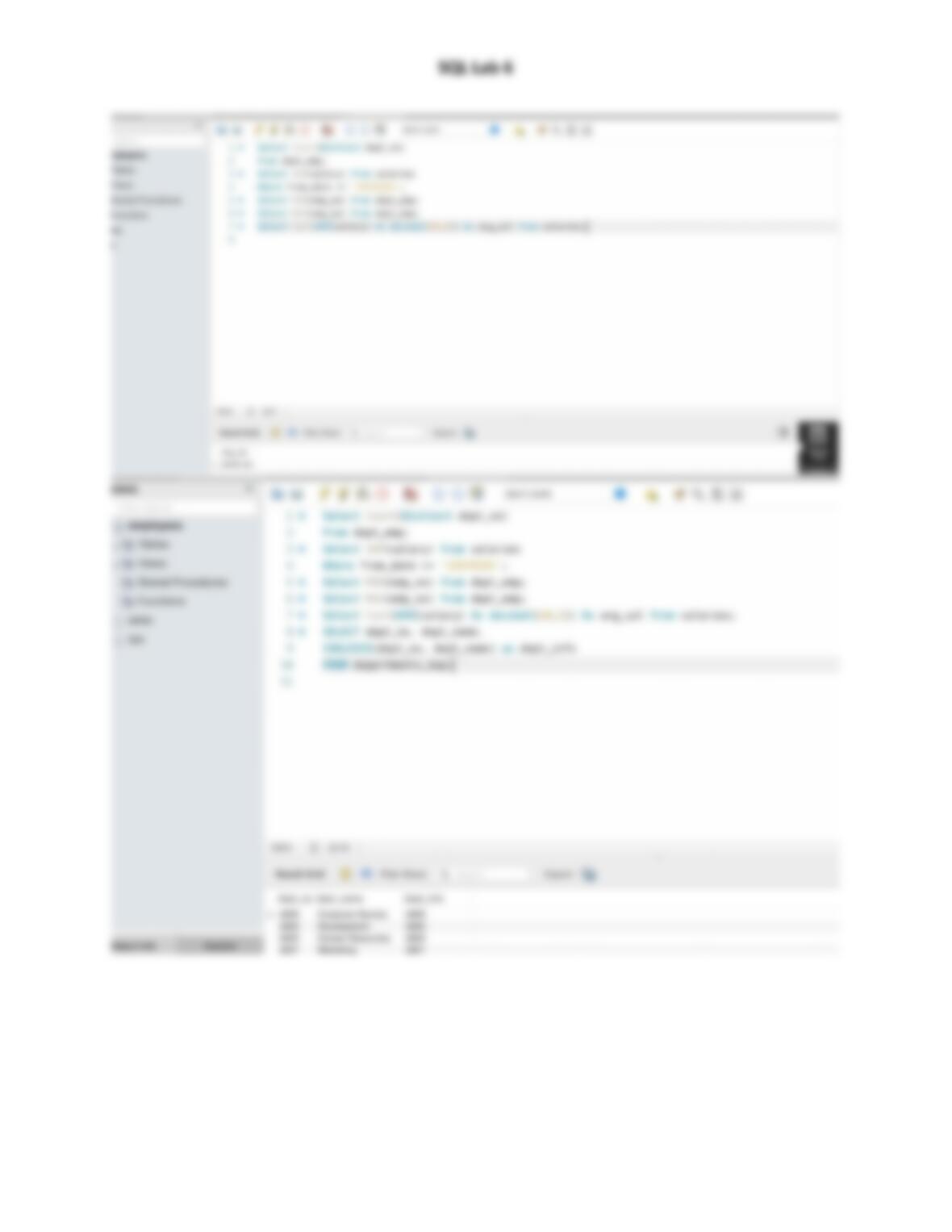
Select the department number and name from the ‘departments_dup’ table and add a third column
where you name the department number (‘dept_no’) as ‘dept_info’. If ‘dept_no’ does not have a value,
use ‘dept_name’.
Step 2:
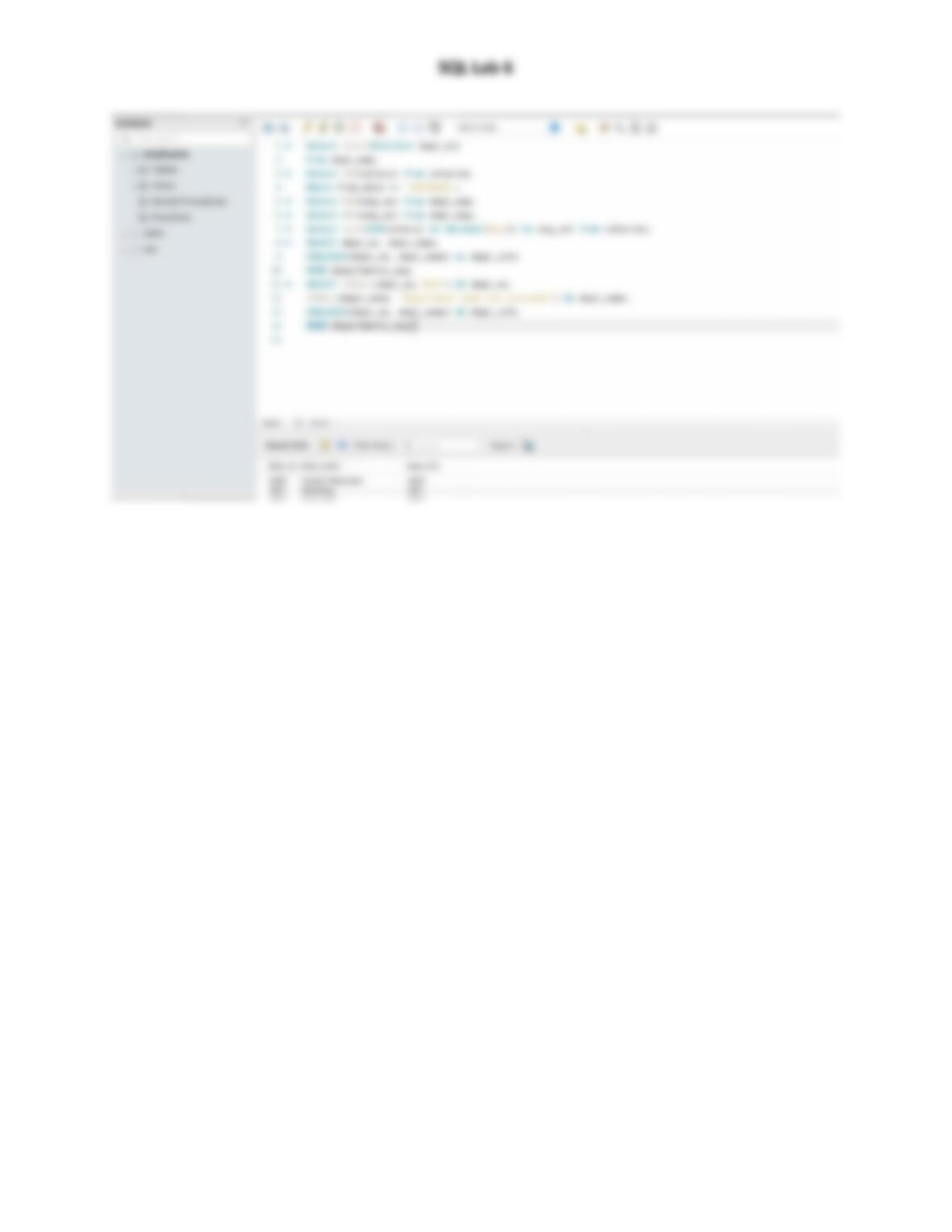
Modify the code obtained from the previous exercise in the following way. Apply the IFNULL() function
to the values from the first and second column, so that ‘N/A’ is displayed whenever a department
number has no value, and ‘Department name not provided’ is shown if there is no value for
‘dept_name’.