nick ghannam
SUBMISSION #1 | SCORE IS: 8 OUT OF 15 GE Ver 9.0.0-rc0002
1.
You are writing a research paper on nanotechnology for your Digital Literacy class.
The paper must follow the APA format and include responses to comments from your
instructor, Ken Choi. Change the Citations & Bibliography Style of the document to
APA
0/0
Change the Citations & Bibliography style.
2.
Insert headers to meet APA standards as follows: a. From the Top of Page page
number gallery, insert a Plain Number 1 page number to the header of all pages in
the document. b. Without moving the insertion point, type NANOTECHNOLOGIES and
then press the TAB key twice to move the page number toward the right margin. c.
Select all header text, including the page number, and change the font to 12 point
Times New Roman. d. If needed, move the insertion point to the first page header.
Select the Different First Page option. e. From the Top of Page page number gallery,
insert a Plain Number 1 page number to the first page header. f. Without moving the
insertion point, type Running head: NANOTECHNOLOGIES and then press the TAB key
twice to move the page number to the right margin. g. Select all header text,
including the page number, and change the font to 12 point Times New Roman. h.
Close the Header & Footer Tools.
0/0
Insert a page number in the header of the report.
Enter text in the header of the report.
The header of the report should contain the text “NANOTECHNOLOGIES”
aligned to the left margin.
Change the font in the header of the report.
Change the font size in the header of the report.
Apply the Different First Page header option.
Insert a page number in the First Page header.
Enter text in the First Page header.
Change the font in the First Page header.
Change the font size in the First Page header.
3.
Format the title paragraph “NANOTECHNOLOGY: SMALL IS POWERFUL” on Page 3 as
follows to be consistent with the APA format: a. Apply the Capitalize Each Word case
to the paragraph. b. Remove the space after the paragraph.
0/0
Change the font case.
Change the paragraph spacing.
4.
Apply bold to the following headings: a. “Experts” b. “Healthcare researchers” c.
“Outside of research”
0/0
Bold the heading.
New Perspectives Word 2019 Module 2: SAM APA Project 1b
Bold the heading.
Bold the heading.
5.
Move the first body paragraph (“Healthcare researchers…to personalized dosages.”)
so that it becomes the new third body paragraph and improves the organization of
the content.
0/0
Move a paragraph.
6.
Find the sentence “At the nanoscale, things are as tiny as atoms and molecules.”
After the period, insert a footnote with the following text to provide additional
context: Nano means one billionth.
0/0
Insert a footnote.
7.
Find each instance of the word “investigator” and replace it with researcher to use
the correct term.
0/0
Find and replace text.
Find and replace text.
8.
Create a First Line indent of 0.5“ to indent the first line of each body paragraph
beginning “Nanotechnology is the…” and ending “…is fully realized.” to follow APA
guidelines.
0/1
Change the paragraph indentation.
The paragraphs beginning “Nanotechnology is the…” and ending “…is fully
realized.” should be formatted using a 0.5″ First Line indent.
9.
Find the sentence “Others have different magnetic properties or conduct heat or
electricity better.” Move the insertion point before the period and insert a citation
that creates a new source with the information shown in Table 1. (Hint: The Check the
Show All Bibliography box should be checked in order to see all fields.)
0/1
Insert a citation to a new source.
The North source should contain the Day Accessed ”17”.
10.
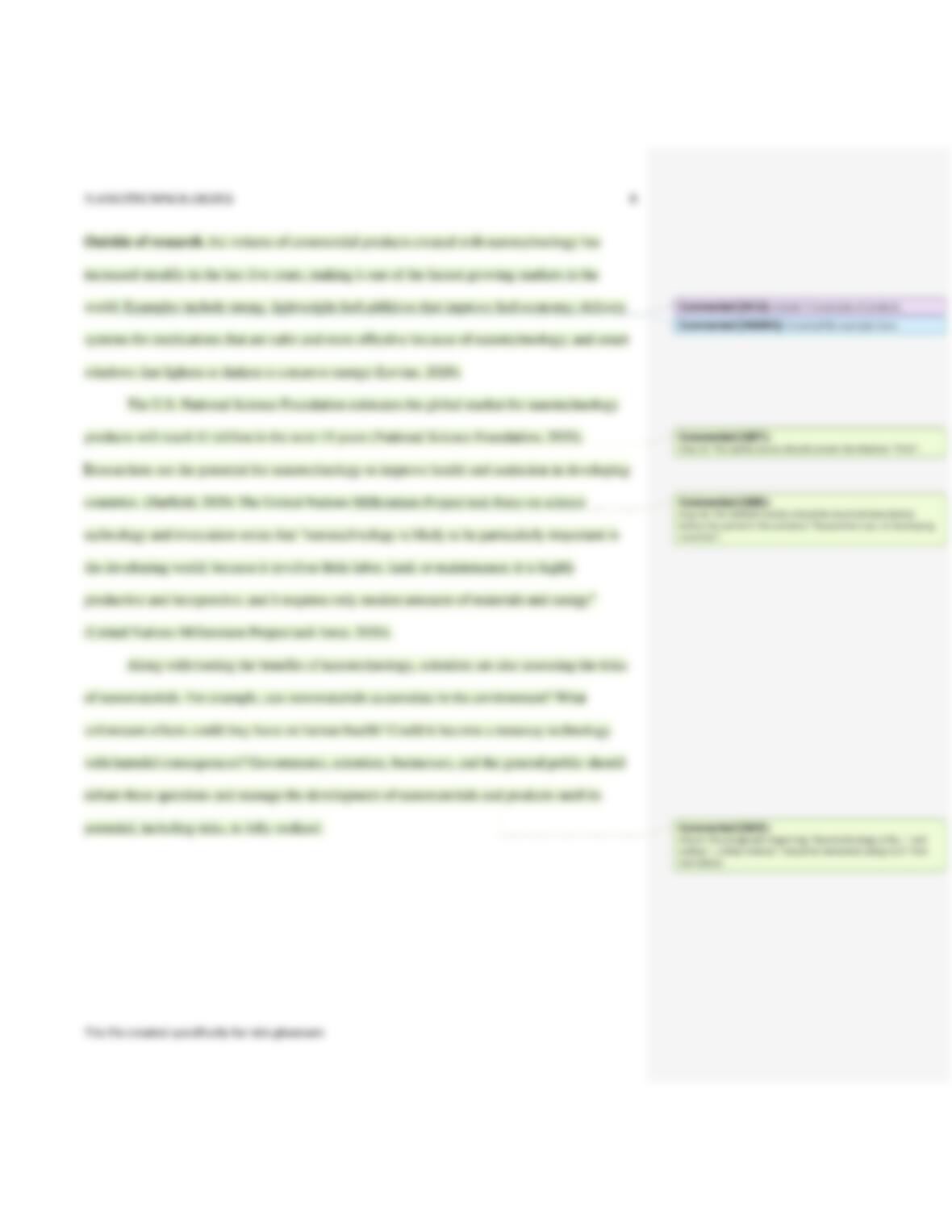
In the paragraph beginning “Outside of research…” read the comment from Ken
Choi and then reply to it with the following text: I inserted the examples here.
1/1
Reply to a comment.
11.
Copy and paste text as follows to provide examples of commercial nanotechnology
products as Ken Choi requested: a. Open the document
Support_WD19_2b_Nano.docx. b. Copy the sentence “Examples include strong…to
conserve energy.” without including the paragraph mark. c. In the research paper
document, move the insertion point after the sentence “Outside of
research…markets in the world.” d. Paste the sentence you copied from the
document Support_WD19_2b_Nano.docx. e. Close Support_WD19_2b_Nano.docx.
1/1
Copy and paste text.
12.
Move the insertion point before the period in the sentence you just pasted (“Examples
include strong…to conserve energy.”). Insert a citation that creates a new source
with the information shown in Table 2 to support the sentence. (Hint: The Check the
Show All Bibliography box should be checked in order to see all fields.)
0/1
Insert a citation to a new source.
The Levine source should contain the Medium ”Print”.
13.
Near the bottom of page 3, respond to the second comment from your instructor as
follows: a. Read the comment and then delete it. b. Change “billion” to trillion in the
sentence “The U.S. National Science…next 15 years (National Science Foundation).”
1/1
Delete a comment.
Edit text.
14.
Move the insertion point before the period at the end of the next sentence
(“Researchers see…in developing countries.”), and then insert a citation to the
Hatfield, Susan source to support the sentence.
0/1
Insert a citation to an existing source.
The Hatfield citation should be inserted immediately before the period in the
sentence ”Researchers see…in developing countries”.
15.
Edit the Gramm citation to add 21 as the page number.
0/1
Edit a citation.
The Gramm citation should contain the page number “21”.
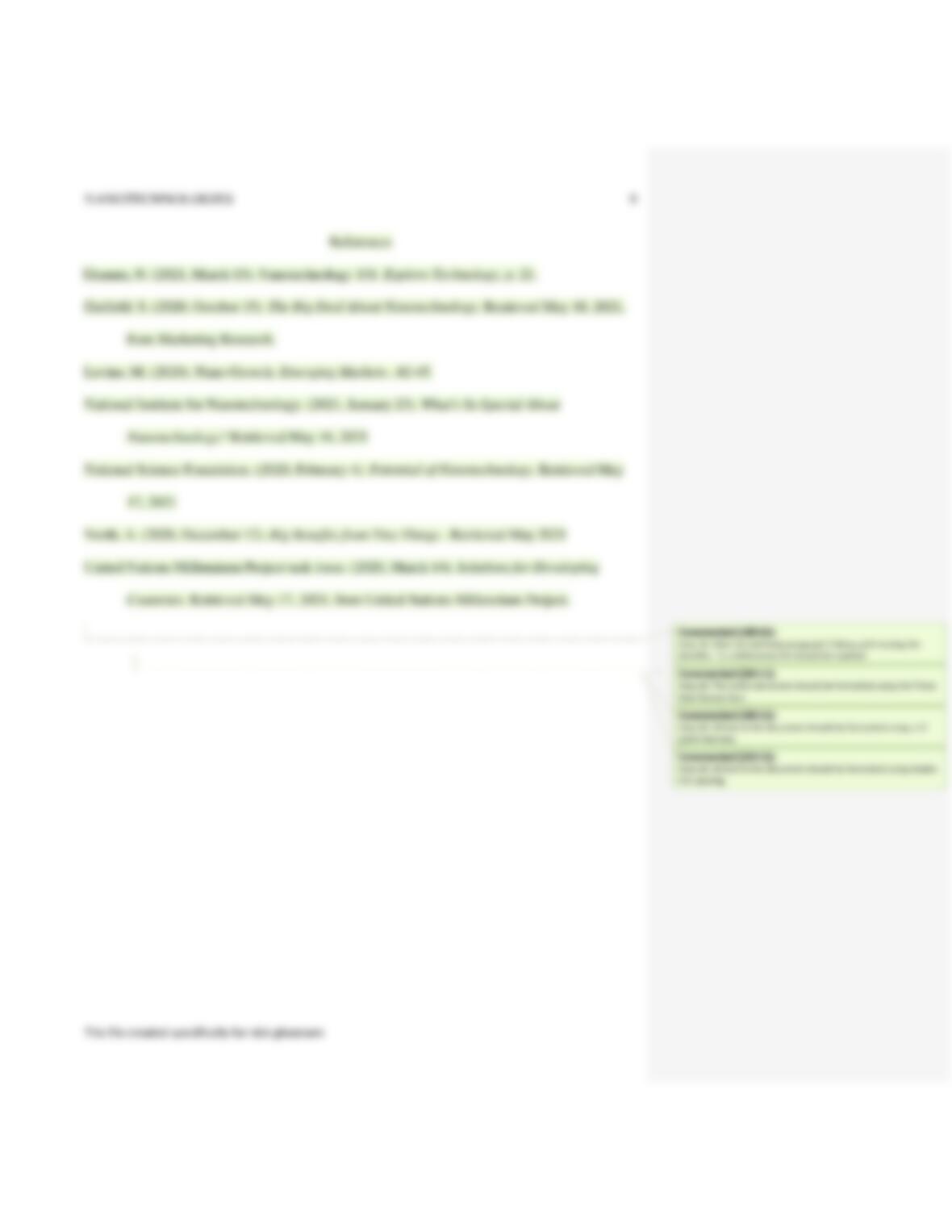
16.
Move the insertion point to the blank line at the end of the document and insert a
bibliography to list your sources as follows: a. Insert a page break. b. Insert a
References list from the Bibliography gallery.
0/1
Insert a page break.
Insert a bibliography.
After the last body paragraph (“Along with touting the benefits…“), a
Corporate Author field is “National Institute for Nanotechnology”, the correct name of
the organization.
Align a paragraph.
20.
Select the entire document and format it as follows to meet APA standards: a.
Change the line spacing to double.
0/1
Change the font.
The entire document should be formatted using the Times New Roman font.
Change the line spacing.