TOPIC 4: GOAL SEEK
Purpose: to compute a value for a worksheet input that makes the value of a given
formula match the goal you specify.
Techniques: Use Goal Seek
Exercise Goal Seek_Break Even: For a given price, how many glasses of lemonade does
a lemonade store need to sell per year to break even?
How to specify a specific DSS that helps find the answer “For a given price, how many
glasses of lemonade does a lemonade store need to sell per year to break even?”
Step 1: Set up a worksheet to compute the annual profit as a function of the price, a trial
demand, variable unitcost, and fixed cost.
Assumptiom
o a fixed price of $3.00
o a trial demand (Enter any number).
o a variable unit cost of $0.45
o an annual fixed cost of $45,000.00
Step 2: In the What-If Analysis group on the Data tab, click Goal Seek
To use Goal Seek, you need to provide Excel with three pieces of information:
■ Set Cell Specifies that the cell contains the formula that calculates the information you’re
seeking. In the lemonade example, the Set Cell would contain the formula for profit.
■ To Value Specifies the numerical value for the goal that’s calculated in the Set Cell. In the
lemonade example, because we want to determine the sales volume that represents the
breakeven point, the To Value would be 0.
■ By Changing Cell Specifies the input cell that Excel changes until the Set Cell calculates the
goal defined in the To Value cell. In the lemonade example, the By Changing Cell would
contain annual lemonade demand, or sales.
How to read the result?
o If I sell approximately 17,647 glasses of lemonade per year (or 48 glasses per day), I’ll
break even.
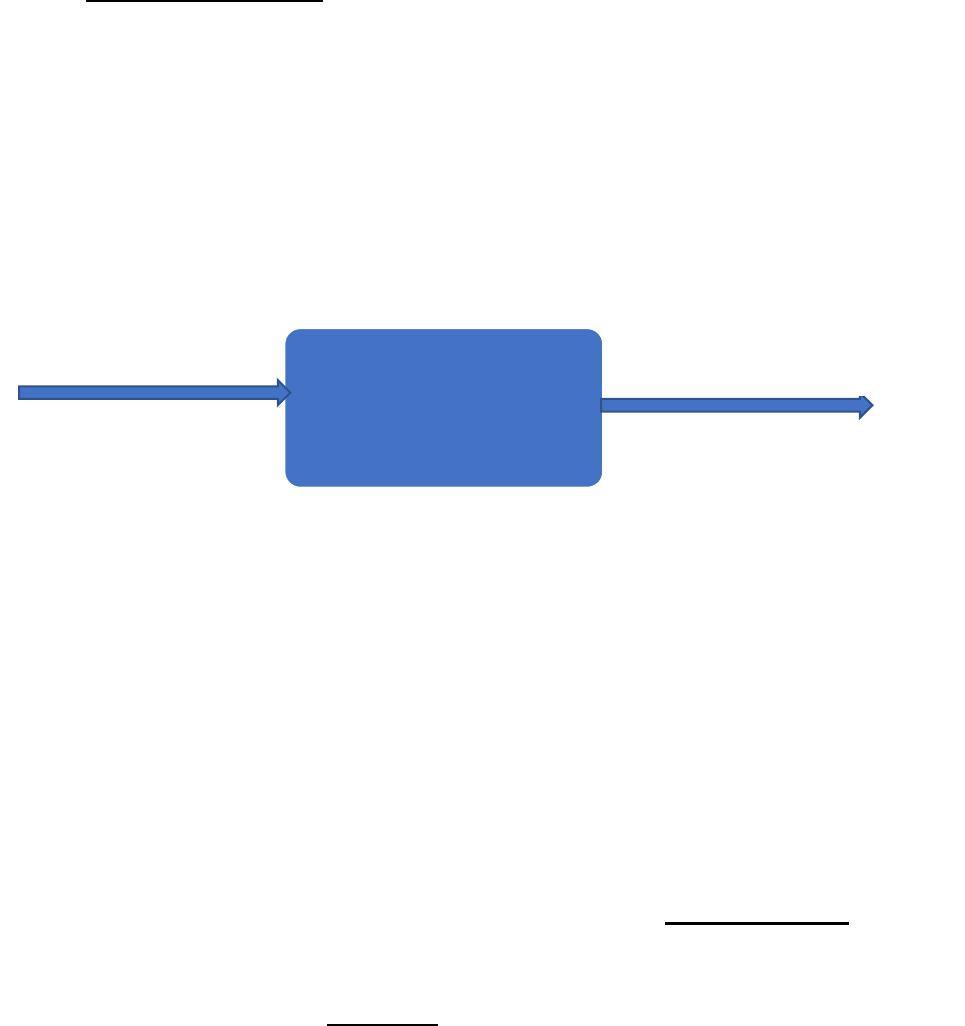
Goal Seek
unit (fixed) price
variable unit cost
annual fixed cost
annual lemonade demand or sales
(Break-even demand)
OUTPUT(S)
INPUT(S)
PROCESSING
TOPIC 5: SENSITIVITY ANALYSIS
Purpose: to determine how changing one/ or two inputs will change any number of/ or a single
output./ how a spreadsheet’s outputs vary in responses to its inputs.
Techniques: Use Data Table
Exercise Sensitivity_Lemonade: I’m thinking of starting a store in the local mall to sell gourmet
lemonade. Before opening the store, I’m curious about how my profit, revenue, and variable costs
will depend on the price I charge and the unit cost.
How to build a model for sensitivity analysis?
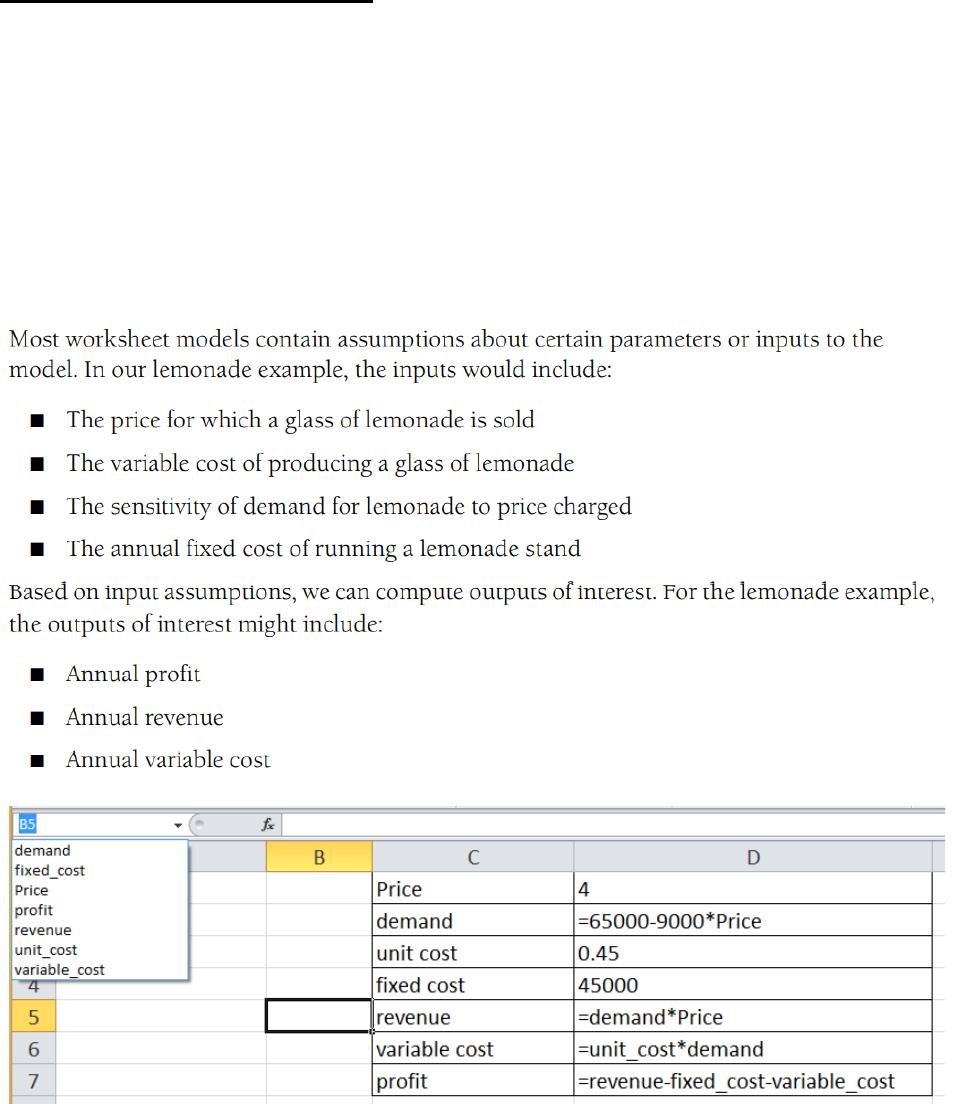
We compute D2 (the sensitivity of demand for lemonade to price charged) with the formula (or
by using) the formula 65000-9000*Price.
How to use data table to obtain meaningful sensitivity results?
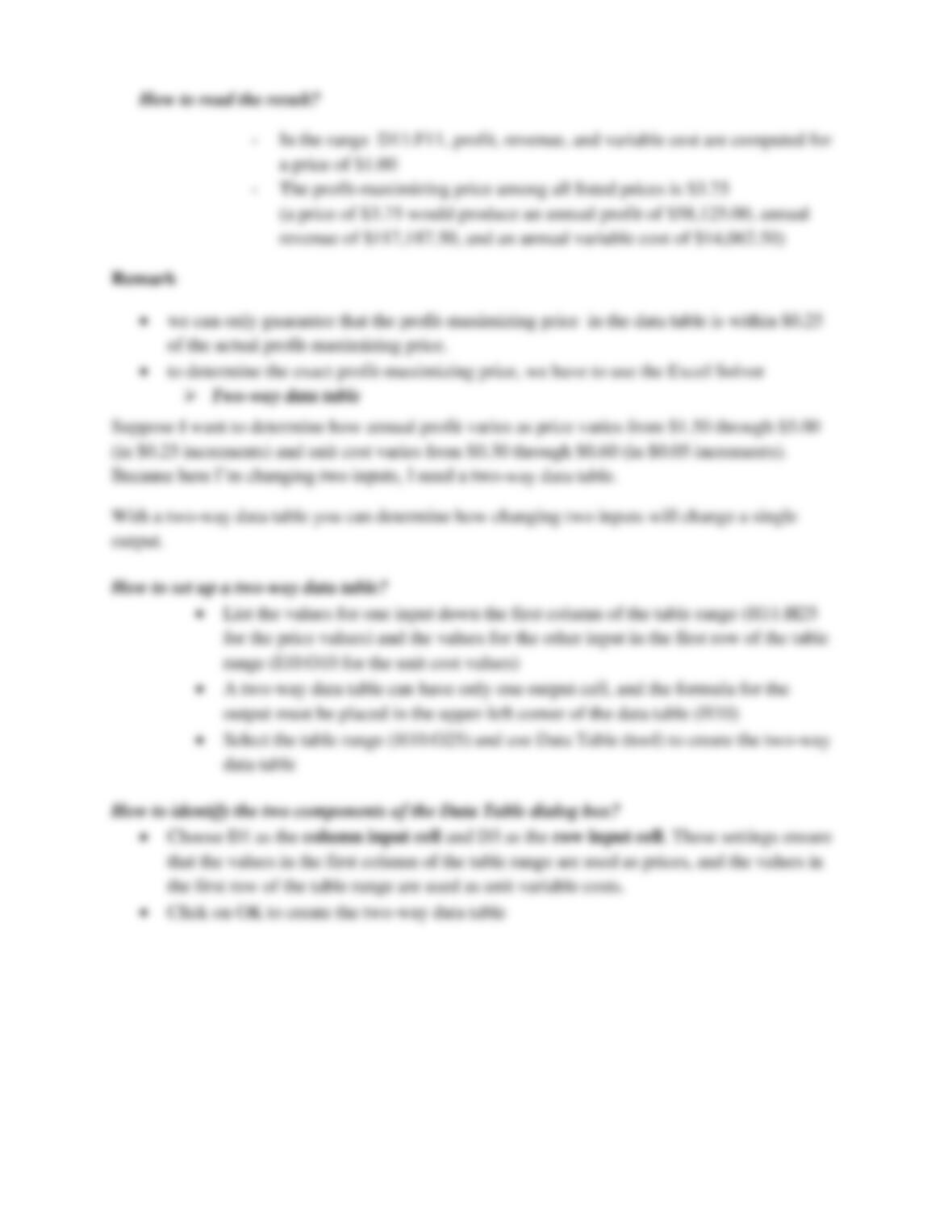
➢ One-way data table
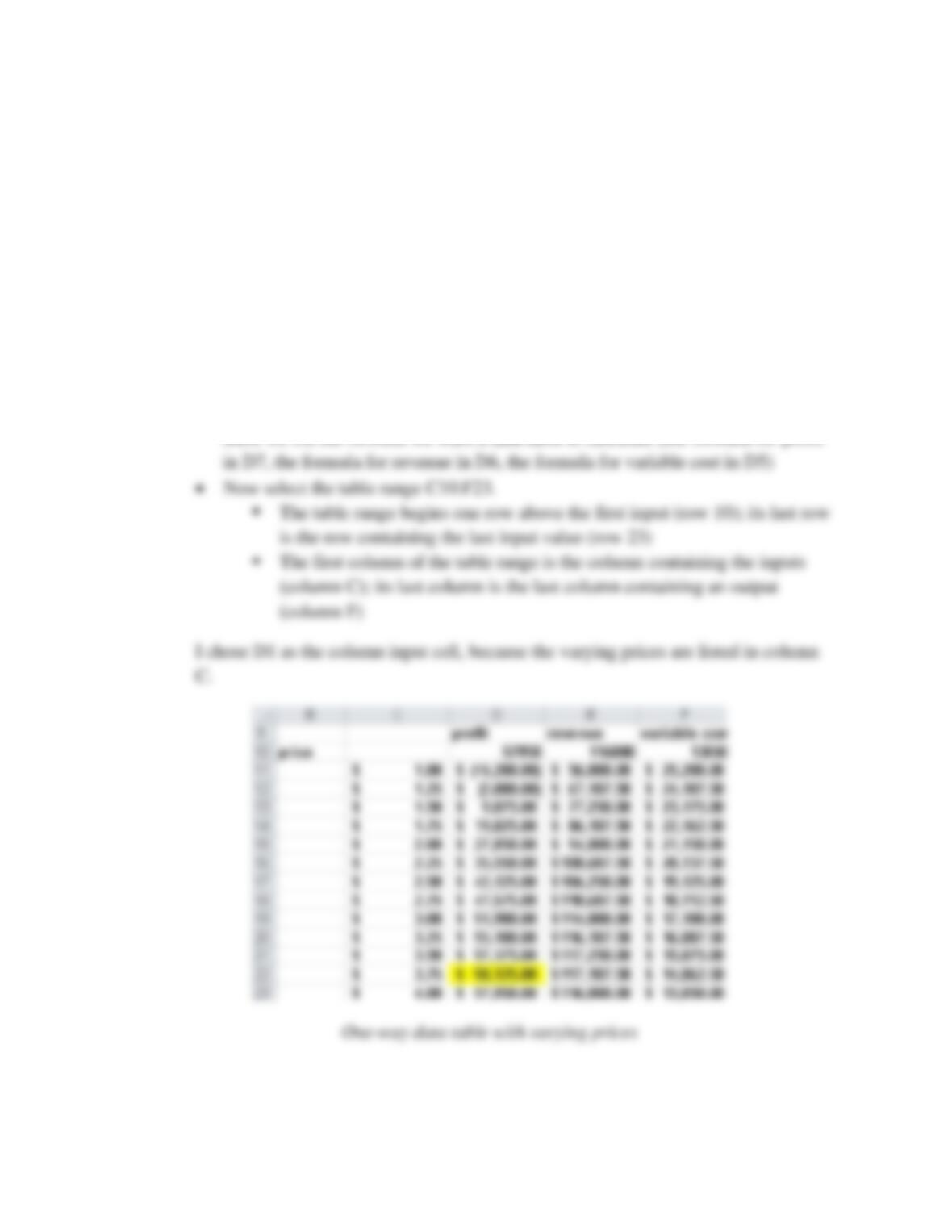
Suppose that I want to know how changes in price (for example, from $1.00 through $4.00 in
$0.25 increments) affect annual profit, revenue, and variable cost. Because I’m changing only
one input, a one-way data table will solve the problem.
• With a one-way data table you can determine how changing one input will change
any number of outputs
How to set up a one-way data table?
• Begin by listing input values in a column: we list the prices of interest (ranging
from $1.00 through $4.00 in $0.25 increments) in the range C11:C23
• Next, move over one column and up one row from the list of input values, and