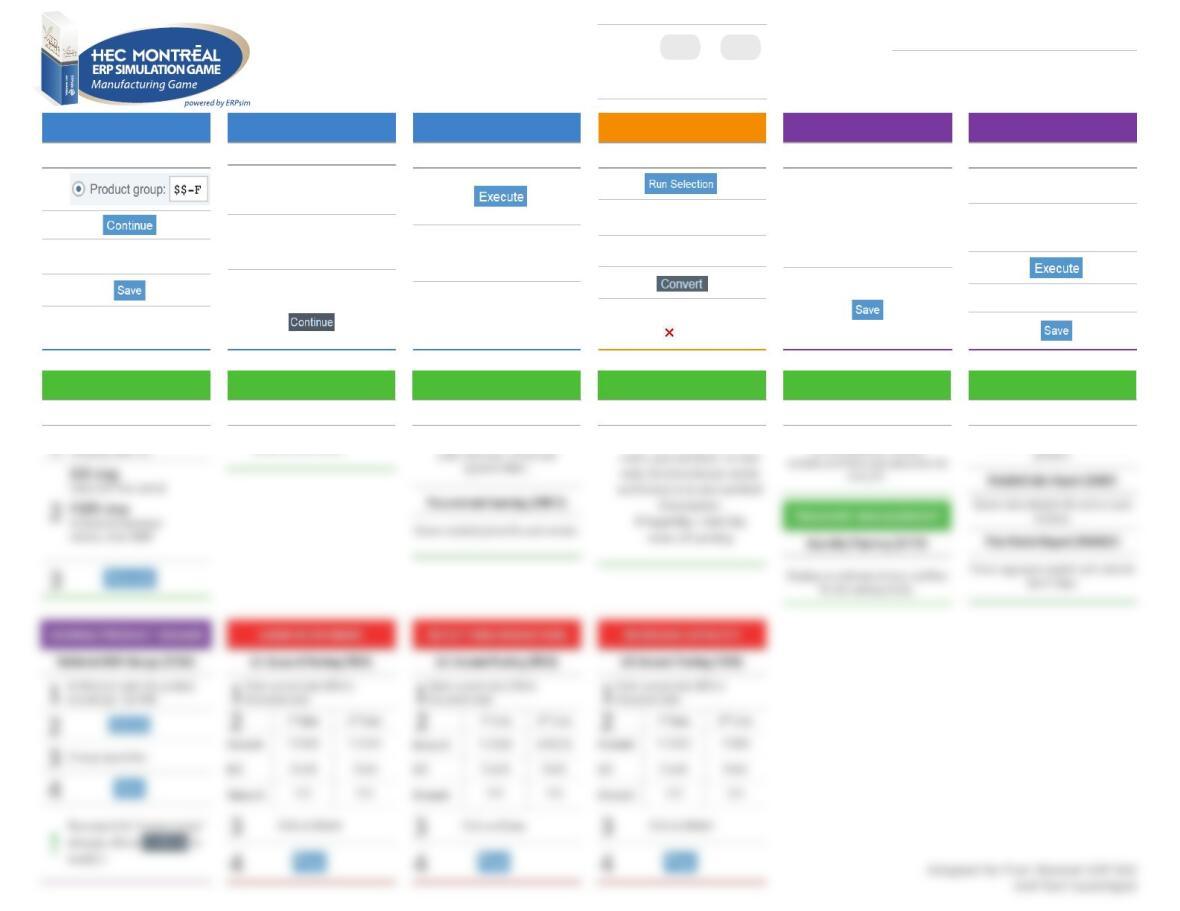
FORECAST SALES
Create Planned Indep. Req. (MD61)
1
2
3Enter forecasted quantities
in the 2nd date column
4
!The quantity corresponds to
the replenishment level
CALCULATE REQUIREMENTS
MRP Run (MD01)
1Click on Enter
2Click two more times on Enter
3In the pop-up window, click
PURCHASING
Create Purchase Orders (ME59N)
1
2Purchase orders are created
!If no open requisitions :
No suitable requisitions found.
RELEASE PRODUCTION
Convert Planned Orders (CO41)
1
!If no planned order: Planned
order could not be selected
2Select orders
3
!If conversion fails,
click on to see log
MARKETING
Marketing Expense Planning (ZADS)
1Enter the daily amount of
marketing for each product
and each area.
2
PRICING
Change Price List (VK32)
1Open prices folder and
double click on Price list
2
In Distribution channel, enter
10, 12 or 14. In Valid-on,
enter today’s date.
3
4Enter your prices
5
FINANCIAL STATEMENT
Financial Statements (F.01)
1In company code, enter your
STOCK LEVELS
Inventory Report (ZMB52)
Shows all stock levels
PROCUREMENT
Purchase Order Tracking (ZME2N)
Shows for each purchase
PRODUCTION SCHEDULE
Production Schedule (ZCOOIS)
Shows released production
PRODUCTION COST
Product Cost Planning (ZCK11)
For each product, it shows
SALES AND MARKET DATA
Summary Sales Report (ZVC2)
Aggregates the daily sales orders by
Manufacturing
Extended Game
User:
Password:
to
ERPSIM
$9$1
© Copyright 2004-2018, Léger et al., HEC Montréal.
All rights reserved.
Last Update: August 24th 2018