Final Exam Study Guide
Module 2: Information (Definition and Needs)
Information Literacy: a set of abilities requiring individuals to recognize when information is
needed and have the ability to locate, evaluate, and e ectively use the information.
What is Data? Raw, unorganized data
What is Information? Data in context, organized and presentable
Characteristics of Information Sources
Primary: )rst-hand information
o
Secondary: reviews
o
Tertiary: combination of primary and secondary sources.
o
Factual: Complete facts, history documents
o
Analytical: coming up with a conclusion, scienti)c research
o
Objective: Unbiased, textbook
o
Subjective: Opinion based
o
Current/Historical/Predictive:
o
Scholarly/Academic : peer-reviewed
oMedical journal articles
Popular: for general population
oMagazines in the grocery lines.
Other Sources:
What is the di erence between periodicals and books? Periodicals are things that are
updated annually or over time such as magazines. Book– A one and done thing.
What are trade publications:
Final Exam Study Guide
What does the Information Cycle tell us about the types of sources and characteristics of
information over time?
Module 3: Searching the Internet
Unit A: Searching the Internet E’ectively
WWW and the Internet… what’s the di erence?
oWWW: content
oInternet: globally networked computers
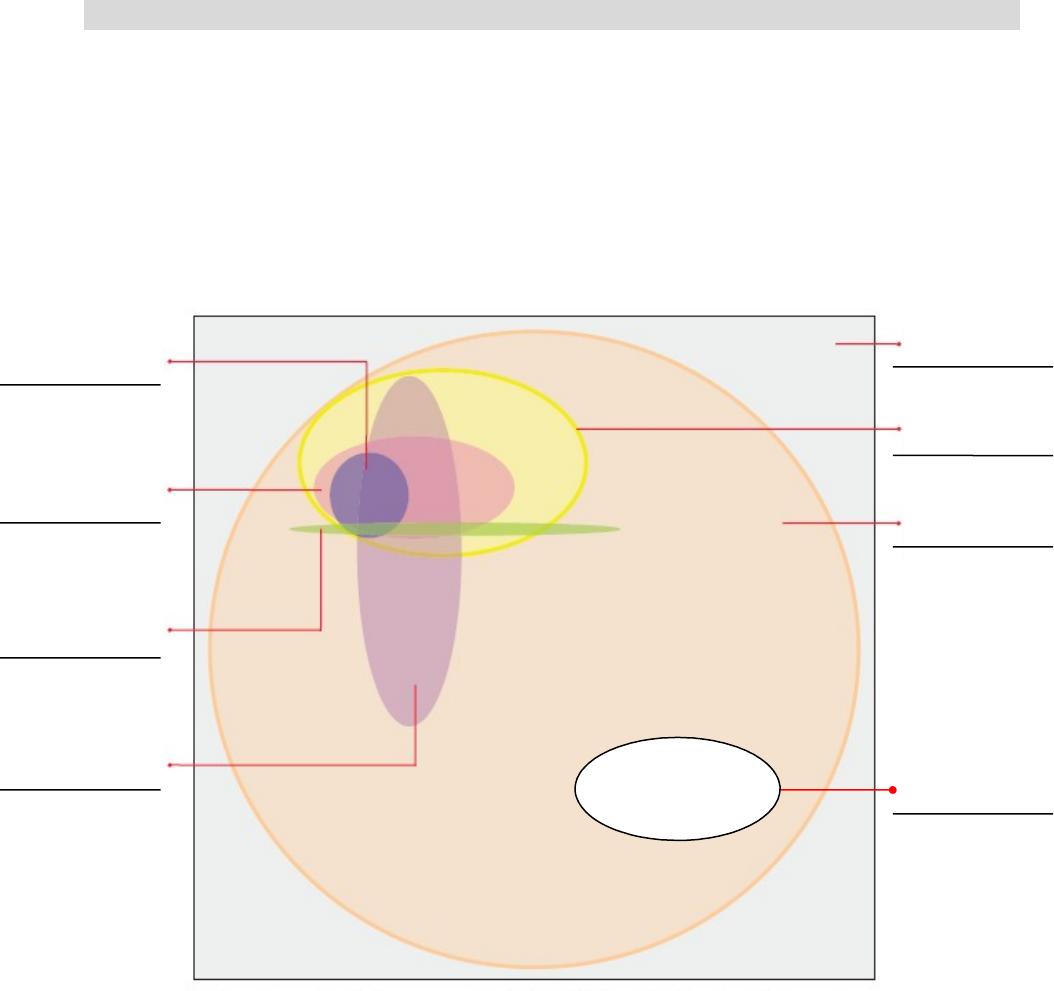
Figure A-1 on page 3 (Internet/WWW Graphic with search tool coverage)
*Figure A-1: Internet Search Tools and their coverage
What makes each type of search tool unique? What is its de)ning characteristic?

Final Exam Study Guide
Types of search tools
oSearch Engines:
Spider: Program that scans the web and returns results based on your
query.
Keyword: String of characteristics in your query.
oMetasearch Engines: a search engine that uses a search engine
oSubject Guides:
oSpecialized Databases:
Deep web: invisible portion of the Web
Internet Research Strategy (FIG. A-2)
1. Define your topic and note initial keywords
2. Locate background information and identify additional keywords
What terms do you already know for building your search query?
3. Choose the proper search tool
Where do you )nd your information?
4. Translate your question into an e’ective search query
Keyword generators:
IR text help: h@p://oc.course.com/illustrated/research5/
Avoid Stop words (pg. 6):
Phrase Searching:
Boolean Operators:
Filters, Advanced Searches
5. Perform your search
6. Evaluate your search results (Guidelines on page 14)
CRAAP evaluation sheet
7. Satisfied with results?
If so, cite your web pages using suggested format: APA
If not, return to earlier step(s) in process to re)ne the search
Unit B: Constructing Complex Searches
Boolean Operators
oAND (+): narrows search
oOR: expands
oNOT (-): restrict
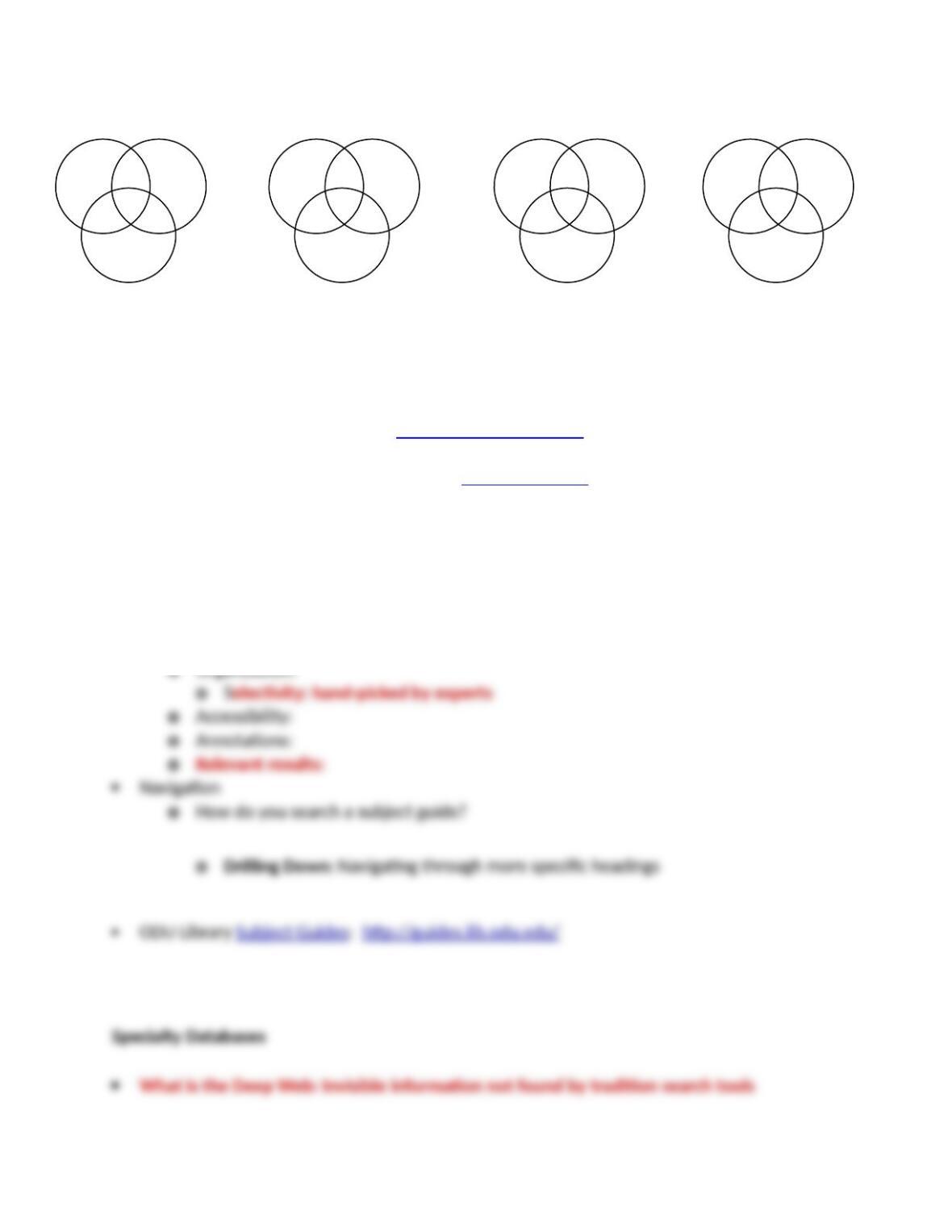
Inclusion of multiple Boolean Operators on a single search query
oWhat is 6 ÷ 2 ( 1 + 2 ) = ?
oSyntax: Read leF to right, control order with parentheses ()
Some practice below…
Final Exam Study Guide
Searching with Filters (pg. 40)
oFilters:
oGoogle’s advanced search form
Some practice: Google Advanced Search
oODU Library’s Database (ex: BSC – business source complete)
Learn how to search on ODU’s databases
Unit C: Finding Specialty Information
What is a unique feature of a subject guides compared to other search tools?
Characteristics of Subject Guides