College Keyboarding 20th edition | SAM Project 75-d2 and 75-d3
Hess Office Park
REPORT WITH TABLES
PROJECT DESCRIPTION
You are continuing your work as an assistant to Patrick J. Hess, manager of Hess Office
Park, a 500-acre office park managed by Hess Property Enterprises in Austin, Texas.
In this project, you create a two-column table showing the list of holiday closings of the
Hess Office Park, and then save the table as a Quick Part. Next, you key and format a
fourth-quarter report that Mr. Hess will present to the Owners and Tenants Association
meeting in January.
GETTING STARTED
• Open the file CK20e_75–d2_and_75–d3_FirstLastName_1.docx, available
for download from the SAM website.
• Save the file as CK20e_75–d2_and_75–d3_FirstLastName_2.docx by
changing the “1” to a “2”.
o If you do not see the .docx file extension in the Save As dialog box, do
not type it. The program will add the file extension for you automatically.
• To complete this SAM Project, you will also need to download and save the
following data files from the SAM website onto your computer:
o Support_CK20e_75-d2_and_75–d3_DanRivera.jpg
PROJECT STEPS
1. Change the left margin to 1.5” to use custom margins appropriate for the left
bound report format.
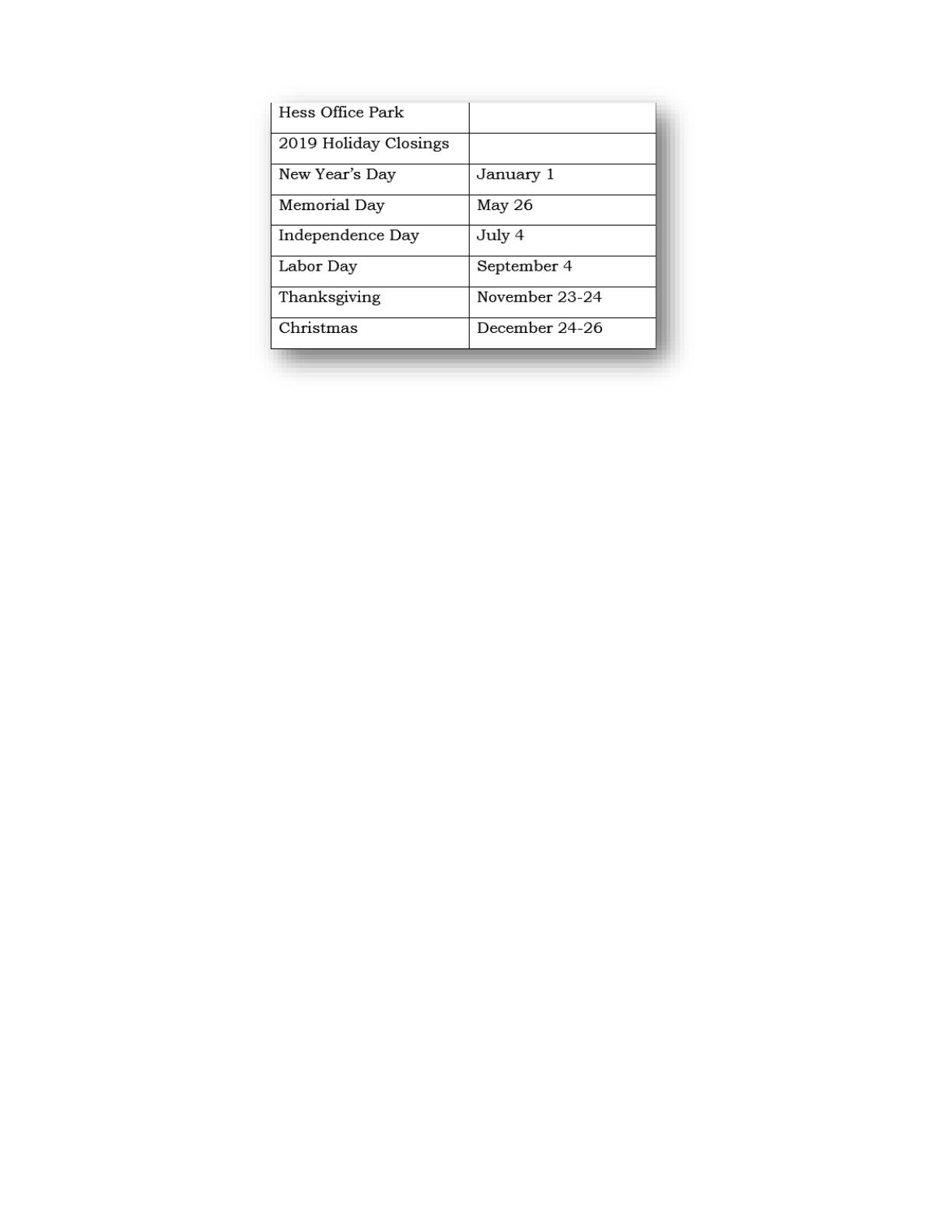
2. In the blank paragraph on page 1, insert a table with two columns and eight
rows. Key the table data shown on the next page.
College Keyboarding 20th edition |SAM Project 75-d2 and 75-d3
3. Modify the format of the table as follows:
a. Resize columns A and B to a width of 2” each.
b. Merge the cells in row 1 and then merge the cells in row 2.
c. Apply the List Table 4 – Accent 2 table style.
d. Center the text in rows 1 and 2.
e. Center the table horizontally on the page.
4. Select the table, and then save it as a Quick Part. Use holiday closings as the
name of the Quick Part.
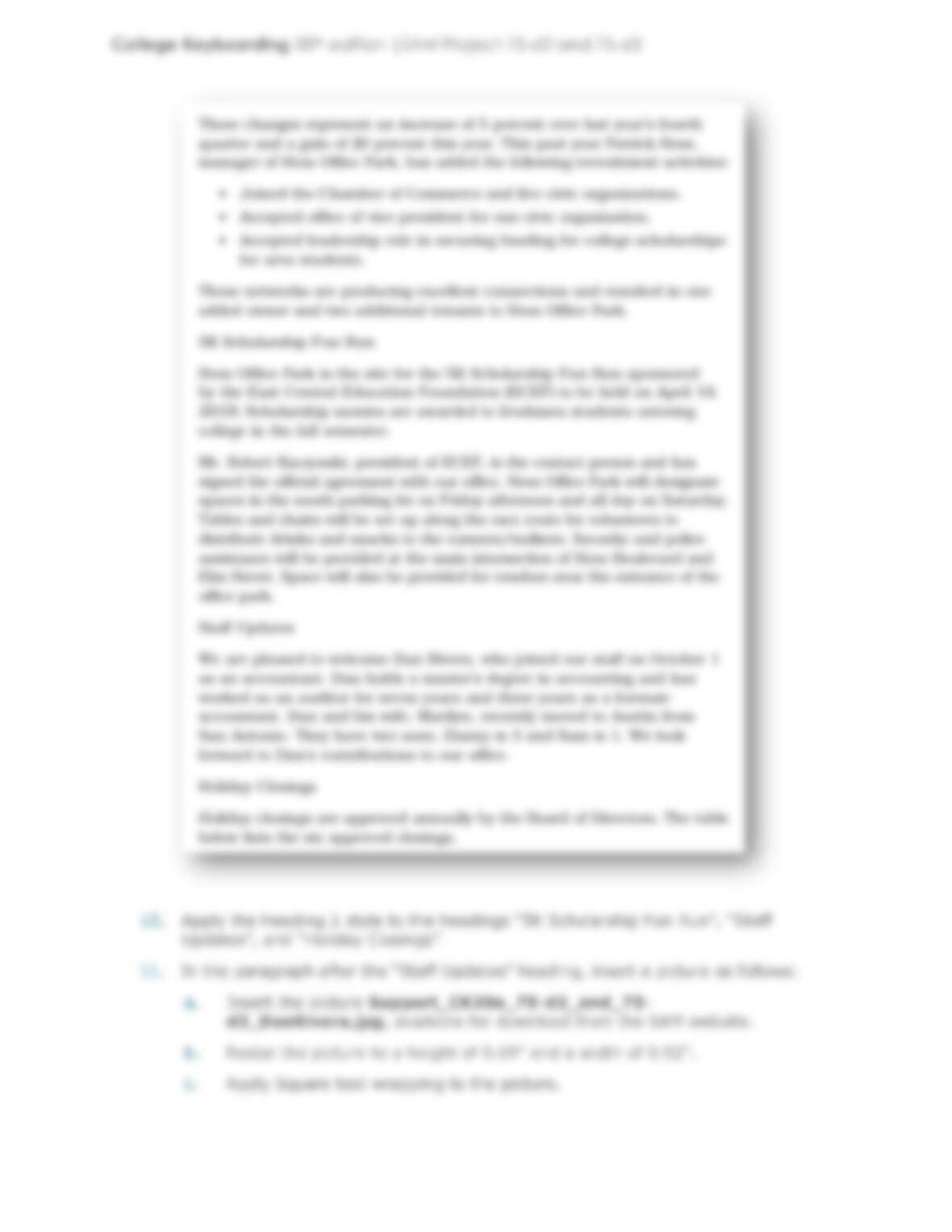
Next, delete the table, the paragraph mark, and the page break on page 1 so
that only a blank paragraph mark appears on the new page 1.
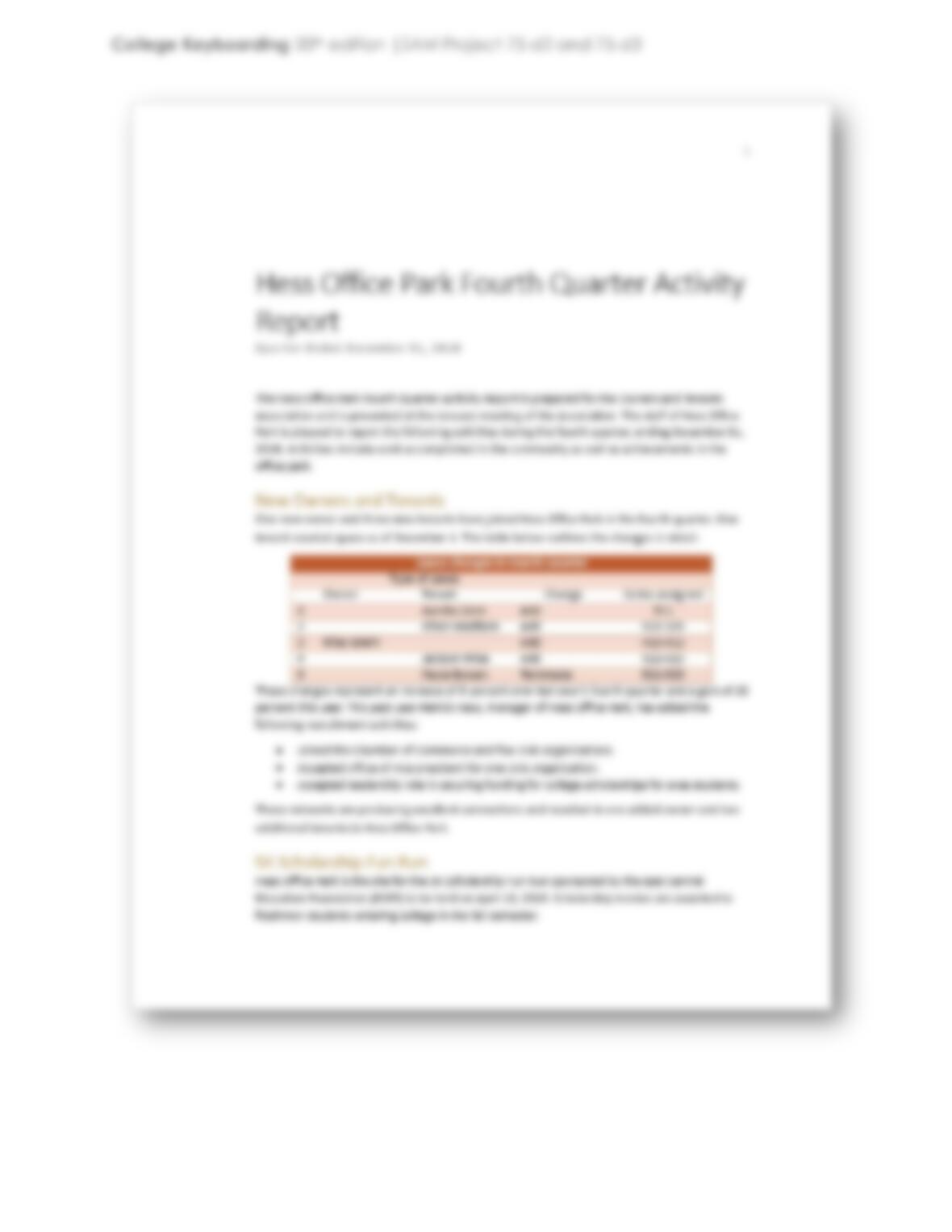
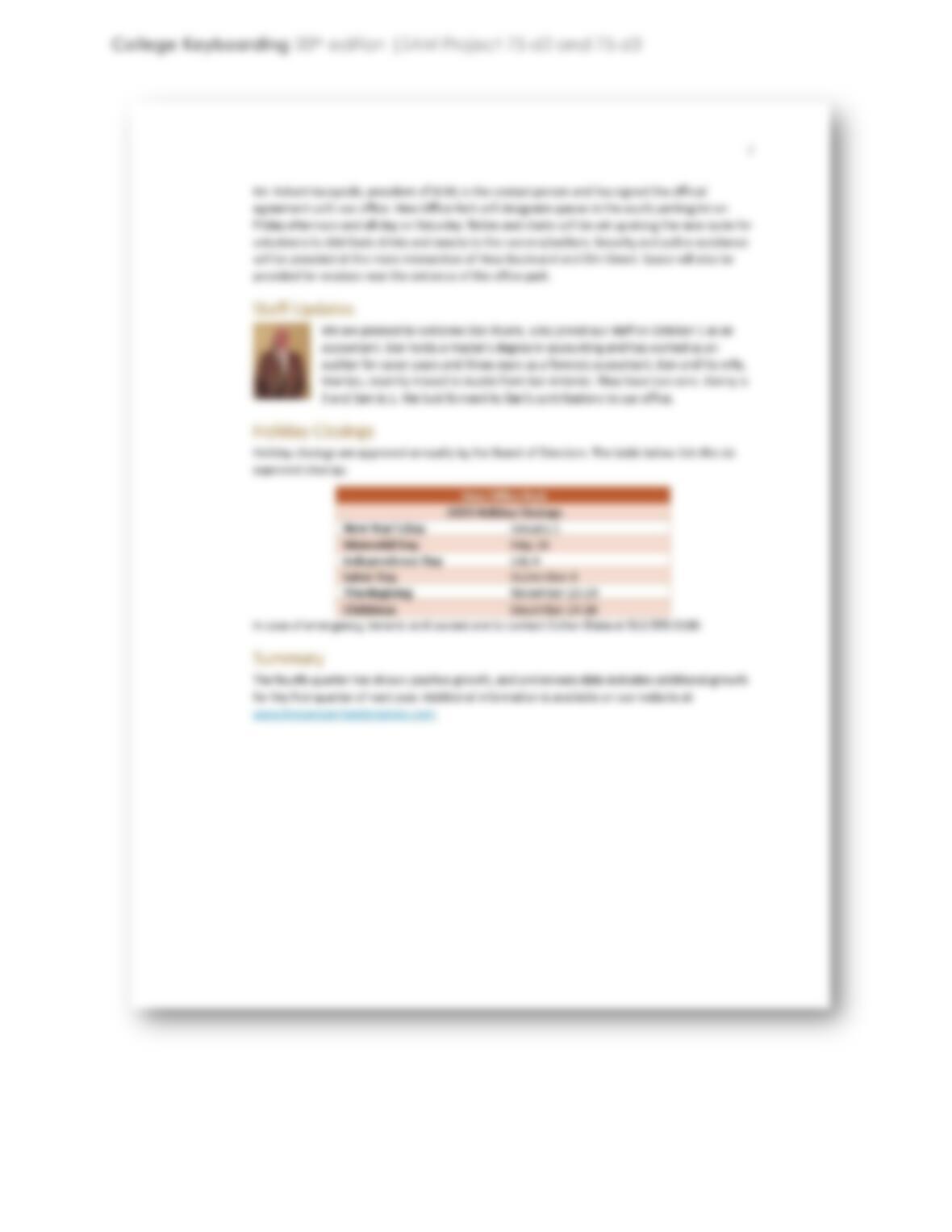
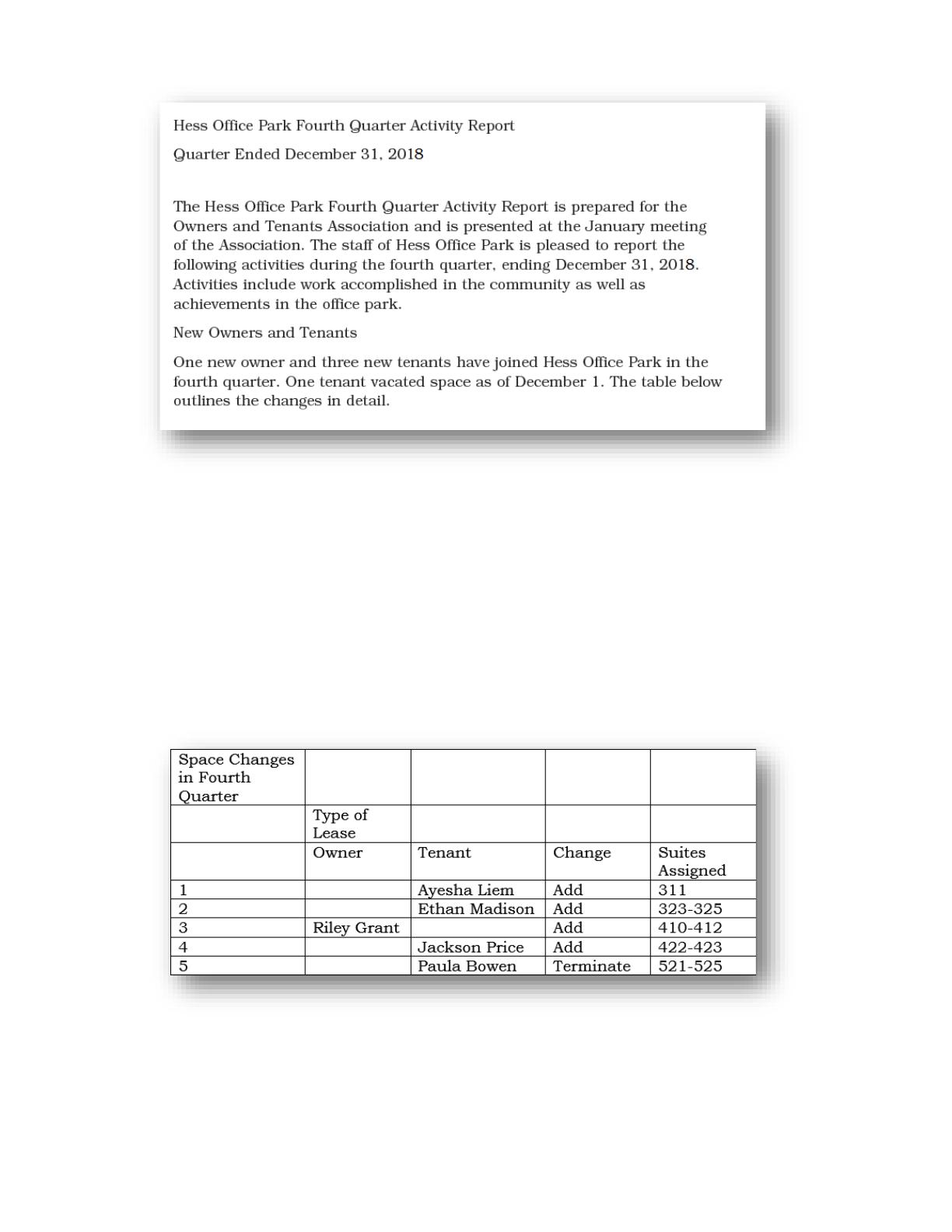
5. In the blank paragraph on page 1, tap ENTER three times, and then key the
report text shown on the next page. Leave a blank line after the subtitle
“Quarter Ended December 31, 2018”.
College Keyboarding 20th edition |SAM Project 75-d2 and 75-d3
6. Format the report text as follows:
a. Apply the Title style to the title “Hess Office Park Fourth Quarter Activity
Report”.
b. Apply the Subtitle style to the subtitle “Quarter Ended December 31,
2018”.
c. Apply the Heading 1 style to the heading “New Owners and Tenants”.
7. At the end of the last line in the document, tap ENTER and then insert a table
with five columns and eight rows. Key the table data shown below.
8. Format the table as follows:
a. In row 1, merge all the cells.
b. In row 2, merge the cells in columns B and C.
c. Apply the List Table 4 – Accent 2 table style.
d. Center the text in the following cells:
Merged cell in row 1