Office 2016 – myitlab:grader – Instructions Excel Project
EX16_XL_CH05_GRADER_CAP_HW – Fine Art 1.9
Project Description:
<Project Description>
Instructions:
For the purpose of grading the project you are required to perform the following tasks:
Step
Instructions
Points
Possible
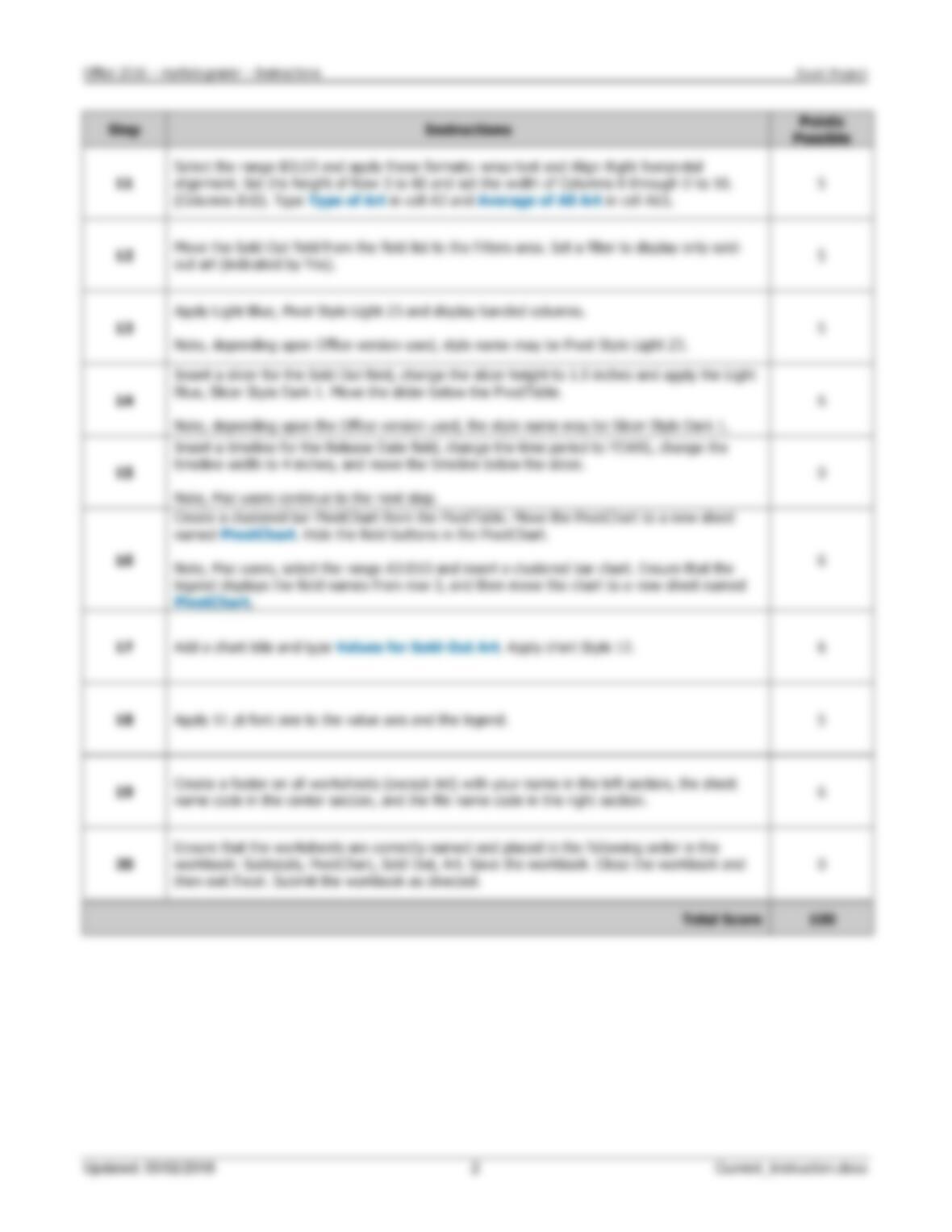
1
Start Excel. Open the downloaded Excel file named
exploring_e05_grader_h1_start.xlsx
. Save
the workbook as exploring_e05_grader_h1_LastFirst, replacing
LastFirst
with your own
name.
0
2
On the Subtotals worksheet, sort the data by Type and further sort it by Title, both in
alphabetical order.
5
3
Use the Subtotals feature to insert subtotal rows by Type to identify the highest Issue Price
and Est. Value.
6
4
Collapse the data by displaying only the subtotals and grand total rows. Set a print area for
the range B1:E45.
6
5
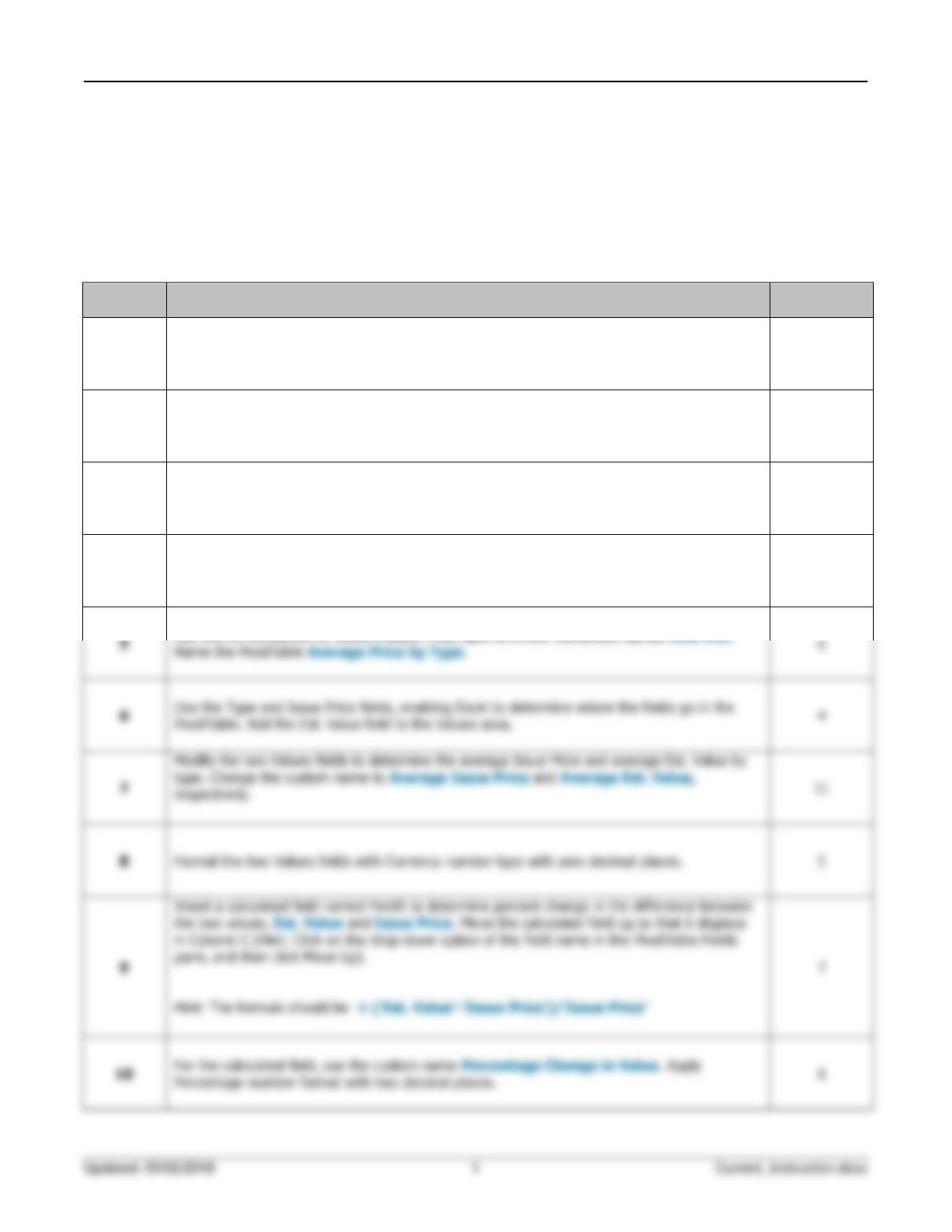
Name the PivotTable Average Price by Type.
6
6
Use the Type and Issue Price fields, enabling Excel to determine where the fields go in the
PivotTable. Add the Est. Value field to the Values area.
4
8
5
Percentage number format with two decimal places.
6