Session 18: Business Processes and Enterprise Systems
What is a process flowchart?
A process is a series of actions or steps taken in order to achieve a particular end. A process flowchart
(also called flowchart, process flow diagram, flow diagram) is a picture of the separate steps of a
process in sequential order.
Elements that may be included: sequence of actions, materials or services entering or leaving the
process (inputs and outputs), decisions that must be made, people who become involved, time
involved at each step and/or process measurements.
The process described can be anything: a manufacturing process, an administrative or service
process, a project plan, or registering for Babson classes! A flowchart is a generic tool that can be
adapted for a wide variety of professional and personal purposes. It is a great skill to develop for IT
development as well as non-IT related applications.
When to use a flowchart
· To develop understanding of how a process is done.
· To identify areas for process improvement.
· To communicate to/with others:
○ how a process is done today
○ how a process could be improved (the “to be” process)
○ brainstorming process improvement or implementation, etc
· To document a process for reference by others e.g., for training, development, staffing,
Flowchart Basic Procedure
Materials needed: sticky notes or cards, a large piece of flipchart paper or newsprint, marking pens.
1. Define the process to be diagrammed. Write its title at the top of the work surface.
2. Discuss and decide on the boundaries of your process: Where or when does the process
start? Where or when does it end? Discuss and decide on the level of detail to be included in the
diagram.
3. Brainstorm the activities that take place. Write each on a card or sticky note. Sequence is not
important at this point, although thinking in sequence may help people remember all the steps.
4. Arrange the activities in proper sequence.
5. When all activities are included and everyone agrees that the sequence is correct, draw
arrows to show the flow of the process.
6. Review the flowchart with others involved in the process (workers, supervisors, suppliers,
customers) to see if they agree that the process is drawn accurately.
Flowchart Considerations
· Don’t worry too much about drawing the flowchart the “right way.” The right way is the way that
helps those involved understand the process.
· Identify and involve in the flowcharting process all key people involved with the process. This
includes those who do the work in the process: suppliers, customers and supervisors. Involve them
in the actual flowcharting sessions by interviewing them before the sessions and/or by showing
them the developing flowchart between work sessions and obtaining their feedback.
· Do not assign a “technical expert” to draw the flowchart. People who actually perform the process
should do it.
· Computer software (such as Lucid Charts) is available for drawing flowcharts. Software is useful
for drawing a neat final diagram, but the method given here works better for the messy initial stages
of creating the flowchart.
Flowchart Examples
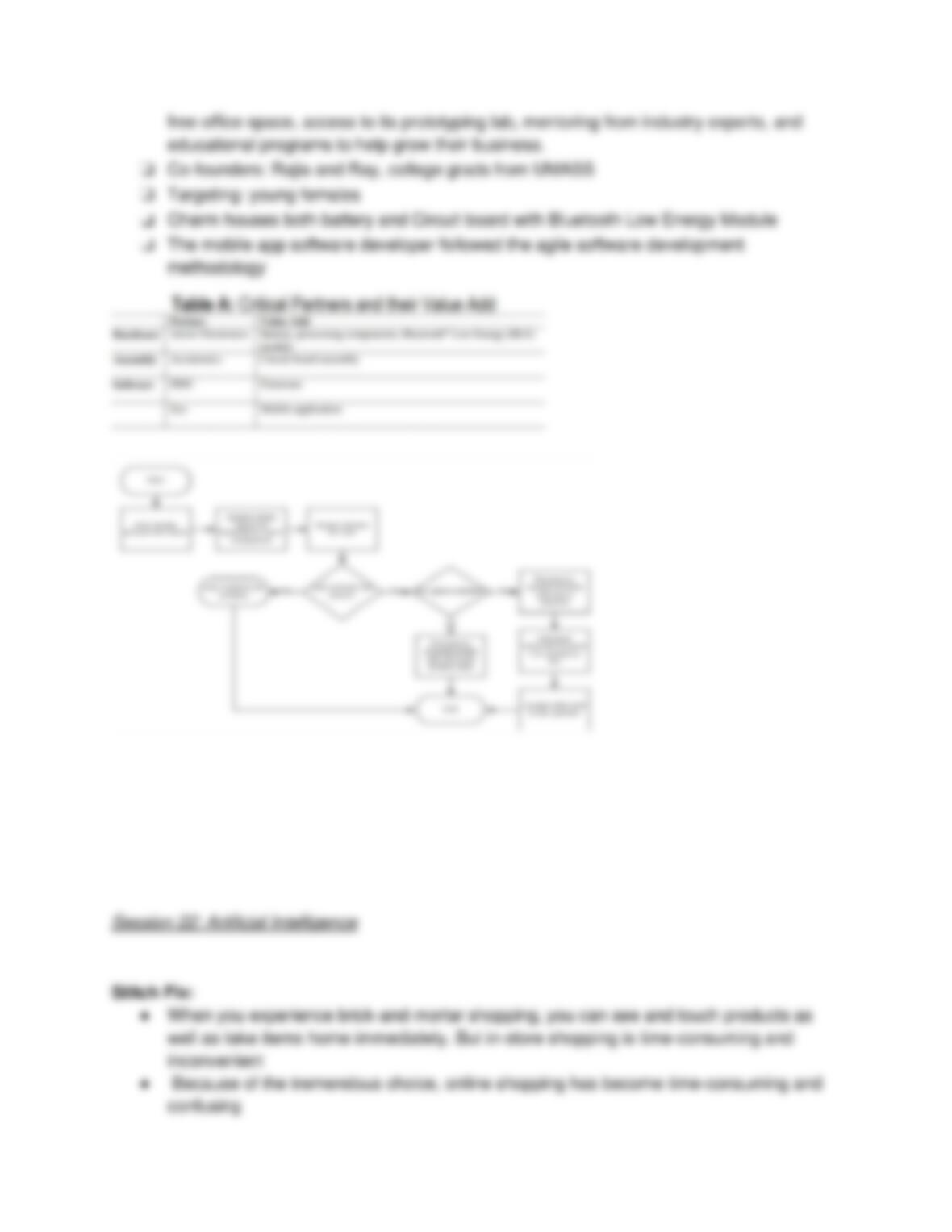
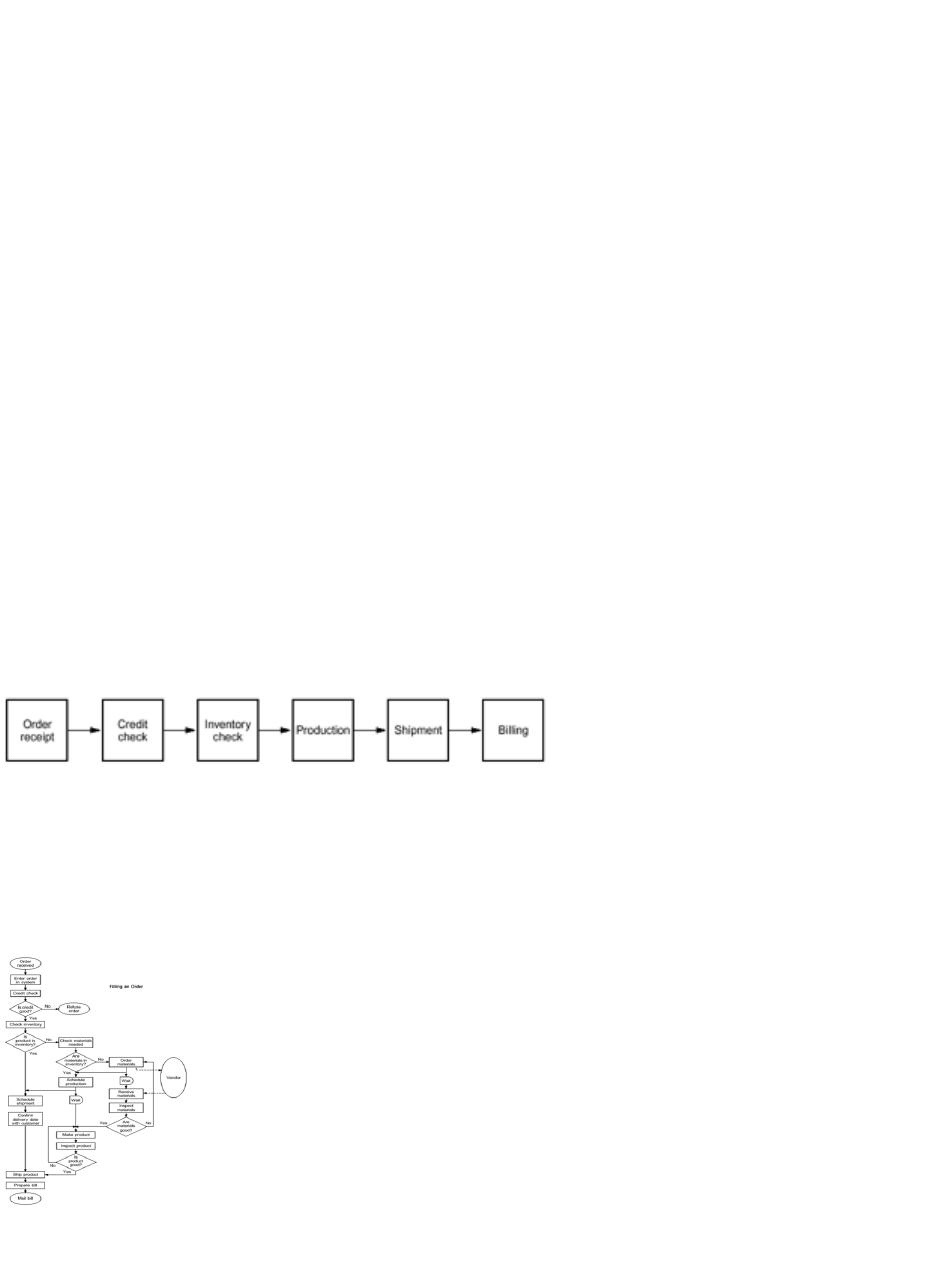
High–Level Flowchart for an Order-Filling Process
Detailed Flowchart

Commonly Used Symbols in Detailed Flow Charts
One step in the process; the step is written inside the box. Usually, only one arrow goes out of the
box.
Direction of flow from one step or decision to another.
Decision based on a question. The question is written in the diamond. More than one arrow goes out
of the diamond, each one showing the direction the process takes for a given answer to the
question. (Often the answers are “ yes” and “ no.”)
For start and end points of a process.
Amazon: What is Cloud Computing?
Cloud Computing:
● Definition: on demand delivery of IT resources via the internet, with pay-as-you-go
pricing
● Organizations of every size, type and industry are using the cloud for a wide variety of
use cases like data back up, disaster recovery, email, virtual desktops, software
development and testing, big data analytics and customer facing web applications
● Benefits for business
○ More agile
○ Reduces costs
○ Instantly scale
○ Deploy globally in minutes
● Example: health care companies use it to develop more personalized treatments for
patients
● Cloud computing gives you instant access to a broad range of technologies

● You could deploy technology services in a matter of minutes
● Gives you more time to experiment and differentiate customer experiences and
transform your business, personalize applications for customers
● Don’t need to buy/ invest in expensive hardware; instead trade capital expense for
variable expense
● Can deploy globally in minutes and do it as you go in order to reduce latency and
improve customer experience
Session 19: Robotic Process Automation
Robotic Process Automation (RPA):
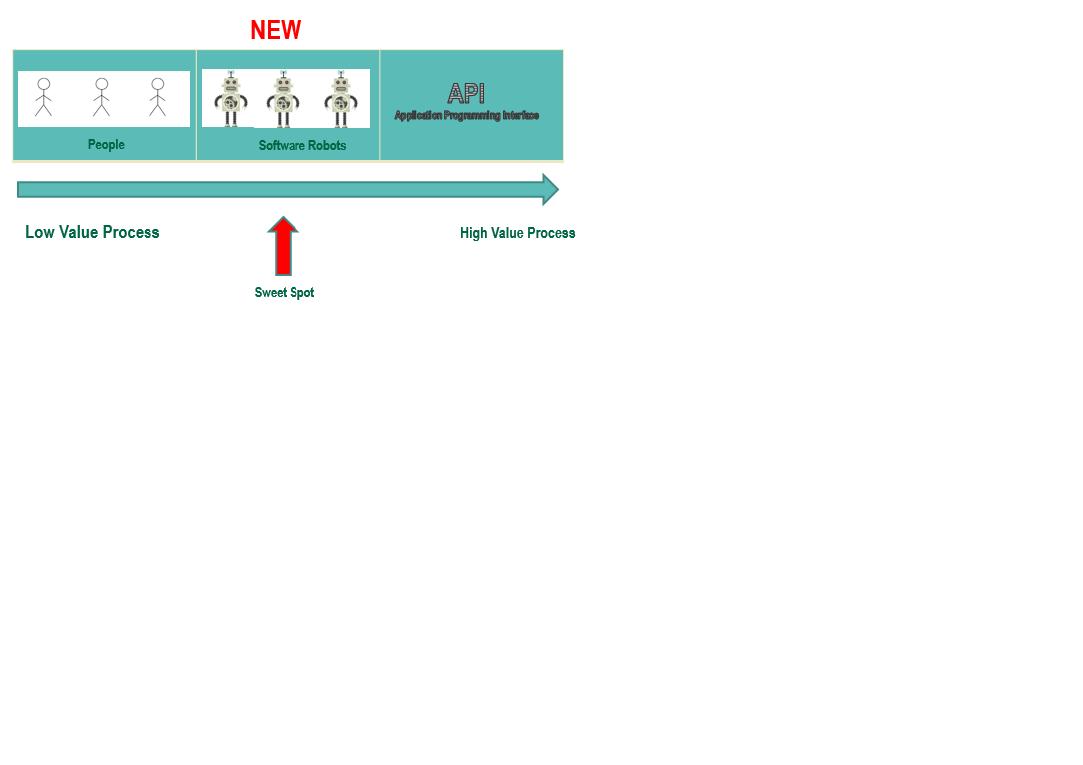
● RPA software automates repetitive, rules-based work tasks that rely on digital data.
These tasks include queries, calculations, creating and updating records, filling out
forms, producing reports, cutting and pasting and performing other high-volume
transactional tasks that require moving data within and between applications
● RPA’s software robots are automating routine and often mind-numbing work formerly
done by humans
● The bot doesn’t need a physical screen to complete the task, instead executing the
task’s process steps in a virtual environment
● RPA aims to improve efficiency, boost productivity and save money by assisting with —
or entirely replacing — the routine and error-prone digital processing tasks still done with
human labor at many companies
● RPA is growing quickly
● 1 to 15 – 1 minute of work for the robot is equal to approximately 15 minutes of work for a
person
How is RPA Different from Automation?
● The most important differentiator between RPA and traditional workflow automation tools
is the skill set needed to accomplish the automation task. In traditional workflow
automation, an experienced software engineer writes code to create a set of actions that
automates the task and connects the software to the underlying compute infrastructure
by the use of application programming interfaces (APIs) written in Python, JAVA or other
software languages. In contrast, RPA systems typically develop the action list simply by
recording the users‘ actions as they perform a task in an application’s graphical user
interface (GUI). Once recorded, the system repeats those tasks directly in the GUI
without human effort required
RPA vs BPM:
● RPA differs from business process management, or BPM, which uses a variety of
methods to discover, model, analyze, change and optimize business processes. While
RPA is best suited for automating a discrete number of tasks, BPM, which may or may
not include automation, is designed to orchestrate complex business processes from
end to end. In BPM, business processes are managed collectively to not only reduce
error rates and improve workflow efficiency — which RPA does — but also, for example,
to clarify job roles and responsibilities associated with the process and to improve the
process over time
Three DIfferent Types of RPA:
● Assisted (aka attended) automation: In assisted automation, the RPA is automating
applications running on a user’s desktop typically for the purpose of helping the user
complete an involved process in less time. This usually generates cost savings and
helps deliver a better user and customer experience. Drawbacks to assisted automation,
explained Fersht and Brain, is that inconsistencies on the desktop setting, such as
changing graphics or display settings, can cause the RPA to fail. In addition, sometimes
the user’s desktop is locked when the automated steps are being executed
● Unassisted (aka unattended) automation: Unassisted automation requires no human
agent. The RPA software performs on its own, notifying the user only when something
goes wrong. Unassisted automation can work 24/7 — “an ideal scenario for optimizing a
process,” Fersht and Brain said. But they added that, in order to work, unassisted
automation requires structured data and clearly defined rules, which may not exist in
every case
● Hybrid RPA: In hybrid RPA, the employee and bot essentially work as a team, passing
tasks back and forth. Hybrid RPA automates the work that can be completed solely by
the bot (unassisted) as well as work that involves unstructured data or requires decisions
by an employee (assisted). In hybrid RPA, the software bots and employee can work on
different tasks at the same time for optimal efficiency. The Institute for Robotic Process
Automation and Artificial Intelligence (IRPA AI), an association for automation
professionals, touts hybrid RPA as helping “companies leverage the power of
automation in a more diverse range of processes and scenarios.”
RPA 2.0:
● RPA 2.0 refers to the fact that RPA platforms continue to evolve, pairing up with
technologies such as process mining to identify the right automation candidates for RPA
and incorporating machine learning, which enables platforms to automate longer and
more complex tasks, including whole job roles
Characteristics that Make a Process Suitable for RPA:
● It is high volume and repetitive.
● It relies on structured digital data.
● It has clear business rules and low or no exception rates.
● It is prone to error when using human labor.
● It is time-sensitive or highly seasonal.
Rule of Five:
● Five decisions: RPA works well for simple applications that operate in high volume.
Applications involving more than five decisions will require a BPM rules engine, Le Clair
said.
● Five apps: Because RPA doesn’t rely on APIs, bots are sensitive to changes in
applications. “When applications change, they often break the bot” and cause
companies to give up on RPA, Le Clair said. Limiting the number of applications involved
to five or less will help companies keep on top of changes.
● 500 clicks: Keep the number of keystrokes a bot has to master to 500 or less.
Benefits of RPA:
● Accuracy
● Compliance
● Cost savings
● Employee productivity and morale – have to do fewer mind numbing tasks
● Digital transformation
Risks of RPA:
❏ Underestimating human capital
❏ Implementation failure
❏ Security risks
Our Use Case:
❏ You have been hired by an IT consulting firm. The consultants record their hours and client names in an
❏ Excel worksheet. Your job is to invoice the clients. Here are your process steps:
❏ 1.Open the Excel worksheet
❏ 2. Read the first row of data and obtain client name and hours worked
❏ 3.Log into the company’s accounting system, Quickbooks Online
❏ 4. Go to the Invoice window
❏ 5. Enter the client name and then the hours worked
❏ 6. Click Send and Close and then repeat this step for the remaining rows in the Excel worksheet
Session 20: Big Data
Big Data:
● Big data is data that exceeds the processing capacity of conventional database systems.
The data is too big, moves too fast, or doesn’t fit the structures of your database
architectures. To gain value from this data, you must choose an alternative way to
process it
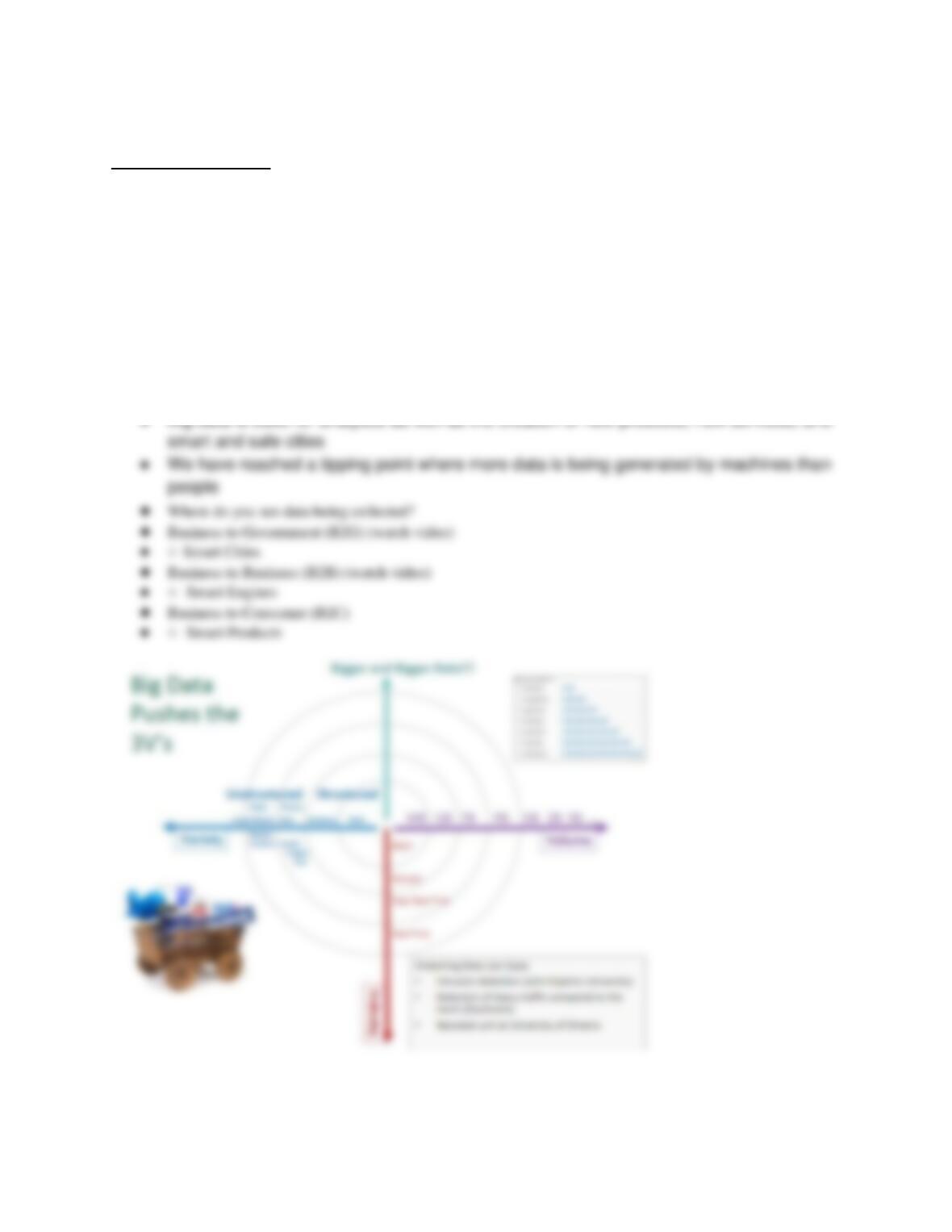
● Pushes the 3V’s
○ Variety
■ 80% of big data is unstructured
○ Volume
○ Velocity