oCCSCI 440 – Applied Software Project Development
PHARMACY INVENTORY MANAGEMENT SYSTEM (PIMS)
Version 1.3
<03/27/2018>
Prepared by:
Arpan Kandel,
Ousman Kanteh,
Austin Etheridge,
Hari Acharya.
TABLE OF CONTENTS
Problem Statement 3
Background & Environment 3
Benefits 3
Capabilities 3
Project Management Plan 4
Top-level design 4
Work Breakdown Structure 5
Skill Matrix 6
Roles 7
Project Schedule 8
Constraints And Risks 8
Constraints 8
Risks 9
User Stories 9
PIMS Details 10
Team Progress 17
Team Communication 17
Planning 17
Peer Evaluation 17
Planning 17
1.PROBLEM STATEMENT
1. BACKGROUND & ENVIRONMENT
Pharmaceutical stores encounter lot of challenges in keeping track of their inventory. To manage
a large drugstore with records on papers will be overwhelmingly difficult to keep track of
inventories with regards to the drugs in the store, expiry date, quantity of drugs available based on
the categories and their functions. Pharmacy Inventory Management System (PIMS) is the desktop
application that is focussed on inventory management of the pharmacy, supplier of medicines,
details of medicines and other actions that are necessary for smooth operation of pharmacy. PIMS
is expected to improve accuracy, cut cost, make it more efficient and enhance medical safety.
PIMS is the vertical application that is targeted to meet the requirement of our client ‘TAMUC
Pharmacy’. Qualitative and fully functional application is expected to be delivered by the mid of
May 2018.
PIMS will be built on Java Platform and MySQL as the Database. An agile methodology approach
will be adopted throughout the project. We will have a seamless product without defects, where
every member of our team and the stakeholder is aware and informed of the outcomes and status.
2. BENEFITS
Upon successful completion of PIMS, some of the expected benefits are as follows:
1. There will be a total control of stock
2. The system will reduce employee workload
3. The system will cut cost
4. The system will improve accessibility
5. There will be a monitoring of what goes in and what goes out
3. CAPABILITIES
Some of the functionalities that shall be included in PIMS to make it more usable are
mentioned below:
1. The system will require authentication before accessing the application
2. The system will assign unique identification number for each item (medicine) and user
allow
3. To enter corresponding expiration dates.
4. User should be able to login, Add, Sort/Filter, Review, Update, Delete item(s)
5. The system will be user friendly
2. PROJECT MANAGEMENT PLAN
1. TOP–LEVEL DESIGN
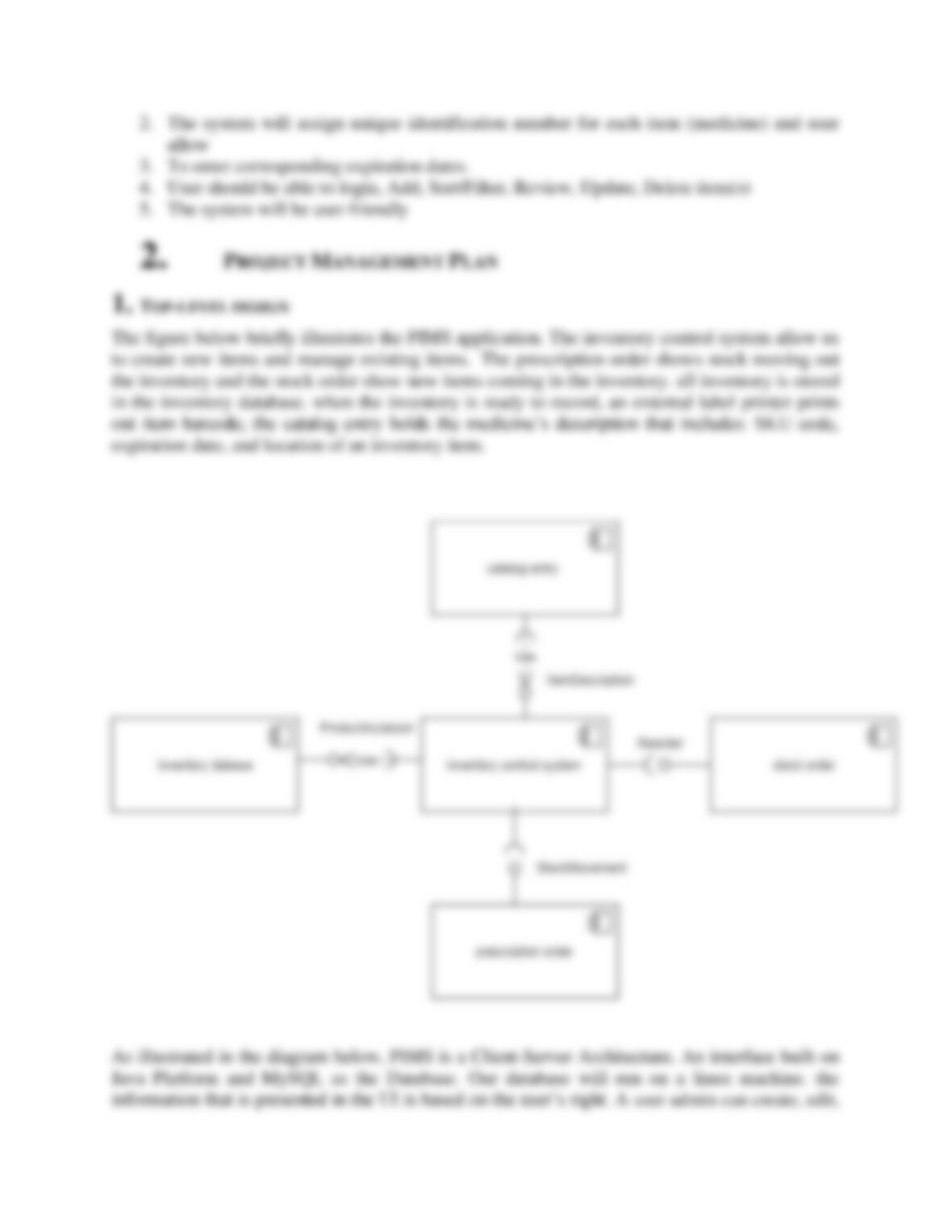
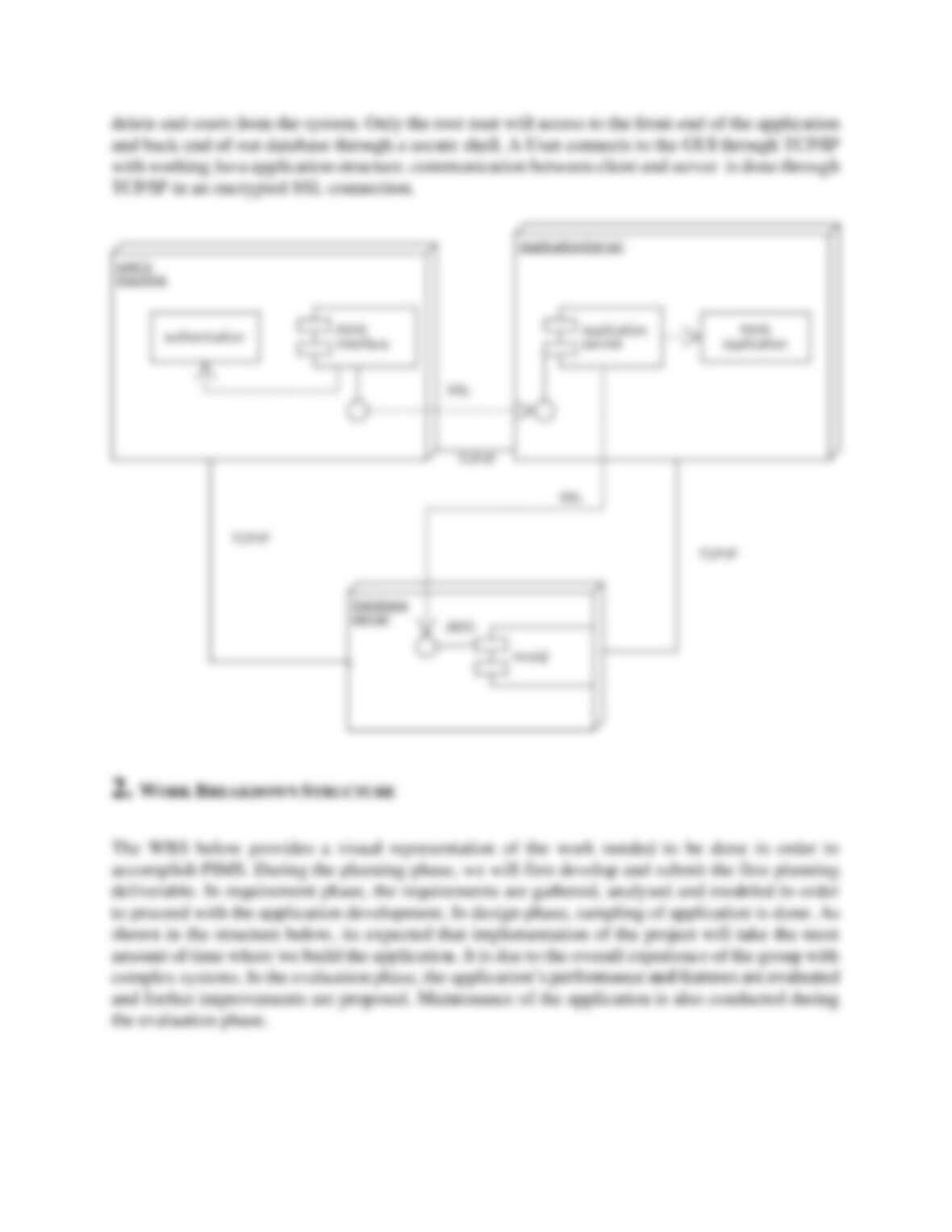
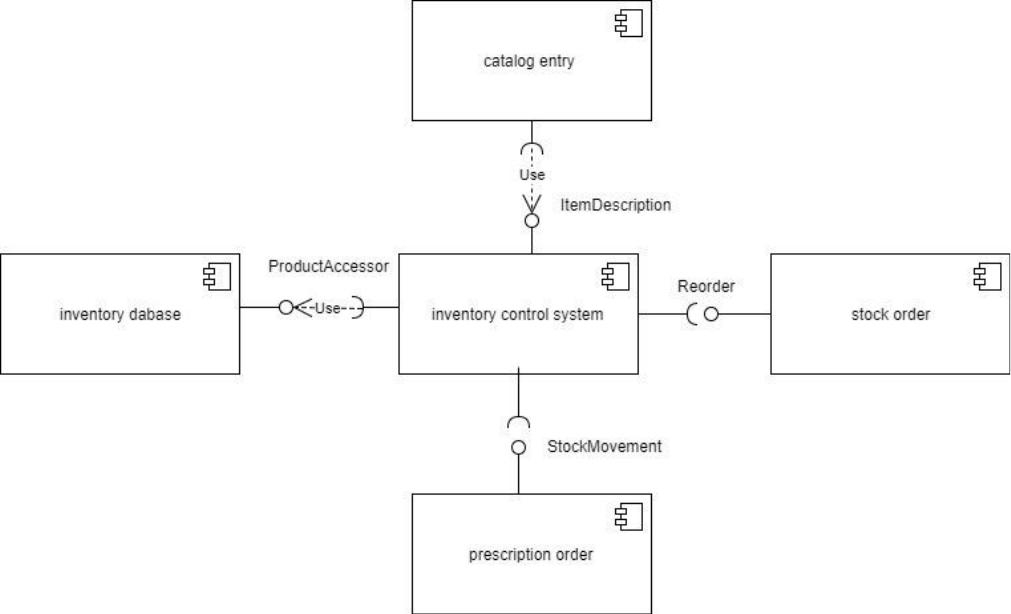
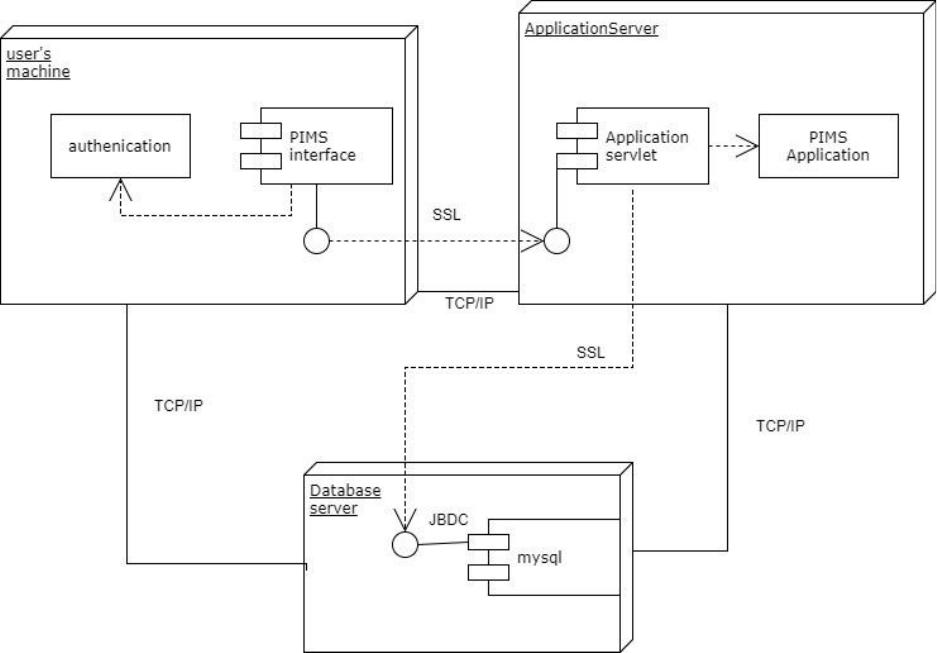
The figure below briefly illustrates the PIMS application. The inventory control system allow us
to create new items and manage existing items. The prescription order shows stock moving out
the inventory and the stock order show new items coming in the inventory. all inventory is stored
in the inventory database. when the inventory is ready to record, an external label printer prints
out item barcode; the catalog entry holds the medicine’s description that includes: SKU code,
expiration date, and location of an inventory item.
As illustrated in the diagram below, PIMS is a Client-Server Architecture. An interface built on
Java Platform and MySQL as the Database. Our database will run on a linux machine. the
information that is presented in the UI is based on the user’s right. A user admin can create, edit,
delete end-users from the system. Only the root user will access to the front-end of the application
and back-end of our database through a secure shell. A User connects to the GUI through TCP/IP
with working Java application structure. communication between client and server is done through
TCP/IP in an encrypted SSL connection.
2. WORK BREAKDOWN STRUCTURE
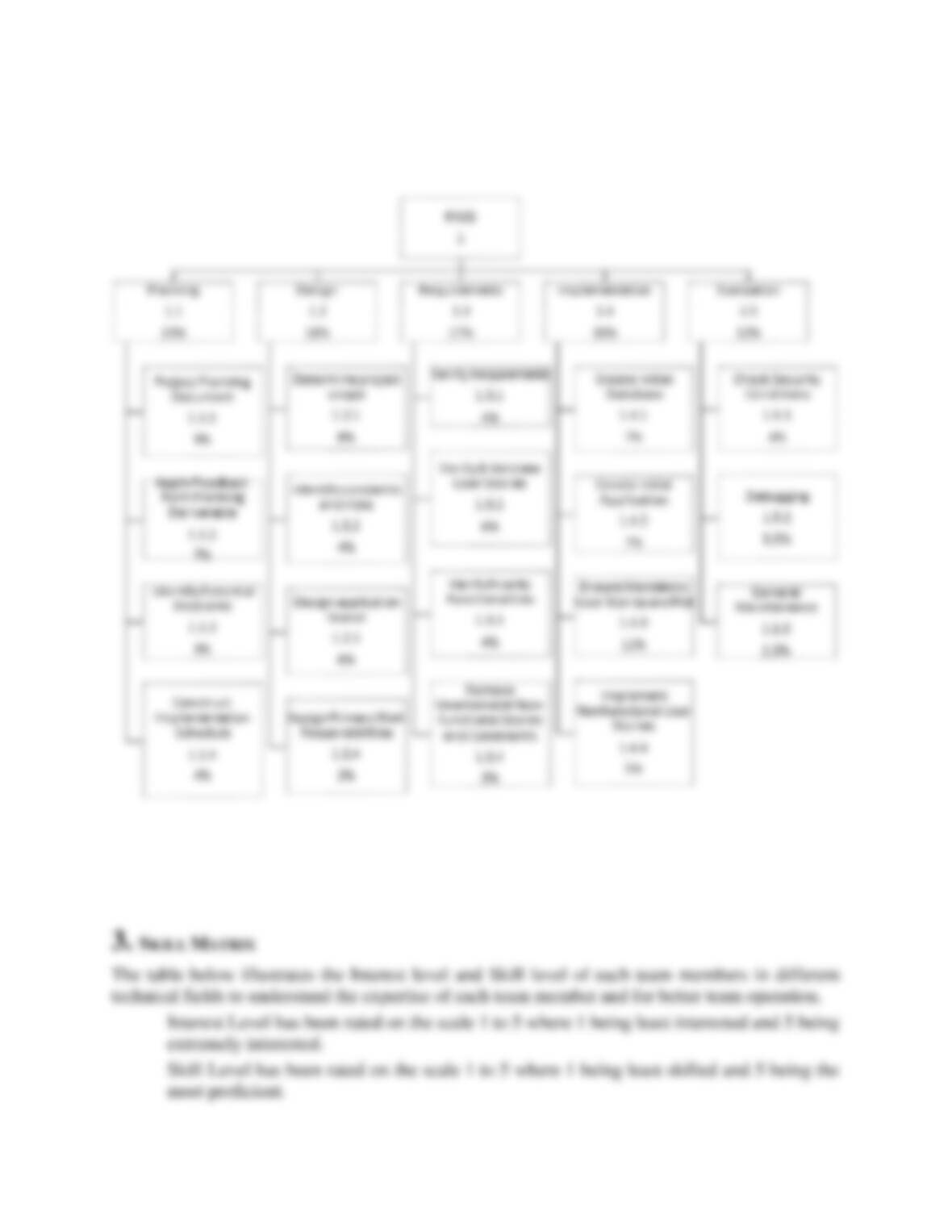
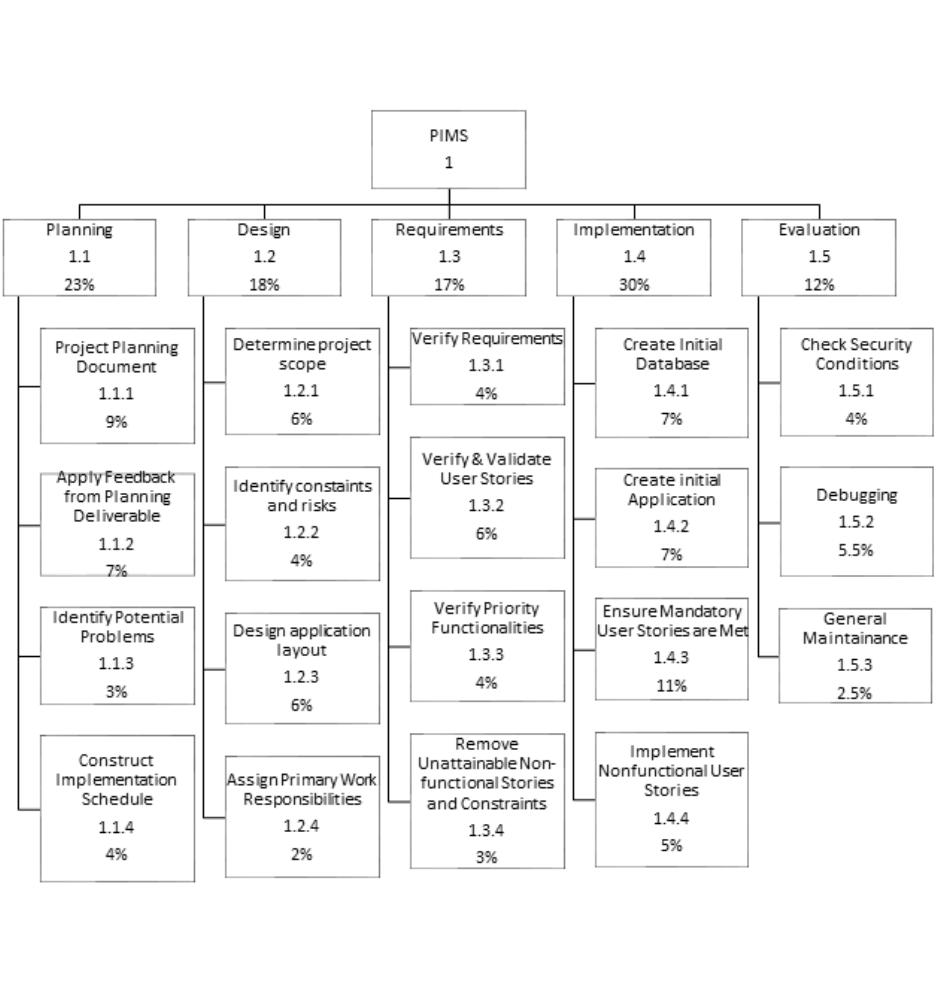
The WBS below provides a visual representation of the work needed to be done in order to
accomplish PIMS. During the planning phase, we will first develop and submit the first planning
deliverable. In requirement phase, the requirements are gathered, analysed and modeled in order
to proceed with the application development. In design phase, sampling of application is done. As
shown in the structure below, its expected that implementation of the project will take the most
amount of time where we build the application. It is due to the overall experience of the group with
complex systems. In the evaluation phase, the application’s performance and features are evaluated
and further improvements are proposed. Maintenance of the application is also conducted during
the evaluation phase.
3. SKILL MATRIX
The table below illustrates the Interest level and Skill level of each team members in different
technical fields to understand the expertise of each team member and for better team operation.
Interest Level has been rated on the scale 1 to 5 where 1 being least interested and 5 being
extremely interested.
Skill Level has been rated on the scale 1 to 5 where 1 being least skilled and 5 being the
most proficient.
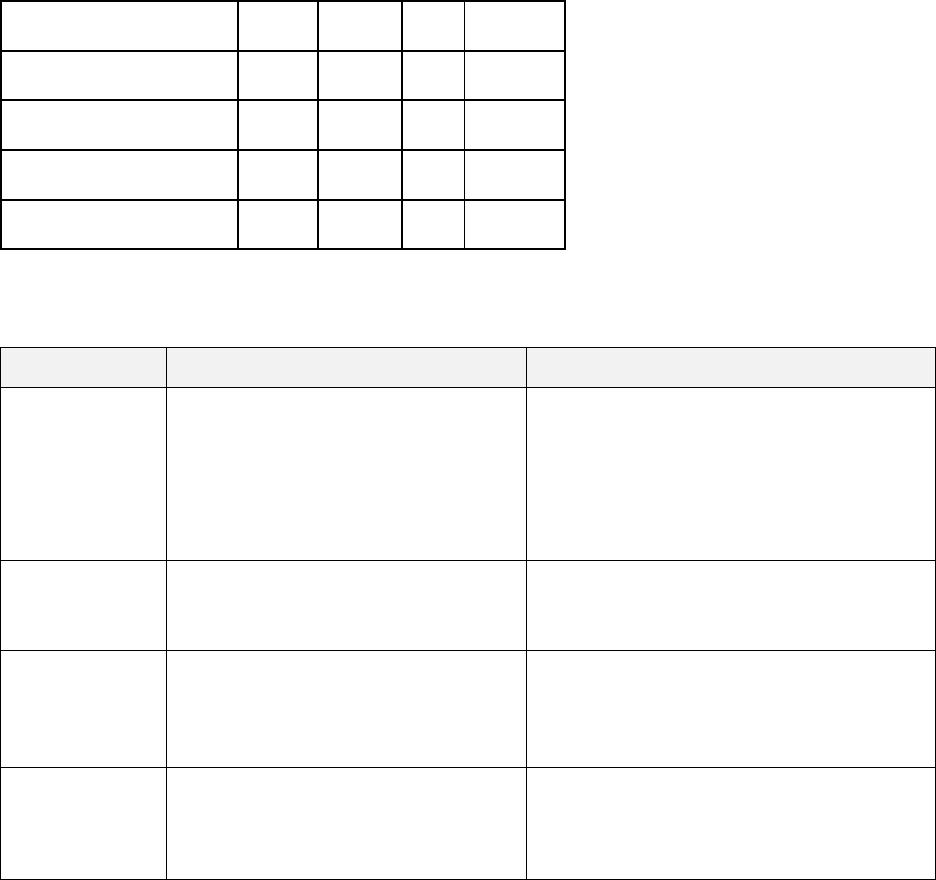
Format: Interest Level comma separated by Skill Level.
Task \ Team Members
Arpan
Austin
Hari
Ousman
Control Design
4, 3
3.2
3,2
3,2
Database Design
3, 4
3,3
3,3
3,2
Configuration Design
4, 3
3,2
3,3
3,2
User Interface Design
4, 4
2,1
3,2
3,2
4. ROLES
Name
Project Role
Project Responsibilities
Arpan Kandel
Project Manager/Back-End
Developer
• Design the Project and
Application
• Management of Project and
Team
• External and Internal
Communication
Ousman
Kanteh
Database Administrator/Quality
Analyst
• Manage and maintain Database
• Connect DB with Application
• Testing the Application
Austin
Etheridge
Front-End Developer/System
Analyst
• Front-End Development of
Application
• System and Requirements
Analysis
Hari Acharya
Front-End Developer/System
Analyst
• Front-End Development of
Application
• System and Requirements
Analysis
5. PROJECT SCHEDULE
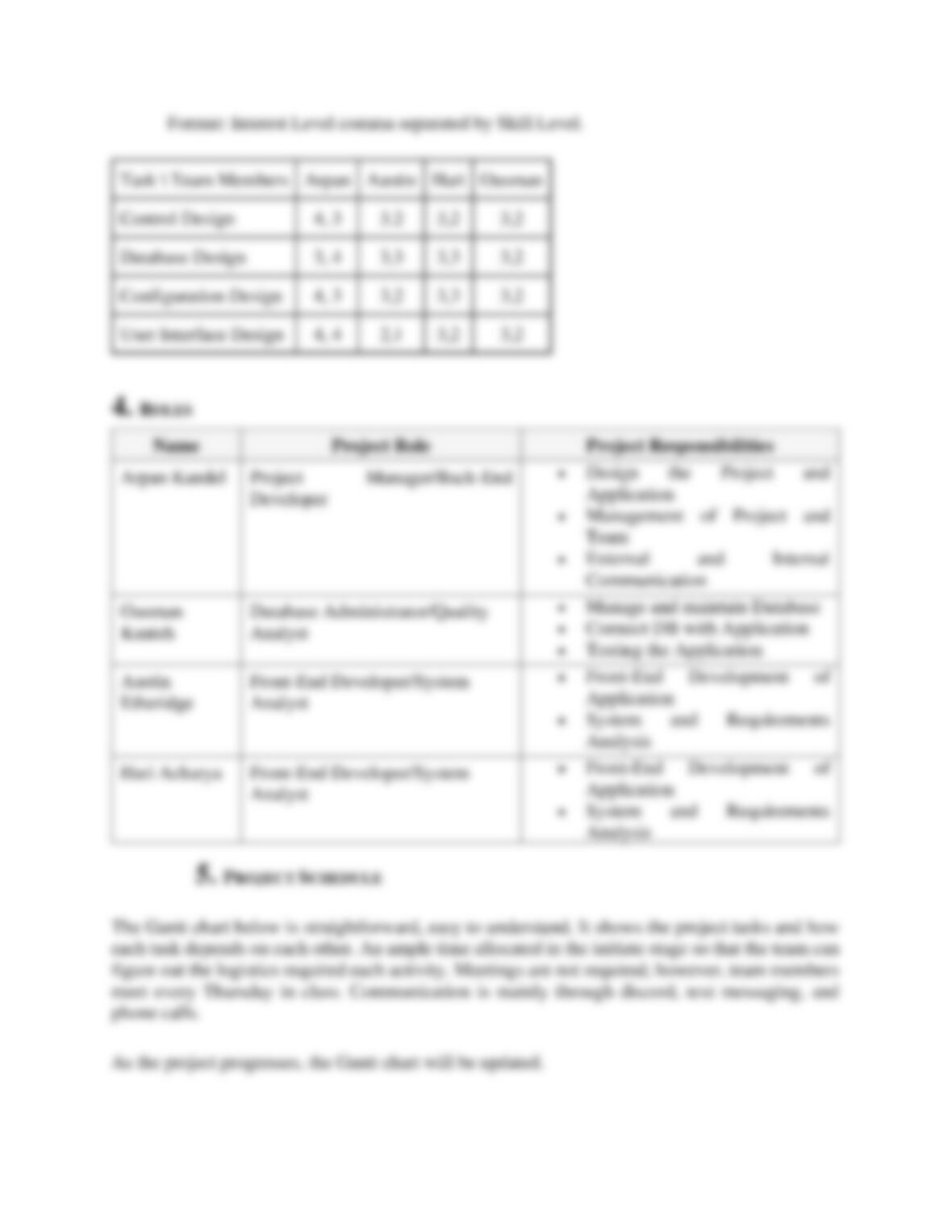
The Gantt chart below is straightforward, easy to understand. It shows the project tasks and how
each task depends on each other. An ample time allocated in the initiate stage so that the team can
figure out the logistics required each activity. Meetings are not required; however, team members
meet every Thursday in class. Communication is mainly through discord, text messaging, and
phone calls.
As the project progresses, the Gantt chart will be updated.
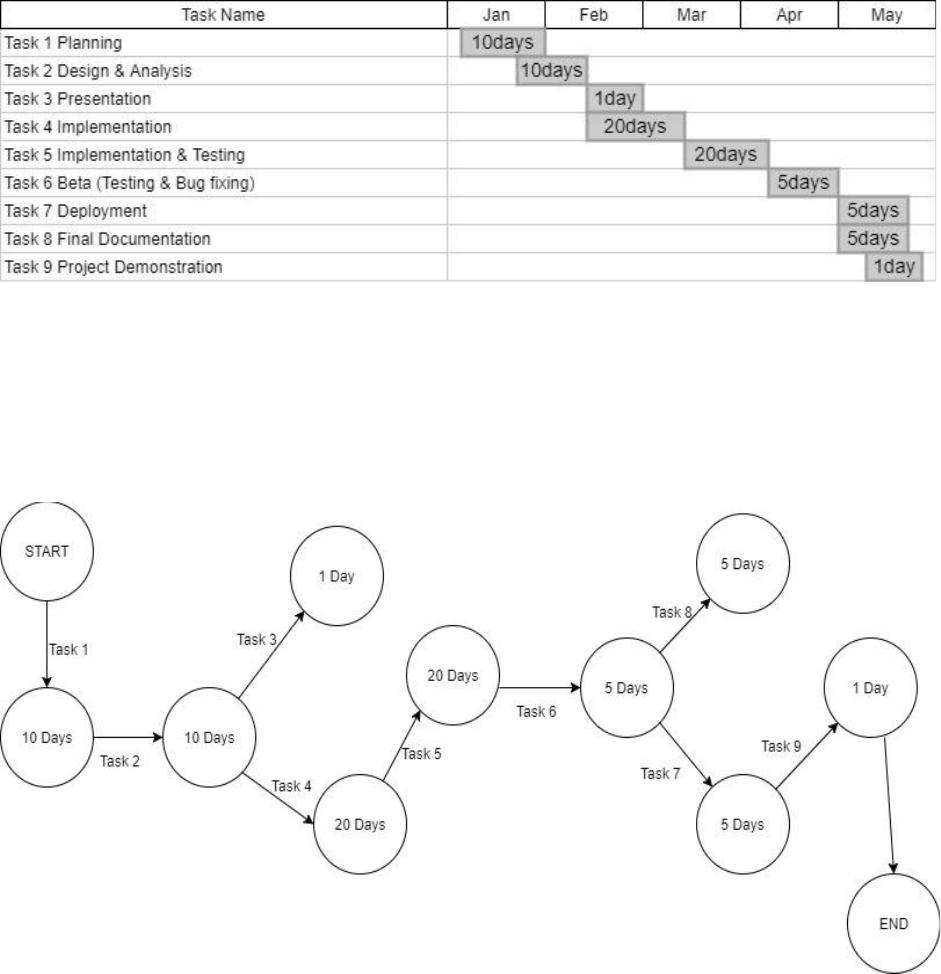
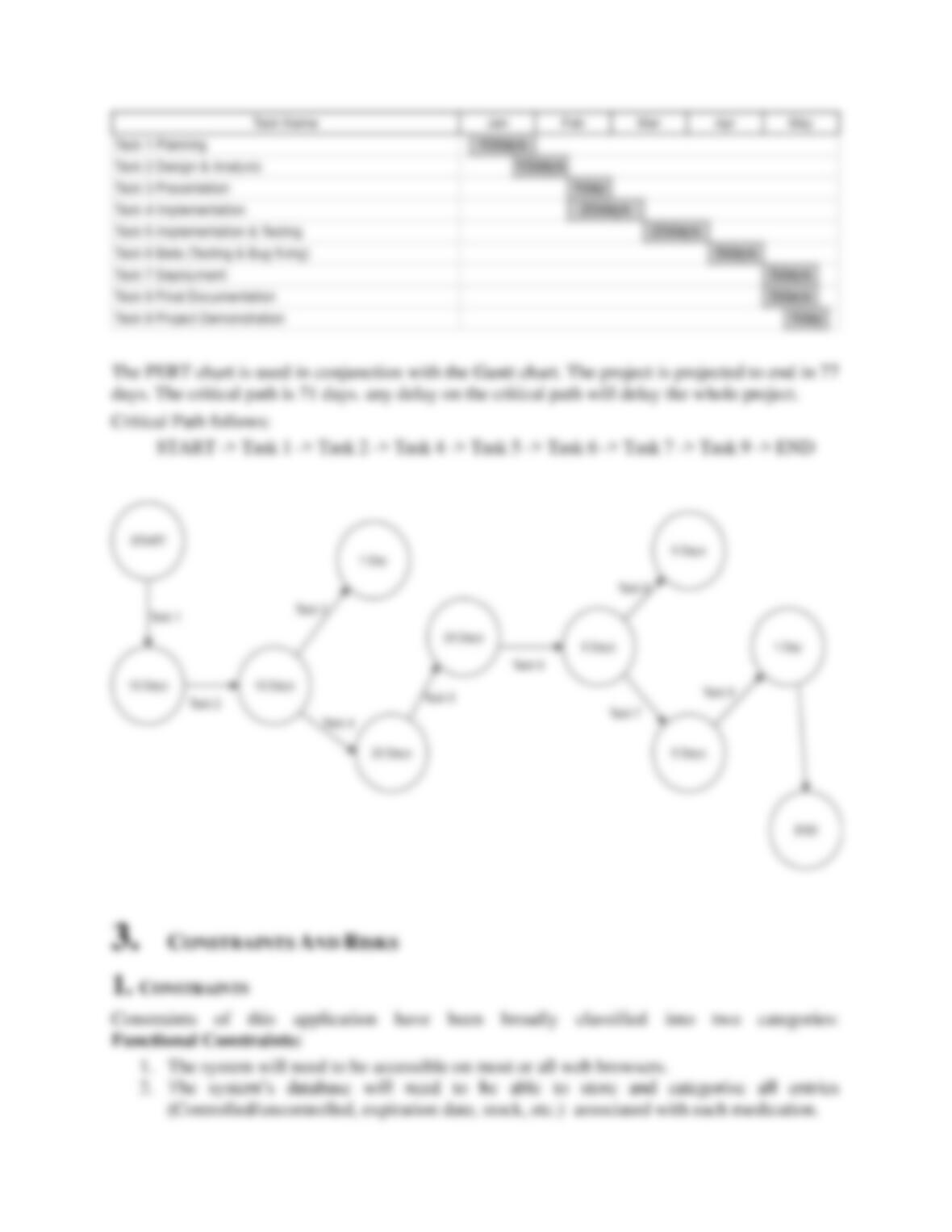
The PERT chart is used in conjunction with the Gantt chart. The project is projected to end in 77
days. The critical path is 71 days. any delay on the critical path will delay the whole project.
Critical Path follows:
START -> Task 1 -> Task 2 -> Task 4 -> Task 5 -> Task 6 -> Task 7 -> Task 9 -> END
3. CONSTRAINTS AND RISKS
1. CONSTRAINTS
Constraints of this application have been broadly classified into two categories:
Functional Constraints:
1. The system will need to be accessible on most or all web browsers.
2. The system’s database will need to be able to store and categorize all entries
(Controlled/uncontrolled, expiration date, stock, etc.) associated with each medication.
3. The system will need an adequate security system to prevent unauthorized modification to
the inventory.
4. The application will need to be compatible with at least Mac and Windows operating
systems.
Non Functional Constraints:
5. The system will need to display information in a clear, organized manner.
6. The application layout must look clean and professional .
7. The user interface will need to be easy to use.
8. The system’s processing speed should be as fast as possible while maintaining accuracy.
2. RISKS
1. Uncontrolled scope creep could put us behind schedule, or make the project uncompletable.
High impact, low probability.
2. Little experience with software projects of this complexity will make it hard to estimate
how difficult specific areas will be, and how long it could take to code them. Low to
medium impact, high probability.
3. Making the database compatible with as many browsers as possible could come with
unexpected difficulty, again due to lack of experience. It may be necessary to limit the
database to certain browsers to finish on time. Medium impact, medium probability.
4. Disagreements on how the overall appearance of the system should look (user side) could
bring the project off schedule. Low impact, low probability.
4. USER STORIES
The user stories of the PIMS are as follows:
Functional User Stories
• A user will be able to add a medication and adjust it’s stock
• A user will be able to edit the stock of the medication
• A user will be able to remove a medication and its associated information
• A user will be able to edit stock and status of a medicine, but not the name (to reduce needless
complexity)
• A user will be able to assign each medication a unique ID number
• A user will be able to view the list of medication and it’s information
• A manager or business owner will be able to control who can and cannot access the database.
Non Functional User Stories
• A user will want the system to work as fast as possible while keeping the information
accurate.
• A user will want the layout to be easy to navigate and use.
• A business owner will have readily available access to view the inventory
• A user will be able to sort and filter the displayed list //non functional
5. PIMS DETAILS
1. Sprint 1
First sprint was mostly focussed on user interface development of the application. User Interface
was created using JavaFX. The duration of first sprint was 2 weeks. In this short period of time,
fair amount of progresses has been made.
Achievements in this sprint:
• Figured out t
• Made 6 user interfaces to
• Started working in Database Design
Expectations for upcoming sprint:
• Complete Database Design and structure
• More User Interfaces
• Improving the quality of User Interfaces
• Back End Processing
• Mapping the user interface with the database.
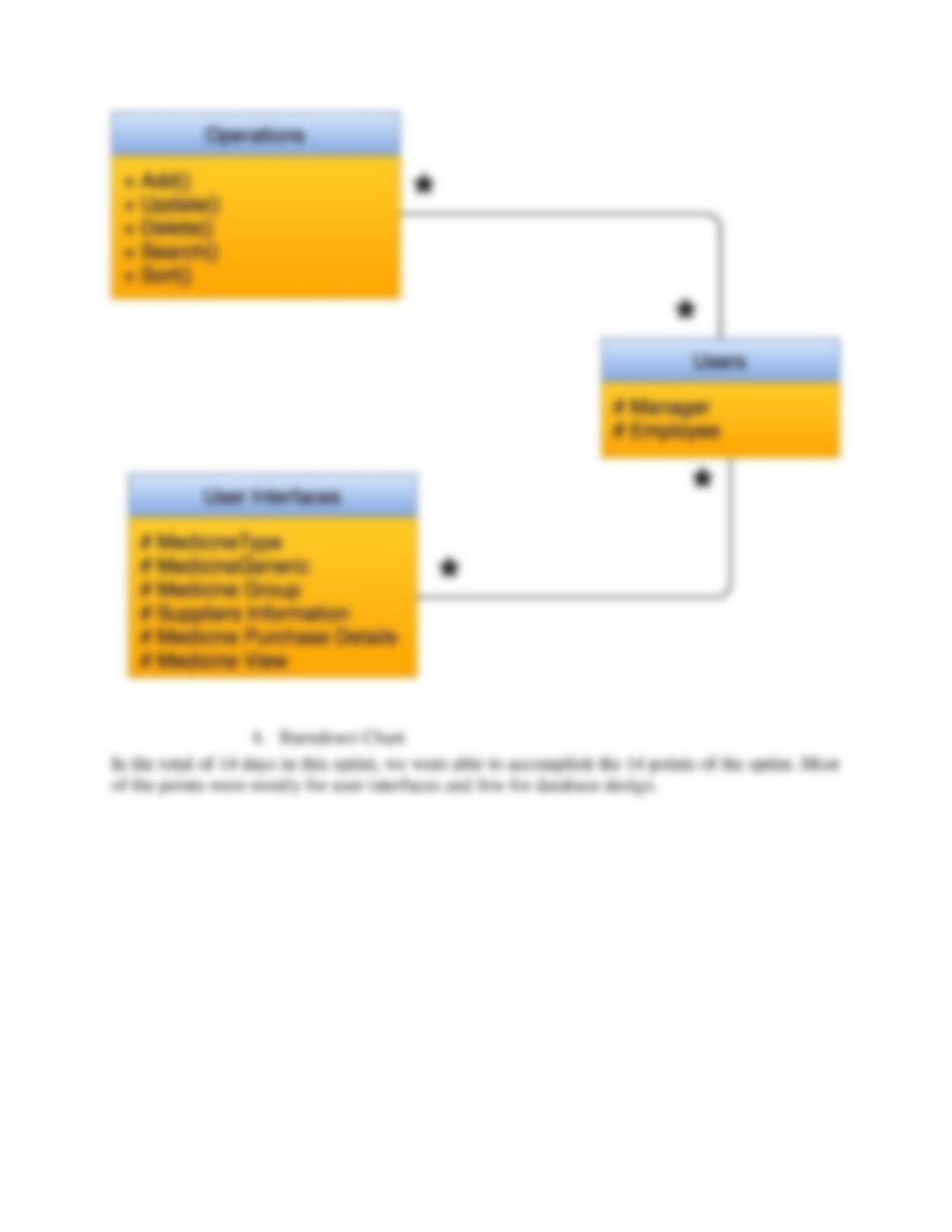
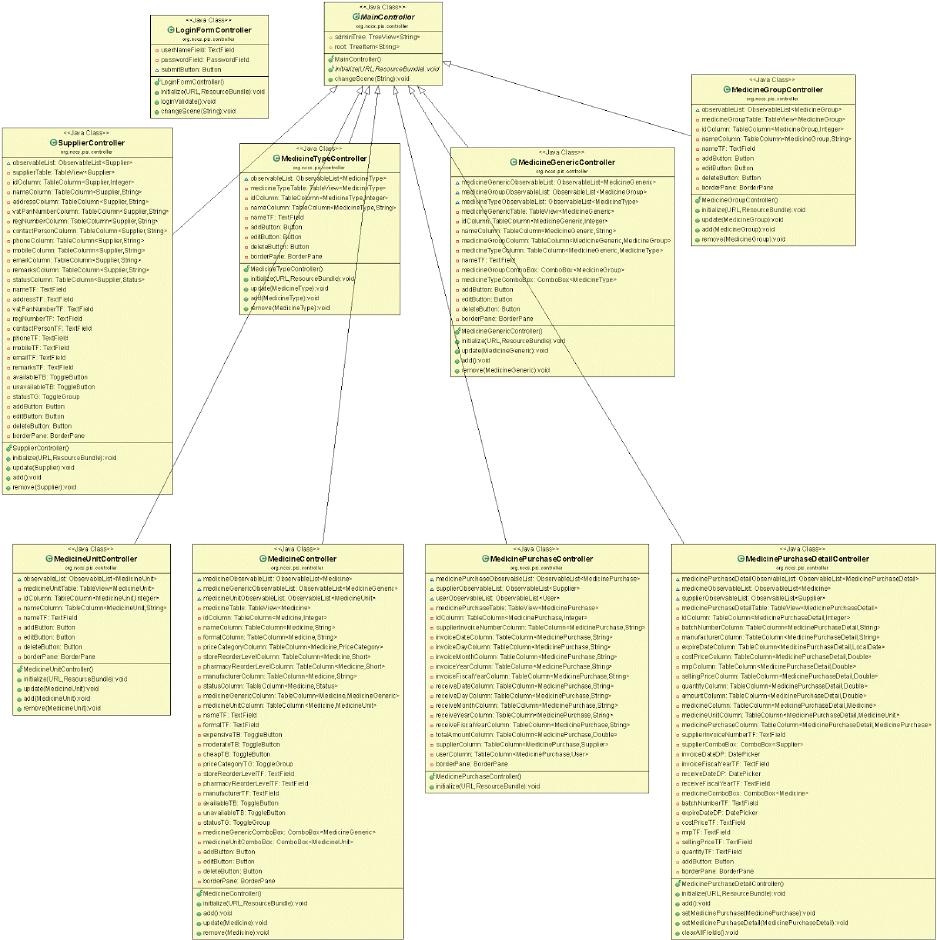
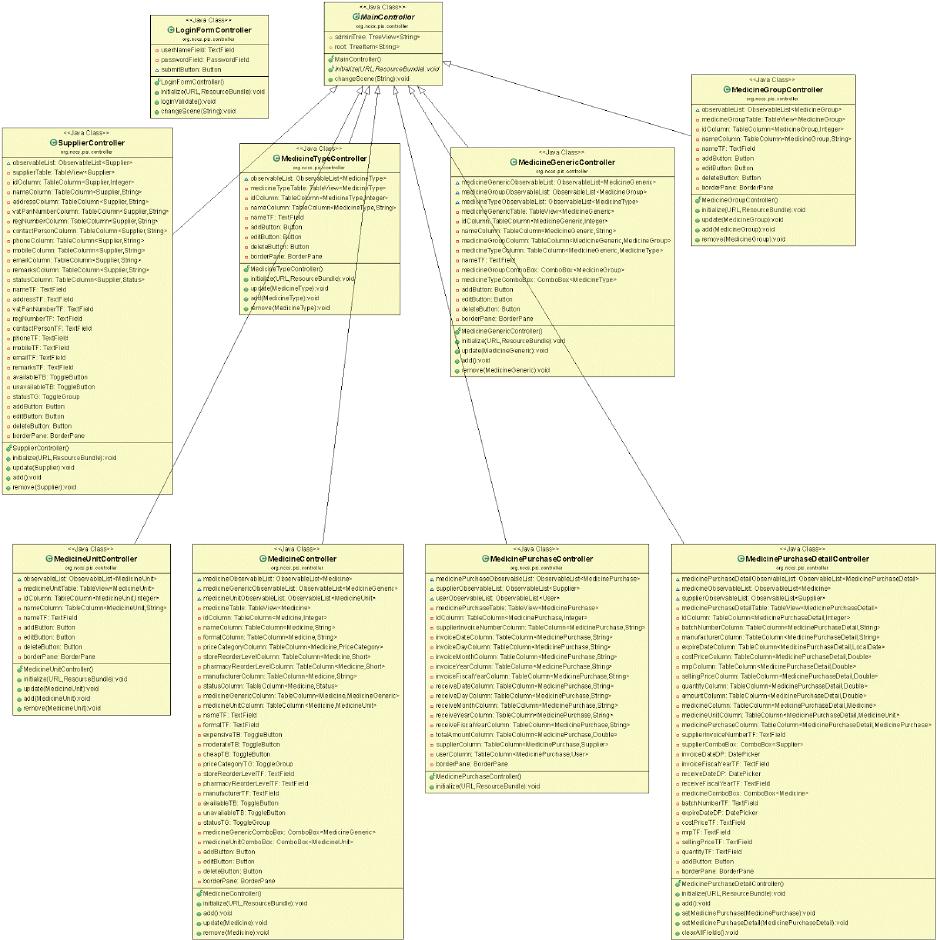
Following sections elaborates the functionality of the application using use case diagram, use case
tables and class diagrams.
1. Use Case Diagram
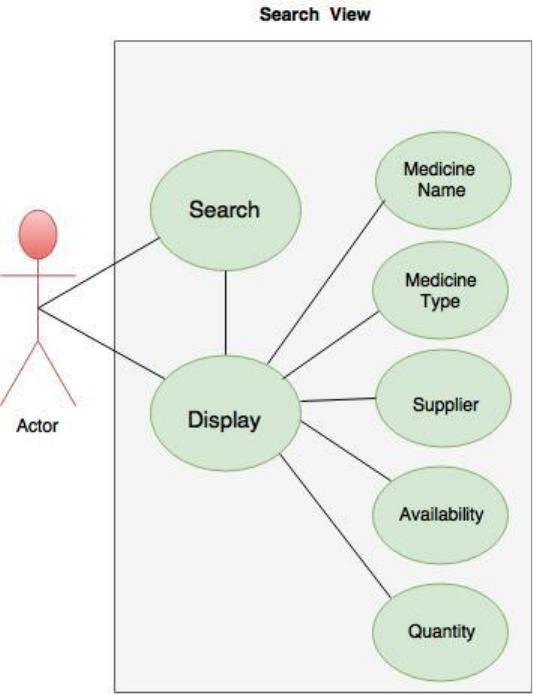
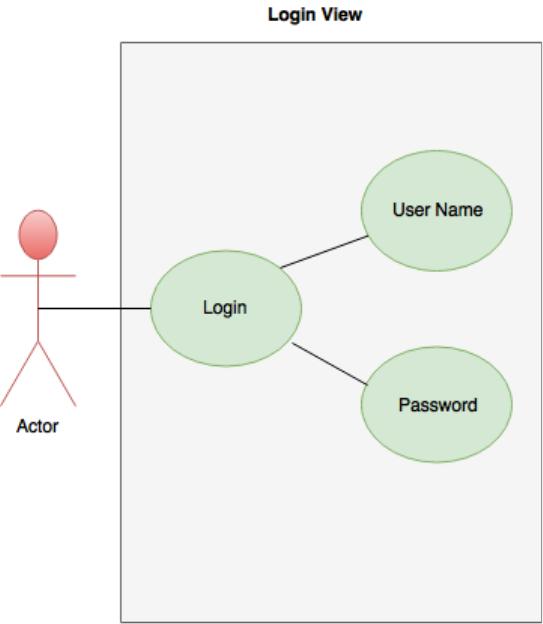
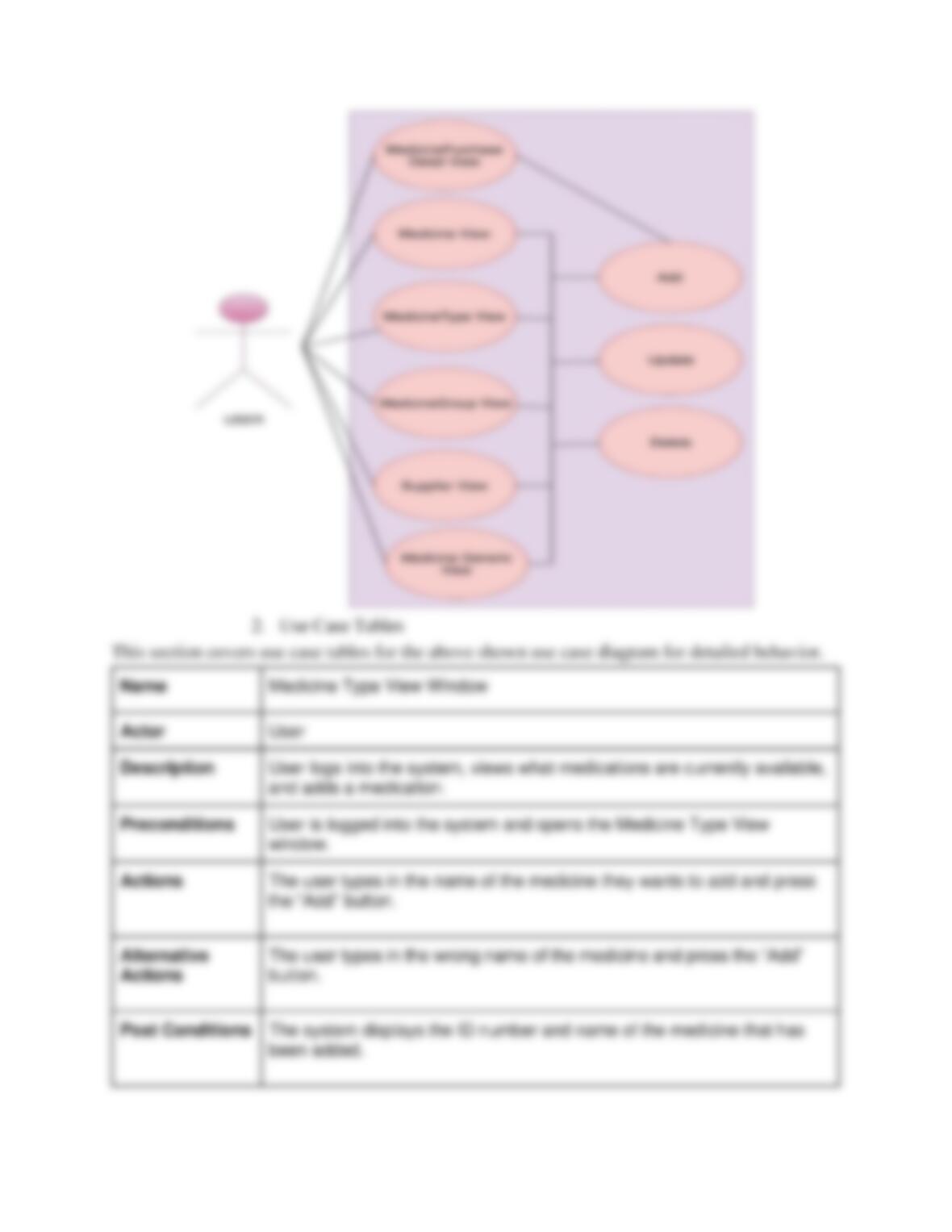
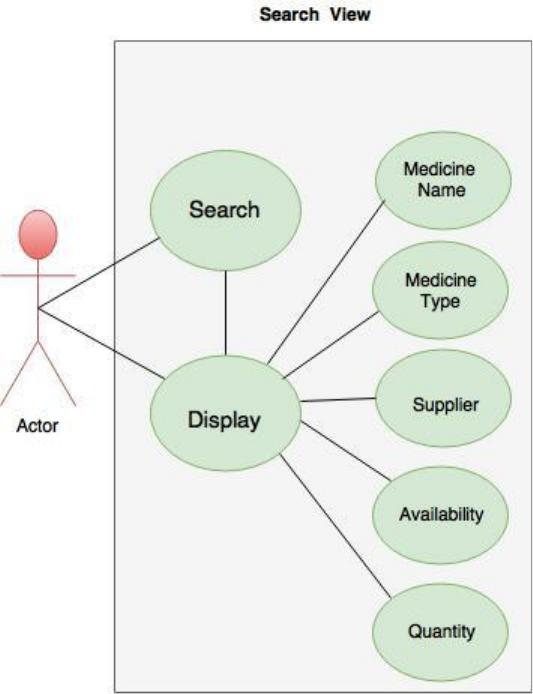
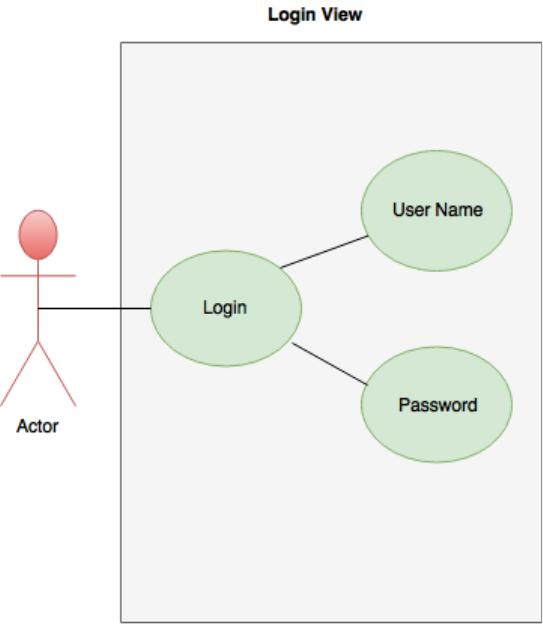
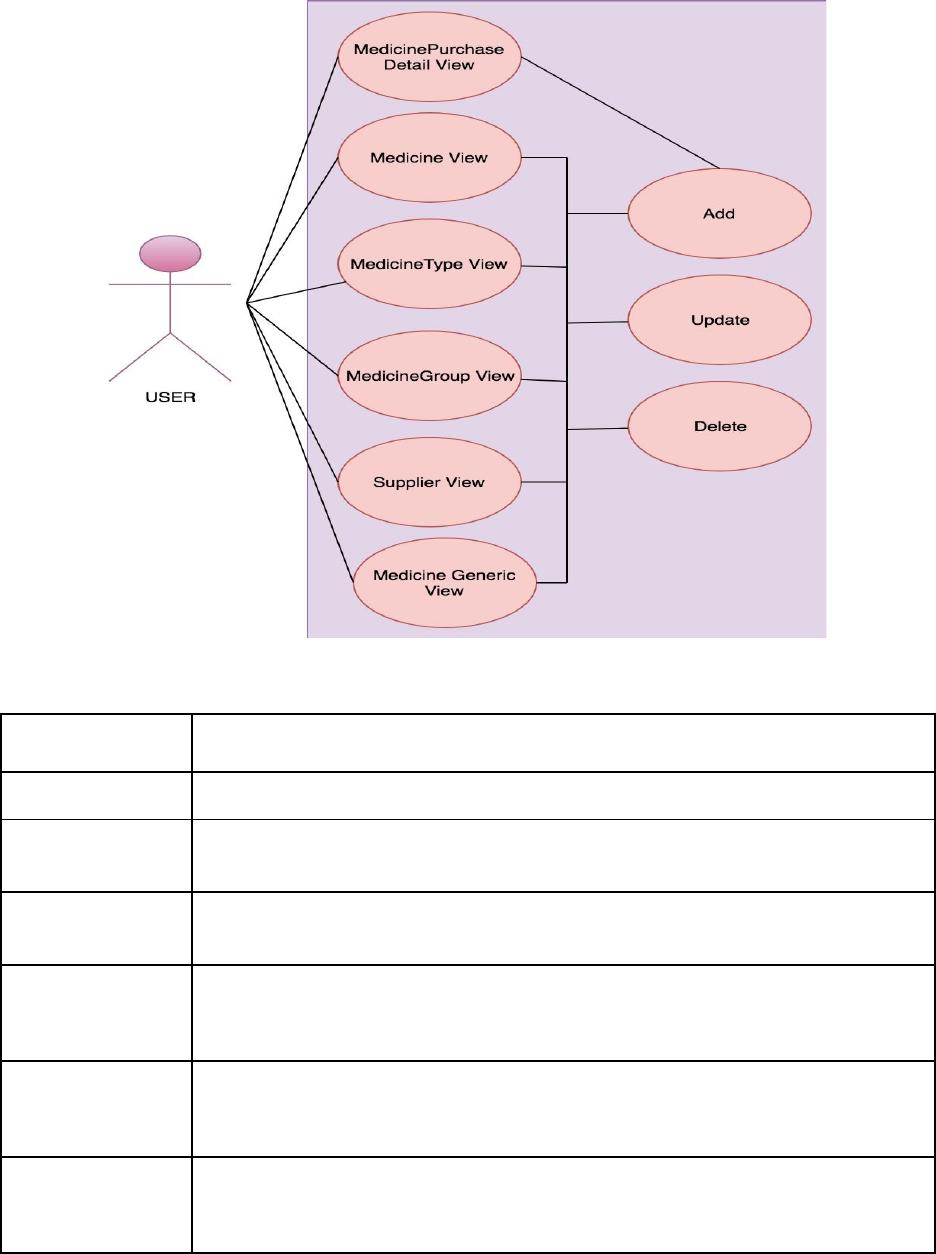
The use case diagram below shows the user interaction with the application and different views. It
also shows the feature of application to add, update and delete entries from database. Adding,
updating and deleting the record functionality is available in Medicine View, Medicine Type View,
Medicine Group View, Suppliers View and Medicine Generic View. Only adding the record option
is available for Medicine Purchase Details view.
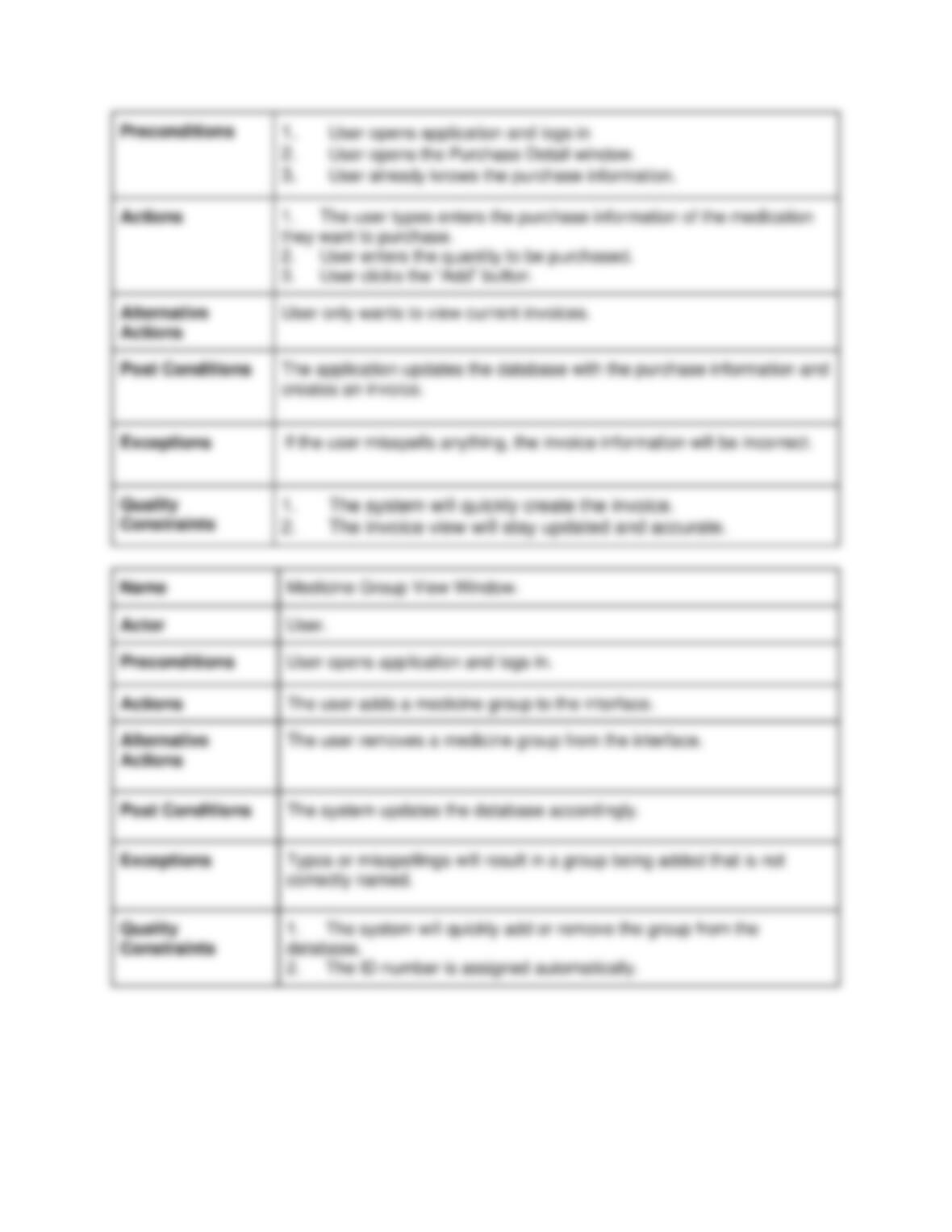
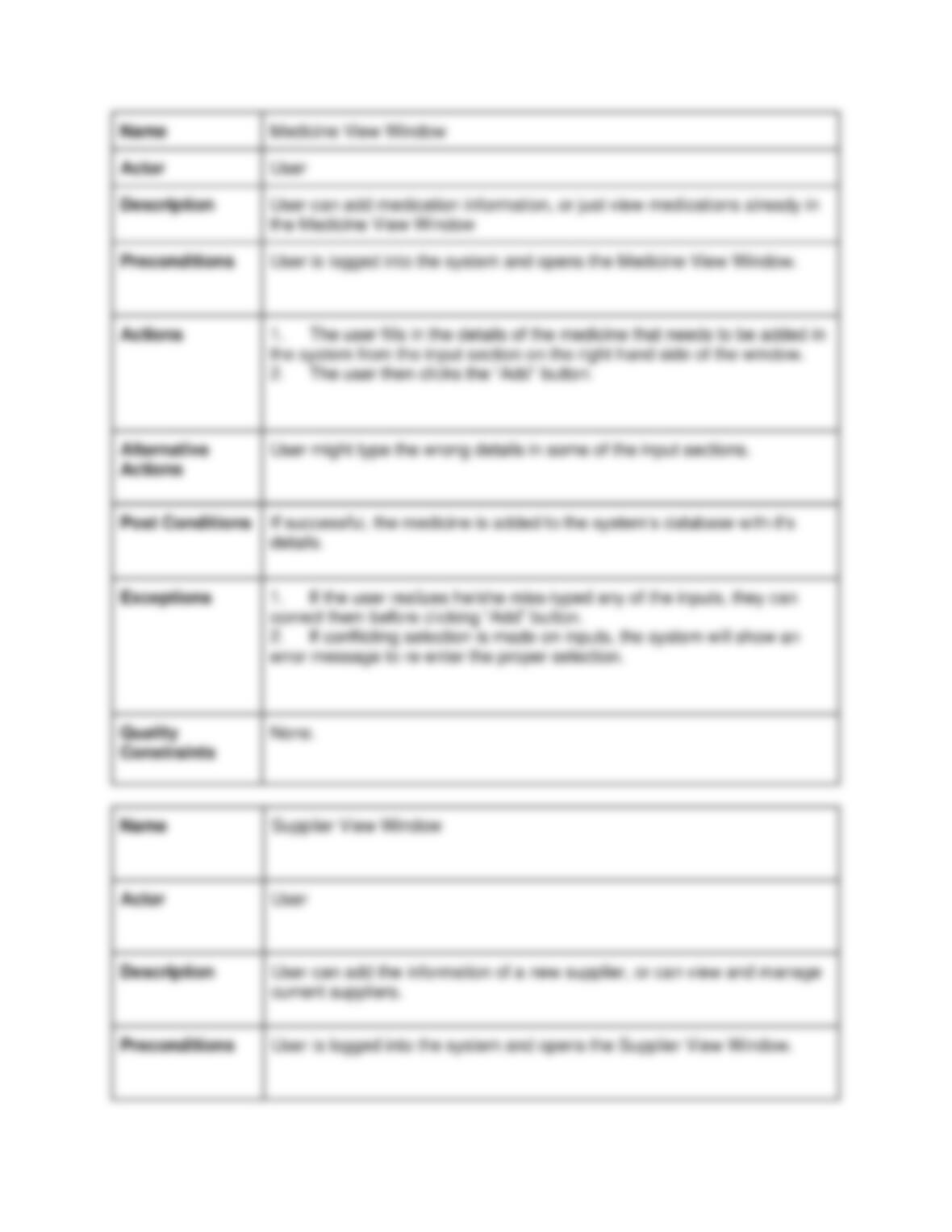
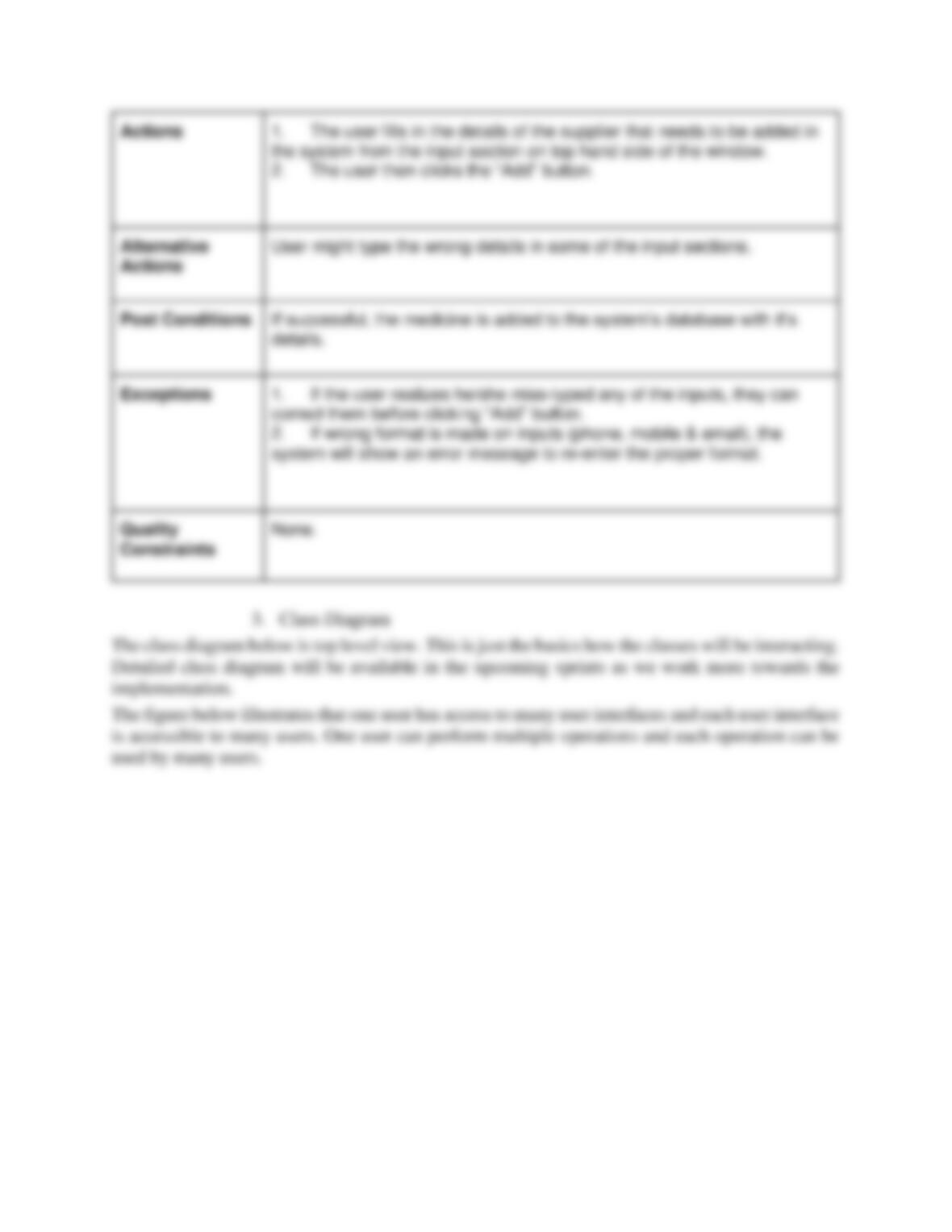
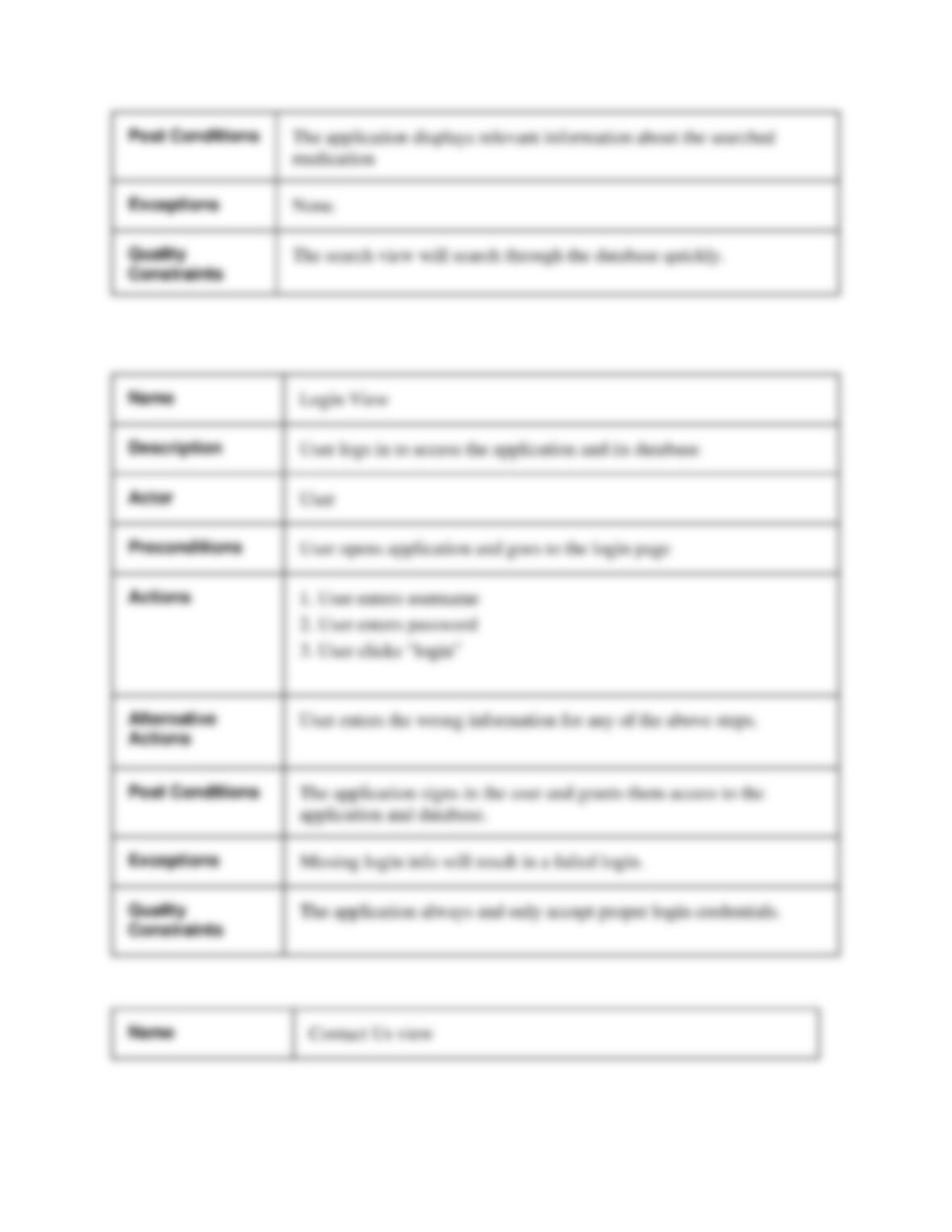
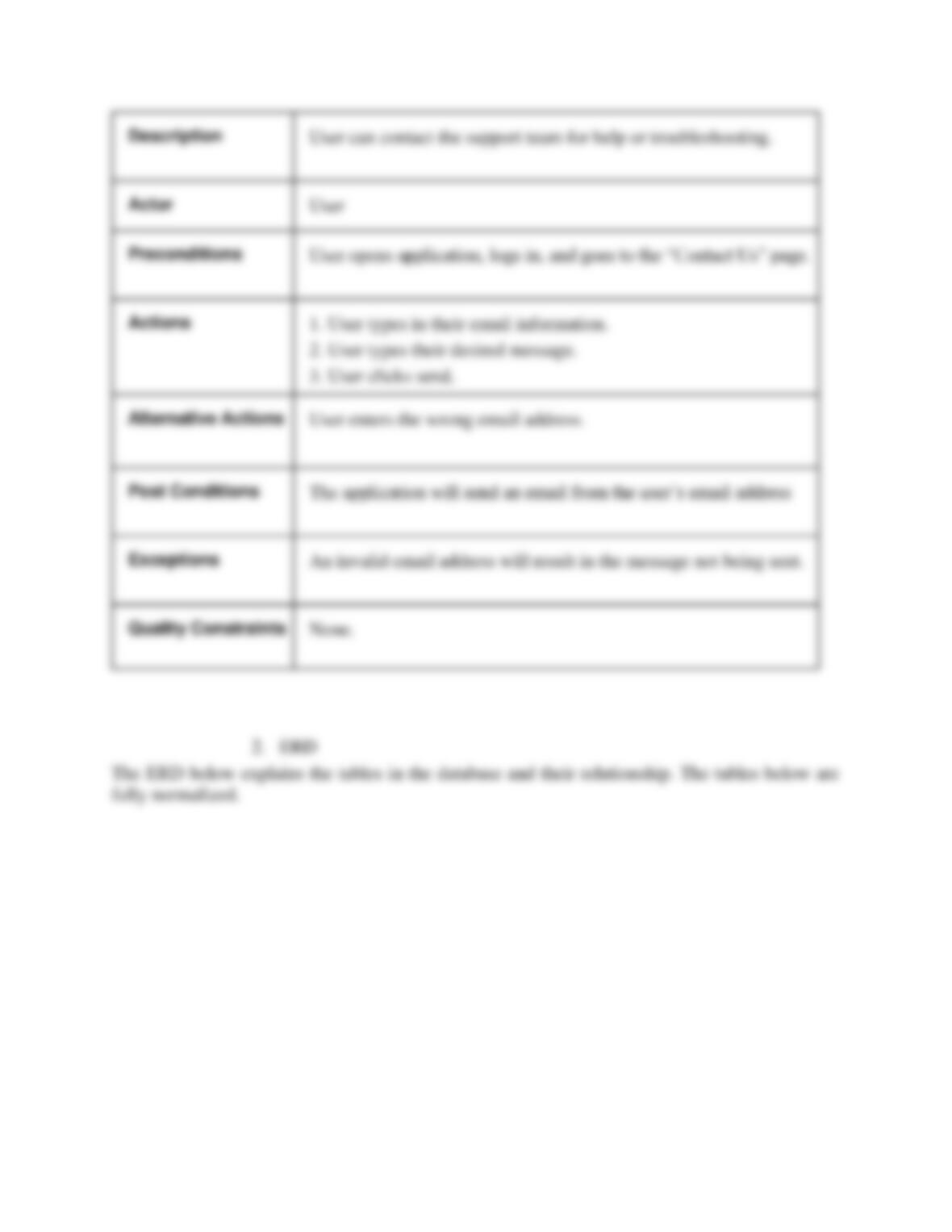
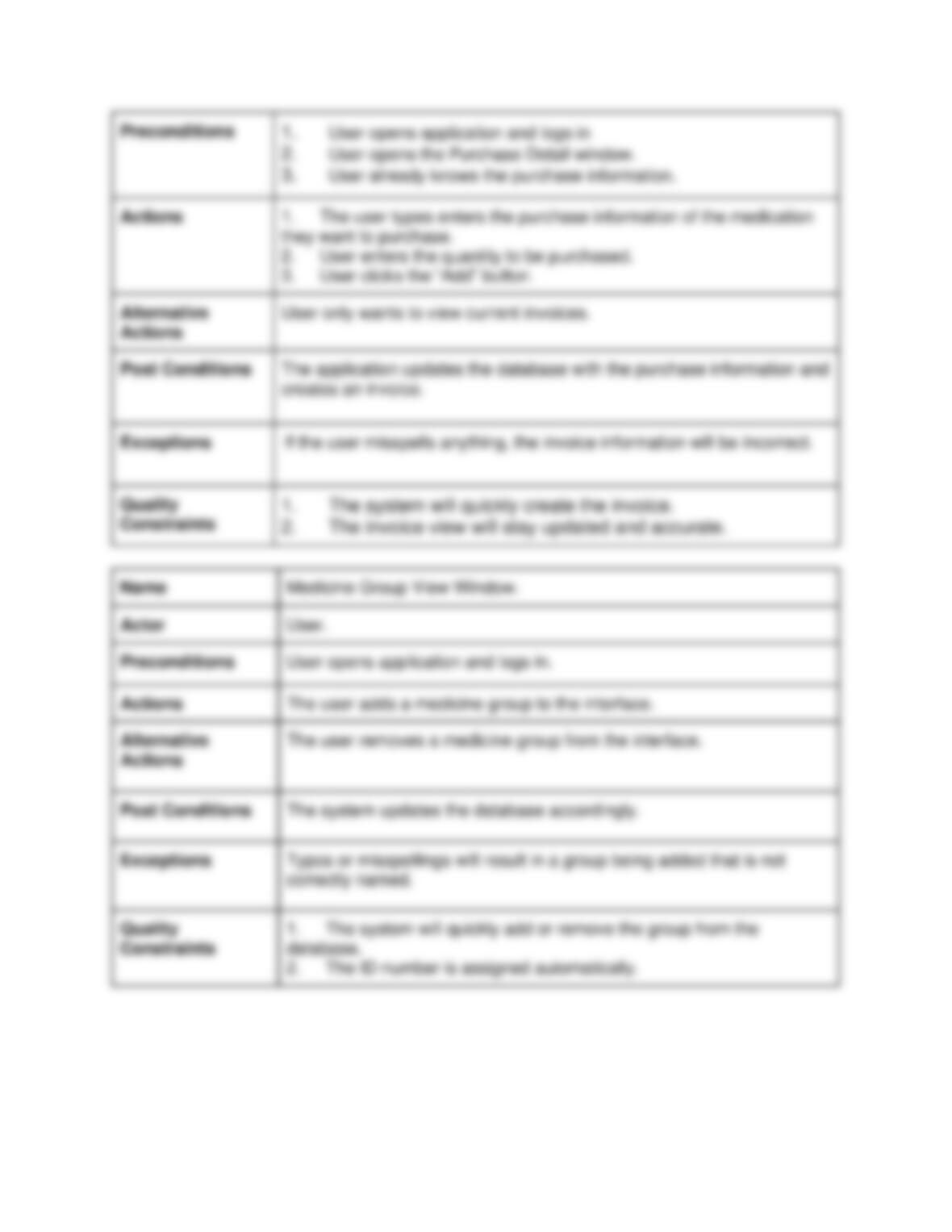
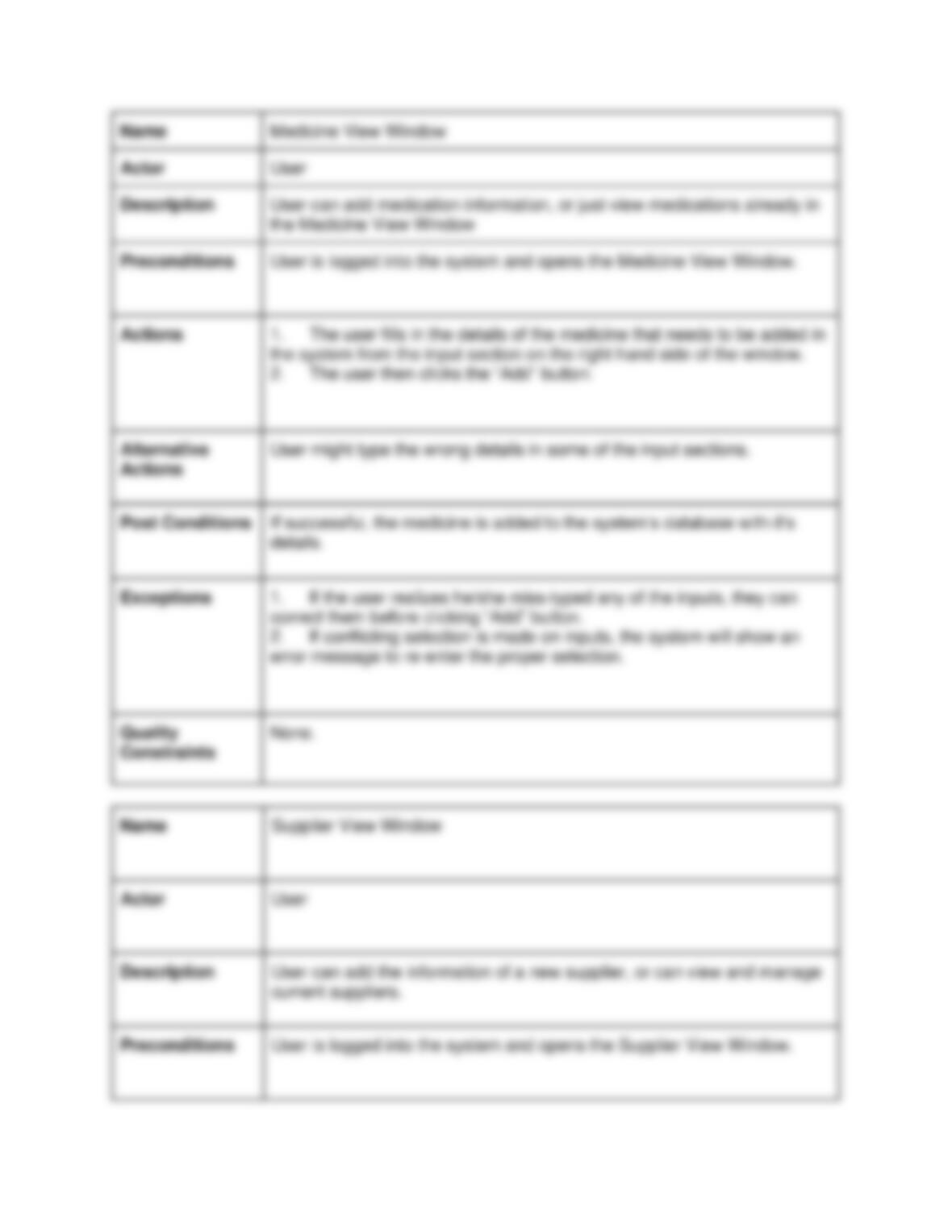
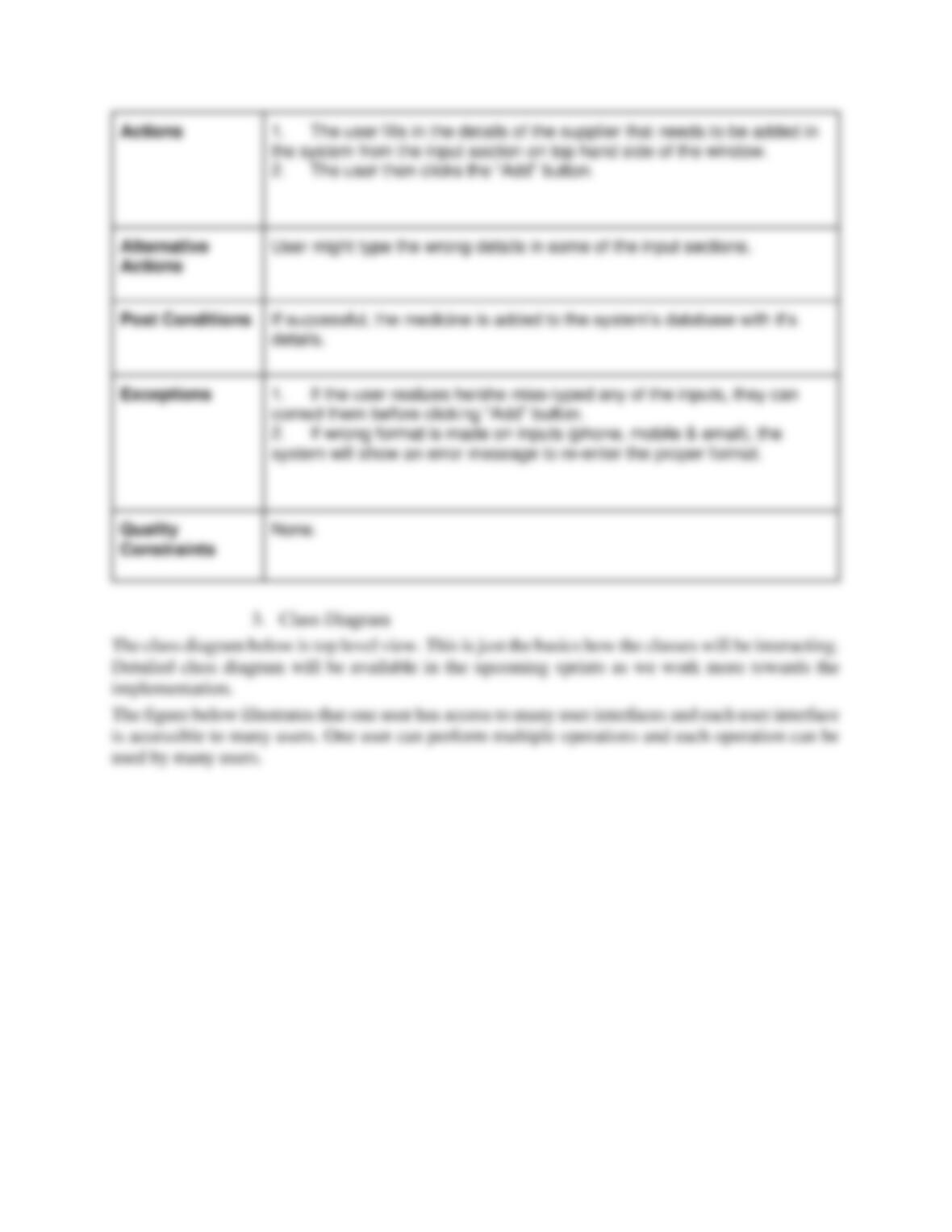
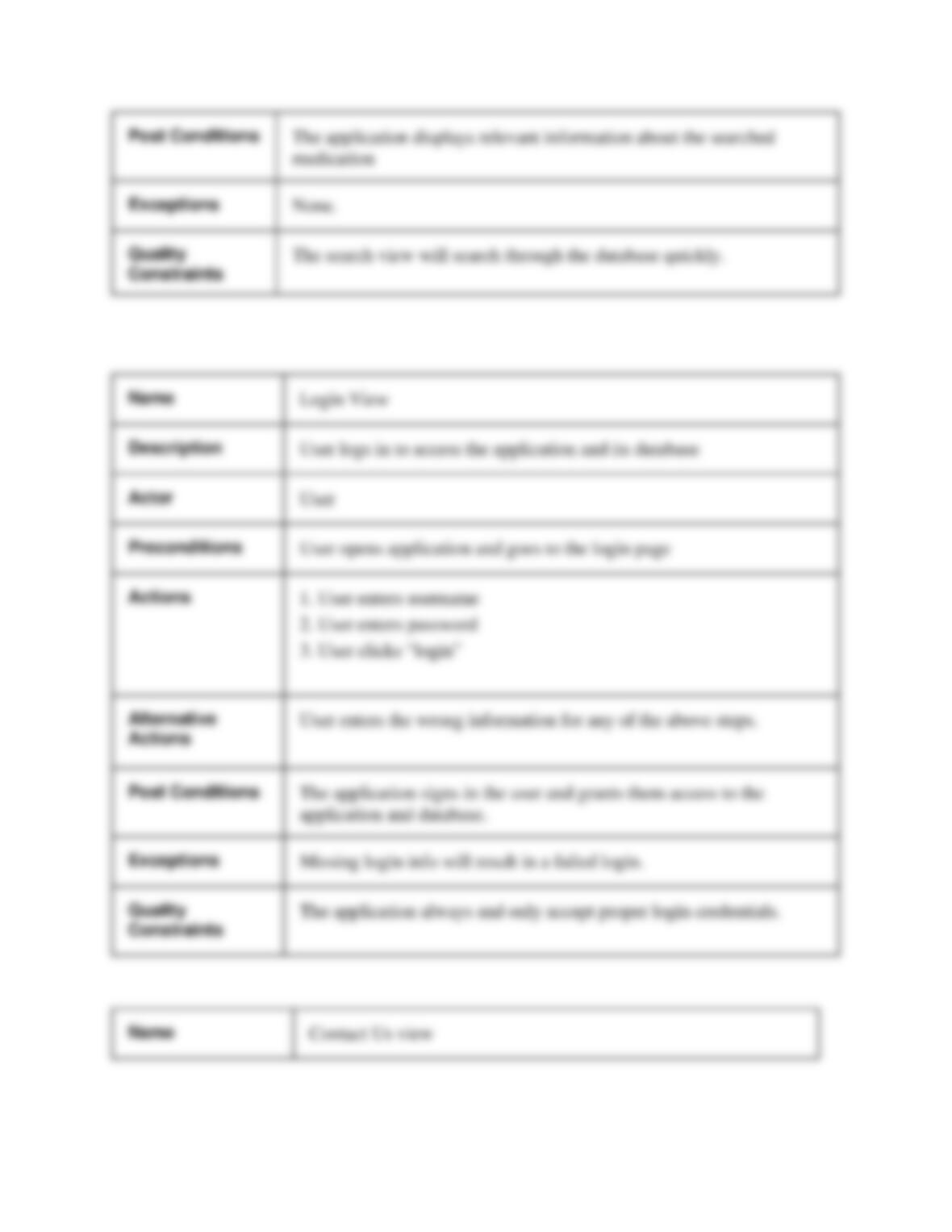
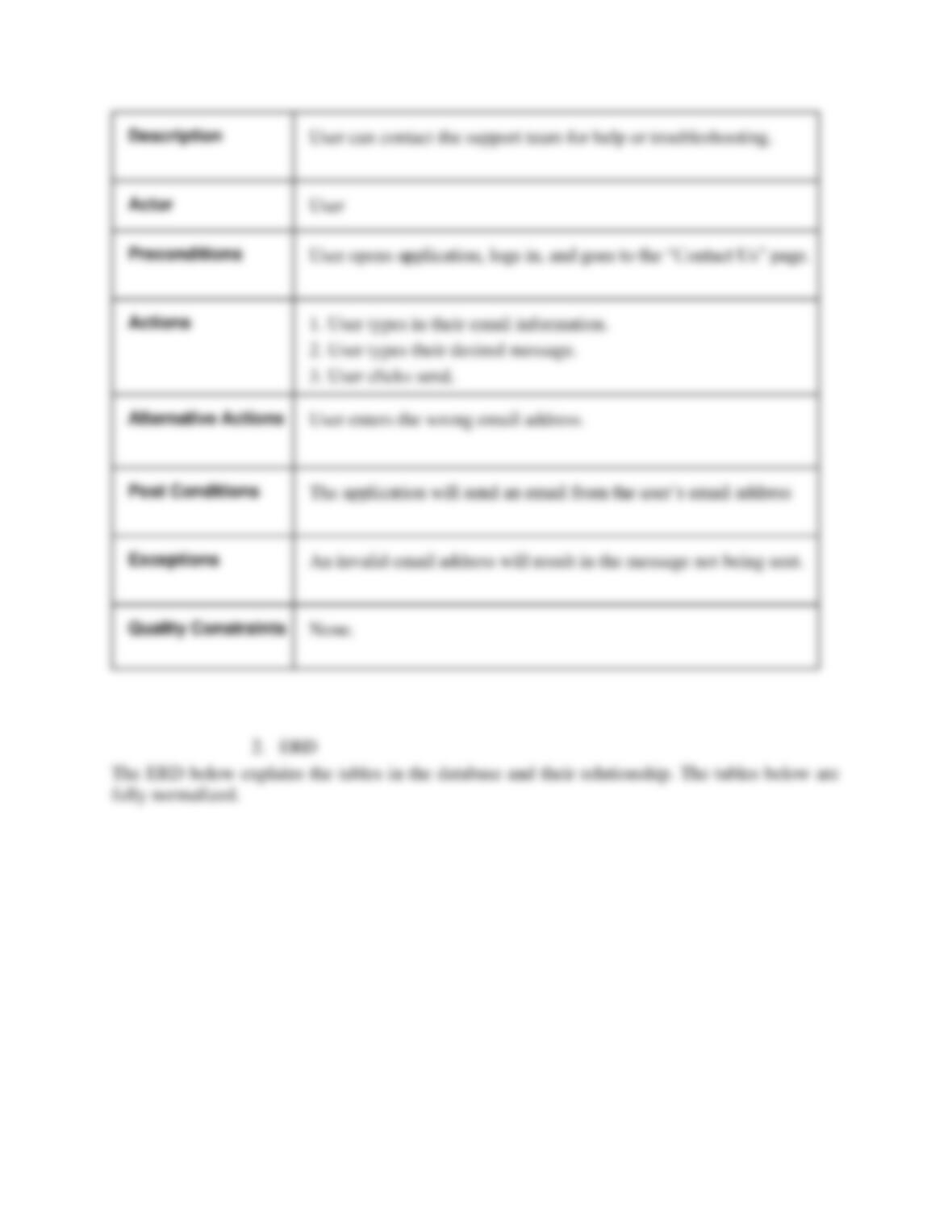
2. Use Case Tables
This section covers use case tables for the above shown use case diagram for detailed behavior.
Name
Medicine Type View Window
Actor
User
Description
User logs into the system, views what medications are currently available,
and adds a medication.
Preconditions
User is logged into the system and opens the Medicine Type View
window.
Actions
The user types in the name of the medicine they wants to add and press
the “Add” button.
Alternative
Actions
The user types in the wrong name of the medicine and press the “Add”
button.
Post Conditions
The system displays the ID number and name of the medicine that has
been added.
Exceptions
If user enters the misspelled name, the system will add the medicine with
the corresponding name.
Quality
Constraints
1. The system will take minimum time to display the result depending
upon the Round Trip Time (RTT) from the host machine to the database
server.
2. Only one user input section (Name) is given in order to minimize the
user input errors.
3. ID number will be assigned automatically in a sequential order.
Name
Medicine Generic View Window
Actor
User
Description:
User logs into the system, views what medications are currently
available, and adds a medication.
Preconditions
User opens application and logs in.
Actions
1. User enters the name of the product.
4. User clicks ‘Add’.
Name
Description
The user/manager enters all required invoice information and adds it the