Cyberoam Wireless Protection Guide
Page 27 of 34
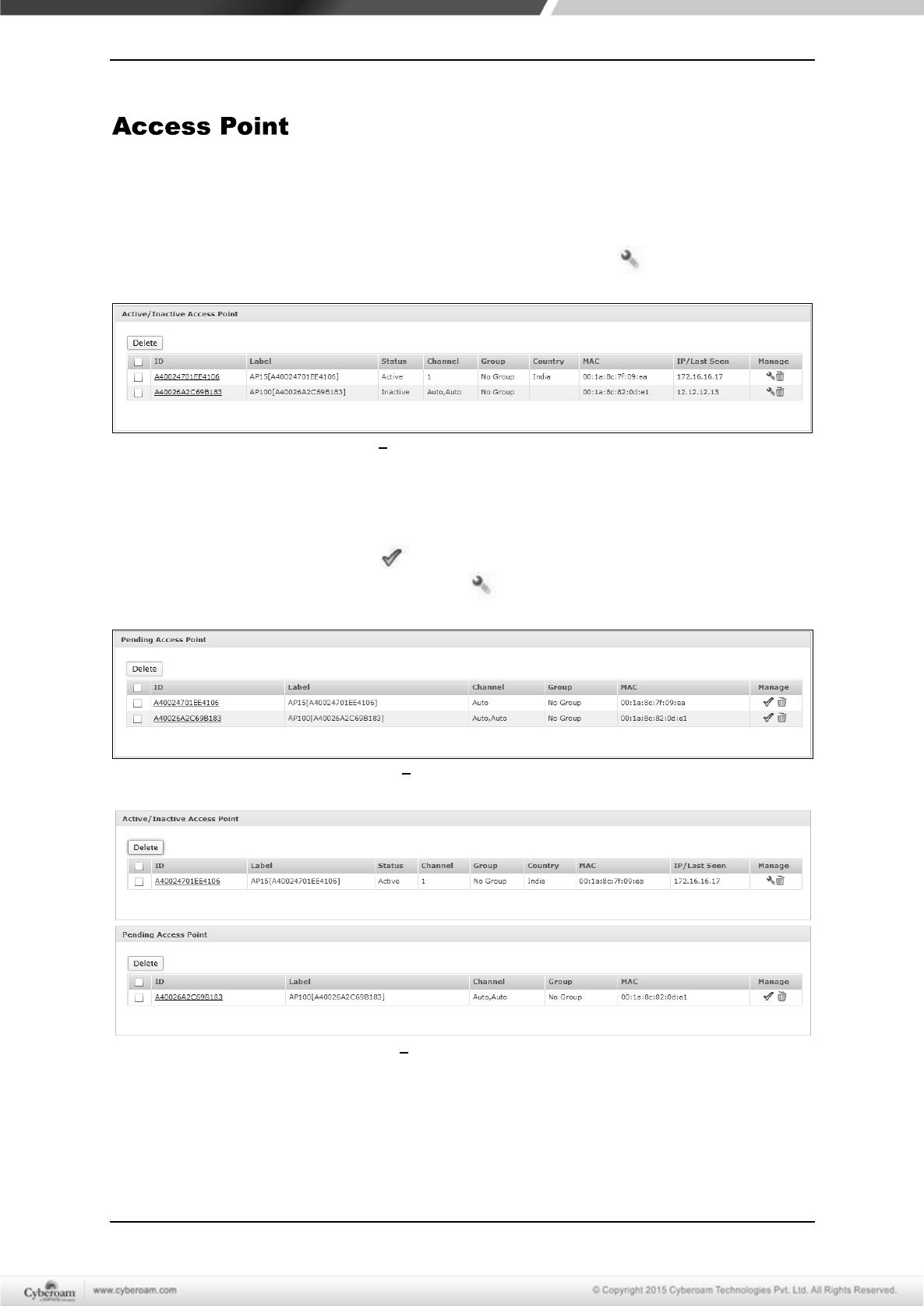
The page displays list of the Active/Inactive/Pending Access Points. This page also allows to
edit/delete/group APs and assign wireless networks to AP or AP groups.
Active/Inactive Access Point
This section displays connected and running APs. To edit an AP, click icon.
Screen Active/Inactive Access Point
Pending Access Point
This section displays the APs that are connected to your appliance but not yet authorized. To
authorize an AP, click the Accept button. On accepting, pending APs will be moved to the
Active Access Point section. To edit an AP, click icon.
Screen Pending Access Point
Screen Manage Access Points
Cyberoam Wireless Protection Guide
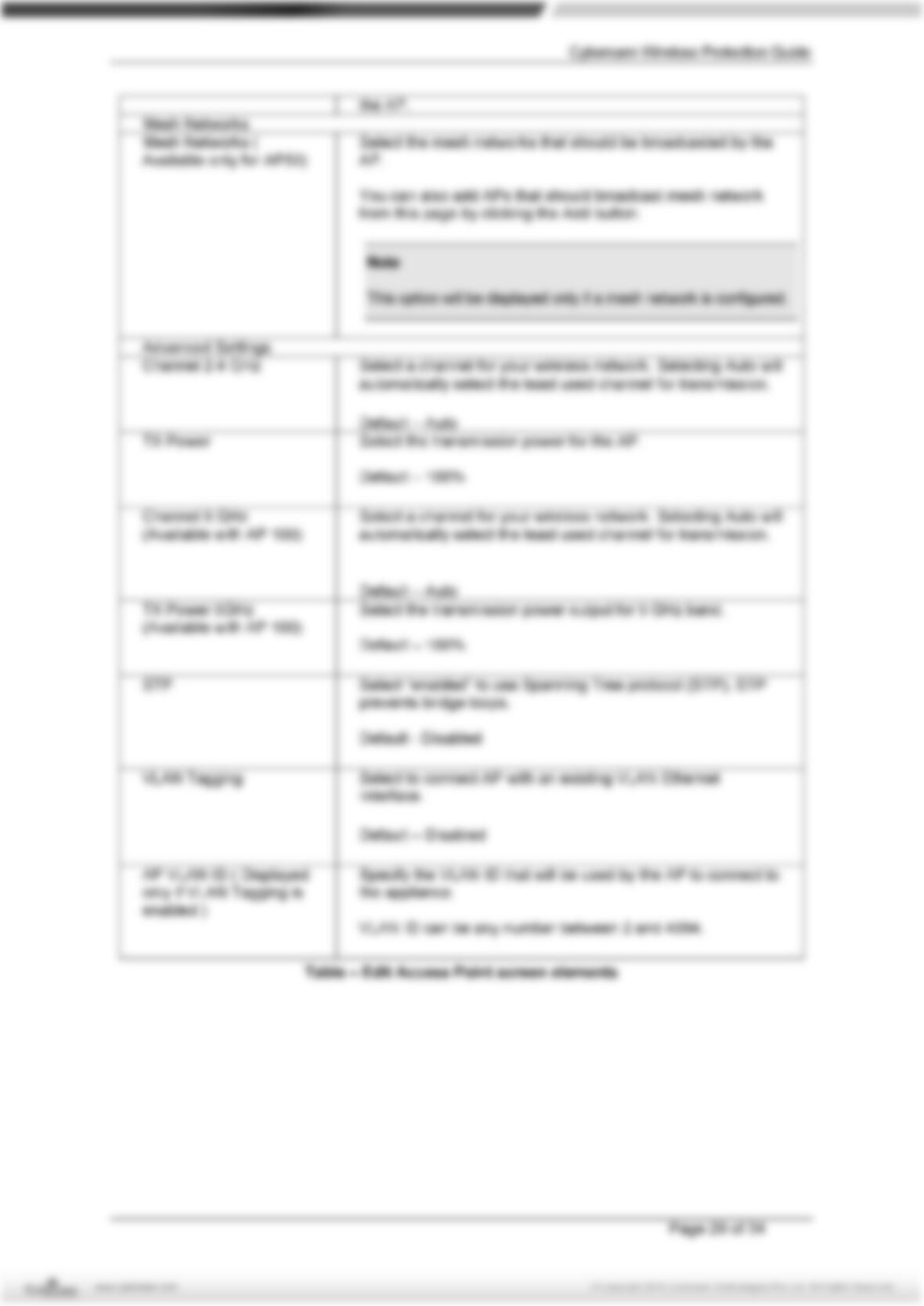
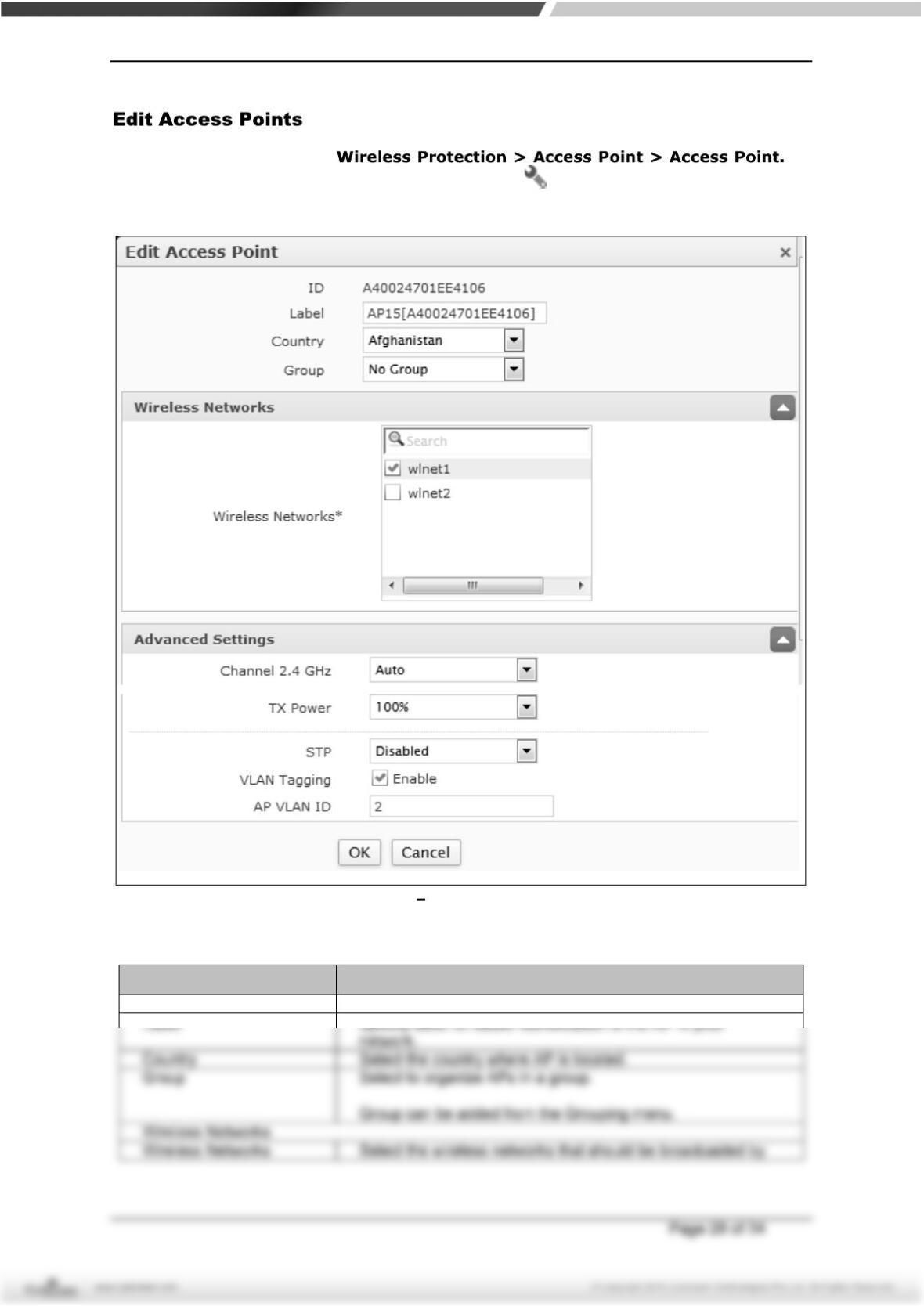
To edit Access Points, go to To
update the details, click on the Access Point or Edit icon in the Manage column against the AP
you want to modify.
Screen Edit Access Point
Screen Element Description
ID Specify the ID for Access Point.