Cyberoam Wireless Protection Guide
Appliance can be accessed and administered through:
1. Web Admin Console
2. Command Line Interface Console
3. Cyberoam Central Console
Administrative Access: An administrator can connect and access the Appliance through HTTP,
HTTPS, telnet, or SSH services. Depending on the Administrator login account profile used for
access, an administrator can access number of Administrative Interfaces and Web Admin Console
configuration pages.
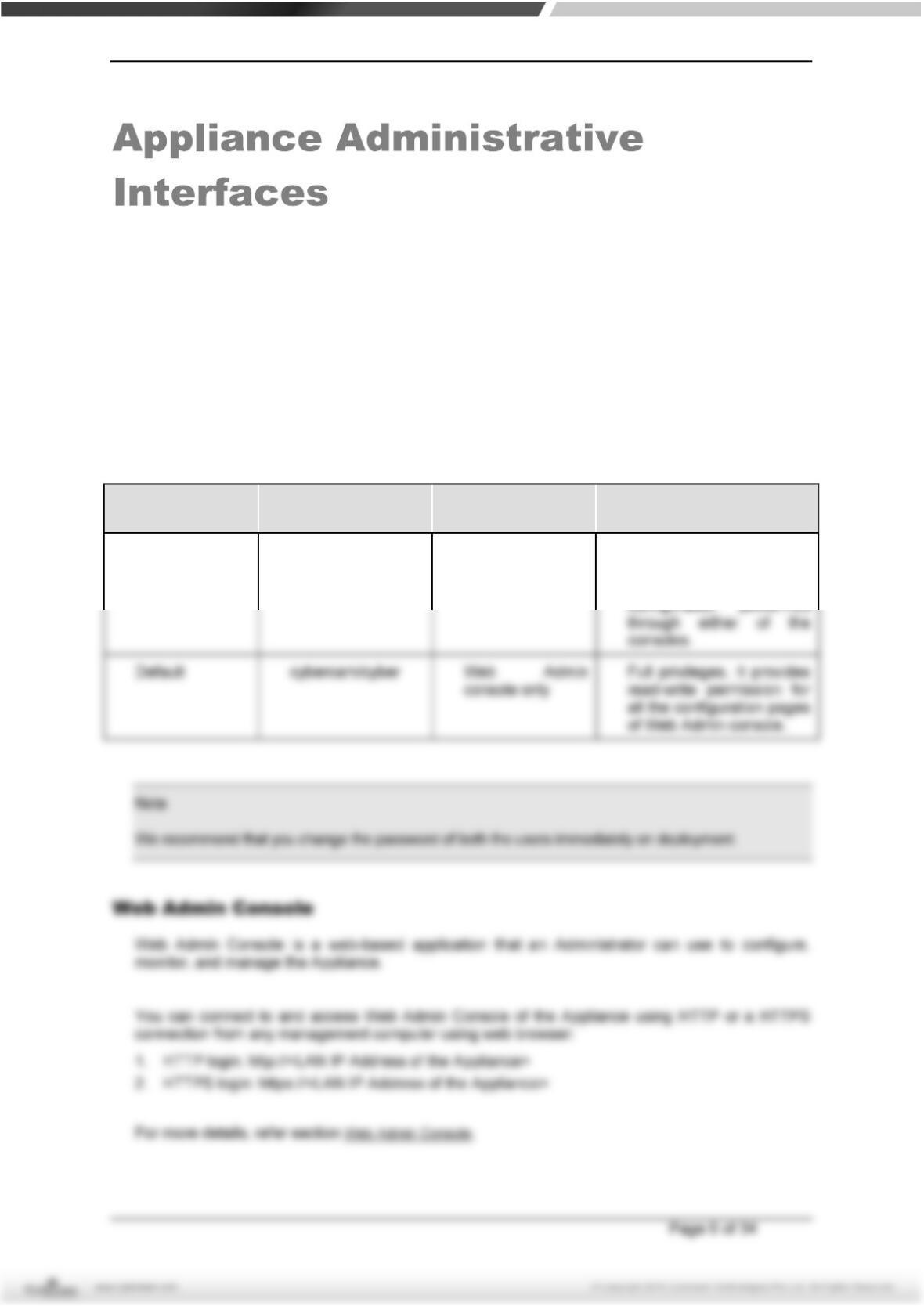
Appliance is shipped with two administrator accounts and four administrator profiles.
Administrator
Type
Login Credentials Console Access Privileges
Super
Administrator
admin/admin Web Admin
Console
CLI console
Full privileges for both the
consoles. It provides read-
write permission for all the