Cyberoam Wireless Protection Guide
Page 8 of 34
CyberoamOS uses a Web 2.0 based easy-to-use graphical interface termed as Web Admin
Console to configure and manage the Appliance.
You can access the Appliance for HTTP and HTTPS web browser-based administration from any
of the interfaces. Appliance when connected and powered up for the first time, it will have a
following default Web Admin Console Access configuration for HTTP and HTTPS services.
Services Interface/Zones Default Port
HTTP LAN, WAN TCP Port 80
HTTPS WAN TCP Port 443
The administrator can update the default ports for HTTP and HTTPS services from
.
The Web Admin Console supports multiple languages, but by default appears in English. To cater
to its non-English customers, apart from English, Chinese-Simplified, Chinese-Traditional, Hindi,
Japanese and French languages are also supported. Administrator can choose the preferred GUI
language at the time of logging on.
Listed elements of Web Admin Console will be displayed in the configured language:
Dashboard Doclet contents
Navigation menu
Screen elements including field & button labels and tips
Error messages
Cyberoam Wireless Protection Guide
Page 9 of 34
You can connect to the Web Admin Console of the Appliance using HTTP or a secure HTTPS
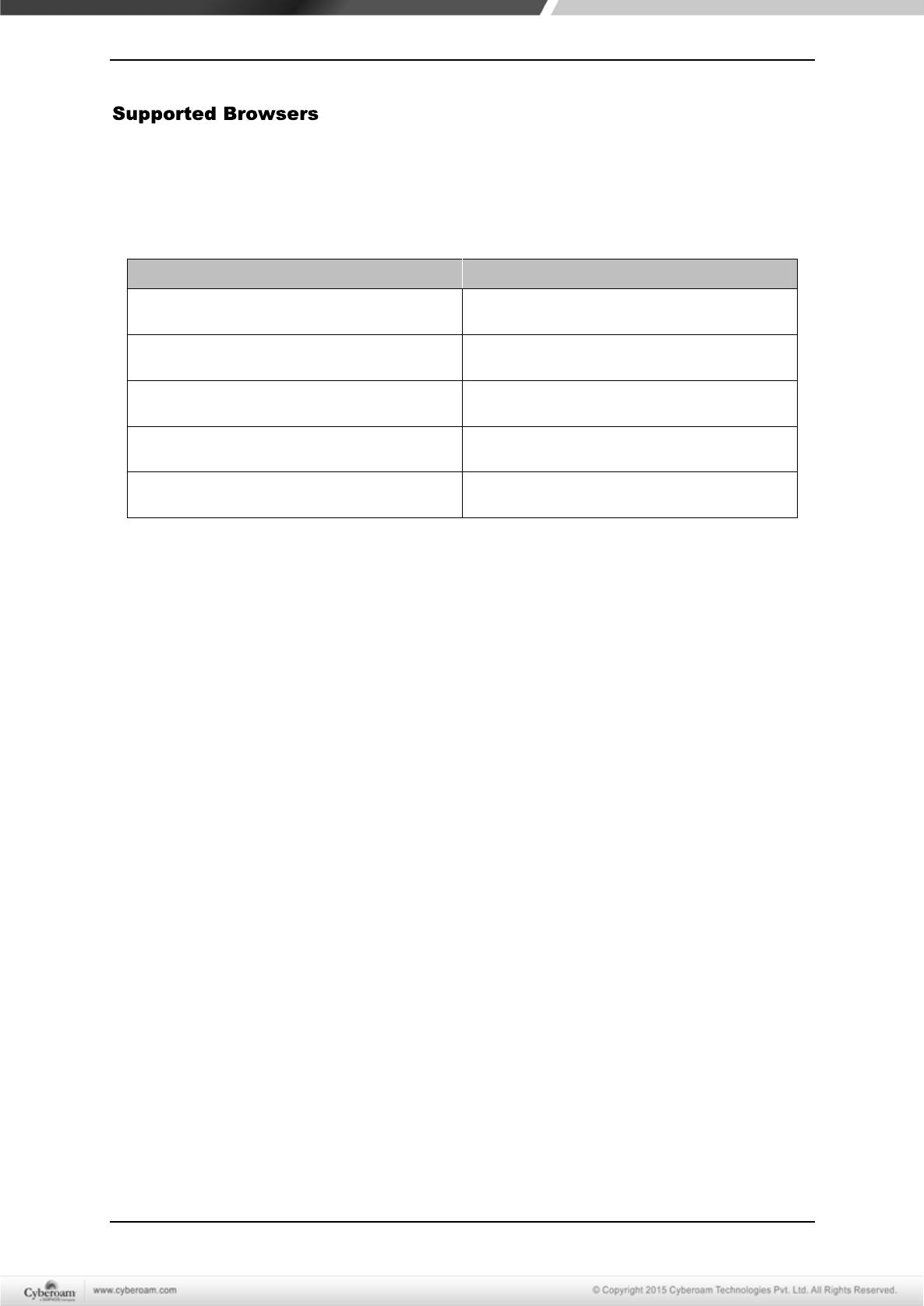
connection from any management computer using one of the following web browsers:
The minimum screen resolution for the management computer is 1024 X 768 and 32-bit true xx-
color.
Browser Supported Version
Microsoft Internet Explorer Version 8+
Mozilla Firefox Version 3+
Google Chrome All versions
Safari 5.1.2(7534.52.7)+
Opera 15.0.1147.141+
The Administrator can also specify the description for firewall rule, various policies, services and
various custom categories in any of the supported languages.
All the configuration done using Web Admin Console takes effect immediately. To assist you in
configuring the Appliance, the Appliance includes a detailed context-sensitive online help.
Cyberoam Wireless Protection Guide
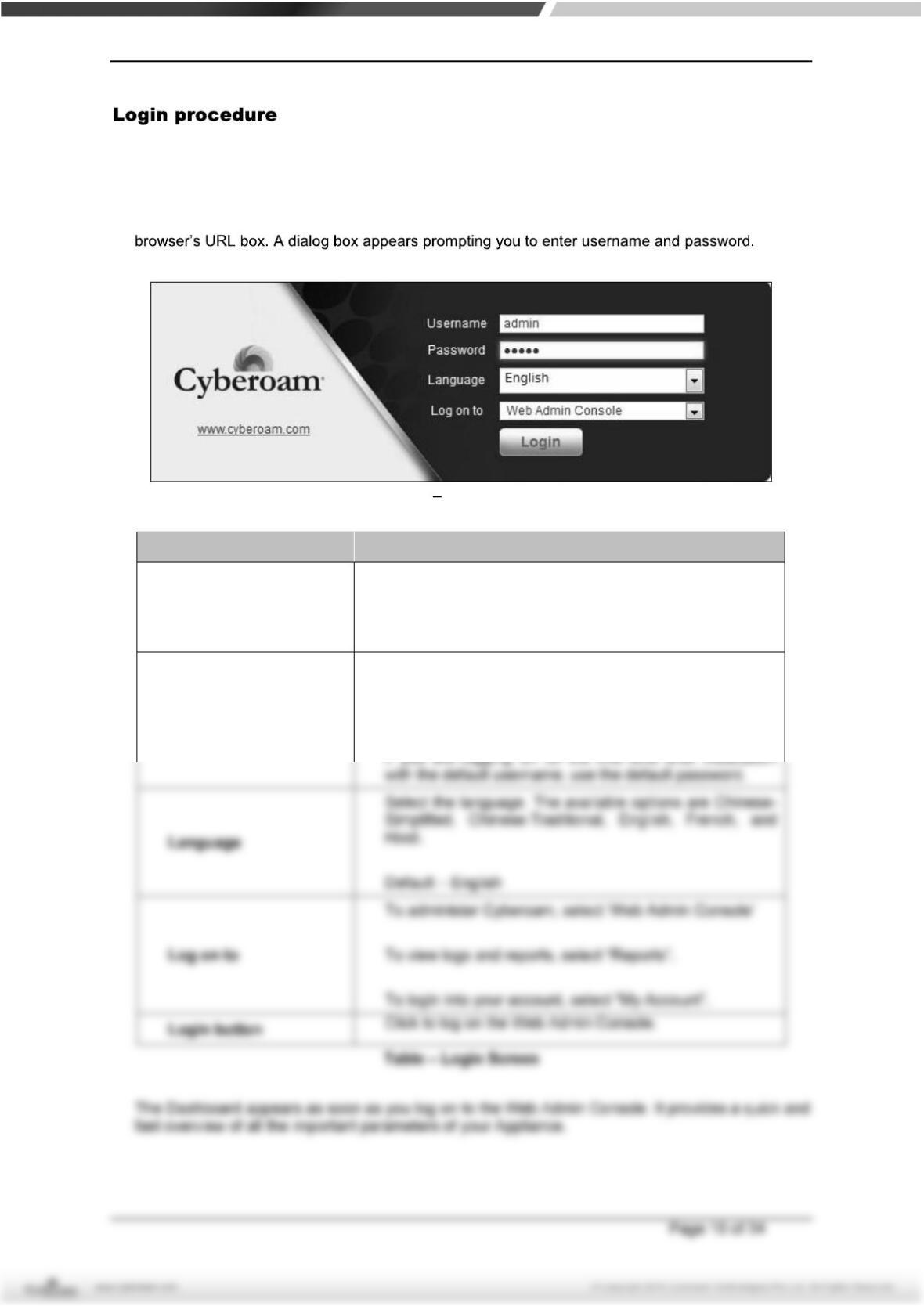
The log on procedure authenticates the user and creates a session with the Appliance until the
user logs-off.
To get to the login window, open the browser and type the LAN IP Address of Cyberoam in the
Screen Login Screen
Screen Element Description
Username
Enter user login name.
If you are logging on for the first time after installation,
use the default username.
Password
Specify user account password.
Dots are the placeholders in the password field.