CIS 214: Shellshock Attack Lab
In this lab we’ll be exploring the recently disclosed “Shellshock” attack, which affects all versions of the
Bourne Again Shell (Bash) through 4.3. This is a very dangerous attack because of the huge number of systems
that utilize Bash, including most Linux distributions, Unix based systems and even Mac OS. What makes this
attack worse is that Bash is frequently used for system critical tasks. Meaning it regularly runs with highly
elevated privileges.
Here are a few articles to help explain the Shellshock attack in detail:
http://www.symantec.com/connect/blogs/shellshock-all-you-need-know-about-bash-bug-vulnerability-
0
https://securityblog.redhat.com/2014/09/24/bash-specially-crafted-environment-variables-code-
injection-attack/
1. What feature of Bash is being exploited in the Shellshock attack?
The GNU Bash Remote Code Execution Vulnerability (CVE-2014-6271) could allow an attacker to gain
control over a targeted computer if exploited successfully.
2. How many patches did it take Redhat to fix this vulnerability?
It took 4 updates.
3. Explain how this exploit is a perfect example of how difficult it is for system administrators to keep
their system safe from vulnerabilities.
With every version of Linux there is the Bash shell, so when an exploit is found using it, millions of
machines can become vulnerable to it. Where all Administrators can really do is wait for a patch to roll
out since they wouldn’t likely be able to code one themselves.
Let’s actually see how vulnerable our systems are to the Shellshock bug. To start, boot up your Kali Linux
virtual machine and the Ubuntu Server 12.0.4 virtual machine. Once you’re logged into Ubuntu enter the
following command to become root:
sudo su
We can do a basic test on both systems to see if they’re running a version of Bash that is vulnerable (they
both should be). To do this, issue the following command on both of your virtual machines:
env x='() { :;}; echo bash is vulnerable’ bash -c “echo this is a
test”
4. How does this test show you that your system is vulnerable?
It shows us making an environmental variable and it echoing back out if it is vulnerable or not.
Now let’s do something more exciting with this exploit. The first thing we’re going to do is exploit a basic CGI–
script on a default Apache web server. CGI allows web servers to run scripts server-side to create HTML
content for dynamic web sites. Bash is one of the scripting languages that CGI supports, so it is vulnerable to
Shellshock.
To get this lab started, make sure that both virtual machines are located in the same virtual network (I
suggest using a LAN segment) and are both setup with static IP addresses in the same subnet (Ubuntu:
192.168.200.100 Kali: 192.168.200.200).
Your Ubuntu server should have Apache2 installed to it from the previous NCL lab.
If Apache isn’t installed, you’ll need to mount your Ubuntu12.04 ISO to /media/cdrom. Then edit
/etc/apt/sources.list and comment out (#) all of the lines that start with “deb“. Finally add the following
to the top of the file:
deb file:/media/cdrom/ precise main restricted
Now exit from /etc/apt/sources.list and run the following command:
apt-get install apache2
Test if Apache is working correctly by going to the Ubuntu IP address on your Kali machine’s web browser. It
should say “It Works!”
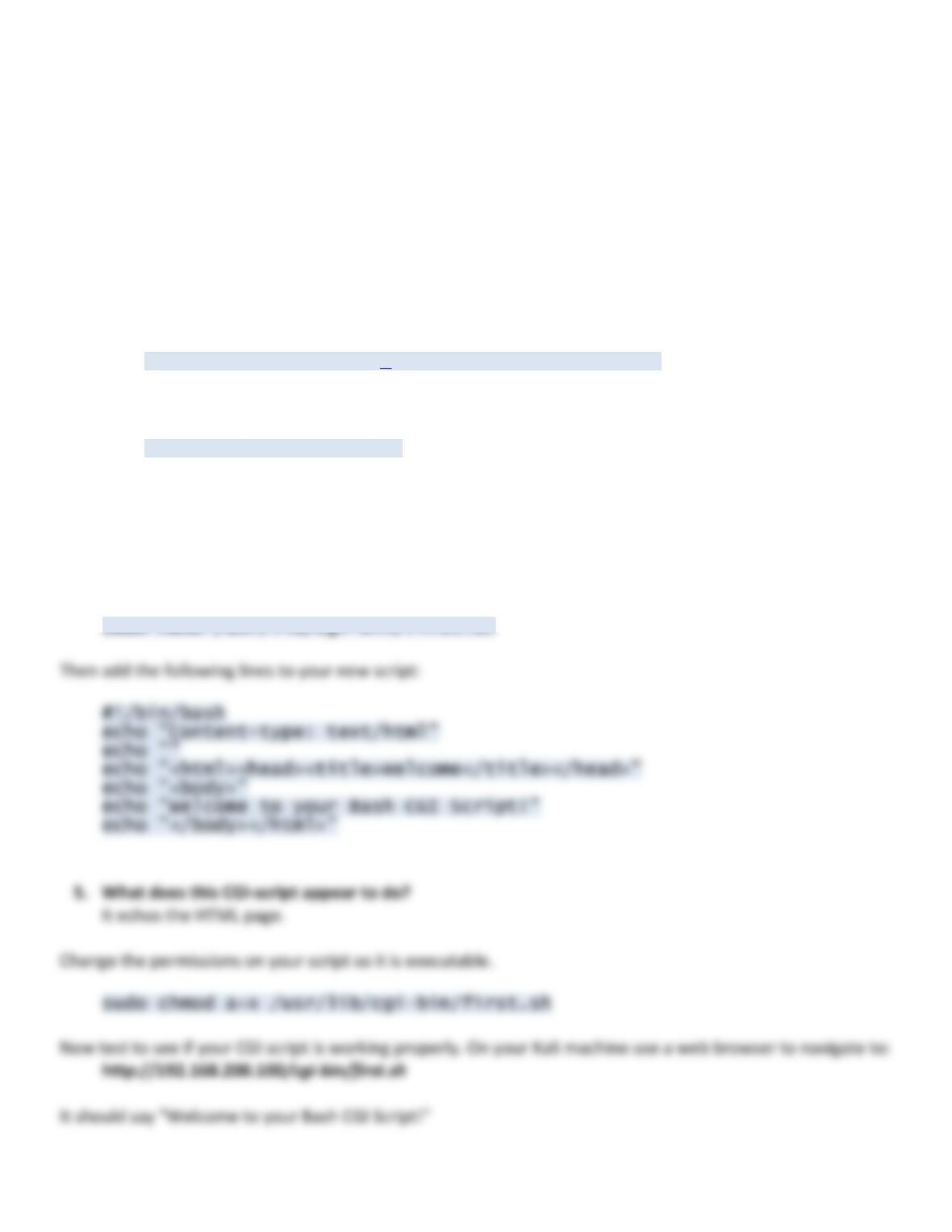
By default web servers don’t contain CGI scripts on them. So let’s create a very basic Bash CGI script. Create
the script on the Ubuntu server with the following command: