Apache Sqoop
Objectives
1. Installation: Verifying Sqoop and MySQL installation
2. Use Sqoop to import and export mySQL Tables to HDFS.
3. Create Hive Tables through HQL Script , Use Sqoop to import and export tables
to Relational Databases
4. Perform three queries from databases
1. Installation: Verifying Sqoop and MySQL installation
sudo service mysqld start
mysql -uroot -pcloudera
2. Use Sqoop to import and export mySQL Tables to
HDFS.
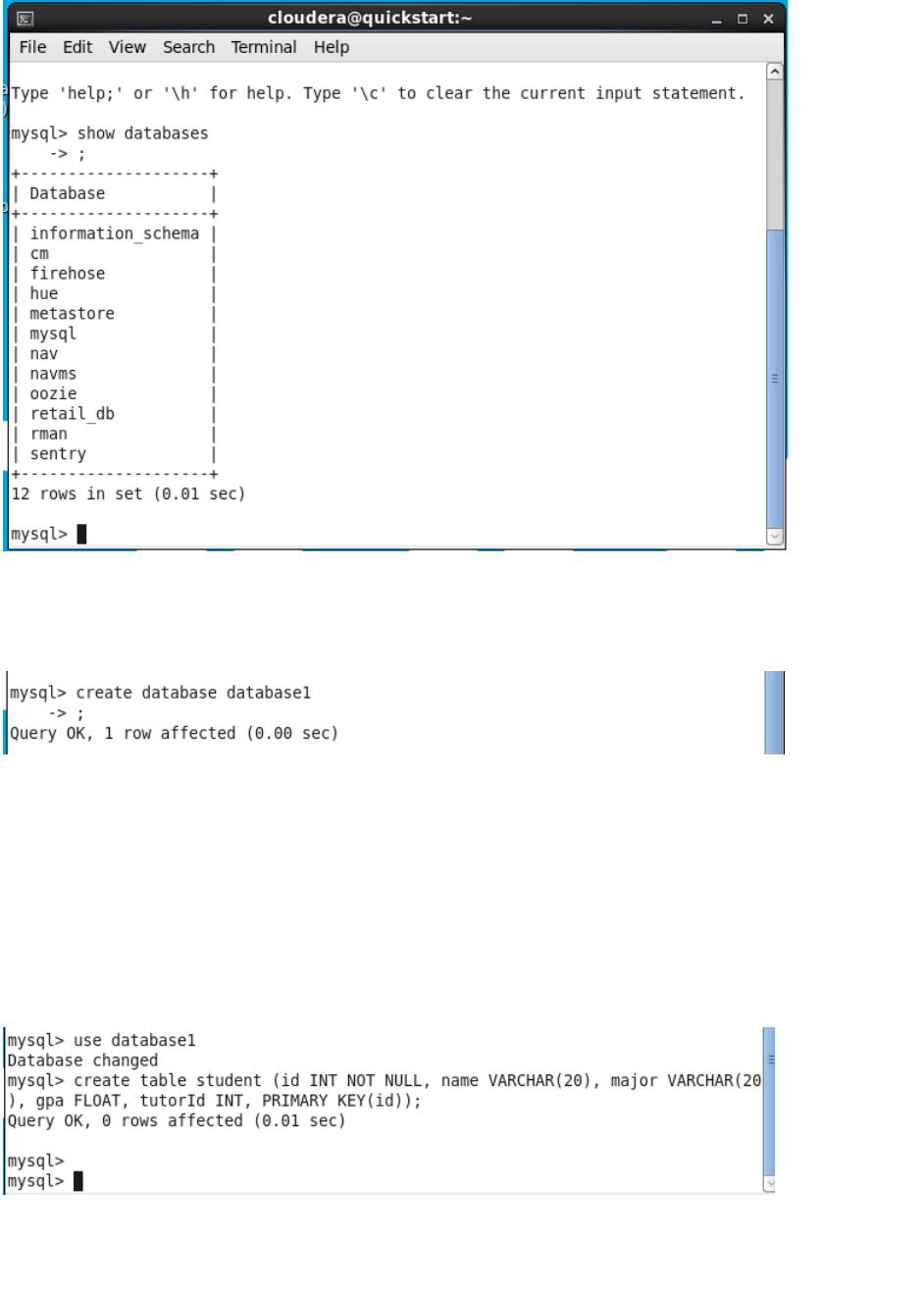
Step 1: List databases already in MySQL:
show databases;
Step 2: Create a new database named db1:
create database database1;
Step 3: Set the created database as your current database:
use database1;
Step 4: Create a new table called student:
create table student (id INT NOT NULL, name VARCHAR(20), major VARCHAR(20), gpa
FLOAT, tutorId INT, PRIMARY KEY(id));
Step 5: Insert some data into the student table:
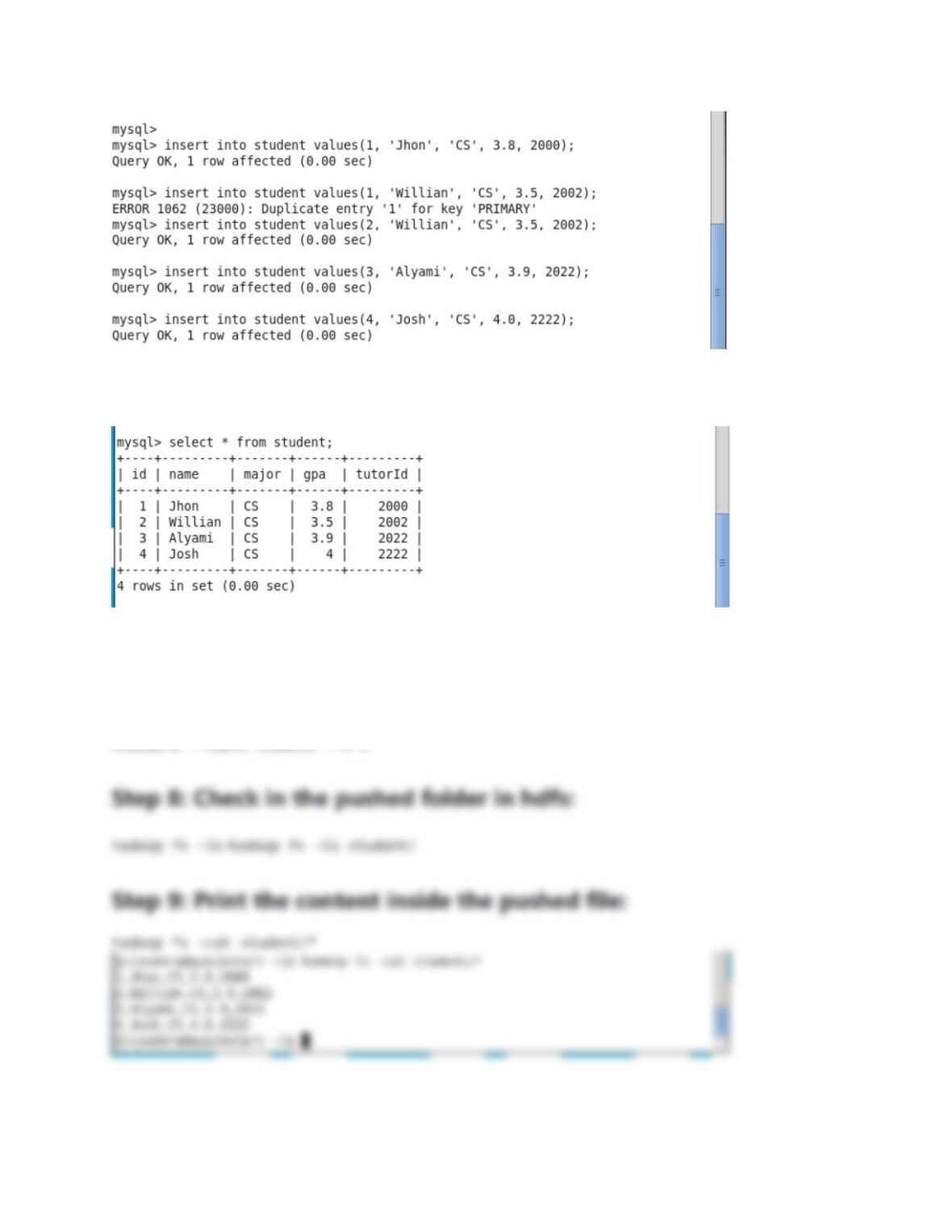
Step 6: Print the table and make sure the values are inserted:
Step 7: We have our table in MySQL and now, we need to push it
to the hdfs using sqoop :
sqoop import —connect jdbc:mysql://localhost/database1 —username root —password